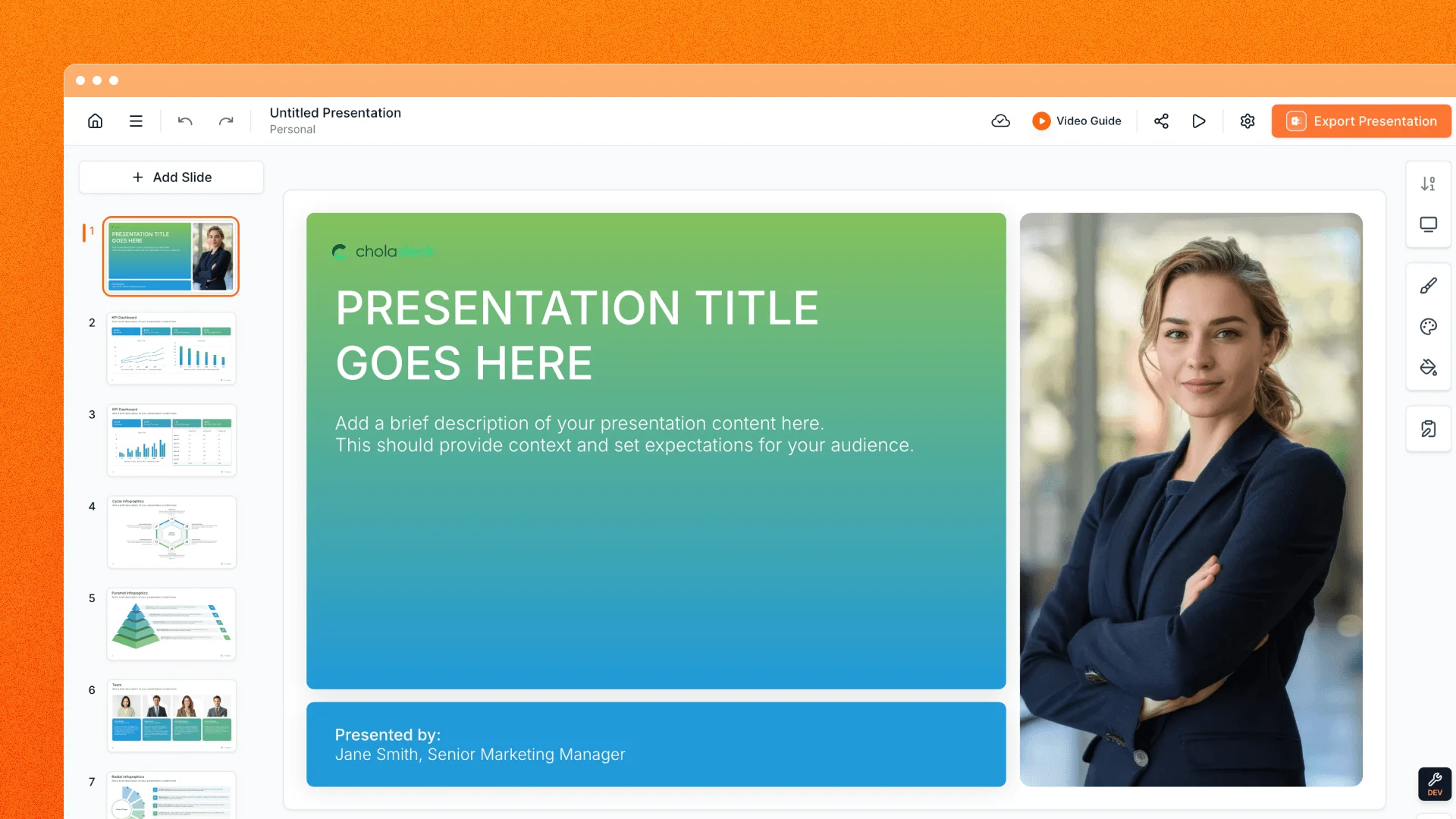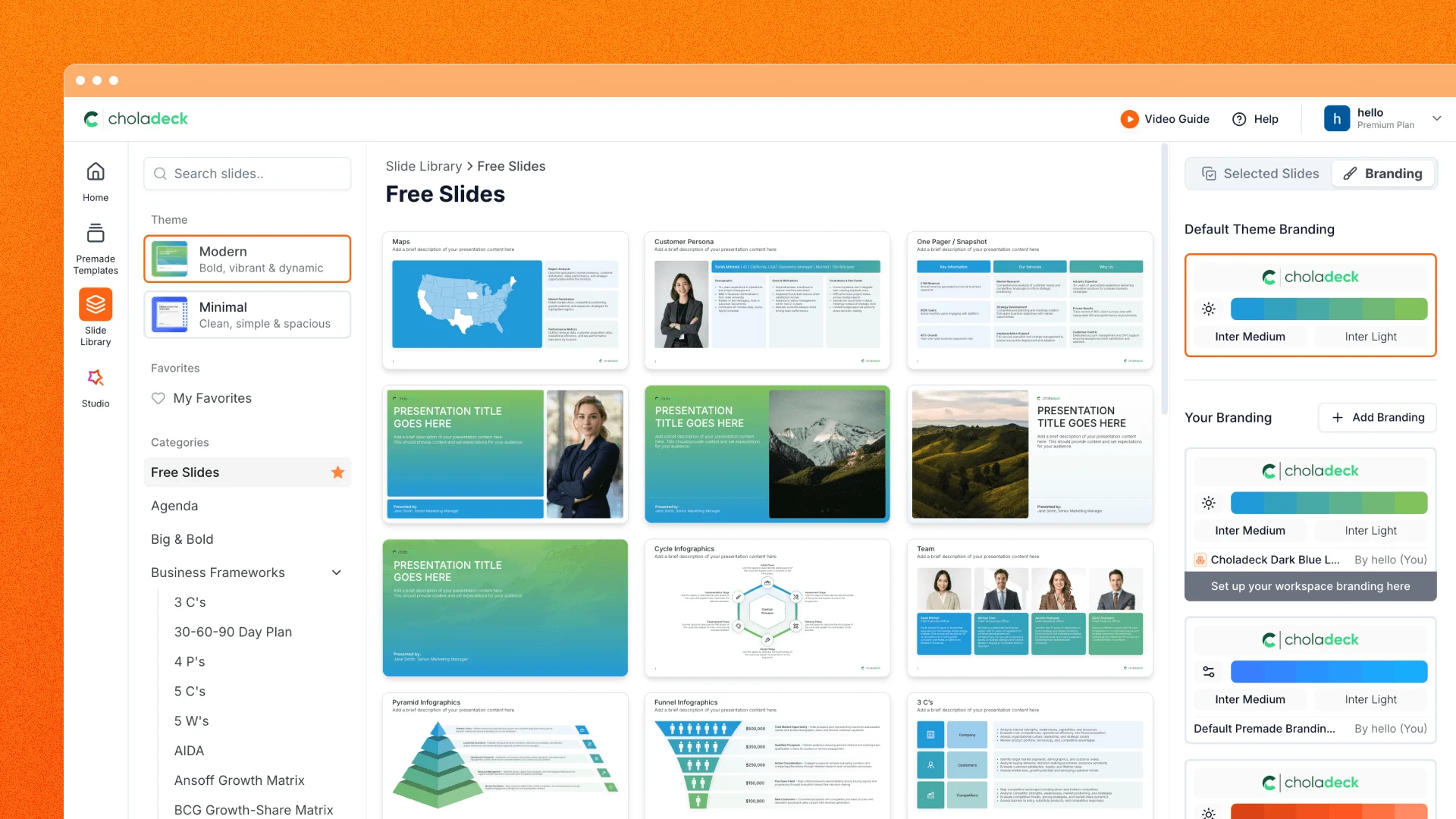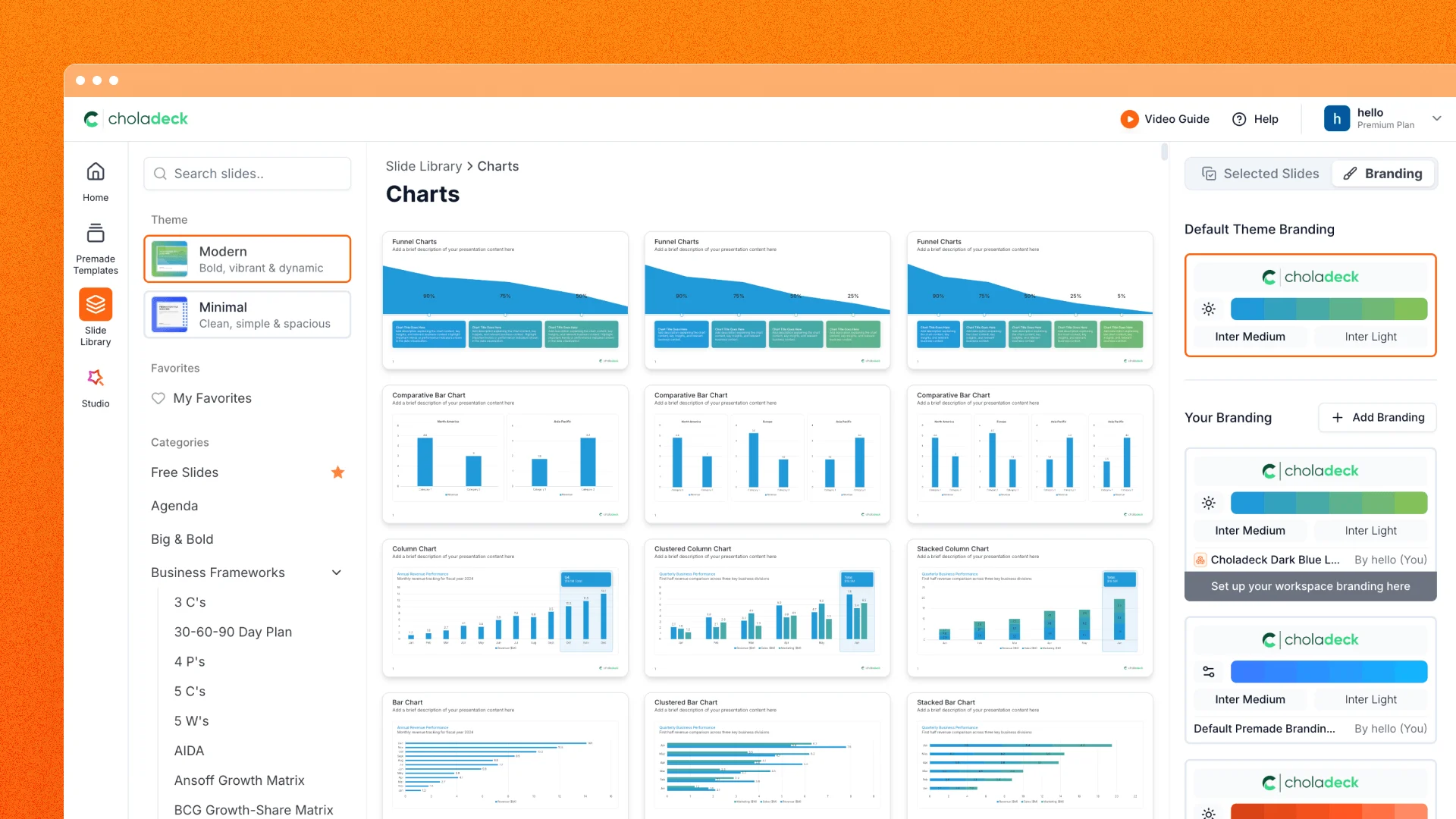
The handoff from editing a presentation to delivering it should feel like a continuation, not a detour. This update brings Choladeck presentation sharing into one connected workflow: prepare your deck, step into Present Mode, keep your notes close, and send an interactive browser link when the meeting is over.
Step into Present Mode
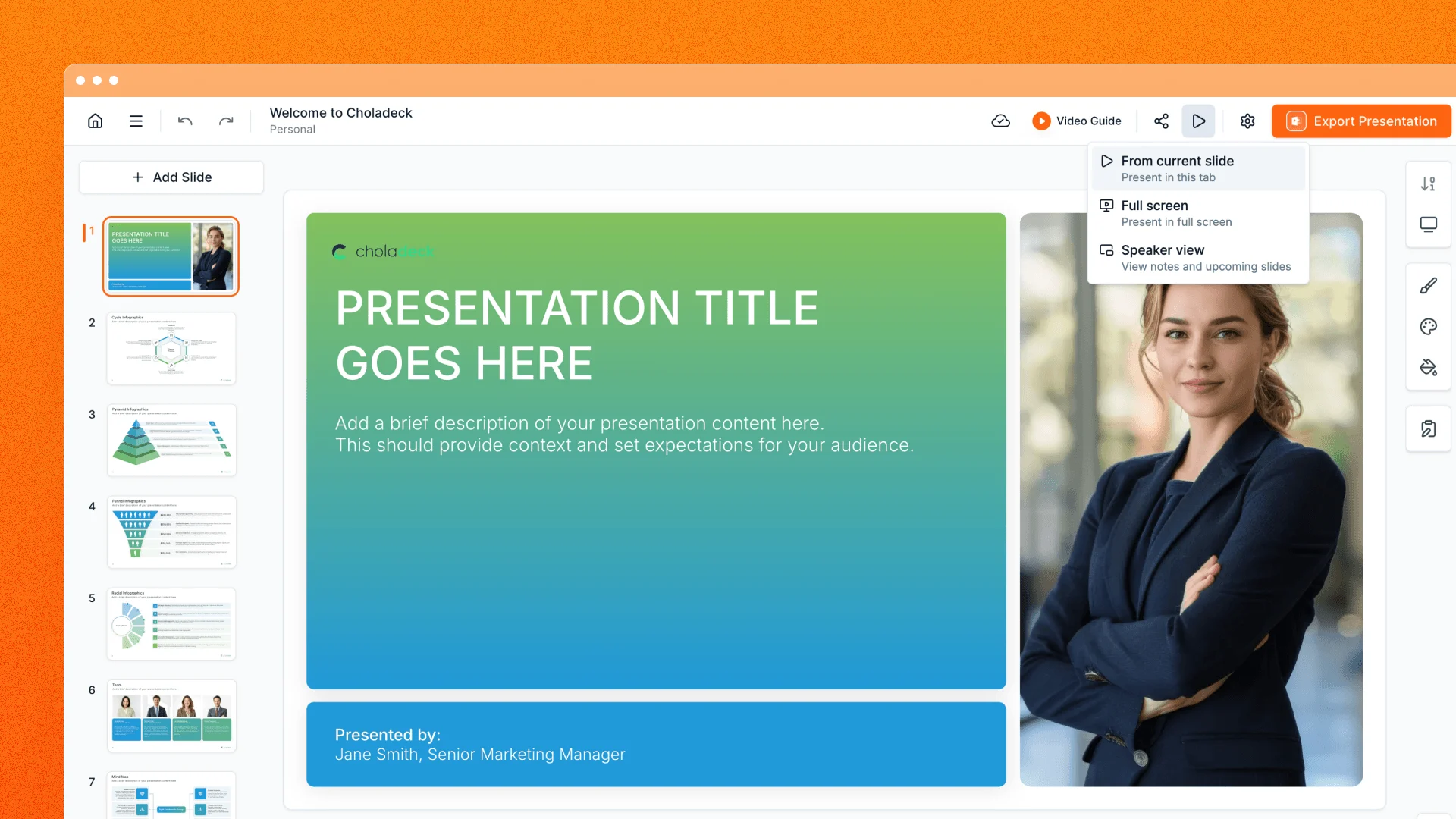
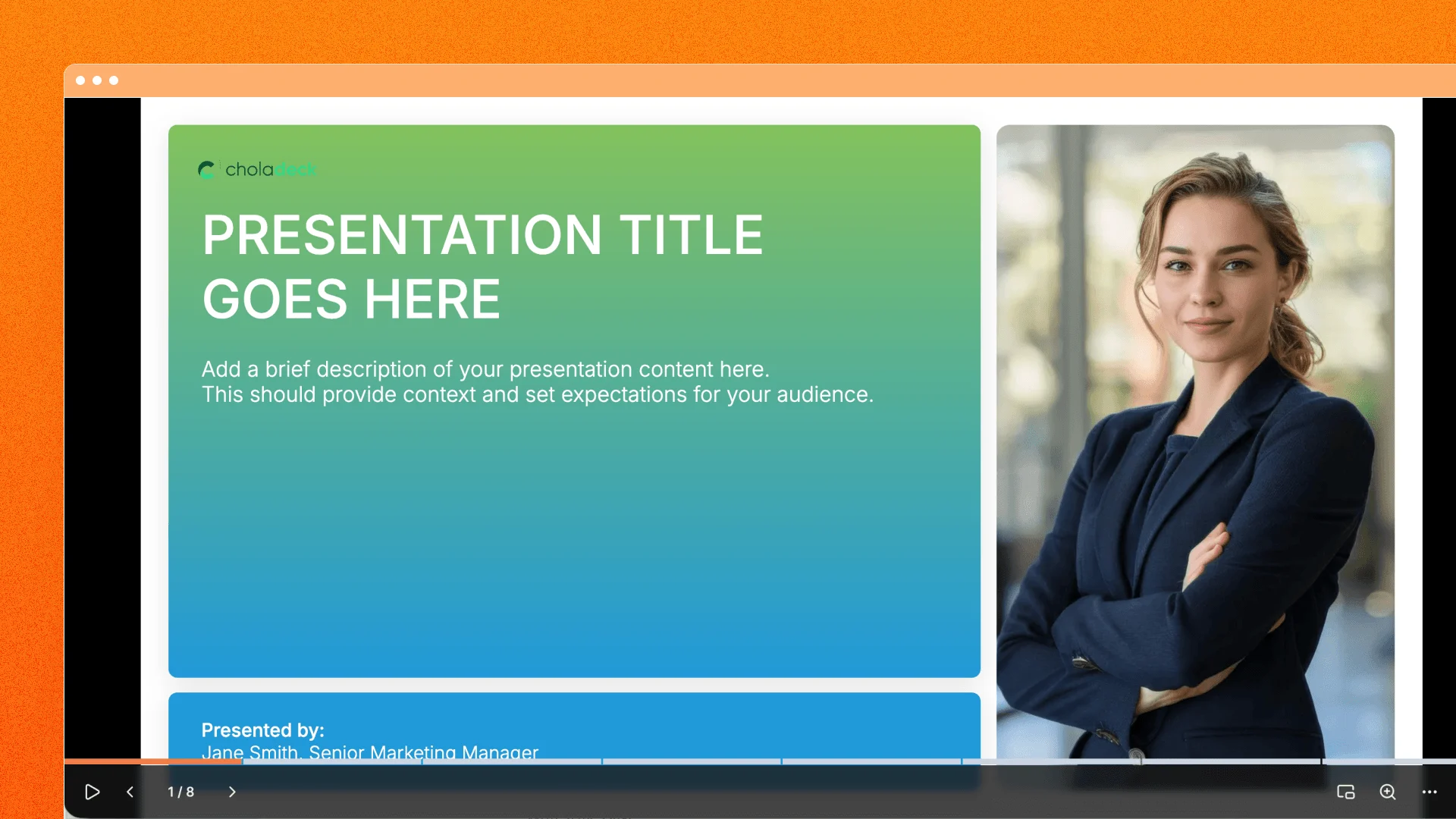
Start the show from the slide you are working on, choose full screen, or open Speaker view when you want a separate control surface. The audience gets a clean presentation while you move with keyboard controls, click zones, the progress bar, or touch gestures.
The toolbar stays out of the way until you need it. From there you can run autoplay, choose 5-, 15-, or 30-second slide timing, zoom into details, switch on the laser pointer, and move directly to another slide from its preview.
On a touch device, swipe navigation, pinch zoom, direct pan, and pinned controls make presenting feel natural without a mouse or keyboard.
Keep your notes and timing within reach
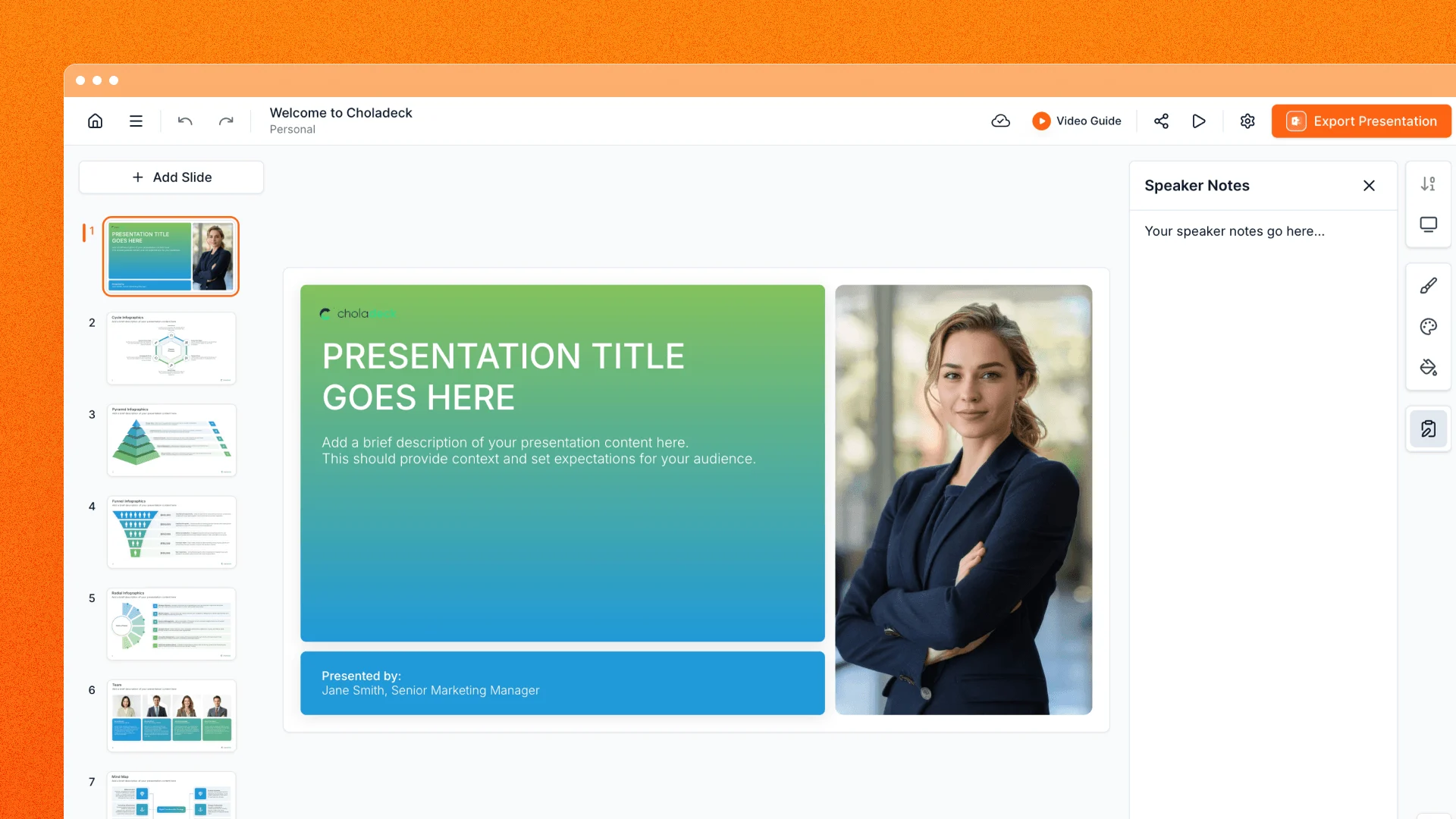
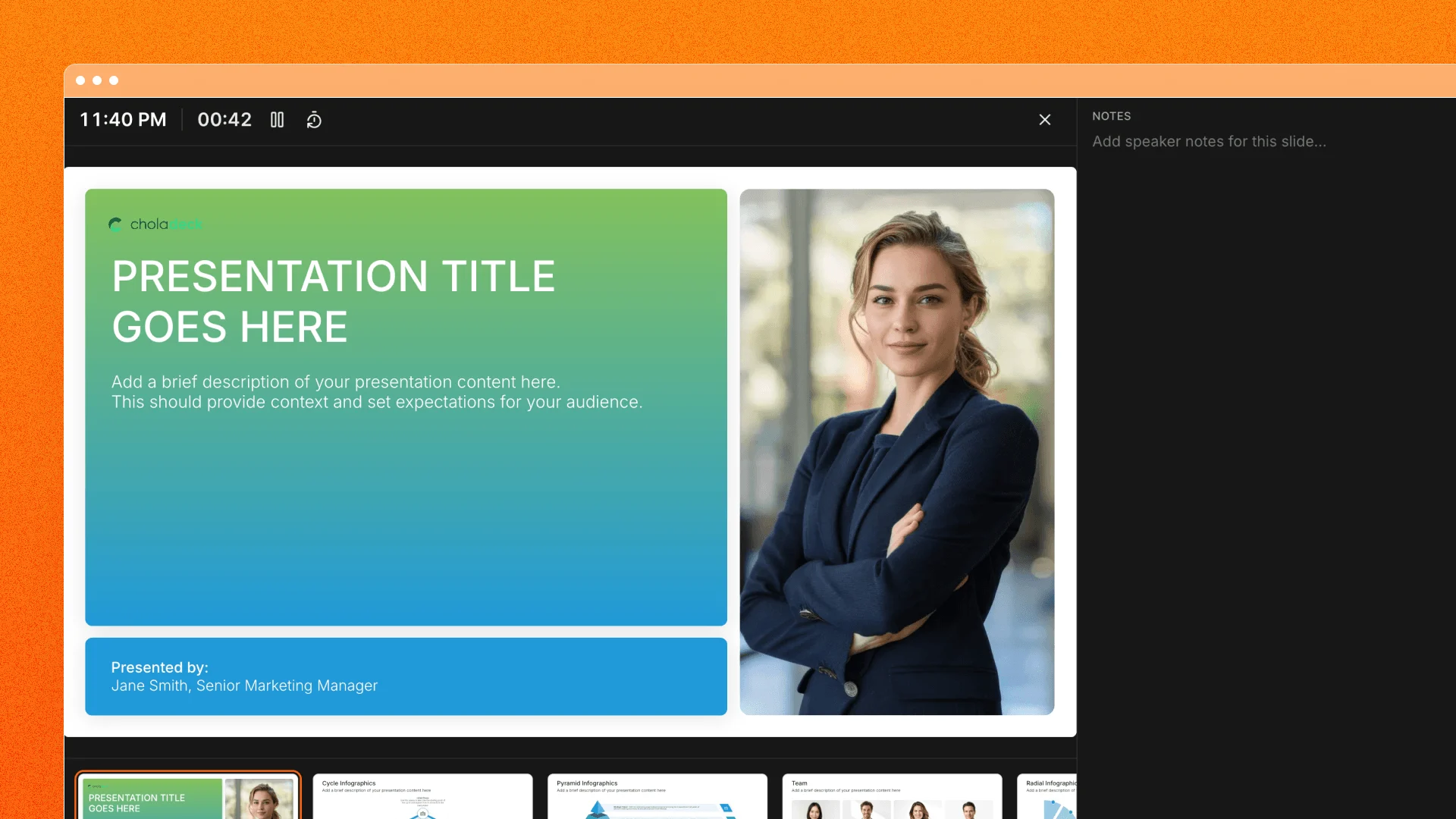
Speaker view gives you the current slide, a clickable filmstrip, a clock, an elapsed timer, and your notes in a separate desktop window. Your pointer is mirrored onto the audience display, so you can direct attention without reaching back to the presentation window.
Speaker notes are editable from the editor and from Speaker view. Choladeck also shows word, character, and estimated speaking-time metrics, helping you tighten a slide before you deliver it.
Send a deck, not another export
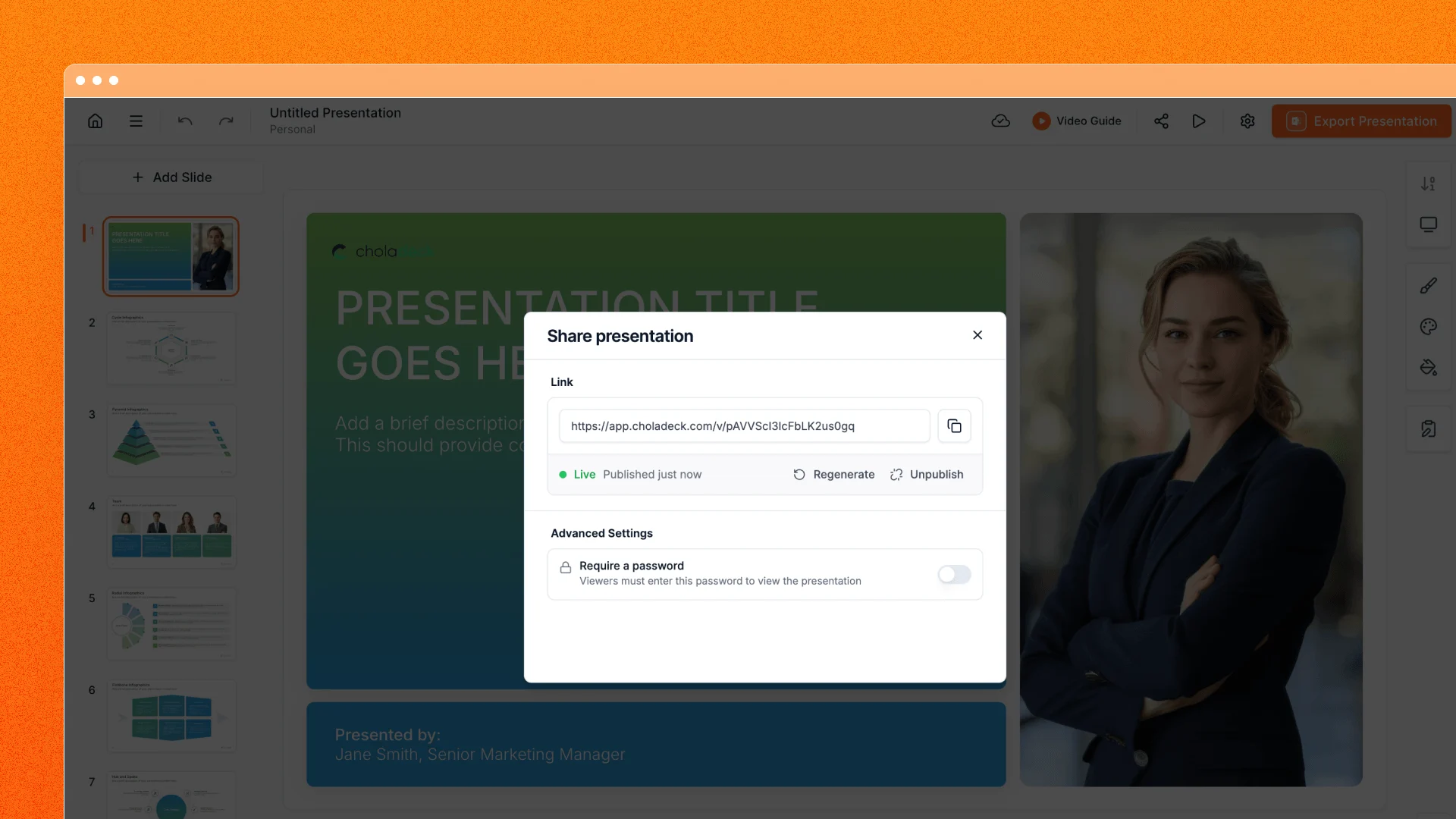
When the presentation needs to travel, create a share link and copy it straight from the editor. Recipients can open the deck in their browser, navigate it on desktop or mobile, and enter Present Mode without downloading a file.
For more control, add a password, pause access and resume the same URL later, or reset the link when you want the old address retired. The viewer adapts to the screen: a desktop rail keeps every slide within reach, while phones get swipe navigation and a horizontal filmstrip.
Make a stronger first impression in the link preview
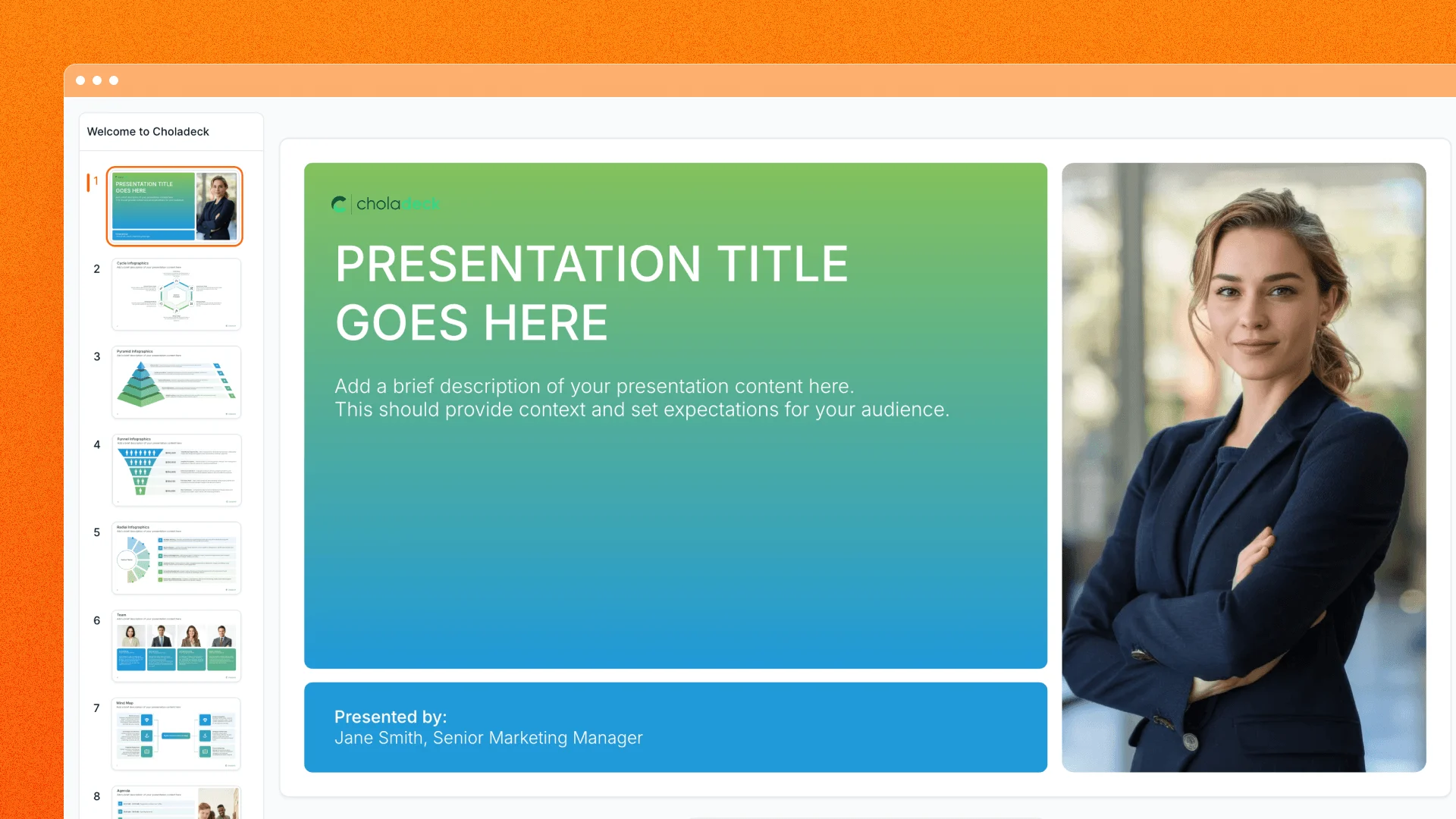
Shared presentations can carry their identity into messaging and social previews. Choladeck builds the card from the deck title, brand colors, and available logos, set over a prepared presentation collage. It gives recipients useful context before they open the link without exposing the presentation canvas itself in the preview.
Thoughtful viewing beyond the slide
The shared viewer is built to send only what it needs to render the deck. Presenter-only details such as speaker notes and workspace data stay out of the shared payload. When a slide links to an external website, the viewer shows the complete destination before opening it in a new tab.
We also polished the smaller editor interactions around the workflow: menus clear more reliably around dialogs and presentation changes, icon replacements retain their selection, and confirmation prompts layer more cleanly over the editor.
From the first rehearsal to the follow-up link, the deck stays in one connected Choladeck workflow.