Try Choladeck Free: Download Personalized Business Slides Today

All-Hands Meeting Premade Template

A comprehensive all-hands meeting template designed for leaders presenting company-wide updates to employees. Built on the Classic QBR Format, this presentation covers CEO message, performance overview, financial highlights, department updates, customer wins, team recognition, and strategic priorities. Ideal for quarterly all-hands.
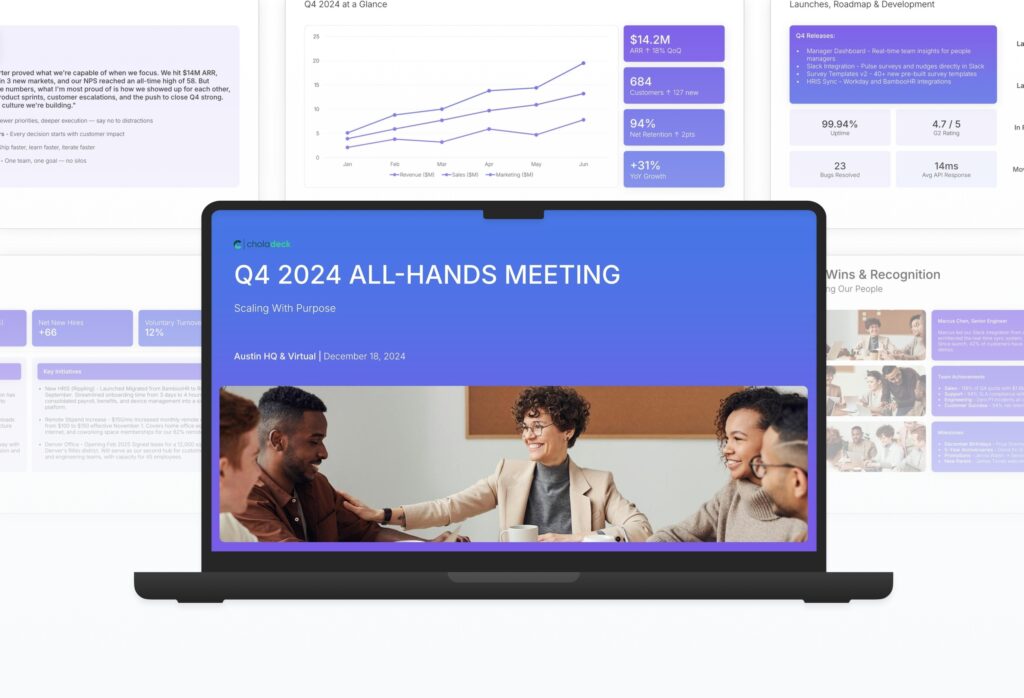

All-Hands Meeting Featured Image

How to Build a All-Hands Meeting Presentation

Learn how to create a compelling all-hands meeting presentation that informs, engages, and aligns your entire organization. This guide walks you through opening with a CEO message, presenting performance highlights, sharing department updates, celebrating team wins, addressing challenges, and rallying the team around what’s next.

1. Title

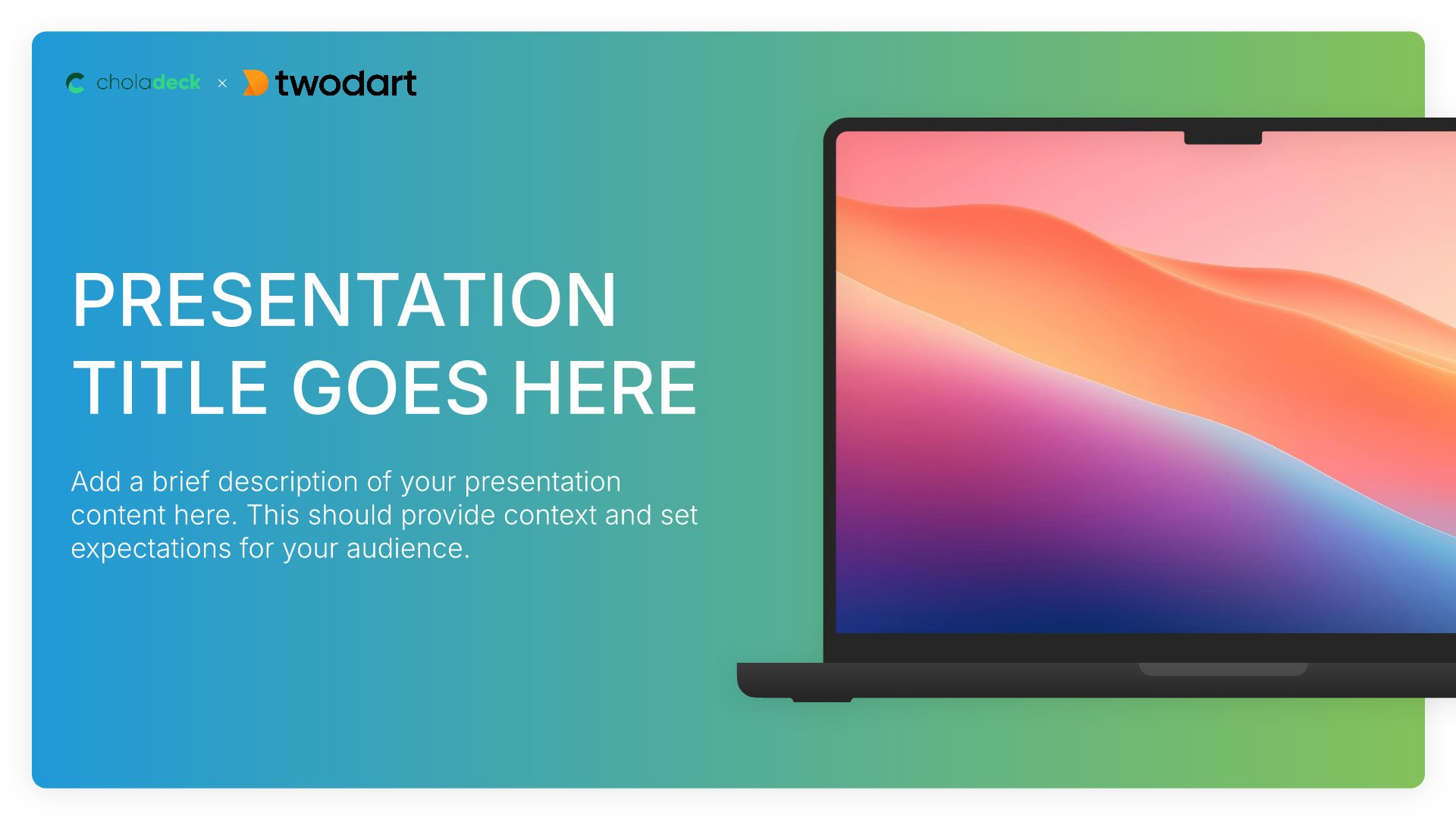
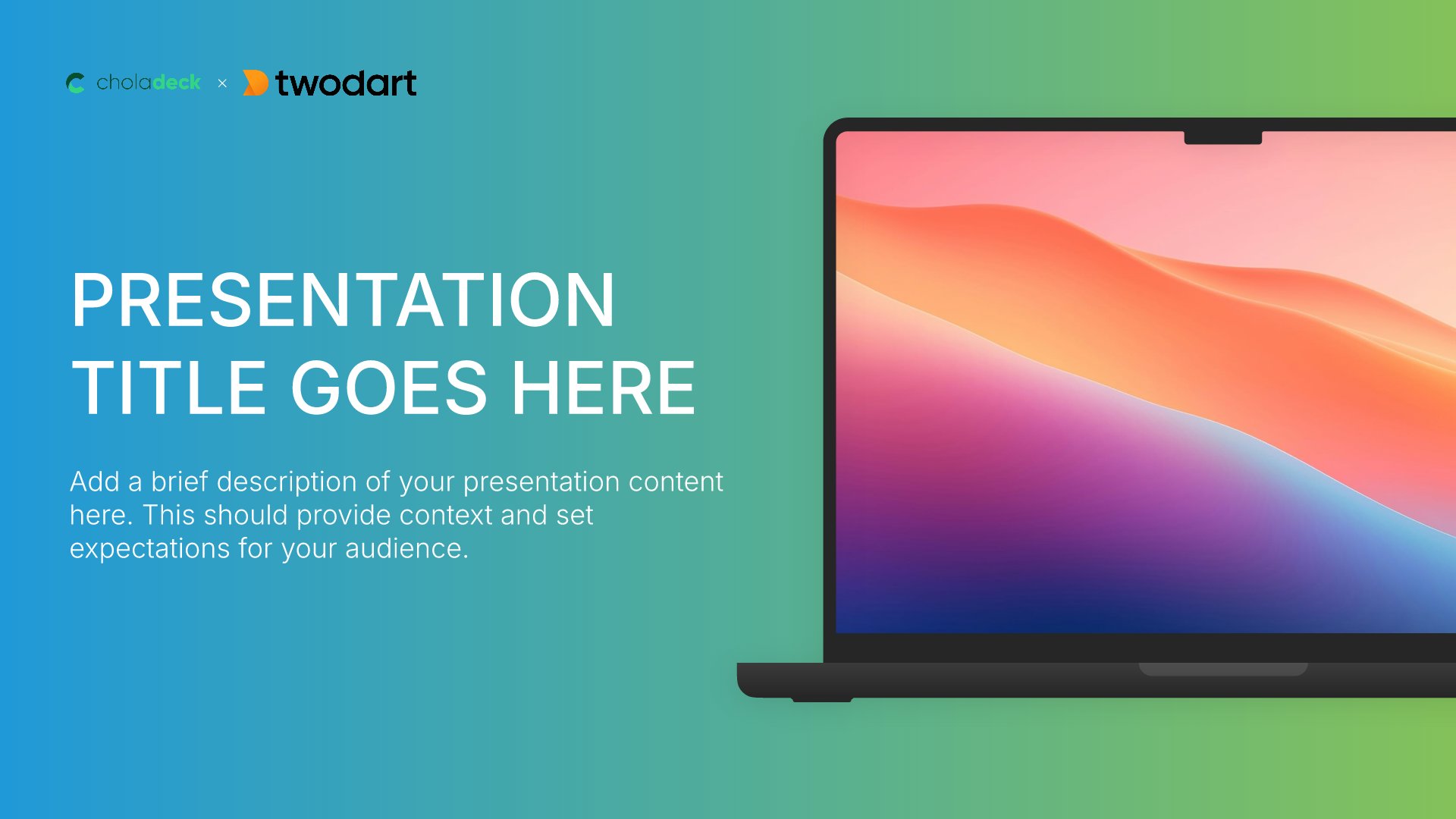
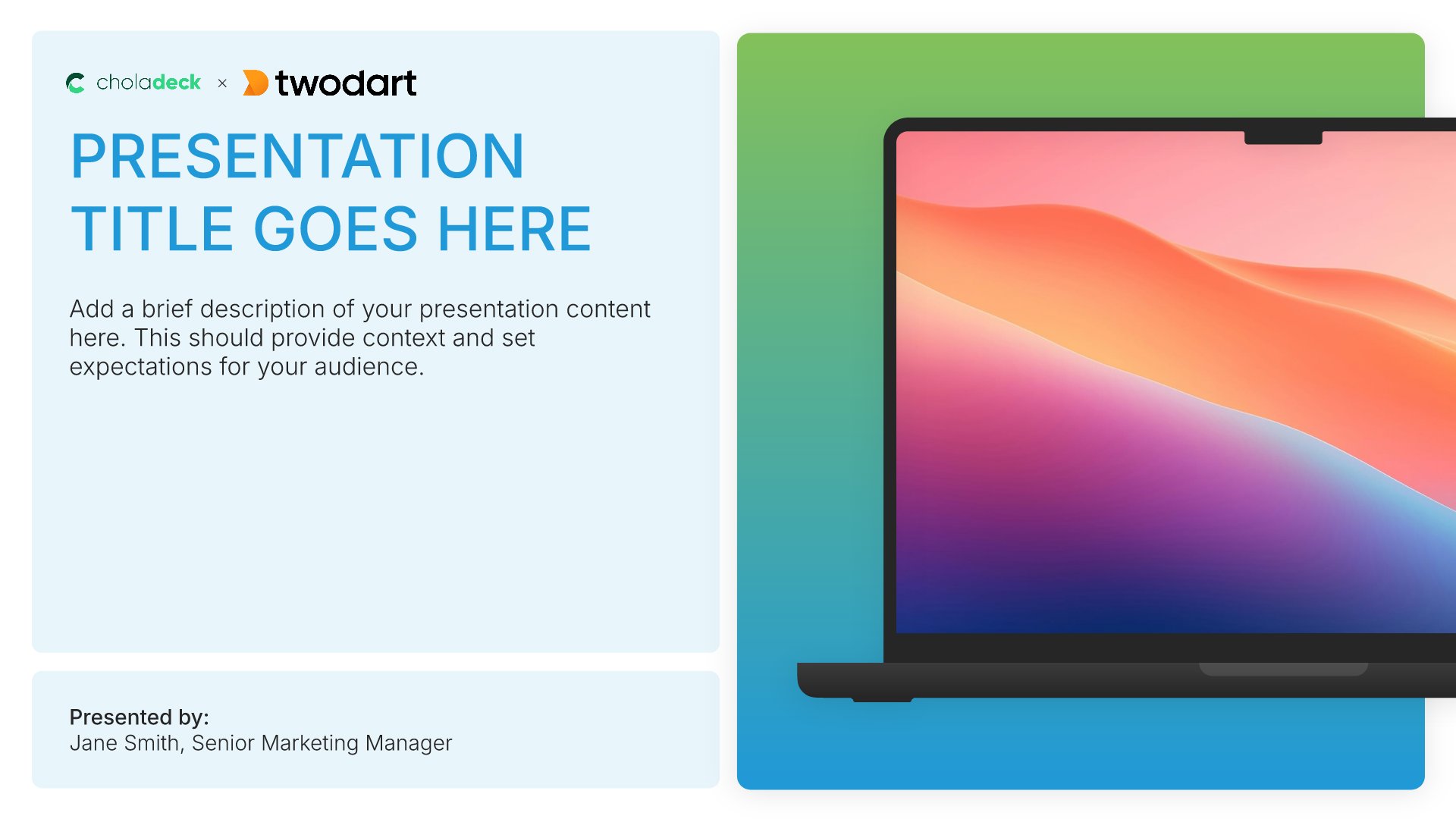
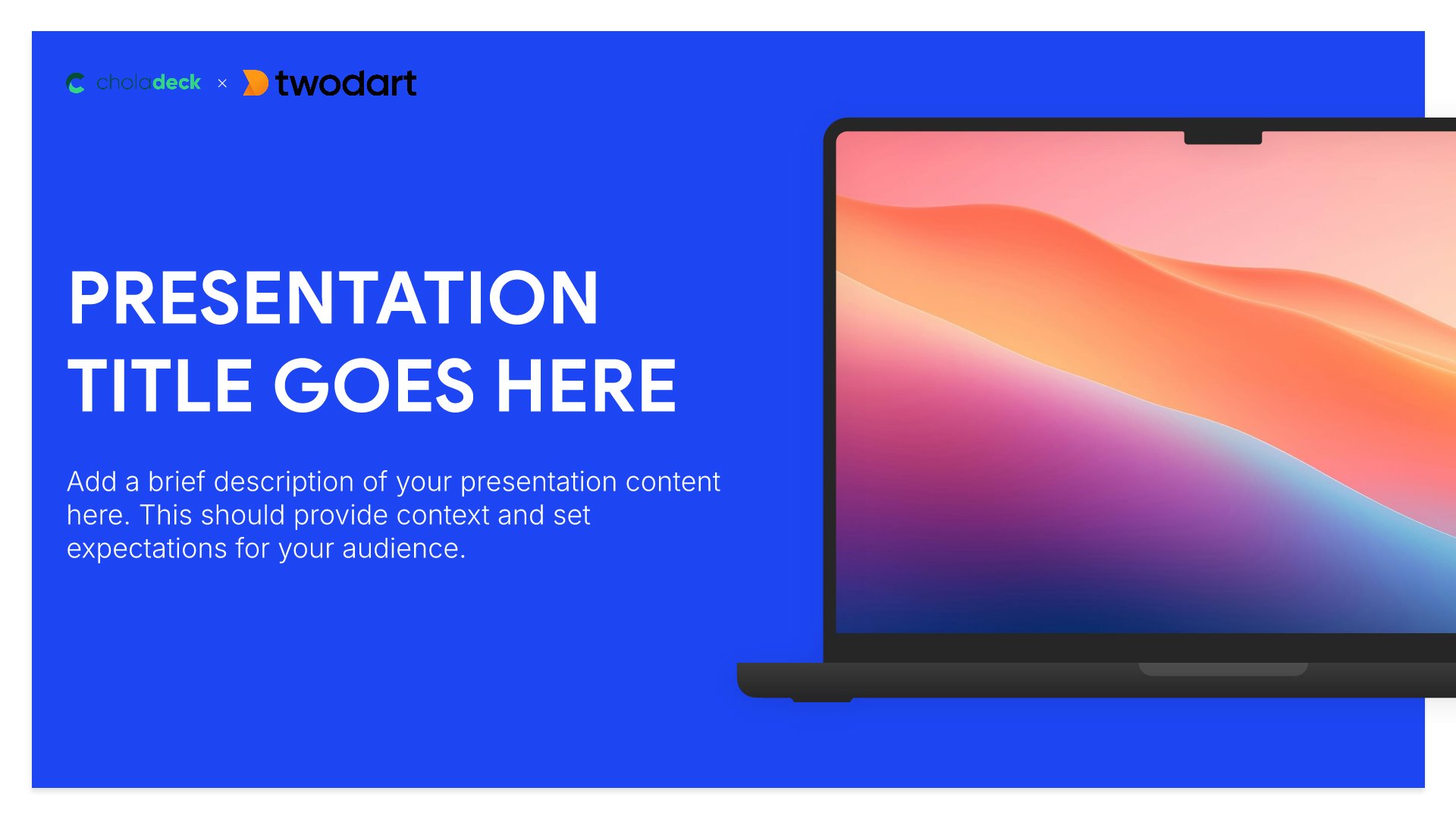
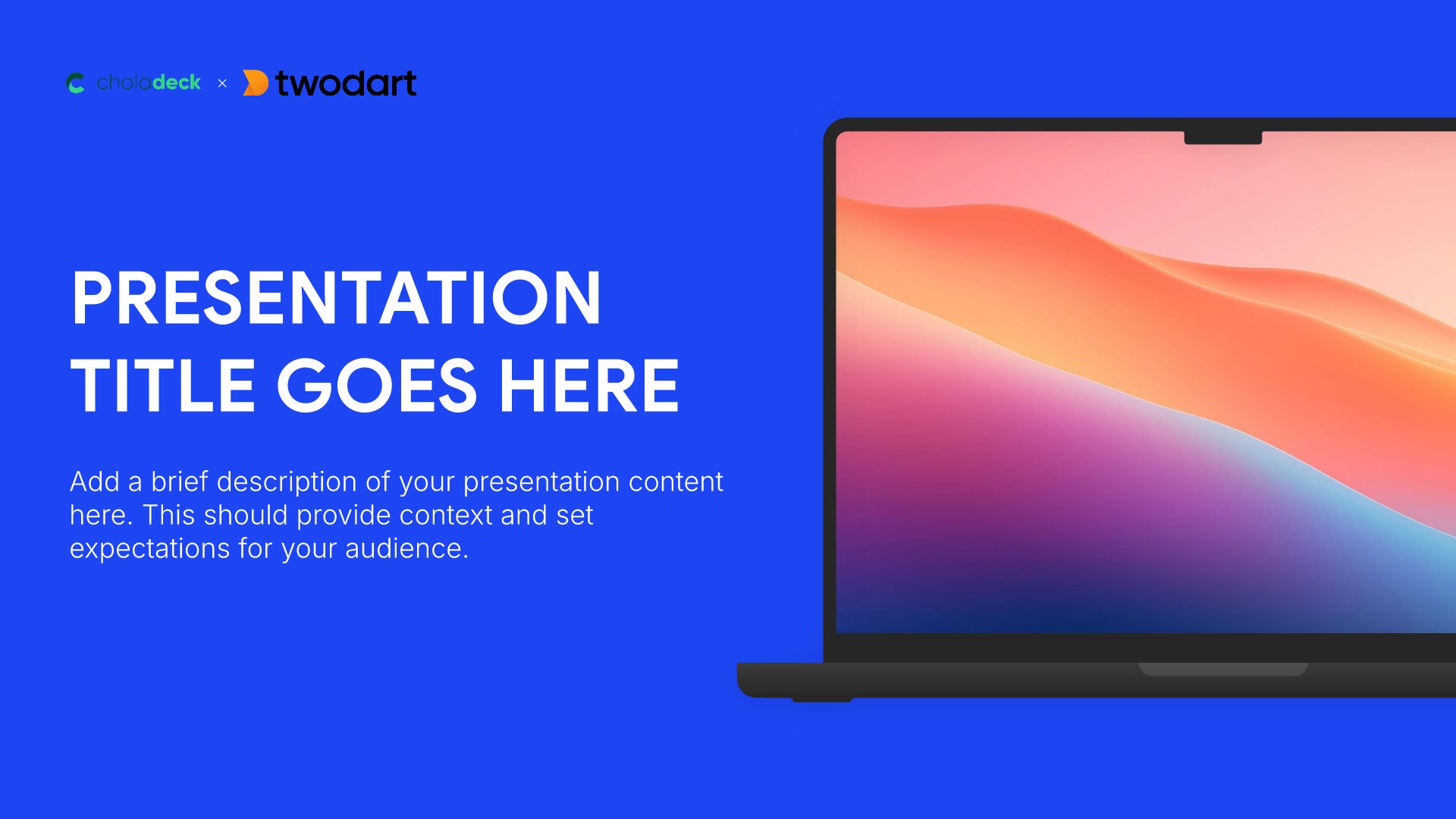
Title slides help you open presentations with impact. Use them to create strong first impressions with opening slides that set the tone, introduce your topic, and establish your brand. Ideal for any presentation where a polished, professional opening slide sets the stage for everything that follows.
Built using Title slides

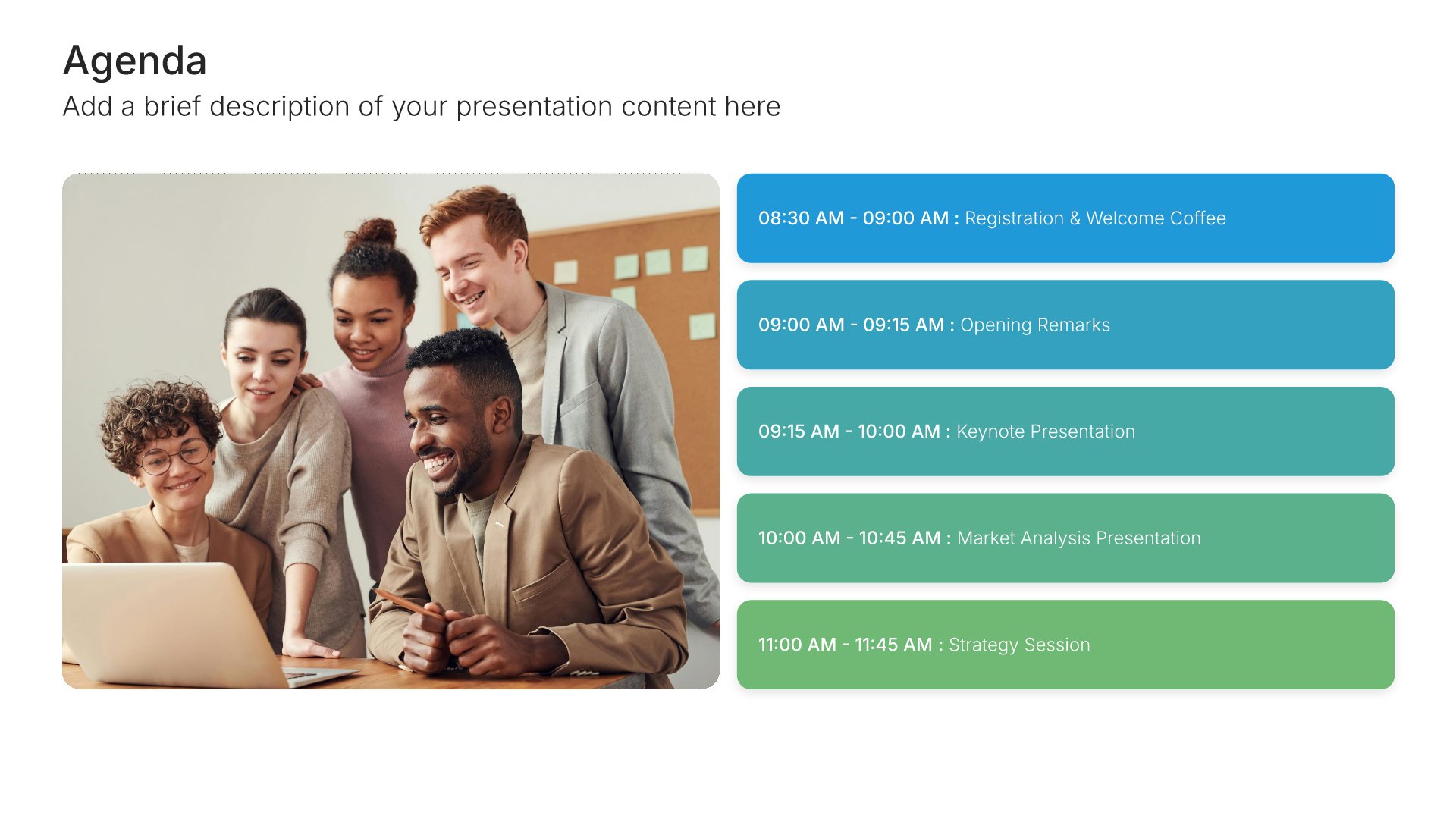
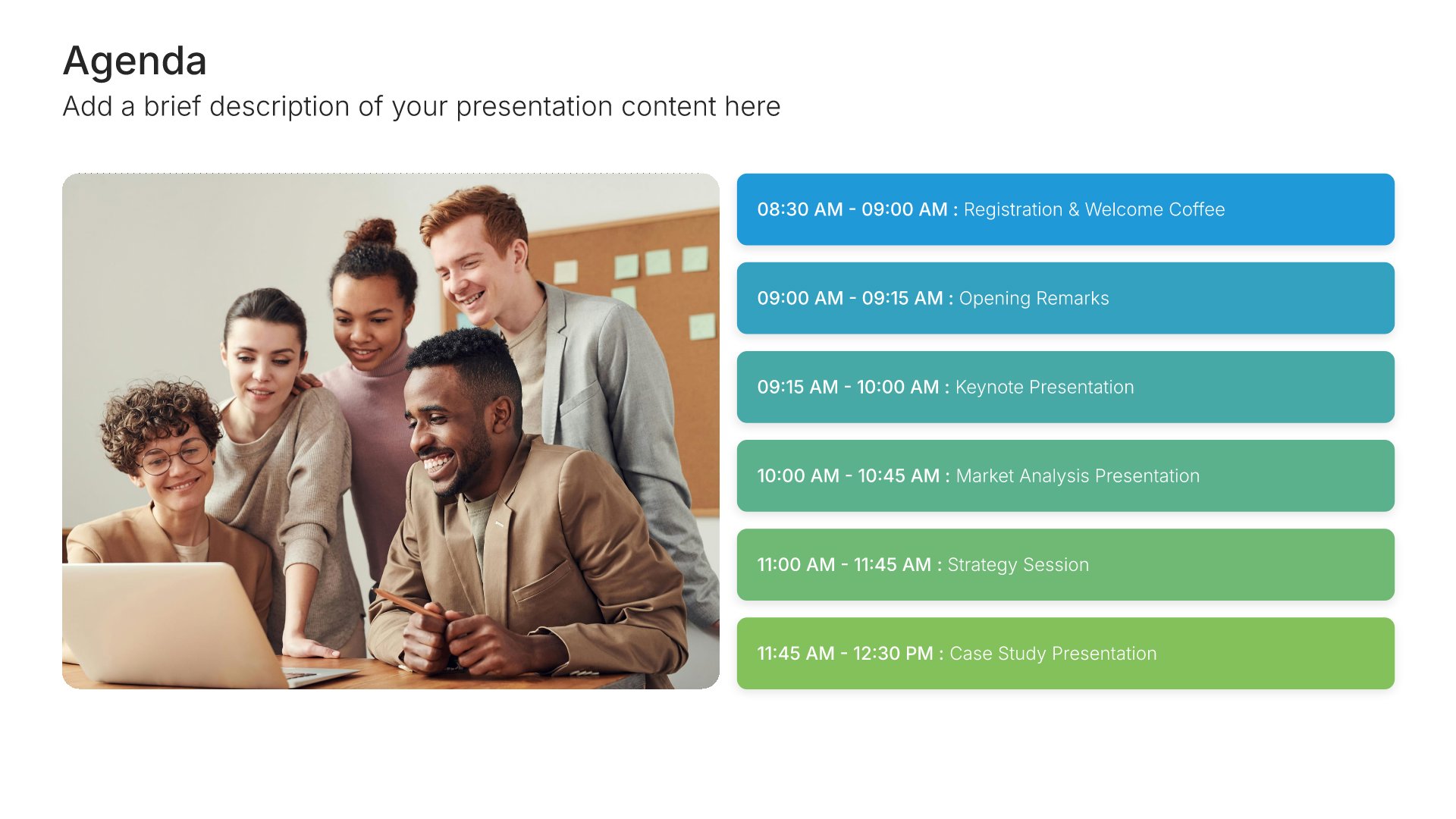
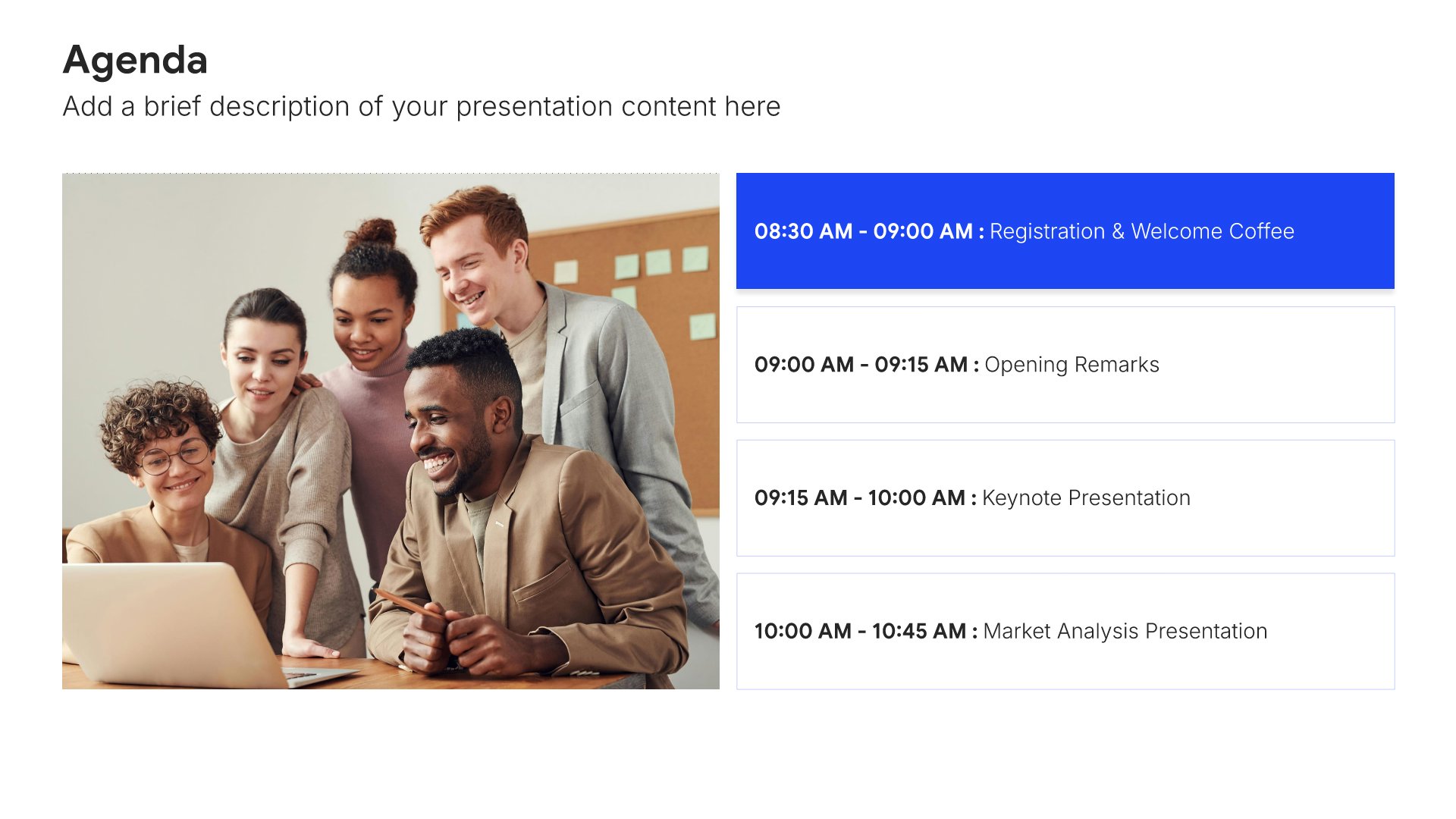
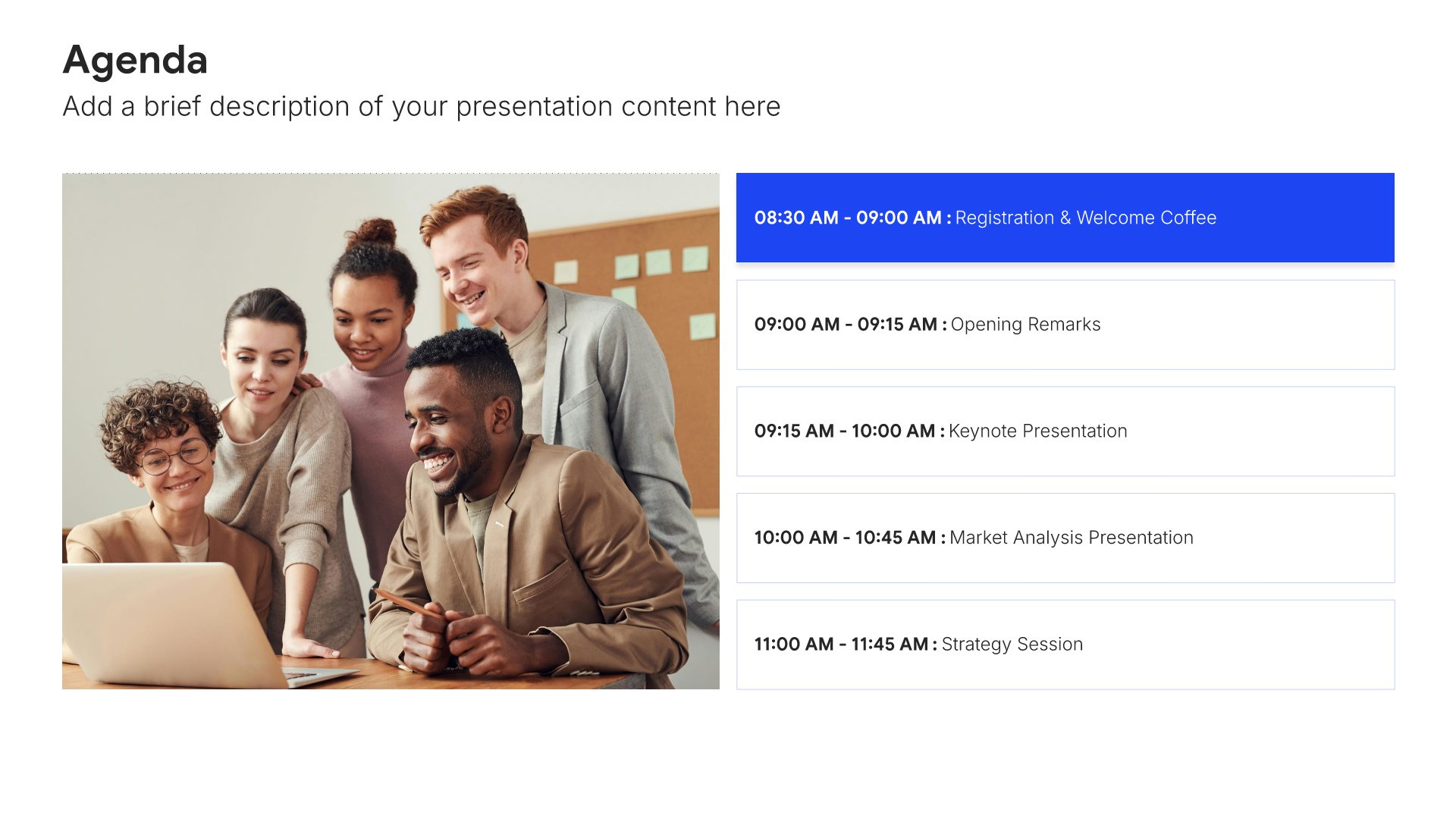
2. Agenda

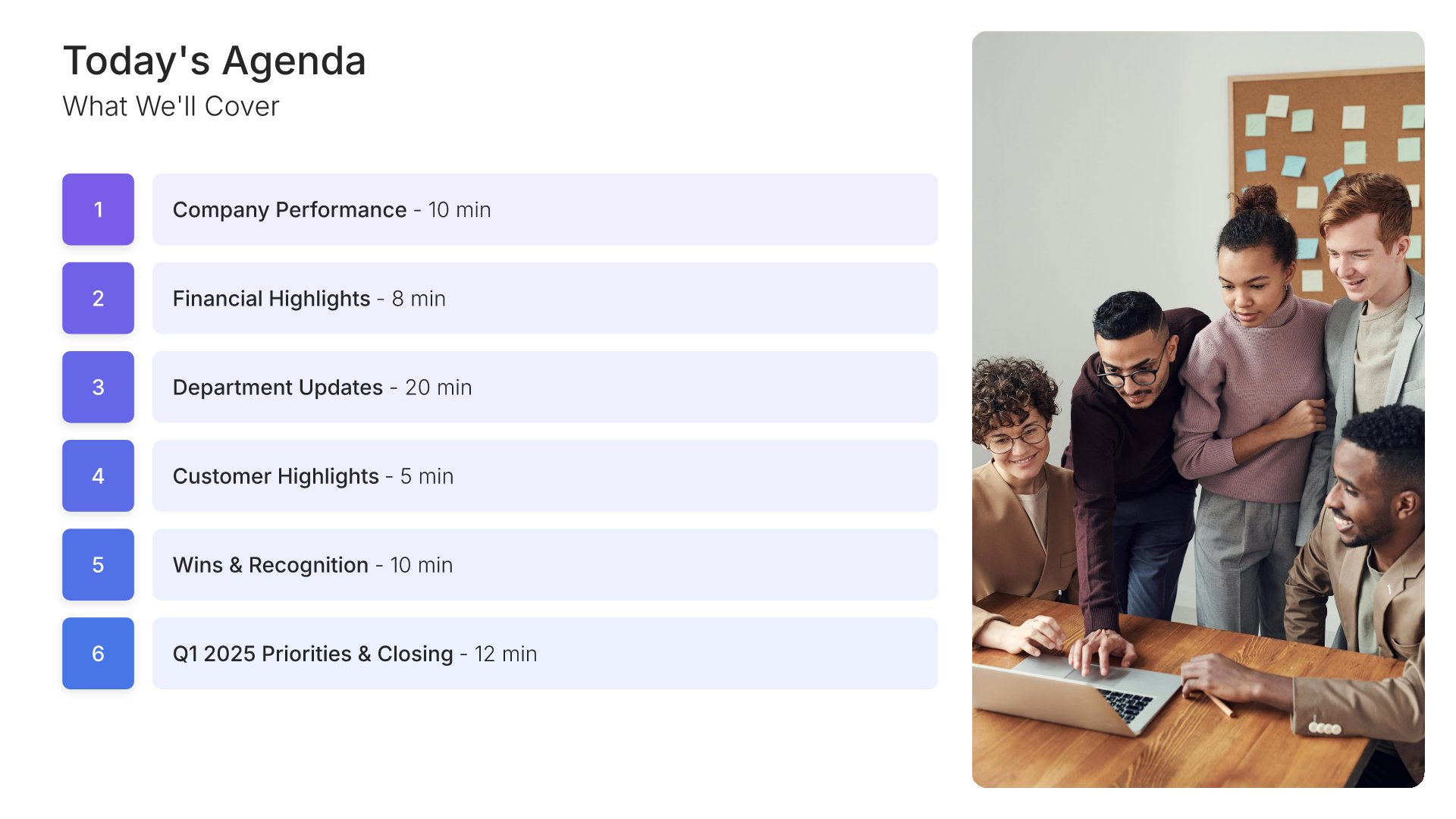
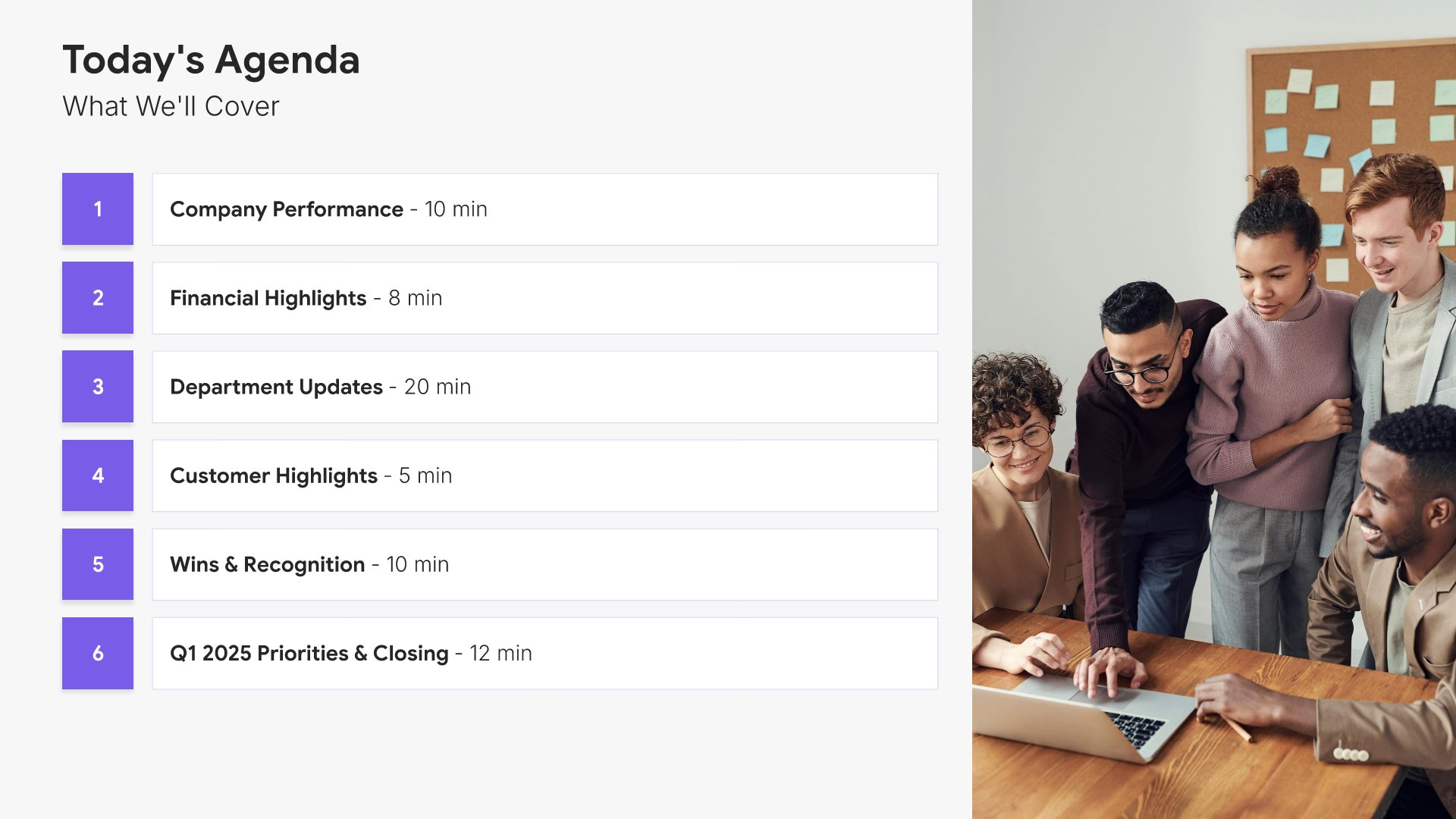
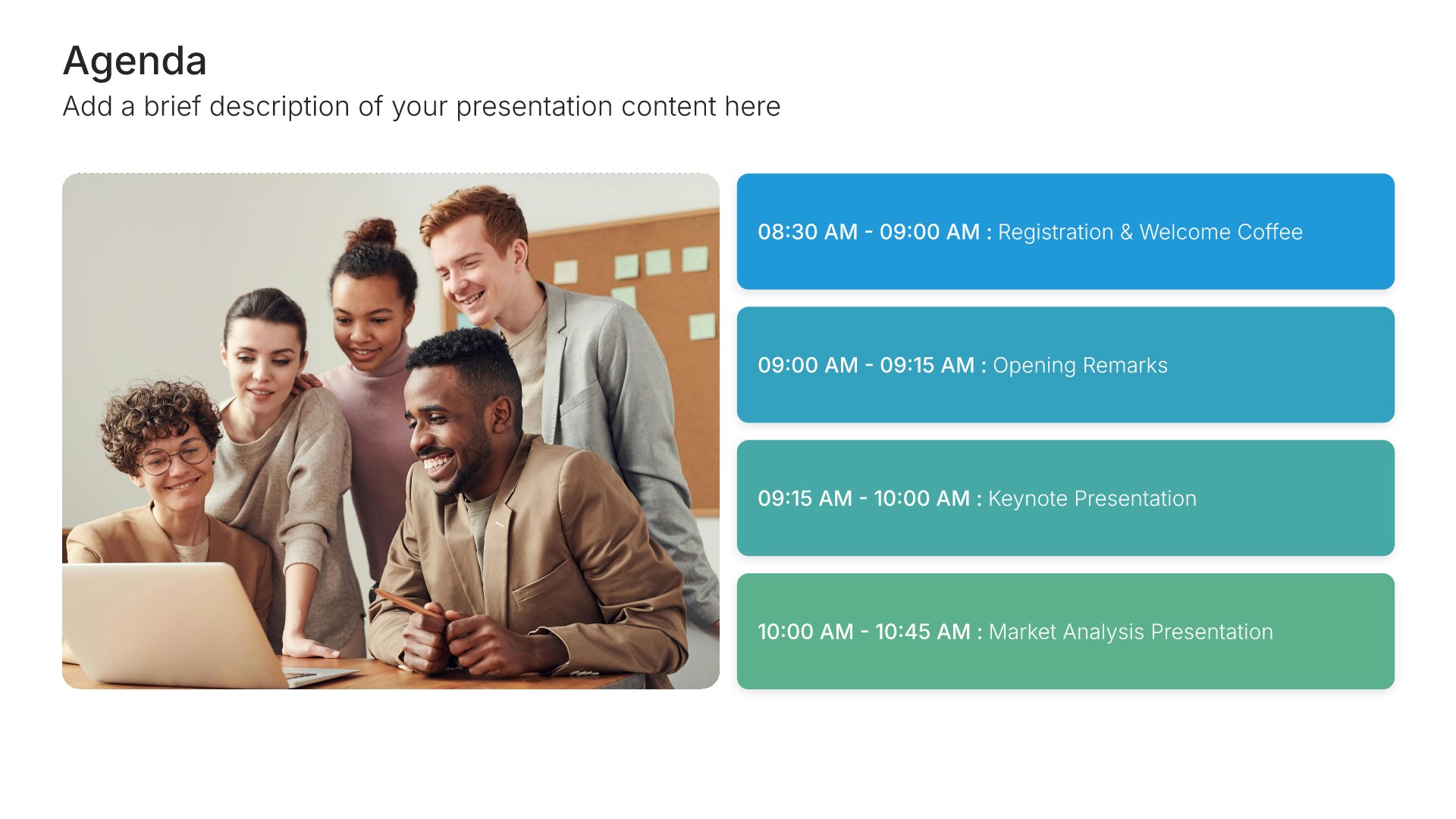
Agenda slides help you outline your presentation structure clearly. Use them to show topics, timing, and flow so your audience knows what to expect and can follow along easily. Ideal for meetings, workshops, and any presentation where setting expectations upfront helps your audience stay engaged throughout.
Built using Agenda slides

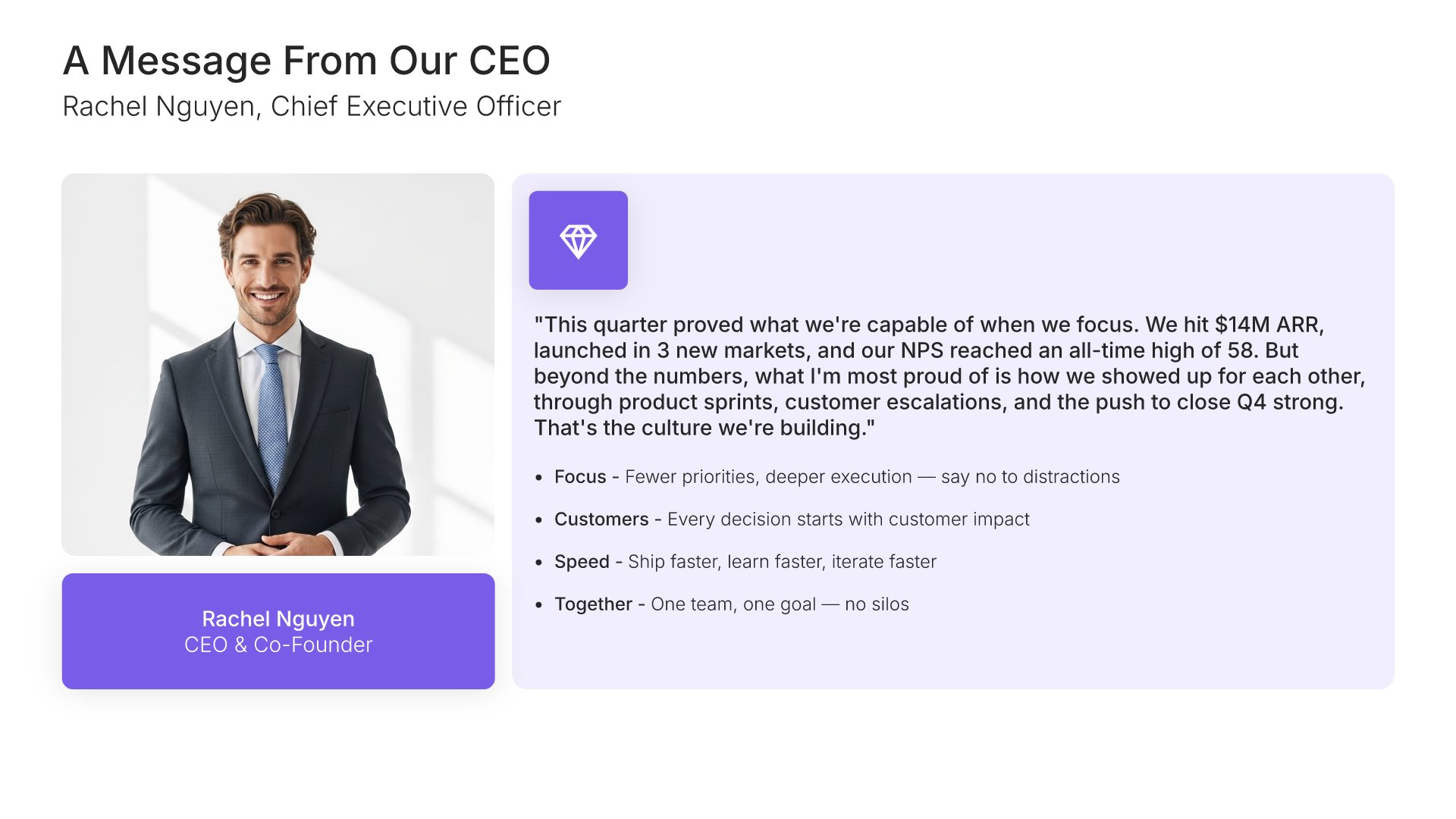
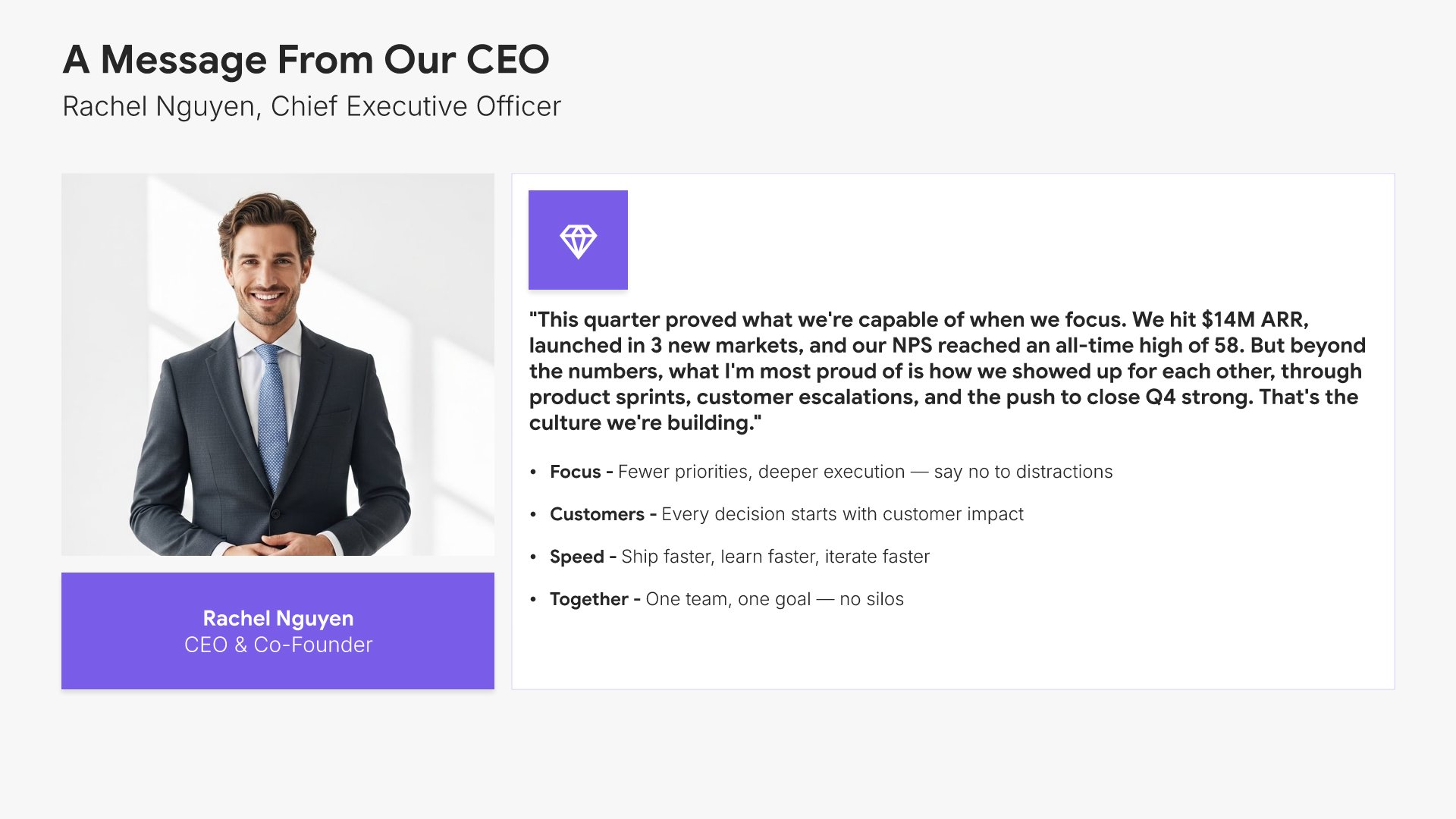
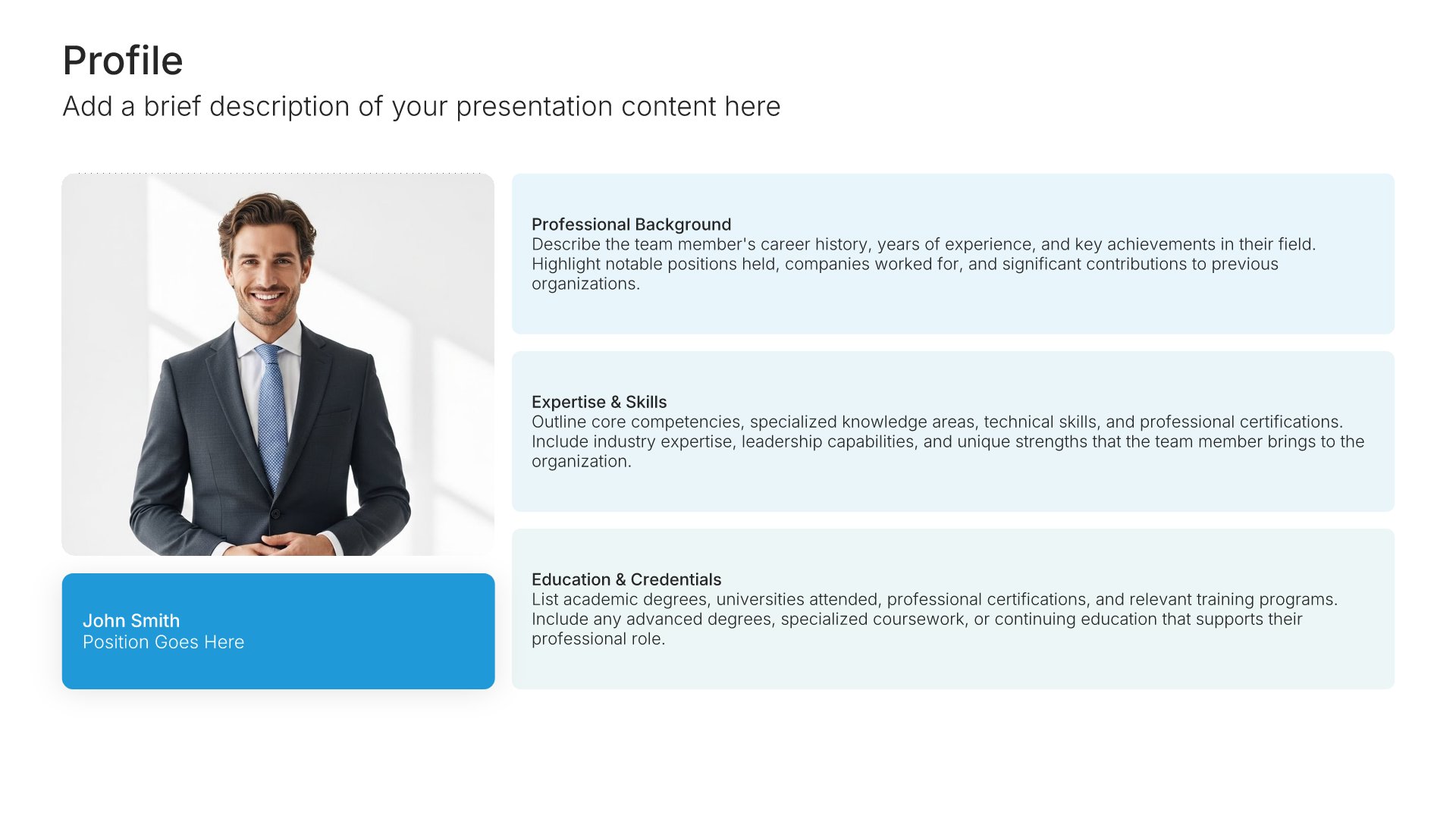
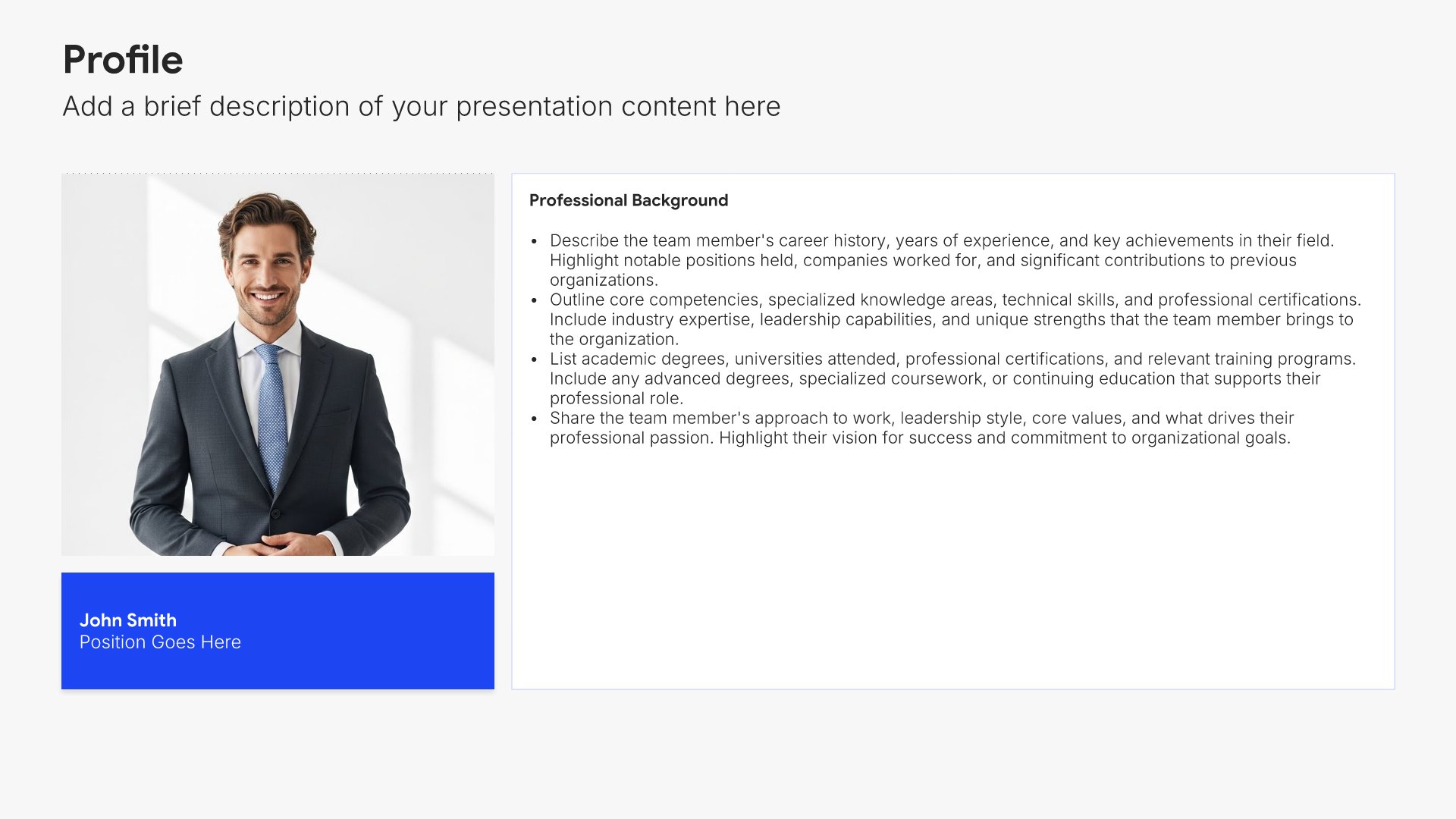
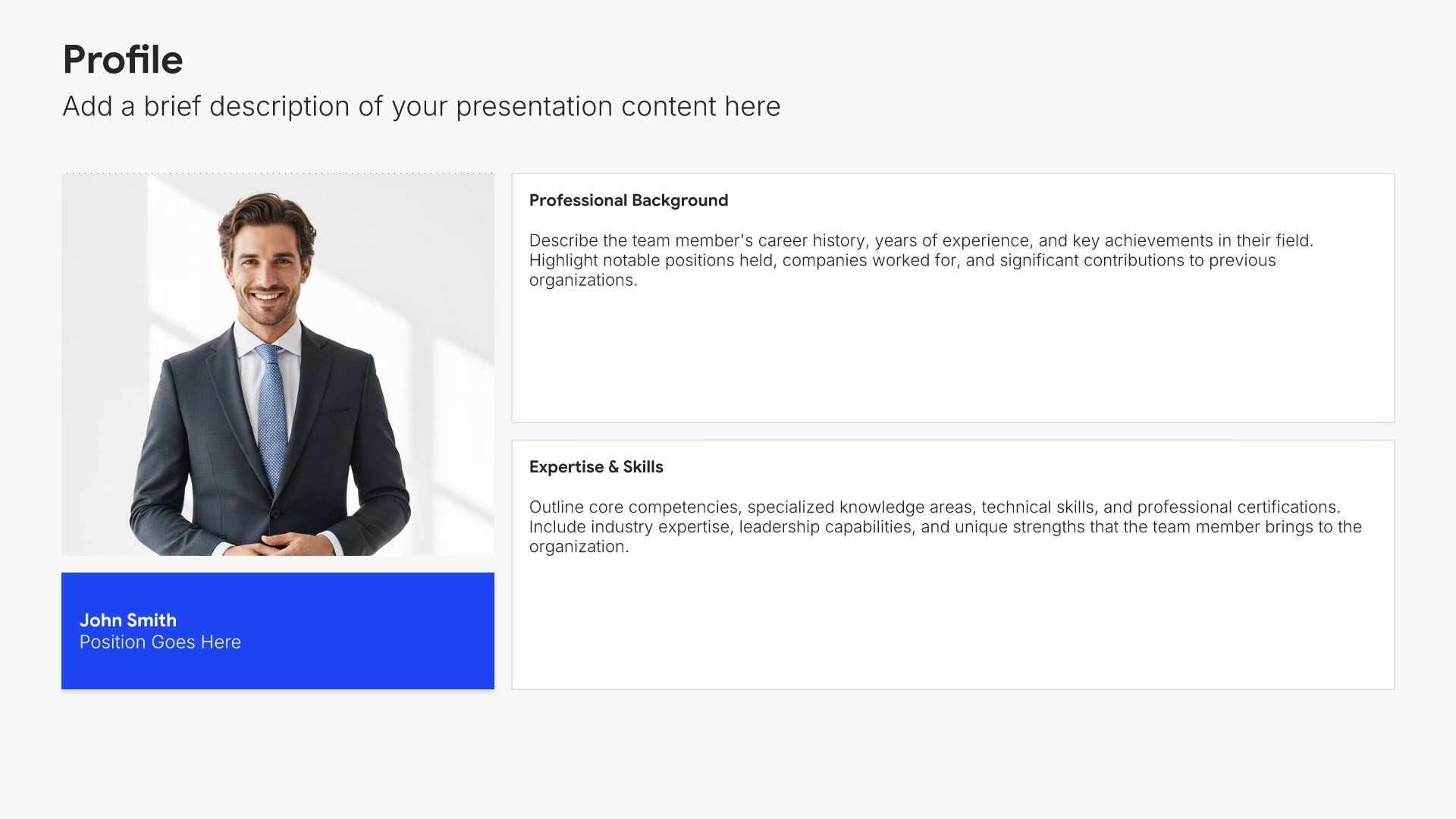
3. Message from Leadership

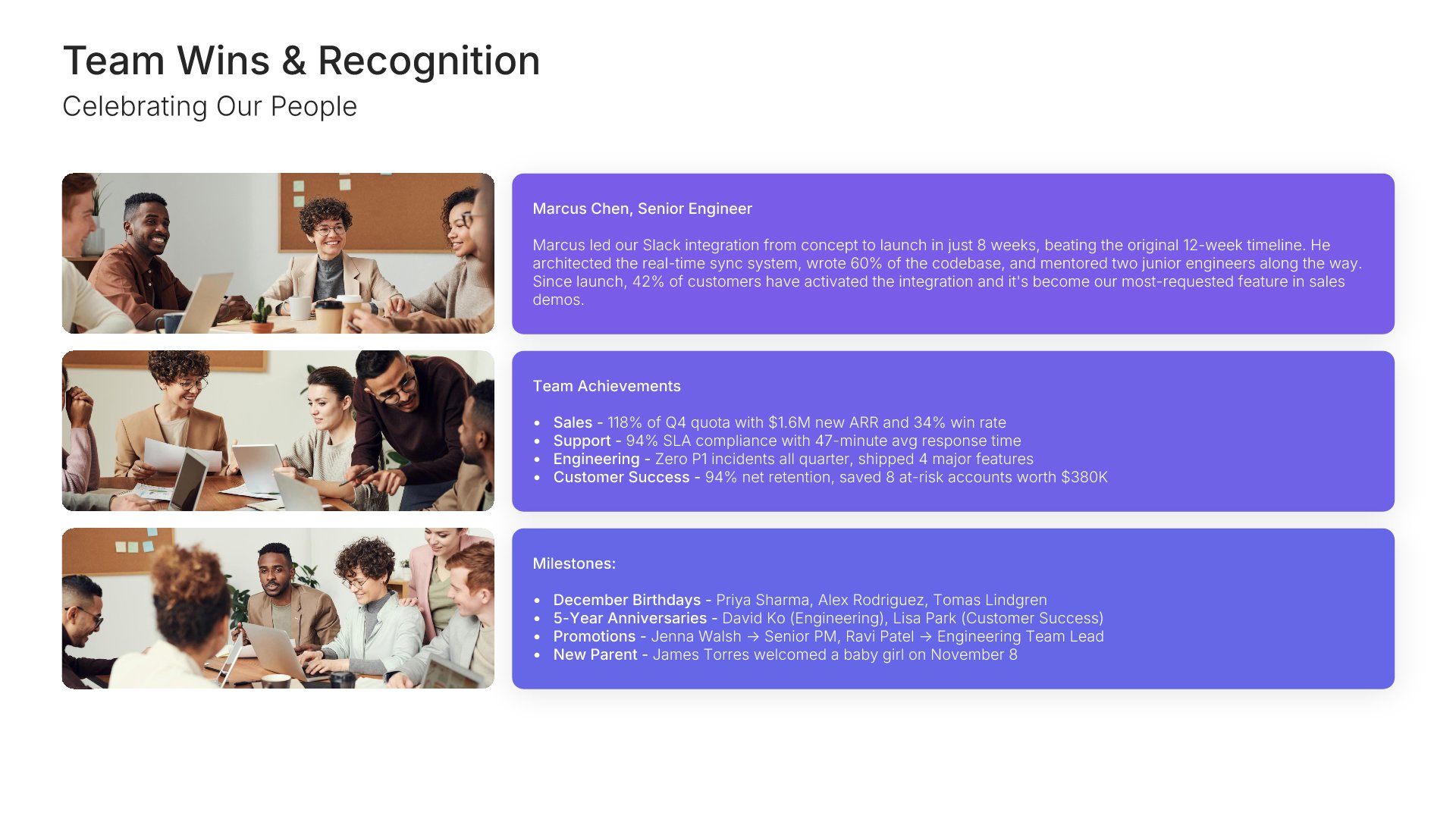
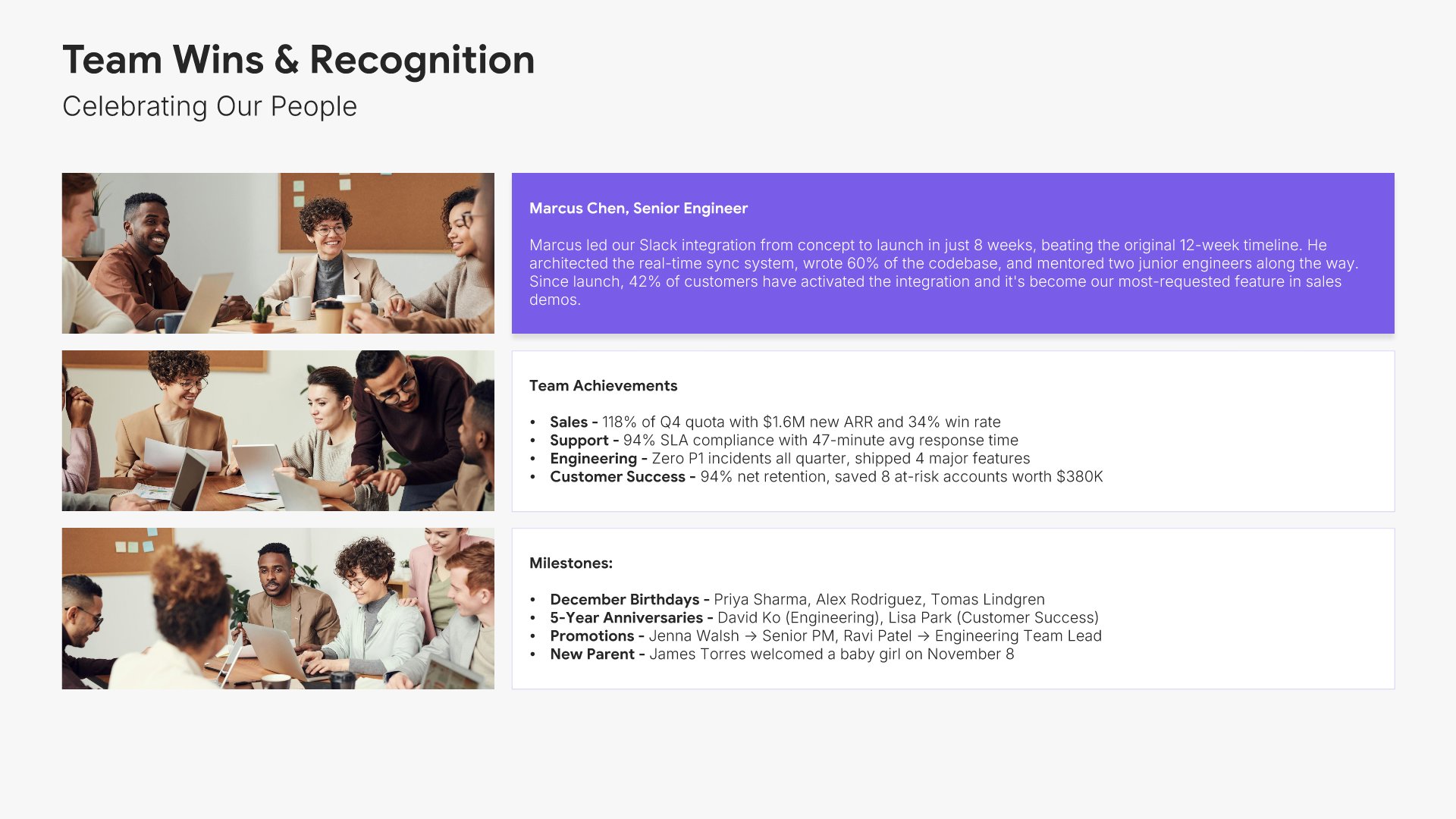
Message from leadership slides help you share perspective from executives or board members. Use them to present a personal letter, reflections on the year, and vision for the future. Ideal for annual reports and stakeholder presentations where a leadership voice adds credibility and sets the tone for what follows.
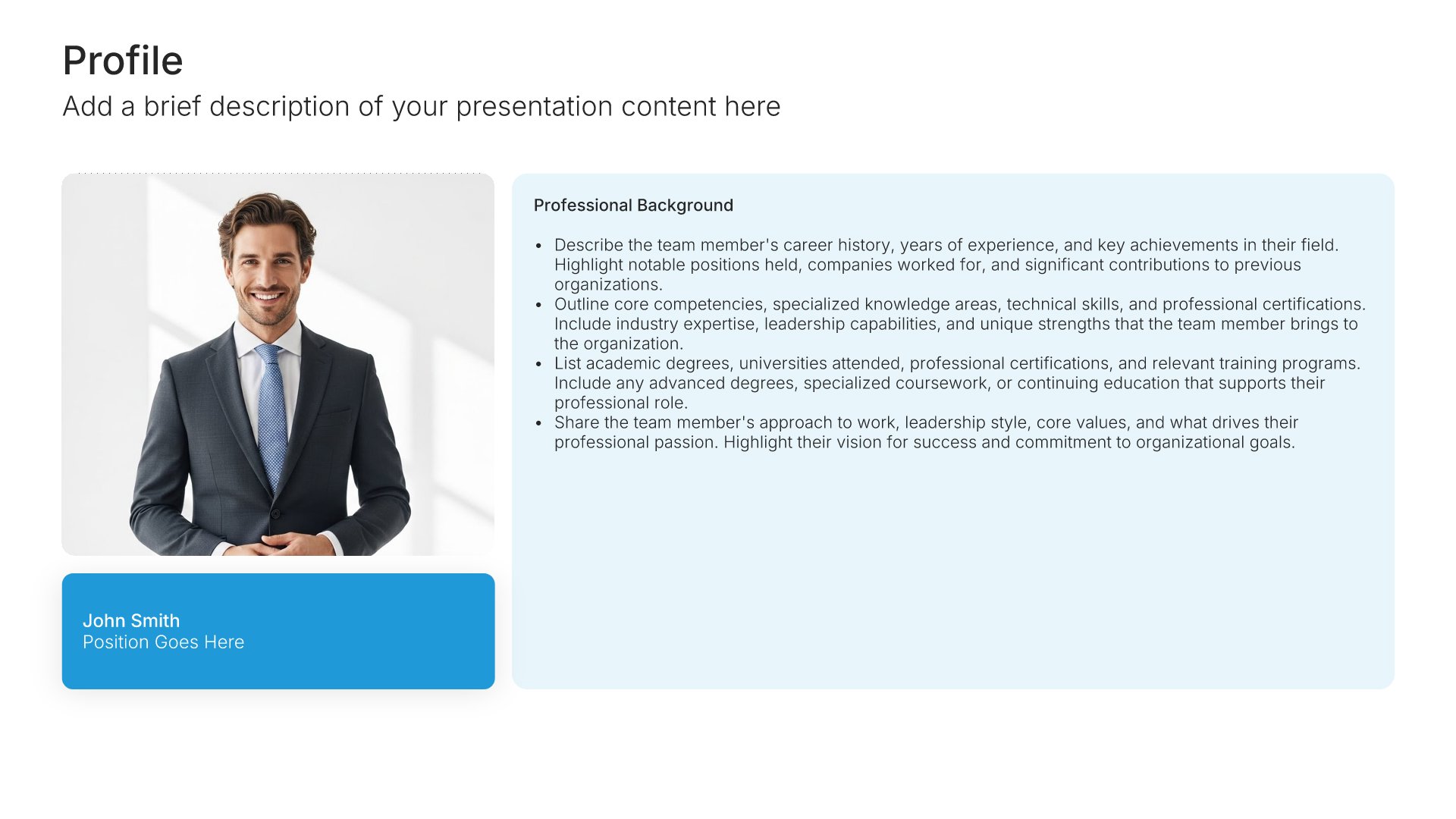
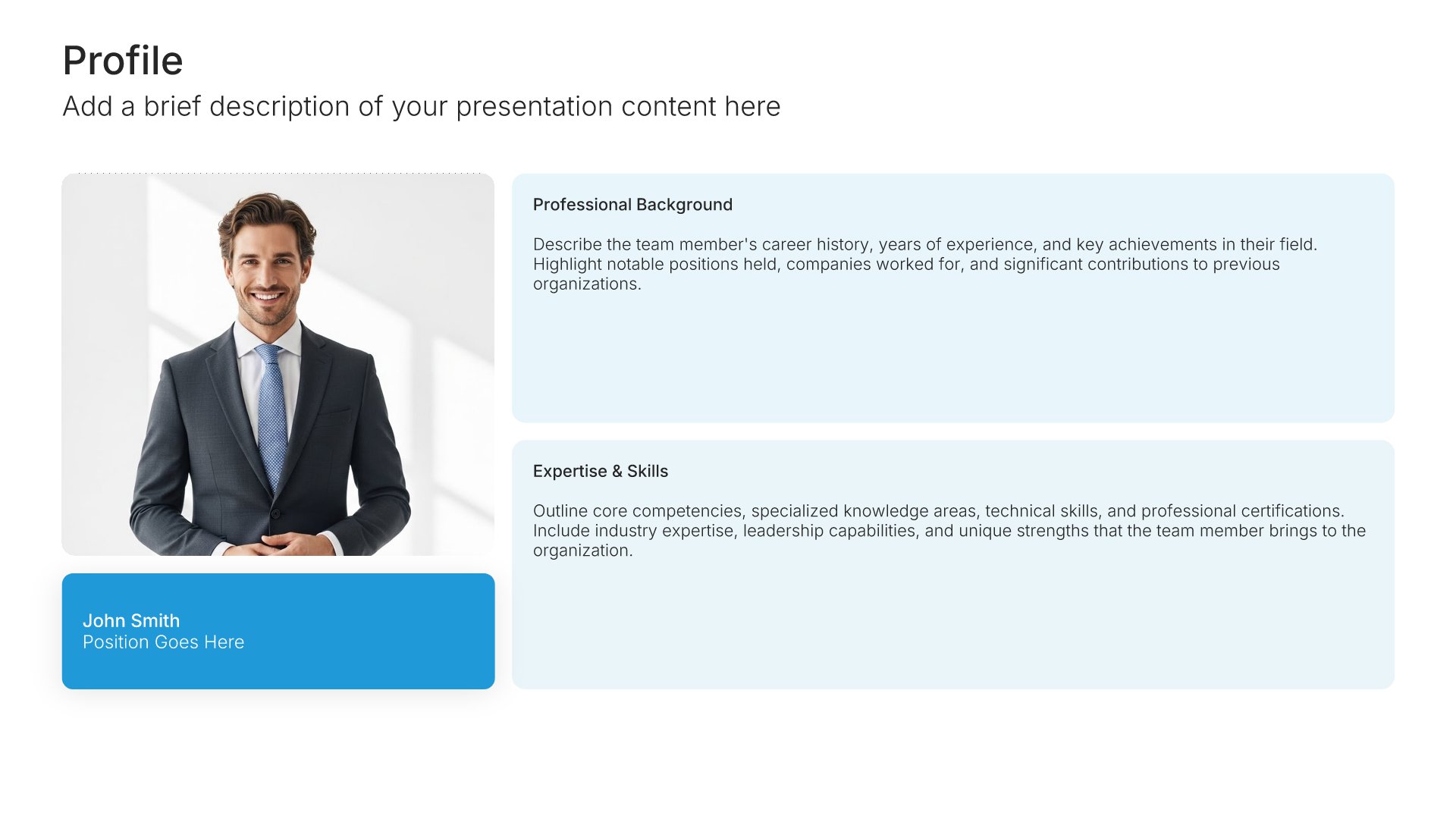
Built using Profile slides

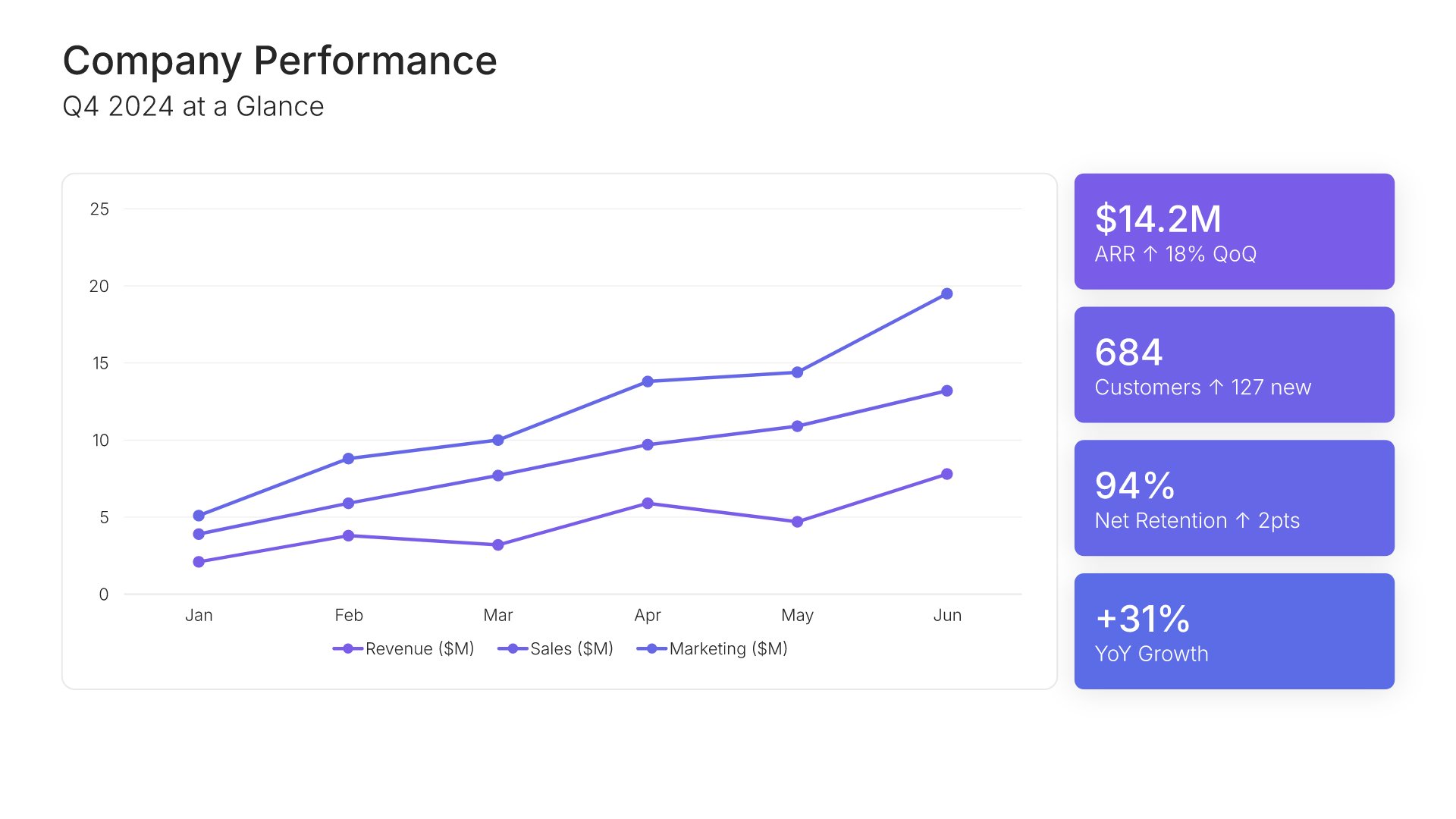
4. Financial Performance Overview

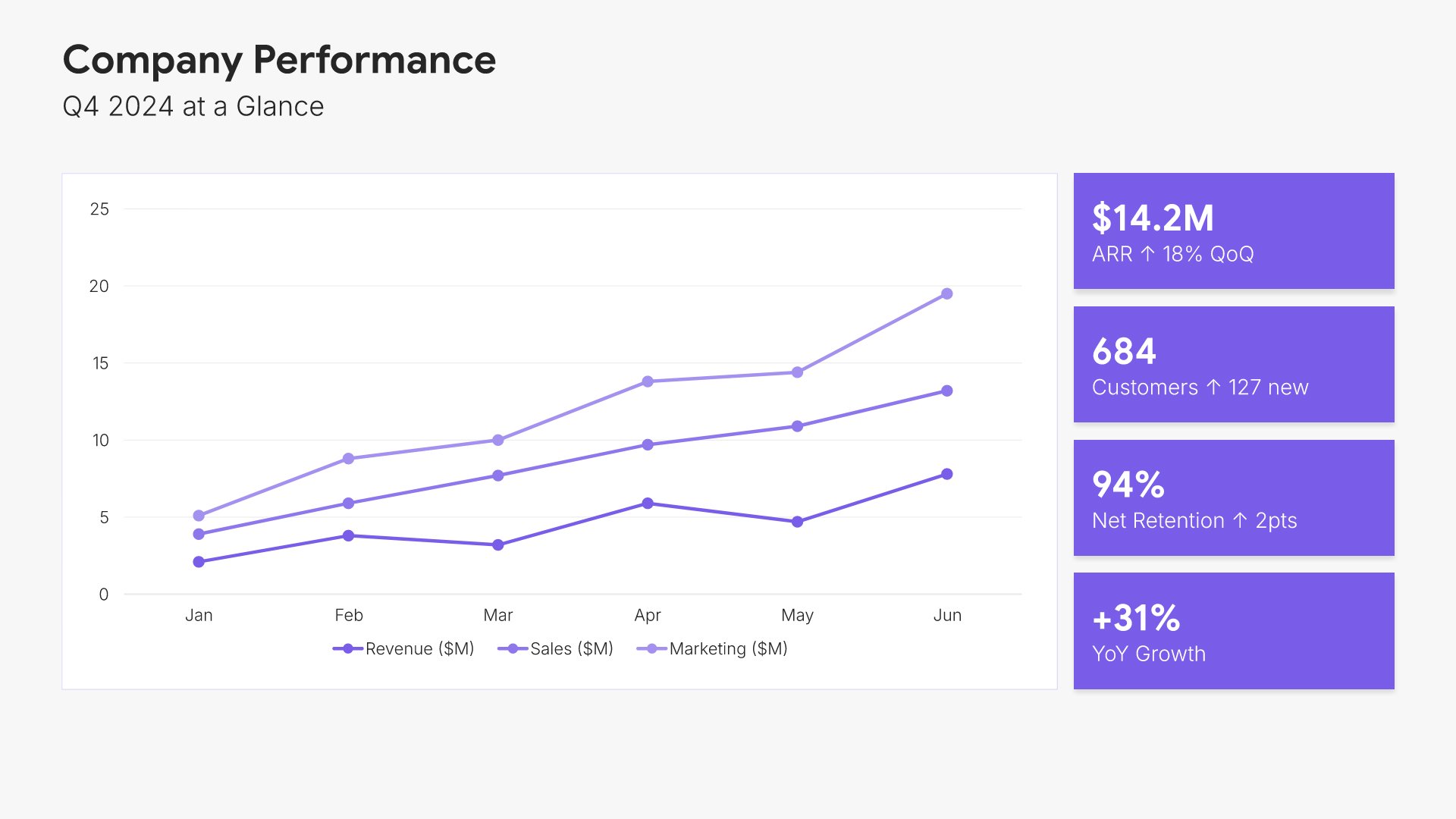
Financial performance overview slides help you summarize key financial results at a glance. Use them to present top-line metrics like revenue, profit, and growth in a clear dashboard format. Ideal for annual reports and investor presentations where stakeholders need a quick snapshot of financial health.
Built using Charts slides

5. Financial Highlights

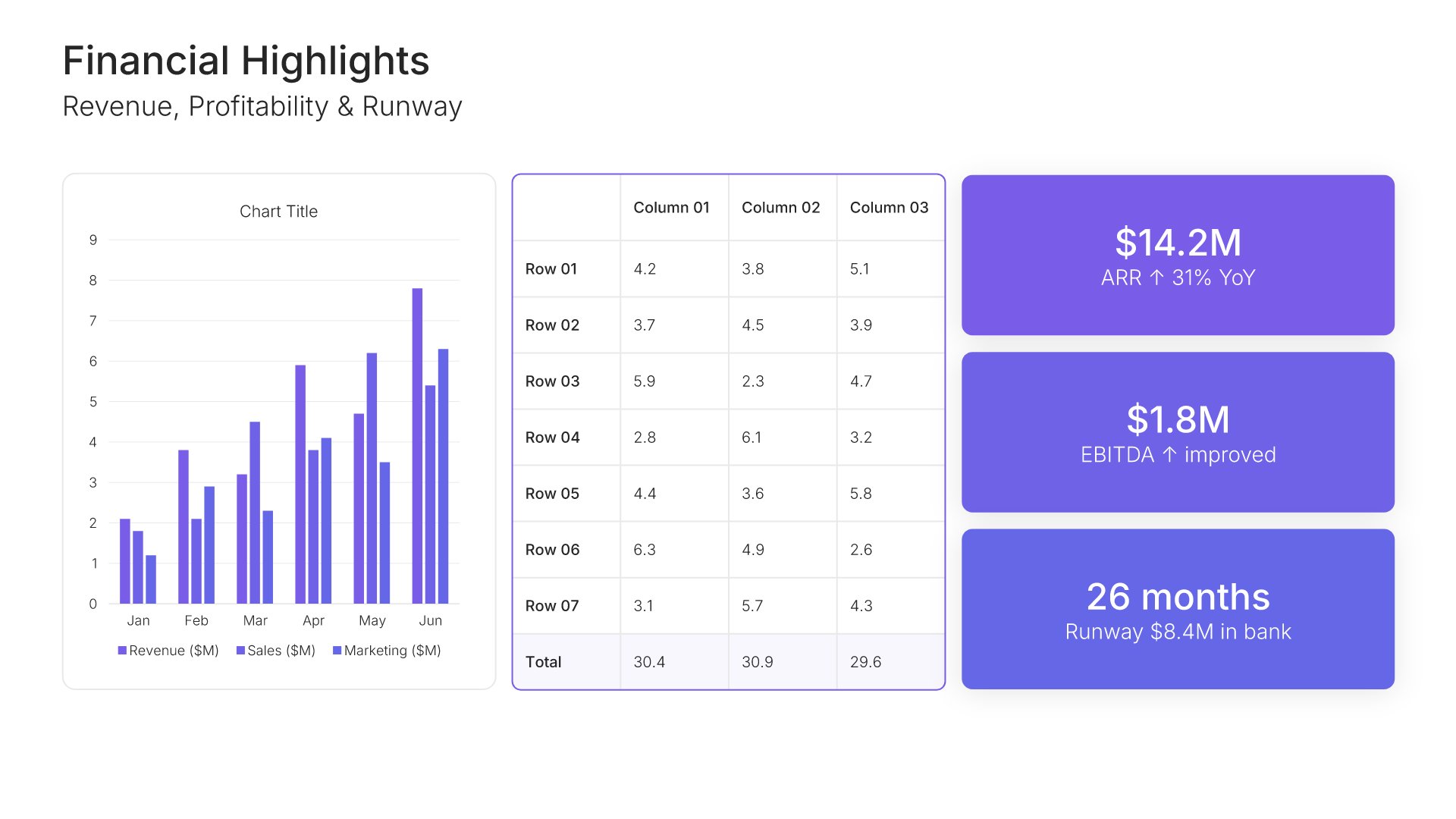
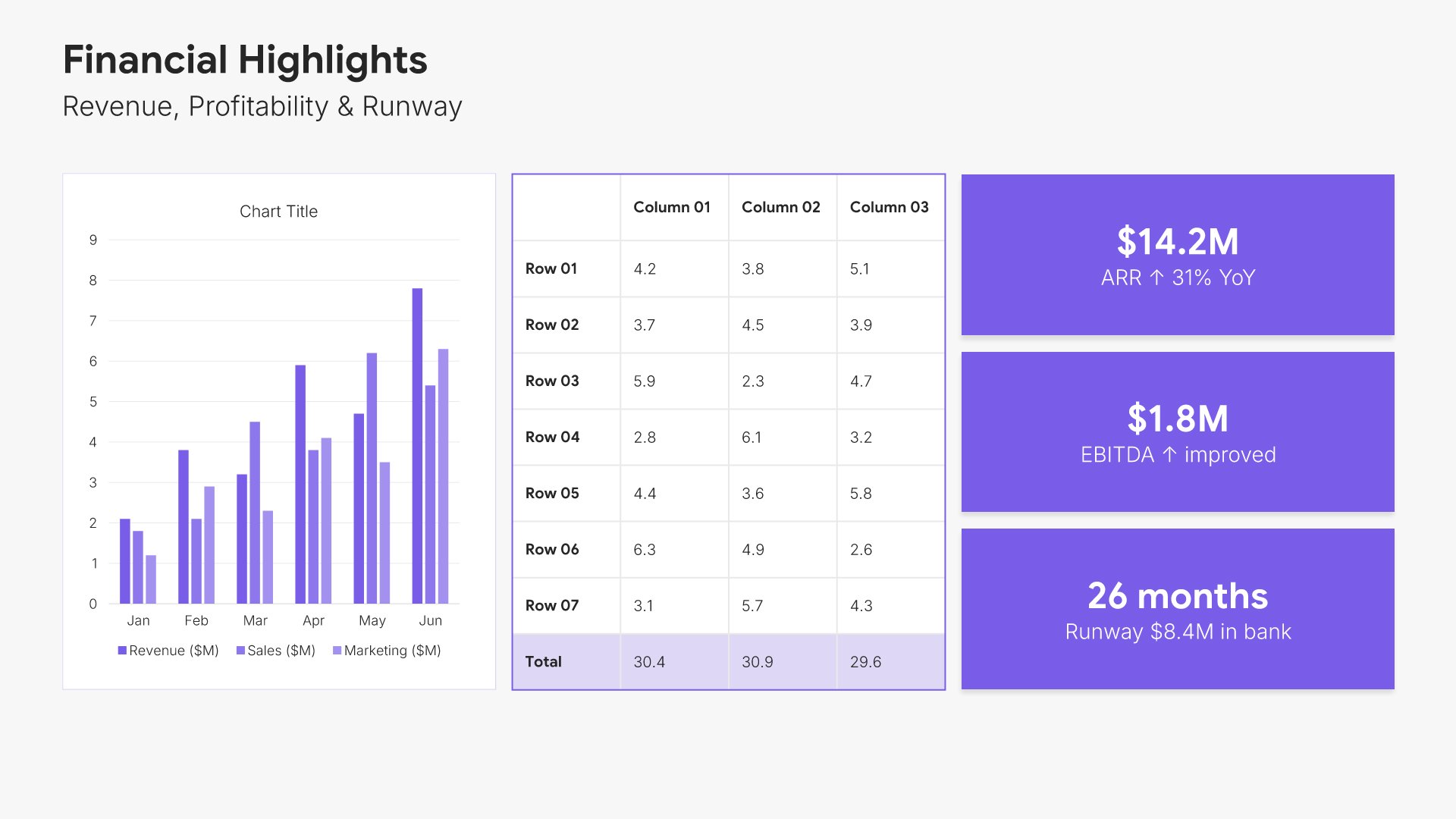
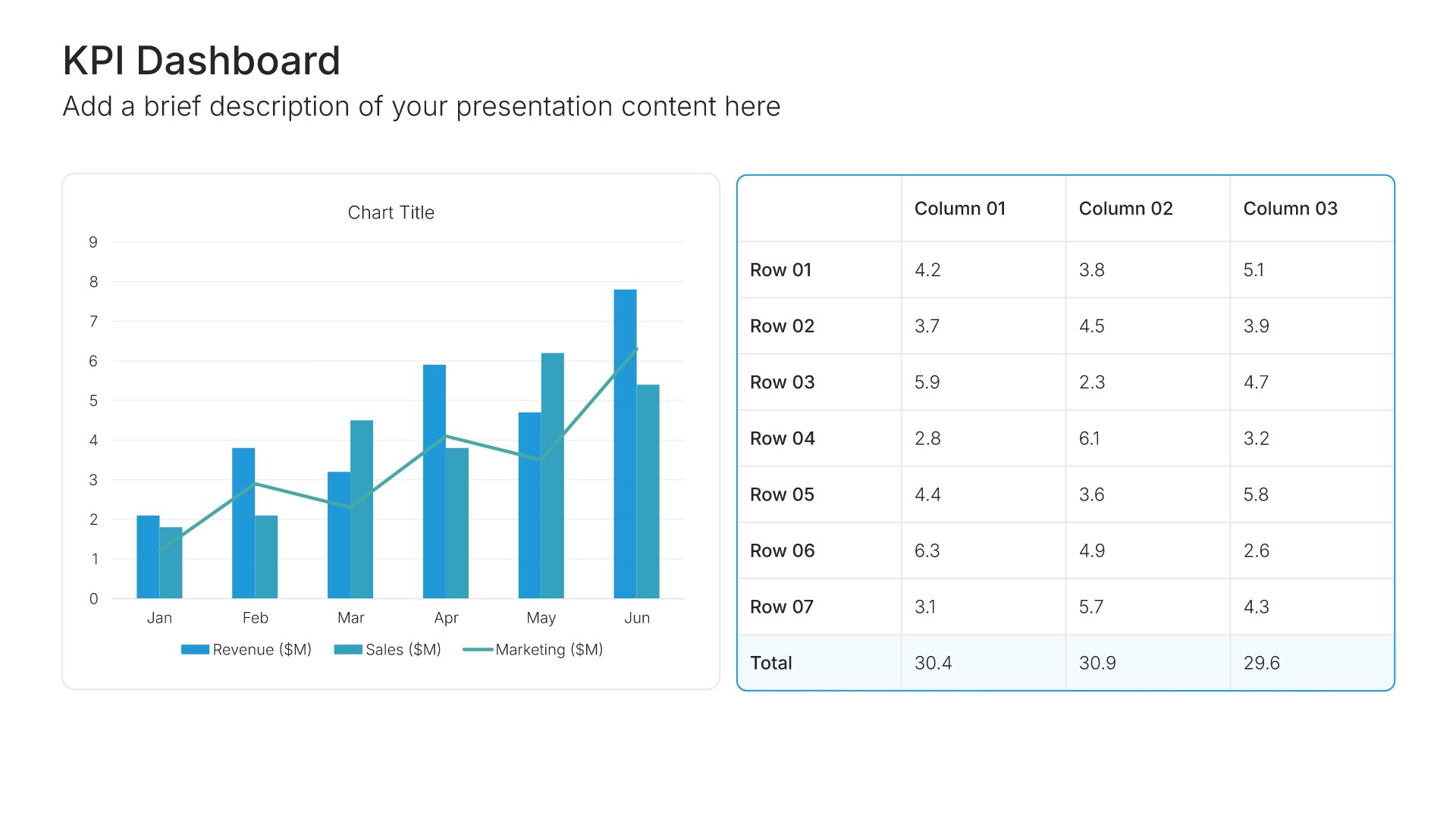
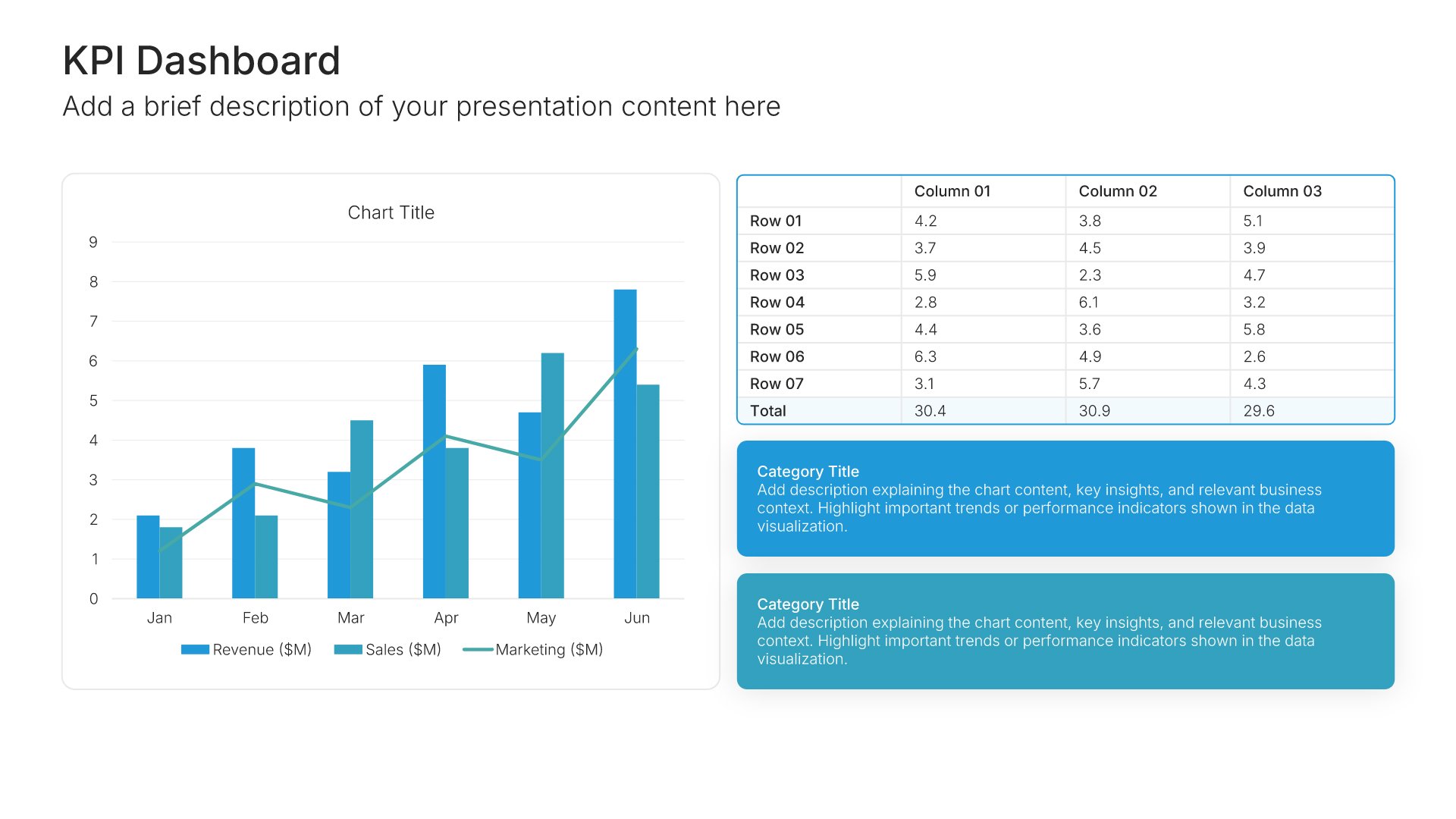
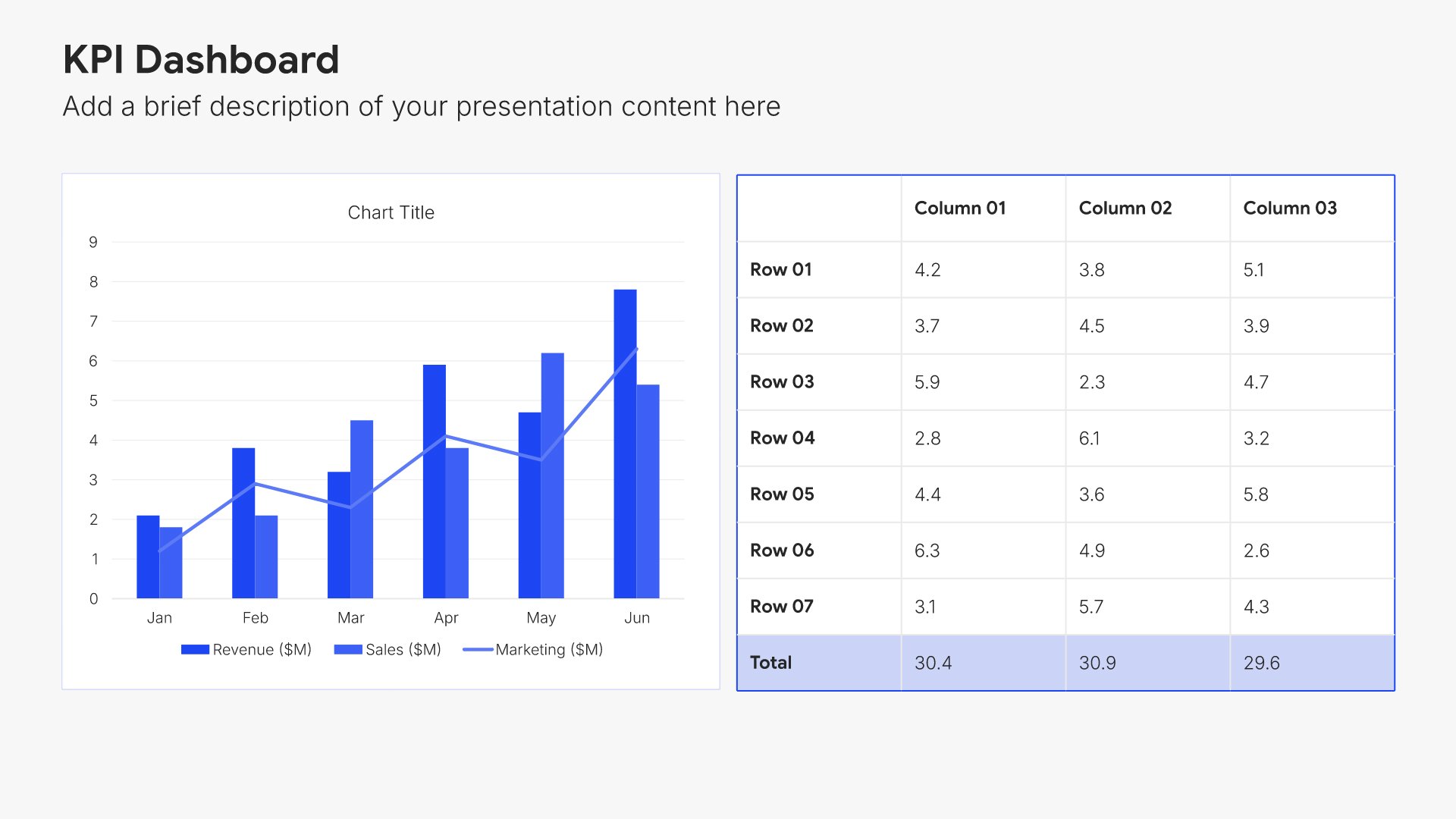
Financial highlights slides help you present the most important financial results at a glance. Use them to showcase headline metrics like revenue, EBITDA, margins, and cash position in a clean, scannable format. Strong financial highlights give executives the top-line picture they need before diving into detailed analysis.
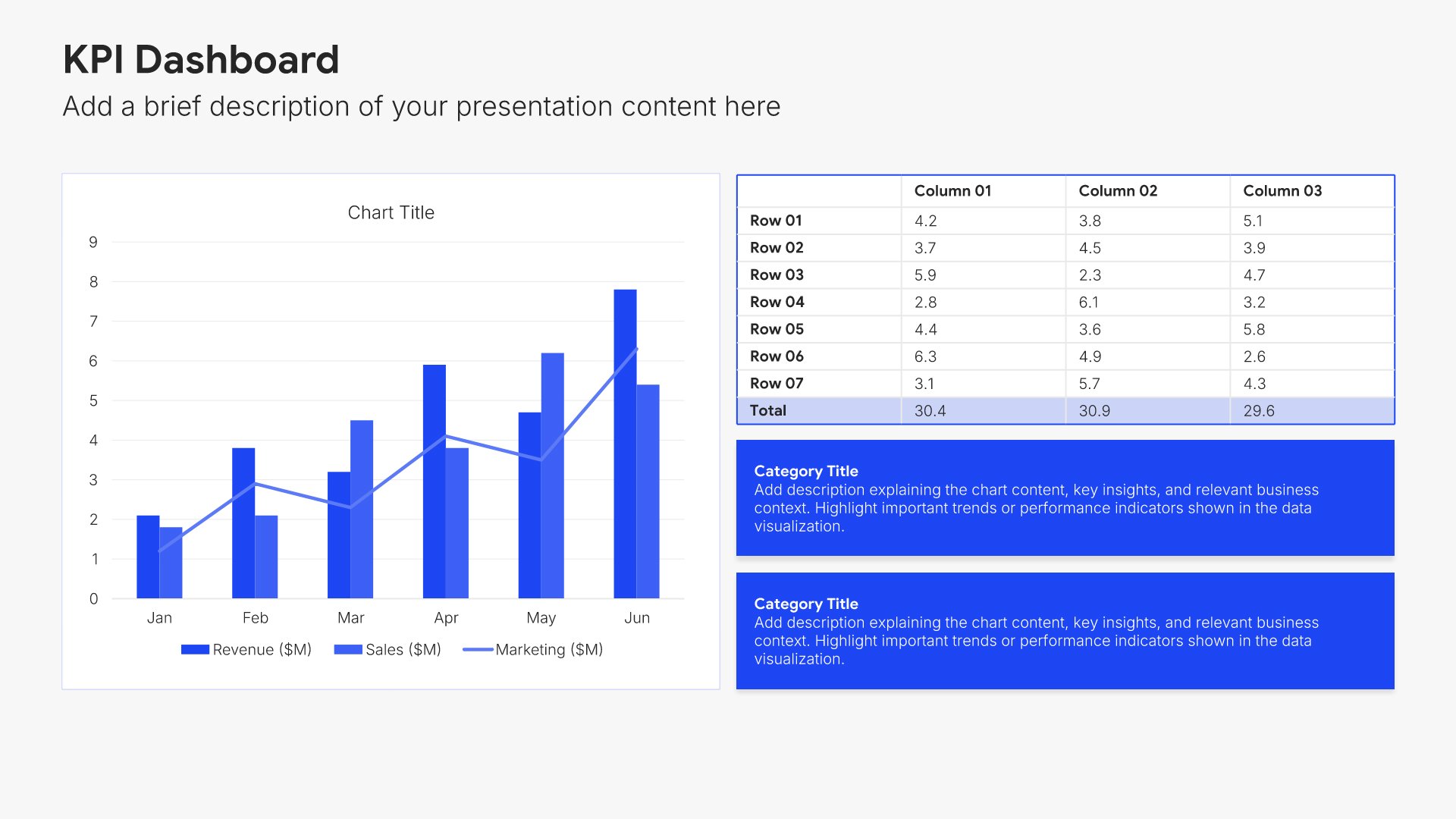
Built using KPI Dashboard slides

6. Department Update

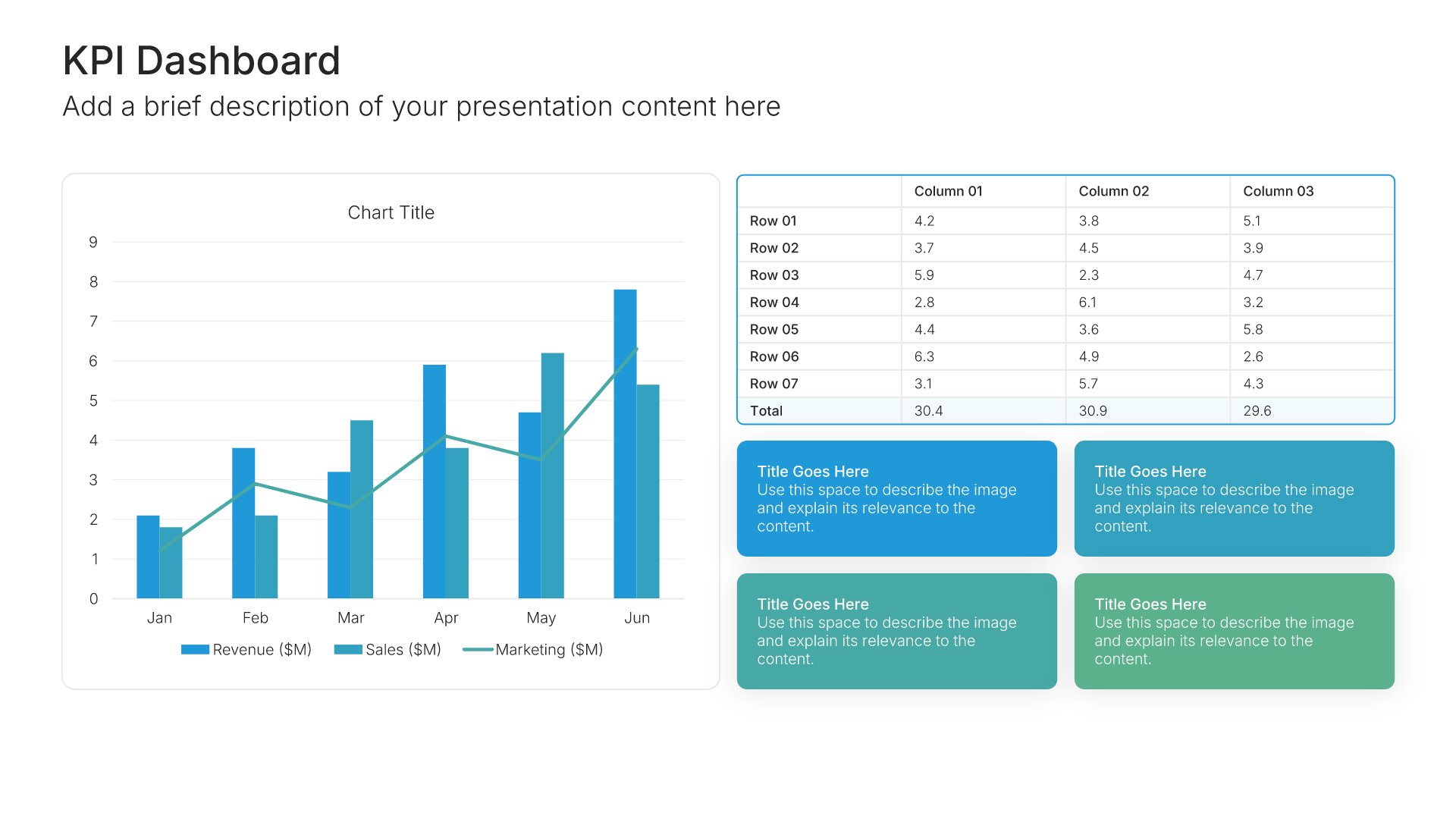
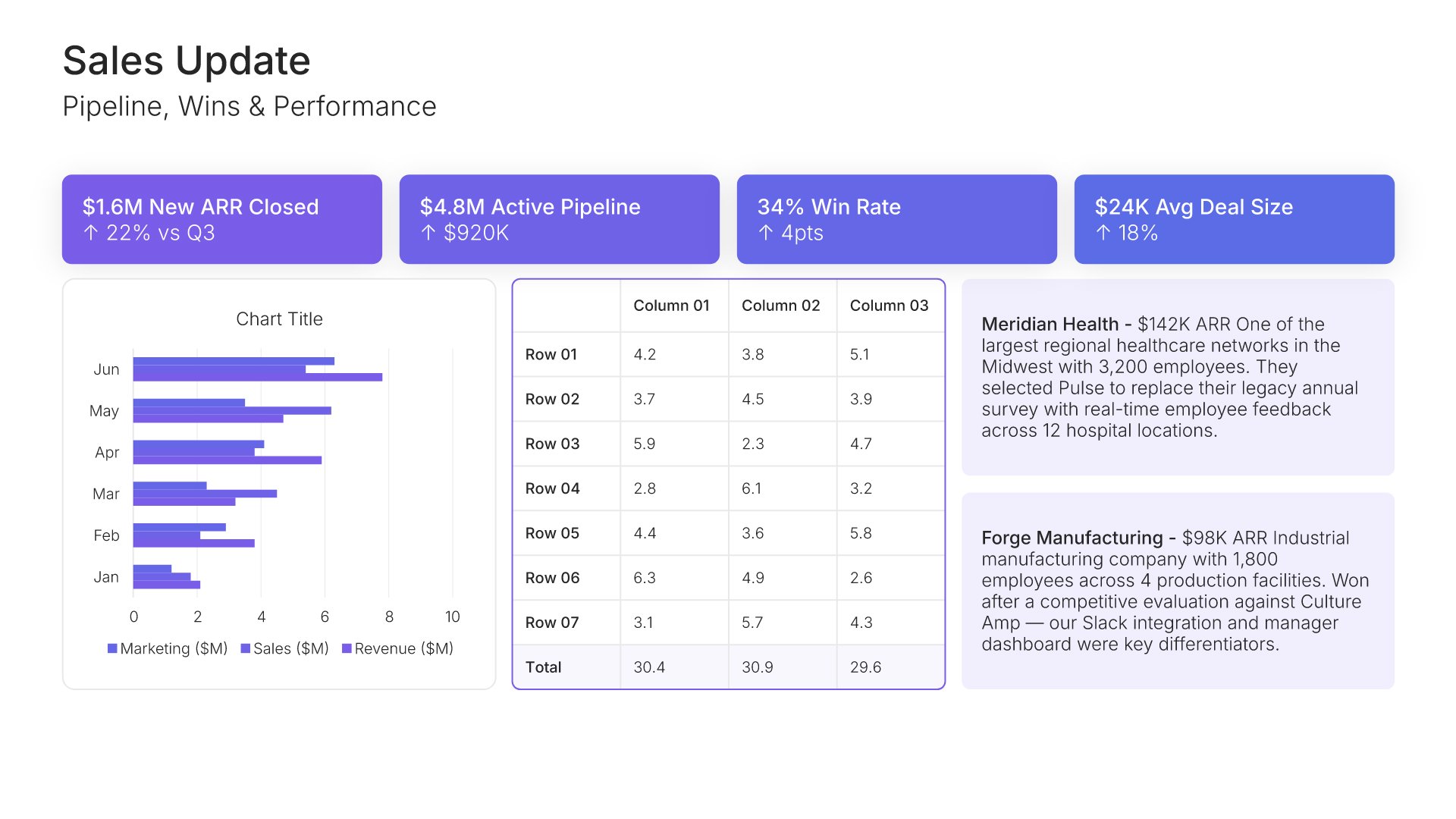
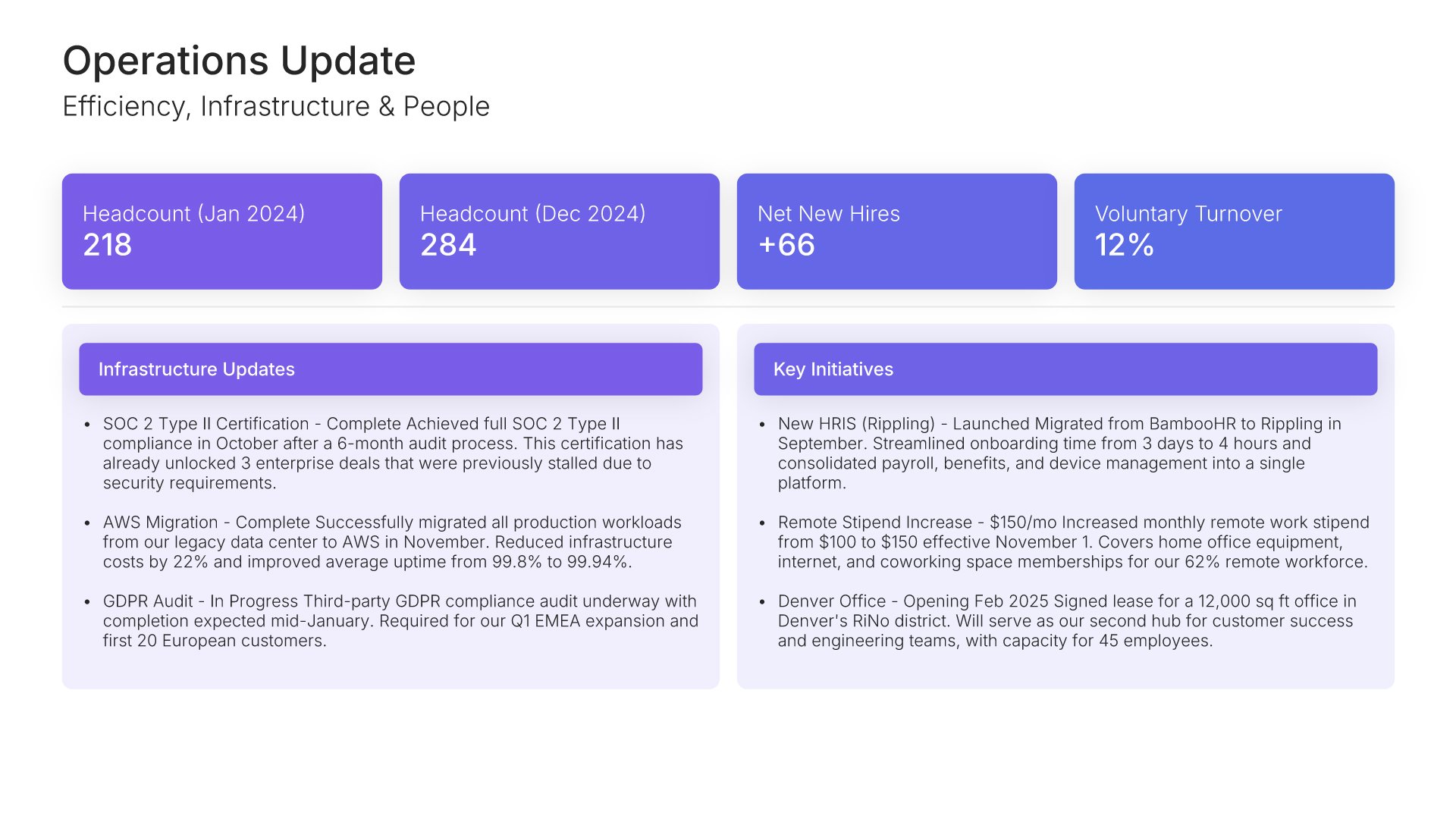
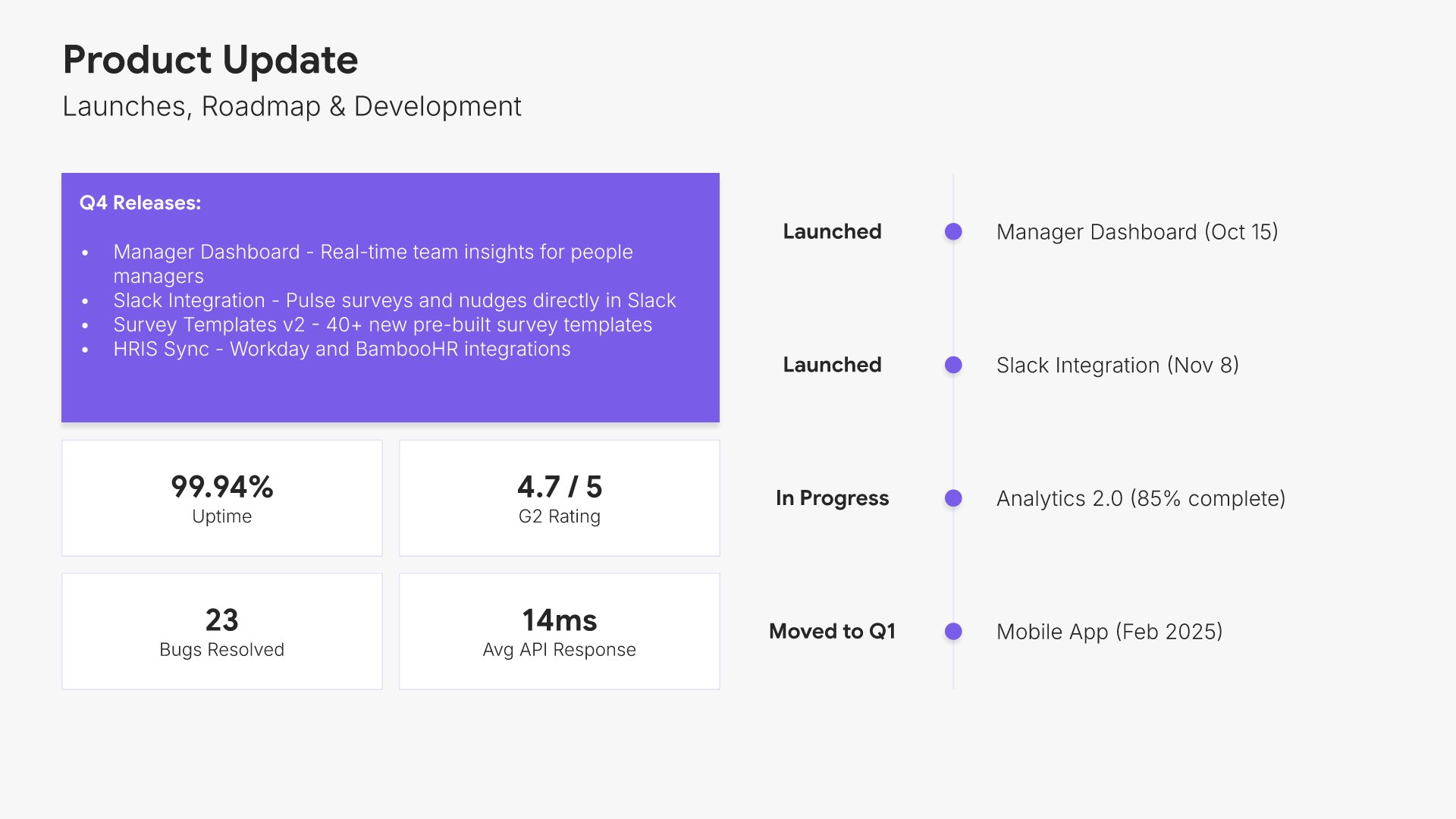
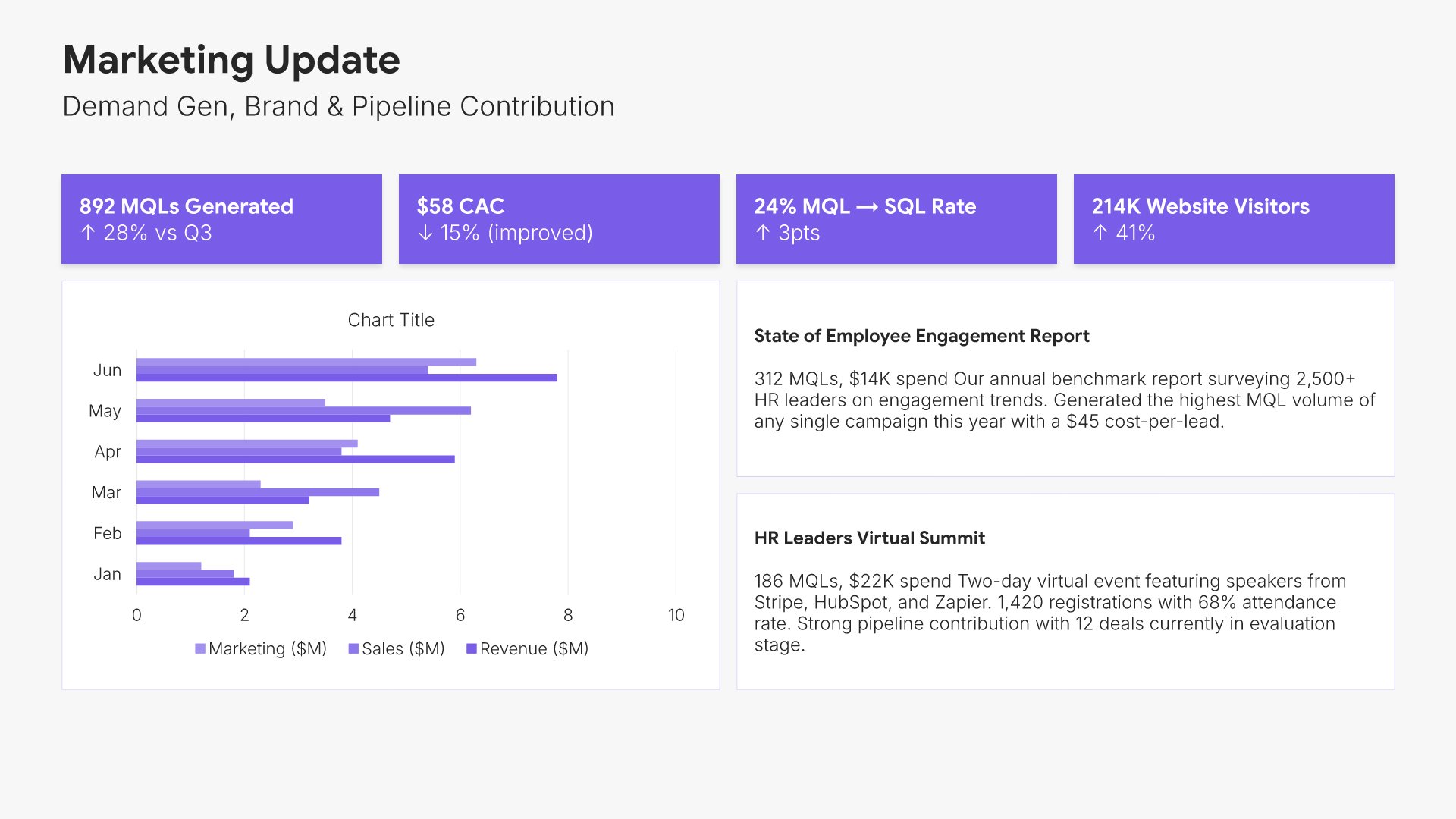
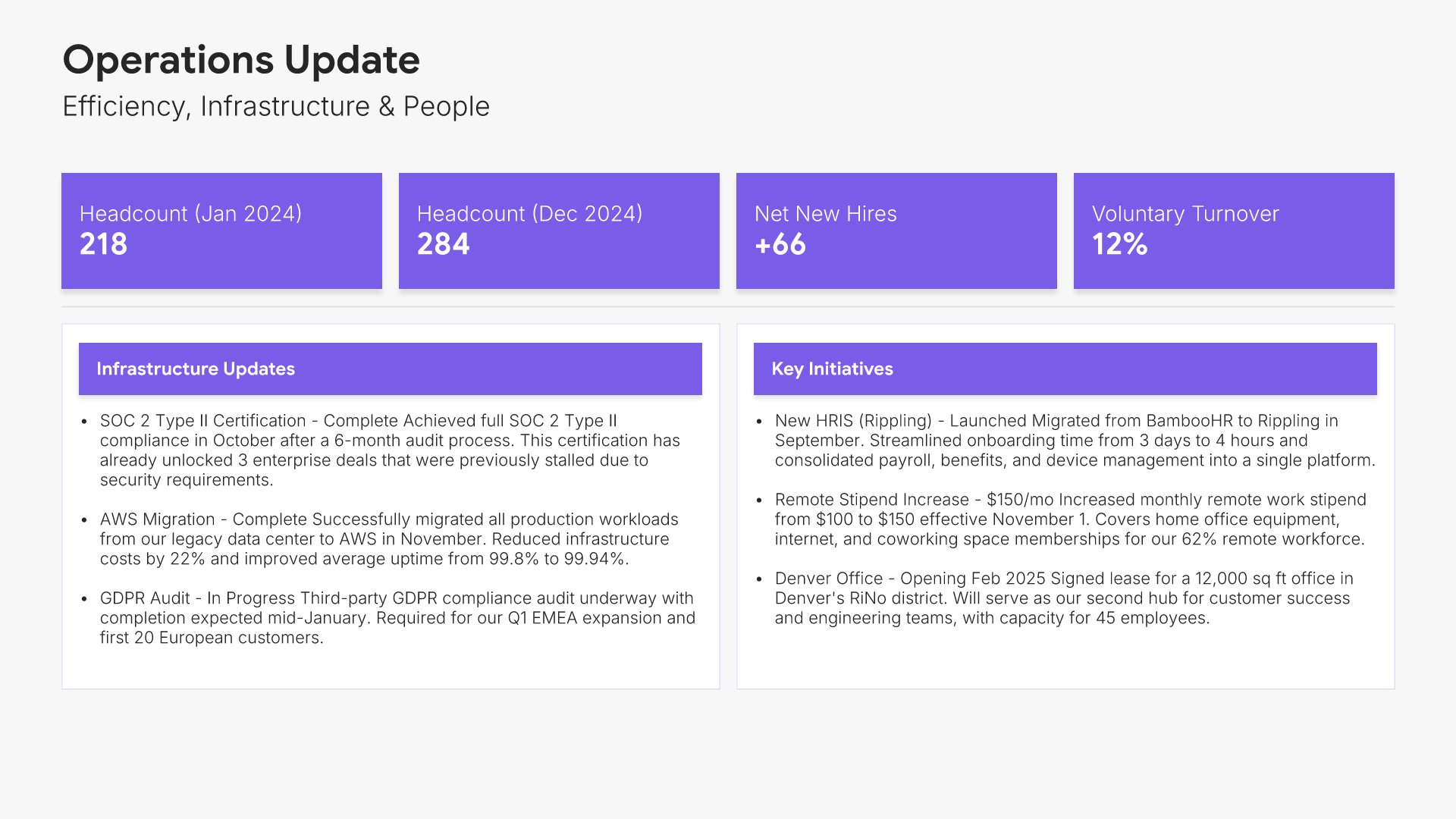
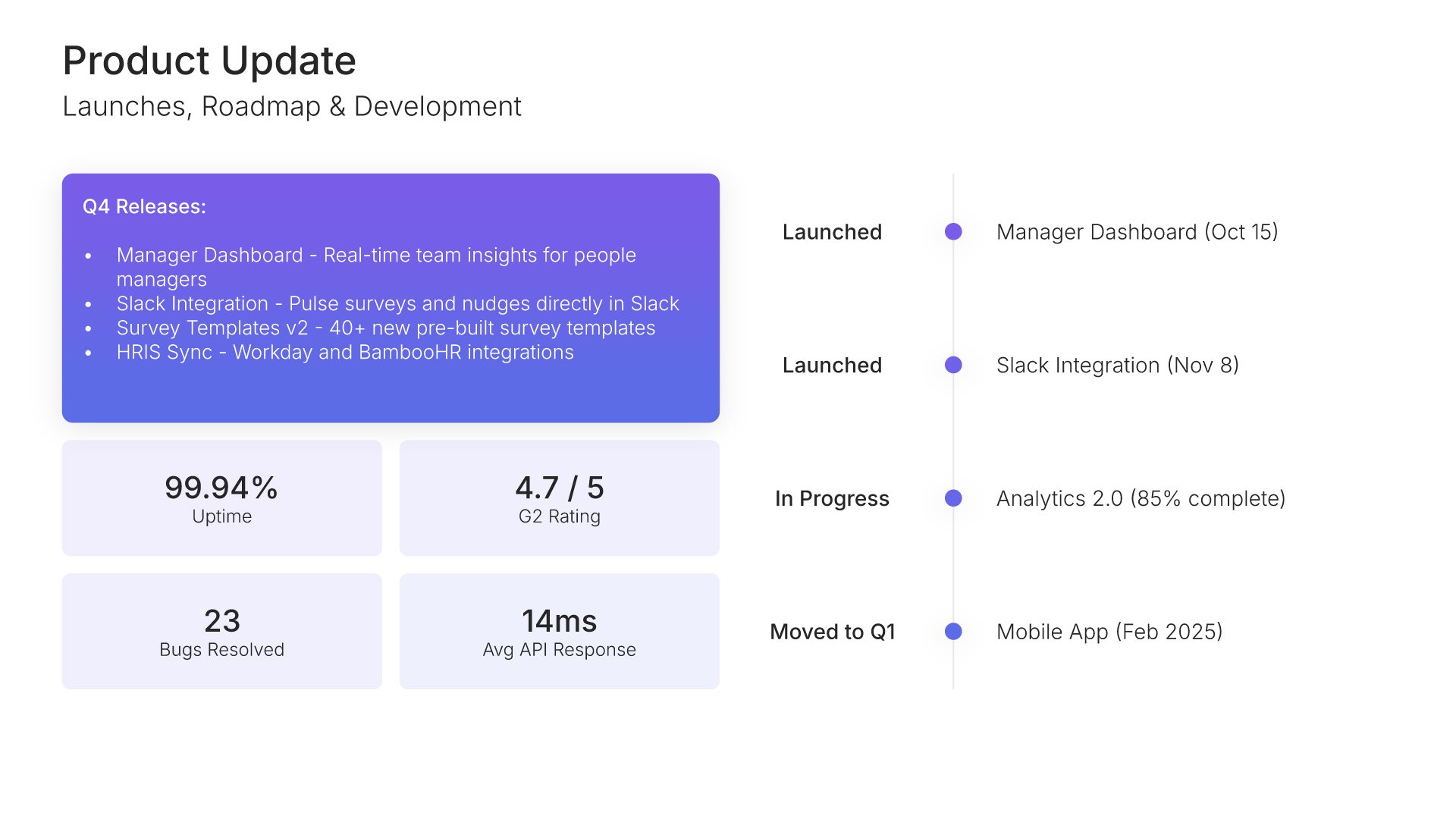
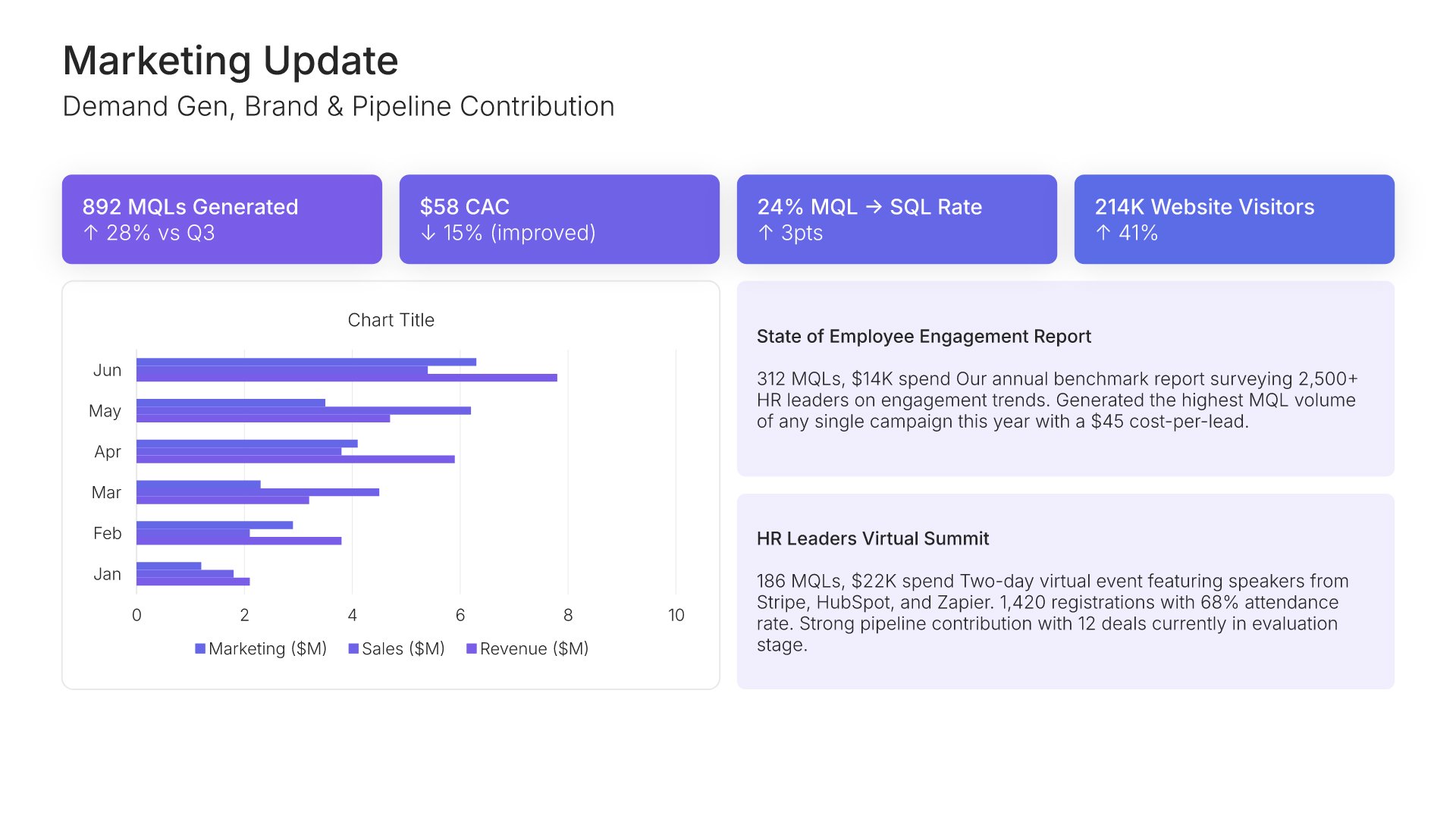
Department update slides help you present results and progress from a specific function. Use them to display recent wins, key metrics, and priorities for the department being reviewed. A clear department update view gives the broader organization visibility into what each function is delivering and where it's headed next.
Built using KPI Dashboard slides

7. Customer Highlights

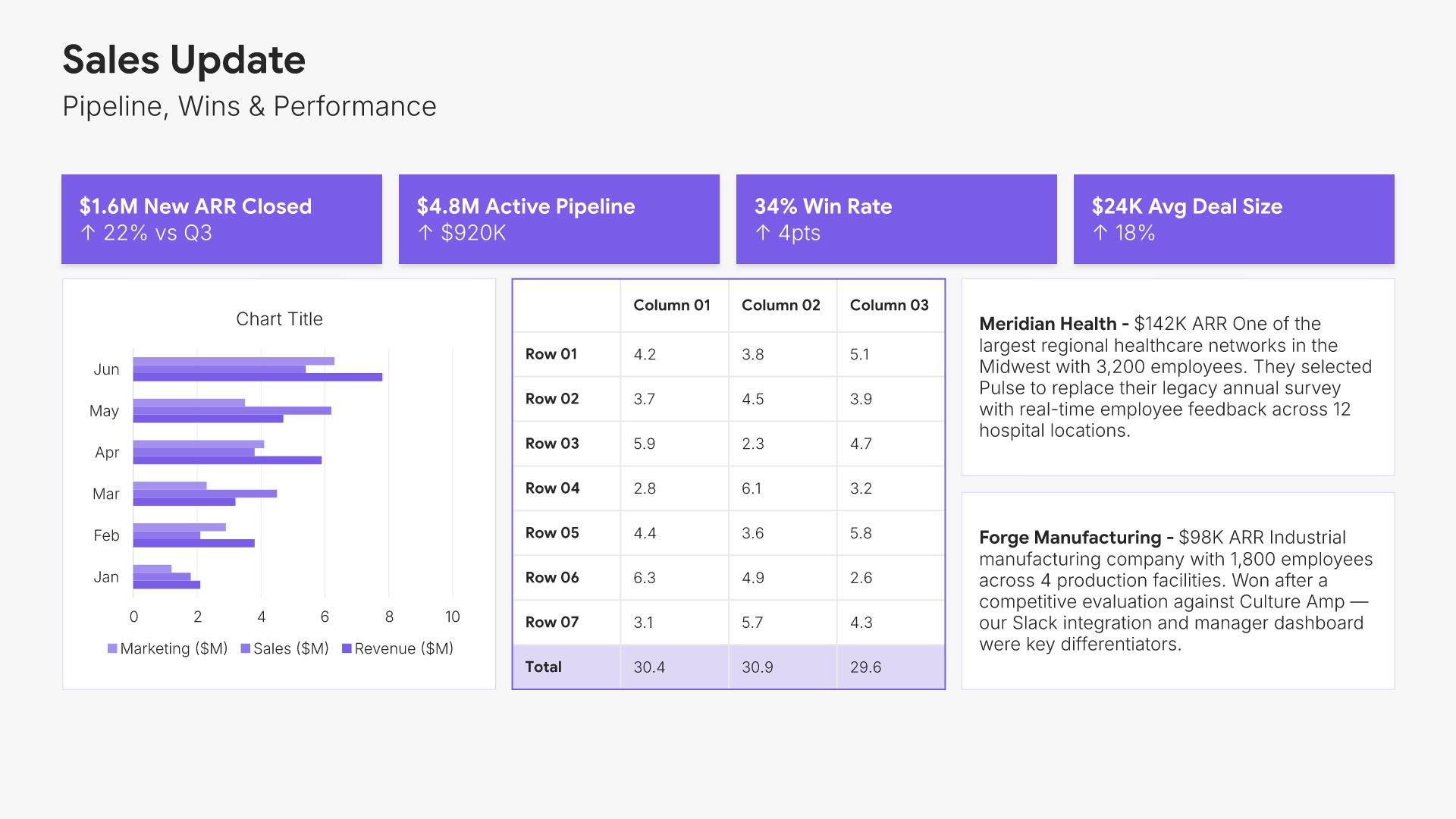
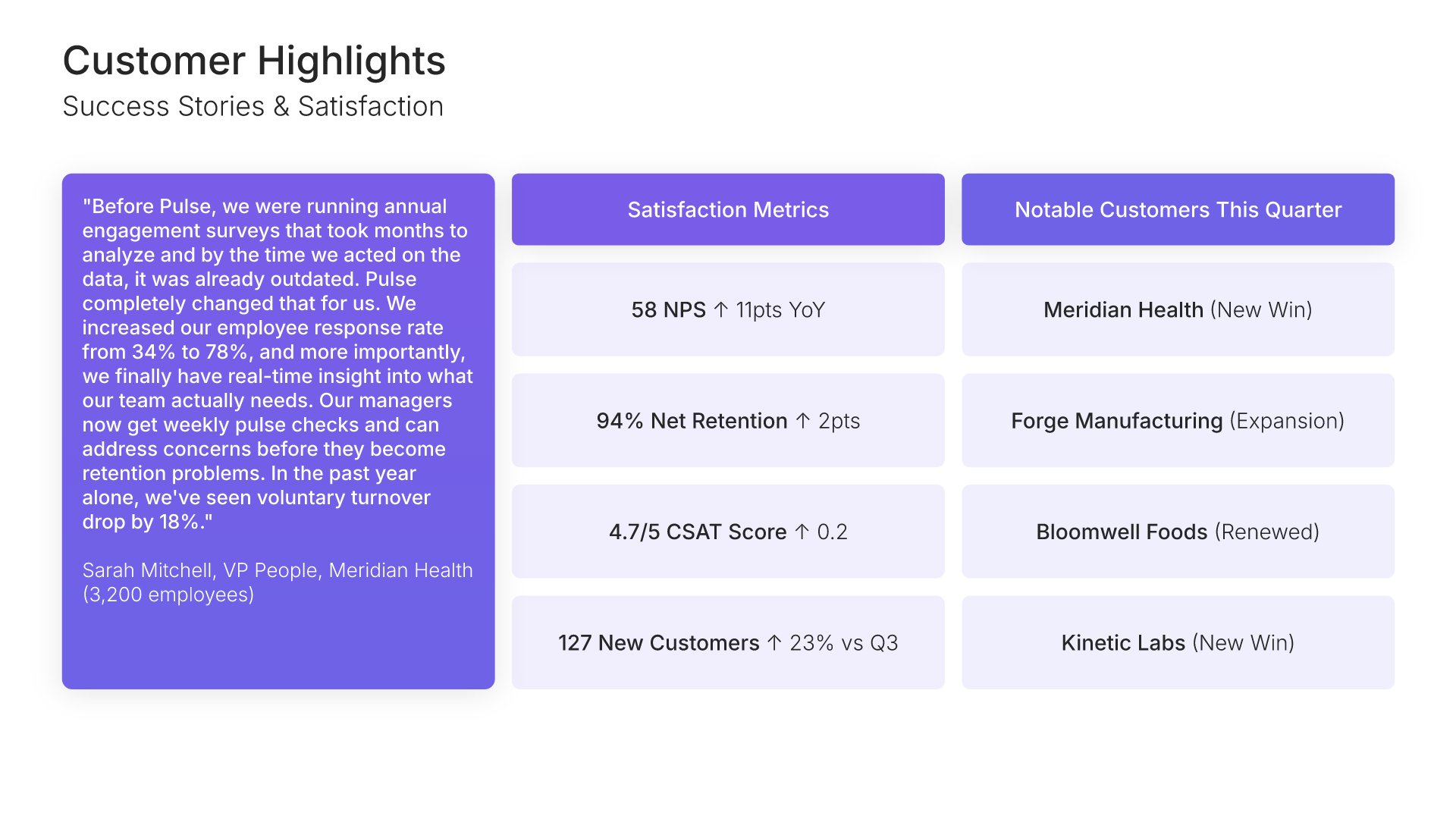
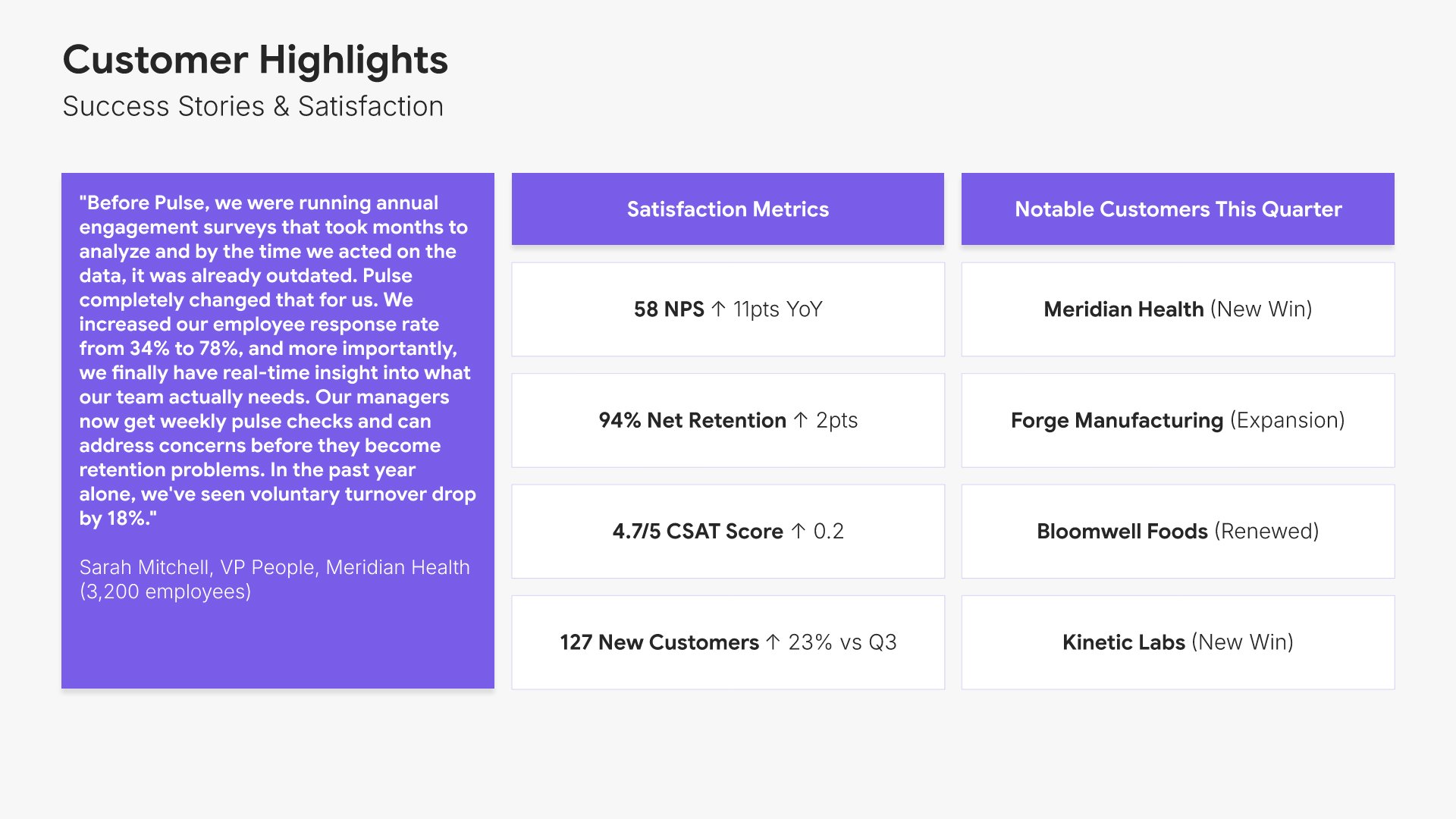
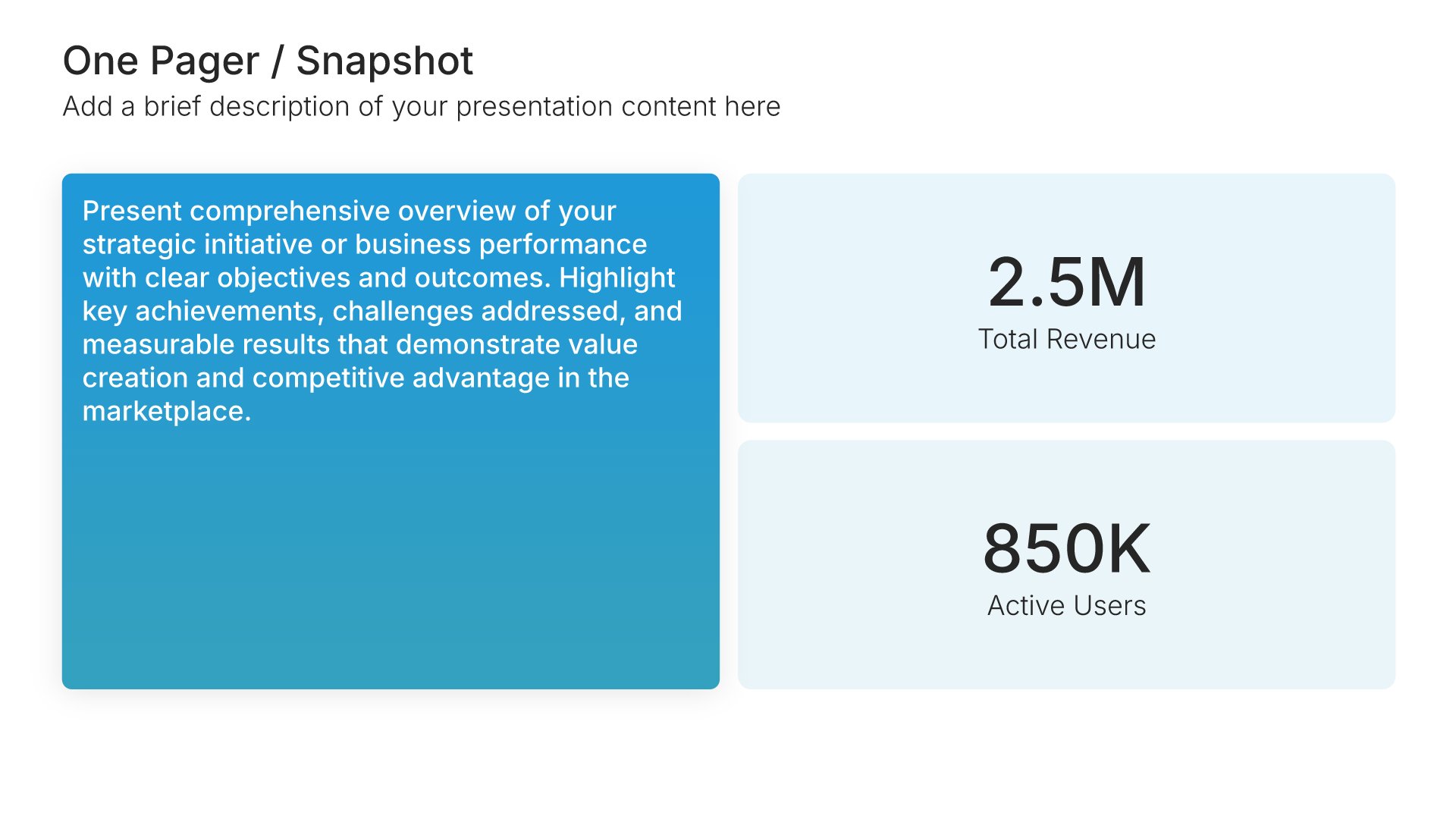
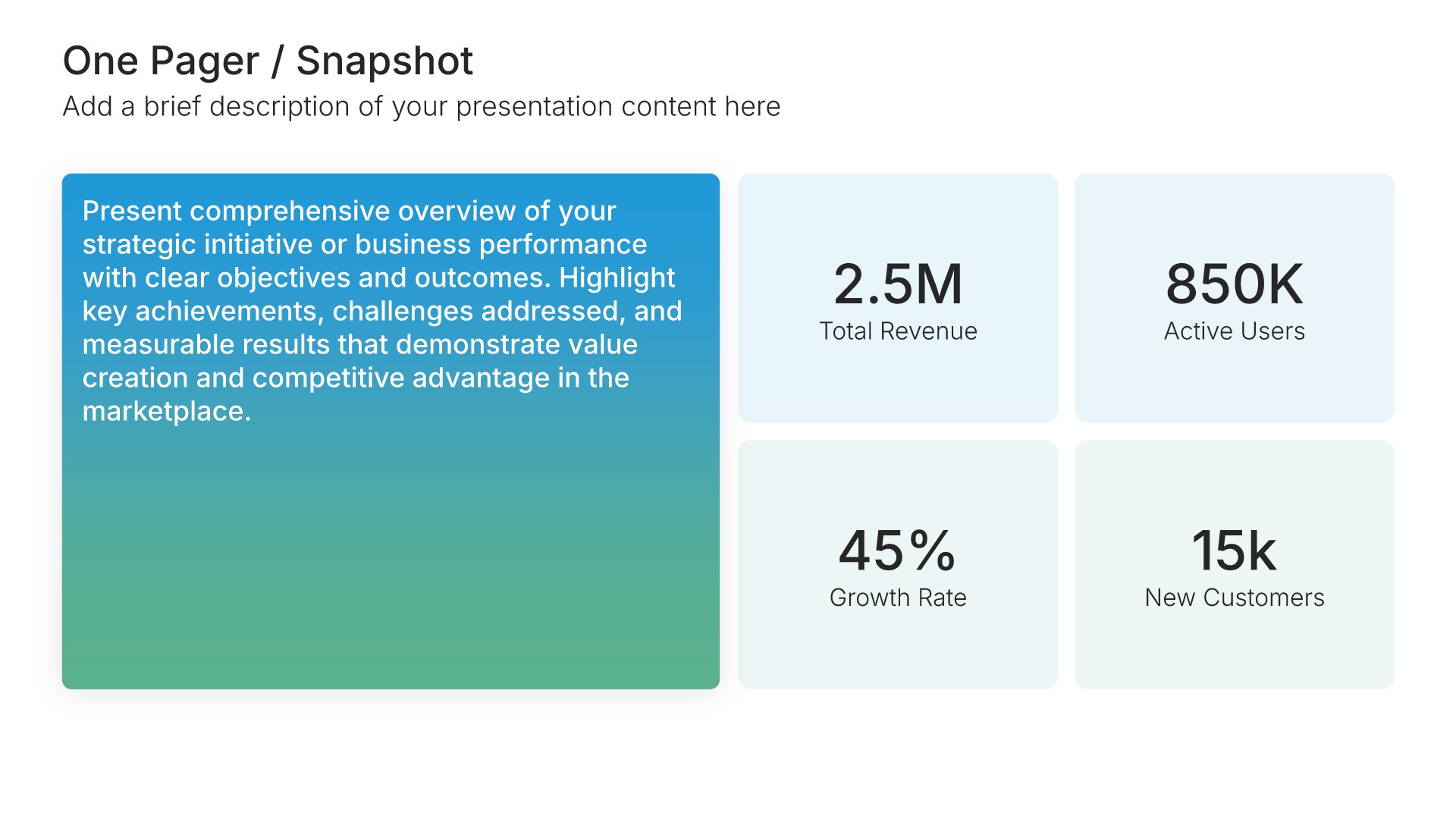
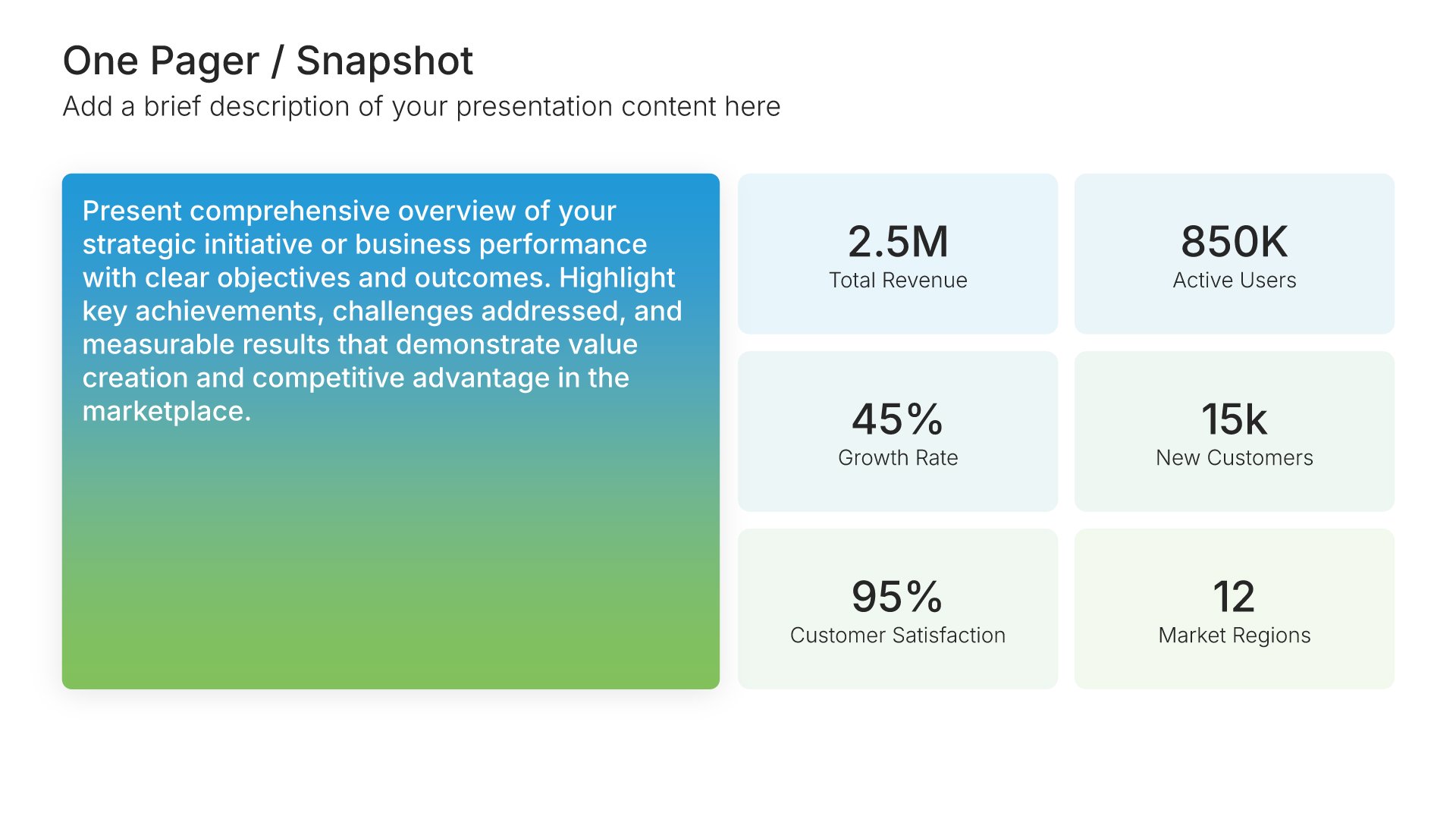
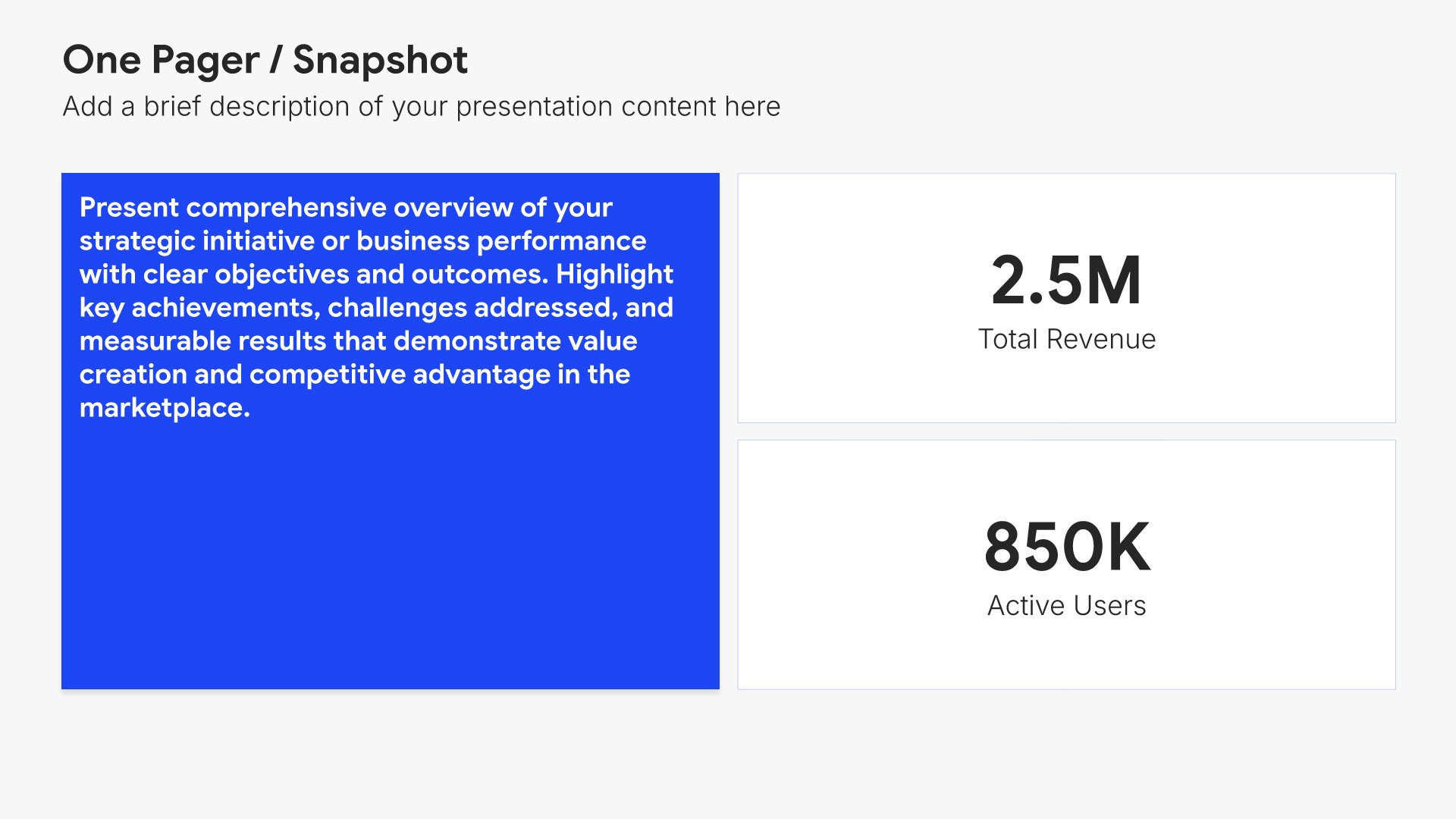
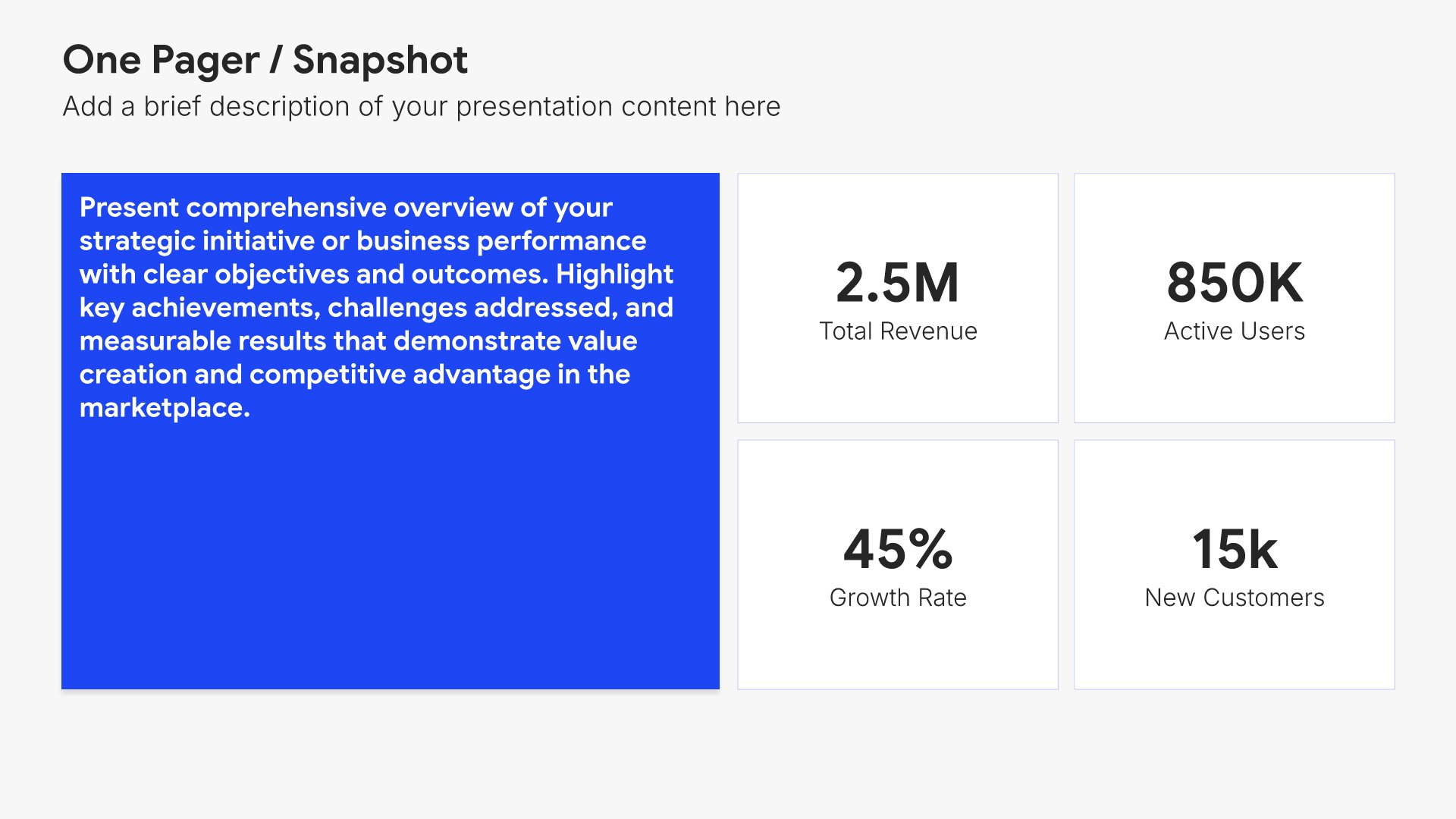
Customer highlights slides help you celebrate notable wins and stories from customer relationships. Use them to present recent deals closed, success stories, and feedback that shows the impact your work has on customers. A clear customer highlights view connects the team's work to the people they serve and reinforces the company's mission.
Built using One Pager / Snapshot slides

8. Wins & Successes

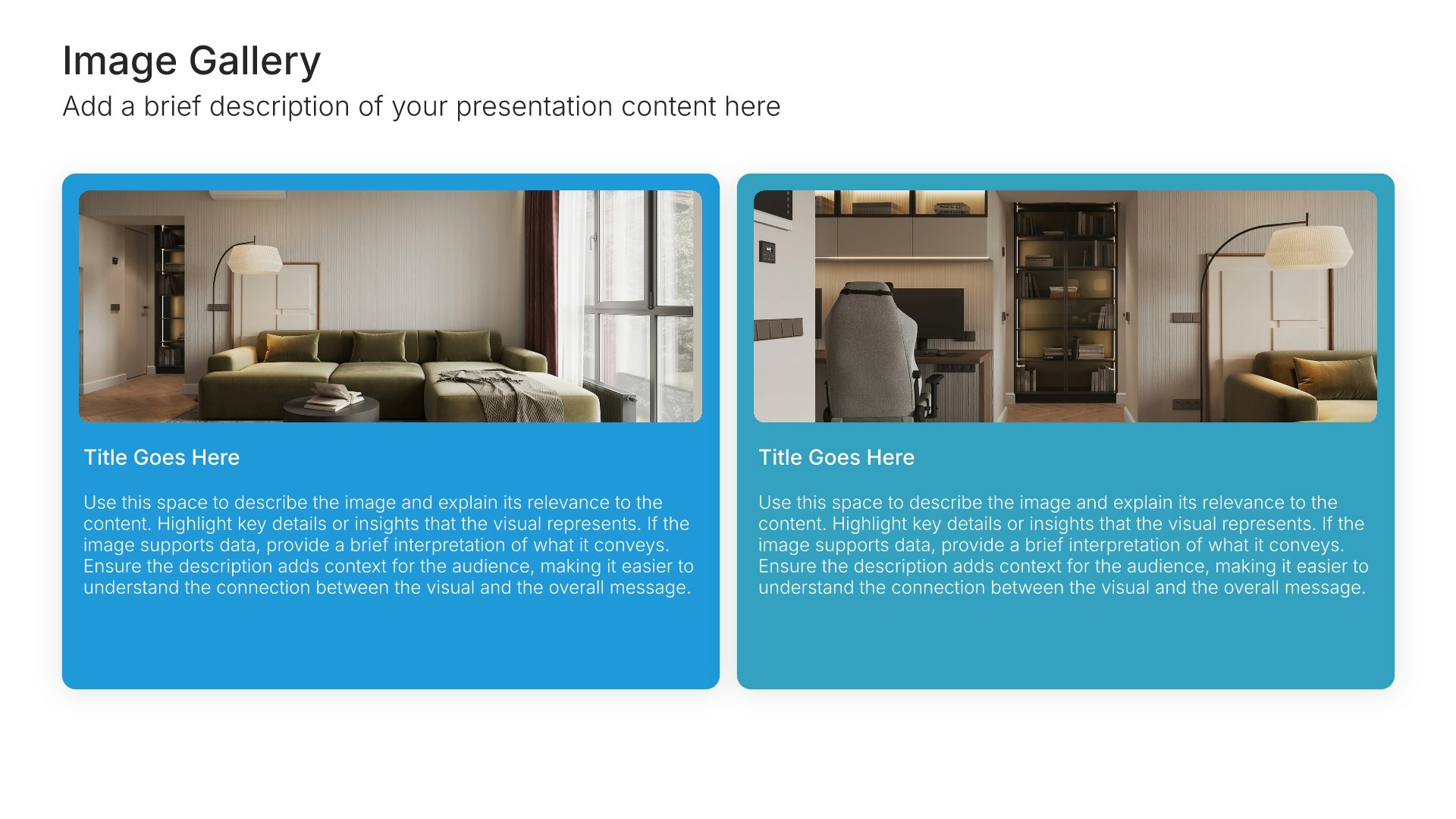
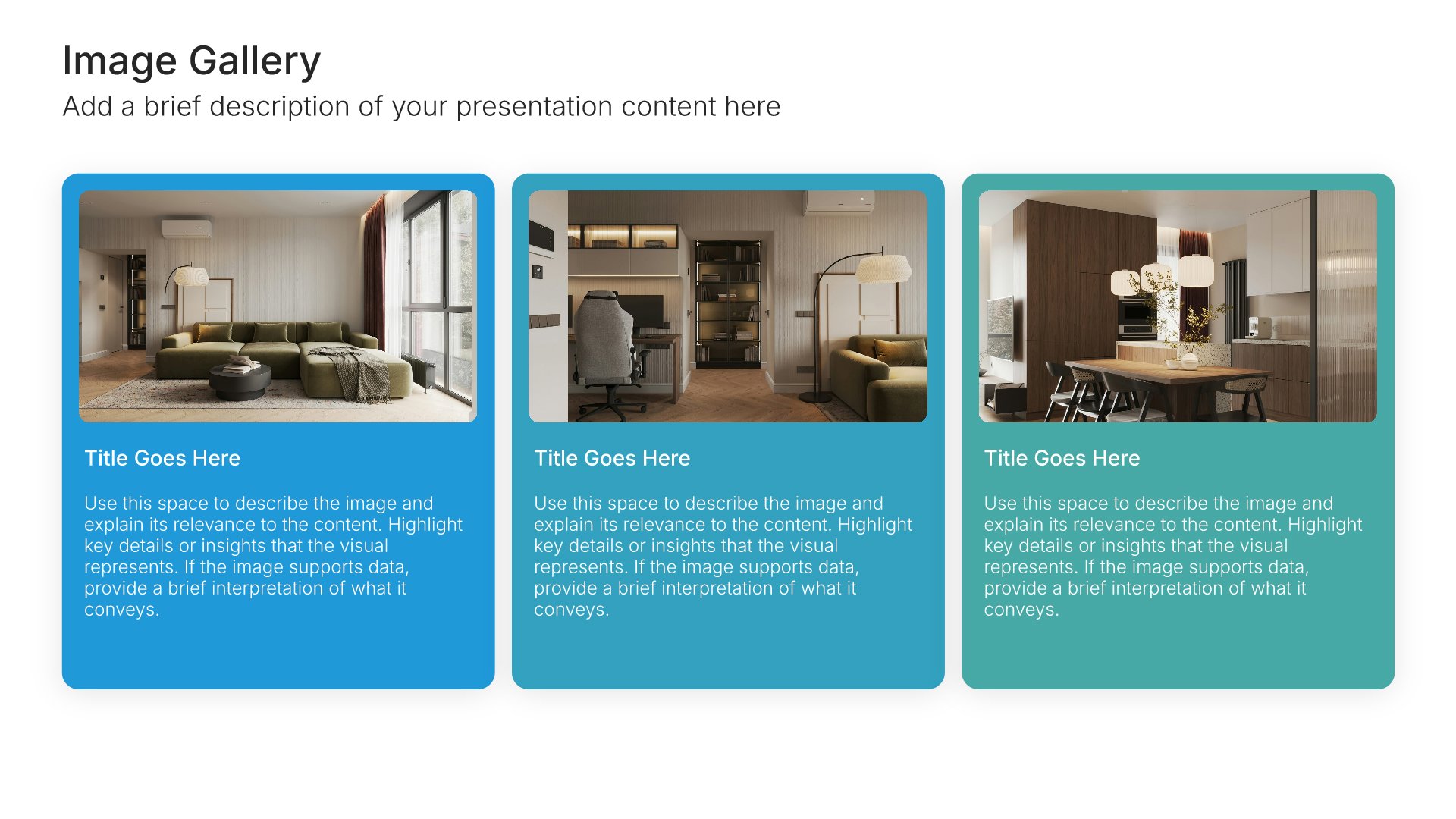
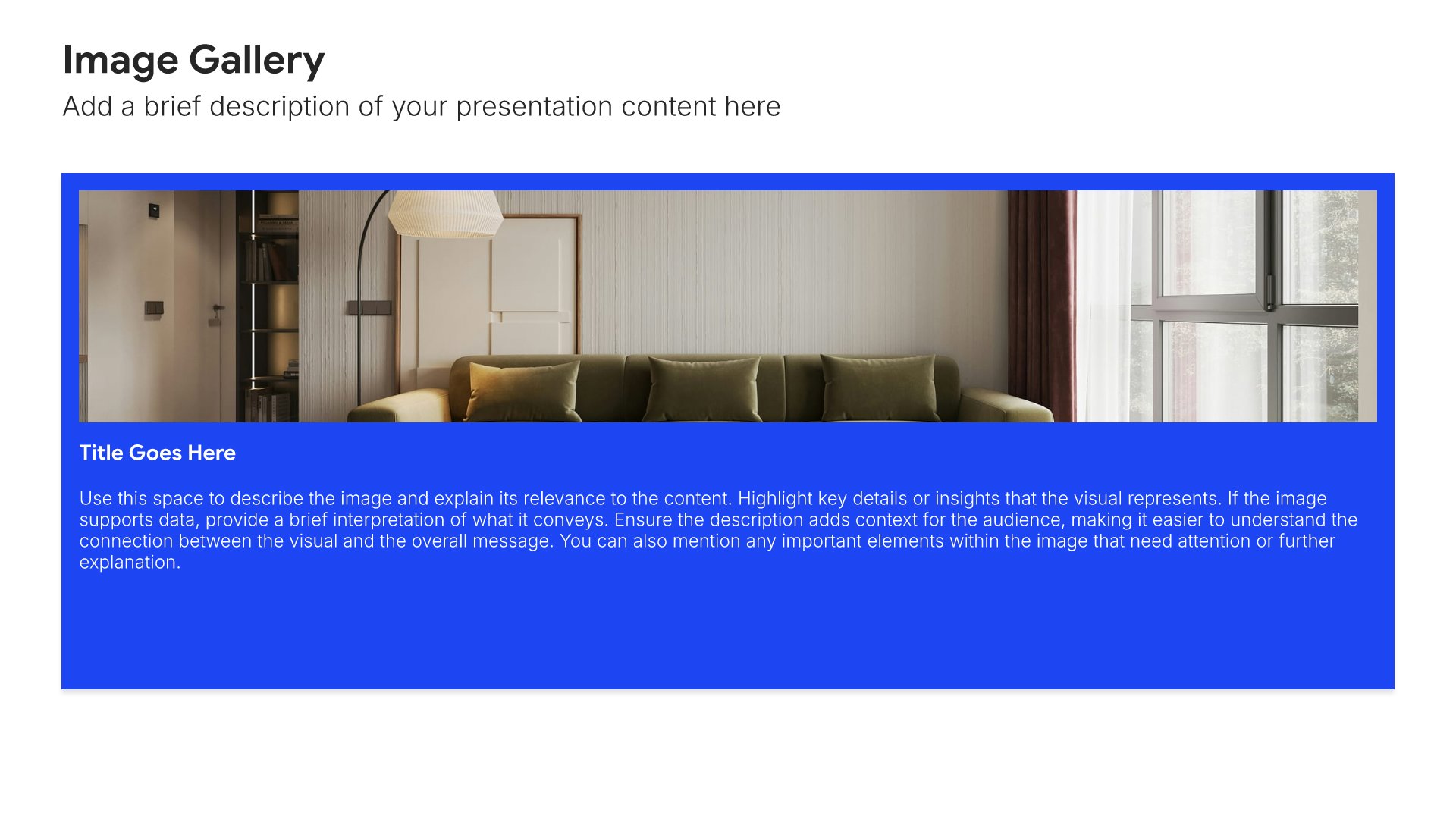
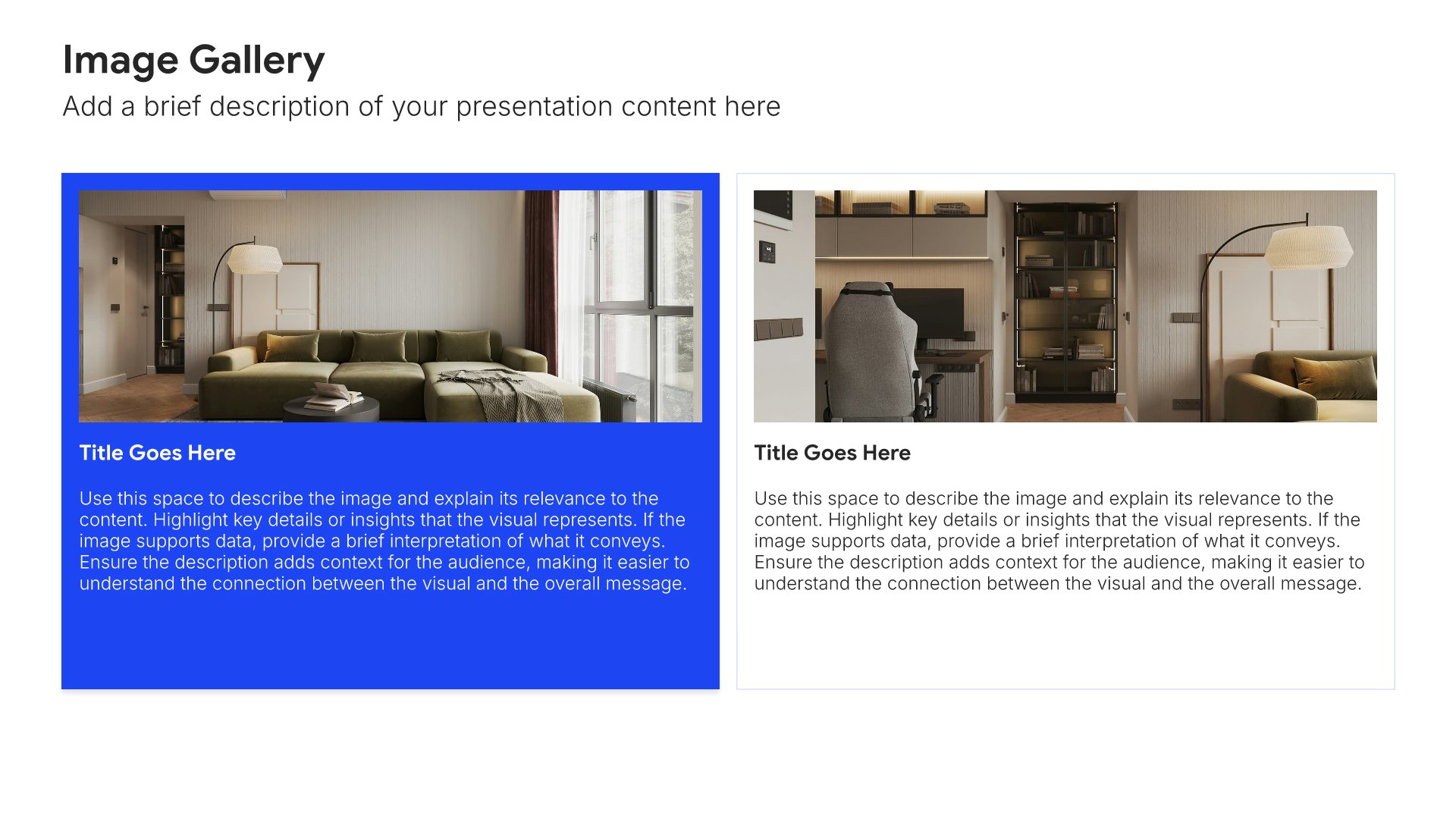
Wins and successes slides help you celebrate achievements and positive outcomes. Use them to highlight accomplishments, milestones reached, and value delivered during the review period. Ideal for QBRs and client presentations where showcasing wins reinforces the partnership's value and builds momentum for future work.
Built using Image Gallery slides

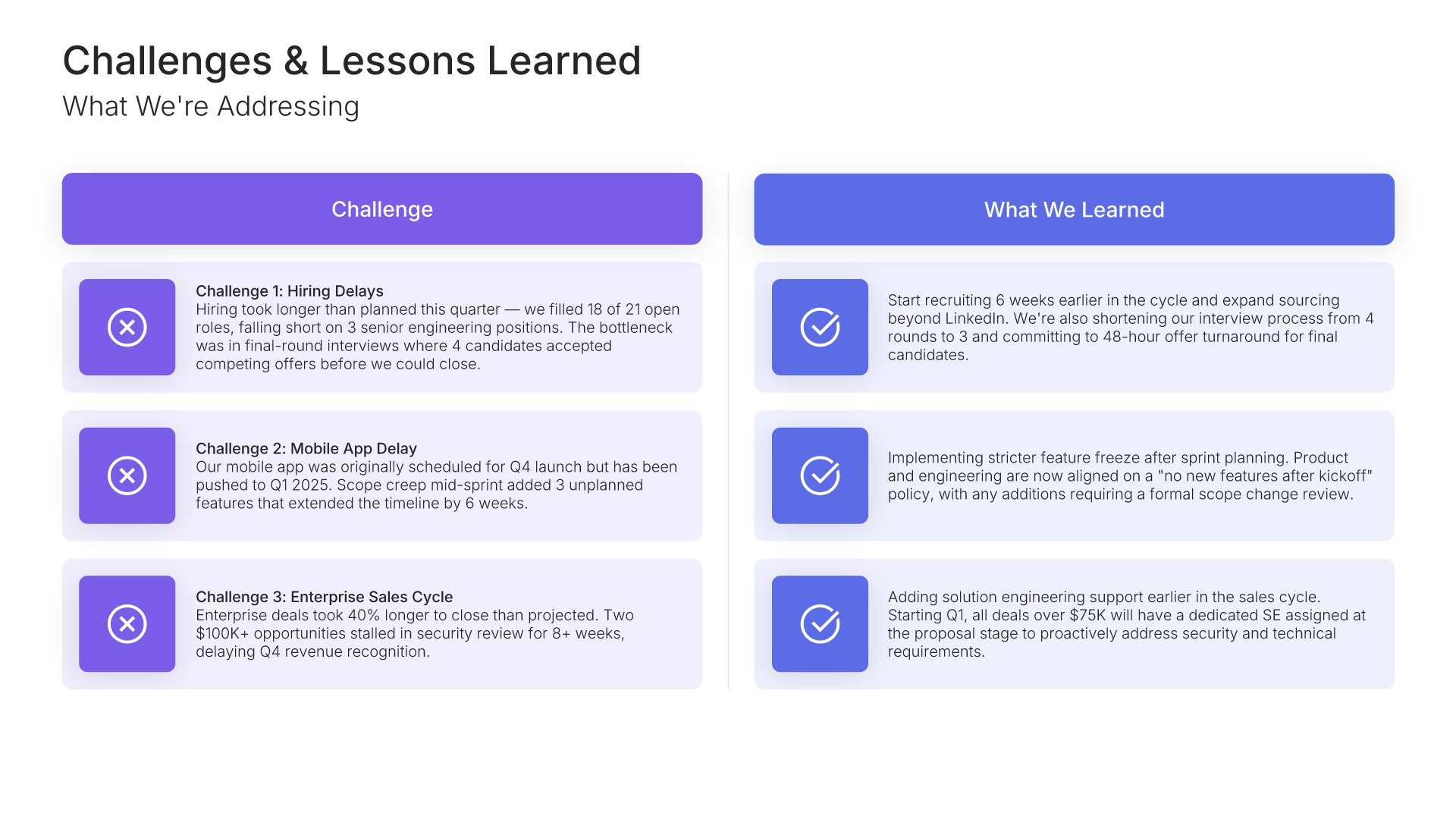
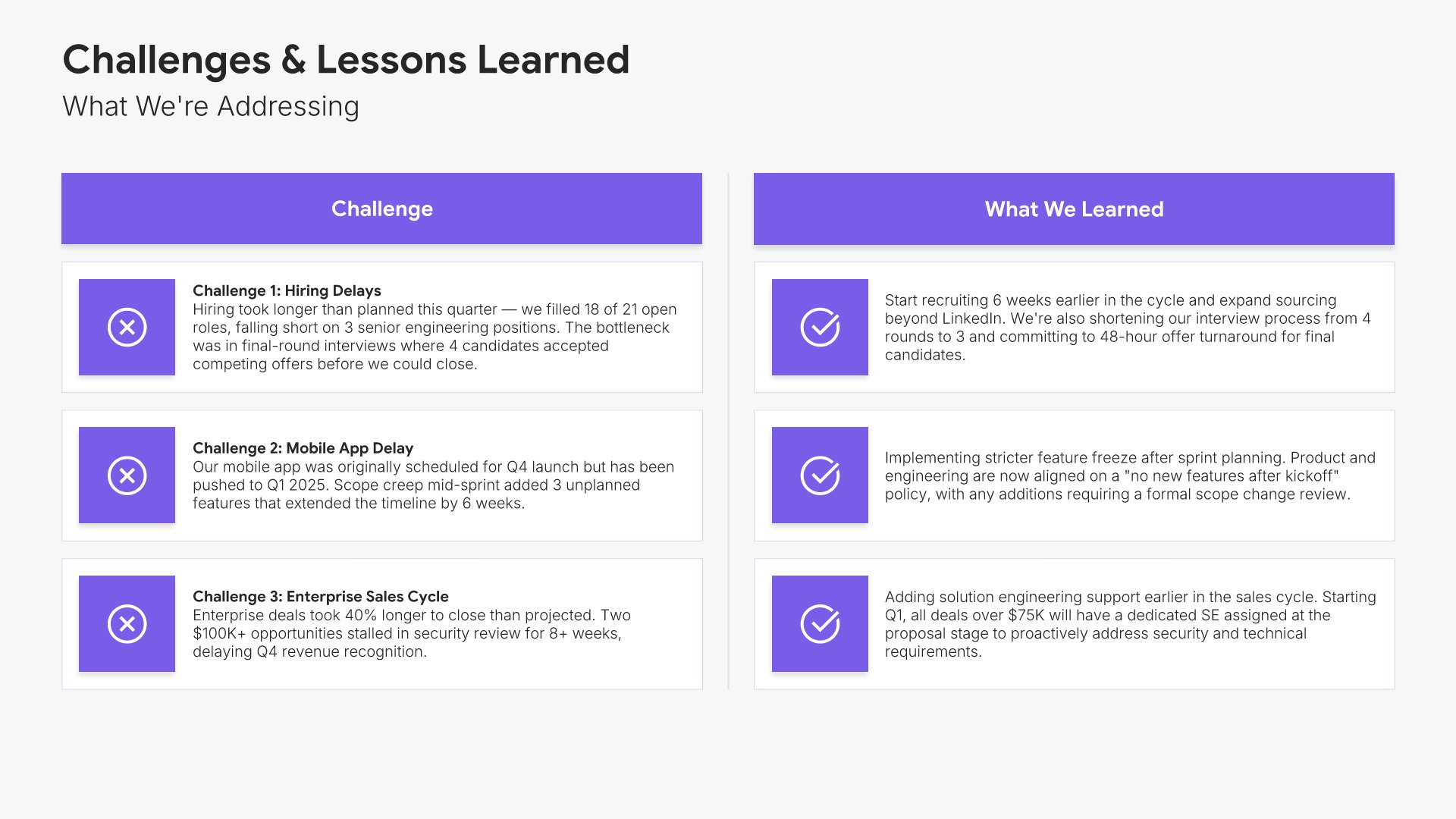
9. Challenges & Issues

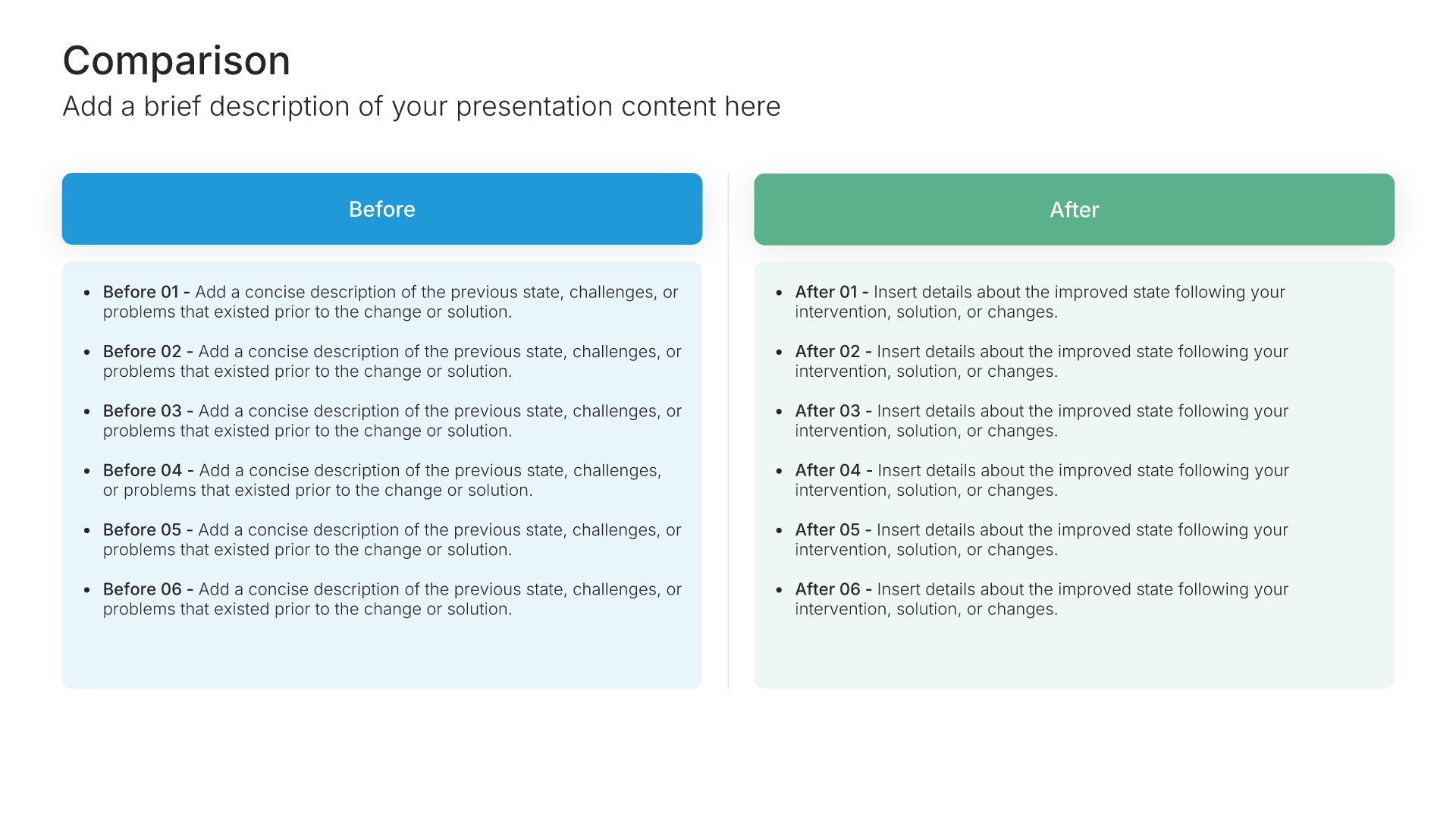
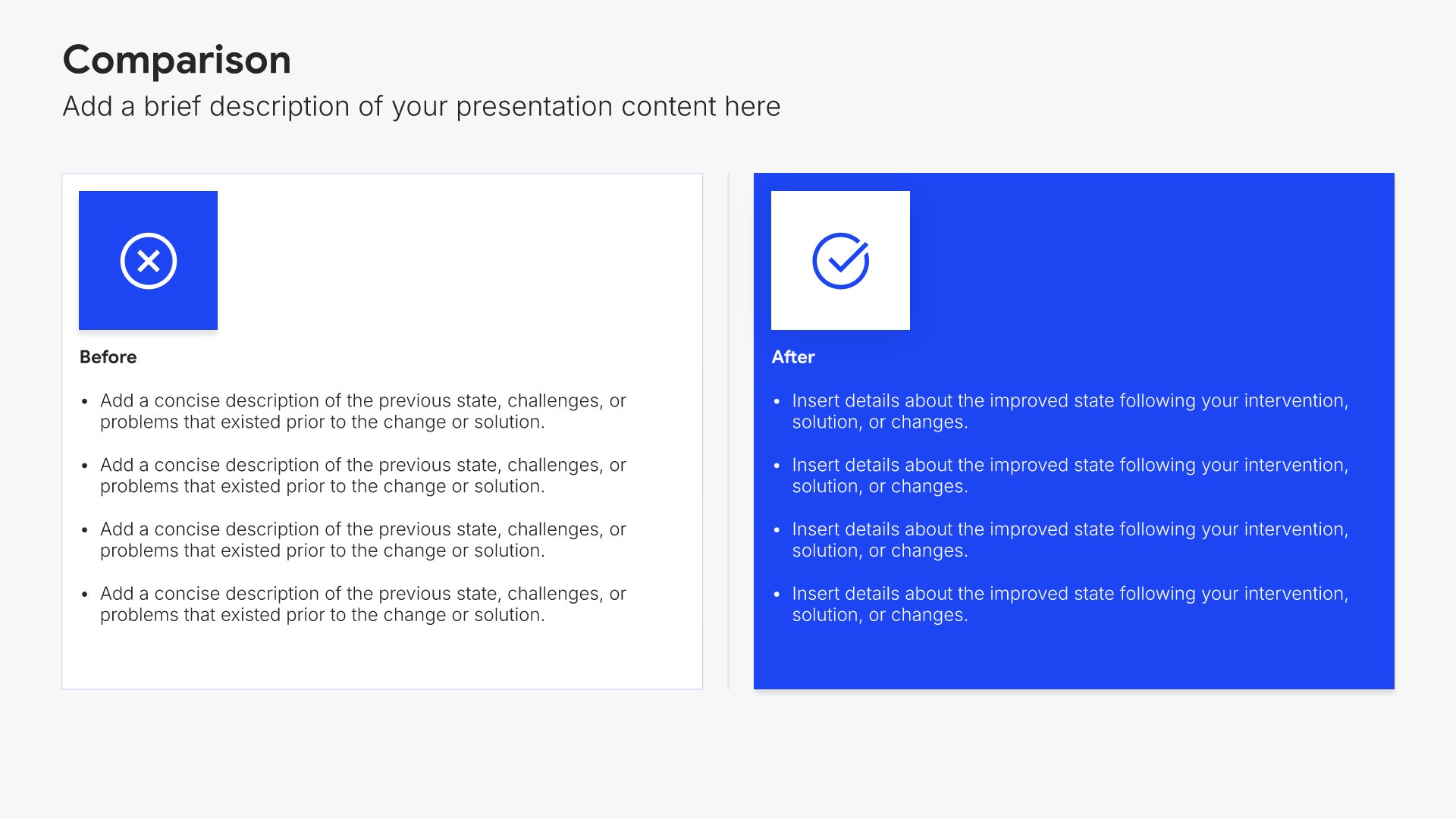
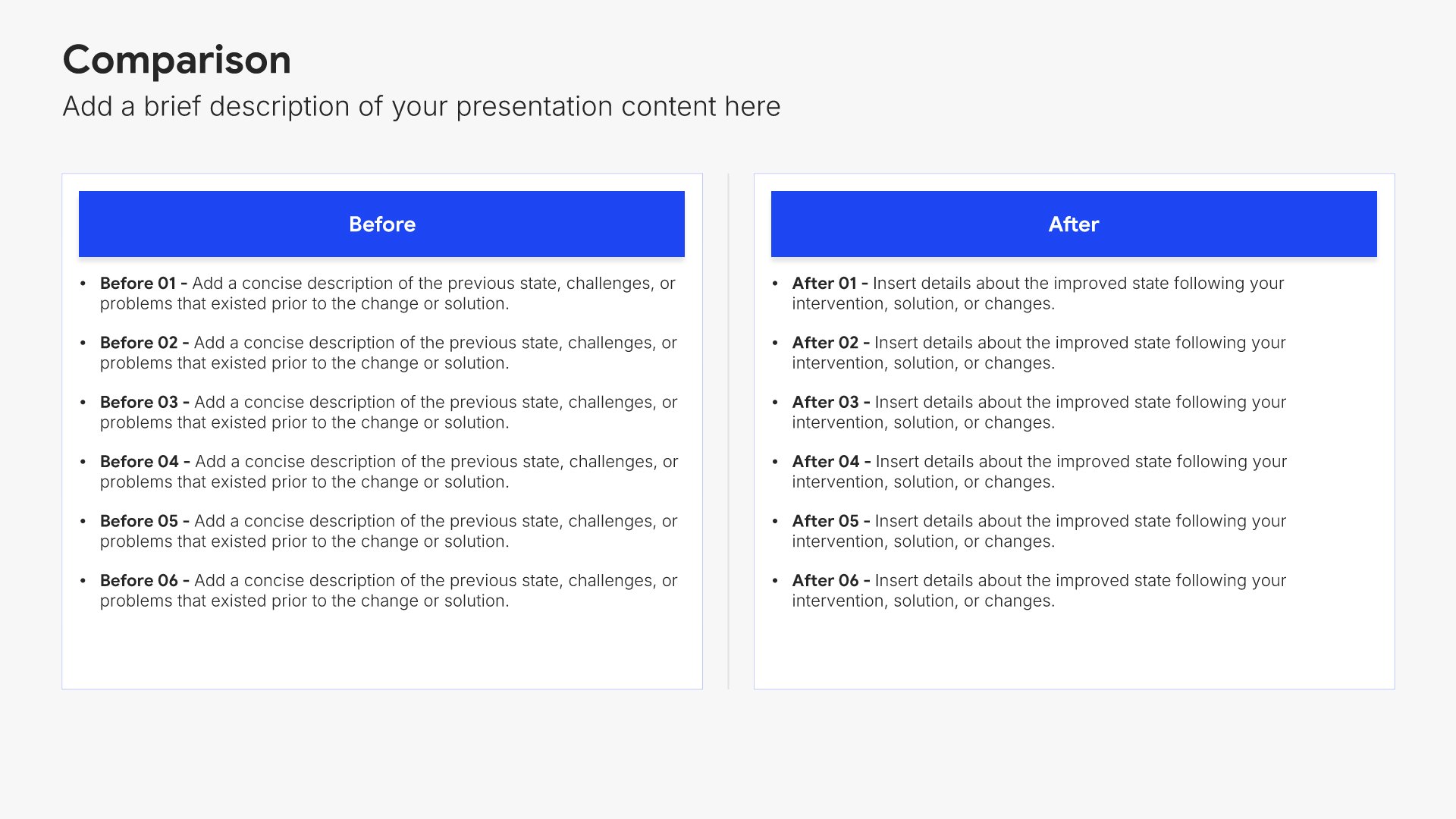
Challenges and issues slides help you address problems openly and professionally. Use them to present obstacles encountered, their impact, and the mitigation strategies in place. Ideal for QBRs and project reviews where honest discussion of challenges demonstrates accountability and builds trust with stakeholders.
Built using Comparison slides

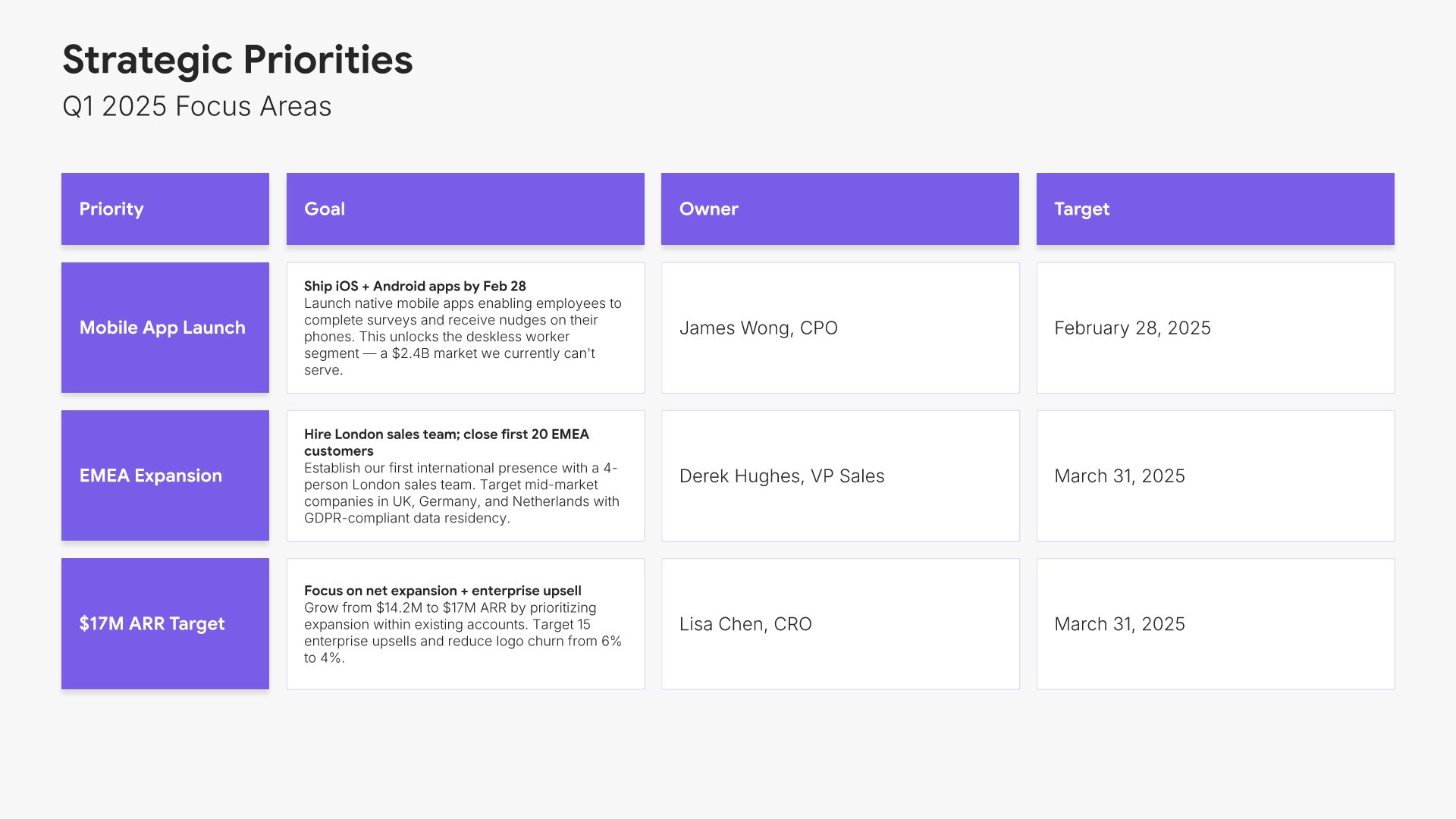
10. Strategic Priorities

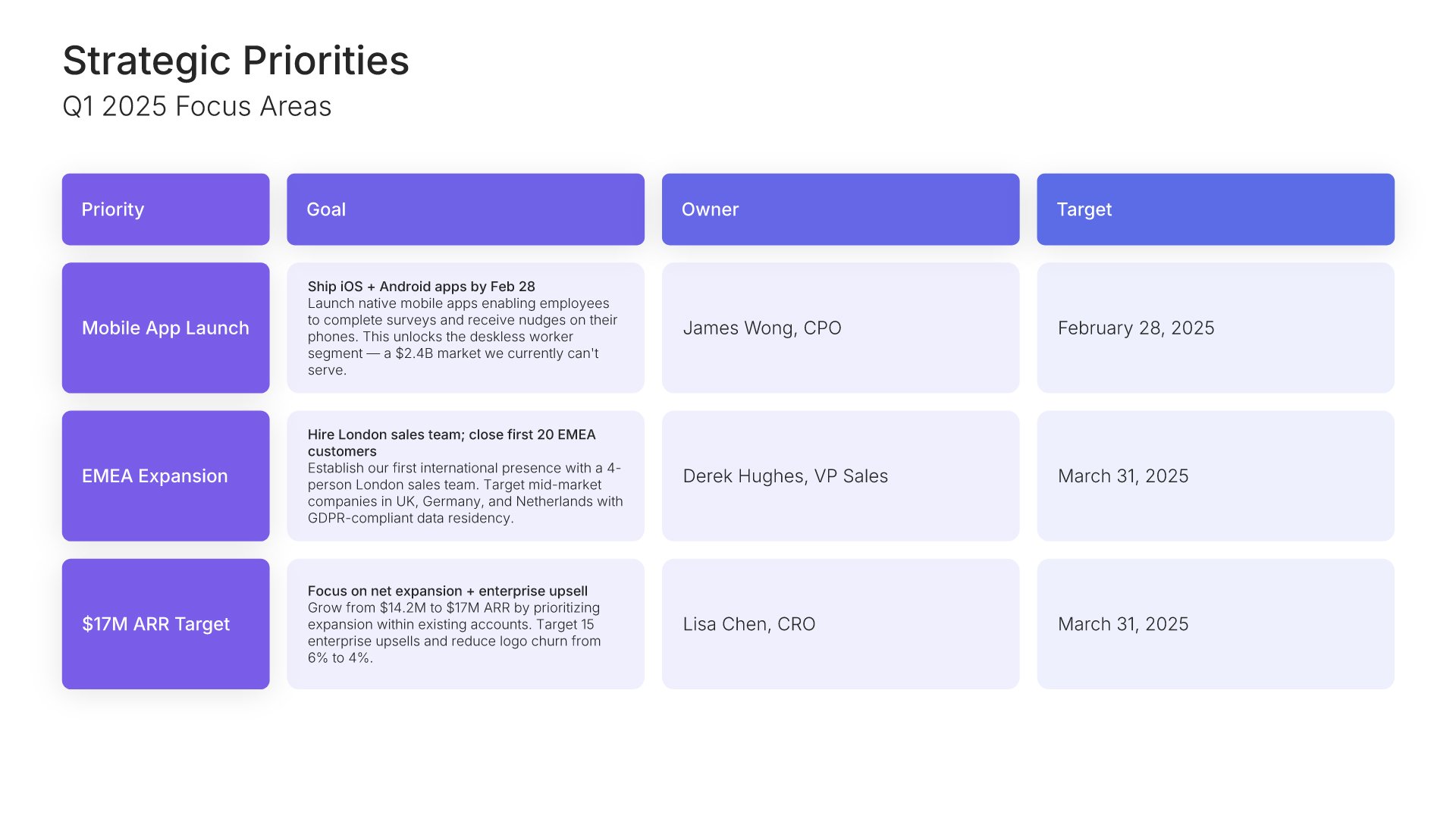
Strategic priorities slides help you outline your focus areas for the upcoming period. Use them to present the key initiatives, goals, and areas of investment that will drive the business forward. Demonstrating clear strategic direction shows thoughtful leadership, purposeful execution, and organizational alignment.
Built using Table slides

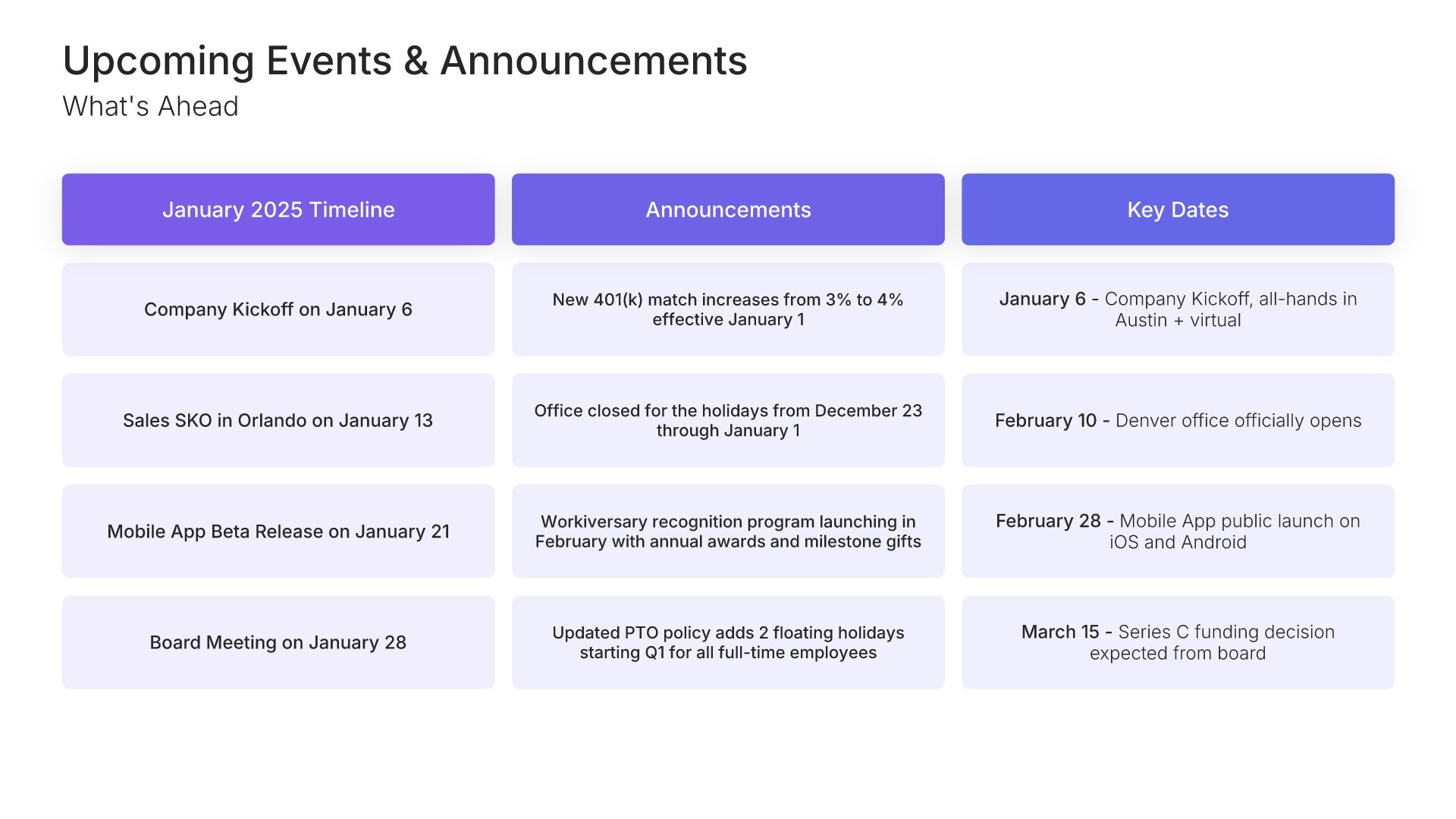
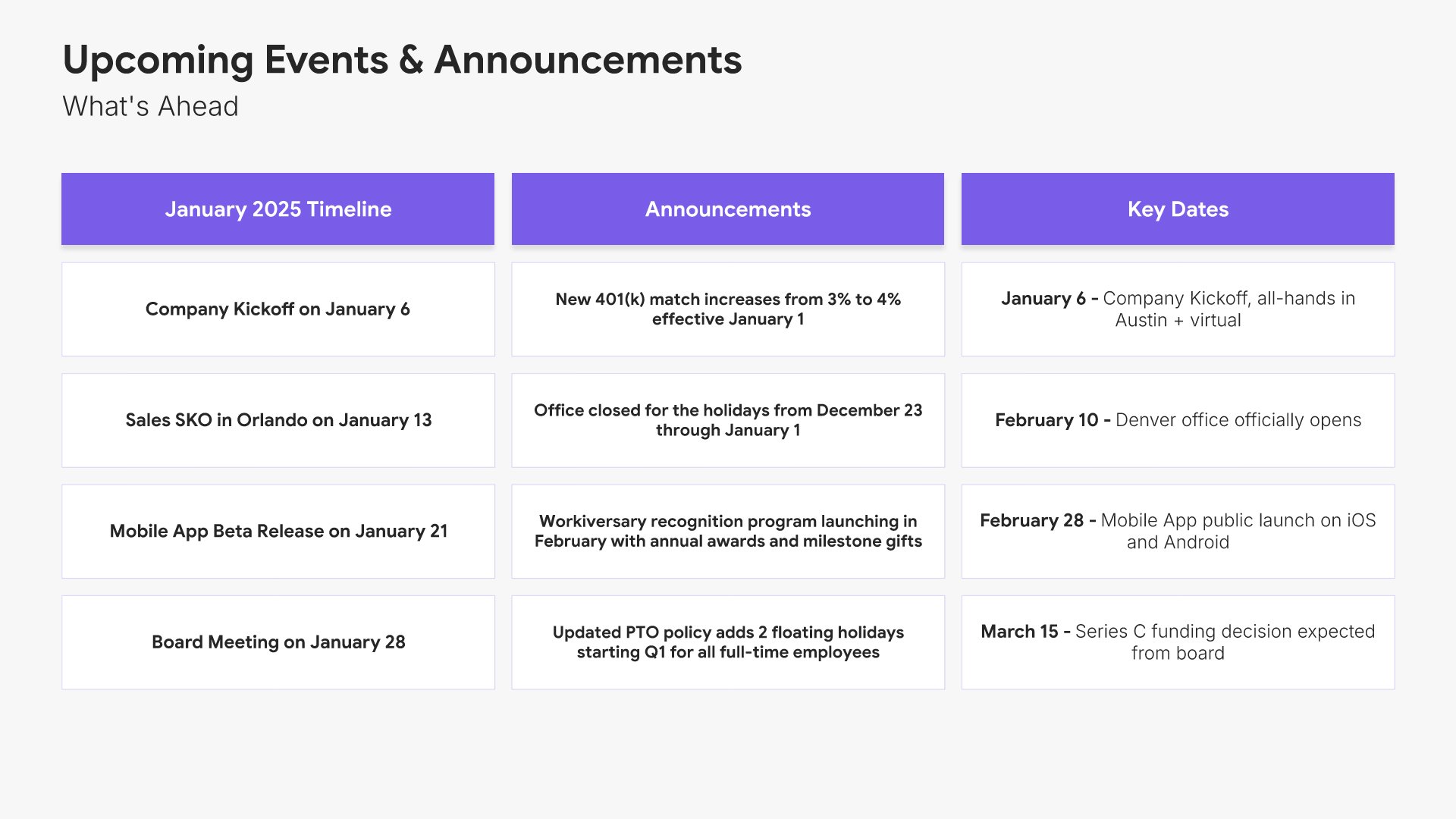
11. Upcoming Events & Announcements

Upcoming events and announcements slides help you share what's coming next for the organization. Use them to present upcoming launches, key dates, company events, and important announcements employees should know about. A clear upcoming view keeps the team informed, builds anticipation, and helps everyone stay aligned on what's ahead.
Built using One Pager / Snapshot slides

12. Thank You

Thank you slides help you close presentations professionally. Use them to end with gratitude, provide contact information, and leave a polished final impression. Ideal for any presentation where a professional closing reinforces your message and gives your audience a clear way to follow up or stay connected.
Built using Title slides

Build your All-Hands Meeting presentation with Choladeck

Transform your All-Hands Meeting vision into reality with Choladeck’s user-friendly platform. Follow our step-by-step guide, harnessing our vast collection of slides and tools, to create a compelling and cohesive presentation that resonates with your audience.

Step 1

Browse & Select

Explore over 9,172+ professionally designed slides across 134 categories. Or if you want a head start, pick from 74+ premade presentation templates. Whatever you need, it's probably already here.

Step 2

Customize Your Slides

Swap icons and images instantly from our built-in libraries. Use Pointers to choose your count (2-box, 3-box, 4-box) and Variations to pick your design style. No more settling for "close enough." Get the exact slide you need.

Step 3

Brand Your Presentation

Add your logo, apply your brand colors, choose your fonts, and set custom backgrounds. One click and your entire presentation looks like it was made just for you. Because it was.
Step 4

Export Your Presentation

When you're ready, export to PowerPoint, Google Slides, or Keynote with a single click. Continue editing in your favorite tool if you want. Your workflow, your way.
Try Choladeck for free today and experience the ease of creating remarkable presentations.

No Sign-in or Credit Card Required

Wait!

Before you go, have you had the chance to experience Choladeck? If not try out – Choladeck for absolutely FREE!!

No Sign-in or Credit Card Required

Experience Choladeck Yourself!
Why just read about it when you can experience it? Dive into our presentation library – absolutely FREE!

No Sign-in or Credit Card Required