Pricing

Strategic pillars slides

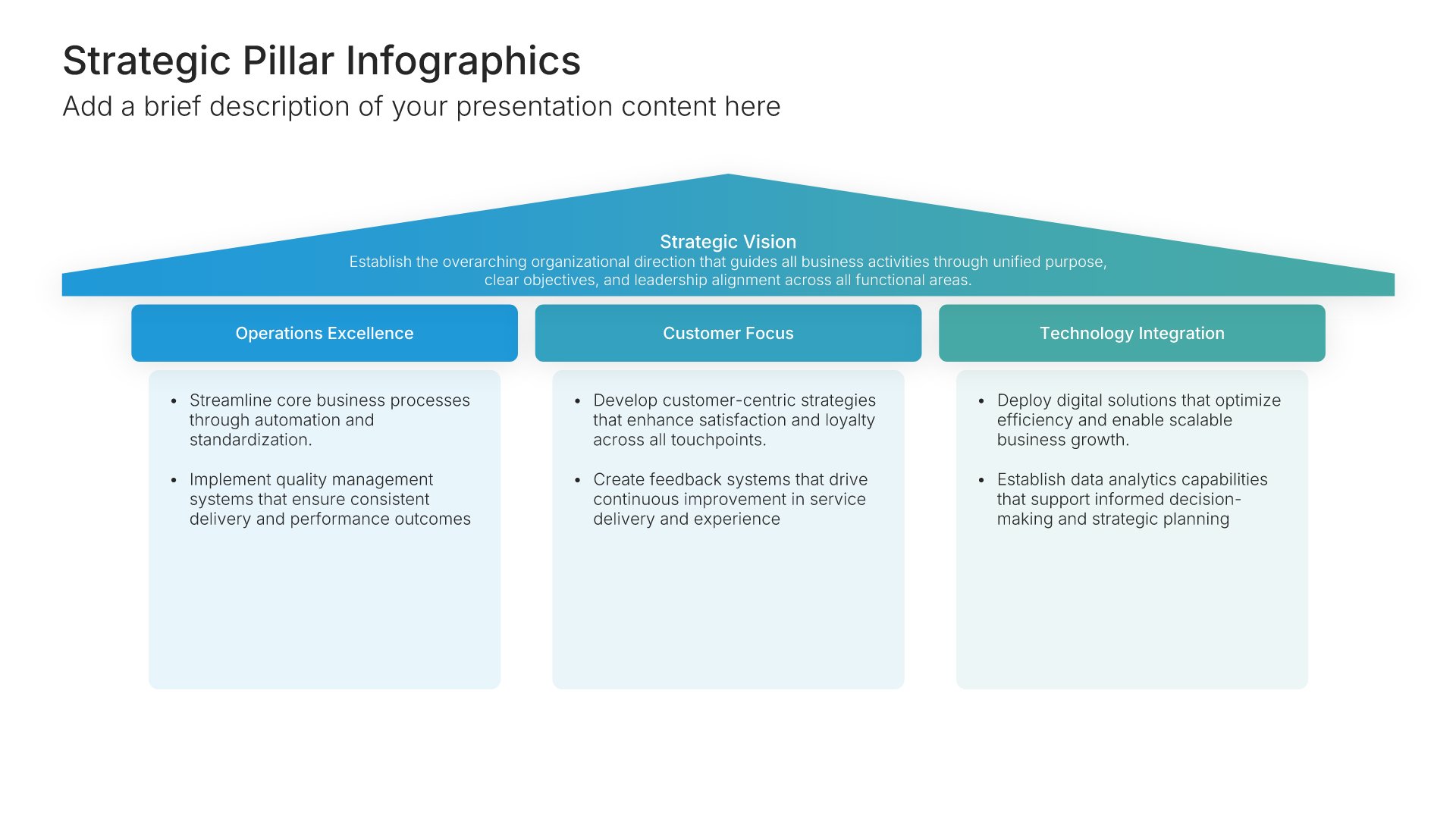
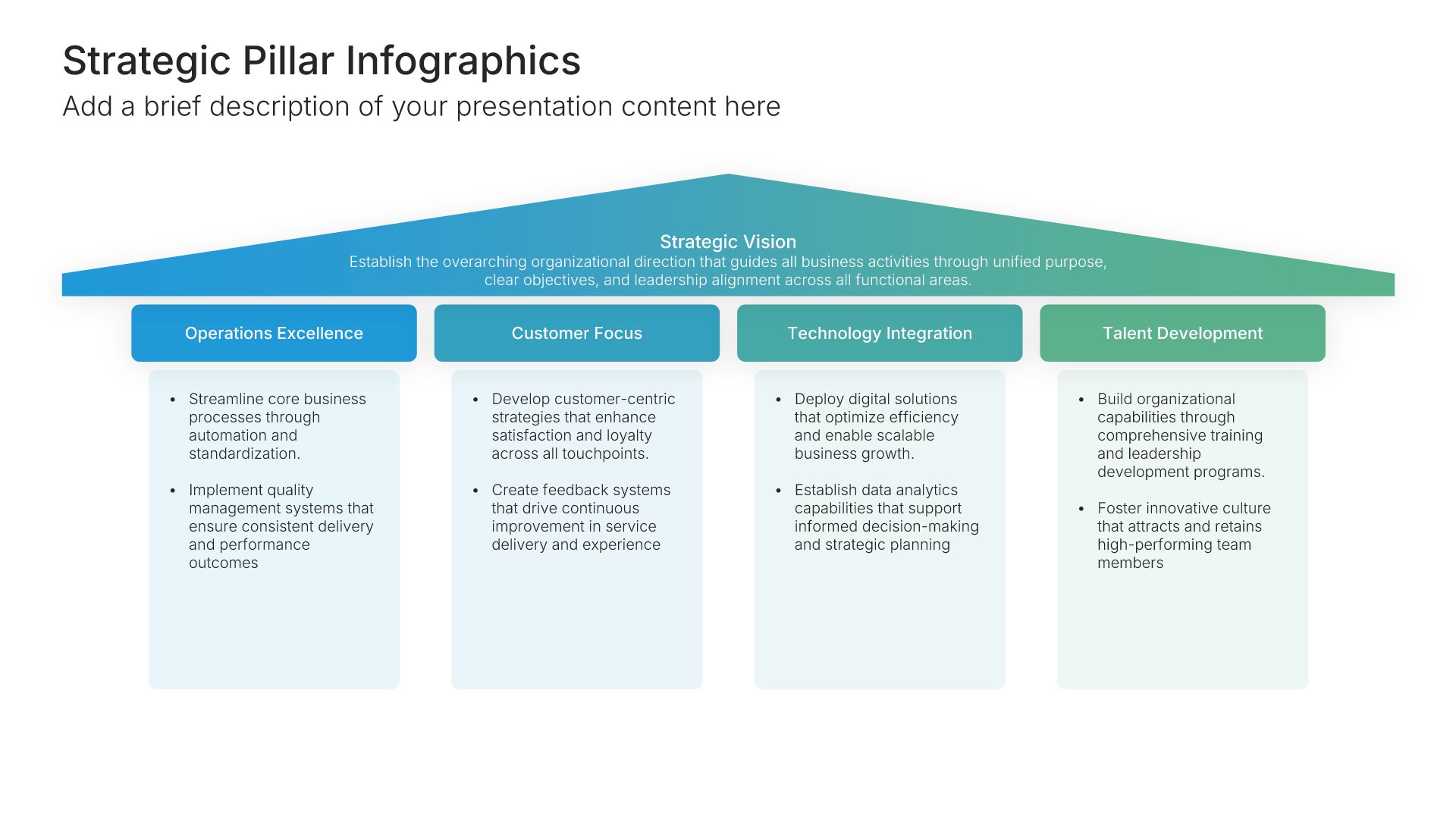
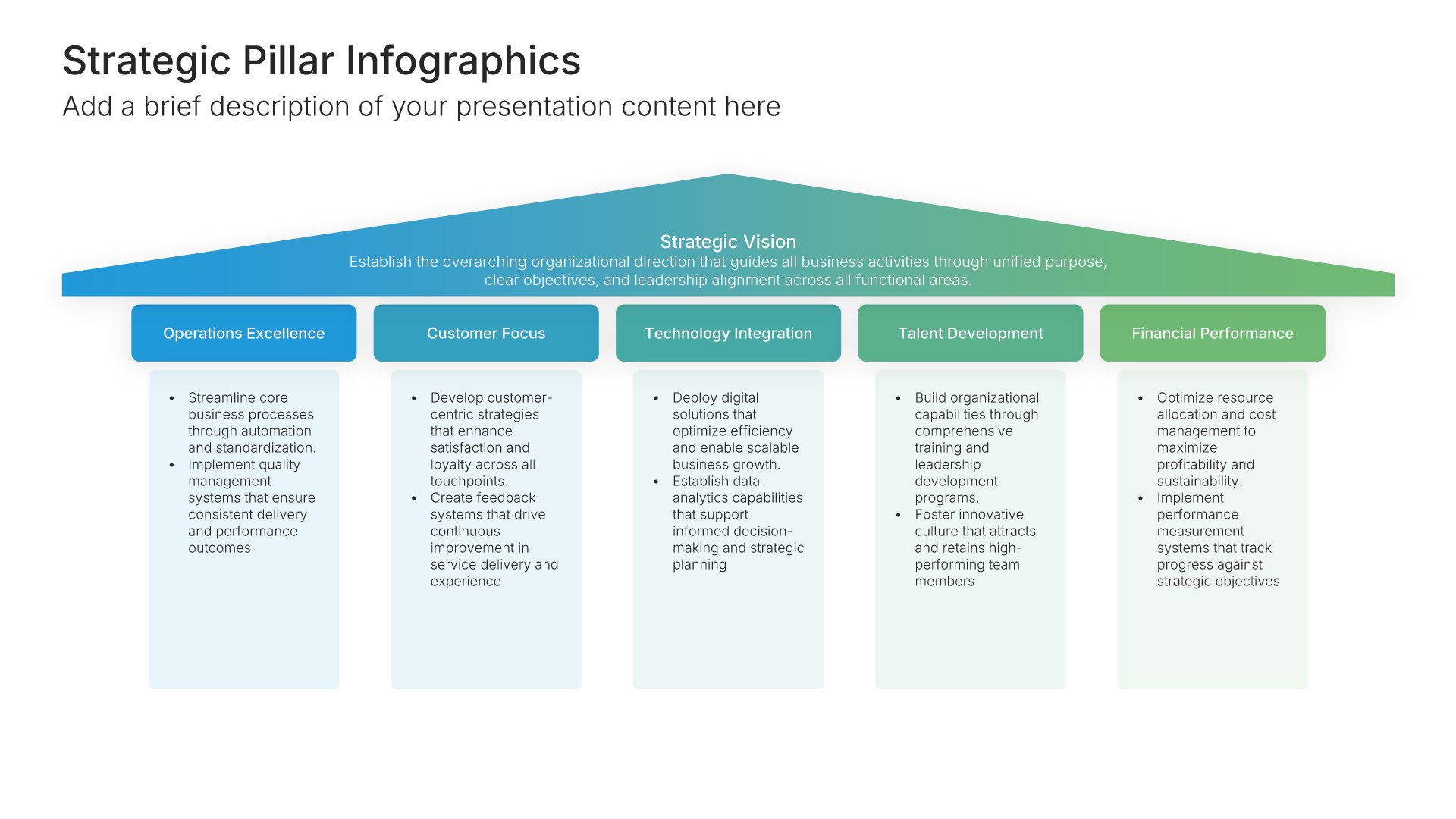
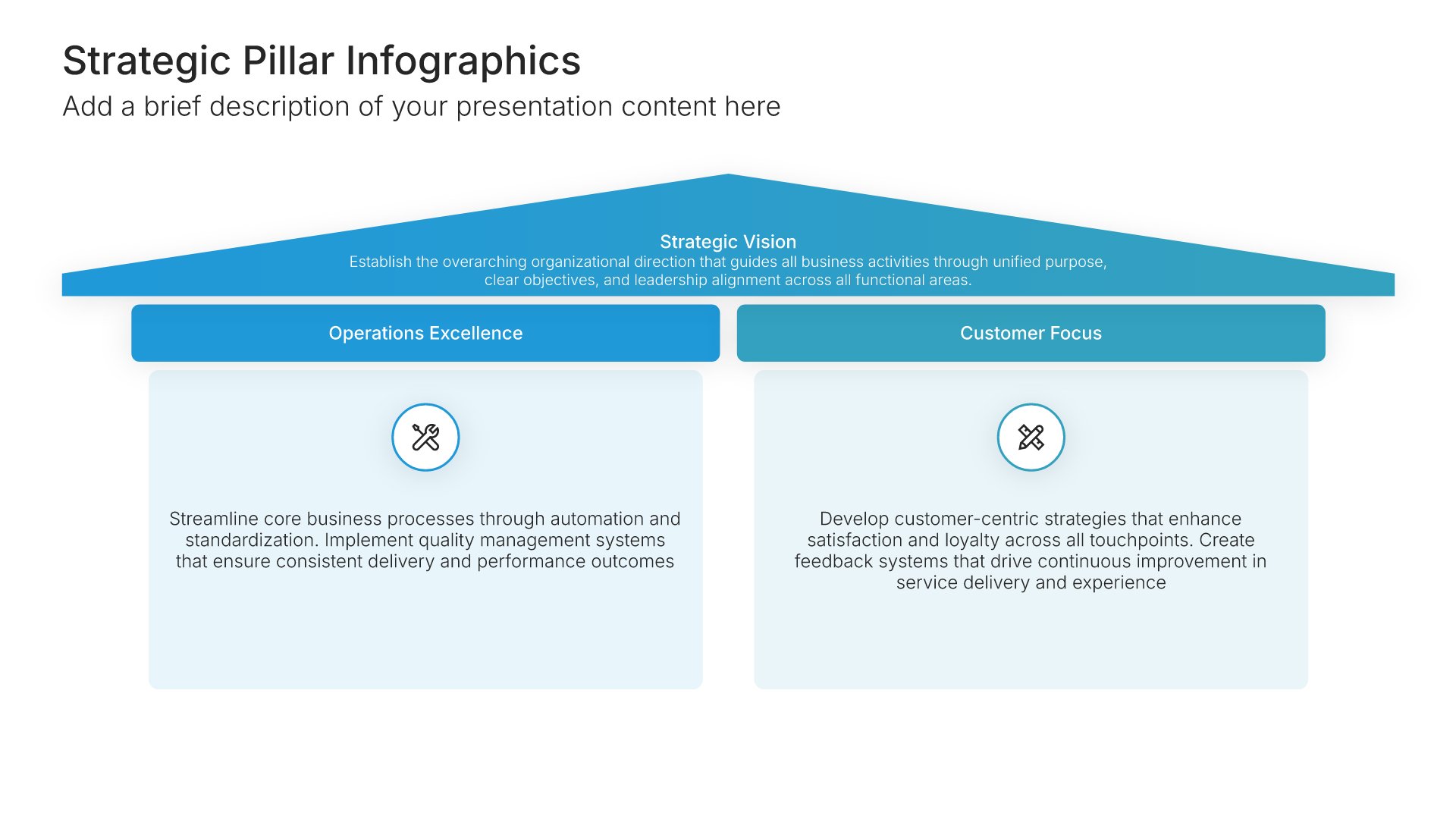
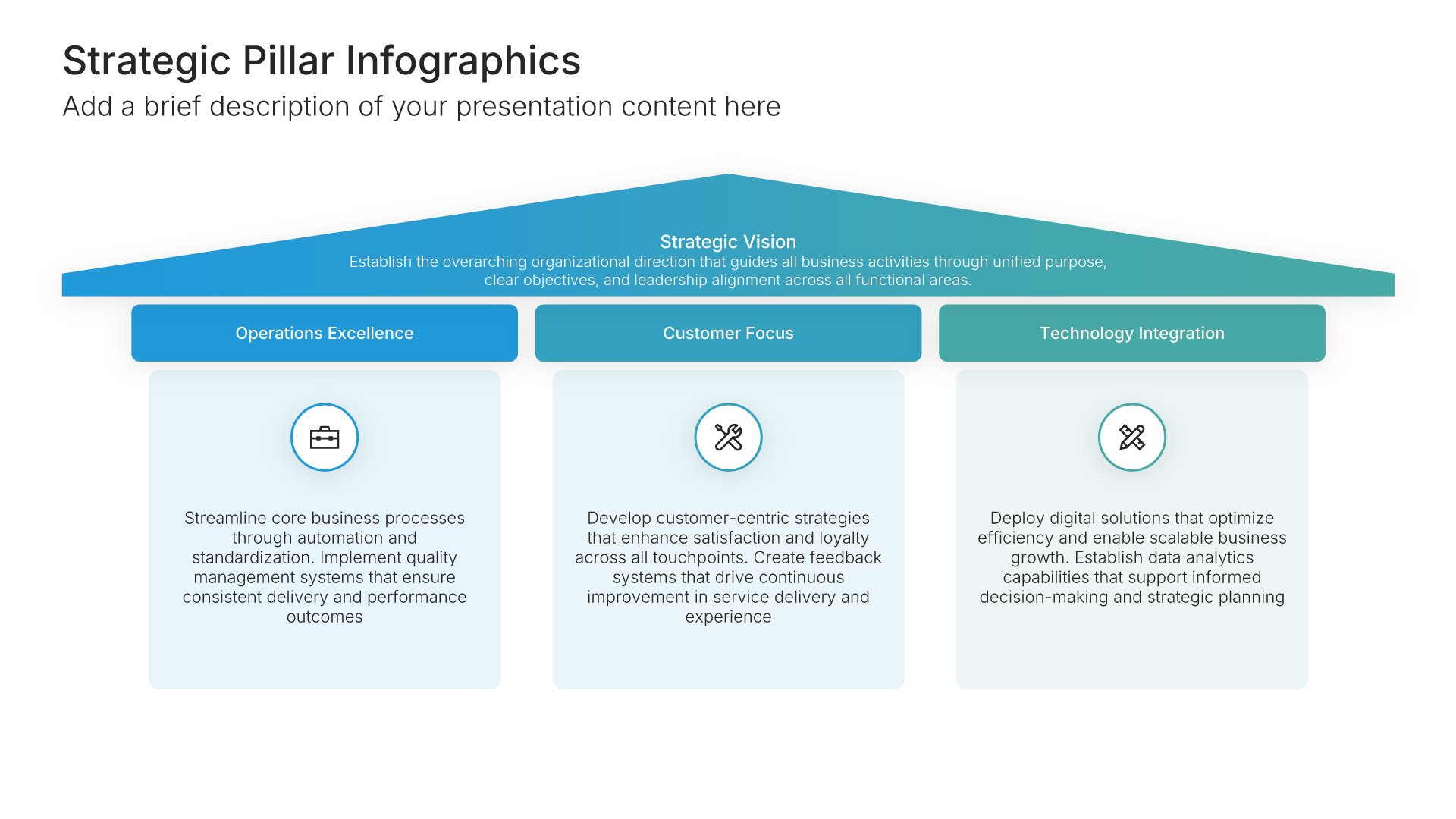
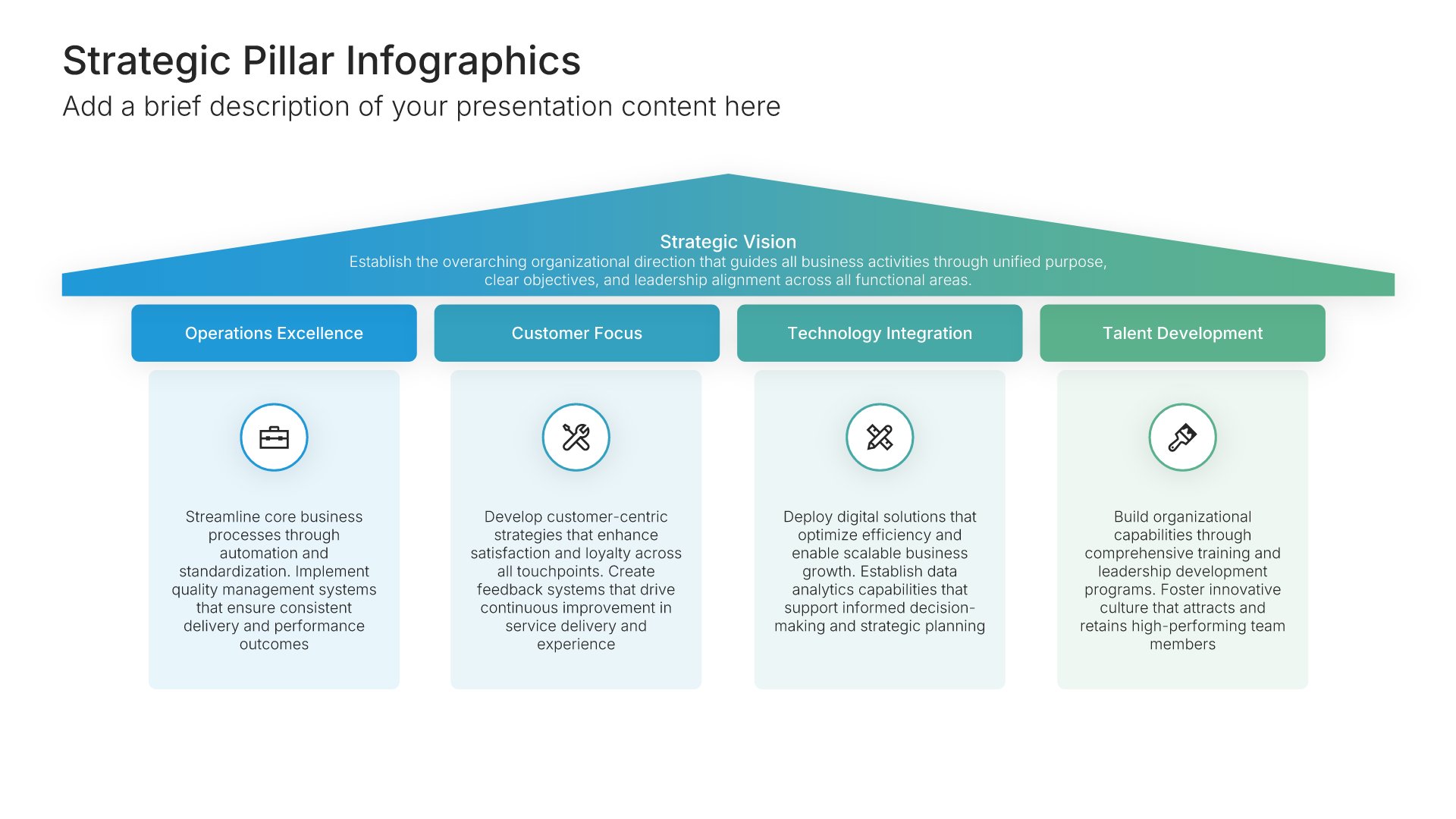
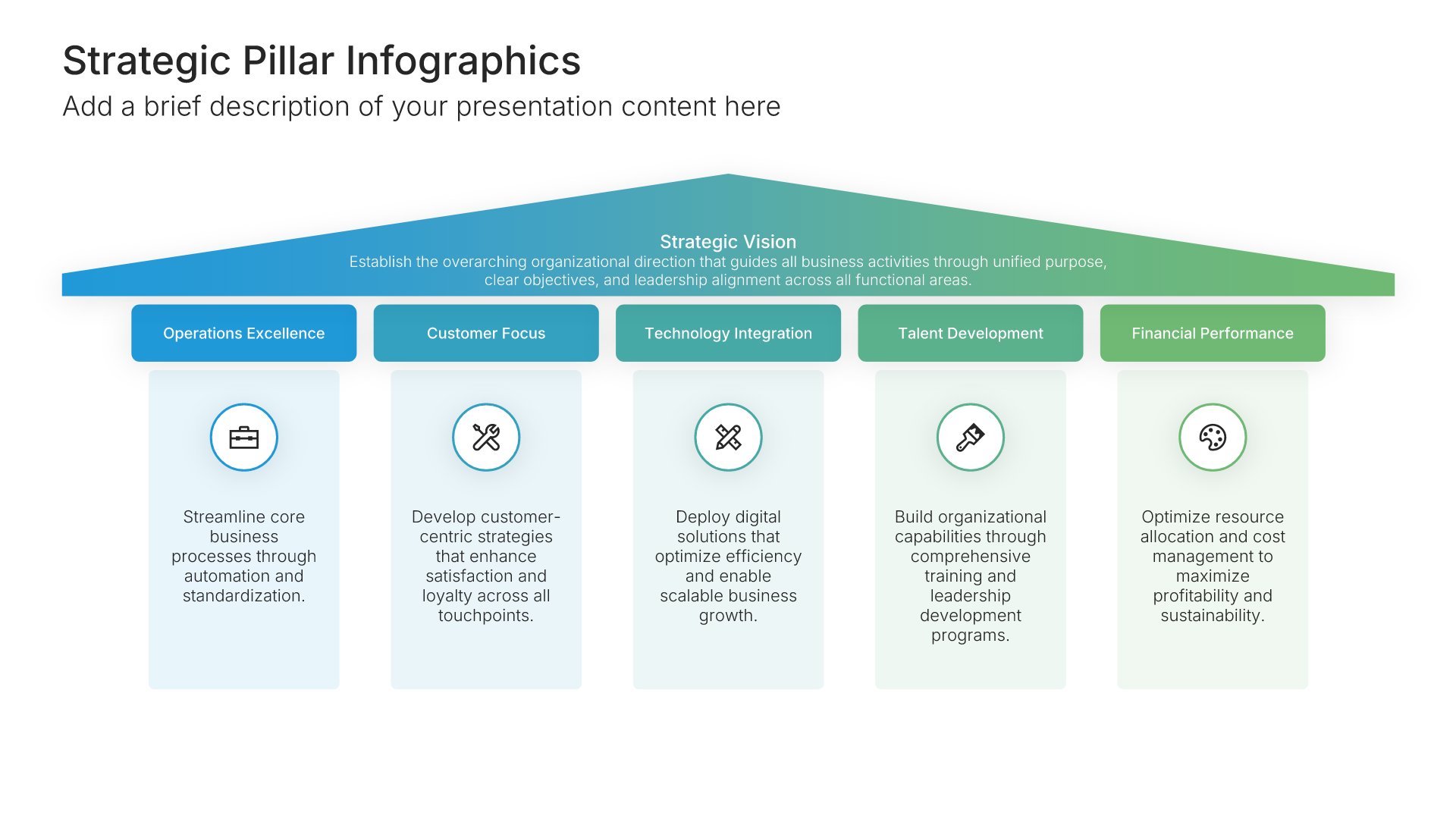
Strategic pillars slides show the three to five big priorities a strategy rests on, standing side by side and supporting one shared goal. Pick one of 8 layouts, brand it to your company in one click, name your pillars, and export to PowerPoint, Google Slides, or Keynote.

Free to start. No credit card required.
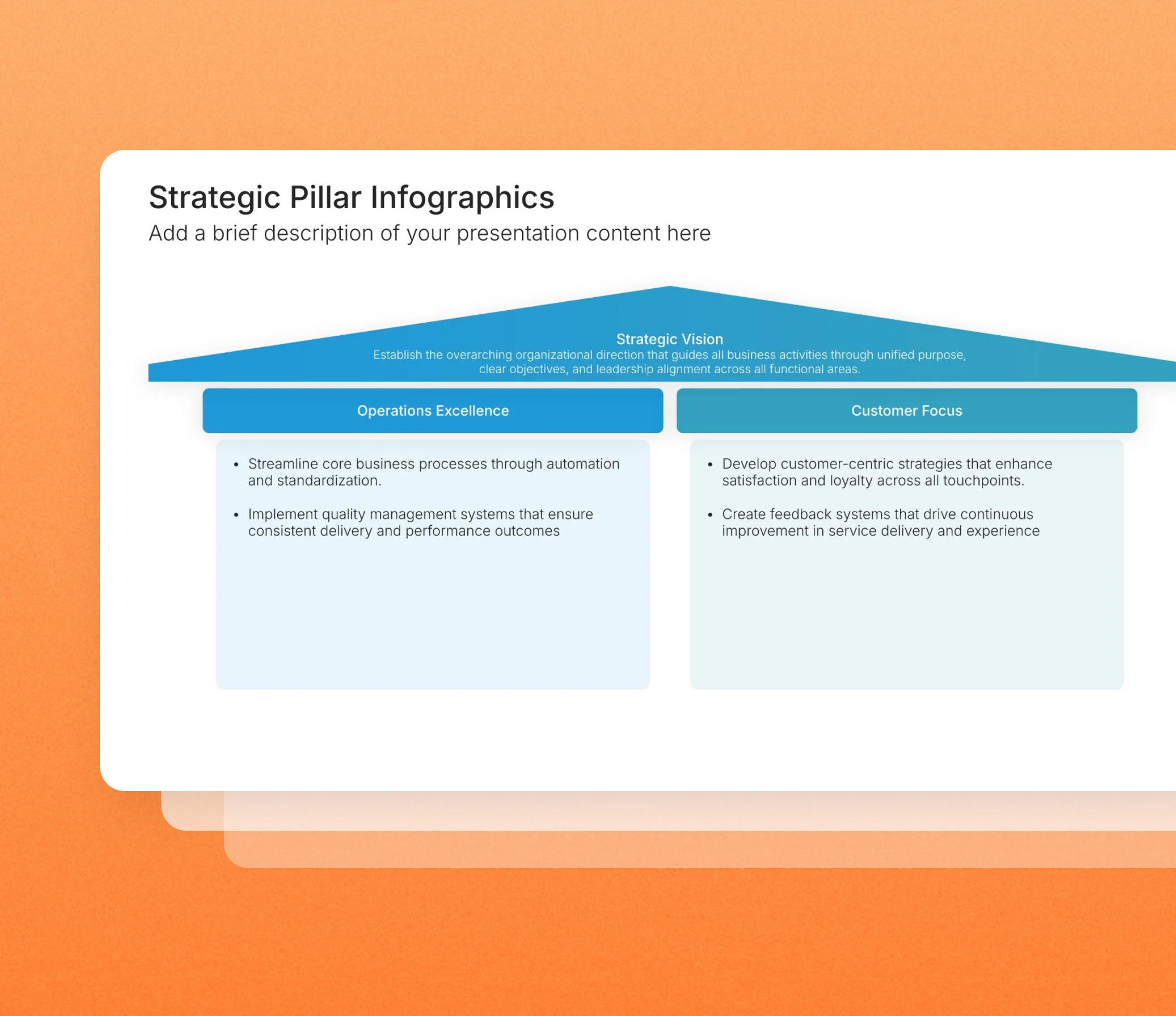
Strategic pillars slides in the Choladeck slide library

Browse strategic pillars slides

8 ways to show the priorities your strategy rests on, all fully editable.
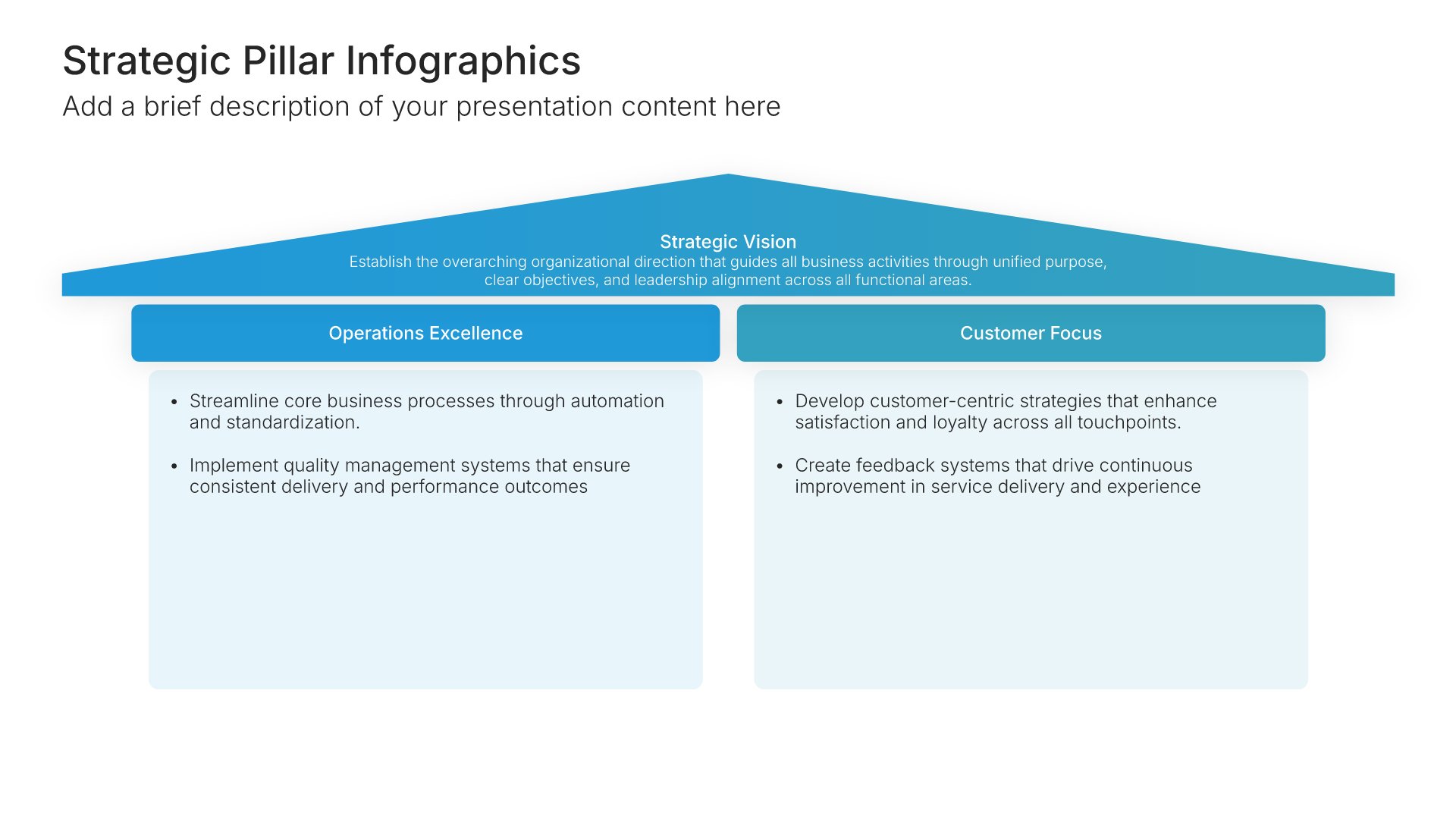
Strategic Pillars Infographics • Slide Library • Layout 01 of 8

Strategic pillars slide, layout 01

Layout 01

Strategic pillars slide, layout 02

Layout 02

Strategic pillars slide, layout 03

Layout 03

Strategic pillars slide, layout 04

Layout 04

Strategic pillars slide, layout 05

Layout 05

Strategic pillars slide, layout 06

Layout 06

Strategic pillars slide, layout 07

Layout 07

Strategic pillars slide, layout 08

Layout 08

About our strategic pillars slides

What the slide does, how to use it, your brand, and a file you can edit anywhere.

Built to give everyone the same picture of what matters most

Most strategies boil down to a handful of commitments: grow in a new market, improve the customer experience, and build the right team. Strategic pillars name those commitments and show them holding up the company’s goal. On a slide, they give everyone from the board to new hires the same simple picture of what matters most.

Why a few pillars beat a long list of priorities

A strategy with twelve priorities has none. Limiting it to a few pillars forces choices about what really matters. So every project and decision can be checked against the pillars, and anything that doesn’t support one of them gets questioned.

Brand the whole presentation in one click

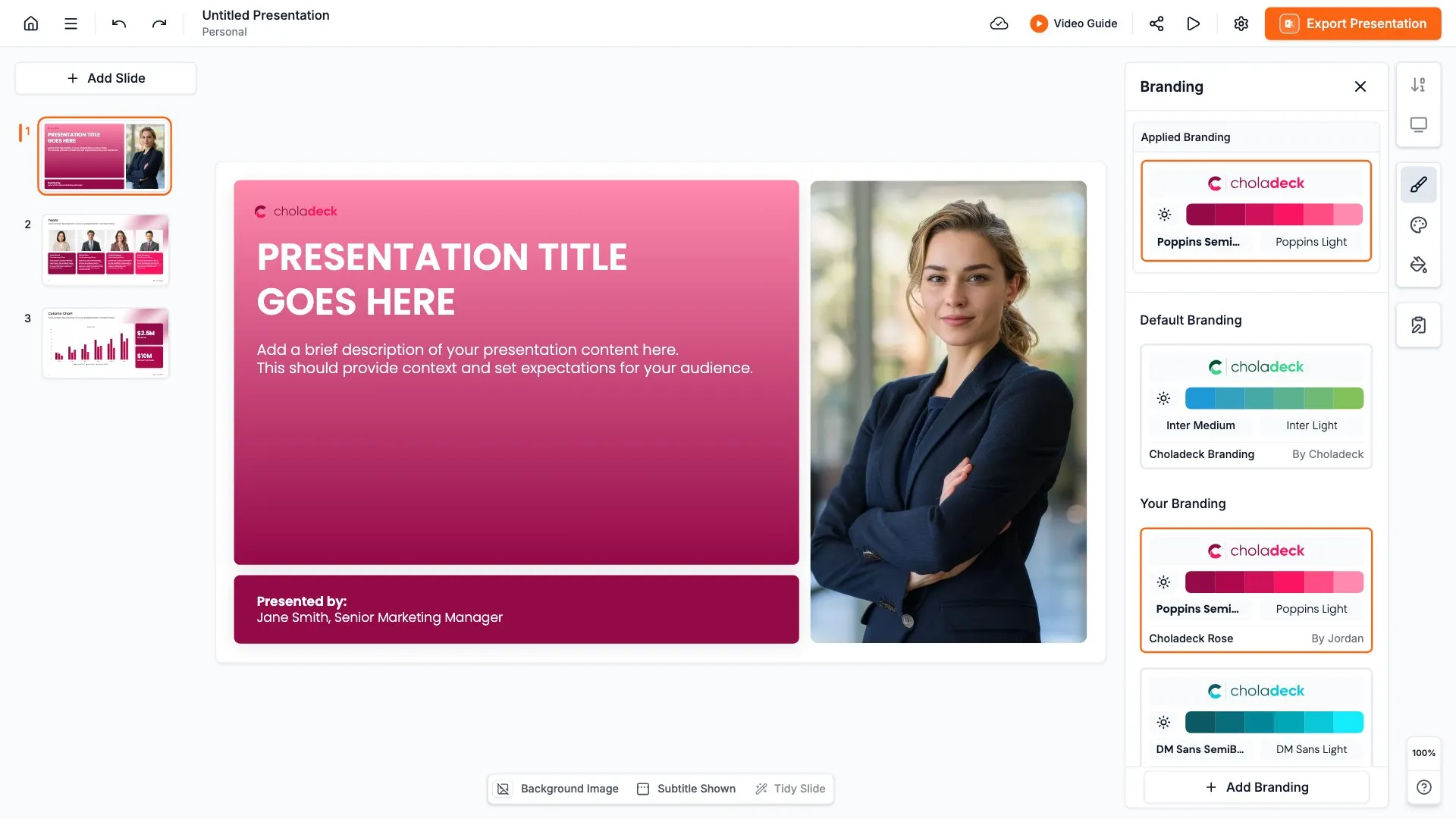
Add your logo, colors, fonts, and background once. It applies to the whole presentation and the entire slide library at the same time. Strategic pillars slides open strategy presentations and all-hands meetings and often end up on office walls, so once branded, they look like an official company message.

Export to PowerPoint, Google Slides, or Keynote

You get a real file, not a locked link. Export it and keep editing in the tool you already use. Every pillar, label, and description stays editable, so you can refine the wording as the strategy evolves.

How Choladeck works

From blank page to finished presentation in four steps.

STEP 01

Browse 9,000+ slides across 134+ categories, or open one of the 74 premade presentations.

STEP 02

Add your logo, colors, and fonts in one click. The whole presentation instantly matches your company.

STEP 03

Add your text, numbers, charts, and tables. Everything on the slide is editable.

STEP 04

Send it to PowerPoint, Google Slides, or Keynote, and present.
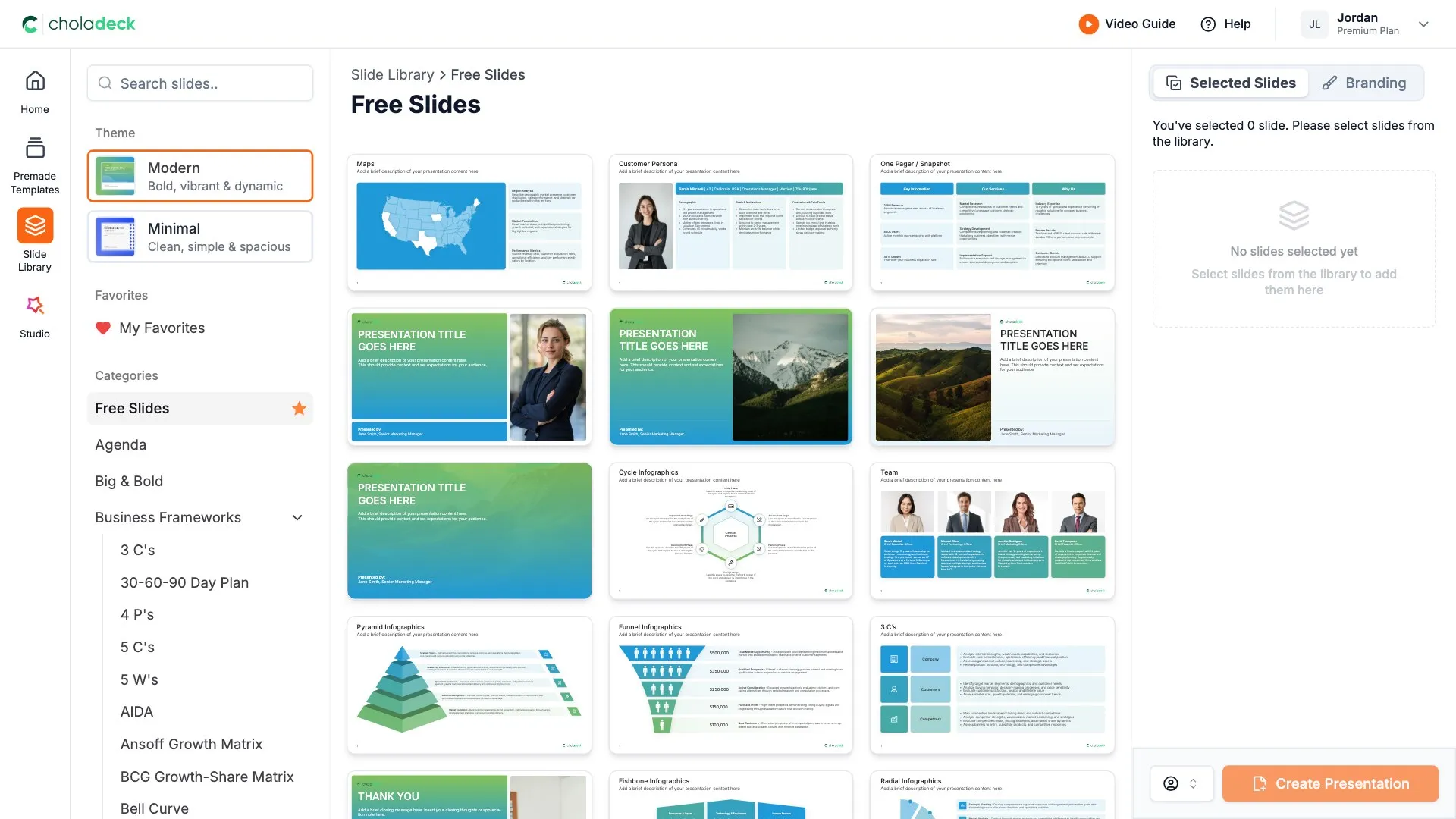
Start from a template

Need a complete presentation instead?

If you're starting from nothing rather than fixing a few slides, open one of 74+ premade presentations instead. Each one is complete and built for one purpose, from pitch decks to business plans and company profiles.

Choladeck premade templates with the Type of Presentation filter and the Consulting Company Profile deck shown larger

Questions about strategic pillars slides

How the slides work, and how far you can change them.

Using the slides

Can I edit these slides in PowerPoint?

+

Yes. Export to PowerPoint, Google Slides, or Keynote, and every pillar, label, and description stays editable. Nothing is locked and nothing is a flat image.

How do I brand them to my company?

+

Add your logo, colors, fonts, and background once. It applies to the whole presentation and the entire slide library at the same time.

Can I mix them with other slides from the library?

+

Yes. Add a strategic pillars slide to any premade template, or pair it with home or OKR slides from the library. Branding applies across all of them.

About strategic pillars

How many strategic pillars should a company have?

+

Three to five. Enough to cover what matters, few enough that people can remember them.

What is the difference between strategic pillars and strategic objectives?

+

Pillars are the broad areas of focus. Objectives are the specific, measurable targets within each pillar.

Where do strategic pillars go in a presentation?

+

Right after the vision or goal, so the audience sees how each pillar supports it before you get into plans.

Your next strategic pillars slide is already designed

Pick a layout, brand it in one click, add your content, and export.

Free to start. No credit card required.