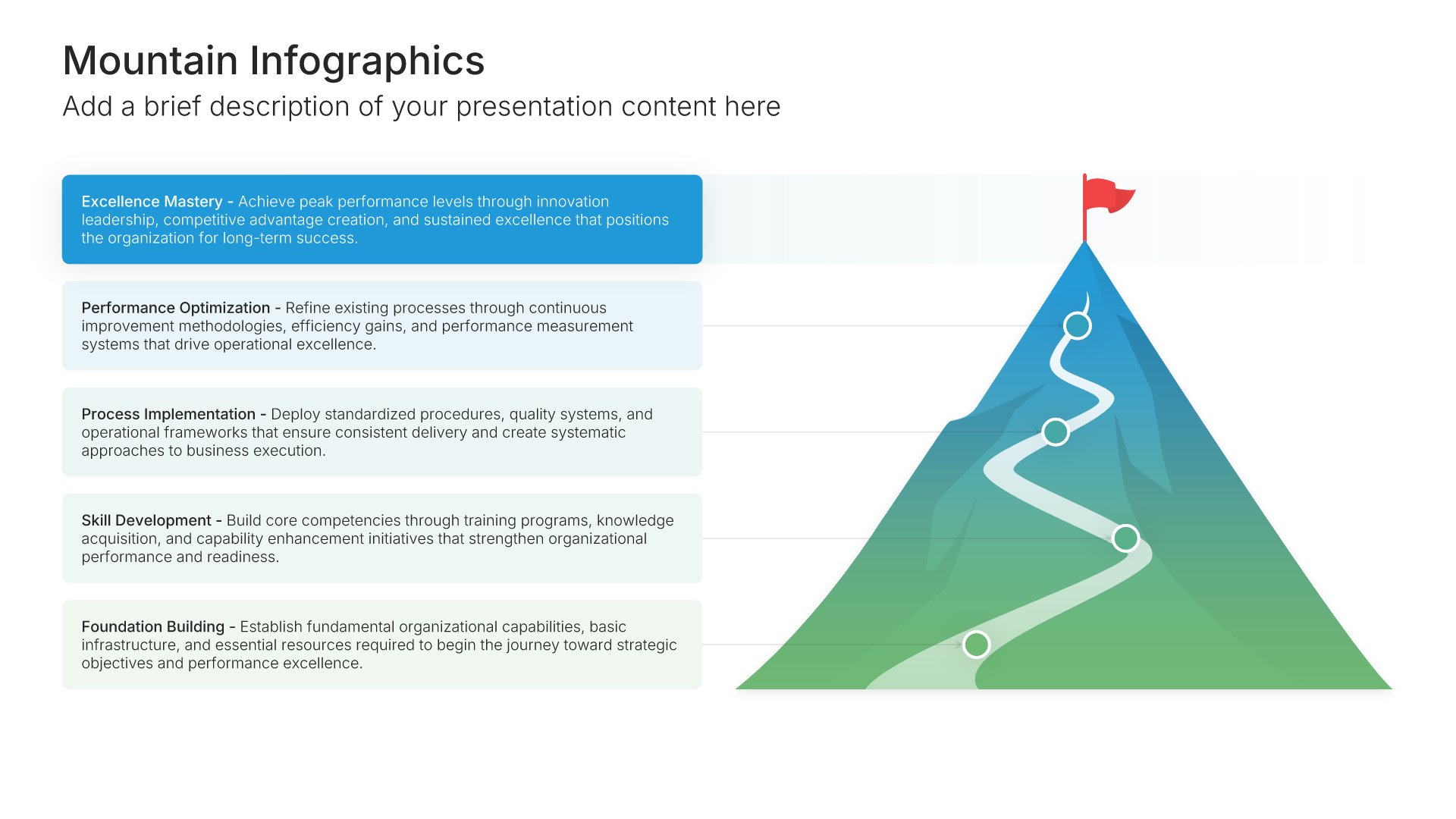
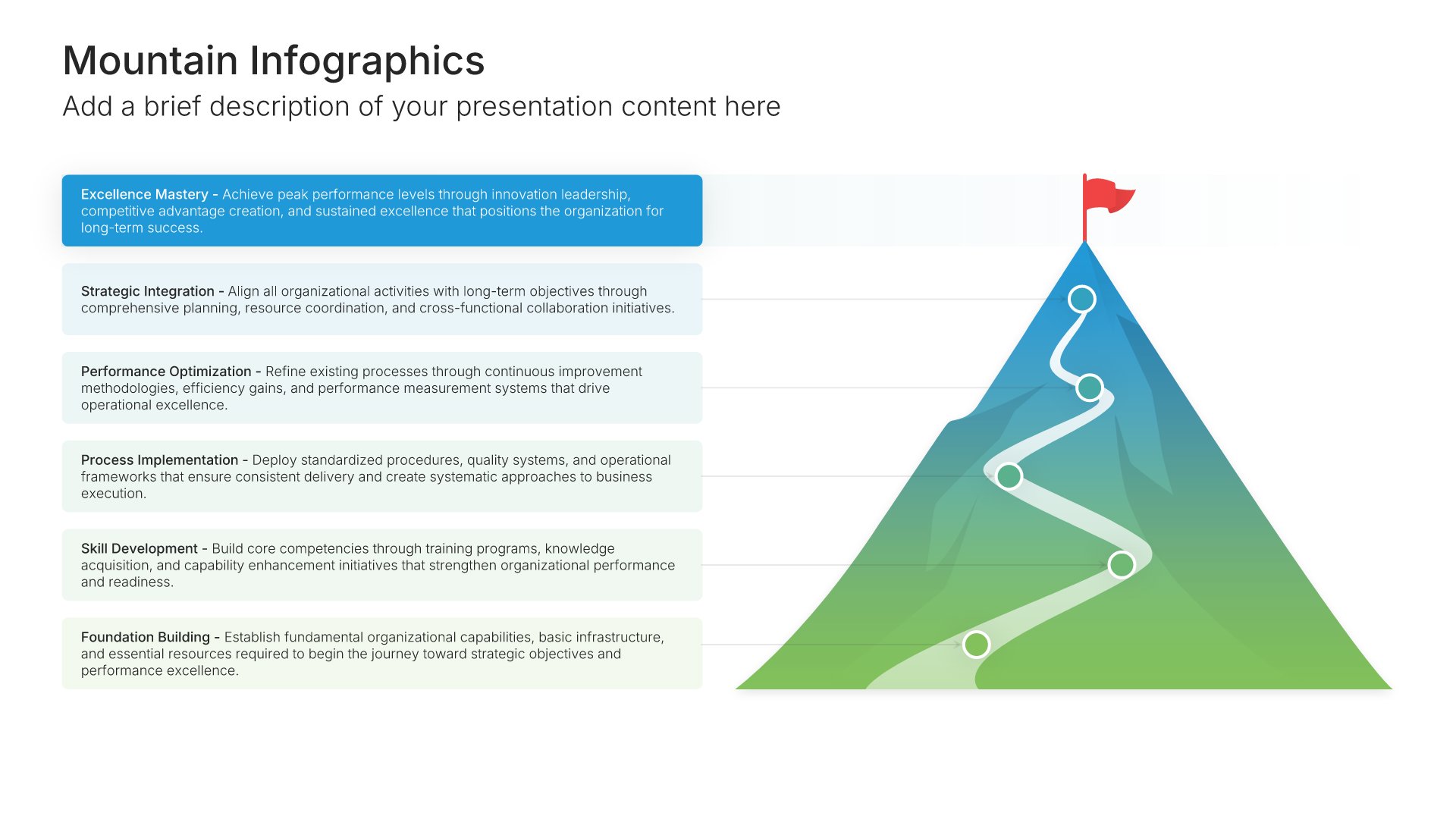
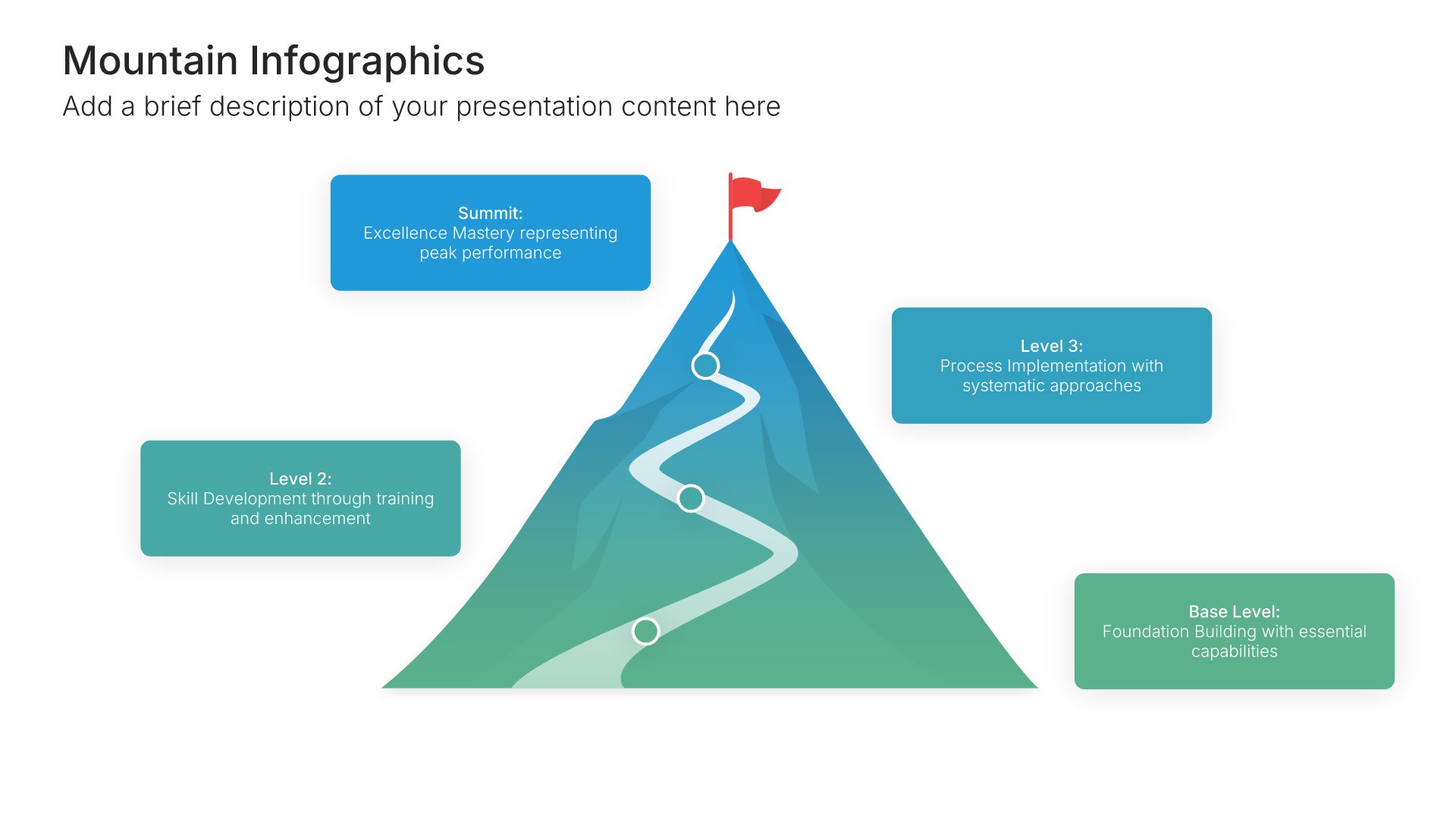
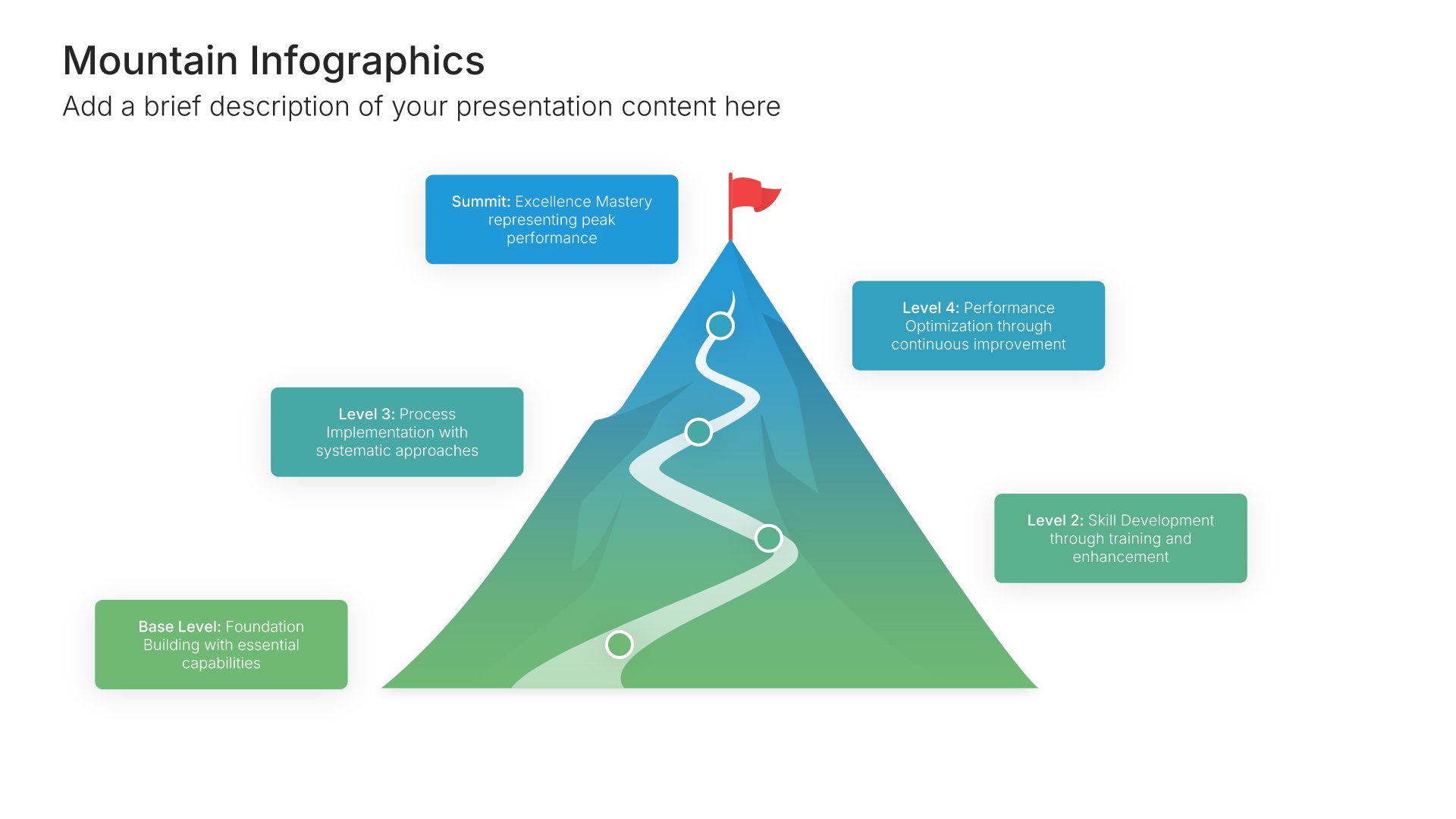
Mountain infographic slides
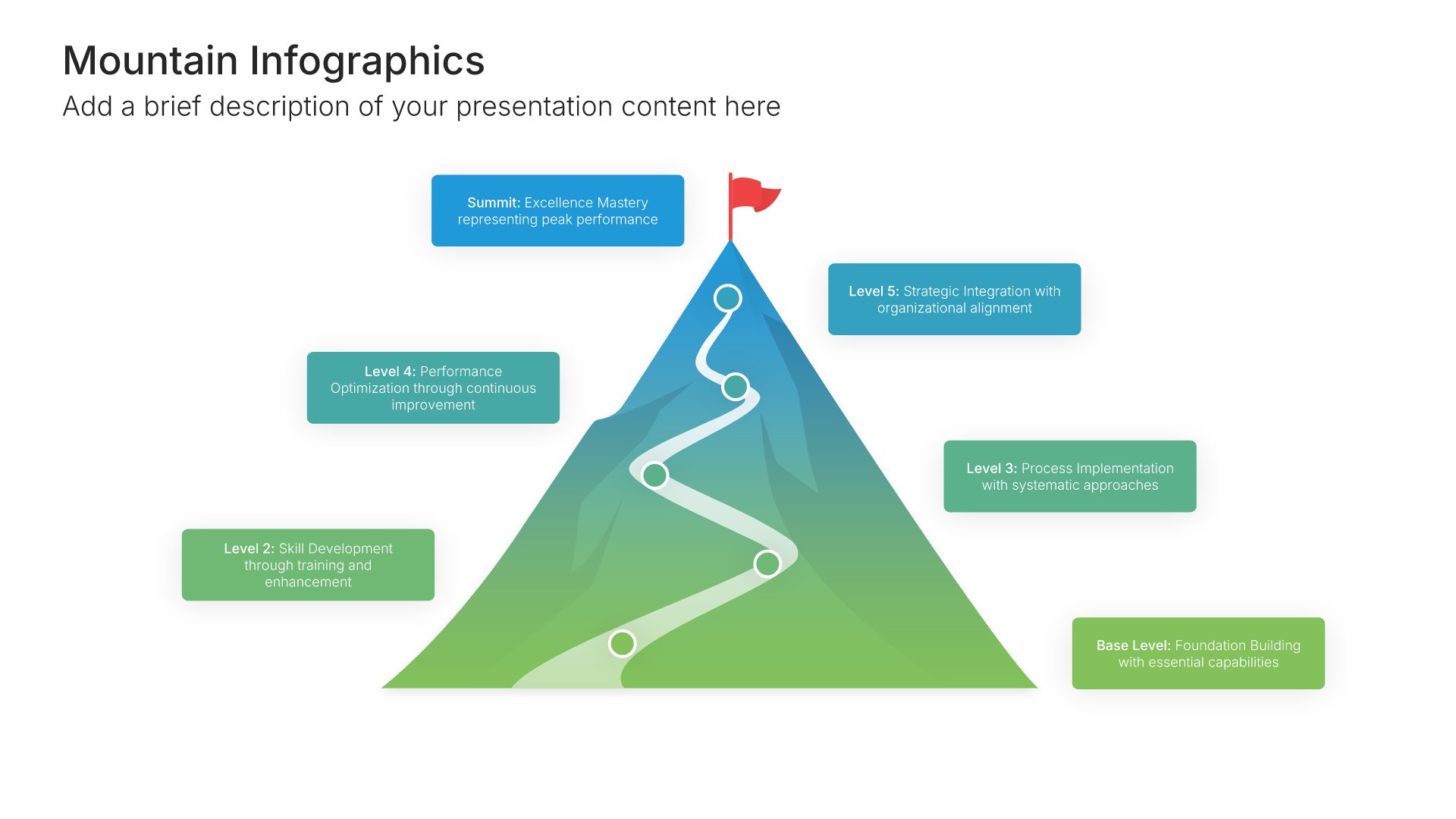
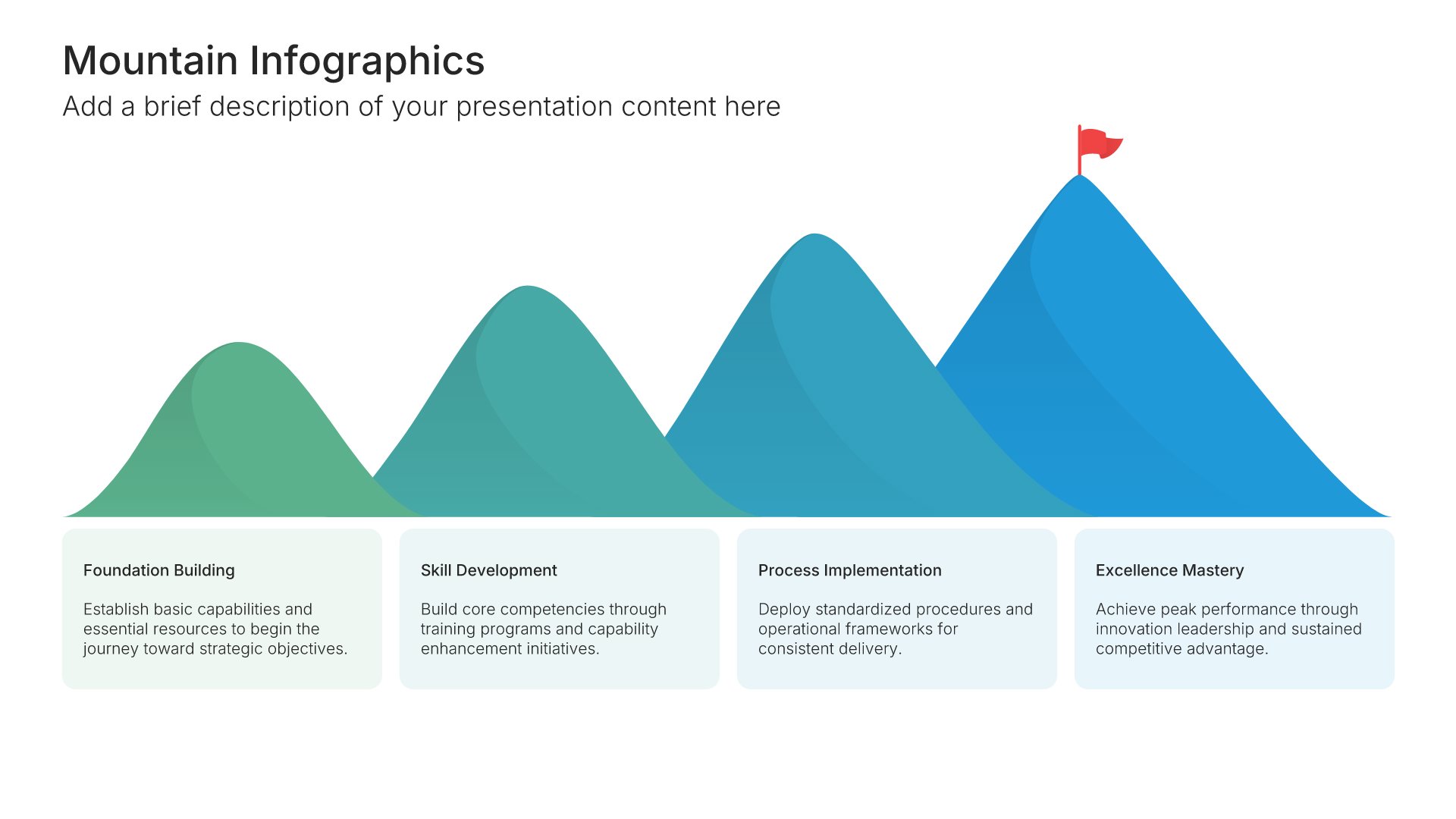
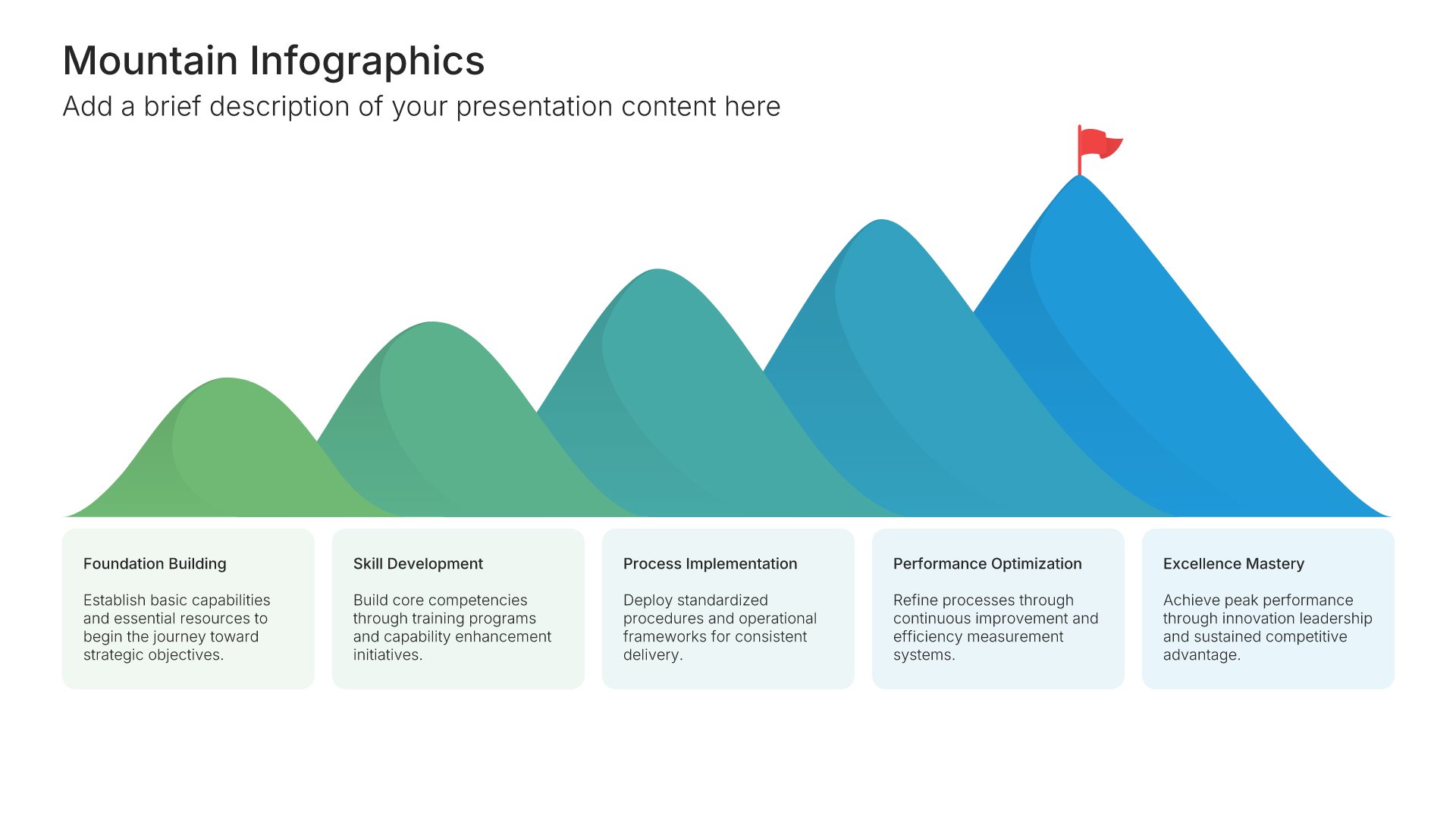
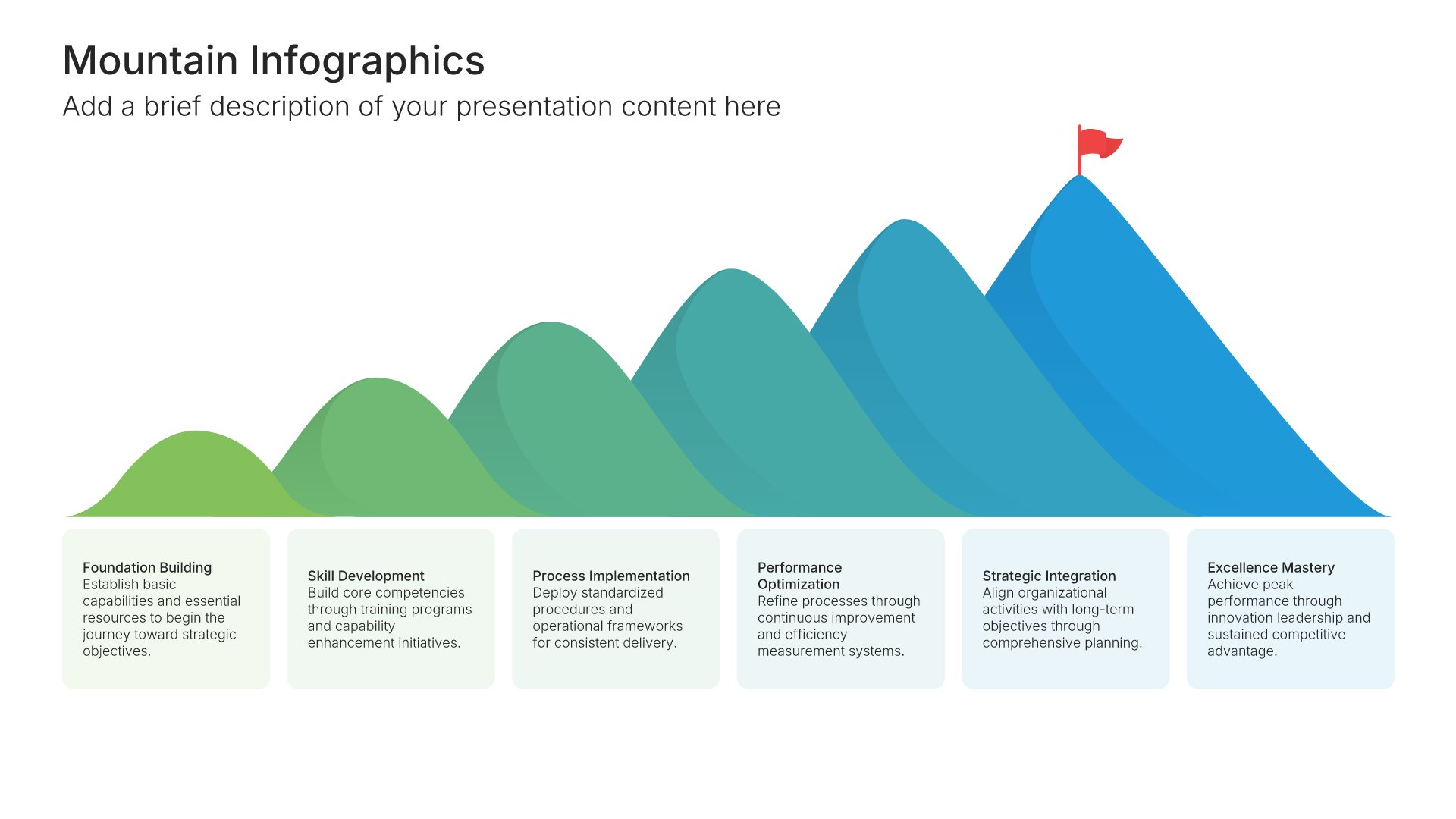
Mountain infographic slides turn a big goal into a climb: base camp where you start, the milestones on the way up, and the summit you're aiming for. Pick one of 9 layouts, brand it to your company in one click, add your milestones, and export to PowerPoint, Google Slides, or Keynote.
Free to start. No credit card required.
Browse mountain infographic slides
9 ways to map the climb to your goal, all fully editable.
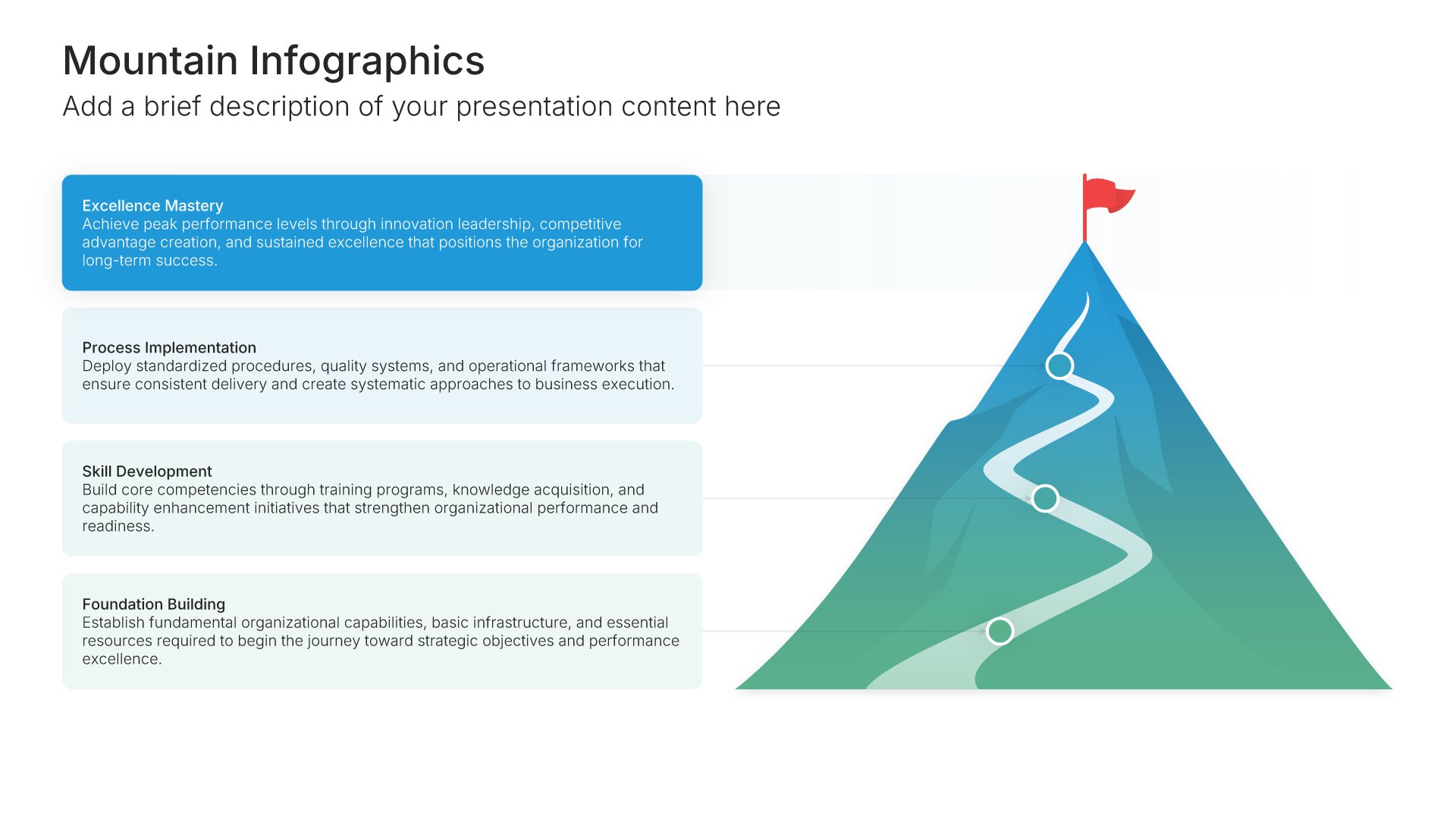
Mountain Infographics • Slide Library • Layout 01 of 9
Layout 01
Layout 02
Layout 03
Layout 04
Layout 05
Layout 06
Layout 07
Layout 08
Layout 09
About our mountain slides
What the slide does, how to use it, your brand, and a file you can edit anywhere.
Built to give an ambitious goal a shape people can picture
Ambitious targets can feel abstract until people can picture the journey. A mountain infographic gives them that picture. It suits long-term goals, transformation programs, and growth plans, anything where the path is hard and the destination is worth it. Our mountain slides give the goal a clear shape, so progress can be tracked, not just described.
Why a climb makes a hard goal feel reachable
A mountain says two things at once: this will take effort, and there’s a clear top to reach. That framing helps teams accept that a goal is difficult without losing belief in it. So it’s a good fit for kick-offs and plans where you need people committed for the long haul.
Brand the whole presentation in one click
Add your logo, colors, fonts, and background once. It applies to the whole presentation and the entire slide library at the same time. Mountain slides often open strategy or kick-off presentations and set the tone, so once branded, they match the rest of your story.
Export to PowerPoint, Google Slides, or Keynote
You get a real file, not a locked link. Export it and keep editing in the tool you already use. Milestones, labels, and the summit stay editable, so you can mark progress as the team climbs.
How Choladeck works
From blank page to finished presentation in four steps.
STEP 01
Browse 9,000+ slides across 134+ categories, or open one of the 74 premade presentations.
STEP 02
Add your logo, colors, and fonts in one click. The whole presentation instantly matches your company.
STEP 03
Add your text, numbers, charts, and tables. Everything on the slide is editable.
STEP 04
Send it to PowerPoint, Google Slides, or Keynote, and present.

Need a complete presentation instead?
If you're starting from nothing rather than fixing a few slides, open one of 74+ premade presentations instead. Each one is complete and built for one purpose, from pitch decks to business plans and company profiles.

Questions about mountain infographic slides
How the slides work, and how far you can change them.
Using the slides
Can I edit these slides in PowerPoint?
+Yes. Export to PowerPoint, Google Slides, or Keynote, and every milestone and label stays editable. Nothing is locked and nothing is a flat image.
How do I brand them to my company?
+Add your logo, colors, fonts, and background once. It applies to the whole presentation and the entire slide library at the same time.
Can I mix them with other slides from the library?
+Yes. Add a mountain slide to any premade template, or pair it with roadmap or goal slides from the library. Branding applies across all of them.
About mountain infographics
When should I use a mountain infographic?
+For long-term goals and ambitious plans, when you want the audience to see both the challenge and the destination.
How is it different from a ladder or roadmap slide?
+A ladder shows steps up in level. A roadmap shows timing. A mountain focuses on the journey to one big goal and the effort it takes.
Where does a mountain slide go in a presentation?
+Near the start of a strategy or kick-off presentation, to set the goal before you explain the plan.
Your next mountain infographic slide is already designed
Pick a layout, brand it in one click, add your content, and export.
Free to start. No credit card required.