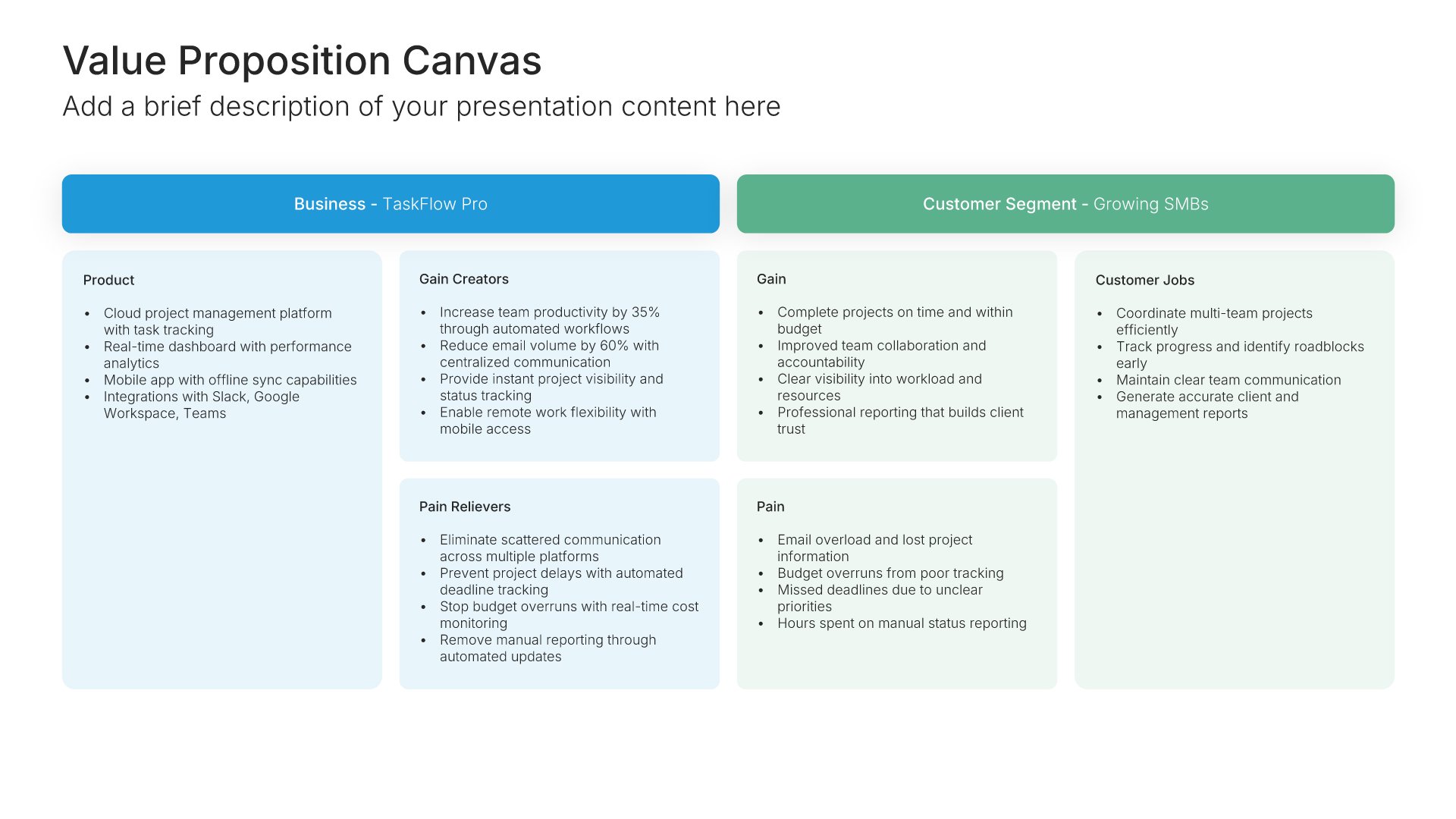
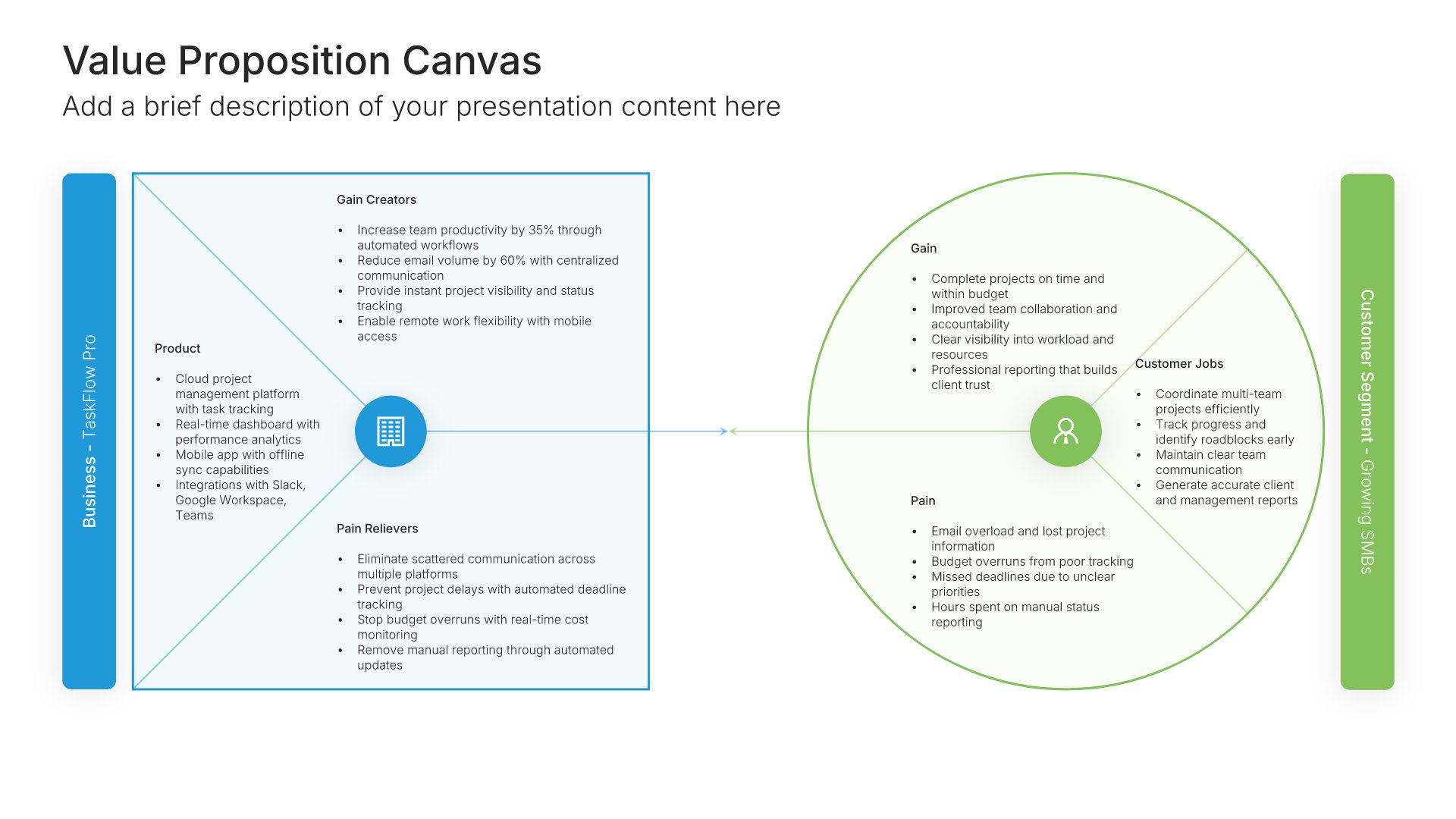
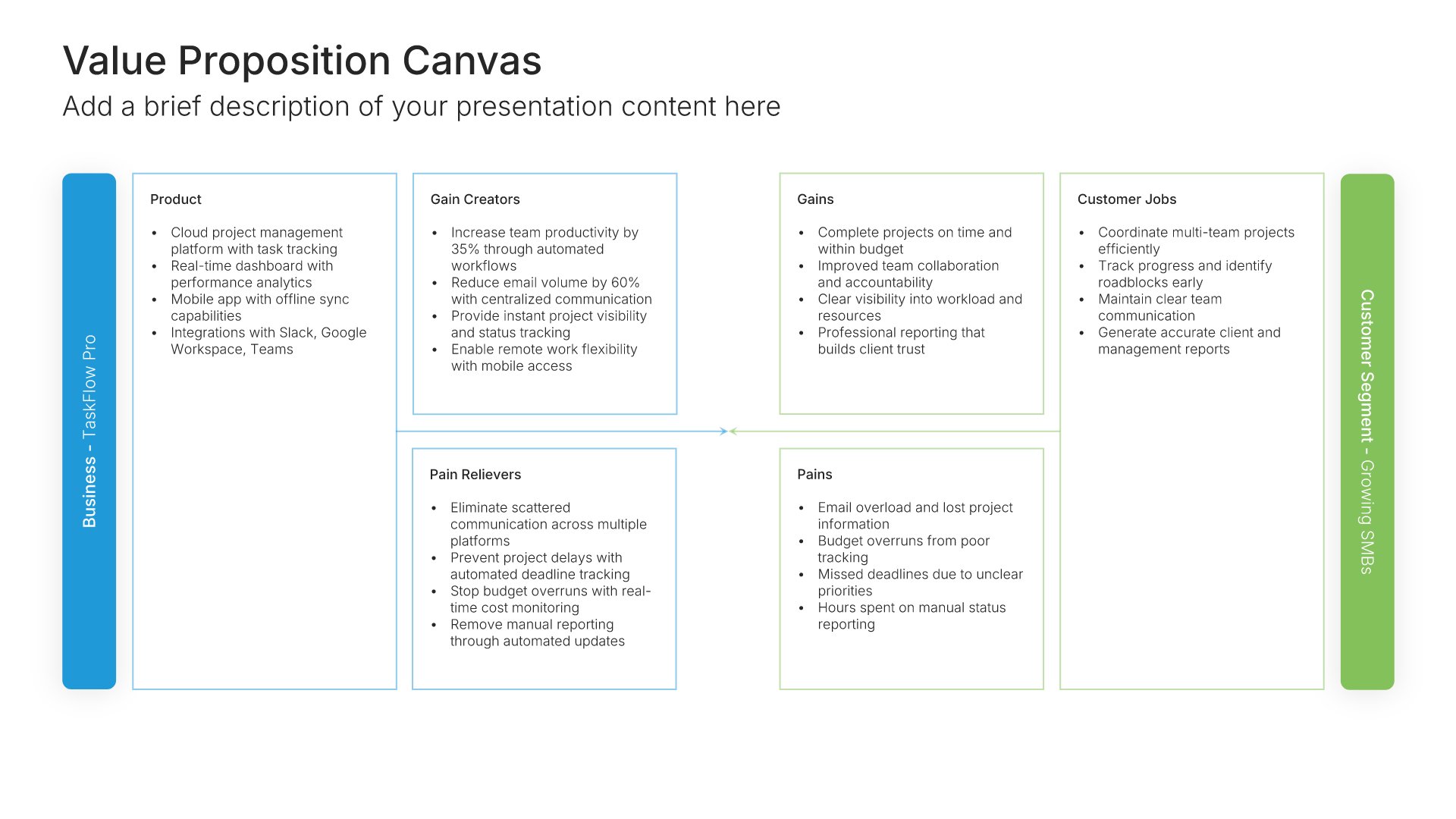
Value proposition canvas template slides
Value proposition canvas template slides put your customer and your offer side by side, so you can check that what you sell actually matches what they need. Pick one of 4 layouts, brand it to your company in one click, fill in both sides, and export to PowerPoint, Google Slides, or Keynote.
Free to start. No credit card required.
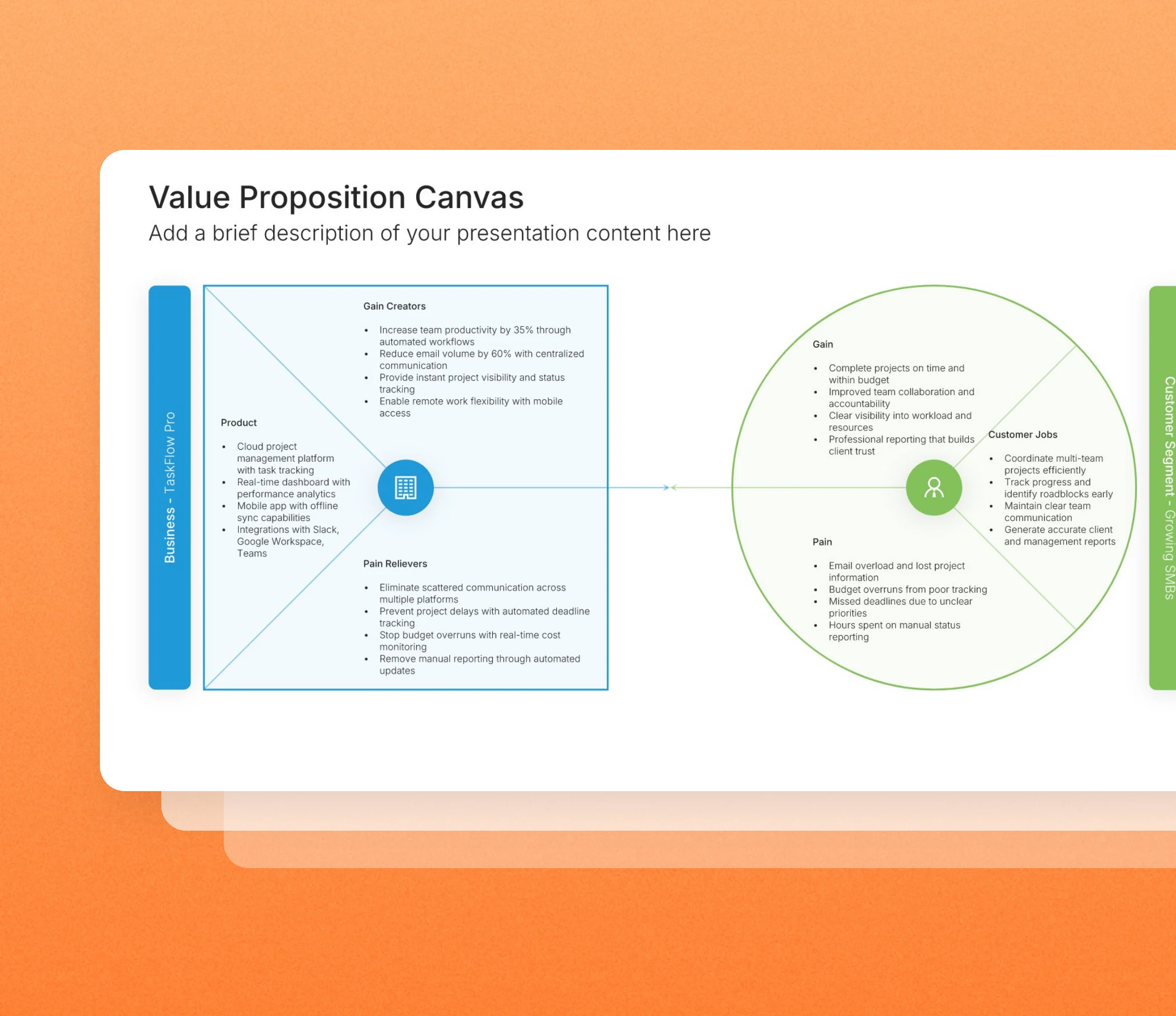
Browse value proposition canvas slides
4 ways to lay out your customer profile and value map, all fully editable.
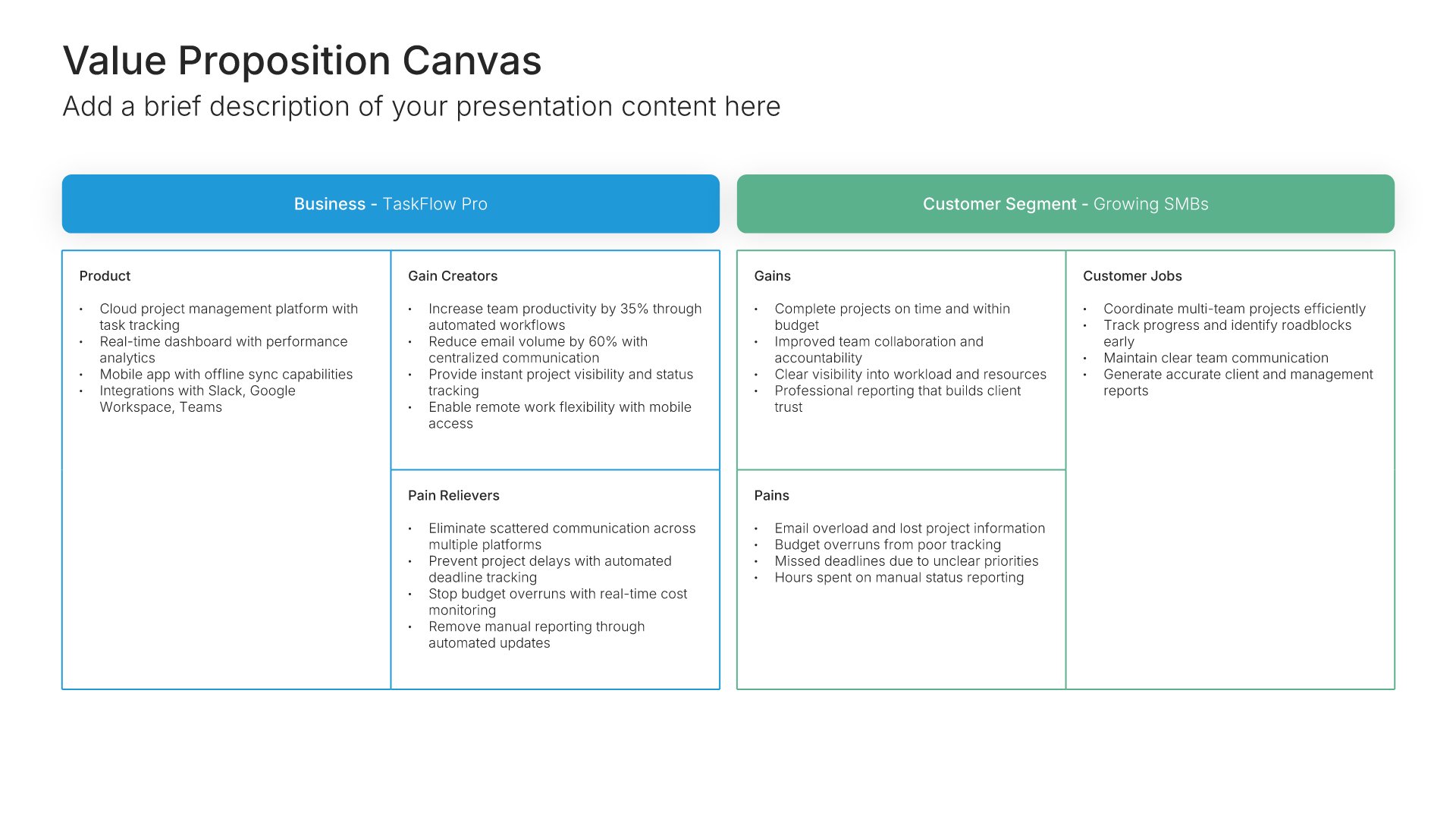
Value Proposition Canvas • Slide Library • Layout 01 of 4
Layout 01
Layout 02
Layout 03
Layout 04
About our value proposition canvas slides
What the slide does, how to use it, your brand, and a file you can edit anywhere.
Built to test whether your offer fits your customer
The value proposition canvas was developed by Alexander Osterwalder as a companion to the business model canvas. It zooms in on two blocks of that canvas, the customer and the value you offer them, and tests how well they fit. A value proposition canvas template lays both sides out on one slide, so a team can see where the offer lands and where it misses.
Why fit matters more than features
A product can be packed with features and still miss what customers care about. The canvas asks a harder question: which of the customer’s pains and gains does each part of the offer actually address? So gaps show up on the slide, before they show up in the sales numbers.
Brand the whole presentation in one click
Add your logo, colors, fonts, and background once. It applies to the whole presentation and the entire slide library at the same time. Value proposition slides go into product, marketing, and investor presentations, so once branded, they match the rest of your business model slides.
Export to PowerPoint, Google Slides, or Keynote
You get a real file, not a locked link. Export it and keep editing in the tool you already use. Both sides of the canvas and every note stay editable, so you can refine the fit as you learn more from customers.
How Choladeck works
From blank page to finished presentation in four steps.
STEP 01
Browse 9,000+ slides across 134+ categories, or open one of the 74 premade presentations.
STEP 02
Add your logo, colors, and fonts in one click. The whole presentation instantly matches your company.
STEP 03
Add your text, numbers, charts, and tables. Everything on the slide is editable.
STEP 04
Send it to PowerPoint, Google Slides, or Keynote, and present.

Need a complete presentation instead?
If you're starting from nothing rather than fixing a few slides, open one of 74+ premade presentations instead. Each one is complete and built for one purpose, from pitch decks to business plans and company profiles.

Questions about value proposition canvas template slides
How the slides work, and how far you can change them.
Using the slides
Can I edit these slides in PowerPoint?
+Yes. Export to PowerPoint, Google Slides, or Keynote, and both sides of the canvas and every note stay editable. Nothing is locked and nothing is a flat image.
How do I brand them to my company?
+Add your logo, colors, fonts, and background once. It applies to the whole presentation and the entire slide library at the same time.
Can I mix them with other slides from the library?
+Yes. Add a value proposition canvas slide to any premade template, or pair it with business model canvas or customer persona slides from the library. Branding applies across all of them.
About value proposition canvases
What are the two sides of the value proposition canvas?
+The customer profile, with jobs, pains, and gains, and the value map, with products and services, pain relievers, and gain creators.
Who should fill in a value proposition canvas?
+Product, marketing, and sales together, ideally working from real customer research rather than assumptions.
When should I use a value proposition canvas slide?
+When designing a new product, testing a pitch, or explaining to a team why customers choose you.
Your next value proposition canvas template slide is already designed
Pick a layout, brand it in one click, add your content, and export.
Free to start. No credit card required.