Six thinking hats template slides
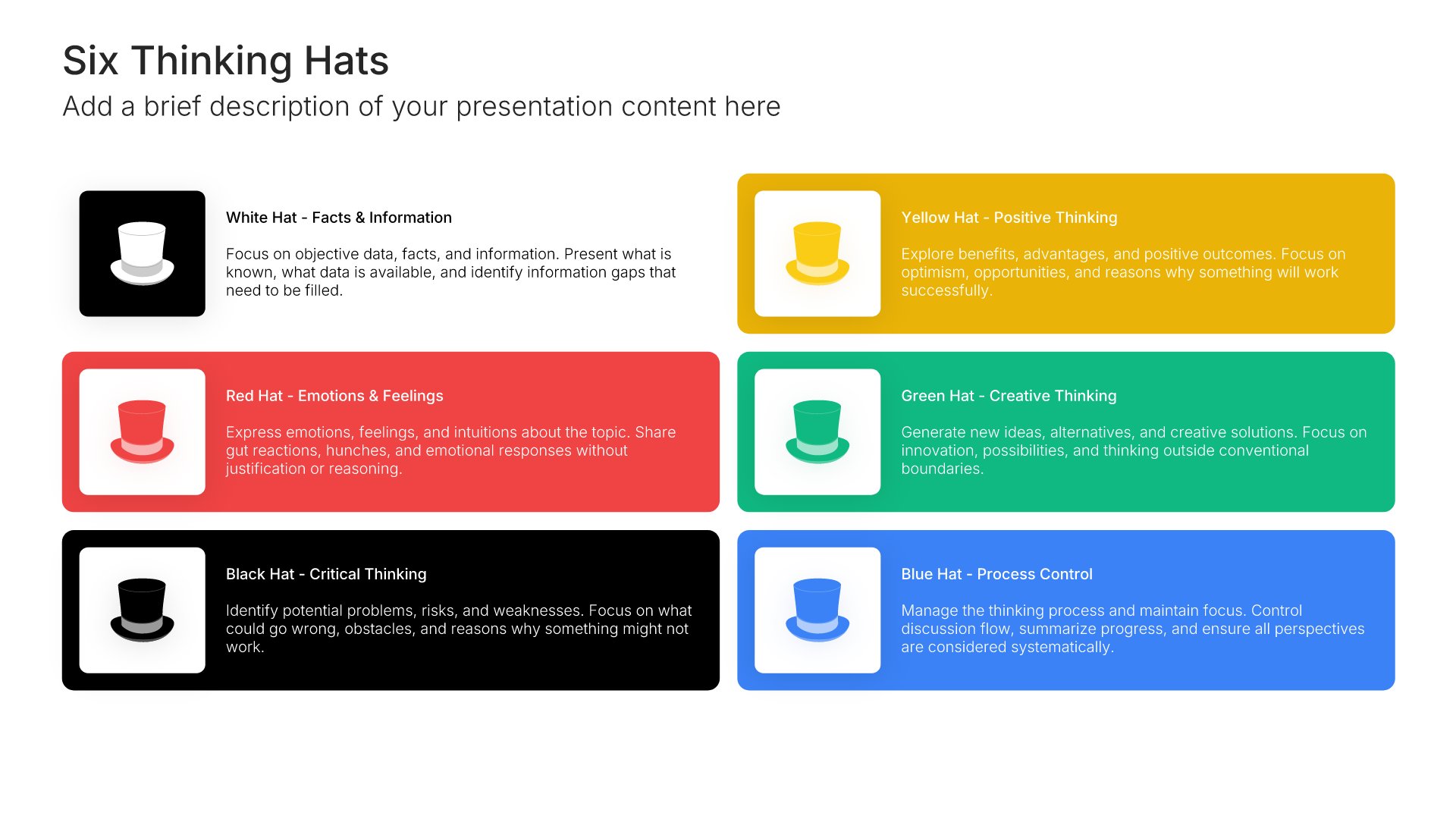
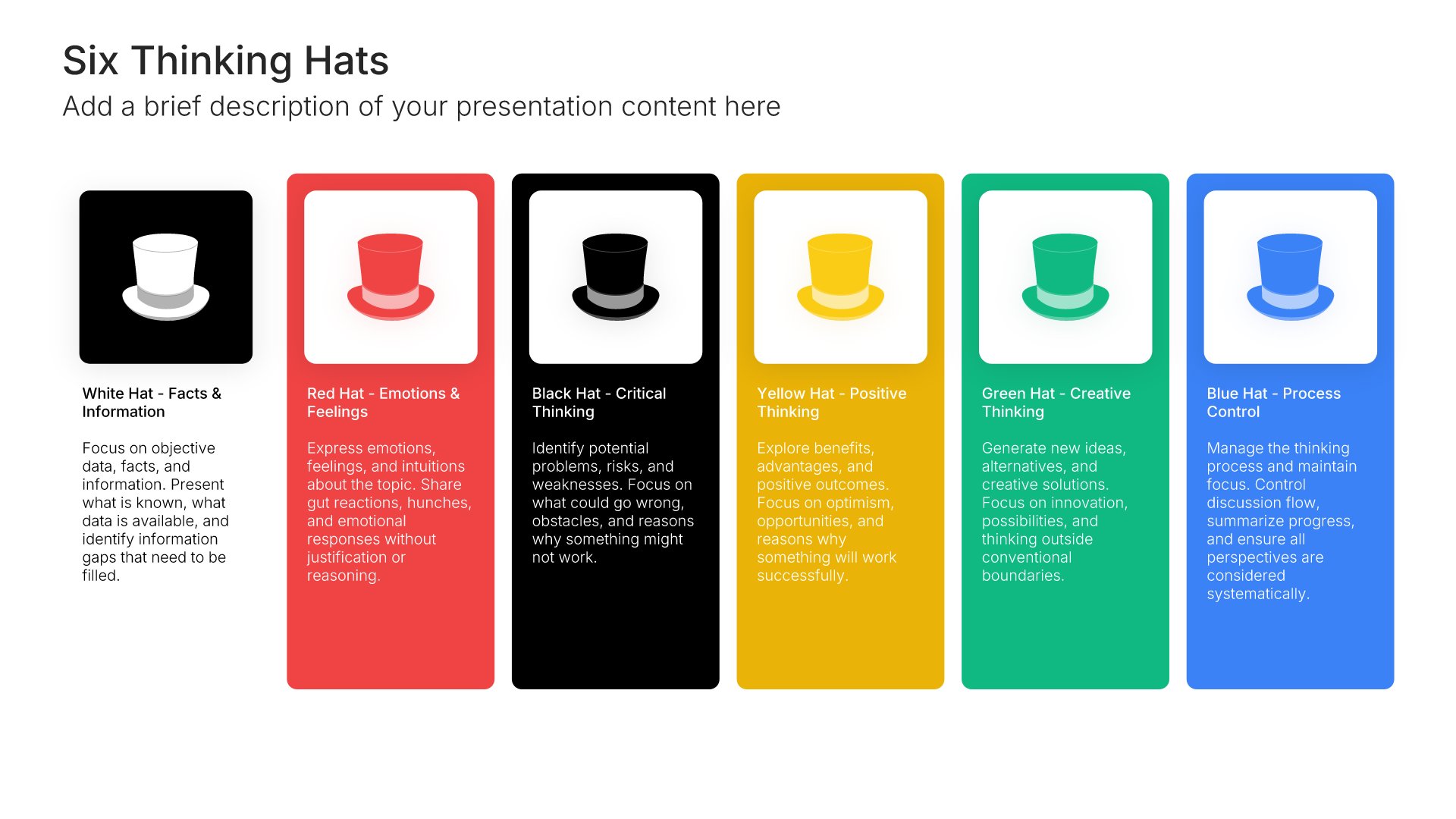
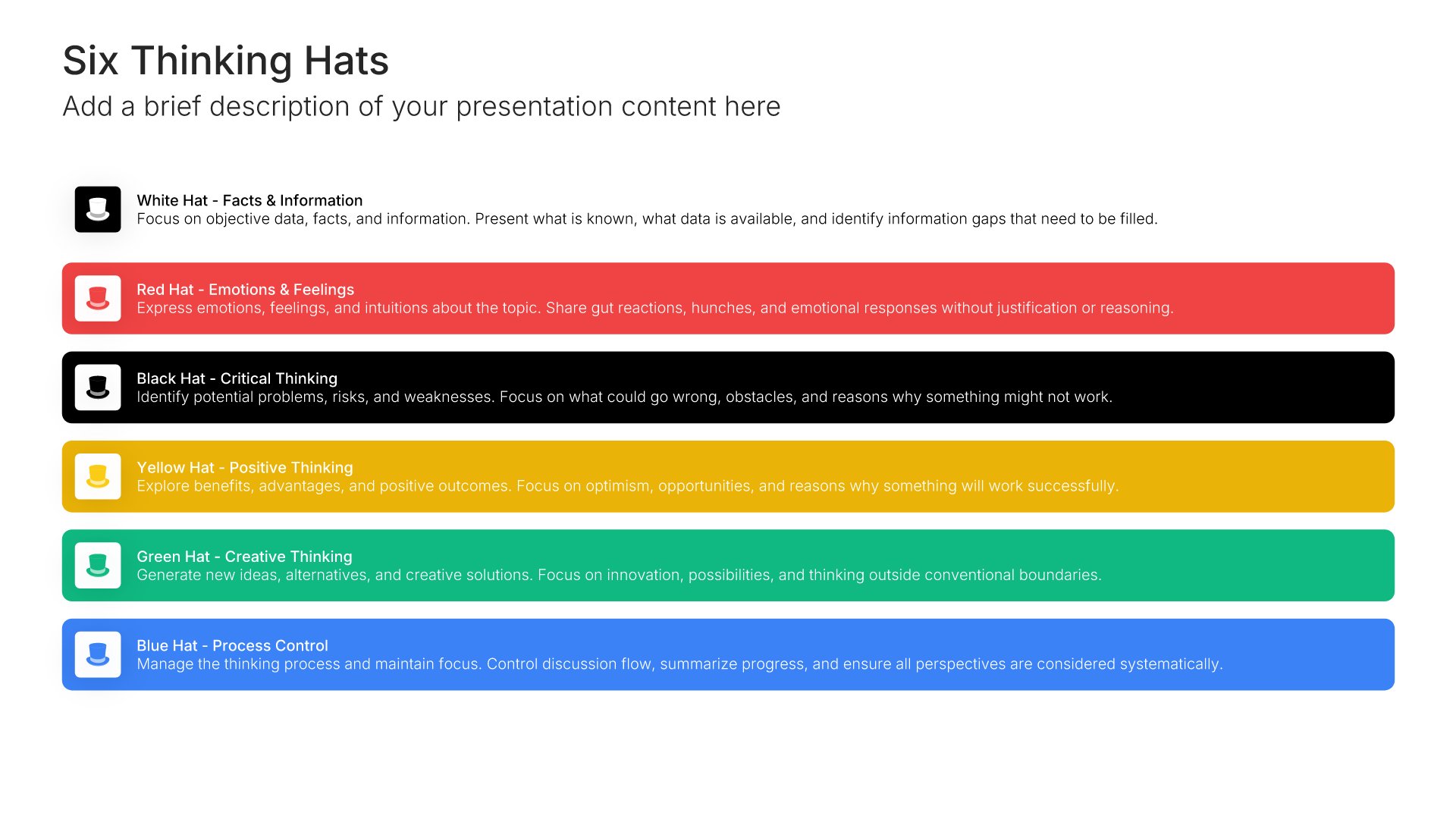
Six thinking hats template slides guide a group through a decision from six angles, one at a time: facts, feelings, risks, benefits, new ideas, and process. Pick one of 4 layouts, brand it to your company in one click, add your points, and export to PowerPoint, Google Slides, or Keynote.
Free to start. No credit card required.
Browse six thinking hats slides
4 ways to walk a group through all six hats, all fully editable.
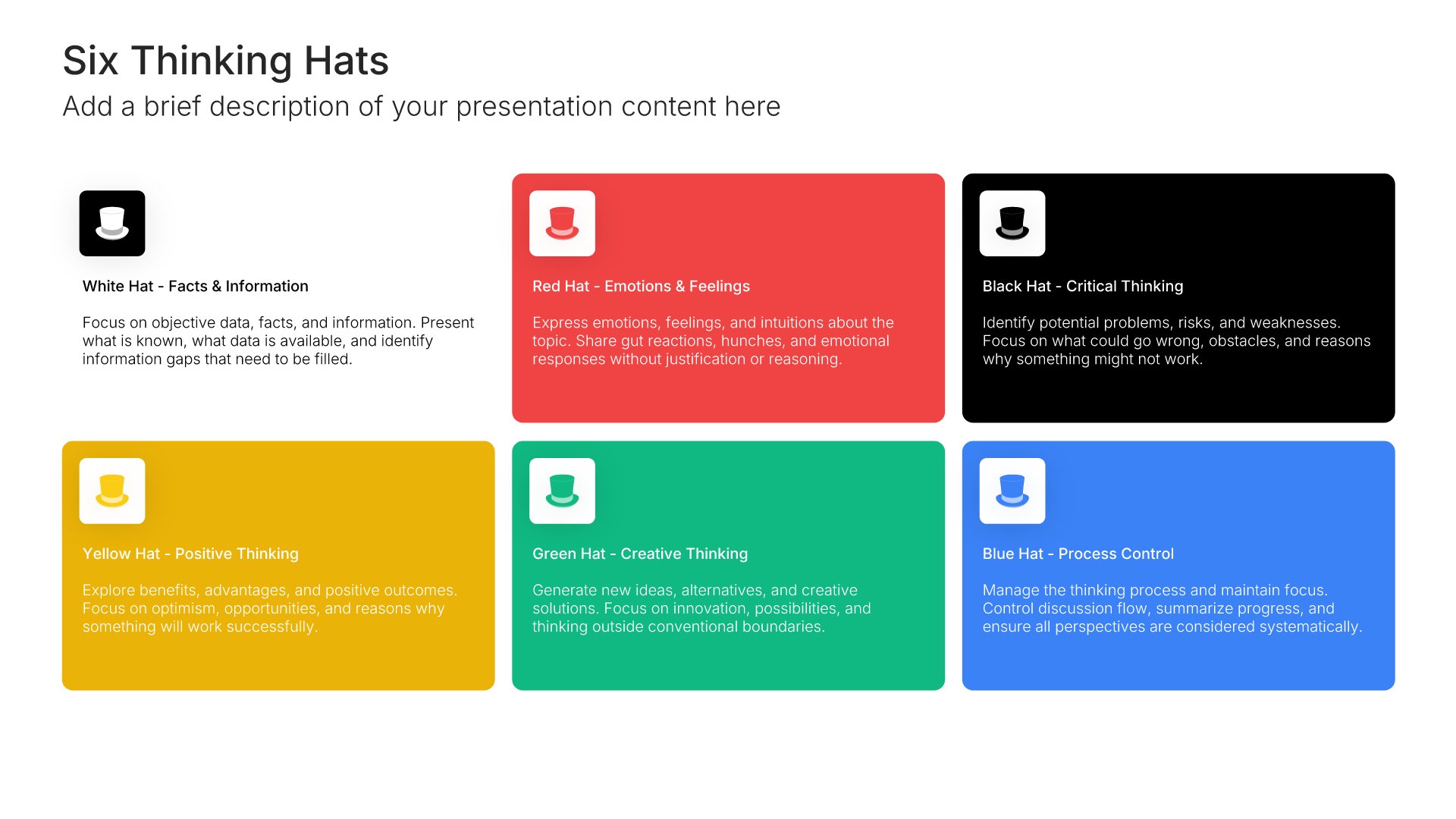
Six Thinking Hats • Slide Library • Layout 01 of 4
Layout 01
Layout 02
Layout 03
Layout 04
About our six thinking hats slides
What the slide does, how to use it, your brand, and a file you can edit anywhere.
Built to keep the whole group thinking the same way at once
Edward de Bono introduced the six thinking hats in 1985 as a way to make group thinking more productive. Instead of everyone arguing from their own position, the whole group wears the same hat at the same time, so every angle gets proper attention. A six thinking hats template sets out each hat on the slide, so a workshop has a clear structure to follow.
Why one hat at a time ends circular debates
Meetings go in circles when optimists and skeptics argue past each other. Asking everyone to look for risks together, then benefits together, separates the two. So each angle gets a fair hearing, and the decision comes out of the full picture instead of the loudest voice.
Brand the whole presentation in one click
Add your logo, colors, fonts, and background once. It applies to the whole presentation and the entire slide library at the same time. Six thinking hats slides are used in workshops and planning sessions that get shared afterward, so once branded, they look like part of your company’s materials.
Export to PowerPoint, Google Slides, or Keynote
You get a real file, not a locked link. Export it and keep editing in the tool you already use. Every hat and its notes stay editable, so you can capture the group’s thinking live during the session.
How Choladeck works
From blank page to finished presentation in four steps.
STEP 01
Browse 9,000+ slides across 134+ categories, or open one of the 74 premade presentations.
STEP 02
Add your logo, colors, and fonts in one click. The whole presentation instantly matches your company.
STEP 03
Add your text, numbers, charts, and tables. Everything on the slide is editable.
STEP 04
Send it to PowerPoint, Google Slides, or Keynote, and present.

Need a complete presentation instead?
If you're starting from nothing rather than fixing a few slides, open one of 74+ premade presentations instead. Each one is complete and built for one purpose, from pitch decks to business plans and company profiles.

Questions about six thinking hats template slides
How the slides work, and how far you can change them.
Using the slides
Can I edit these slides in PowerPoint?
+Yes. Export to PowerPoint, Google Slides, or Keynote, and every hat and its notes stay editable. Nothing is locked and nothing is a flat image.
How do I brand them to my company?
+Add your logo, colors, fonts, and background once. It applies to the whole presentation and the entire slide library at the same time.
Can I mix them with other slides from the library?
+Yes. Add a six thinking hats slide to any premade template, or pair it with rose thorn bud or empathy map slides from the library. Branding applies across all of them.
About the six thinking hats
What do the six hats stand for?
+White for facts, red for feelings, black for caution, yellow for benefits, green for creativity, and blue for managing the process.
Who created the six thinking hats?
+Edward de Bono, in his 1985 book Six Thinking Hats.
When should I use these slides?
+In workshops, planning sessions, and decision meetings where a group needs to look at an idea from every angle.
Your next six thinking hats slide is already designed
Pick a layout, brand it in one click, add your content, and export.
Free to start. No credit card required.