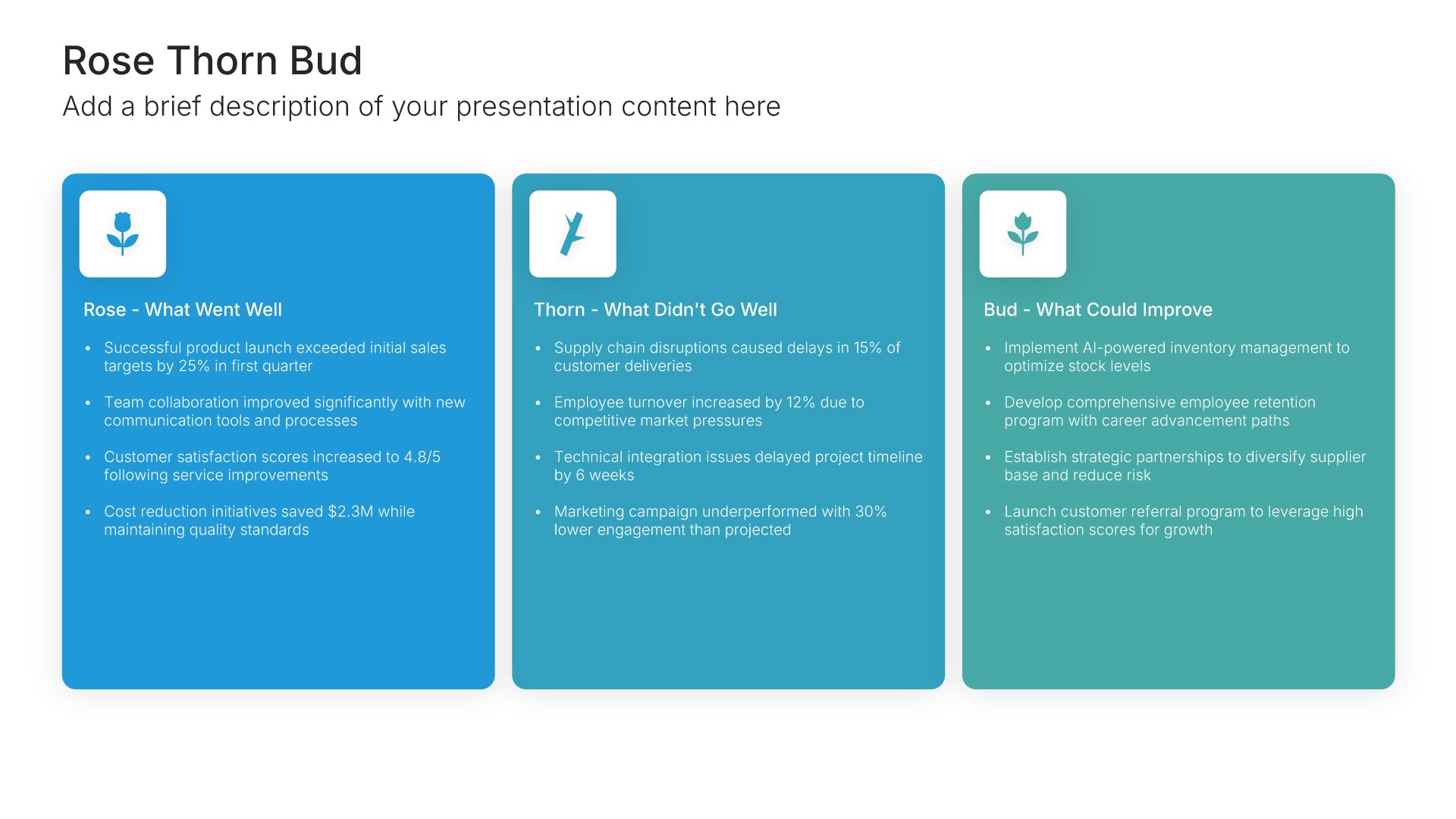
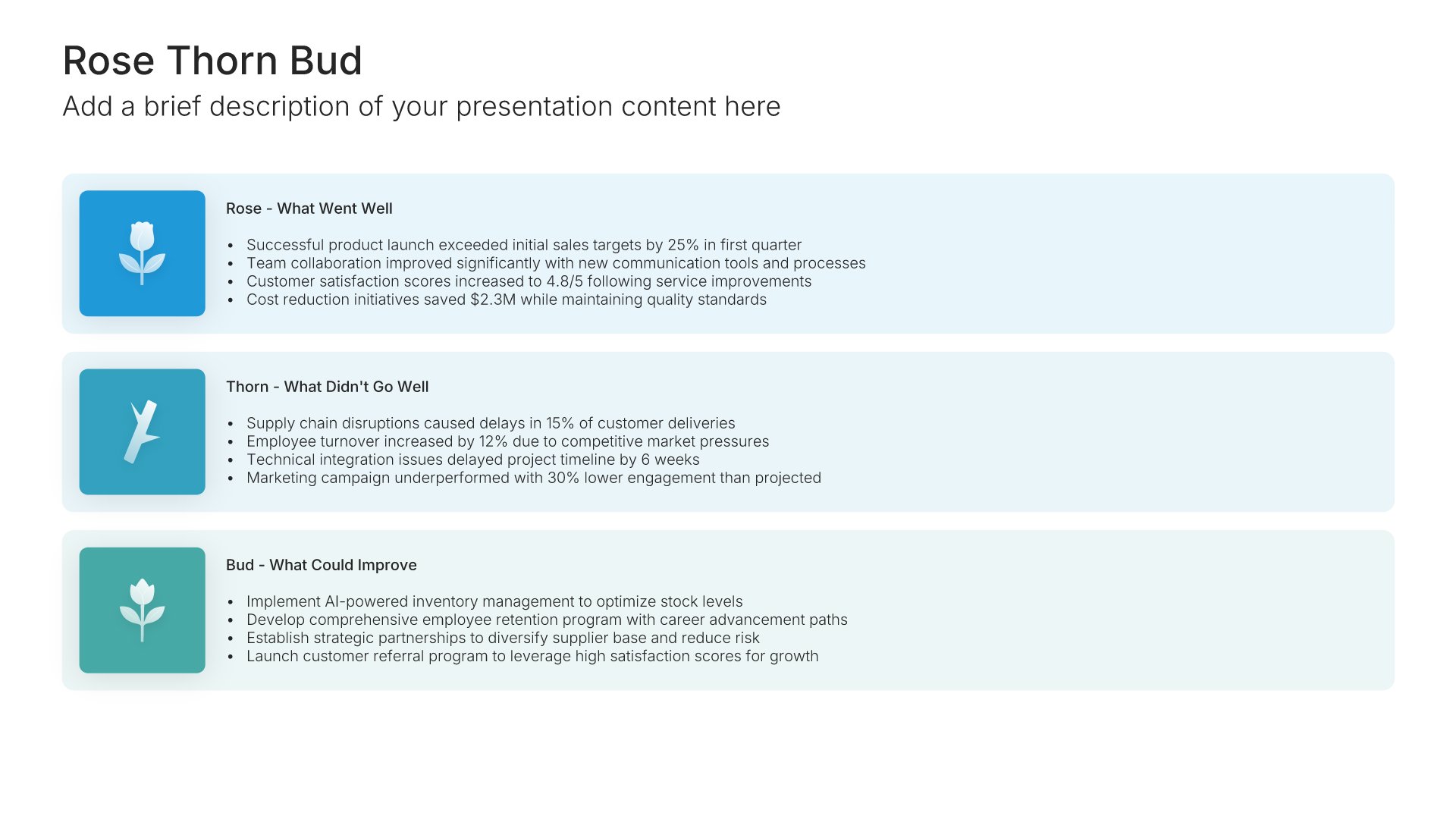
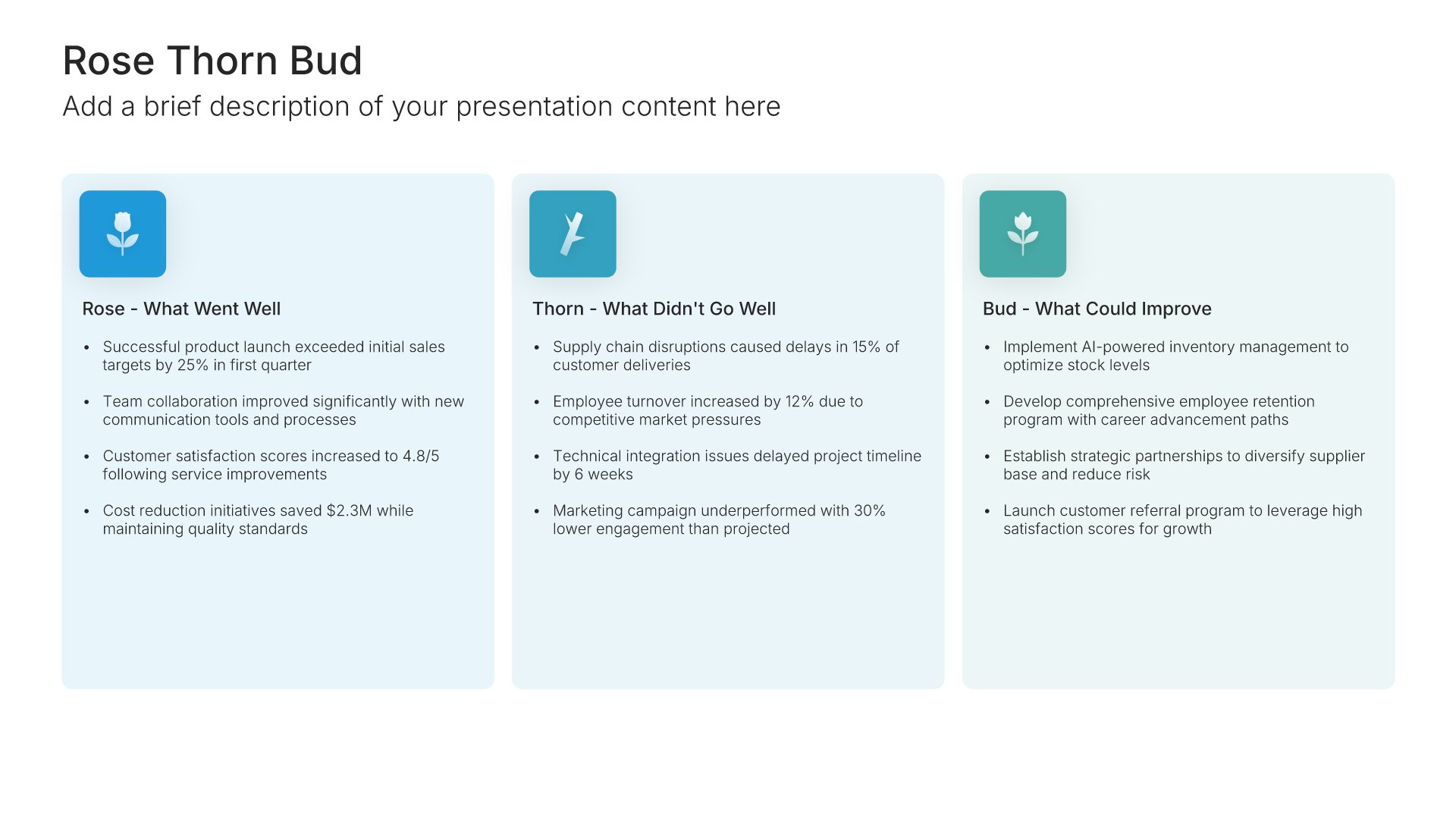
Rose bud thorn template slides
Rose bud thorn template slides sort feedback into three simple groups: roses for what's working, thorns for what isn't, and buds for what could grow. Pick one of 4 layouts, brand it to your company in one click, add your points, and export to PowerPoint, Google Slides, or Keynote.
Free to start. No credit card required.
Browse rose, thorn, bud slides
4 ways to sort feedback into roses, thorns, and buds, all fully editable.
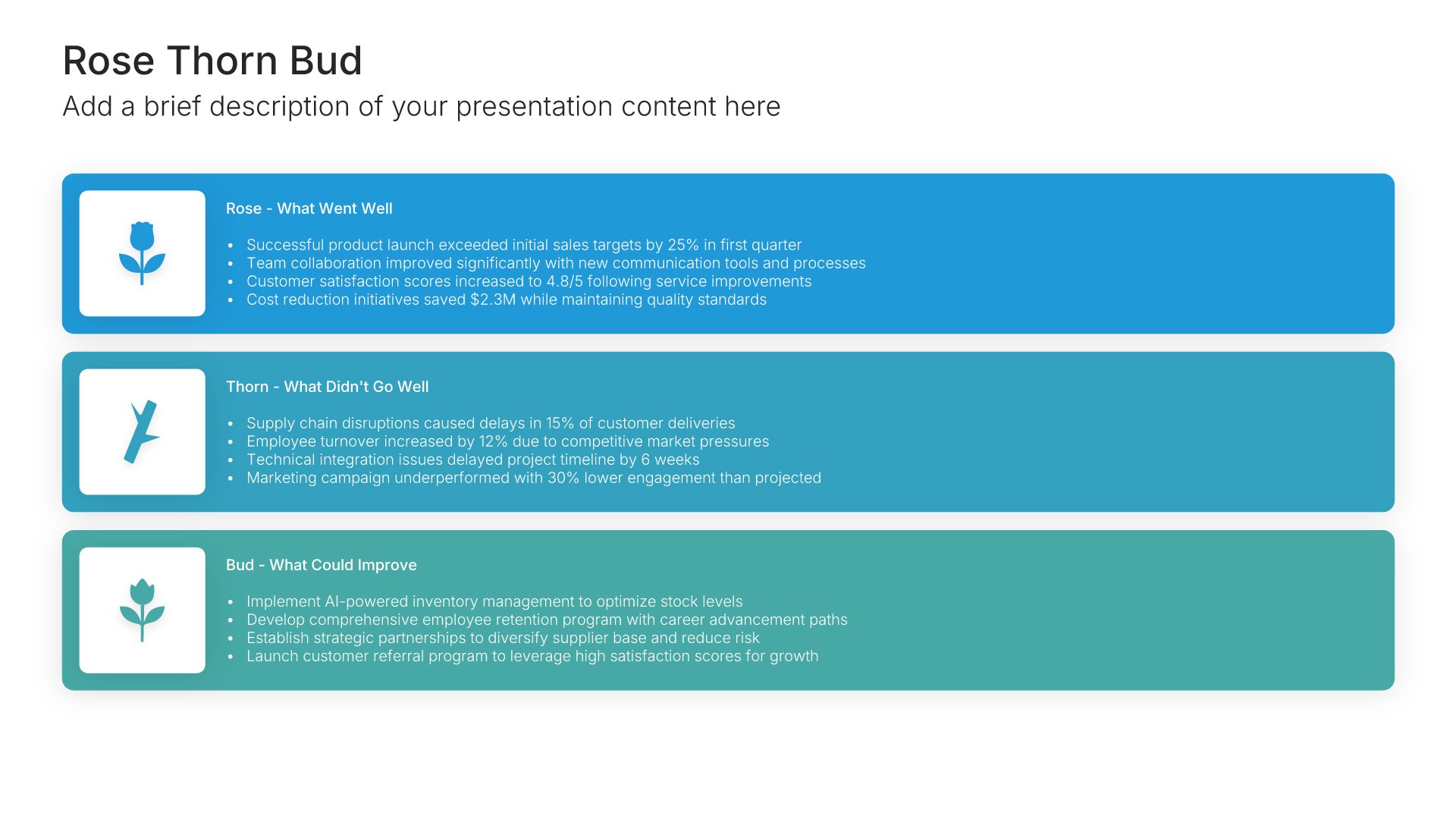
Rose Thorn Bud • Slide Library • Layout 01 of 4
Layout 01
Layout 02
Layout 03
Layout 04
About our rose, thorn, bud slides
What the slide does, how to use it, your brand, and a file you can edit anywhere.
Built to turn scattered opinions into a shared picture
The exercise comes from design thinking, where teams use it to make sense of research, workshops, and retrospectives. Its strength is how easy it is: anyone can say what went well, what hurt, and what looks promising. A rose bud thorn template captures the answers in one view, so a team leaves with a shared picture instead of scattered opinions.
Why the bud matters most
Most feedback formats stop at good and bad. The bud adds a third question: what’s starting to work that deserves more attention? That shifts the conversation from judging the past to choosing what to grow next. So the session ends with ideas to act on, not just a list of complaints.
Brand the whole presentation in one click
Add your logo, colors, fonts, and background once. It applies to the whole presentation and the entire slide library at the same time. Rose, thorn, bud slides are often shared with a whole team after a workshop or retrospective, so once branded, they look like part of your company’s work.
Export to PowerPoint, Google Slides, or Keynote
You get a real file, not a locked link. Export it and keep editing in the tool you already use. All three groups and every point stay editable, so you can add feedback as it comes in.
How Choladeck works
From blank page to finished presentation in four steps.
STEP 01
Browse 9,000+ slides across 134+ categories, or open one of the 74 premade presentations.
STEP 02
Add your logo, colors, and fonts in one click. The whole presentation instantly matches your company.
STEP 03
Add your text, numbers, charts, and tables. Everything on the slide is editable.
STEP 04
Send it to PowerPoint, Google Slides, or Keynote, and present.

Need a complete presentation instead?
If you're starting from nothing rather than fixing a few slides, open one of 74+ premade presentations instead. Each one is complete and built for one purpose, from pitch decks to business plans and company profiles.

Questions about rose, thorn, bud slides
How the slides work, and how far you can change them.
Using the slides
Can I edit these slides in PowerPoint?
+Yes. Export to PowerPoint, Google Slides, or Keynote, and every group and point stays editable. Nothing is locked and nothing is a flat image.
How do I brand them to my company?
+Add your logo, colors, fonts, and background once. It applies to the whole presentation and the entire slide library at the same time.
Can I mix them with other slides from the library?
+Yes. Add a rose, thorn, bud slide to any premade template, or pair it with SWOT or empathy map slides from the library. Branding applies across all of them.
About rose, thorn, bud
What do rose, thorn, and bud stand for?
+A rose is something positive, a thorn is a problem or pain point, and a bud is an opportunity or an idea with potential.
When should I use a rose, thorn, bud slide?
+For retrospectives, workshop summaries, project reviews, and user research, anywhere you want balanced feedback quickly.
How is it different from a SWOT analysis?
+SWOT covers internal and external factors for strategy. Rose, thorn, bud is quicker and more personal, built for team feedback and reflection.
Your next rose, thorn, bud slide is already designed
Pick a layout, brand it in one click, add your content, and export.
Free to start. No credit card required.