Quote slide templates
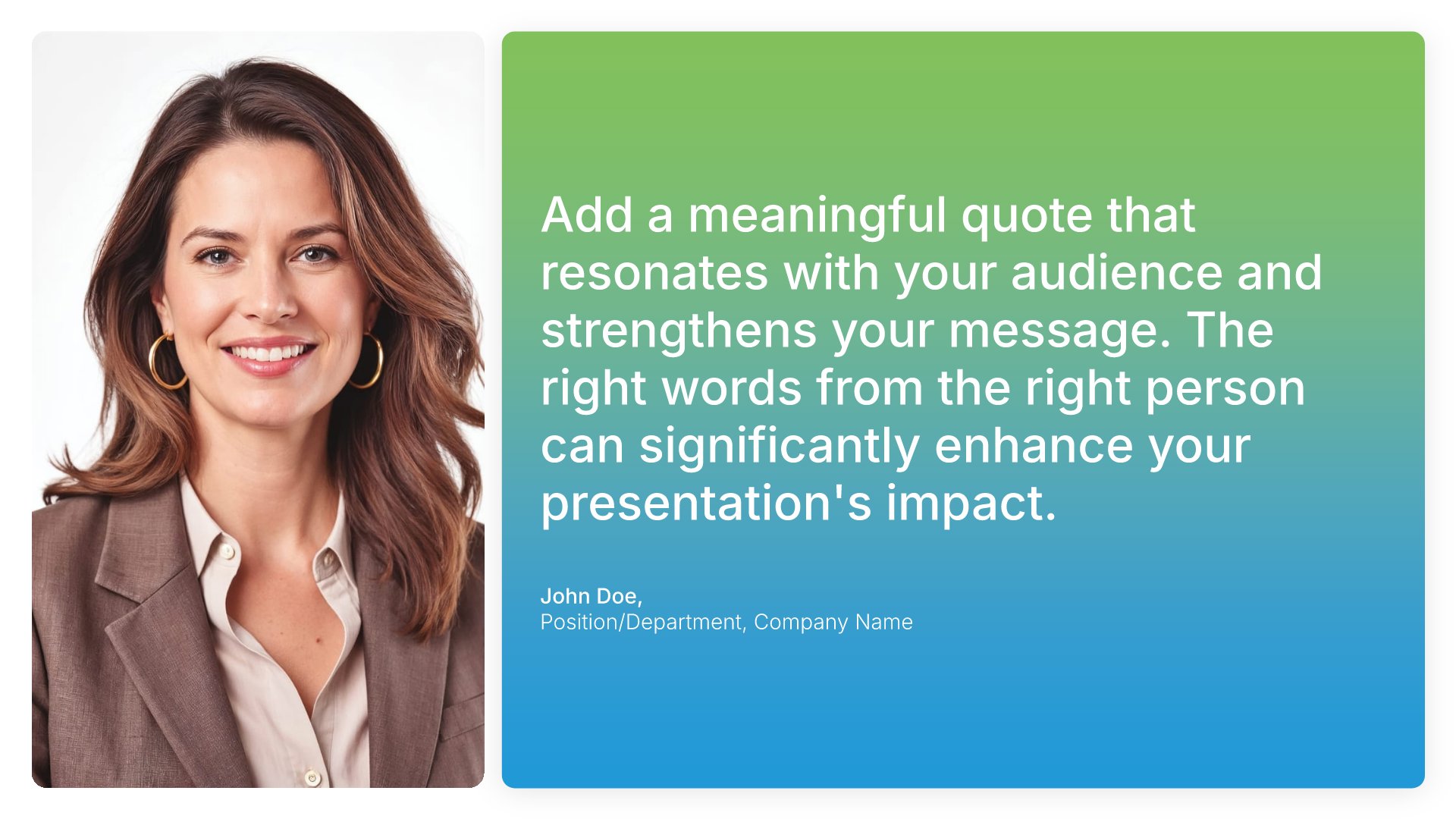
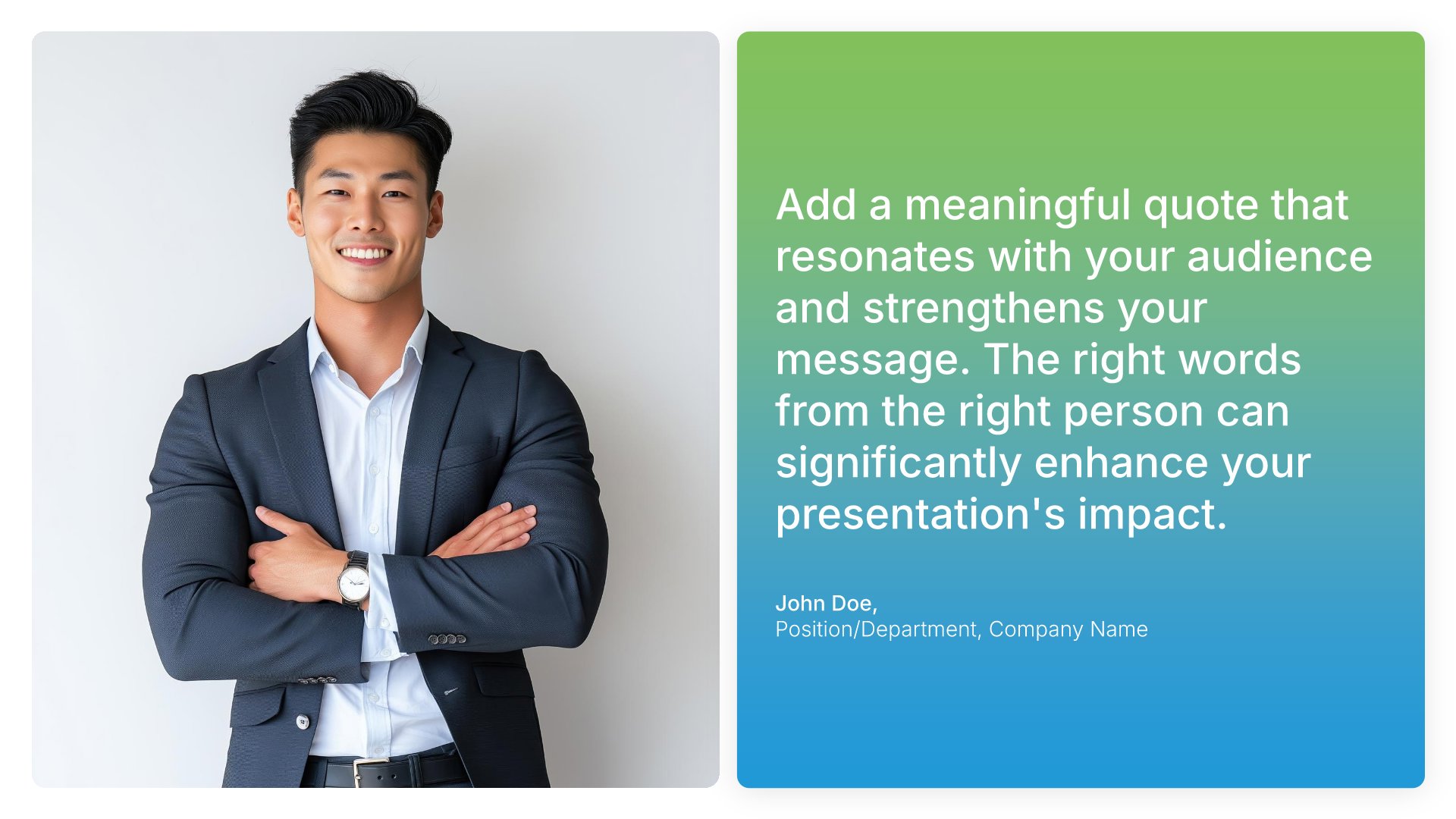
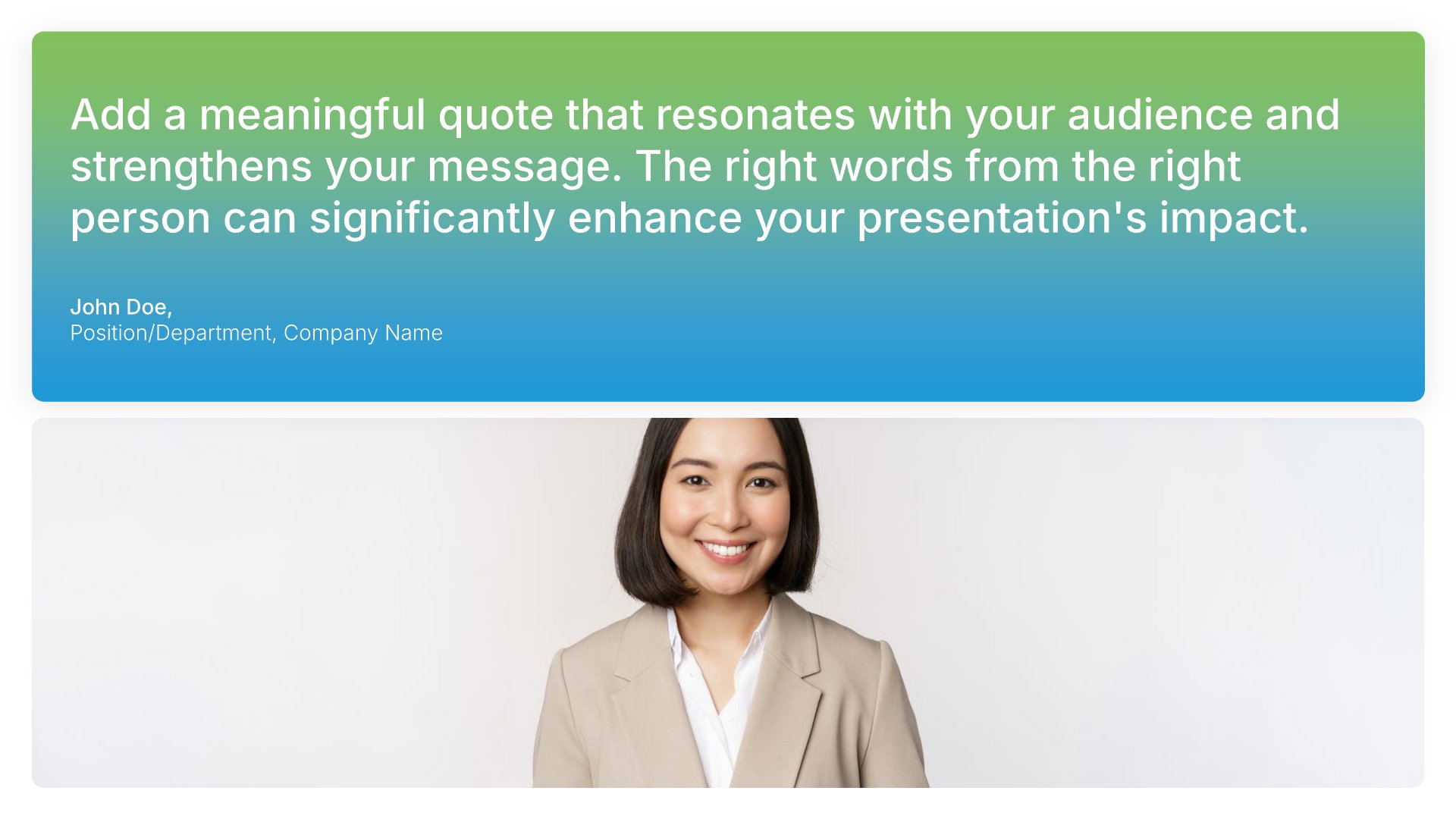
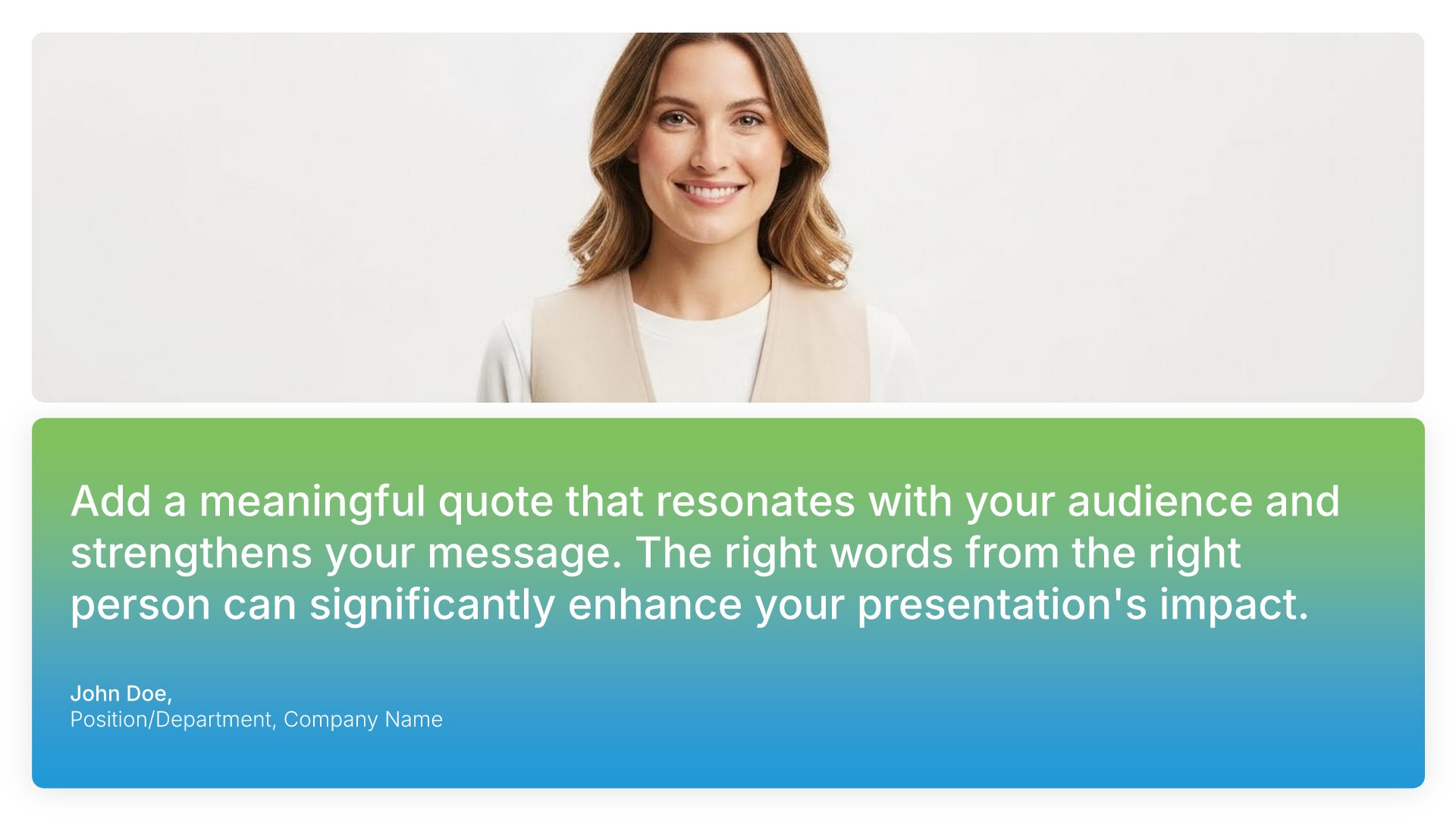
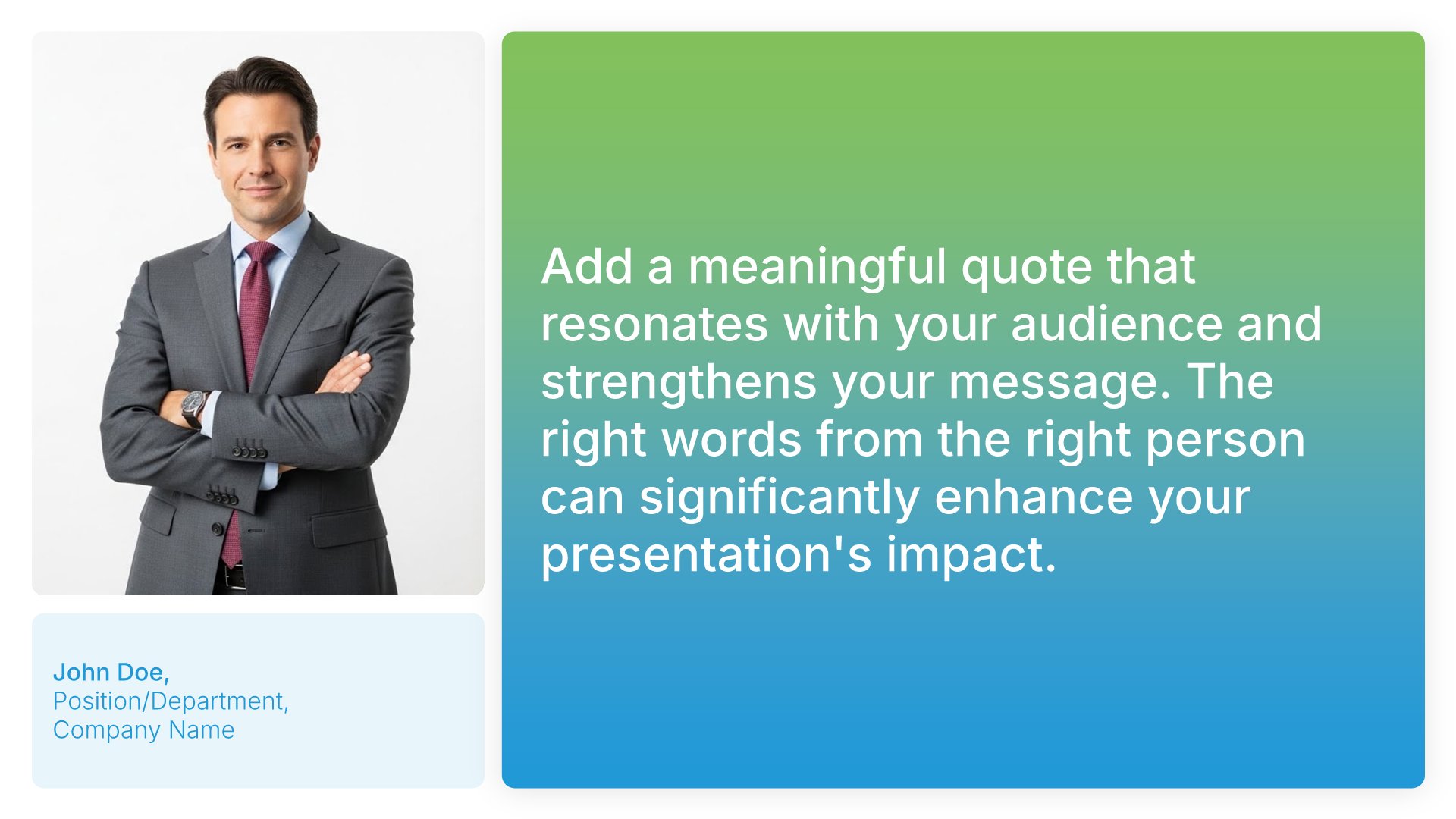
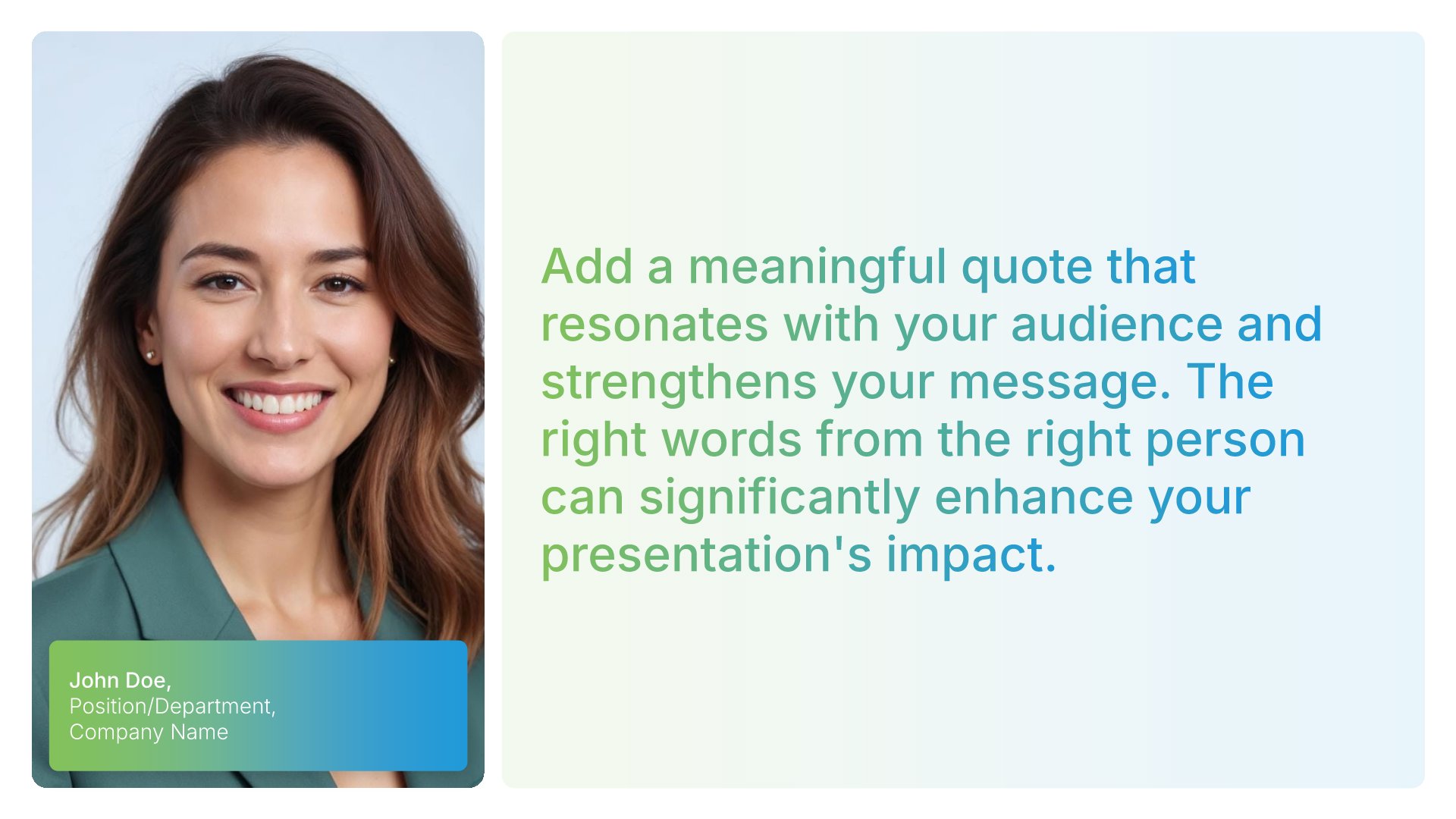
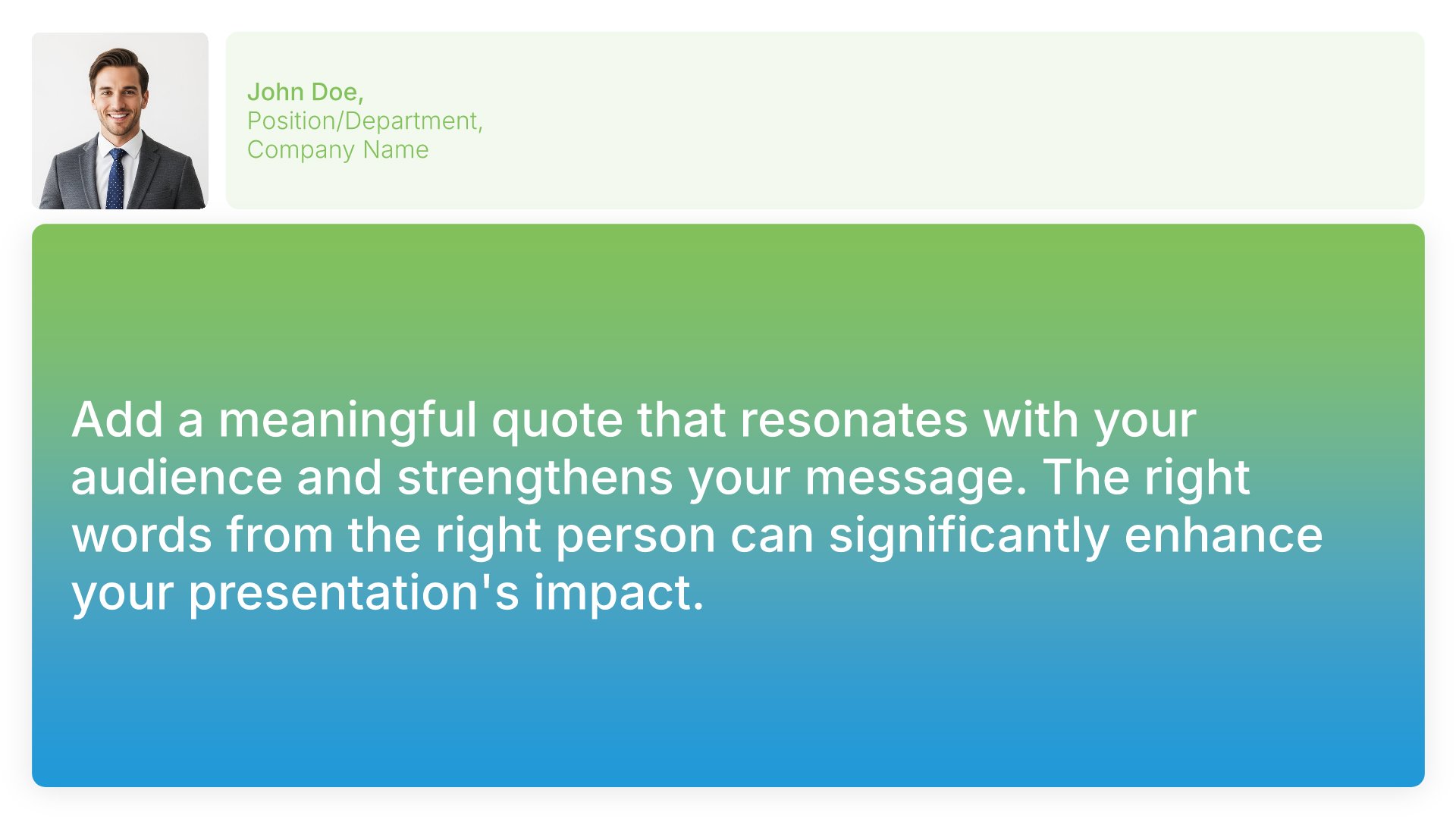
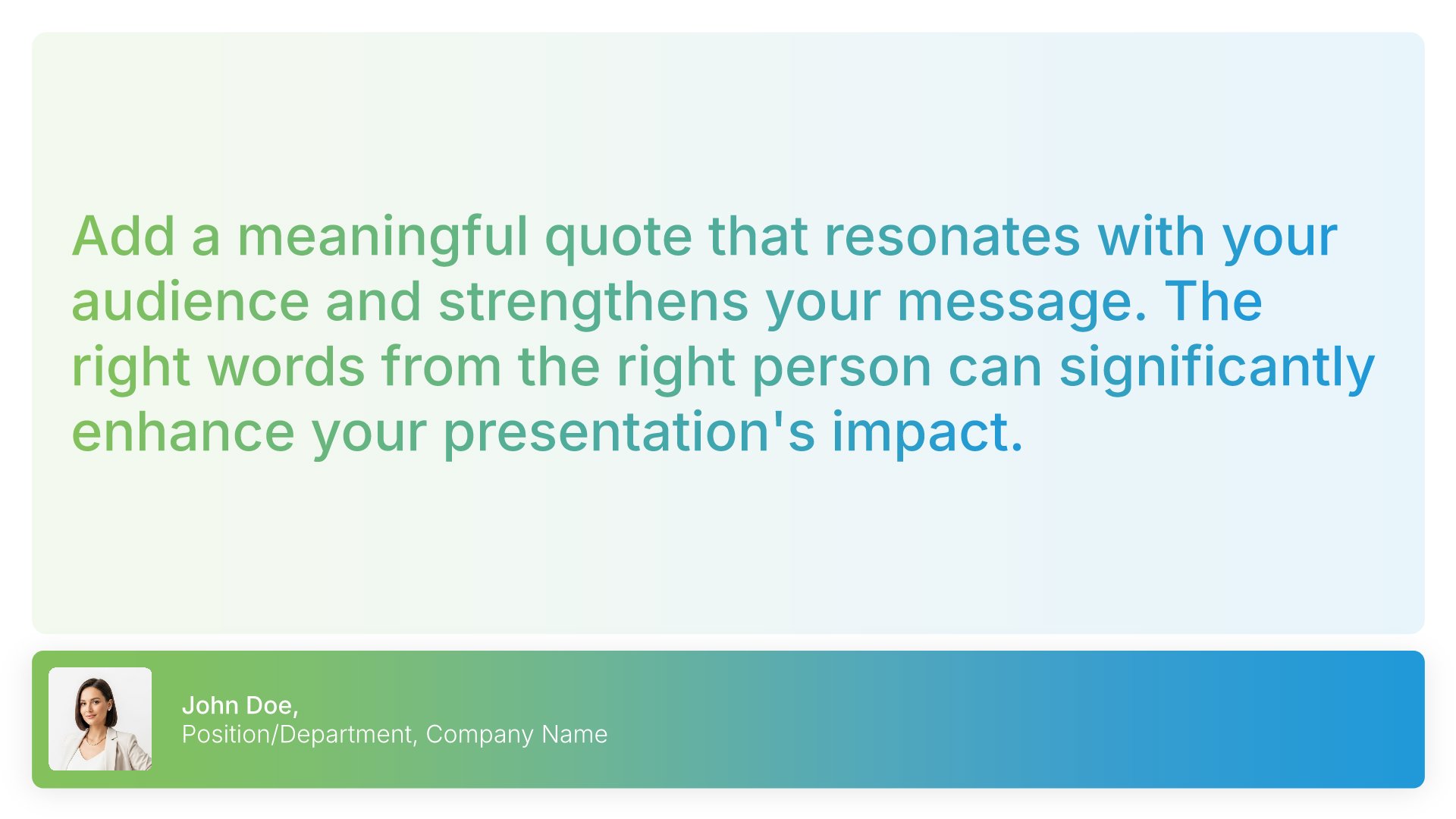
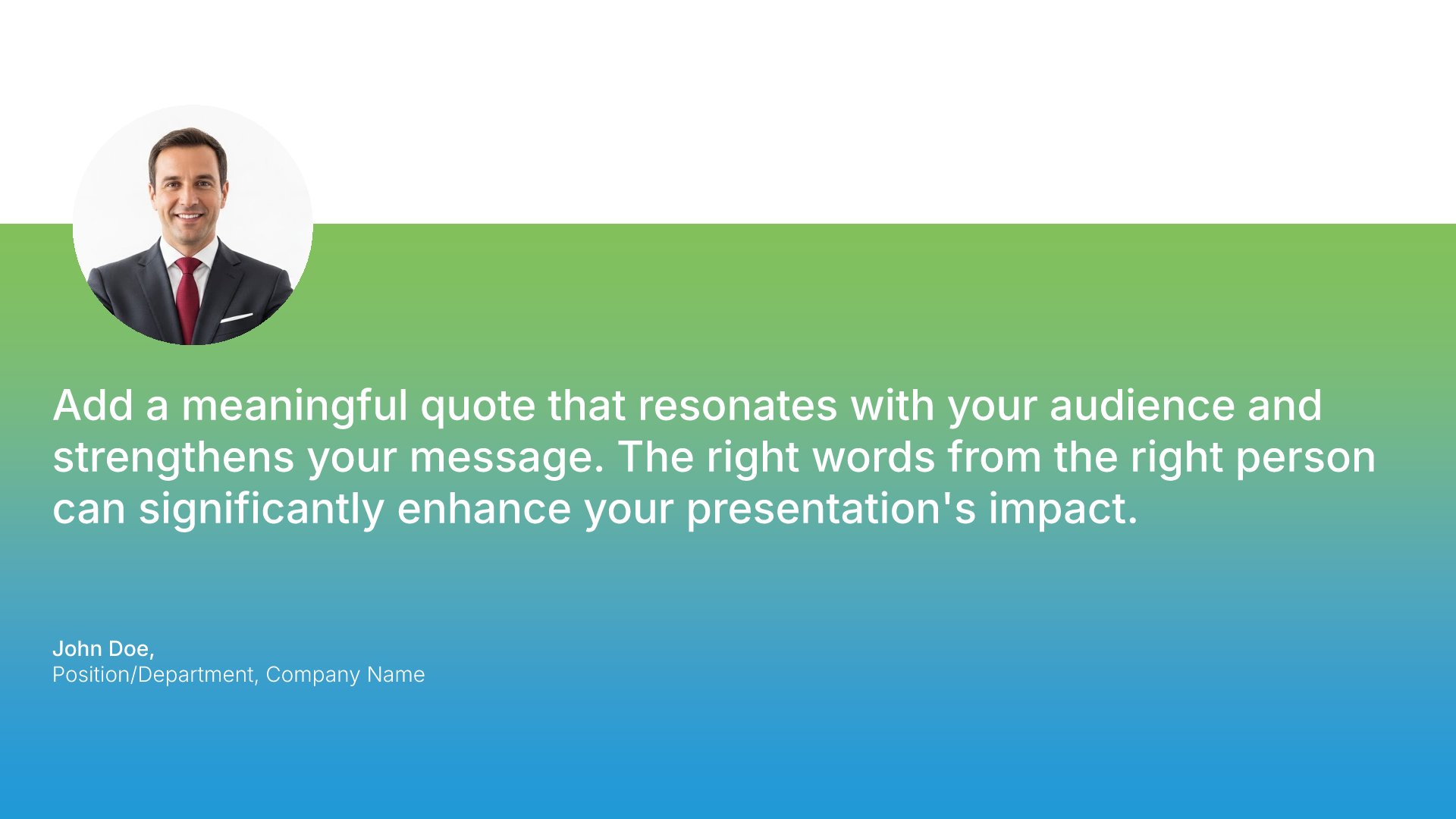
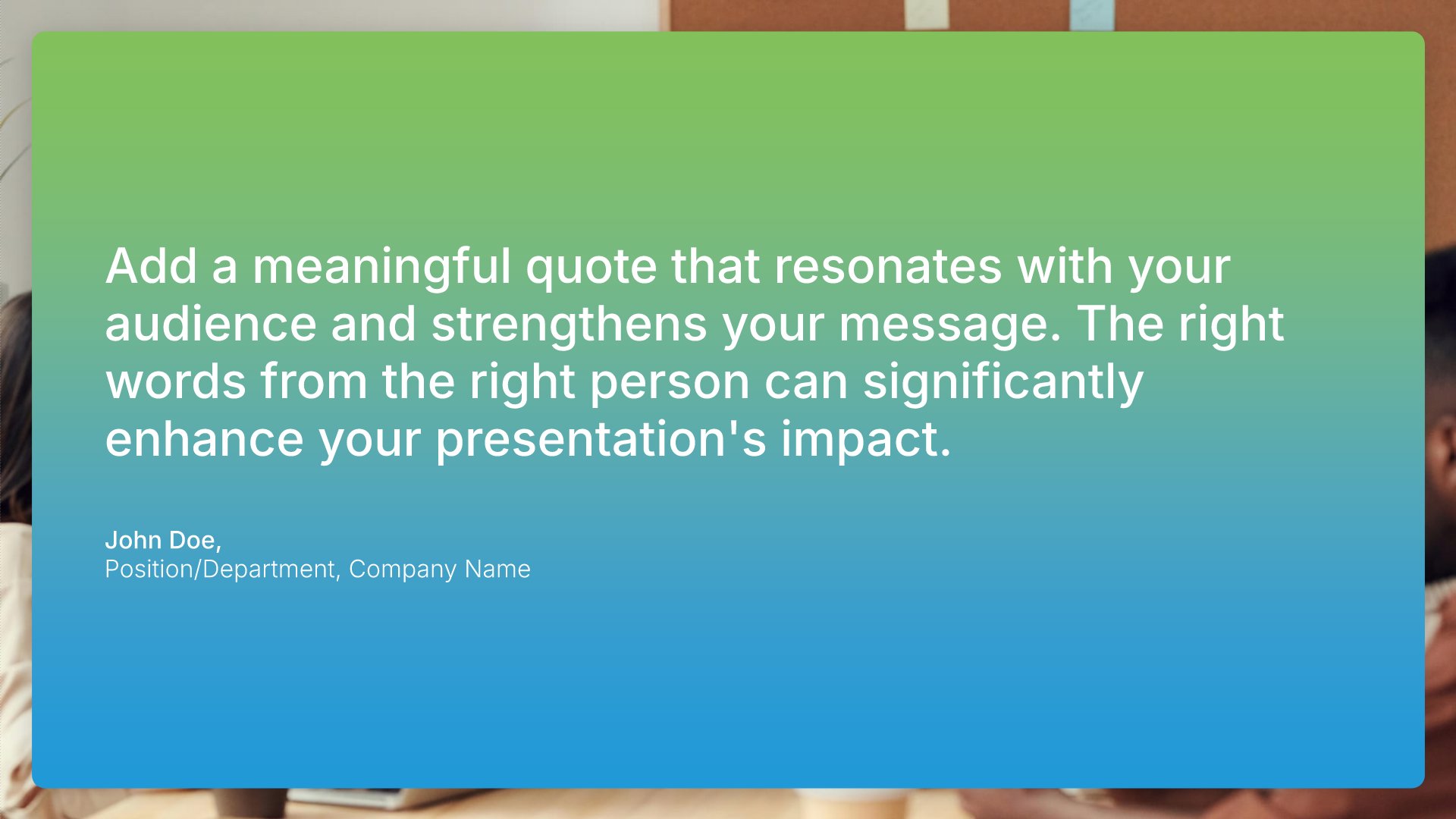
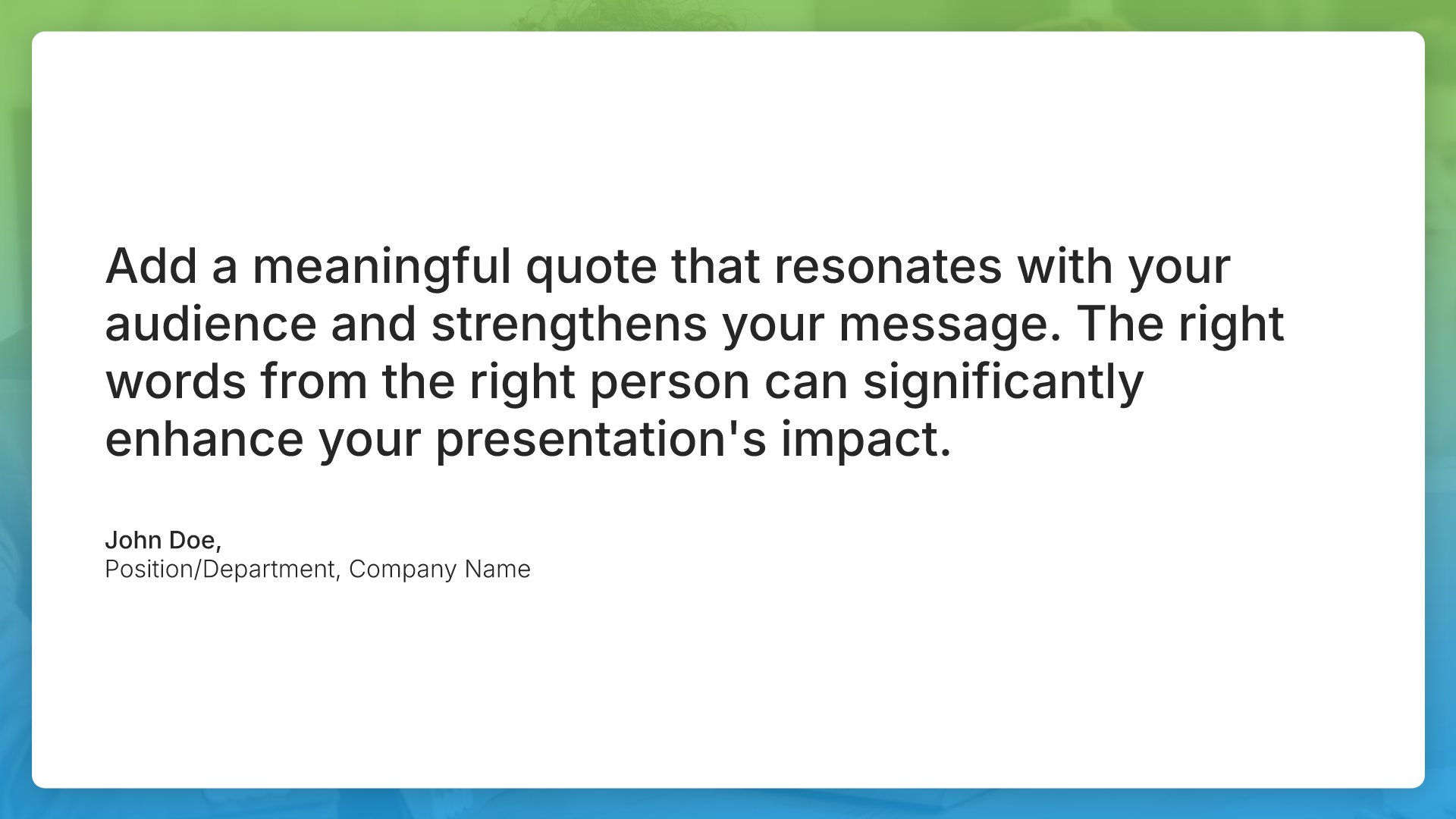
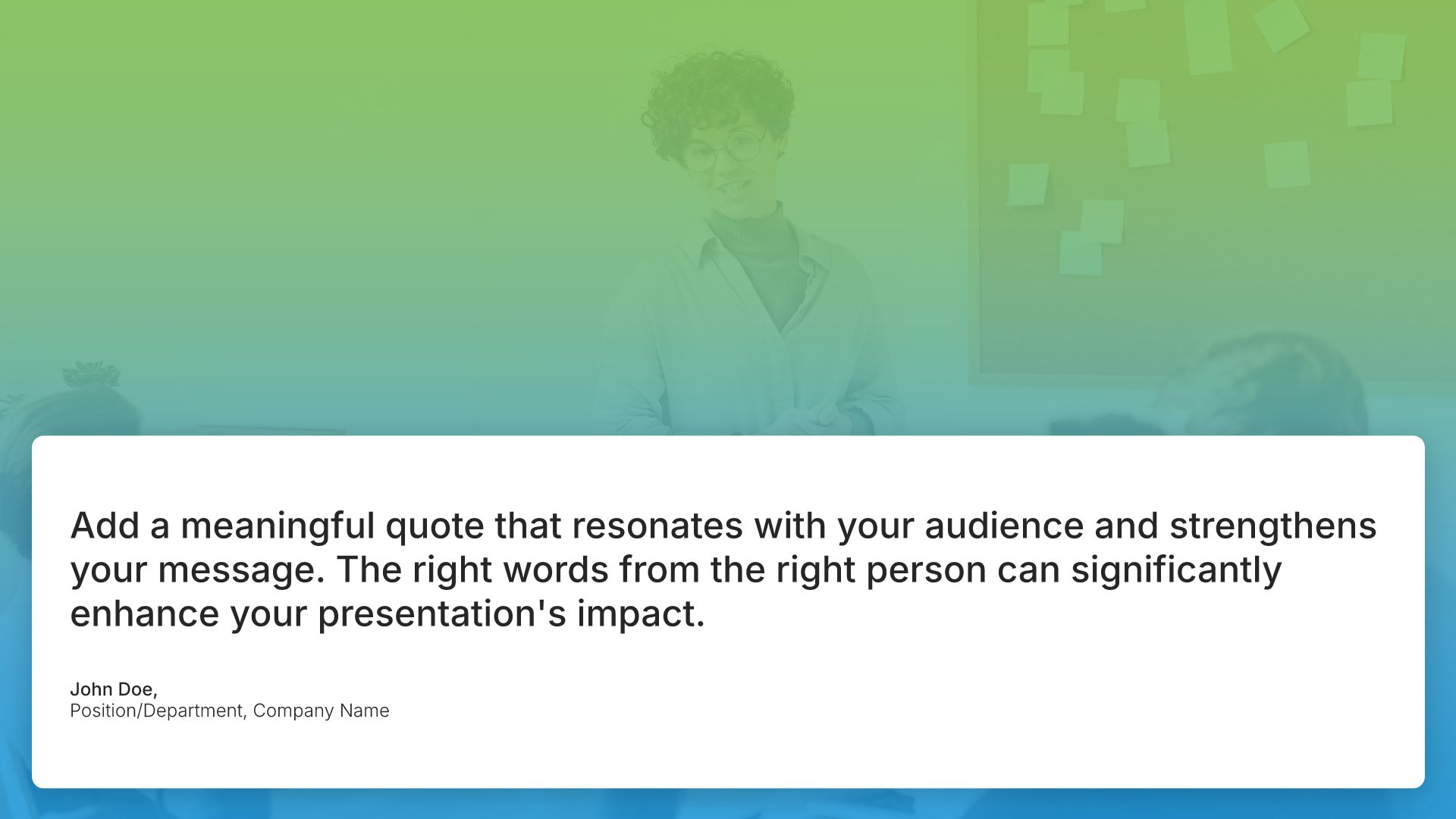
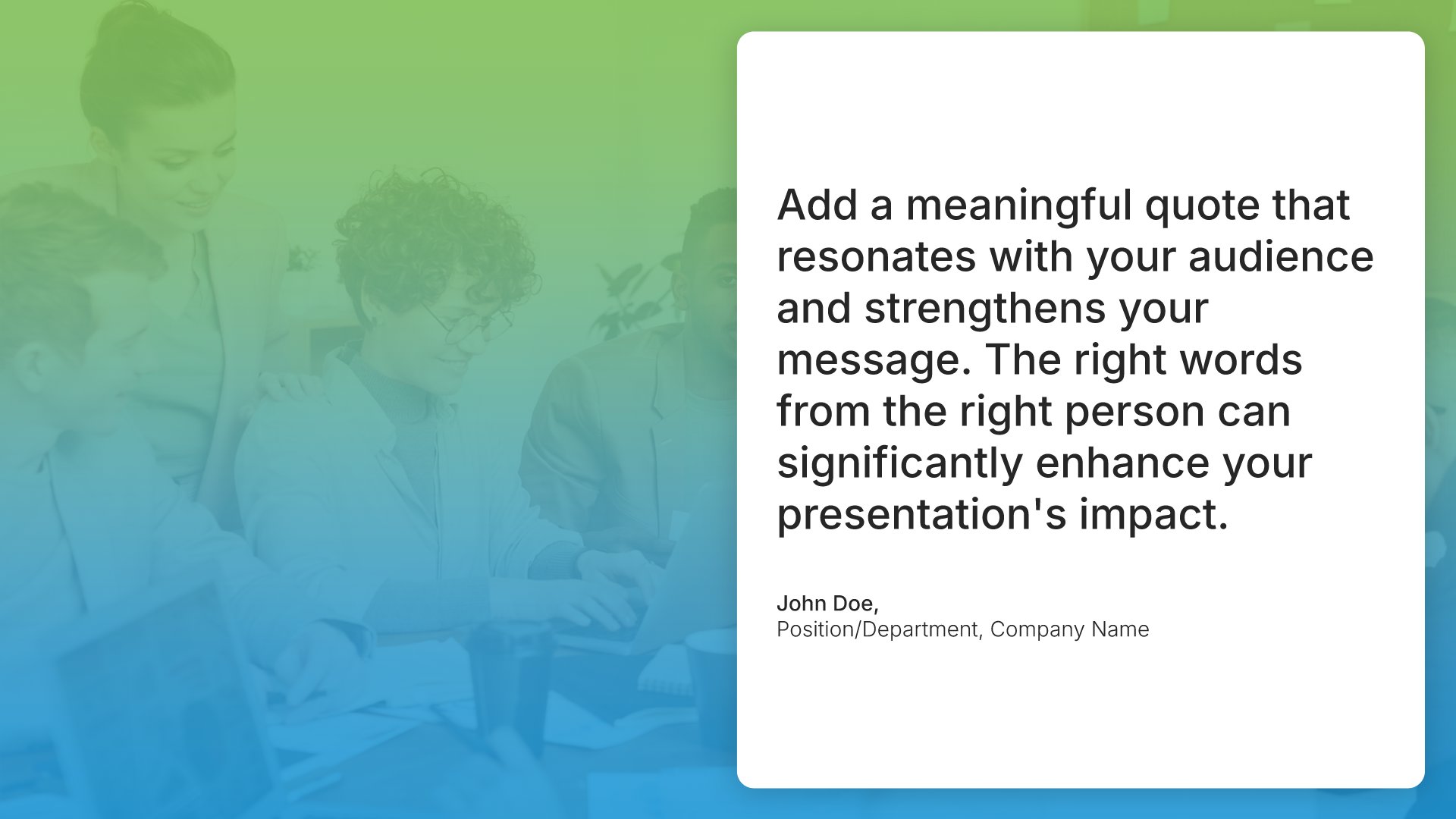
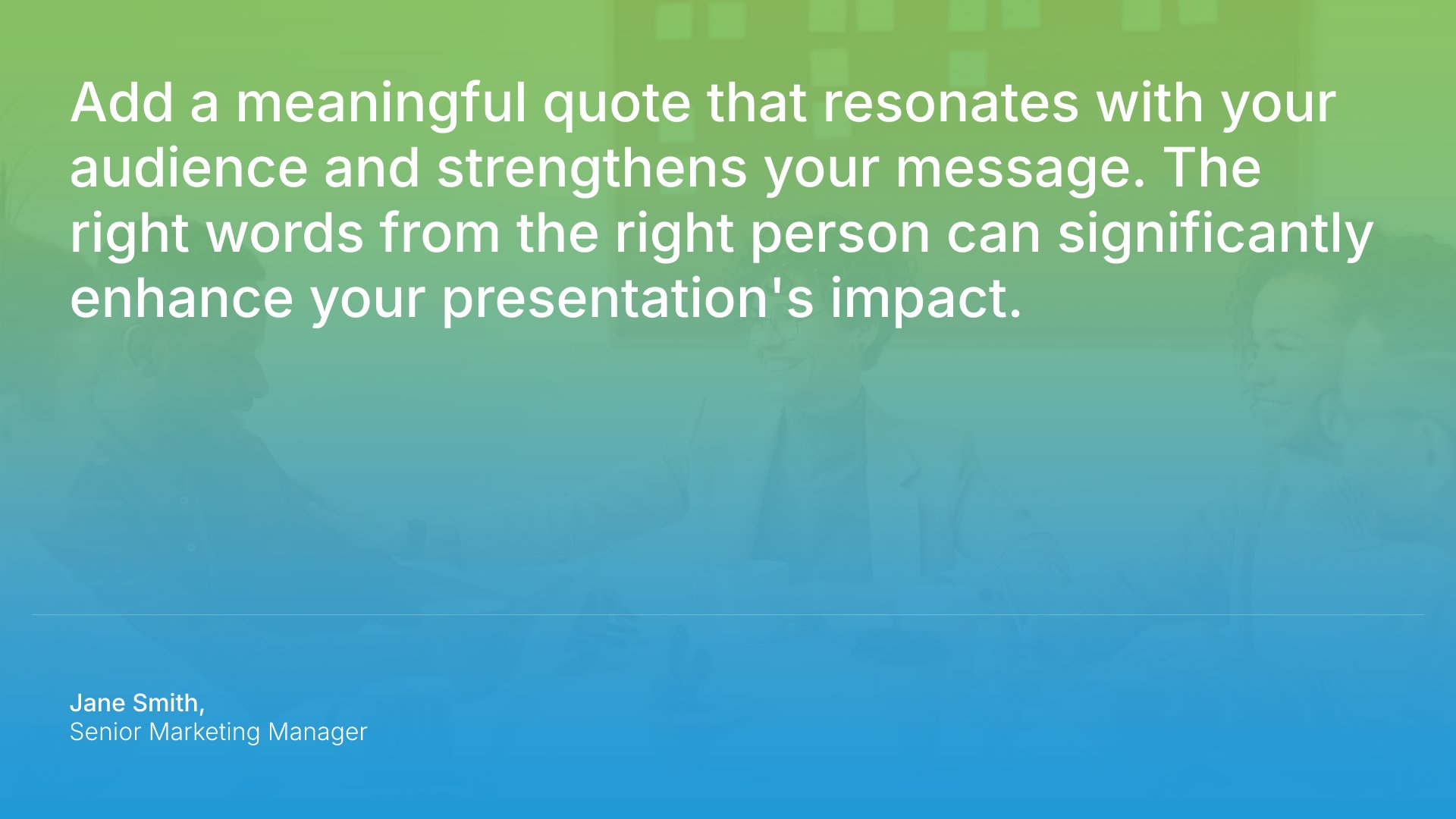
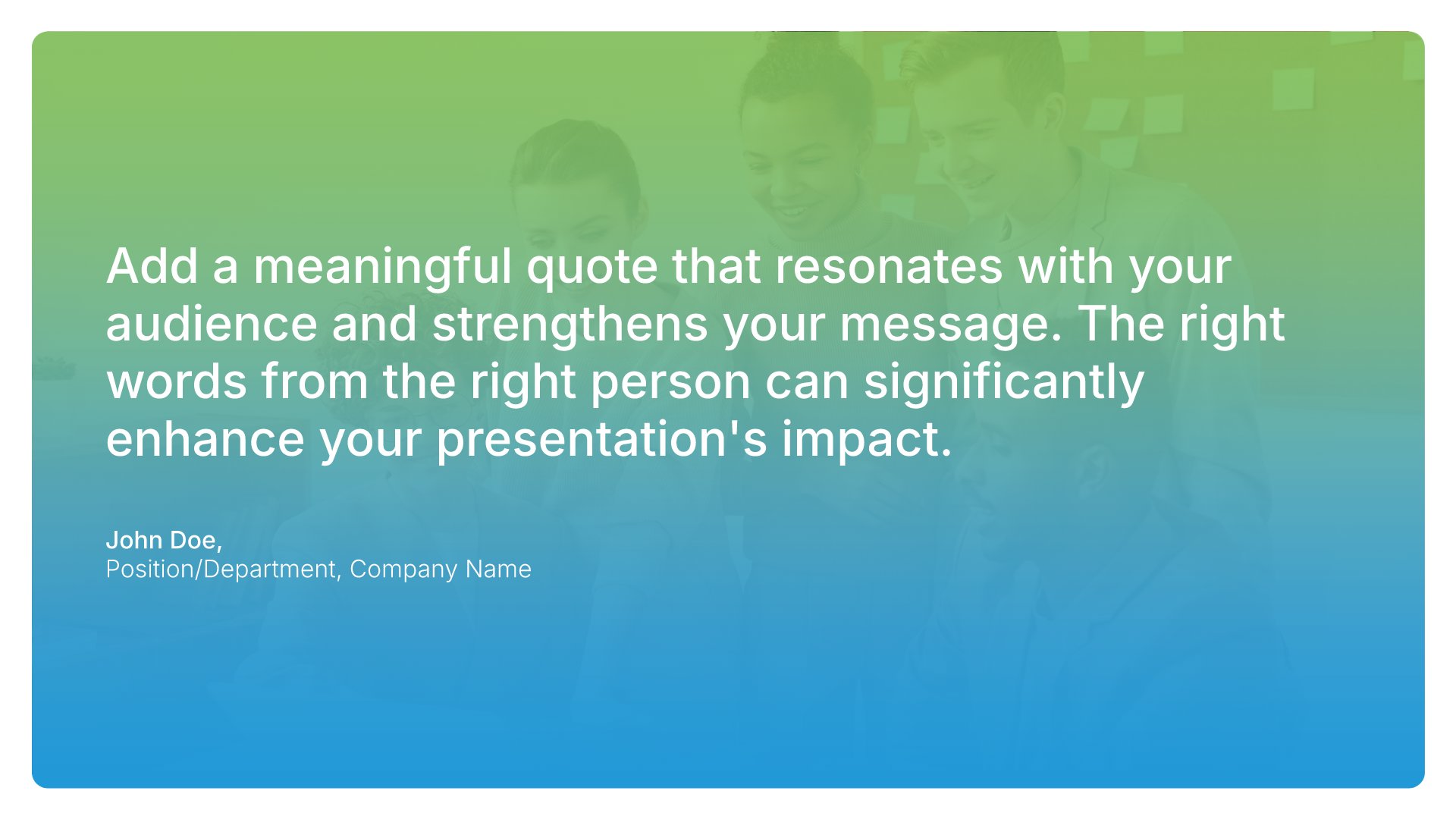
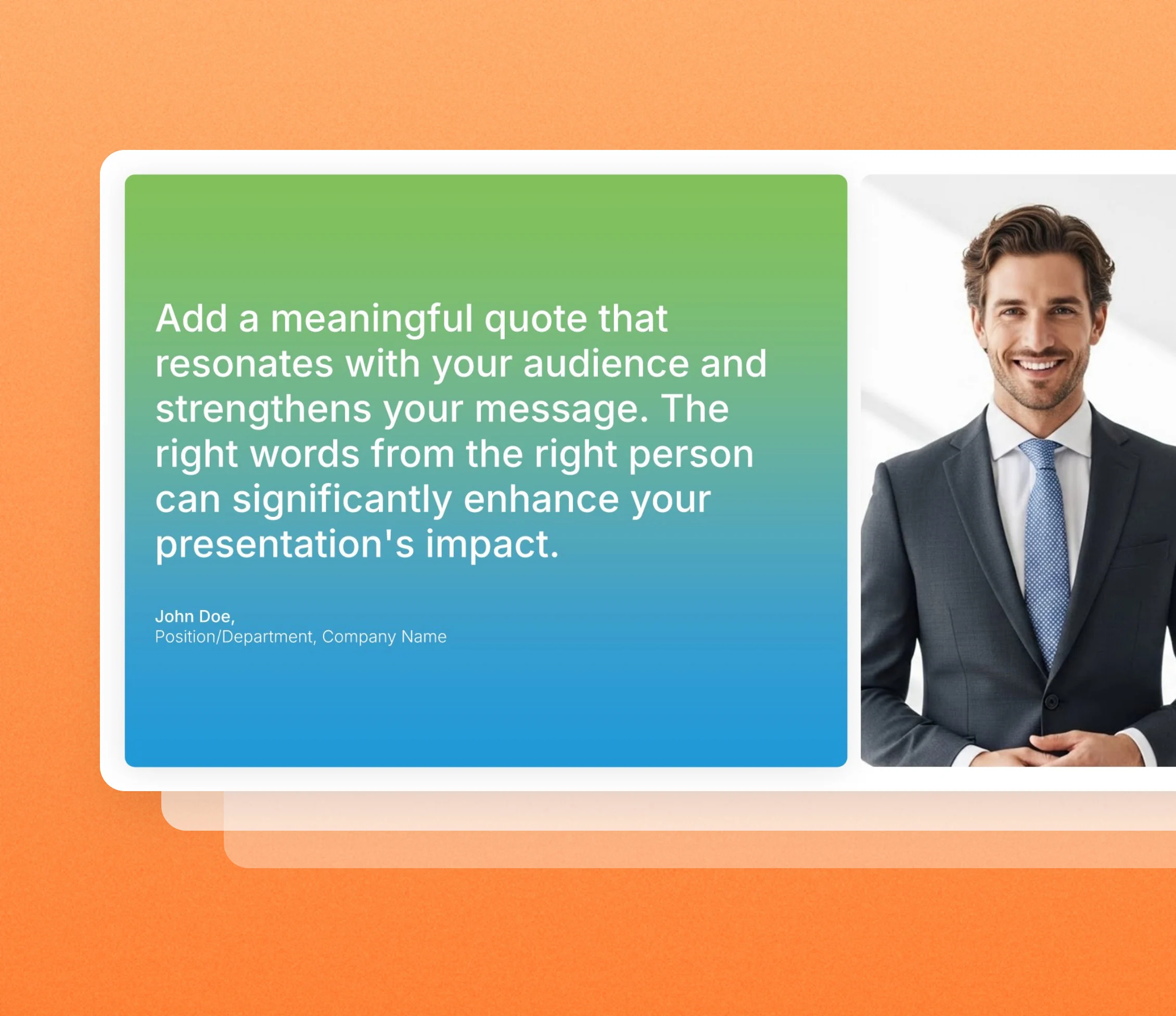
Quote slide templates give one quotation the space it deserves: the words set large, the source credited, and nothing else competing for attention. Pick one of 21 layouts, brand it to your company in one click, add your quote, and export to PowerPoint, Google Slides, or Keynote.
Free to start. No credit card required.
Browse quote slides
21 ways to give one quotation the whole slide, all fully editable.
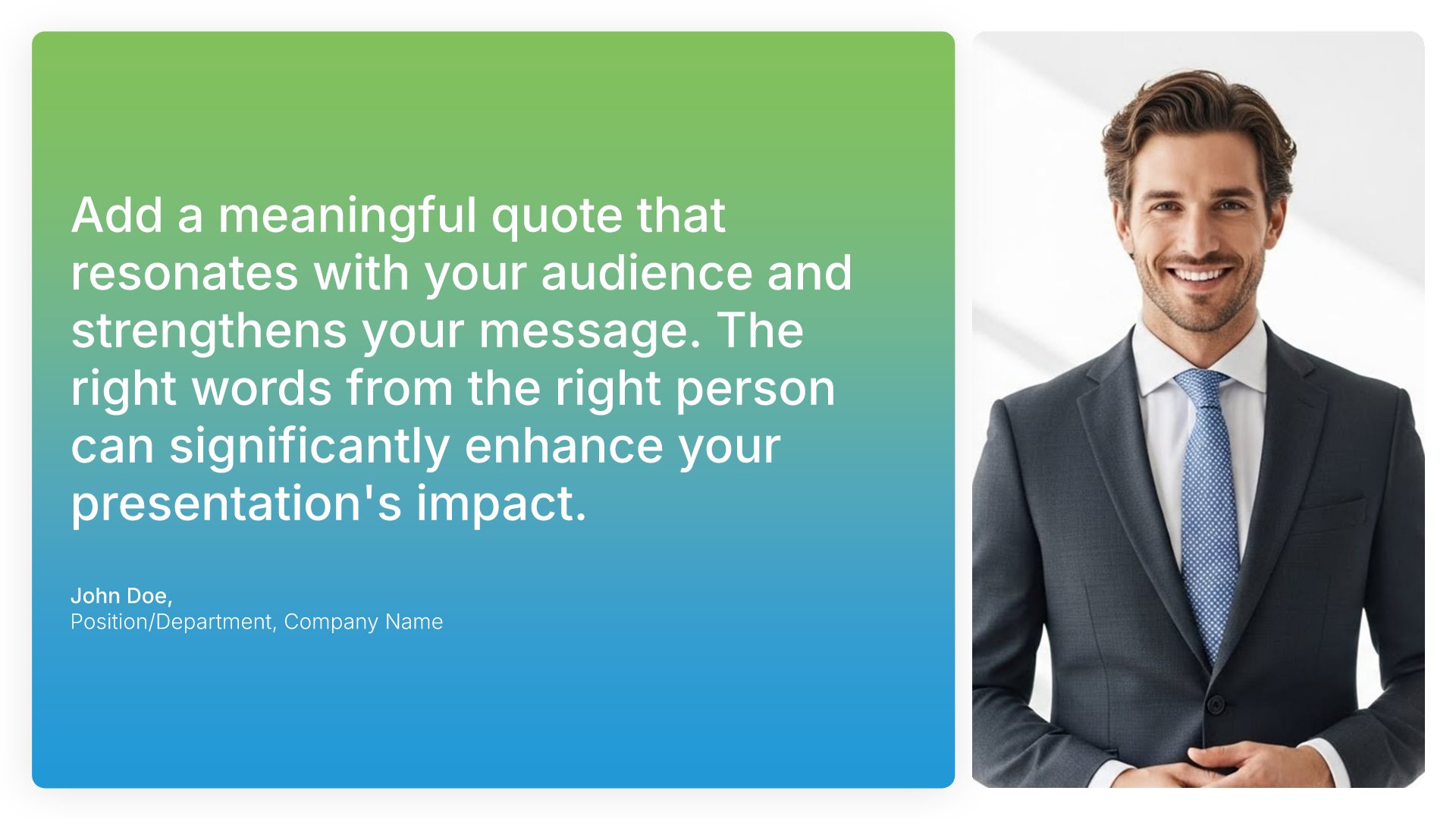
Quotes • Slide Library • Layout 01 of 21
Layout 01
Layout 02
Layout 03
Layout 04
Layout 05
Layout 06
Layout 07
Layout 08
Layout 09
Layout 10
Layout 11
Layout 12
Layout 13
Layout 14
Layout 15
Layout 16
Layout 17
Layout 18
Layout 19
Layout 20
Layout 21
About our quote slides
What the slide does, how to use it, your brand, and a file you can edit anywhere.
Built to give someone else’s words real weight
A well-chosen quote can open a talk, change the pace between sections, or put someone else’s authority behind your point. A quote slide is built to do that, with the words big enough to read aloud and the attribution close by. It works for quotes from experts, leaders, customers, or your own team.
Why a quote needs a slide to itself
Squeezed into a bullet list, a quote reads like any other point. Given its own slide, it becomes a moment. The audience stops, reads it, and waits for you to explain why it matters. So a single line of someone else’s words can do more work than a full slide of your own.
Brand the whole presentation in one click
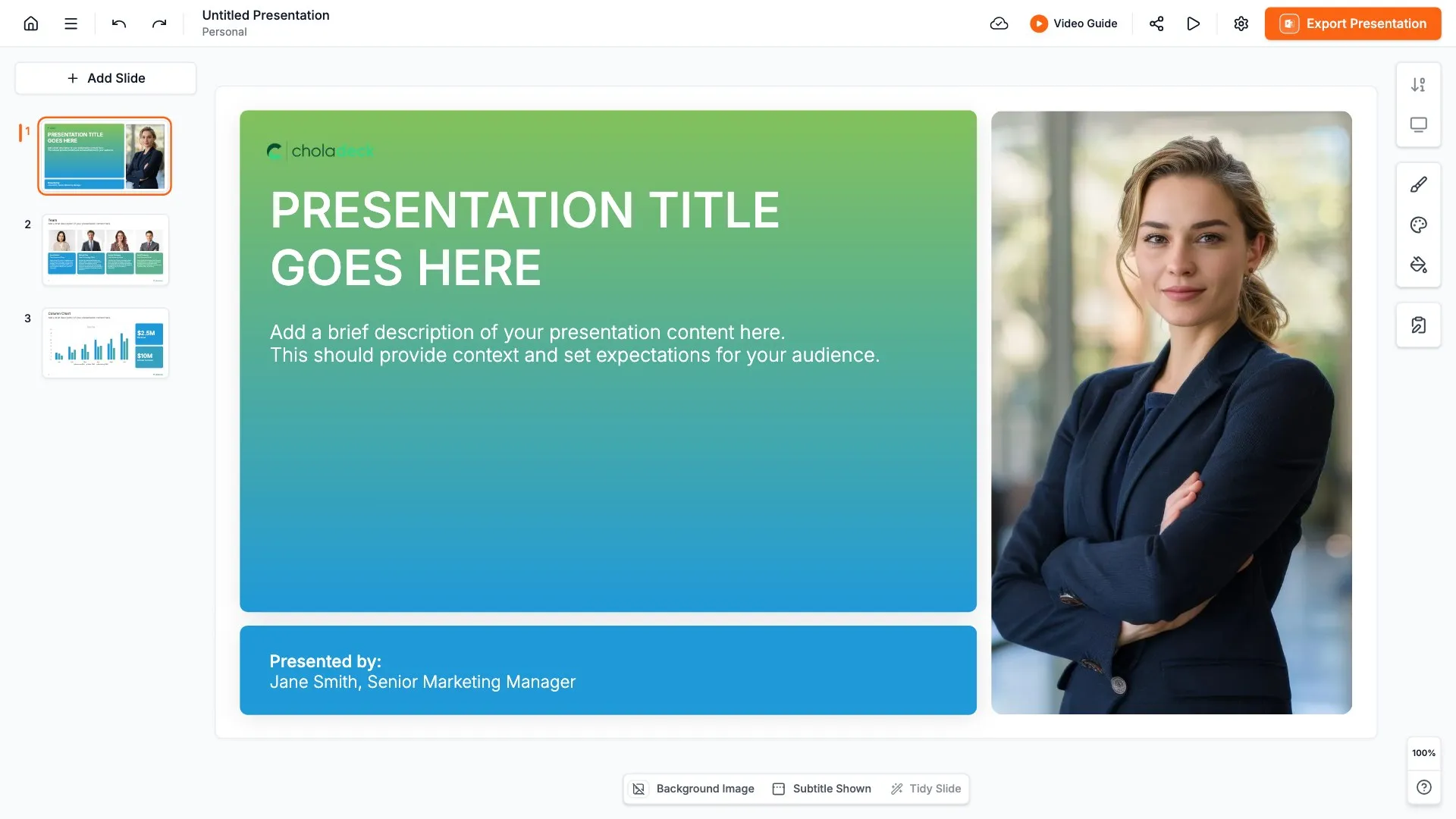
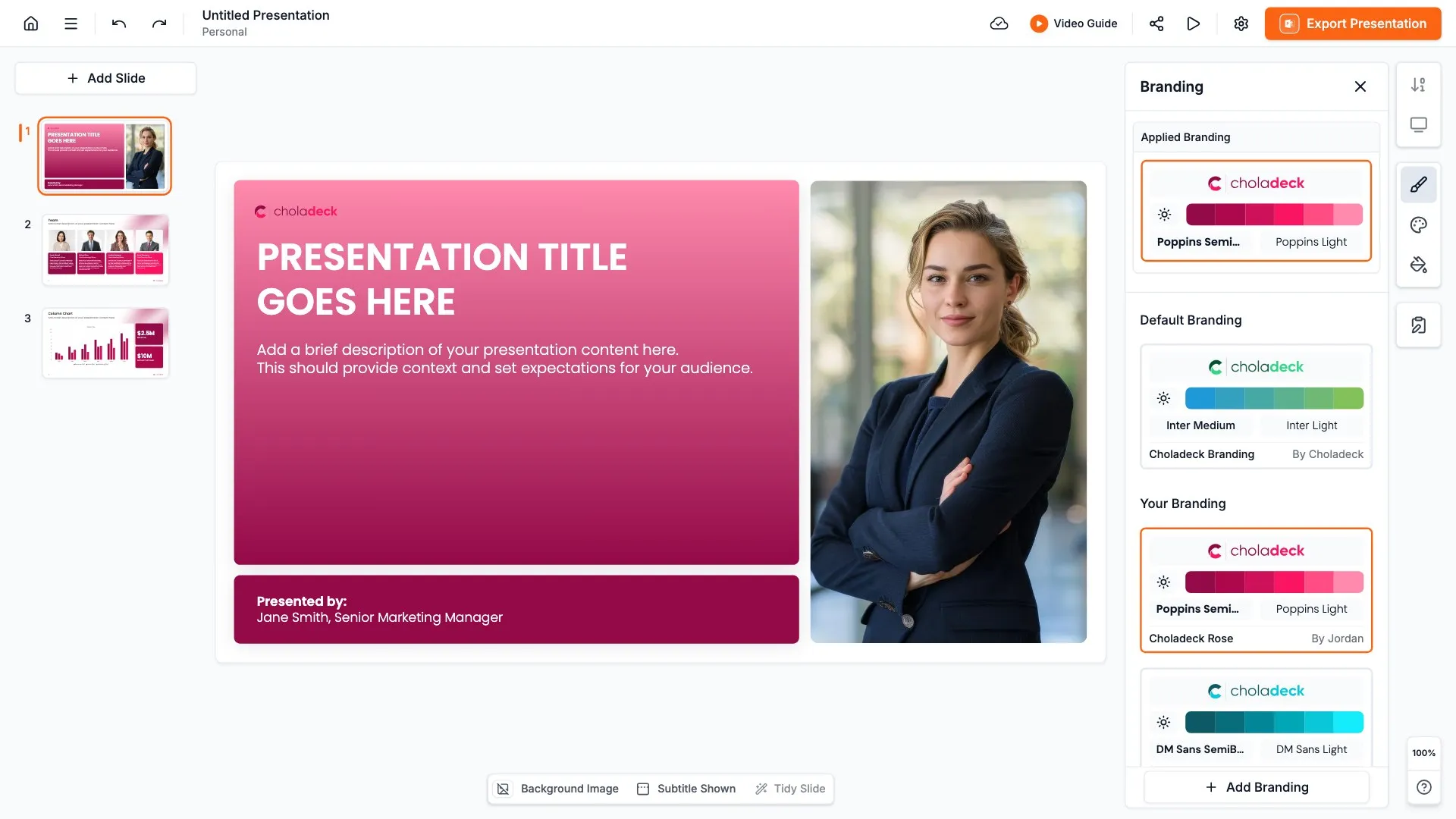
Add your logo, colors, fonts, and background once. It applies to the whole presentation and the entire slide library at the same time. Quote slides rely on type, so once branded, your fonts and colors do most of the work and every quote looks like part of your presentation.
Export to PowerPoint, Google Slides, or Keynote
You get a real file, not a locked link. Export it and keep editing in the tool you already use. The quote, name, and title stay editable, so you can swap in a new quote for each audience.
How Choladeck works
From blank page to finished presentation in four steps.
STEP 01
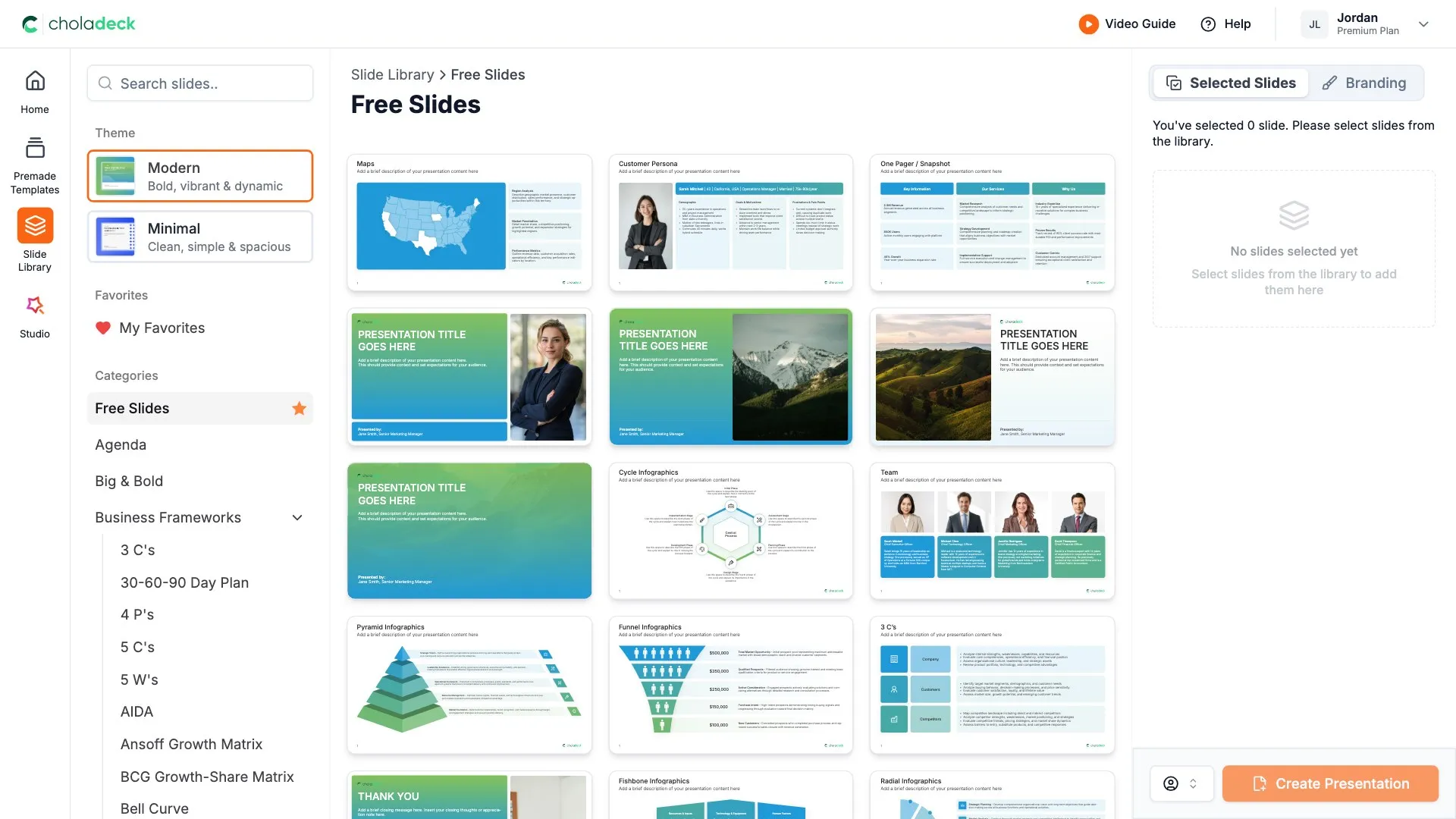
Browse 9,000+ slides across 134+ categories, or open one of the 74 premade presentations.
STEP 02
Add your logo, colors, and fonts in one click. The whole presentation instantly matches your company.
STEP 03
Add your text, numbers, charts, and tables. Everything on the slide is editable.
STEP 04
Send it to PowerPoint, Google Slides, or Keynote, and present.
Need a complete presentation instead?
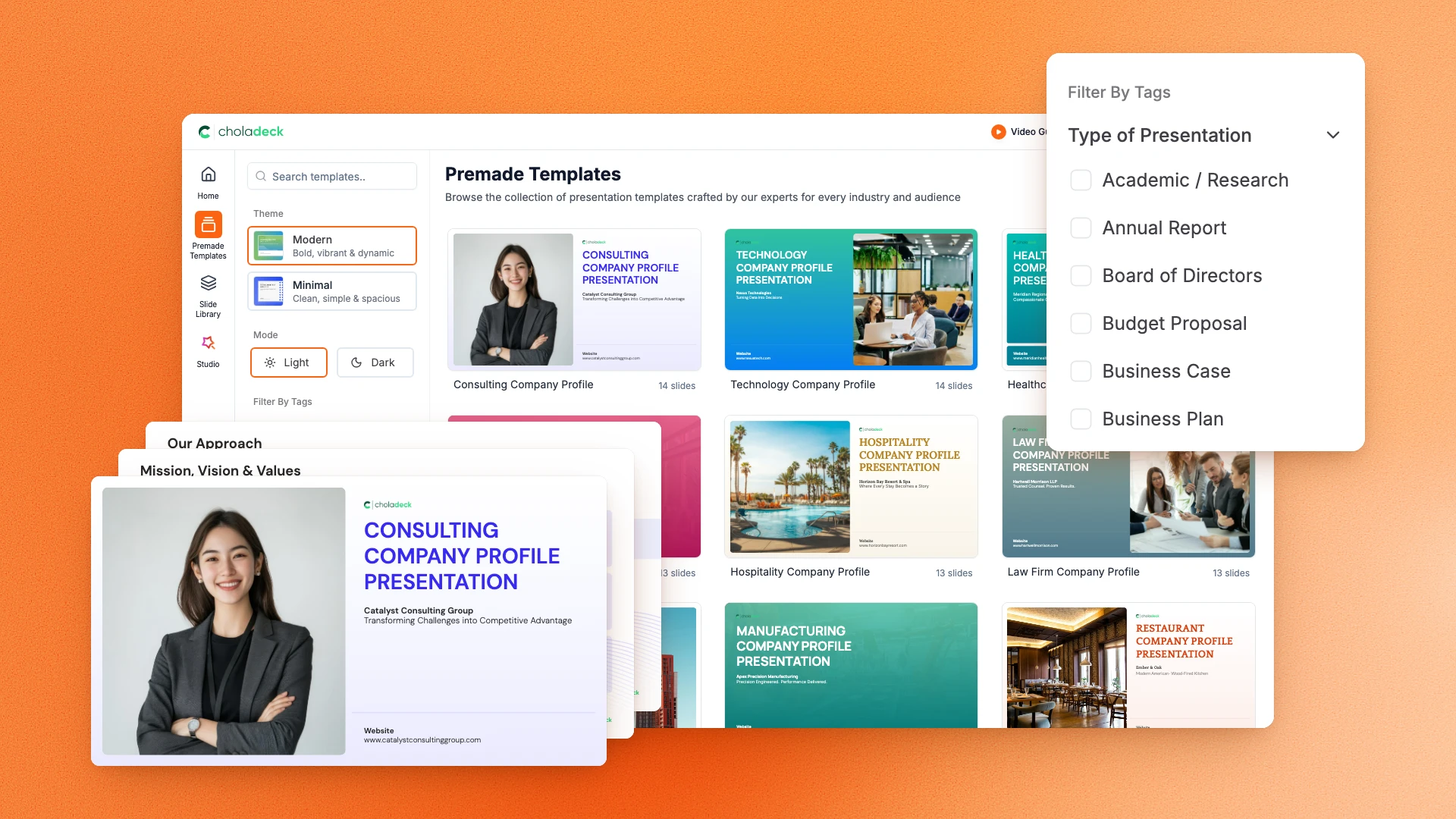
If you're starting from nothing rather than fixing a few slides, open one of 74+ premade presentations instead. Each one is complete and built for one purpose, from pitch decks to business plans and company profiles.
Questions about quote slides
How the slides work, and how far you can change them.
Using the slides
Can I edit these slides in PowerPoint?
+Yes. Export to PowerPoint, Google Slides, or Keynote, and every word, name, and title stays editable. Nothing is locked and nothing is a flat image.
How do I brand them to my company?
+Add your logo, colors, fonts, and background once. It applies to the whole presentation and the entire slide library at the same time.
Can I mix them with other slides from the library?
+Yes. Add a quote slide to any premade template, or pair it with big and bold or testimonials slides from the library. Branding applies across all of them.
About quote slides
How long should a quote on a slide be?
+One or two sentences. If it's longer, cut it to the line that makes your point.
How should I credit the quote?
+Include the person's name and, if it helps, their role or where the quote came from.
How is a quote slide different from a testimonial slide?
+A quote slide can use anyone's words to make a point. A testimonial slide shows what customers say about your company.
Your next quote slide is already designed
Pick a layout, brand it in one click, add your content, and export.
Free to start. No credit card required.