Pricing

Porter's five forces template slides

Porter's five forces template slides show the pressures that decide how hard it is to make money in an industry, from rivals and new entrants to the power of buyers and suppliers. Pick one of 11 layouts, brand it to your company in one click, rate each force, and export to PowerPoint, Google Slides, or Keynote.

Free to start. No credit card required.

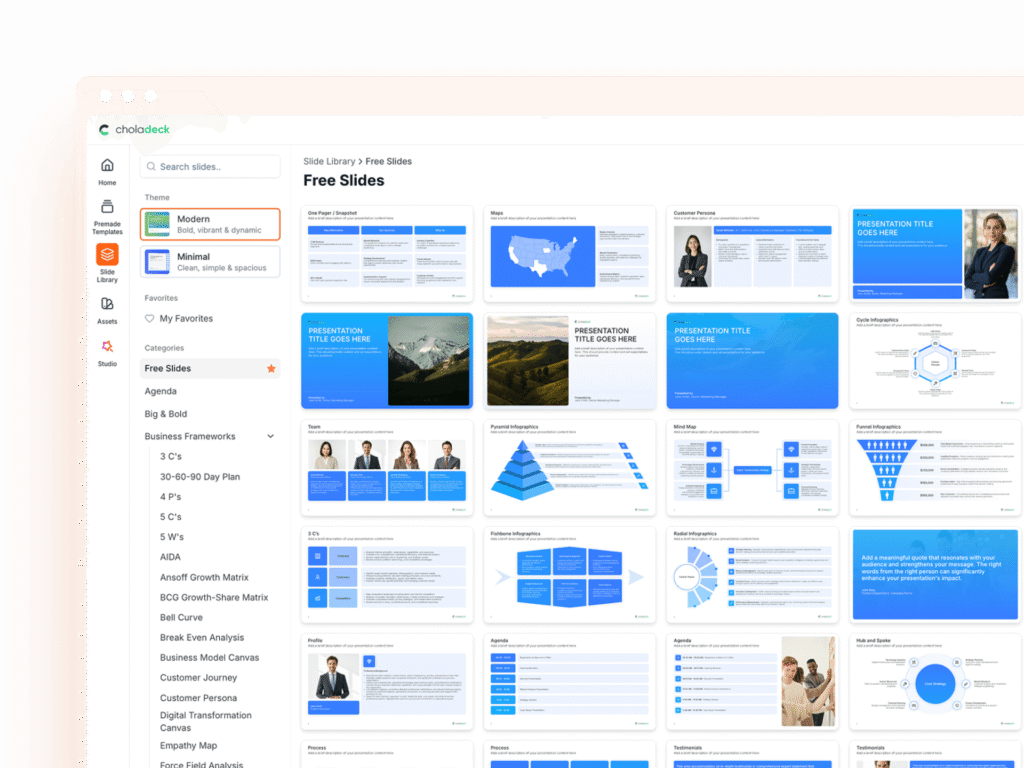
Porter's five forces template slides in the Choladeck slide library

Browse Porter's five forces slides

11 ways to weigh the five pressures on your industry, all fully editable.

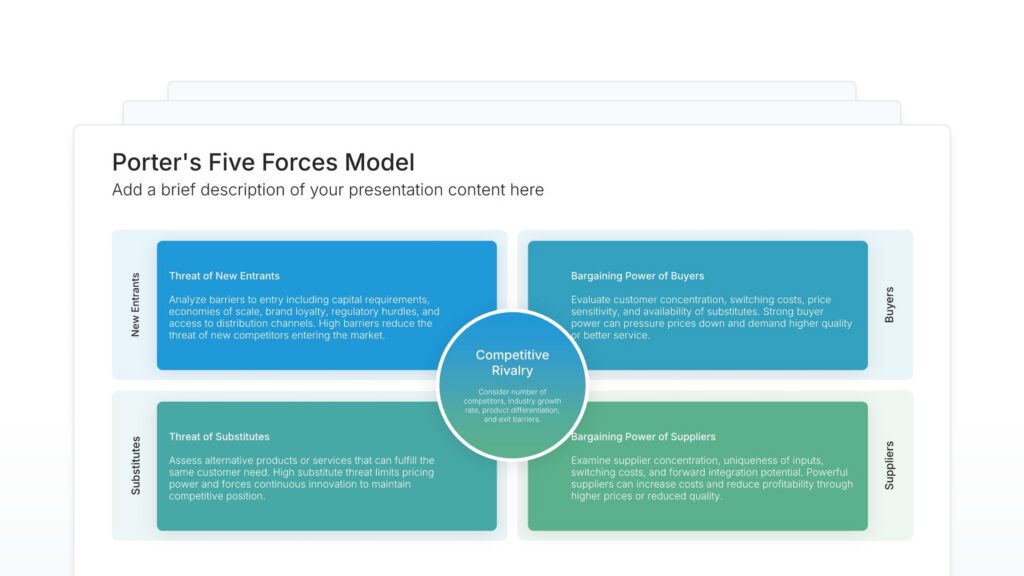
Porter’s Five Forces Model • Slide Library • Layout 01 of 11

Porter's five forces template slide, layout 01

Layout 01

Porter's five forces template slide, layout 02

Layout 02

Porter's five forces template slide, layout 03

Layout 03

Porter's five forces template slide, layout 04

Layout 04

Porter's five forces template slide, layout 05

Layout 05

Porter's five forces template slide, layout 06

Layout 06

Porter's five forces template slide, layout 07

Layout 07

Porter's five forces template slide, layout 08

Layout 08

Porter's five forces template slide, layout 09

Layout 09

Porter's five forces template slide, layout 10

Layout 10

Porter's five forces template slide, layout 11

Layout 11

About our Porter's five forces slides

What the slide does, how to use it, your brand, and a file you can edit anywhere.

Built to show which pressure on your margins is strongest

Michael Porter introduced the five forces in 1979 to explain why some industries are more profitable than others. Instead of looking only at direct competitors, the model weighs everyone who can squeeze your margins. A Porter’s five forces template puts all five on one slide, so the audience can see which pressure is strongest and where your position is most exposed.

Why competition is wider than your competitors

Most competitive slides list rival companies. The five forces show that a supplier raising prices or a substitute product can hurt just as much. So the analysis often surfaces the real threat, and it’s frequently not the rival everyone was watching.

Brand the whole presentation in one click

Add your logo, colors, fonts, and background once. It applies to the whole presentation and the entire slide library at the same time. Five forces slides go into strategy reviews, market entry decisions, and investor pitches, so once branded, they sit comfortably alongside the rest of your strategy work.

Export to PowerPoint, Google Slides, or Keynote

You get a real file, not a locked link. Export it and keep editing in the tool you already use. All five forces and their ratings stay editable, so you can update the analysis as the market shifts.

How Choladeck works

From blank page to finished presentation in four steps.

STEP 01

Browse 9,000+ slides across 134+ categories, or open one of the 74 premade presentations.

STEP 02

Add your logo, colors, and fonts in one click. The whole presentation instantly matches your company.

STEP 03

Add your text, numbers, charts, and tables. Everything on the slide is editable.

STEP 04

Send it to PowerPoint, Google Slides, or Keynote, and present.

Start from a template

Need a complete presentation instead?

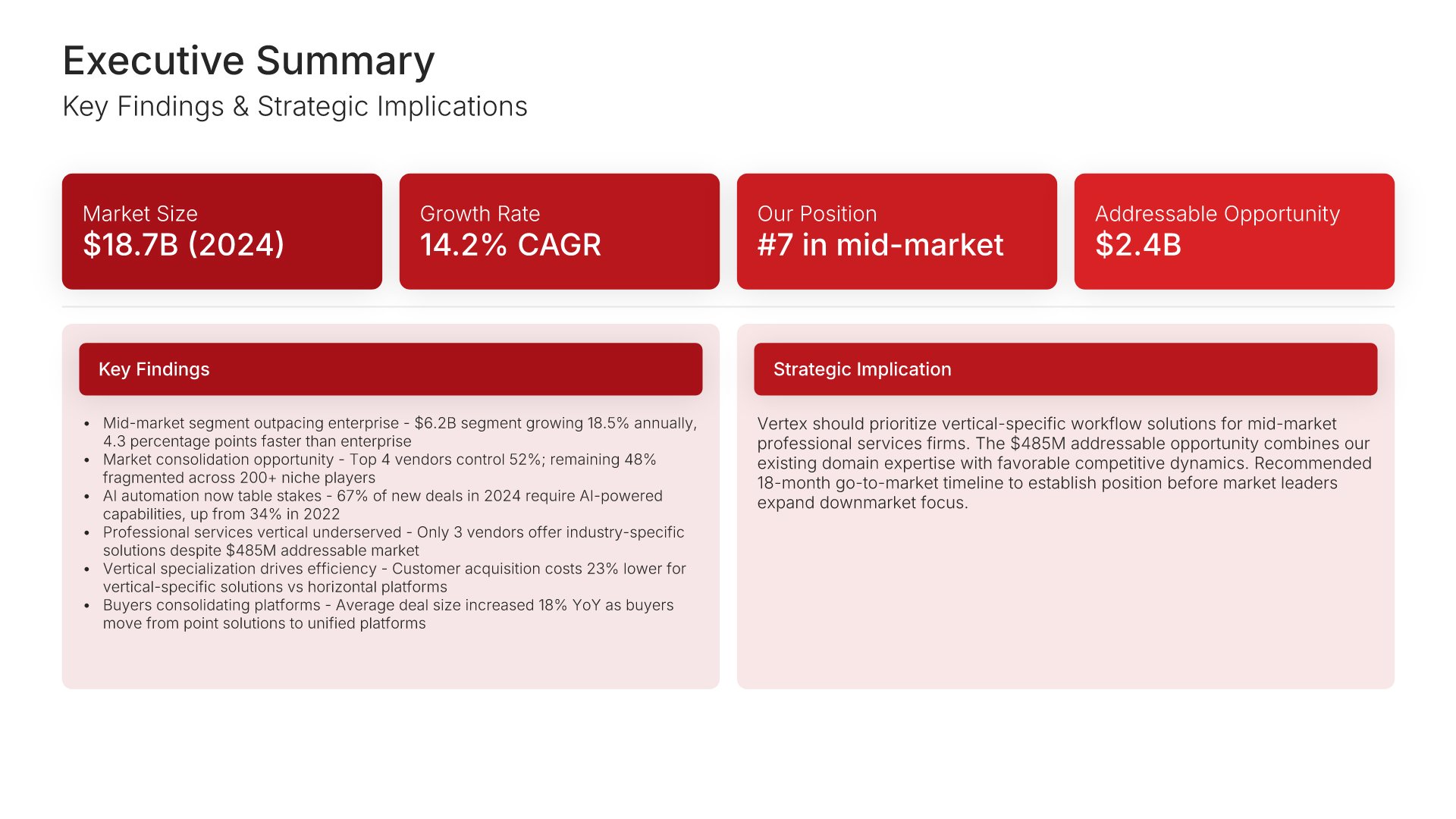
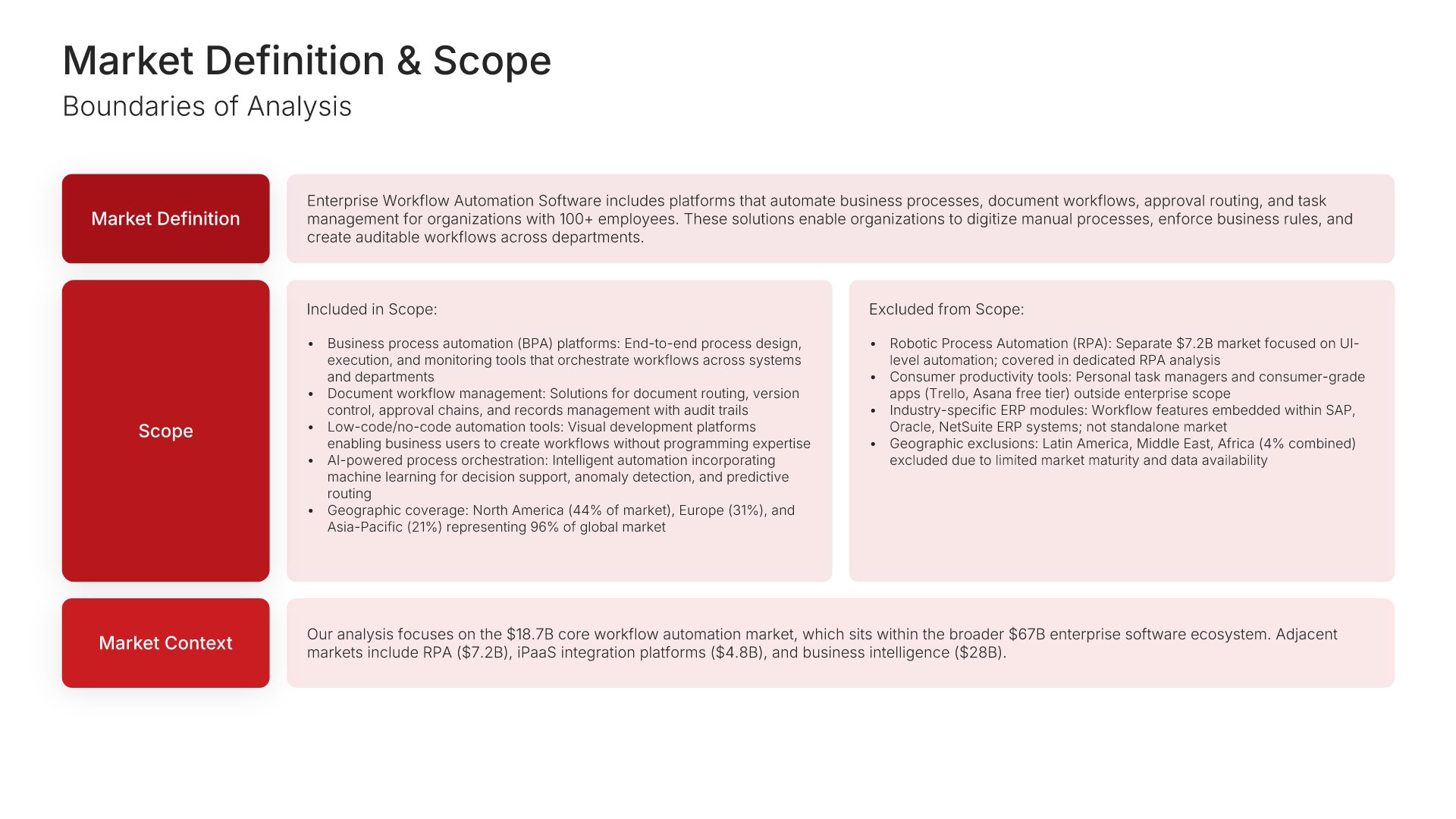
If you're starting from nothing rather than fixing a few slides, open one of 74+ premade presentations instead. Each one is complete and built for one purpose, from pitch decks to business plans and company profiles.

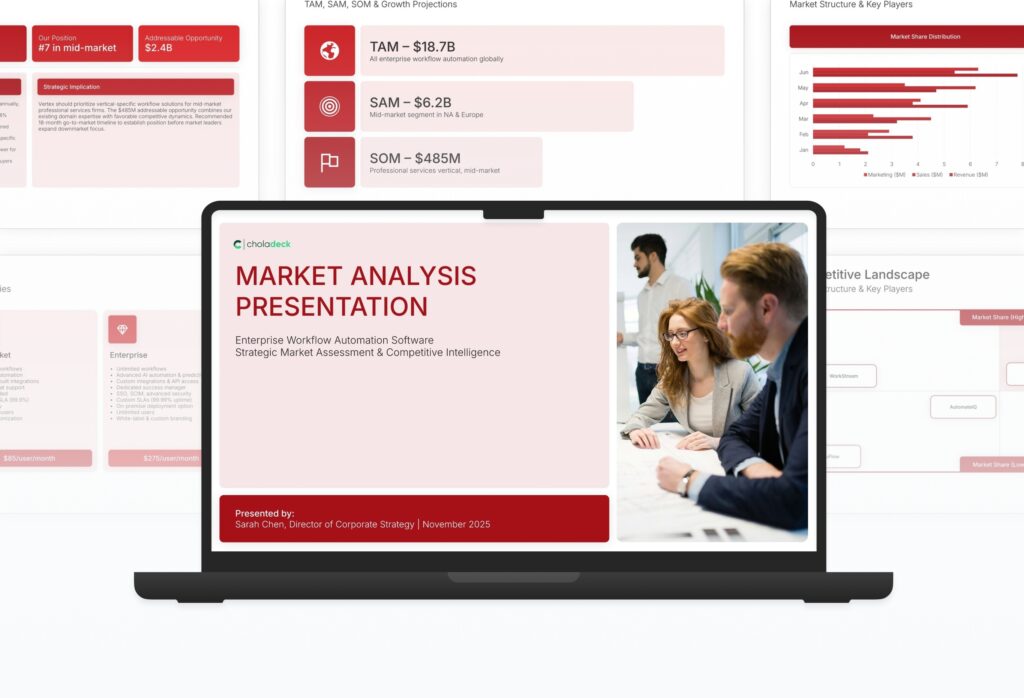
Choladeck premade templates with the Type of Presentation filter and the Consulting Company Profile deck shown larger

Questions about Porter's five forces slides

How the slides work, and how far you can change them.

Using the slides

Can I edit these slides in PowerPoint?

+

Yes. Export to PowerPoint, Google Slides, or Keynote, and every force and rating stays editable. Nothing is locked and nothing is a flat image.

How do I brand them to my company?

+

Add your logo, colors, fonts, and background once. It applies to the whole presentation and the entire slide library at the same time.

Can I mix them with other slides from the library?

+

Yes. Add a Porter's five forces slide to any premade template, or pair it with PESTEL or competitive analysis slides from the library. Branding applies across all of them.

About Porter's five forces

What are Porter's five forces?

+

Competitive rivalry, the threat of new entrants, the threat of substitutes, the bargaining power of buyers, and the bargaining power of suppliers.

How do I rate each force?

+

Score each one as low, medium, or high, with a short reason. A Porter's five forces analysis template lays all five side by side, so the pattern shows how attractive the industry is.

How is it different from a competitive analysis slide?

+

A competitive analysis compares you with specific companies. The five forces assess the whole industry and every source of pressure on profit.

Your next Porter's five forces slide is already designed

Pick a layout, brand it in one click, add your content, and export.

Free to start. No credit card required.