Pricing

One page strategic plan template slides

One page strategic plan template slides fit a whole strategy on a single page: where you're going, the priorities that will get you there, and how you'll measure progress. Pick one of 6 layouts, brand it to your company in one click, fill in each section, and export to PowerPoint, Google Slides, or Keynote.

Free to start. No credit card required.
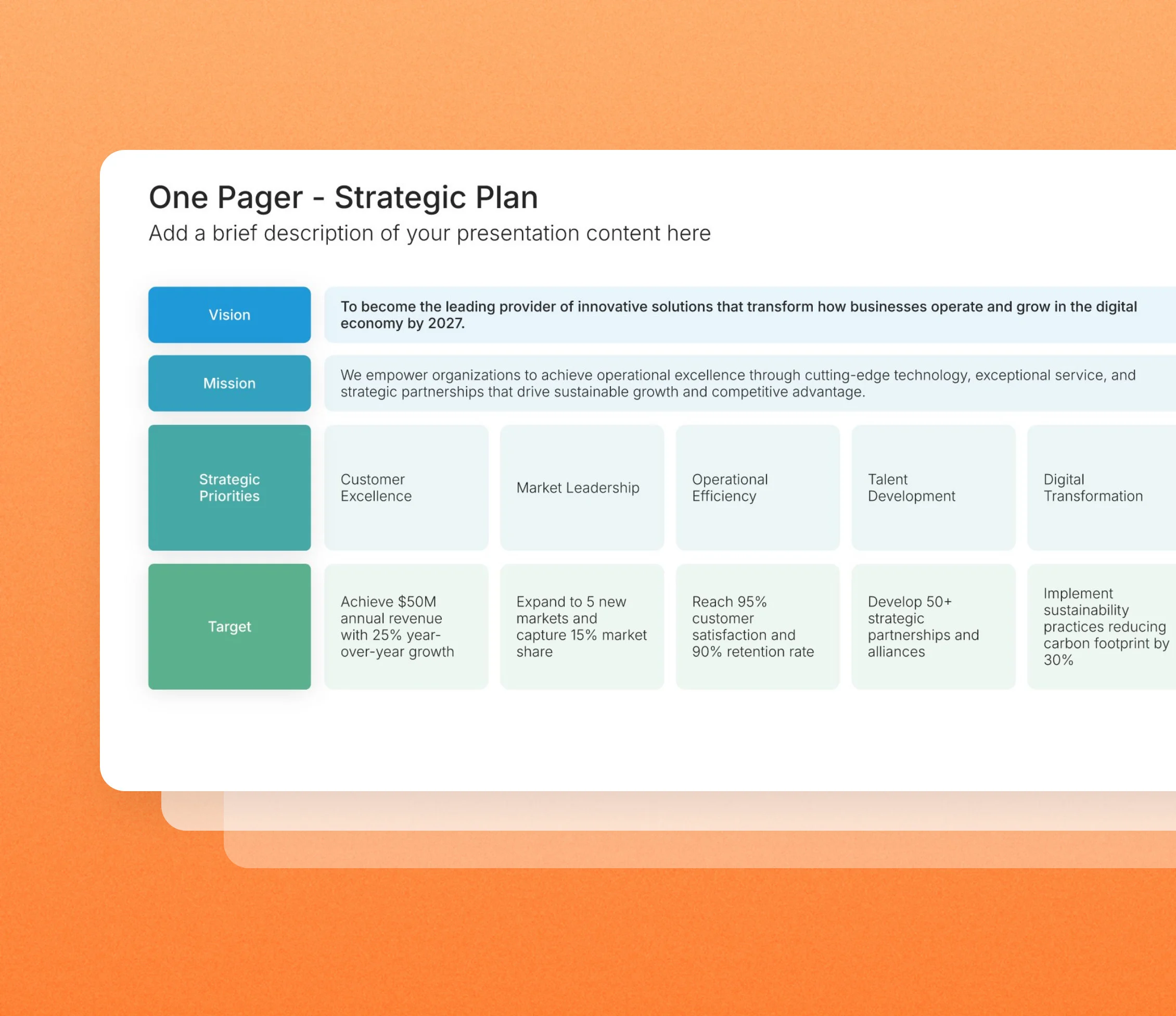
One page strategic plan template slides in the Choladeck slide library

Browse one page strategic plan slides

6 ways to fit your vision, priorities, and measures on one page, all fully editable.
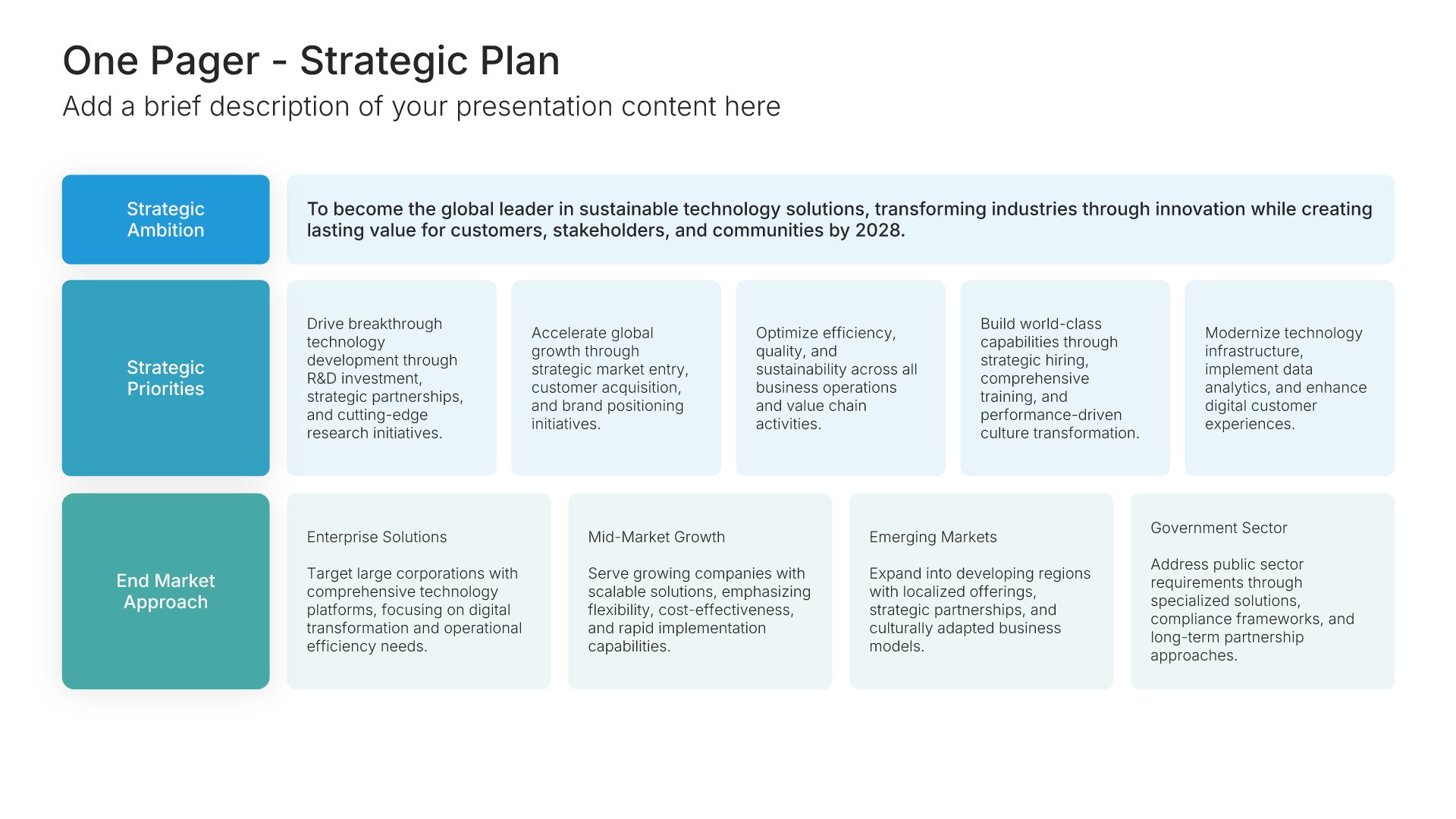
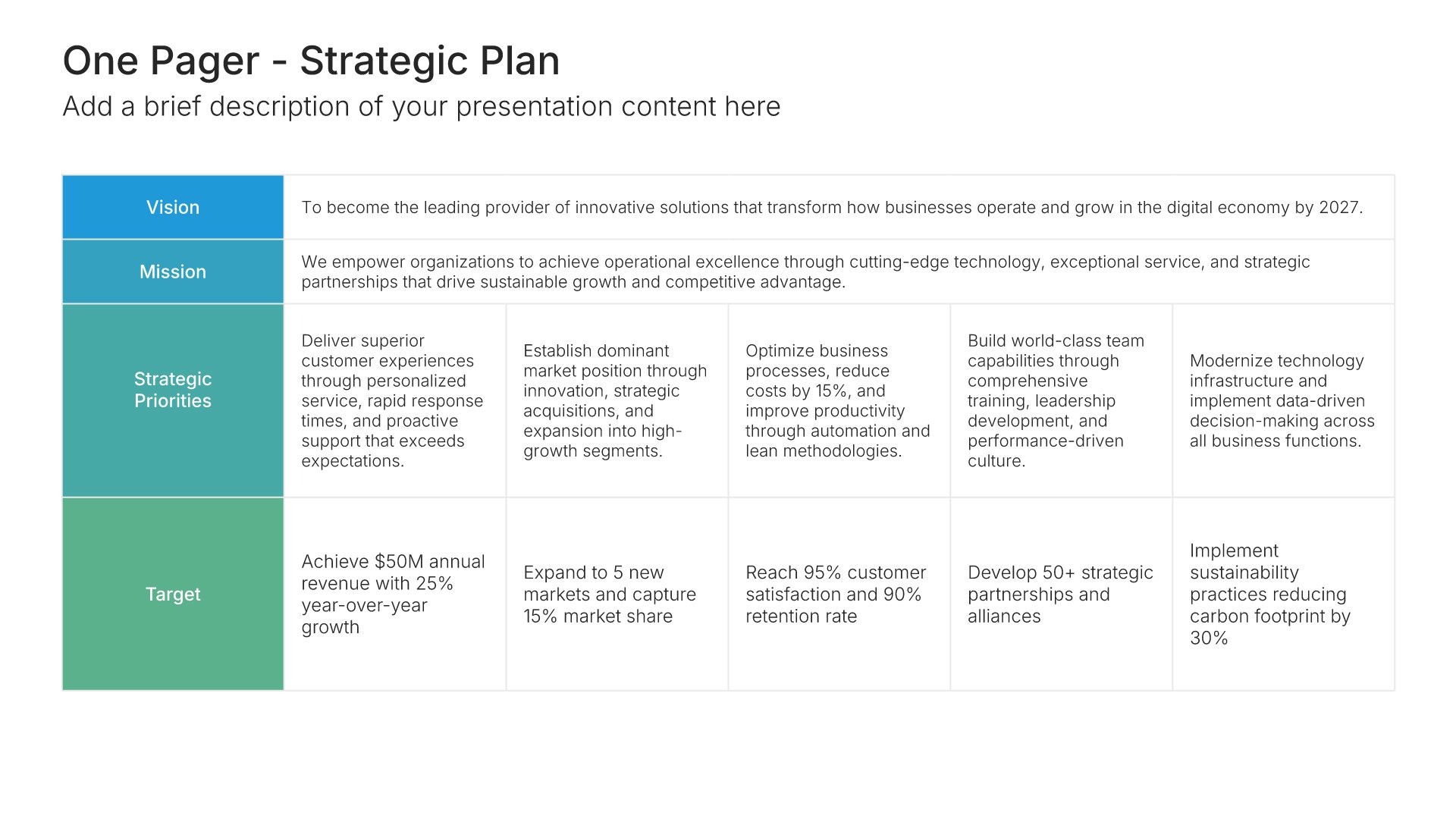
One Pager – Strategic Plan • Slide Library • Layout 01 of 6

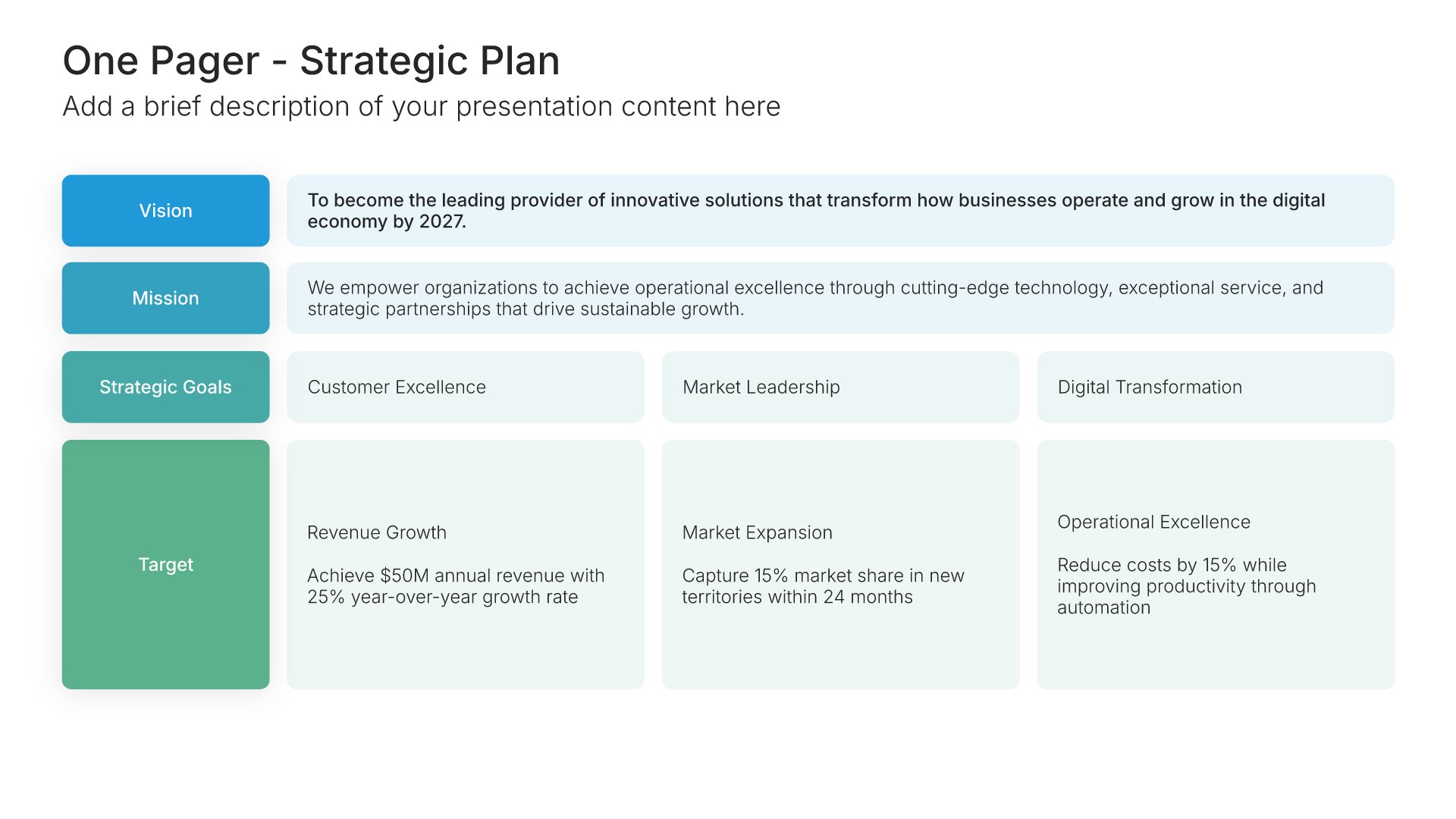
One page strategic plan template slide, layout 01

Layout 01

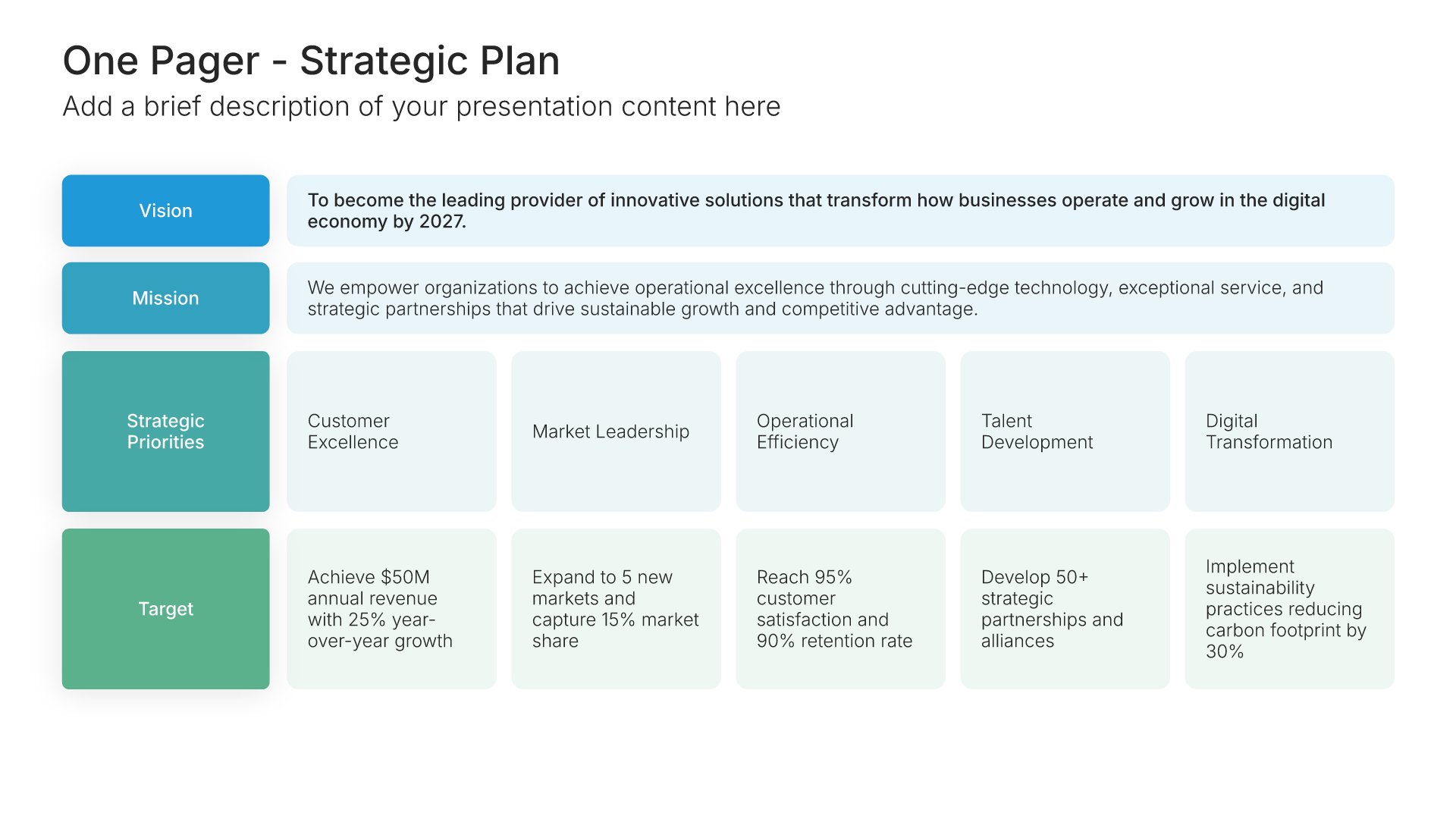
One page strategic plan template slide, layout 02

Layout 02

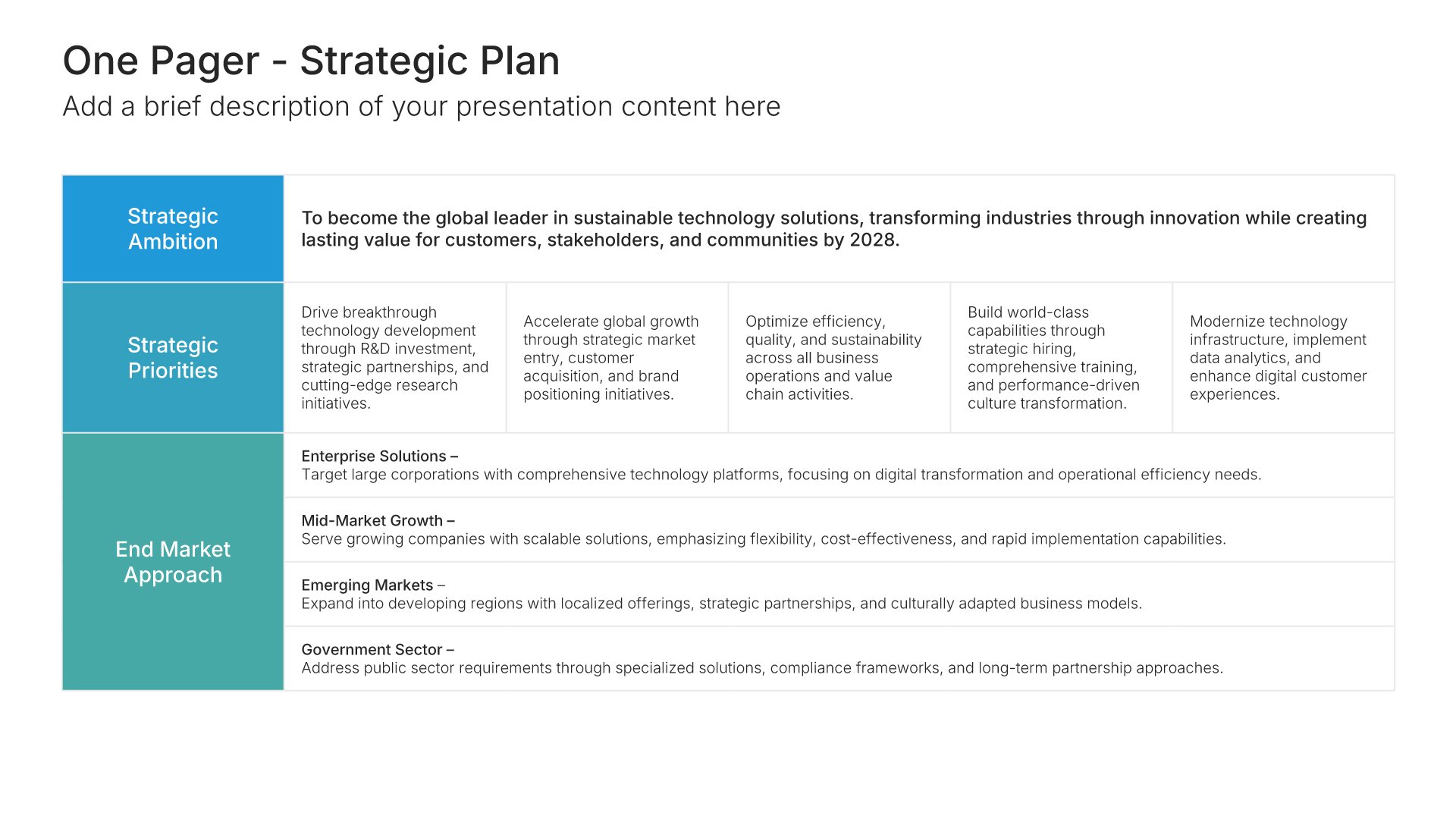
One page strategic plan template slide, layout 03

Layout 03

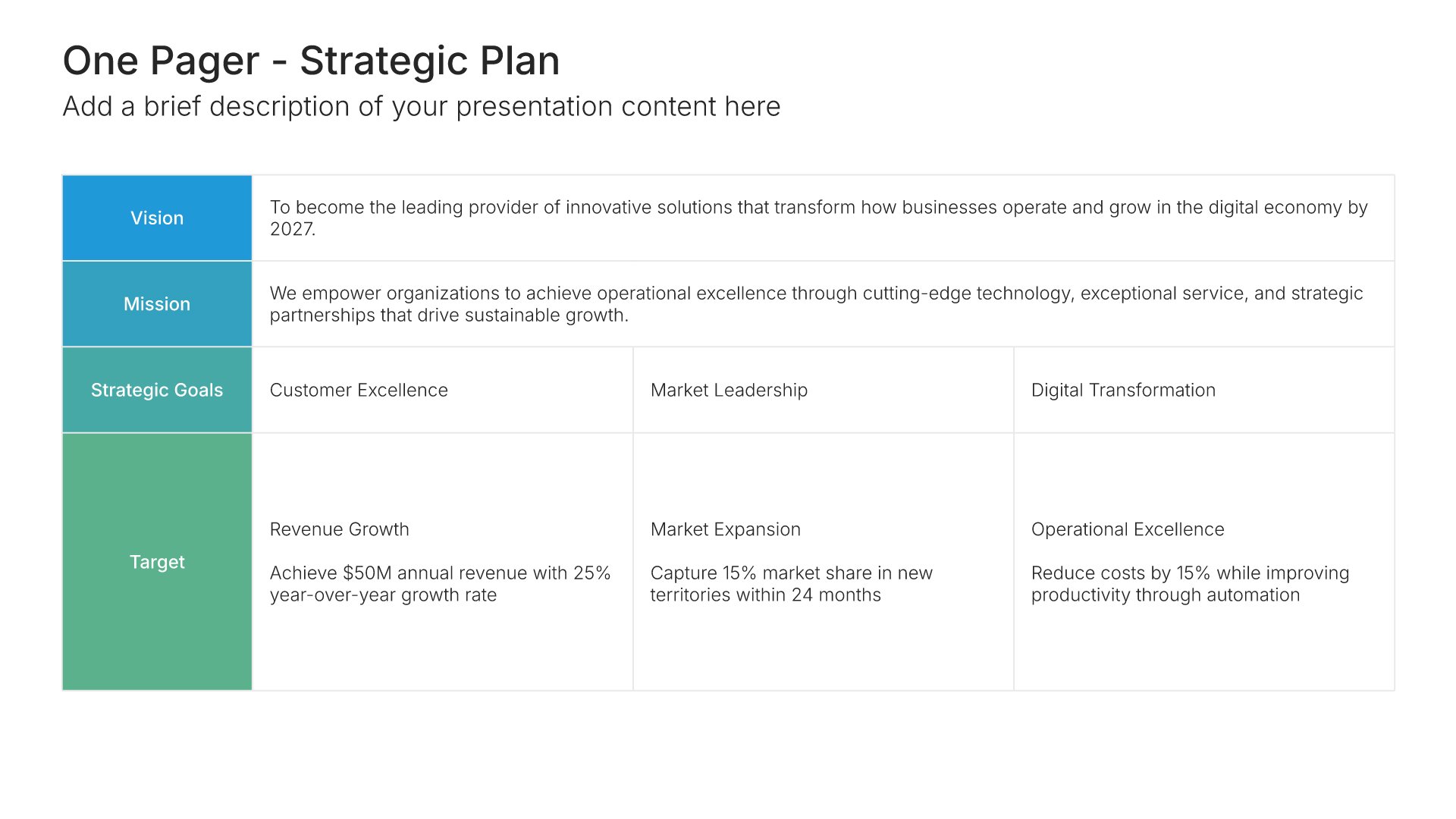
One page strategic plan template slide, layout 04

Layout 04

One page strategic plan template slide, layout 05

Layout 05

One page strategic plan template slide, layout 06

Layout 06

About our one page strategic plan slides

What the slide does, how to use it, your brand, and a file you can edit anywhere.

Built to boil a strategy down to what matters

Long strategy documents get written once and rarely read again. A one page strategic plan template does the opposite. It forces the plan down to what matters, so it can be pinned up, referred to in meetings, and checked every quarter. Verne Harnish’s one-page plan from the Rockefeller Habits made the format popular with growing companies, and it works just as well for teams and departments.

Why one page keeps the plan in use

A plan nobody looks at doesn’t change what people do. When the whole strategy fits on one page, it can open every review and sit on every team’s wall. So priorities stay visible all year, and it’s obvious when day-to-day work drifts away from them.

Brand the whole presentation in one click

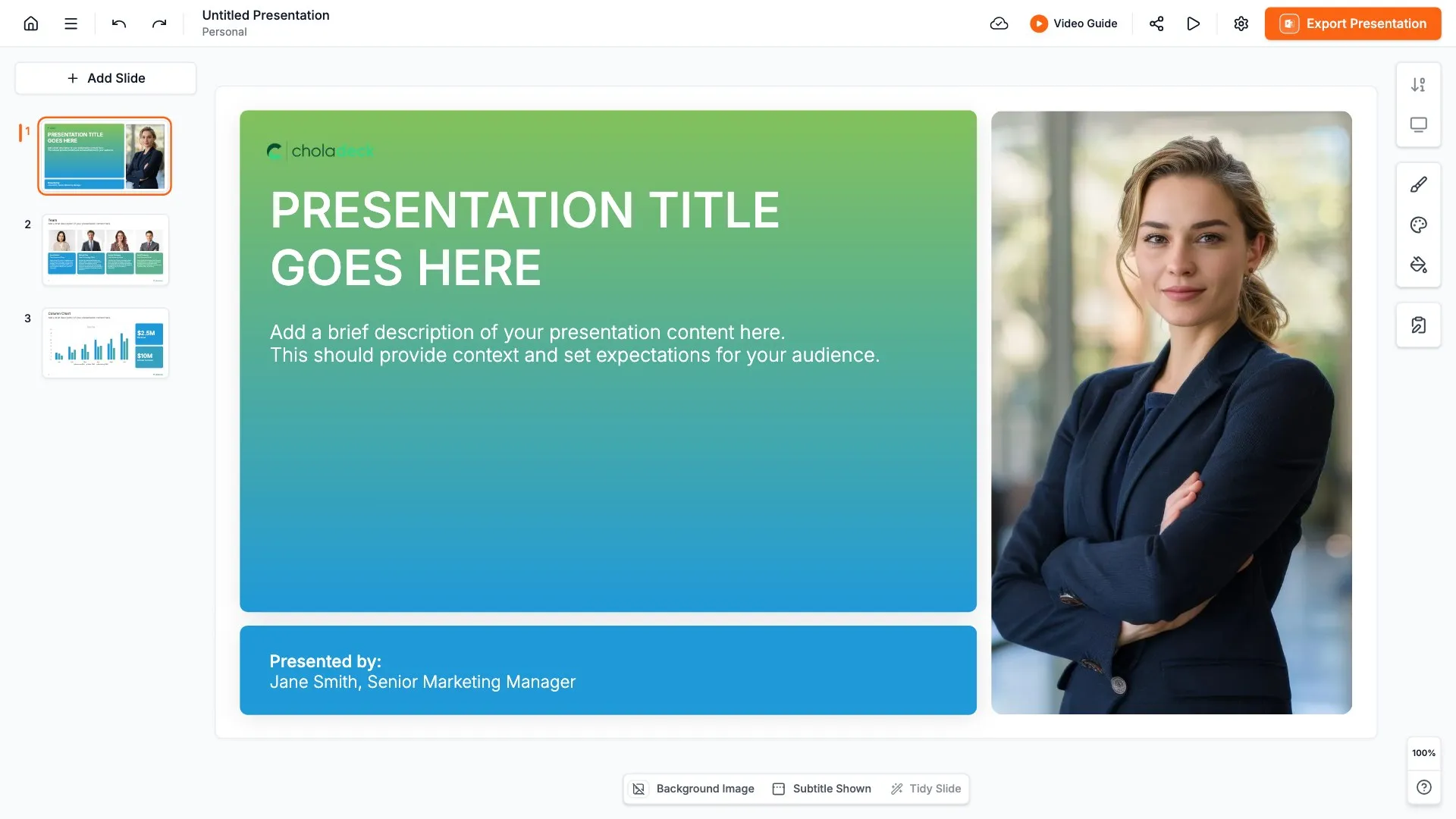
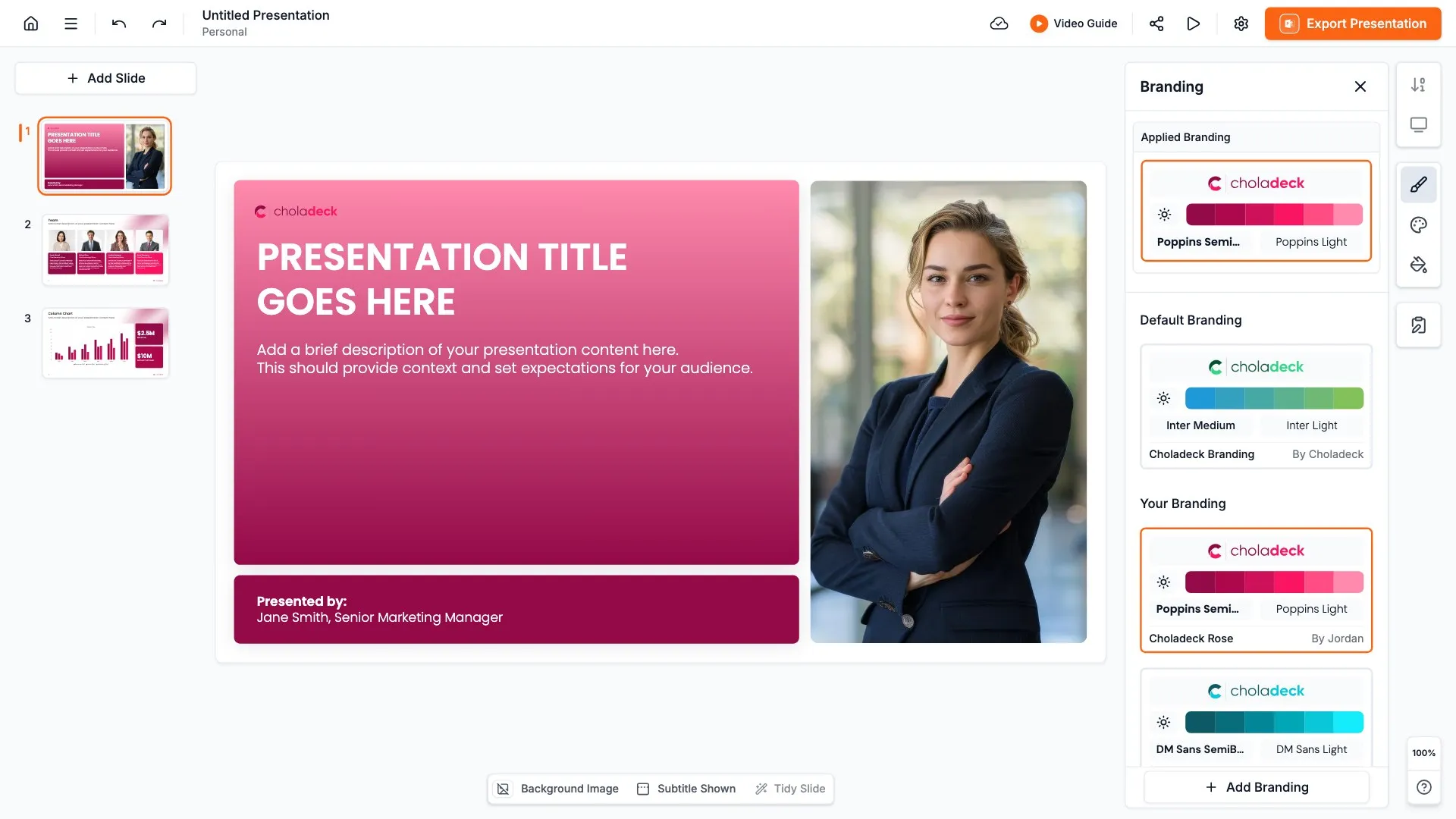
Add your logo, colors, fonts, and background once. It applies to the whole presentation and the entire slide library at the same time. One page plans get shared with every team and often printed, so once branded, they look like an official company document wherever they go.

Export to PowerPoint, Google Slides, or Keynote

You get a real file, not a locked link. Export it and keep editing in the tool you already use. Each section and its text stays editable, so you can refresh the plan each quarter.

How Choladeck works

From blank page to finished presentation in four steps.

STEP 01

Browse 9,000+ slides across 134+ categories, or open one of the 74 premade presentations.

STEP 02

Add your logo, colors, and fonts in one click. The whole presentation instantly matches your company.

STEP 03

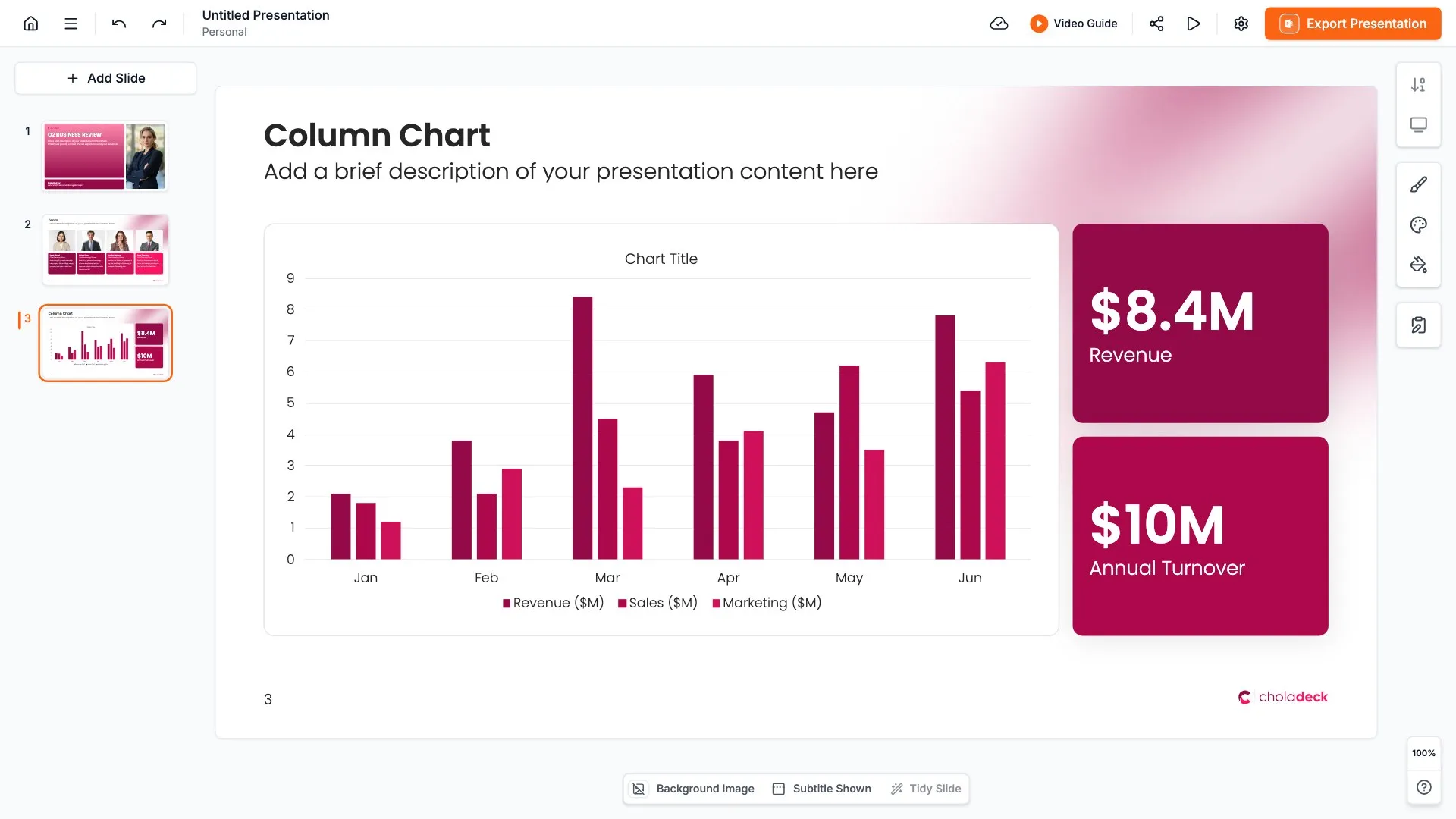
Add your text, numbers, charts, and tables. Everything on the slide is editable.

STEP 04

Send it to PowerPoint, Google Slides, or Keynote, and present.
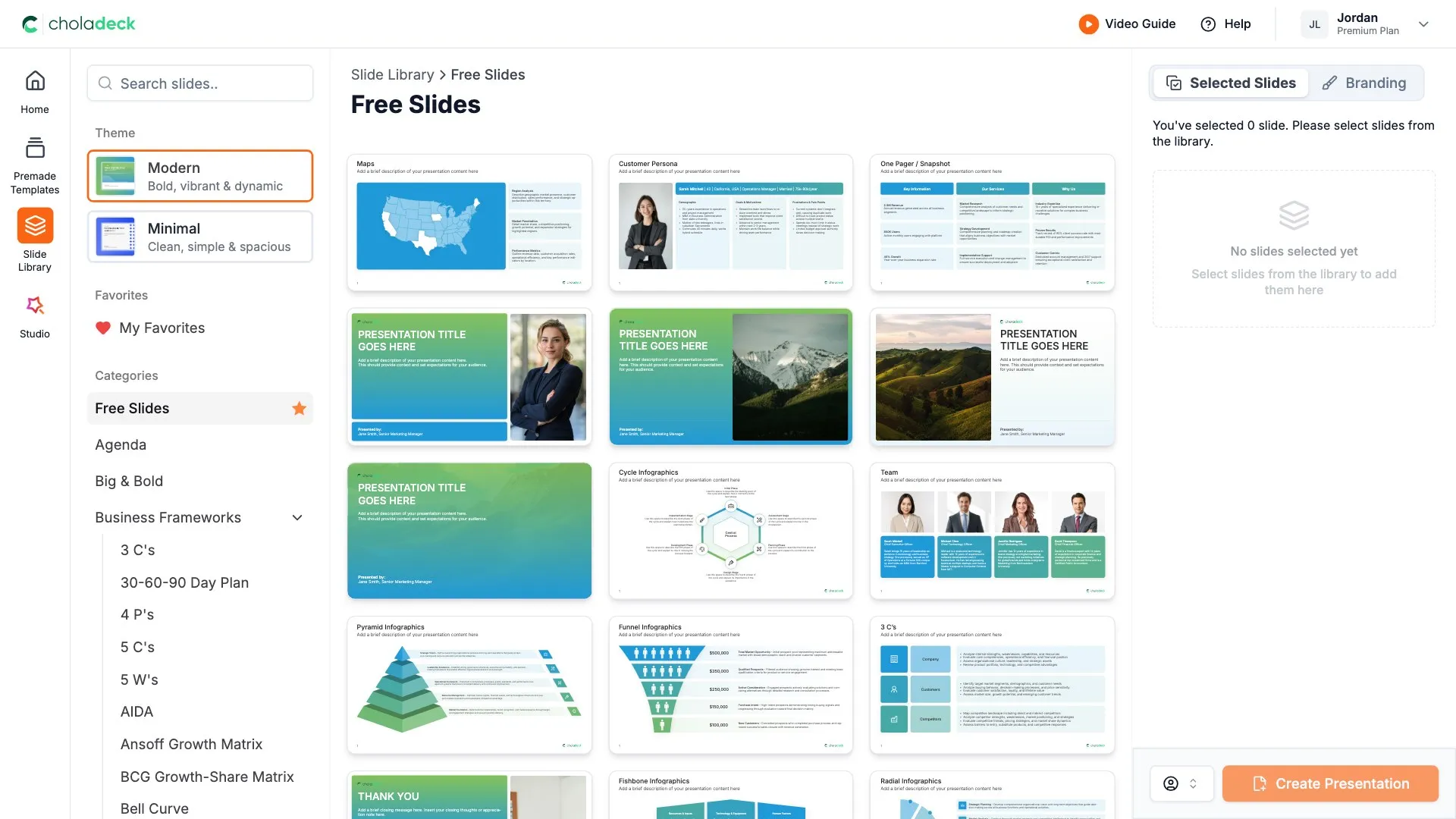
Start from a template

Need a complete presentation instead?

If you're starting from nothing rather than fixing a few slides, open one of 74+ premade presentations instead. Each one is complete and built for one purpose, from pitch decks to business plans and company profiles.
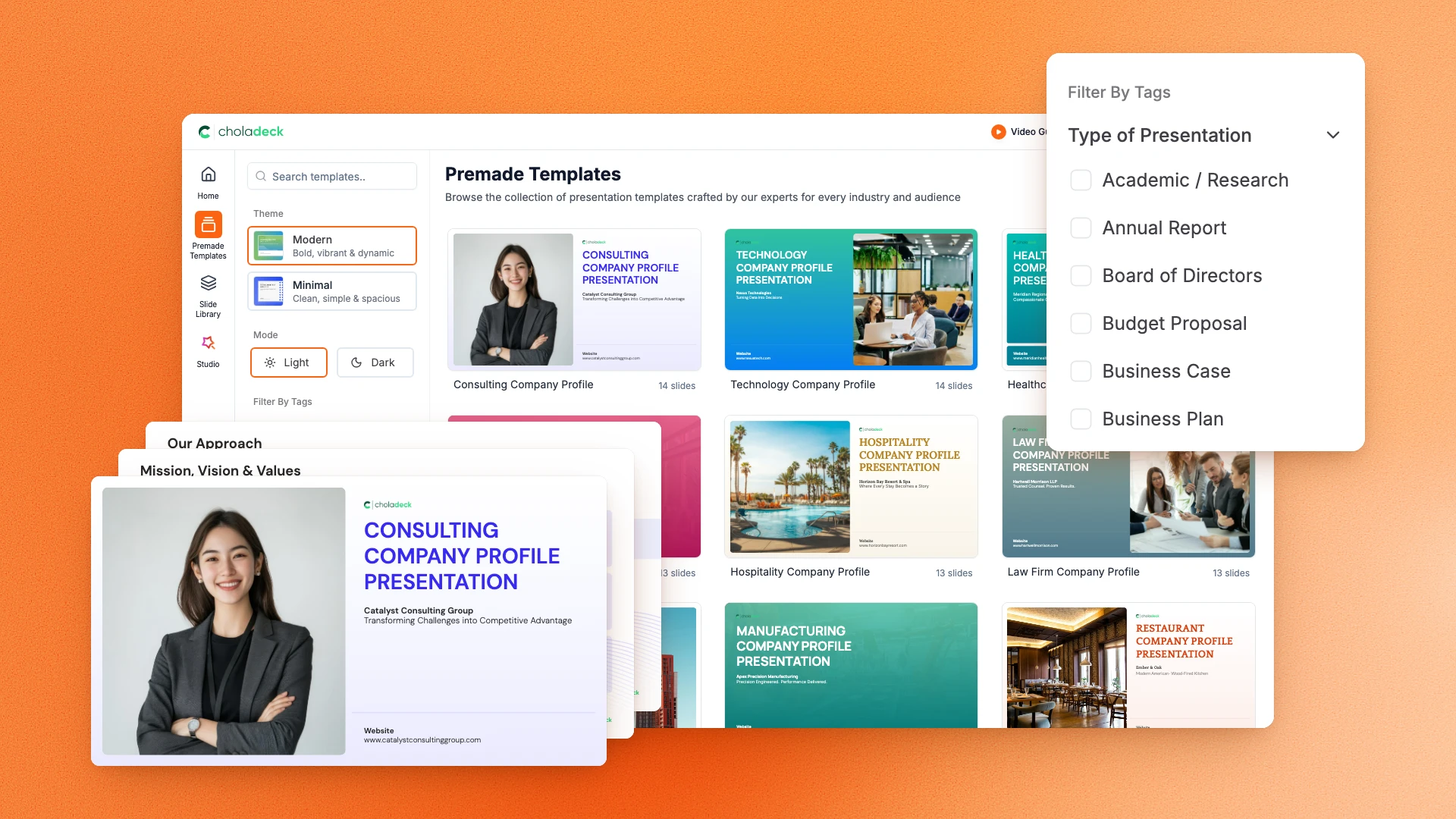
Choladeck premade templates with the Type of Presentation filter and the Consulting Company Profile deck shown larger

Questions about one page strategic plan slides

How the slides work, and how far you can change them.

Using the slides

Can I edit these slides in PowerPoint?

+

Yes. Export to PowerPoint, Google Slides, or Keynote, and each section and its text stays editable. Nothing is locked and nothing is a flat image.

How do I brand them to my company?

+

Add your logo, colors, fonts, and background once. It applies to the whole presentation and the entire slide library at the same time.

Can I mix them with other slides from the library?

+

Yes. Add a one page strategic plan slide to any premade template, or pair it with OKR or roadmap slides from the library. Branding applies across all of them.

About one page strategic plans

What goes on a one page strategic plan?

+

Usually the vision or purpose, a few long-term goals, this year's priorities, key measures, and who owns each one.

Is this the same as the strategic plan templates?

+

No. The strategic plan templates are complete presentations with a slide for each part. This is the whole plan on one page, for sharing and quick reference.

How often should a one page plan be updated?

+

Review it every quarter and update the priorities and measures. The vision and long-term goals should change far less often.

Your next one page strategic plan slide is already designed

Pick a layout, brand it in one click, add your content, and export.

Free to start. No credit card required.