Pricing

Mind map slides

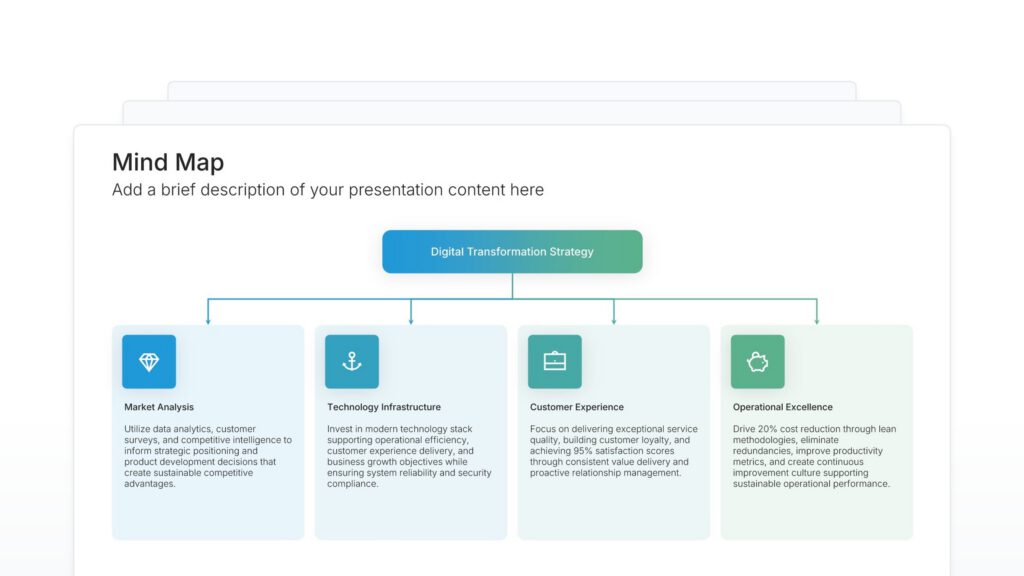
Mind map slides start with one central topic and branch out into the ideas connected to it, then the details connected to those. Pick one of 69 layouts, brand it to your company in one click, add your ideas, and export to PowerPoint, Google Slides, or Keynote.

Free to start. No credit card required.

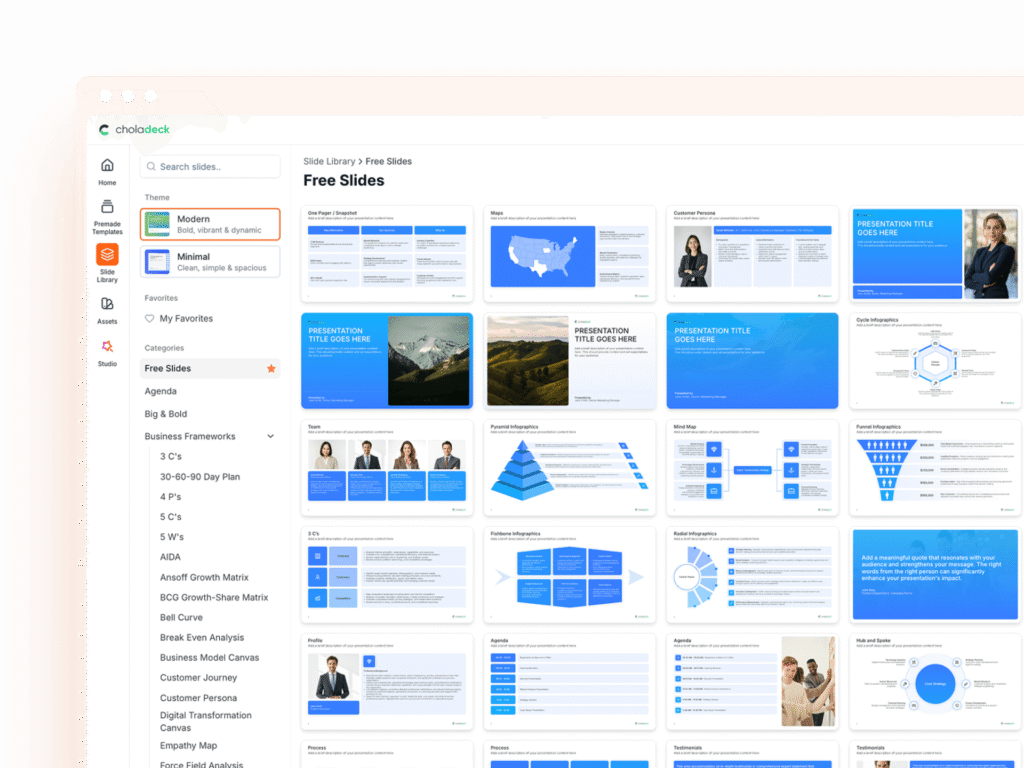
Mind map slides in the Choladeck slide library

Browse mind map slides

69 ways to branch out from one central topic, all fully editable.

Mind map slide, layout 01

Layout 01

Mind map slide, layout 02

Layout 02

Mind map slide, layout 03

Layout 03

Mind map slide, layout 04

Layout 04

Mind map slide, layout 05

Layout 05

Mind map slide, layout 06

Layout 06

Mind map slide, layout 07

Layout 07

Mind map slide, layout 08

Layout 08

Mind map slide, layout 09

Layout 09

Mind map slide, layout 10

Layout 10

Mind map slide, layout 11

Layout 11

Mind map slide, layout 12

Layout 12

Mind map slide, layout 13

Layout 13

Mind map slide, layout 14

Layout 14

Mind map slide, layout 15

Layout 15

Mind map slide, layout 16

Layout 16

Mind map slide, layout 17

Layout 17

Mind map slide, layout 18

Layout 18

Mind map slide, layout 19

Layout 19

Mind map slide, layout 20

Layout 20

Mind map slide, layout 21

Layout 21

Mind map slide, layout 22

Layout 22

Mind map slide, layout 23

Layout 23

Mind map slide, layout 24

Layout 24

Mind map slide, layout 25

Layout 25

Mind map slide, layout 26

Layout 26

Mind map slide, layout 27

Layout 27

Mind map slide, layout 28

Layout 28

Mind map slide, layout 29

Layout 29

Mind map slide, layout 30

Layout 30

Mind map slide, layout 31

Layout 31

Mind map slide, layout 32

Layout 32

Mind map slide, layout 33

Layout 33

Mind map slide, layout 34

Layout 34

Mind map slide, layout 35

Layout 35

Mind map slide, layout 36

Layout 36

Mind map slide, layout 37

Layout 37

Mind map slide, layout 38

Layout 38

Mind map slide, layout 39

Layout 39

Mind map slide, layout 40

Layout 40

Mind map slide, layout 41

Layout 41

Mind map slide, layout 42

Layout 42

Mind map slide, layout 43

Layout 43

Mind map slide, layout 44

Layout 44

Mind map slide, layout 45

Layout 45

Mind map slide, layout 46

Layout 46

Mind map slide, layout 47

Layout 47

Mind map slide, layout 48

Layout 48

Mind map slide, layout 49

Layout 49

Mind map slide, layout 50

Layout 50

Mind map slide, layout 51

Layout 51

Mind map slide, layout 52

Layout 52

Mind map slide, layout 53

Layout 53

Mind map slide, layout 54

Layout 54

Mind map slide, layout 55

Layout 55

Mind map slide, layout 56

Layout 56

Mind map slide, layout 57

Layout 57

Mind map slide, layout 58

Layout 58

Mind map slide, layout 59

Layout 59

Mind map slide, layout 60

Layout 60

Mind map slide, layout 61

Layout 61

Mind map slide, layout 62

Layout 62

Mind map slide, layout 63

Layout 63

Mind map slide, layout 64

Layout 64

Mind map slide, layout 65

Layout 65

Mind map slide, layout 66

Layout 66

Mind map slide, layout 67

Layout 67

Mind map slide, layout 68

Layout 68

Mind map slide, layout 69

Layout 69

About our mind map slides

What the slide does, how to use it, your brand, and a file you can edit anywhere.

Built to show the scope of a subject around one topic

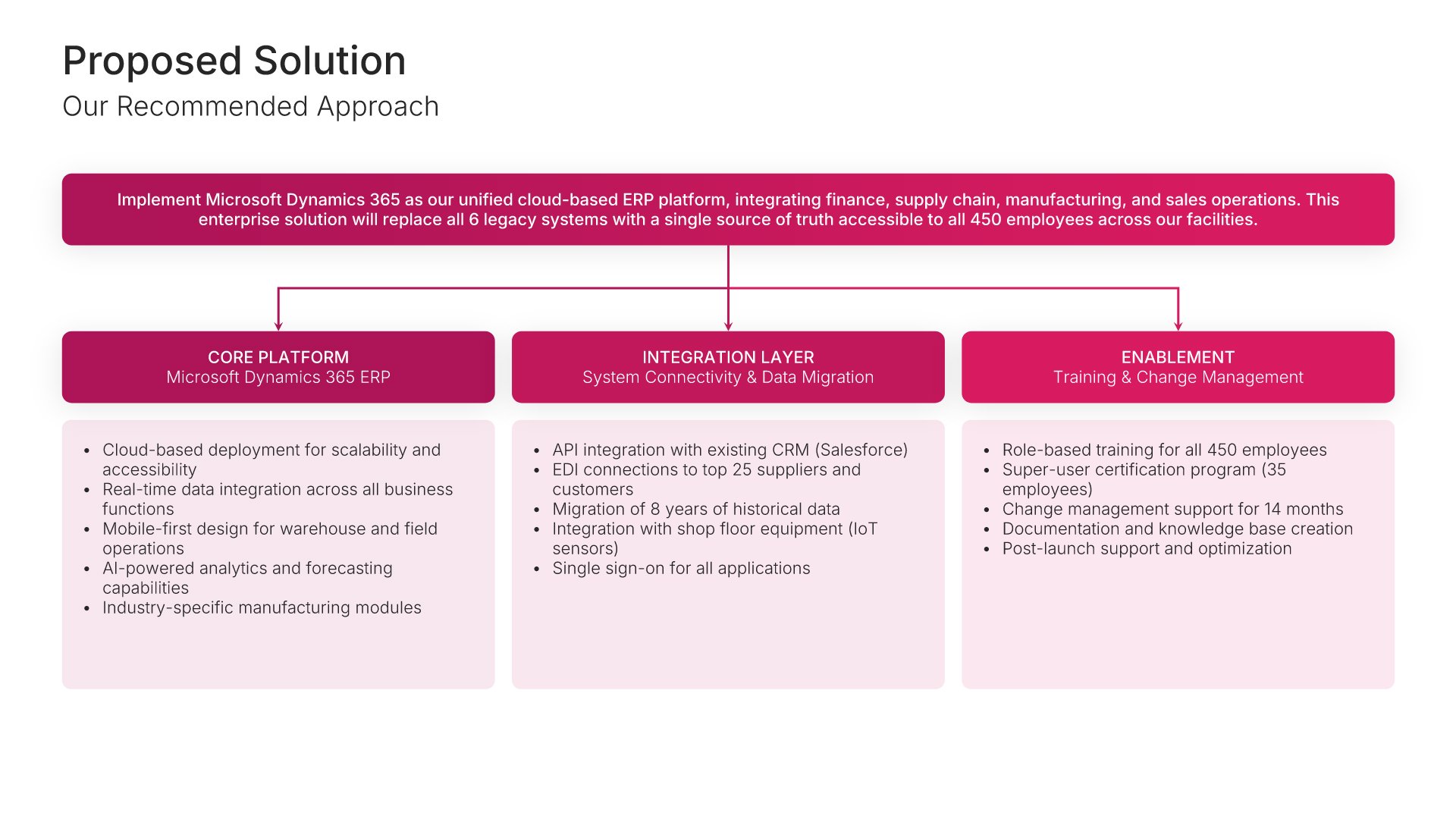
Brainstorms, plans, and research findings rarely arrive in a neat order. Mind map slides organize them around a single topic, with related ideas grouped on the same branch. A mind map shows the scope of a subject and how its parts relate, which makes it useful for kick-offs, workshops, and early planning.

Why branches show connections a list hides

A bullet list puts ideas one after another, even when they belong together. Branches group related ideas and show how far each one sits from the main topic. So the audience sees both the big themes and the detail under them, and gaps in the thinking become obvious.

Brand the whole presentation in one click

Add your logo, colors, fonts, and background once. It applies to the whole presentation and the entire slide library at the same time. Mind maps often come out of workshops and get shared with the whole team afterward, so once branded, they look like part of your company’s work, not a whiteboard photo.

Export to PowerPoint, Google Slides, or Keynote

You get a real file, not a locked link. Export it and keep editing in the tool you already use. The central topic, branches, and labels stay editable, so you can grow the map as ideas develop.

How Choladeck works

From blank page to finished presentation in four steps.

STEP 01

Browse 9,000+ slides across 134+ categories, or open one of the 74 premade presentations.

STEP 02

Add your logo, colors, and fonts in one click. The whole presentation instantly matches your company.

STEP 03

Add your text, numbers, charts, and tables. Everything on the slide is editable.

STEP 04

Send it to PowerPoint, Google Slides, or Keynote, and present.

Start from a template

Need a complete presentation instead?

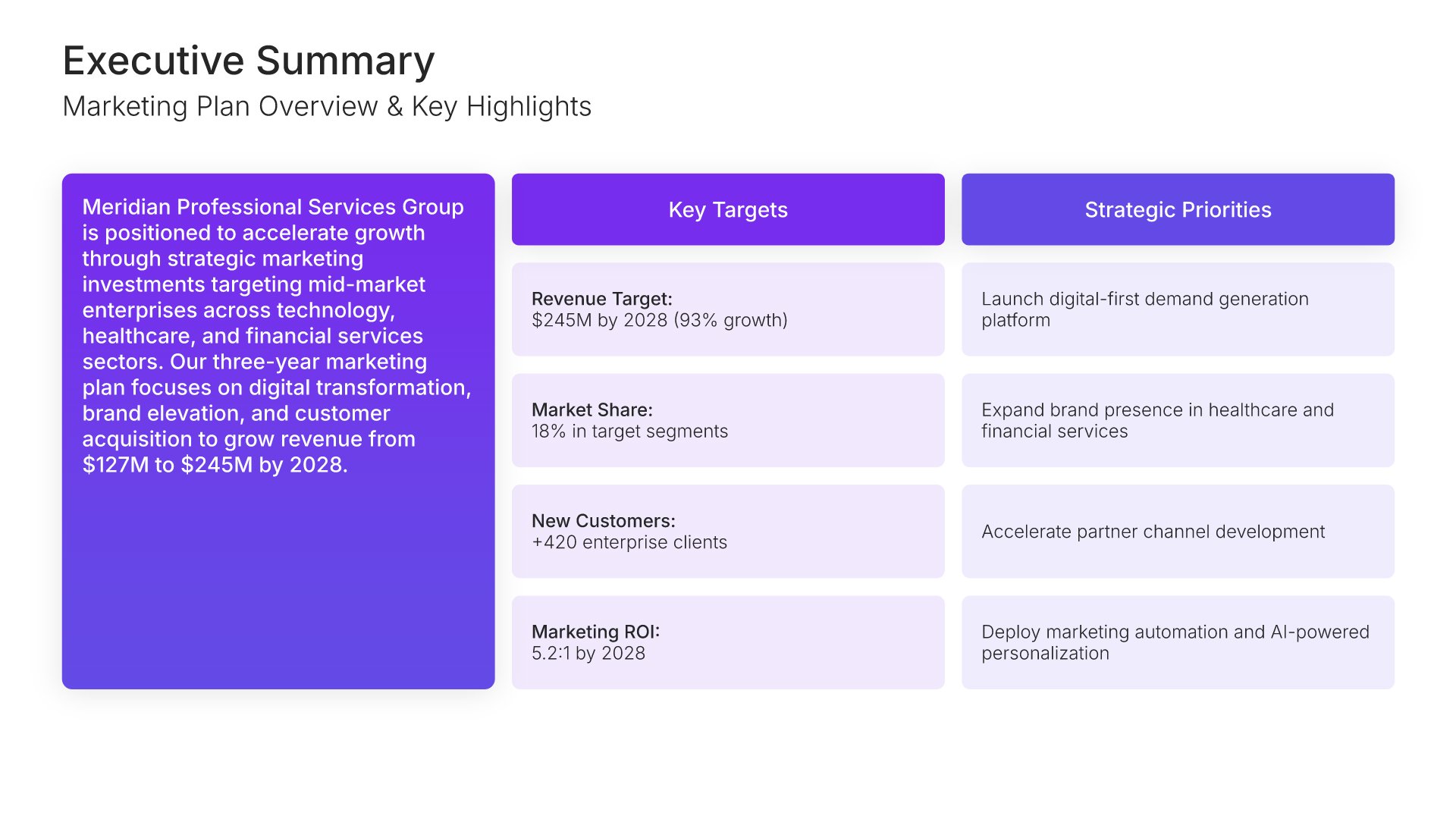
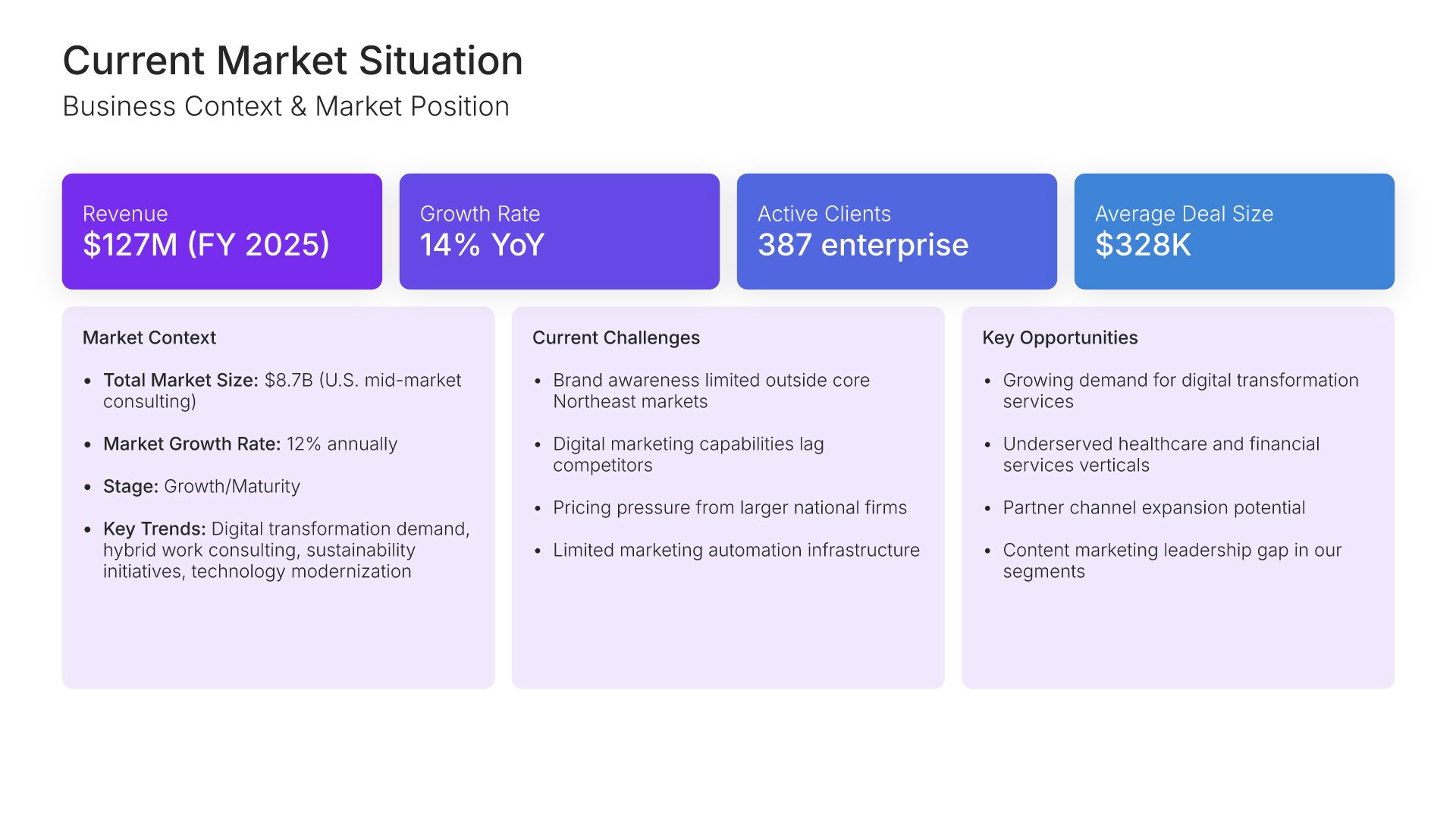
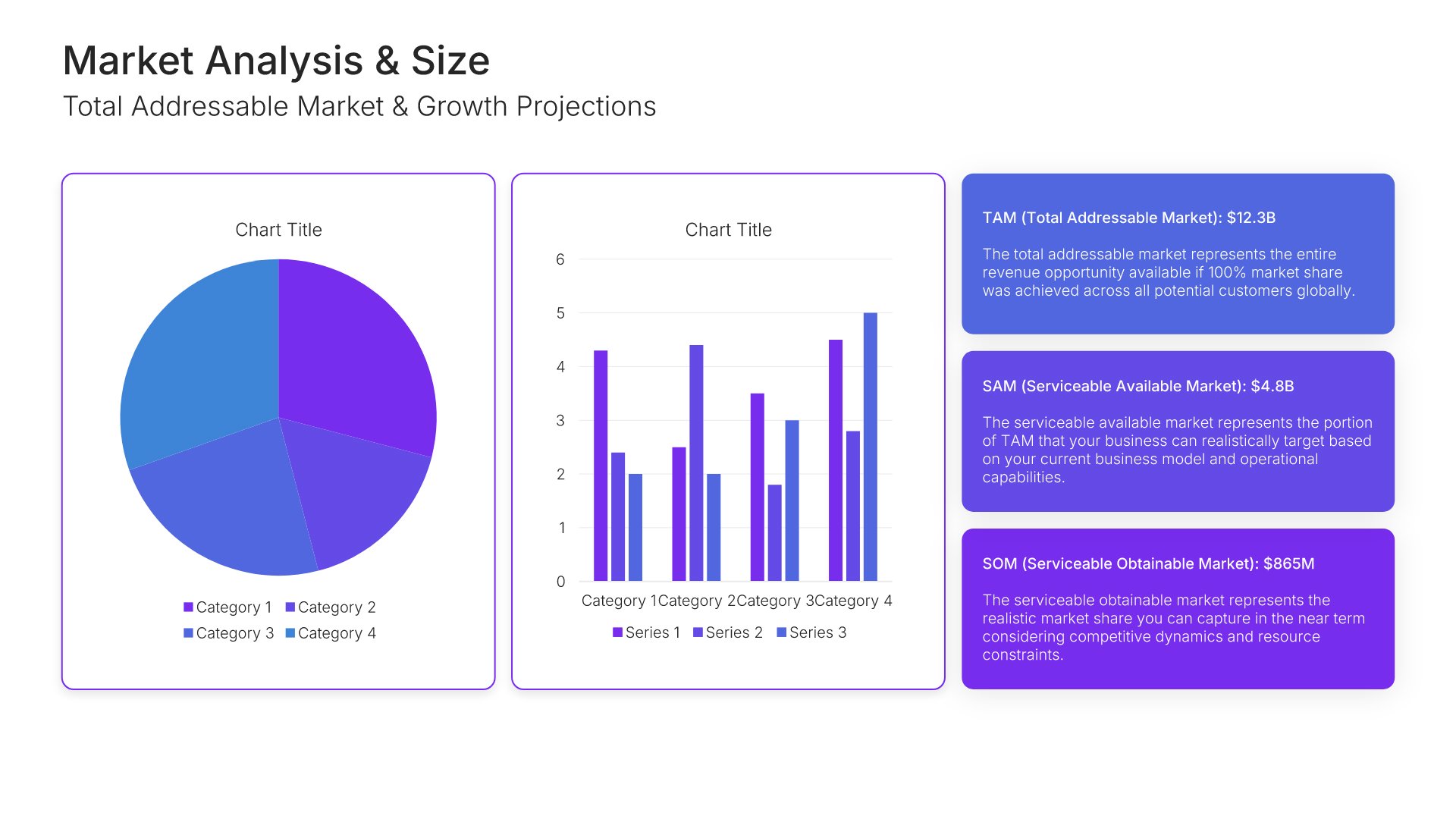
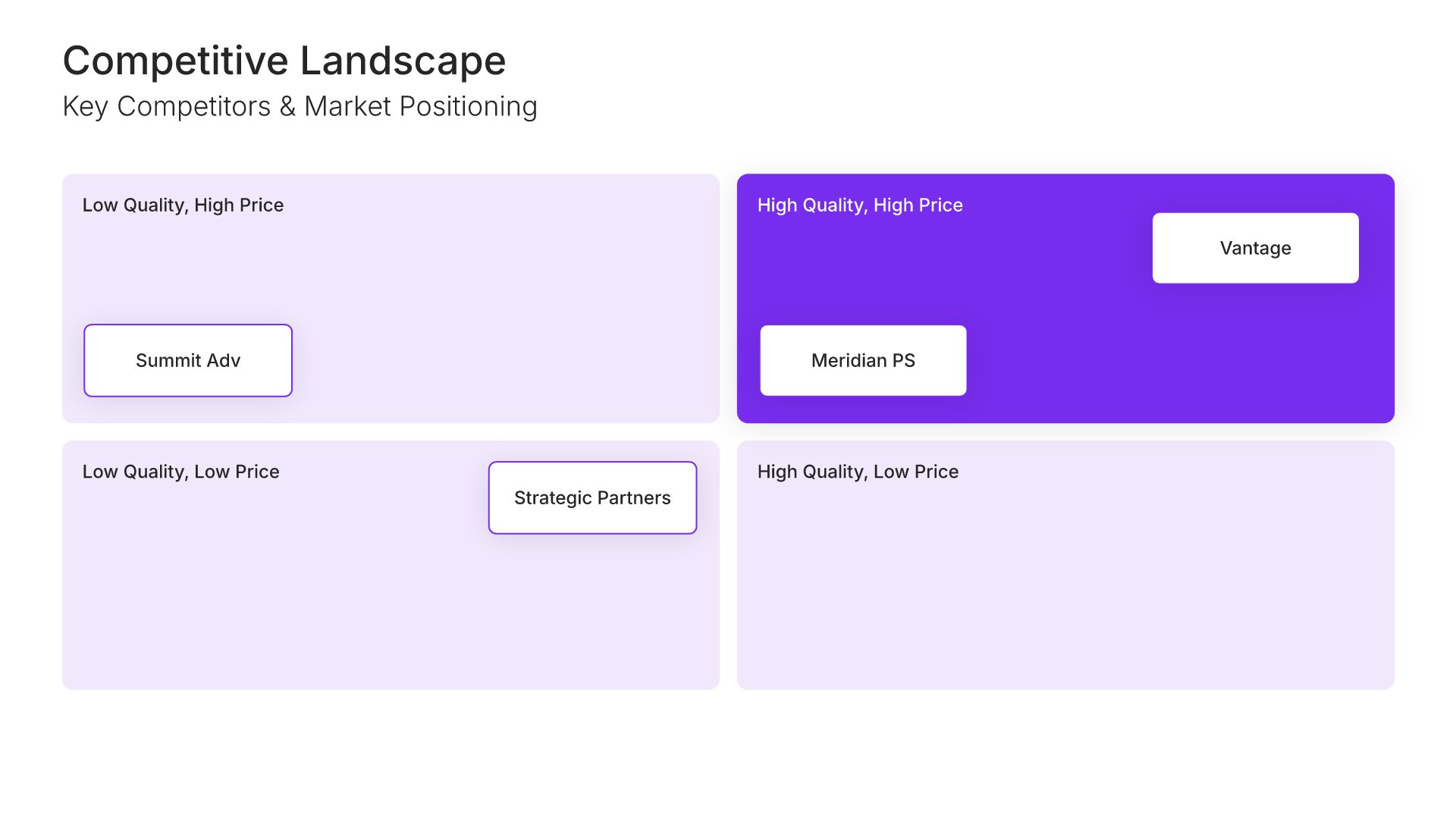
If you're starting from nothing rather than fixing a few slides, open one of 74+ premade presentations instead. Each one is complete and built for one purpose, from pitch decks to business plans and company profiles.

Choladeck premade templates with the Type of Presentation filter and the Consulting Company Profile deck shown larger

Questions about mind map slides

How the slides work, and how far you can change them.

Using the slides

Can I edit these slides in PowerPoint?

+

Yes. Export to PowerPoint, Google Slides, or Keynote, and every branch and label stays editable. Nothing is locked and nothing is a flat image.

How do I brand them to my company?

+

Add your logo, colors, fonts, and background once. It applies to the whole presentation and the entire slide library at the same time.

Can I mix them with other slides from the library?

+

Yes. Add a mind map slide to any premade template, or pair it with hub and spoke or decision tree slides from the library. Branding applies across all of them.

About mind maps

When should I use a mind map slide?

+

When you want to show the scope of a topic and how its parts connect: at the start of a project, in a brainstorm, or to summarize research.

How is a mind map different from a hub and spoke diagram?

+

A hub and spoke shows one level of connections to a center. A mind map keeps branching, so ideas can have their own sub-ideas.

How many branches should a mind map have?

+

Four to seven main branches usually read well on one slide. Put deeper detail on a second slide if needed.

Your next mind map slide is already designed

Pick a layout, brand it in one click, add your content, and export.

Free to start. No credit card required.