5x5 matrix slides
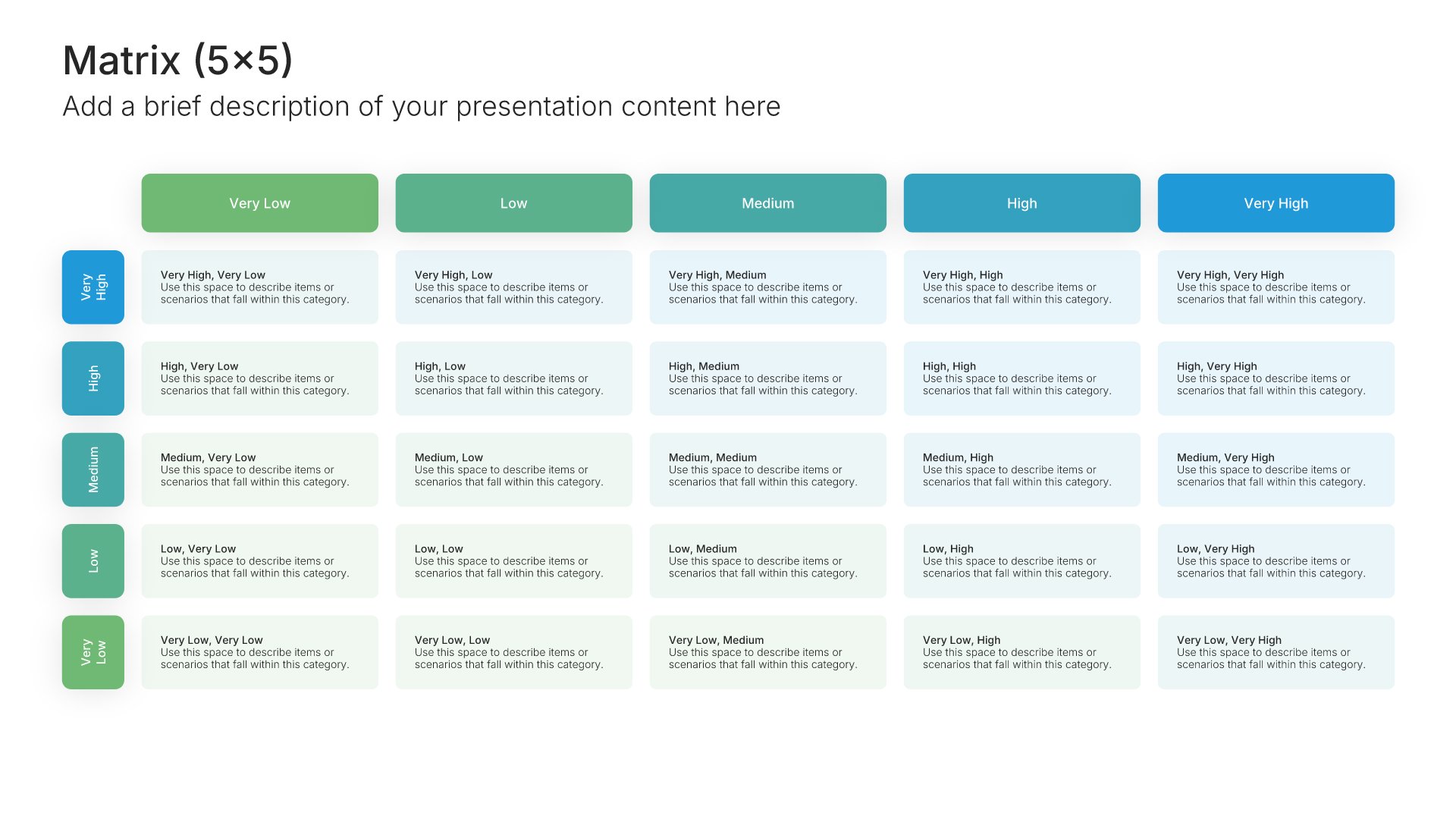
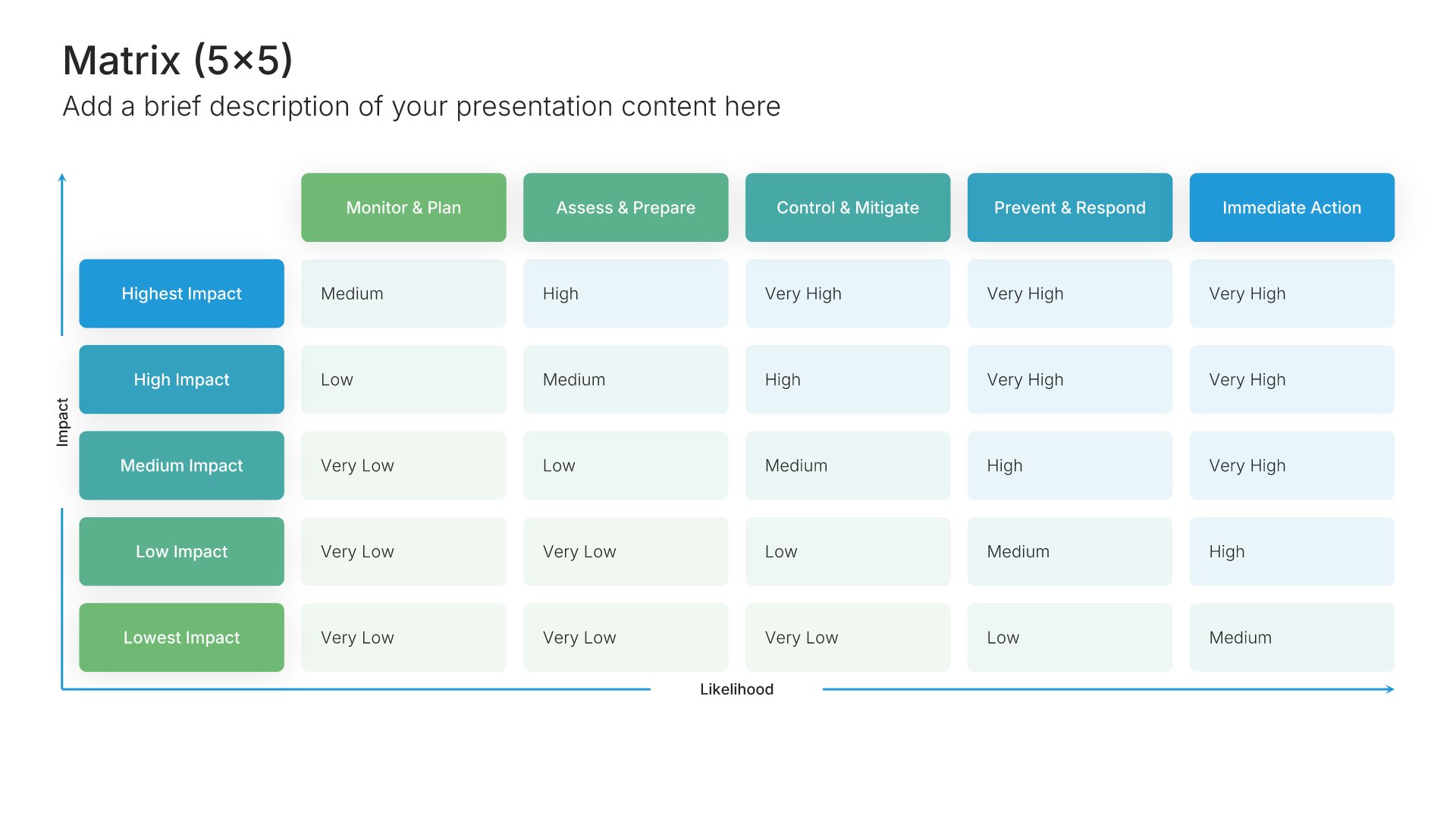
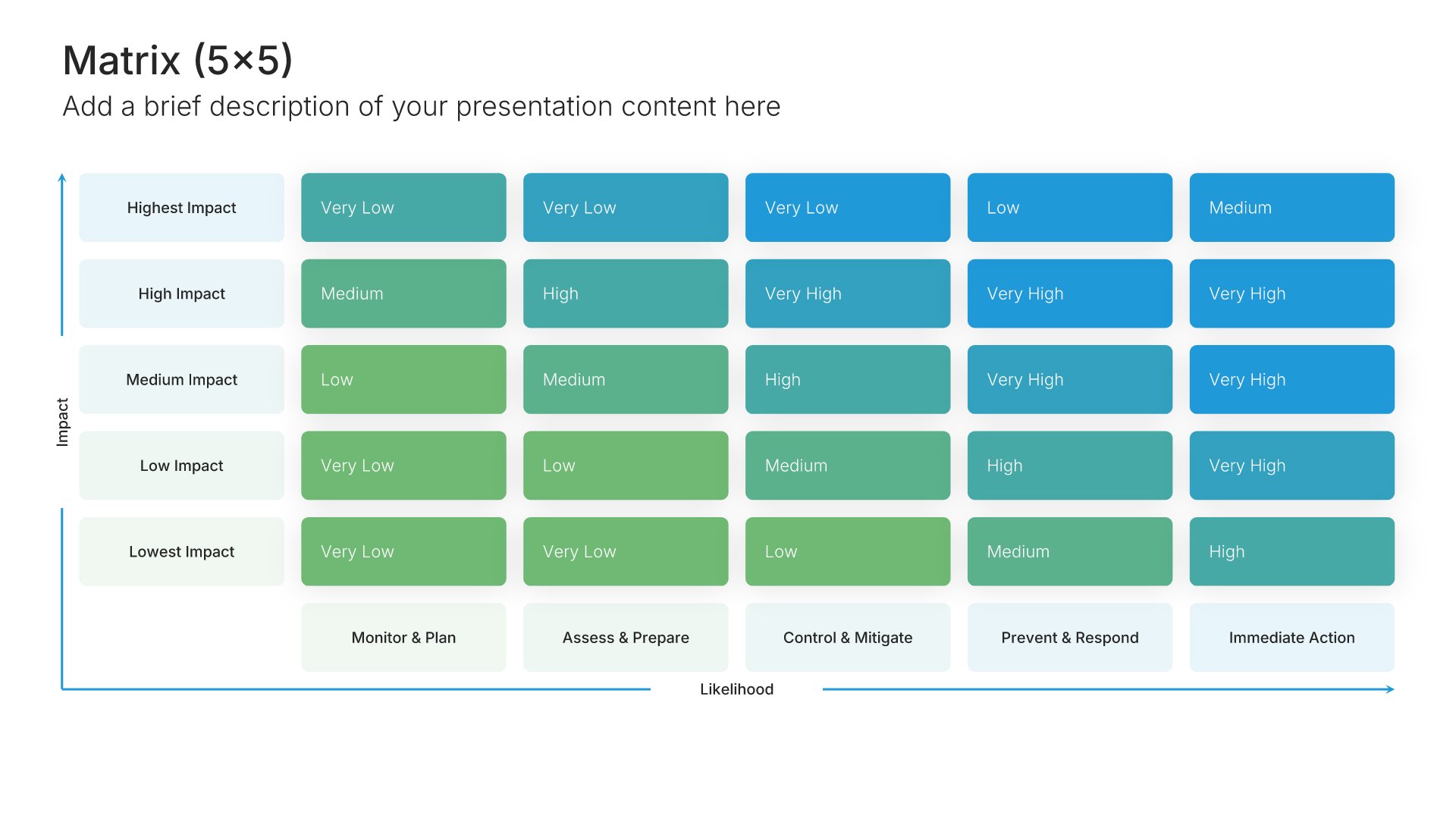
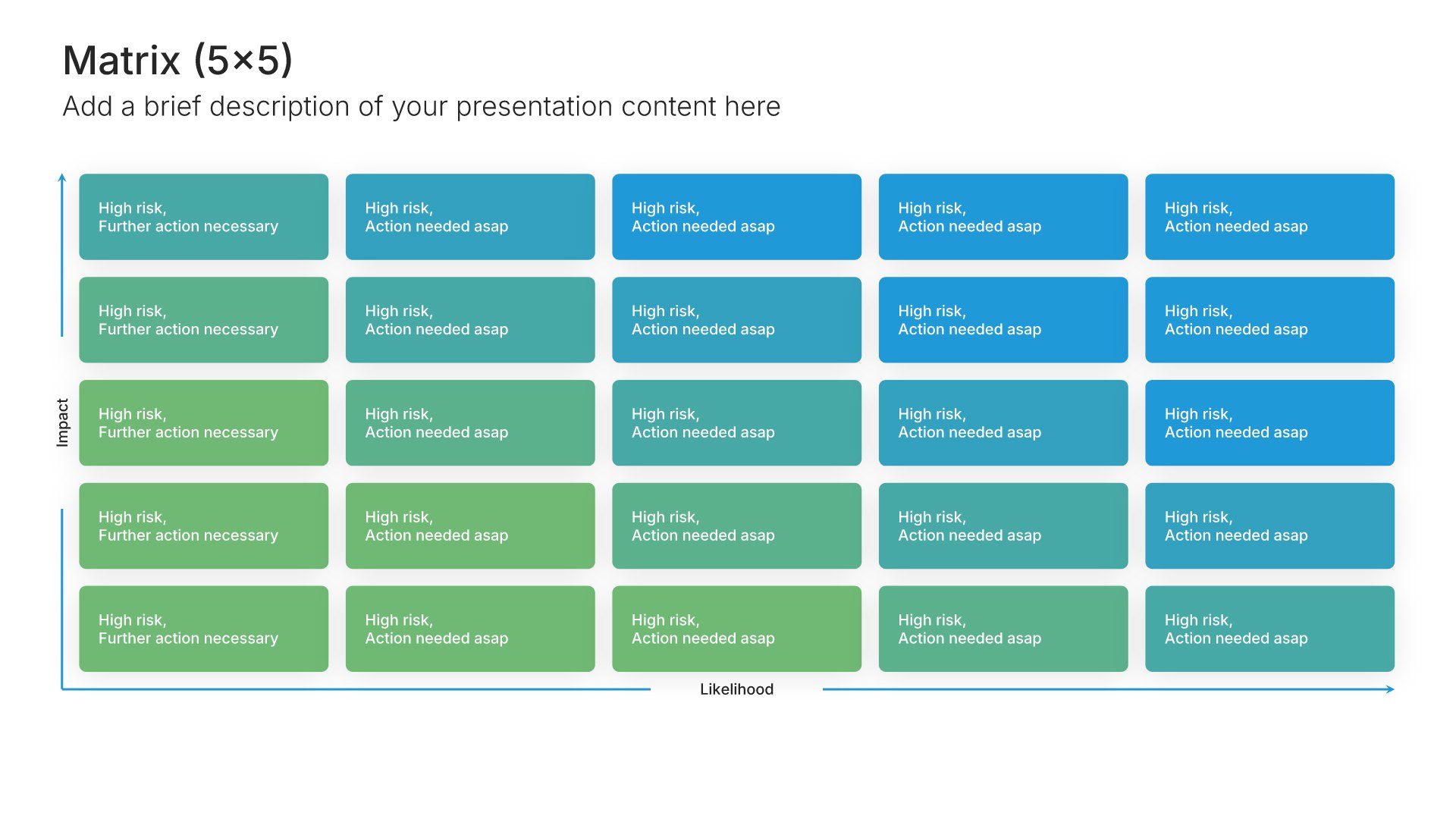
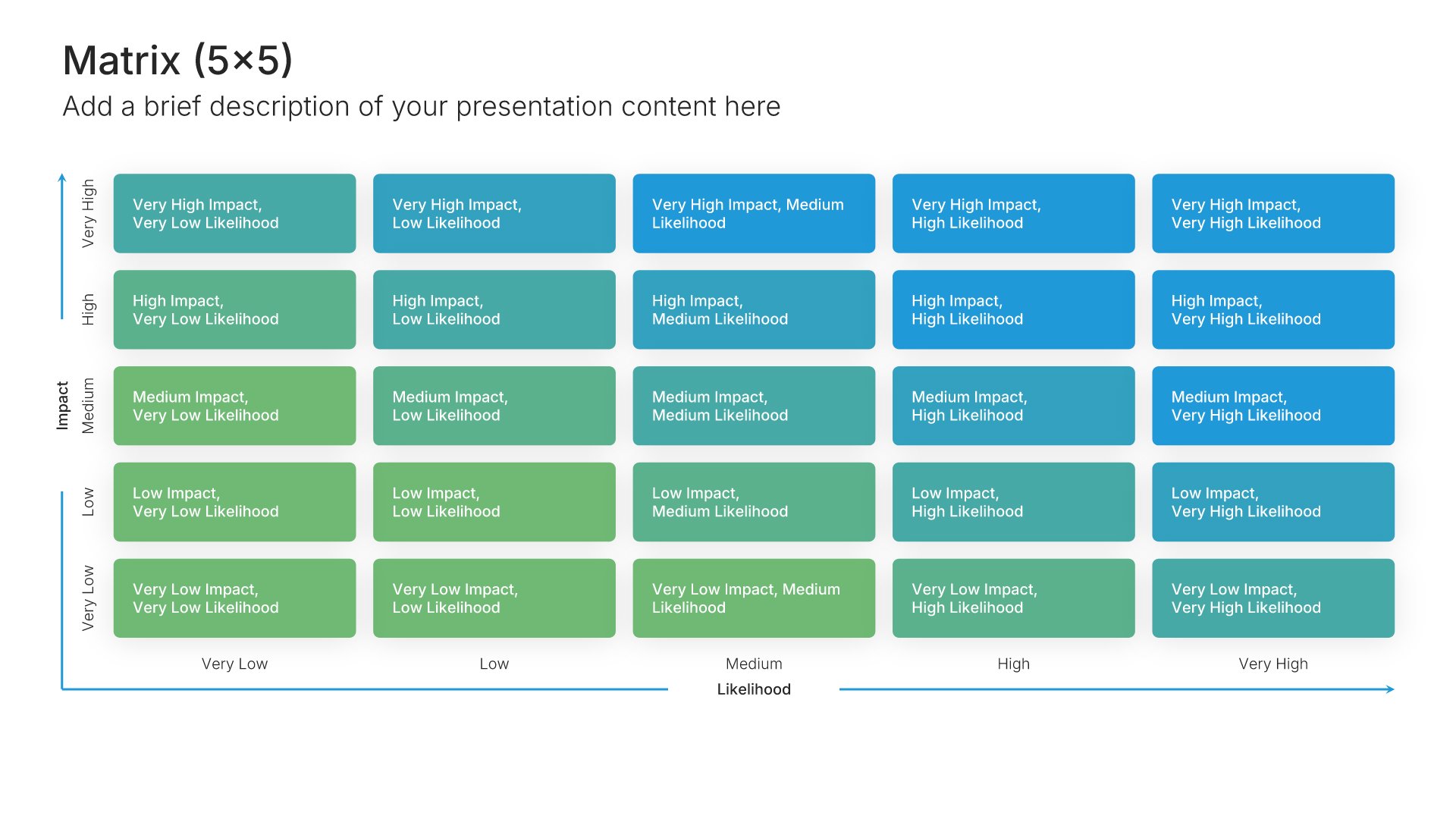
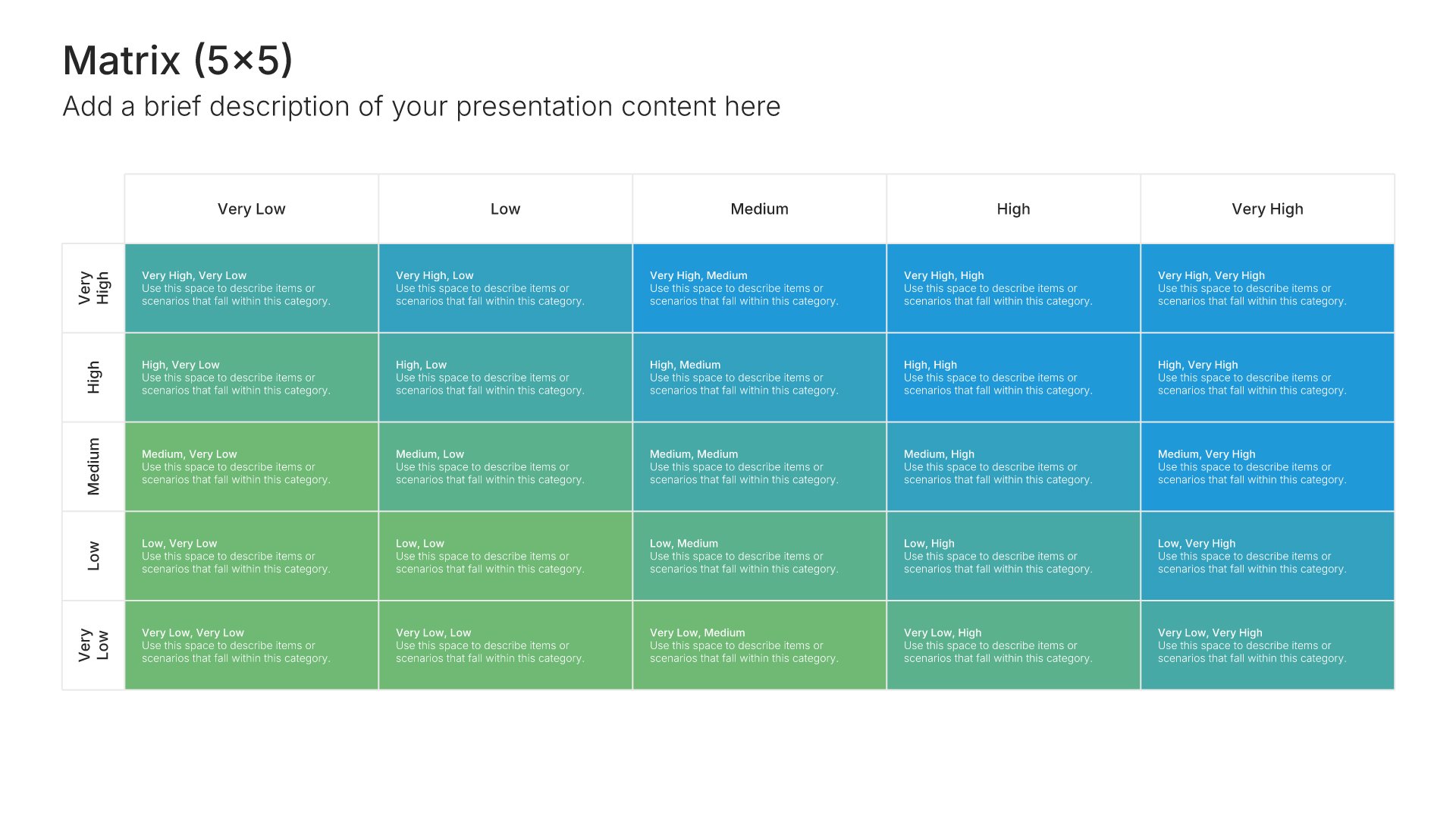
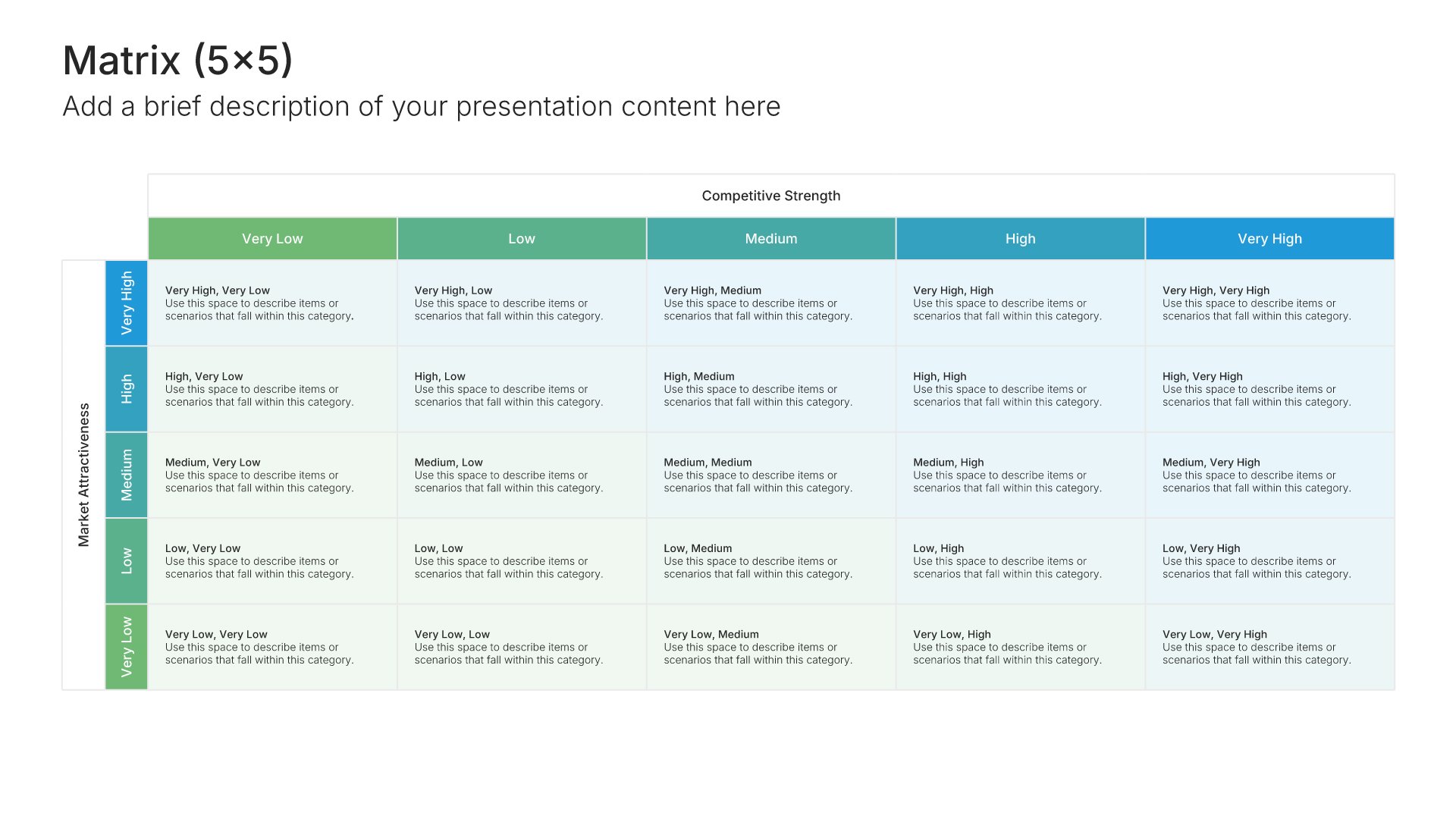
5x5 matrix slides score two criteria from one to five, most often likelihood against impact, which makes them the standard layout for a risk matrix. Pick one of 7 layouts, brand it to your company in one click, plot your risks, and export to PowerPoint, Google Slides, or Keynote.
Free to start. No credit card required.
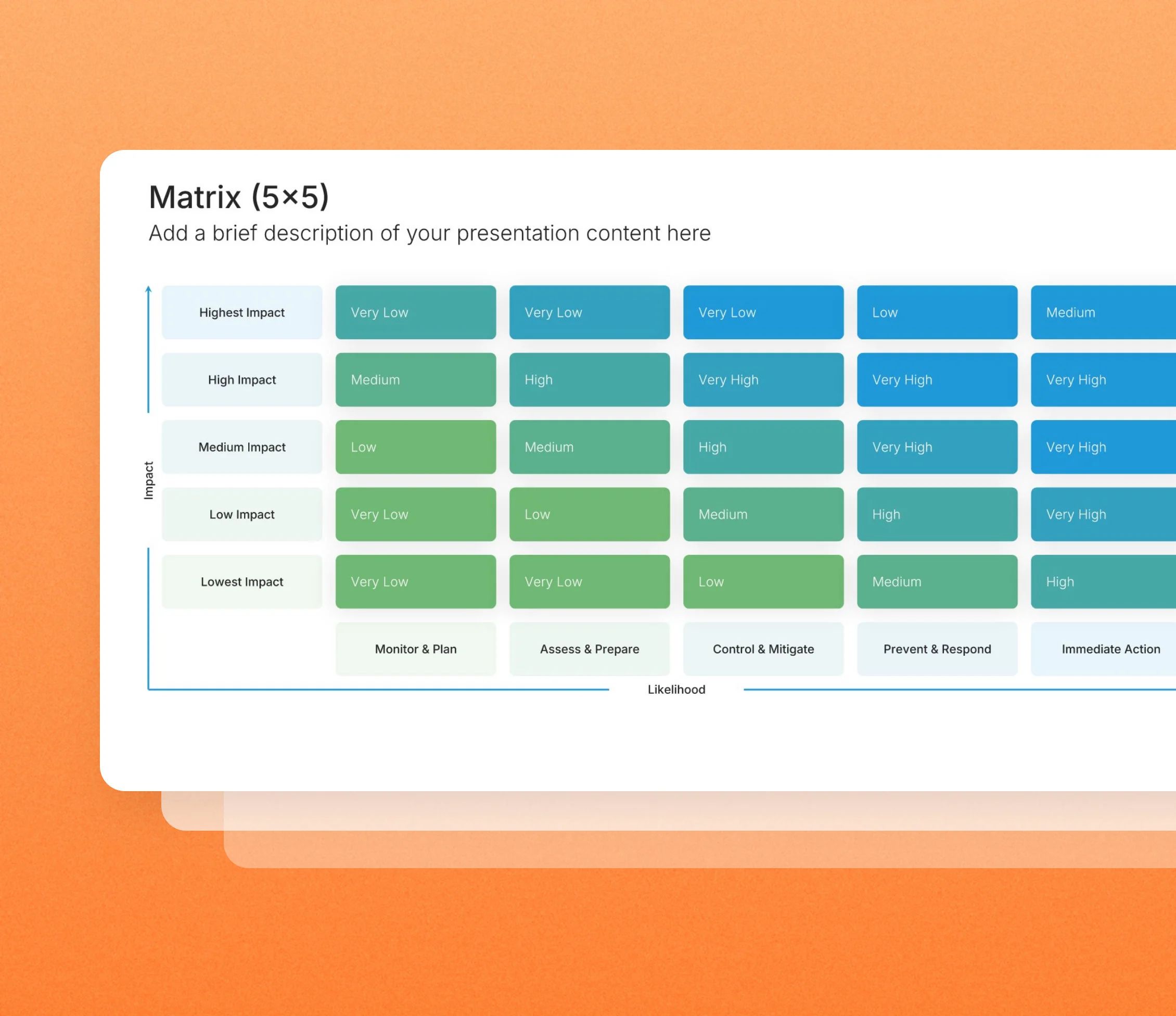
Layout 01
Layout 02
Layout 03
Layout 04
Layout 05
Layout 06
Layout 07
About our 5x5 matrix slides
What the slide does, how to use it, your brand, and a file you can edit anywhere.
Built to show the whole risk picture on one page
The 5×5 grid is best known as the risk matrix used in project, safety, and compliance reviews. Each risk gets a likelihood score and an impact score, and where they meet gives it a rating from low to critical. 5×5 matrix slides show the whole risk picture on one page, so the most serious risks are easy to spot. The same grid works just as well for any two-way scoring on a five-point scale.
Why a scored grid focuses attention
A risk register lists everything with equal weight. Placed on a 5×5 grid, the handful of risks that are both likely and severe separate from the rest. So the discussion goes straight to the items that need action, and the low-rated ones can be monitored without taking up the meeting.
Brand the whole presentation in one click
Add your logo, colors, fonts, and background once. It applies to the whole presentation and the entire slide library at the same time. Risk matrices go to boards, auditors, and project sponsors, so once branded, they look consistent with the rest of your reporting.
Export to PowerPoint, Google Slides, or Keynote
You get a real file, not a locked link. Export it and keep editing in the tool you already use. Scores, labels, and items stay editable, so you can re-rate risks at every review.
How Choladeck works
From blank page to finished presentation in four steps.
STEP 01
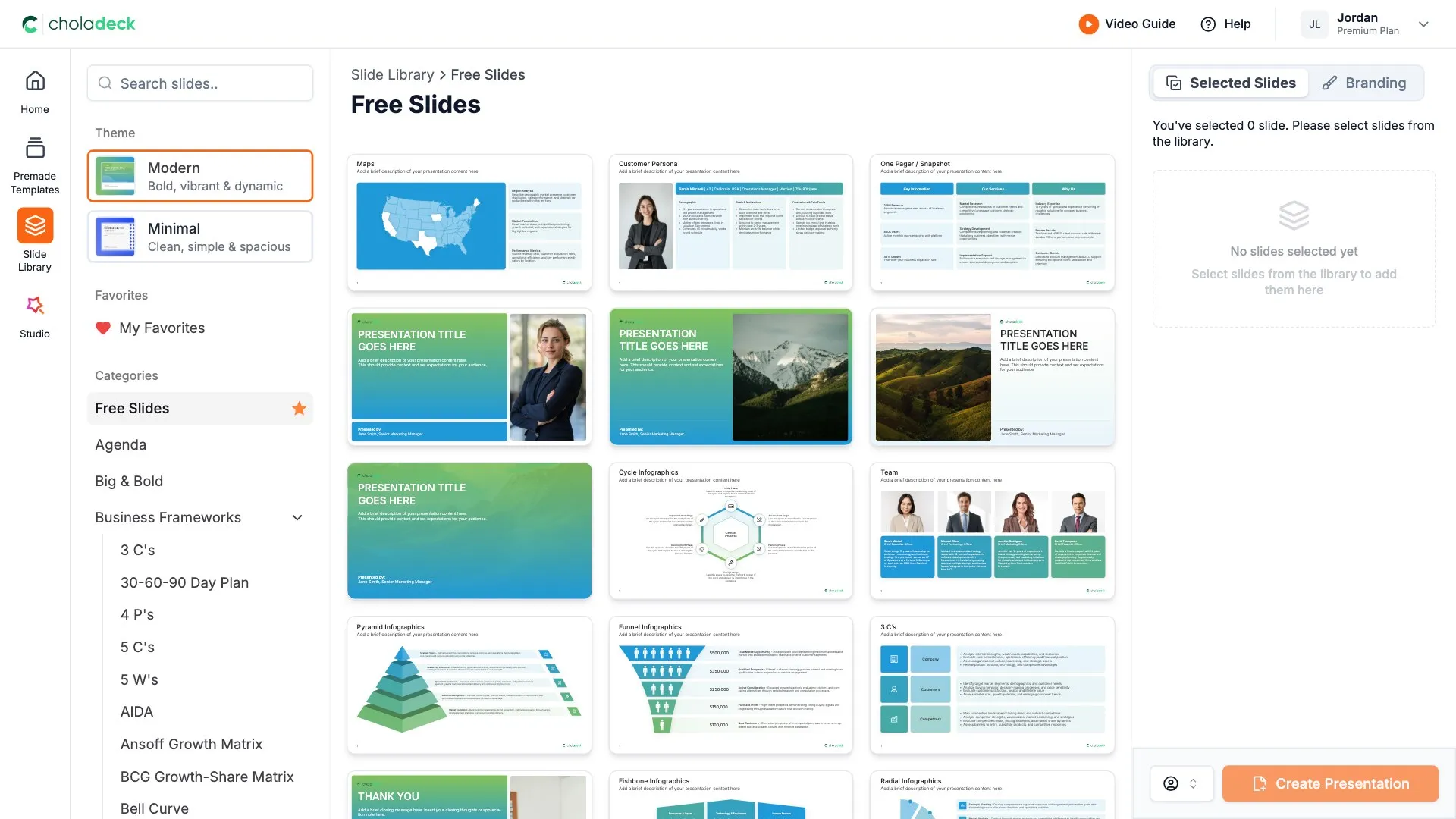
Browse 9,000+ slides across 134+ categories, or open one of the 74 premade presentations.
STEP 02
Add your logo, colors, and fonts in one click. The whole presentation instantly matches your company.
STEP 03
Add your text, numbers, charts, and tables. Everything on the slide is editable.
STEP 04
Send it to PowerPoint, Google Slides, or Keynote, and present.
Need a complete presentation instead?
If you're starting from nothing rather than fixing a few slides, open one of 74+ premade presentations instead. Each one is complete and built for one purpose, from pitch decks to business plans and company profiles.

Questions about 5x5 matrix slides
How the slides work, and how far you can change them.
Using the slides
Can I edit these slides in PowerPoint?
+Yes. Export to PowerPoint, Google Slides, or Keynote, and every score, cell, and risk you place stays editable. Nothing is locked and nothing is a flat image.
How do I brand them to my company?
+Add your logo, colors, fonts, and background once. It applies to the whole presentation and the entire slide library at the same time.
Can I mix them with other slides from the library?
+Yes. Add a 5x5 matrix slide to any premade template, or pair it with 4x4 matrix or root cause analysis slides from the library. Branding applies across all of them.
About the 5x5 matrix
How is a 5x5 risk matrix scored?
+Multiply likelihood by impact, each scored from one to five. The result, from 1 to 25, places each risk in a band such as low, medium, high, or critical.
Can I use a 5x5 matrix for things other than risk?
+Yes. Any assessment that rates two things on the same five levels fits the grid.
How is it different from a 3x3 risk matrix?
+A 5x5 grid gives more precise ratings. A 3x3 is quicker to fill in but groups more risks together.
Your next 5x5 matrix slide is already designed
Pick a layout, brand it in one click, add your content, and export.
Free to start. No credit card required.