4x4 matrix slides
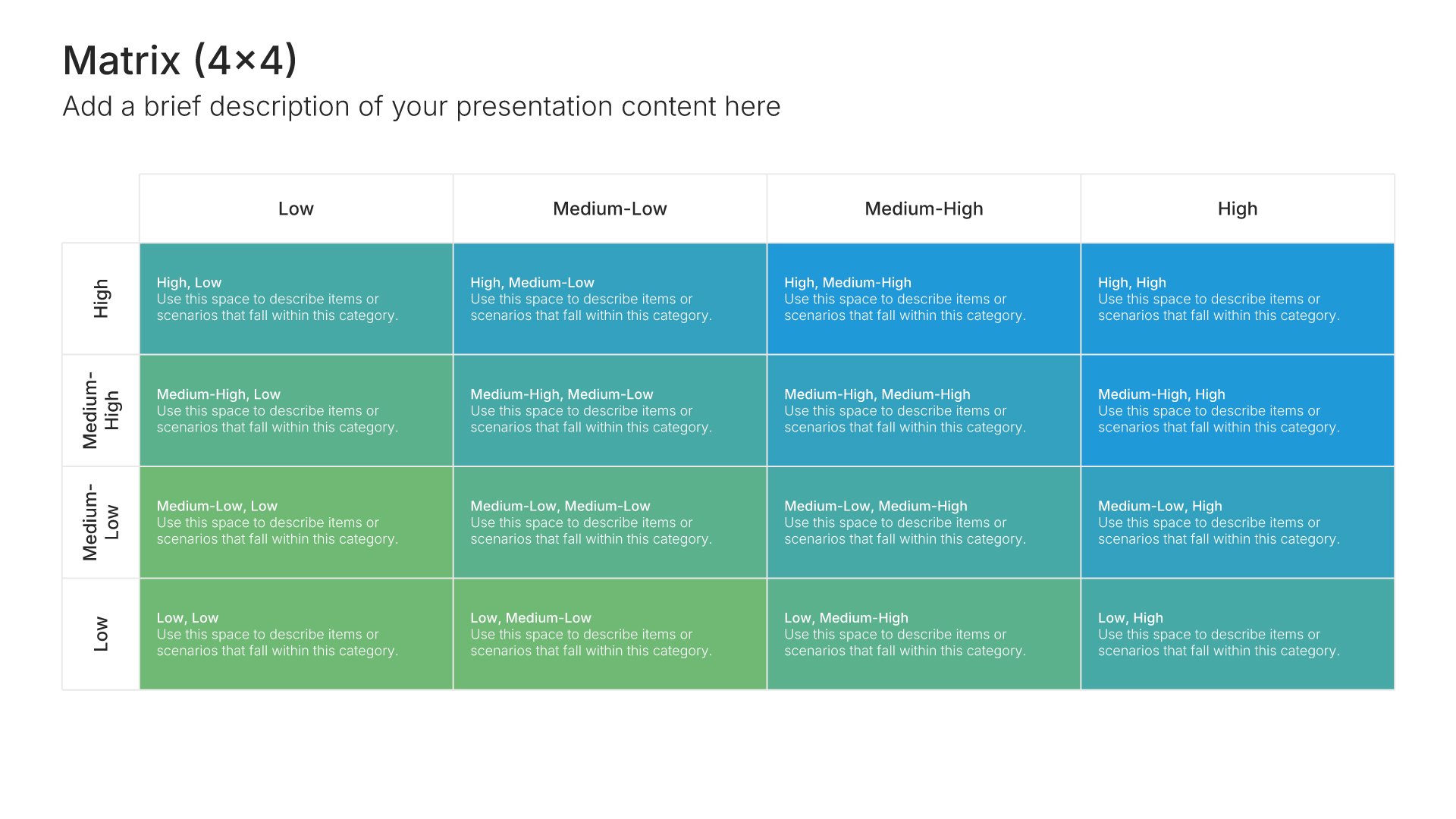
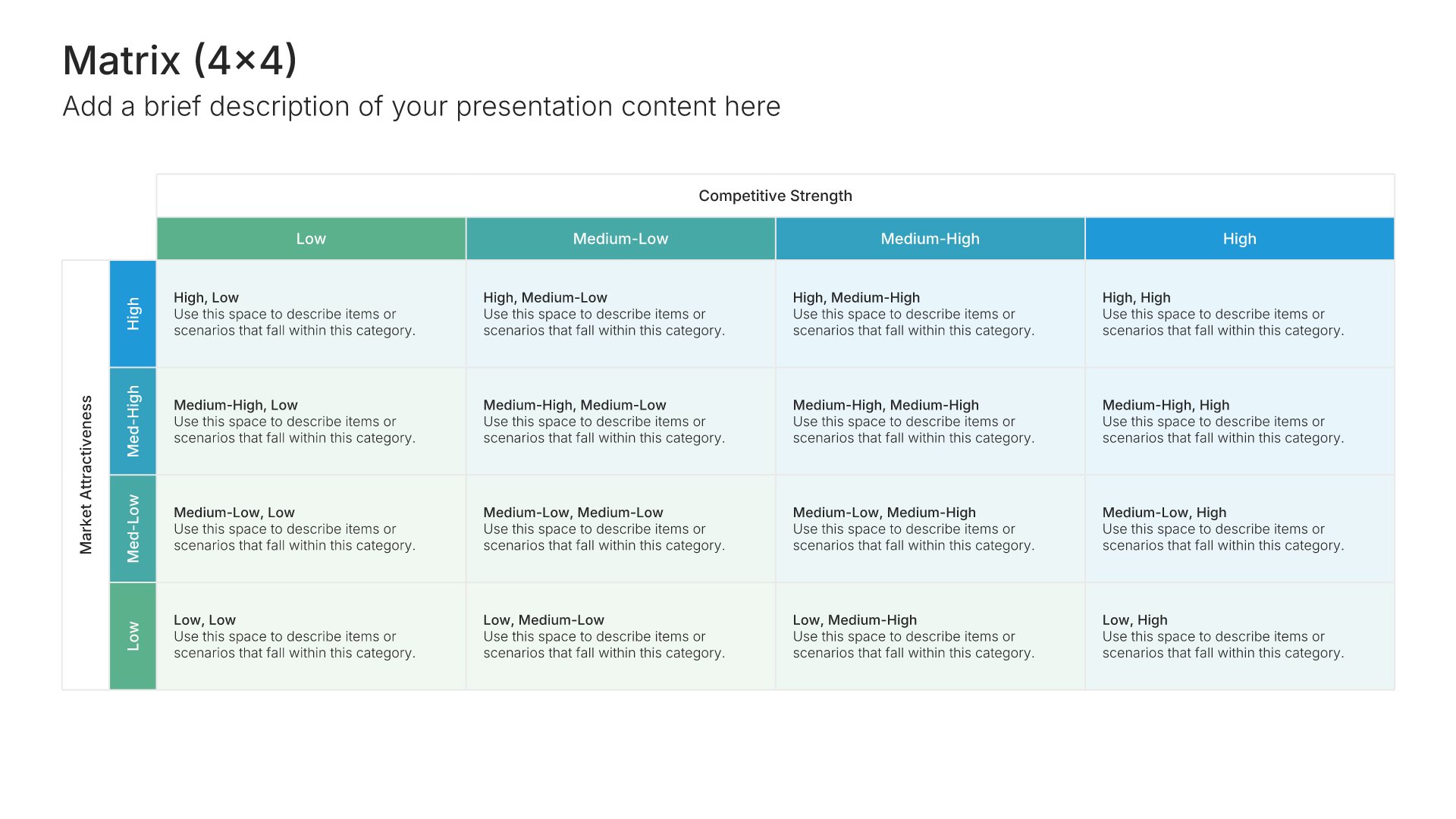
4x4 matrix slides divide two criteria into four levels each, giving sixteen cells for sorting items in finer detail. Pick one of 7 layouts, brand it to your company in one click, slot your items into the sixteen cells, and export to PowerPoint, Google Slides, or Keynote.
Free to start. No credit card required.
Browse 4x4 matrix slides
7 ways to grade items across sixteen cells, all fully editable.
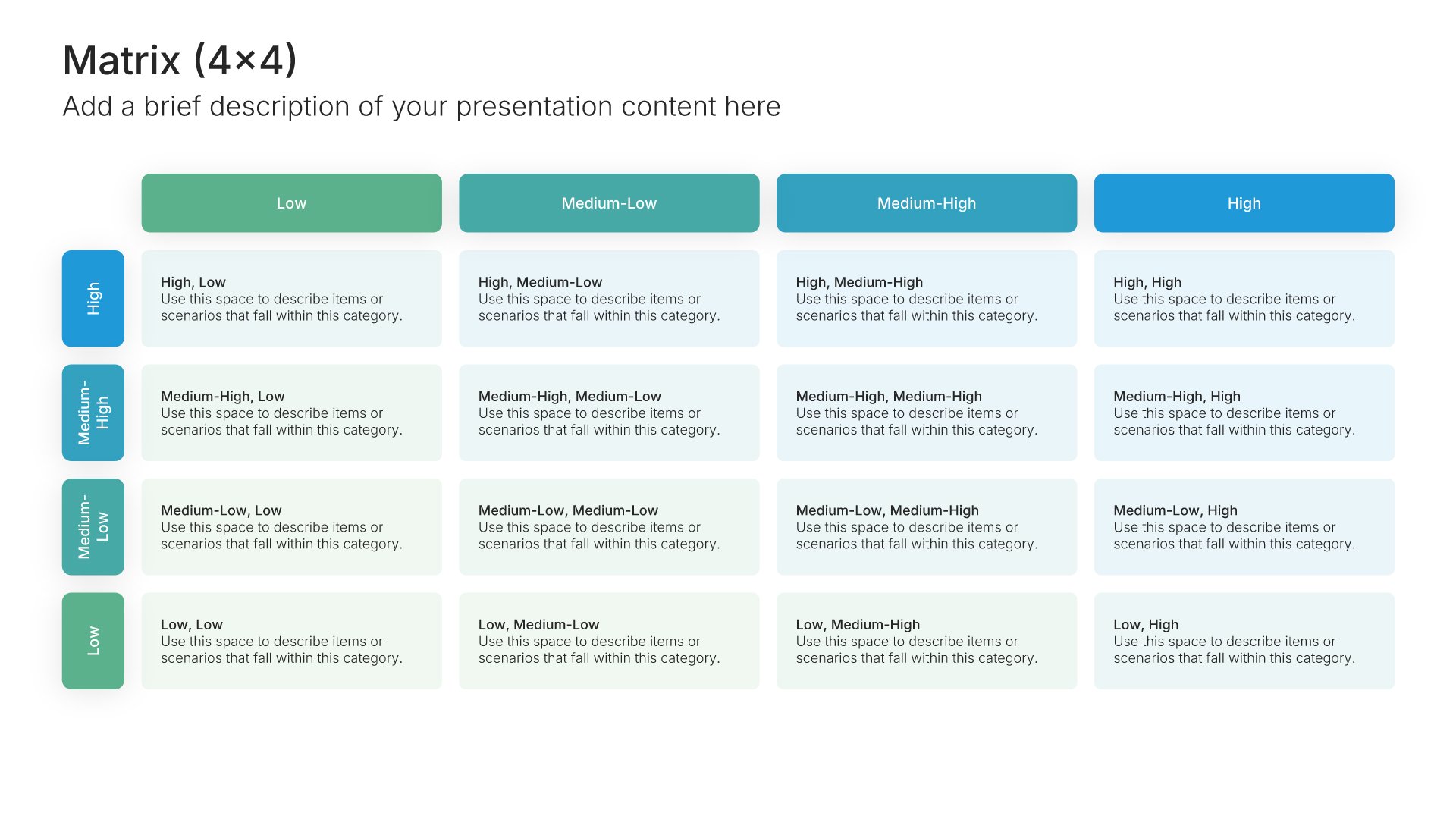
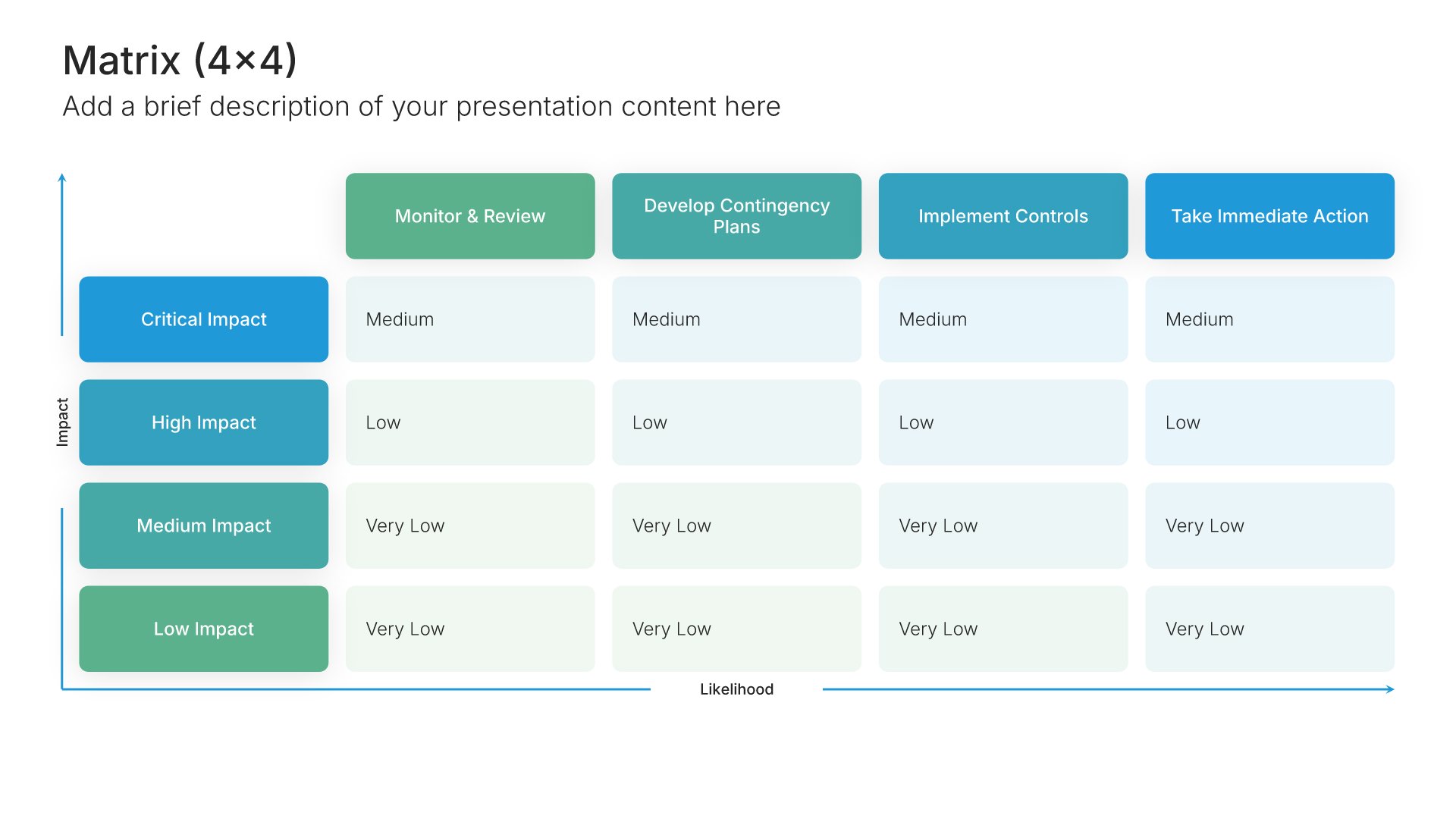
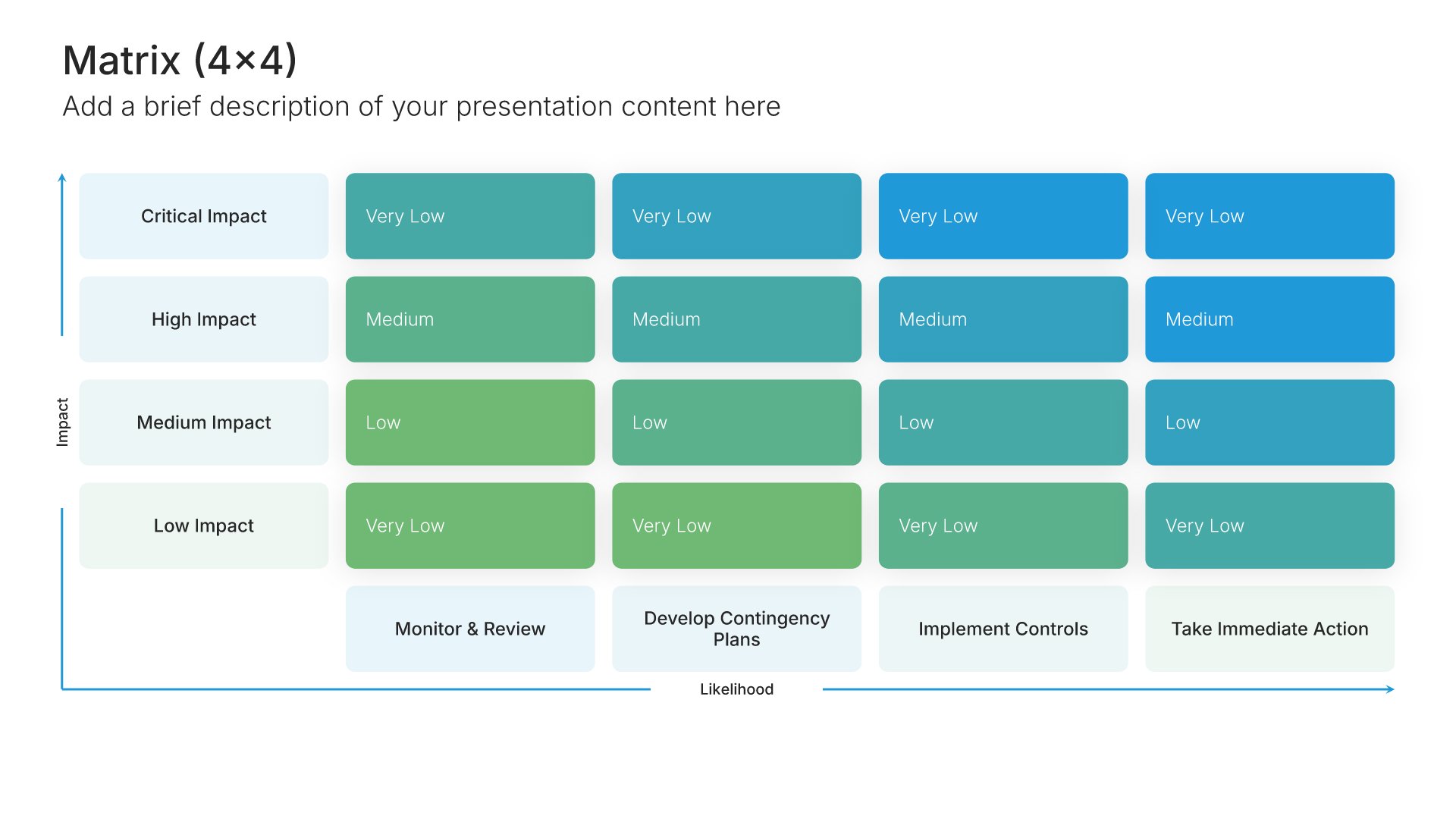
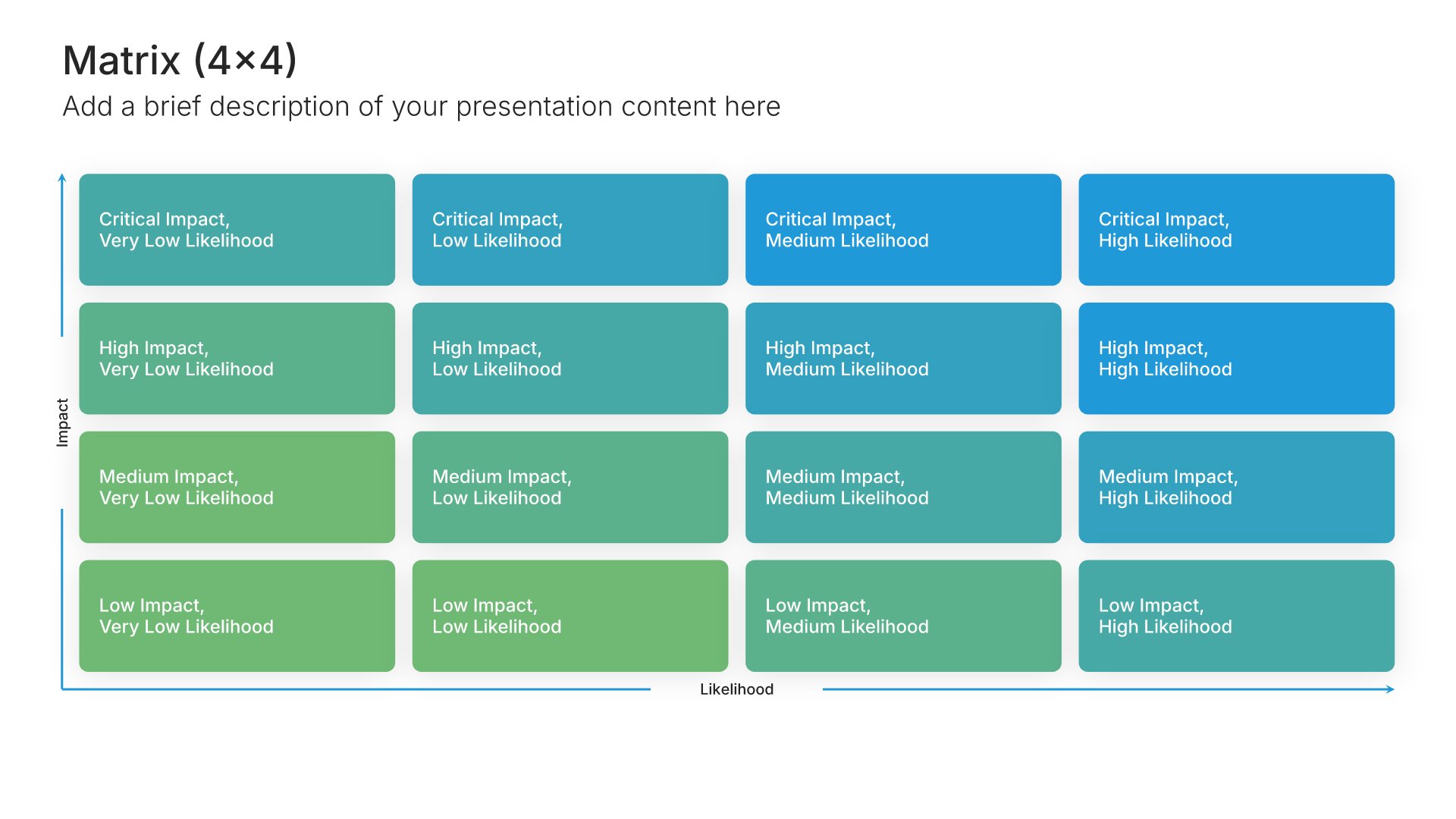
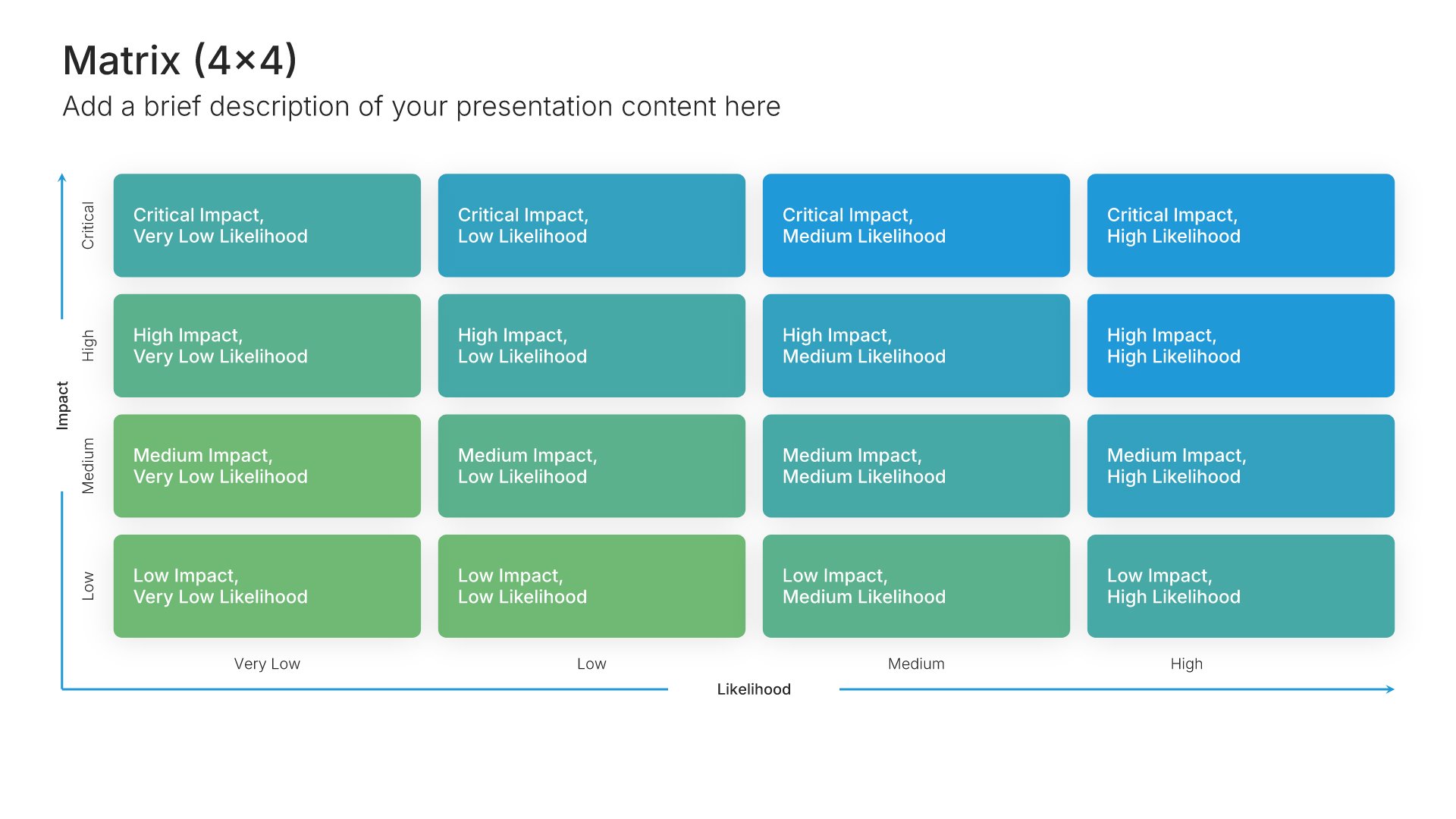
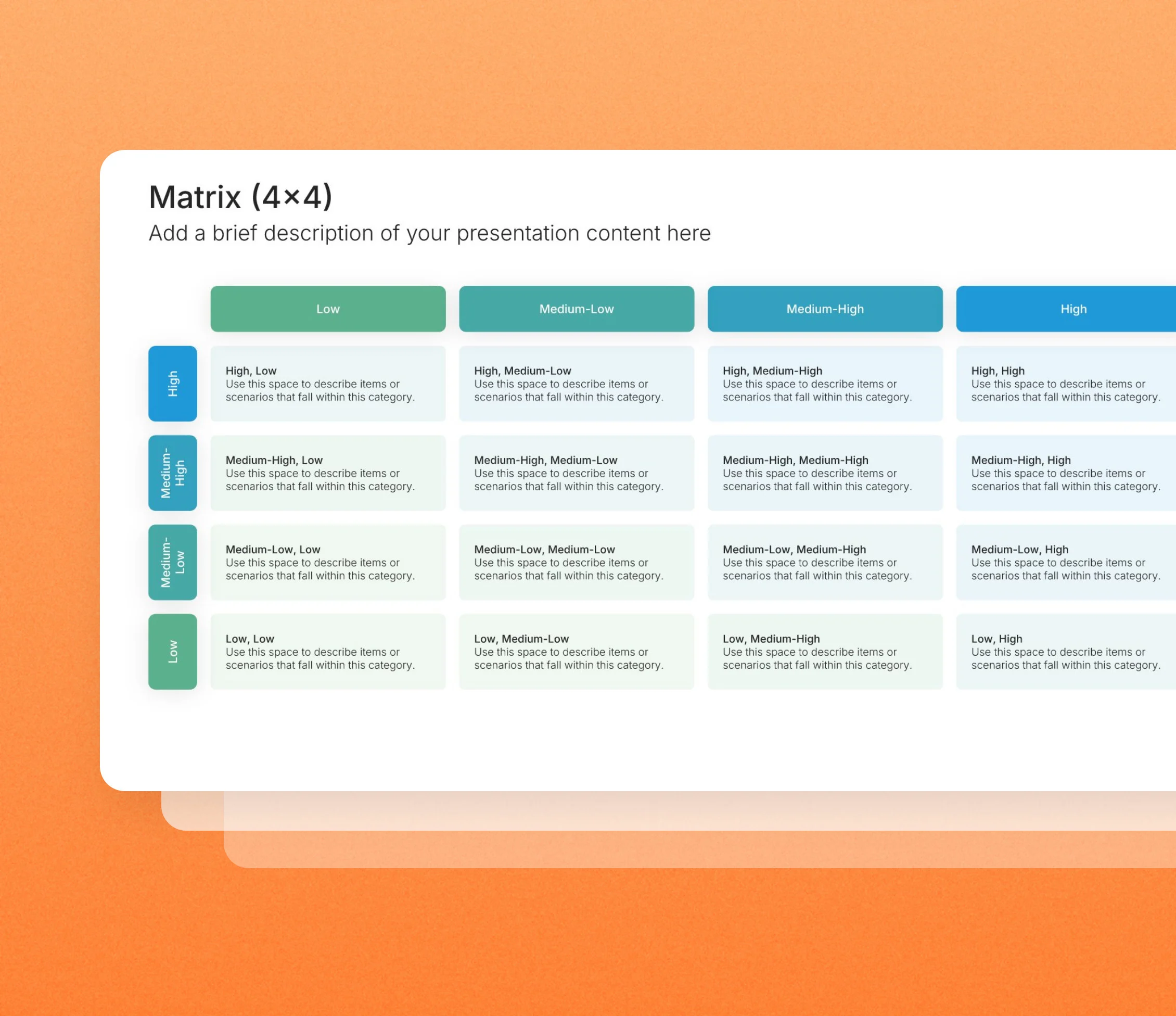
Matrix (4×4) • Slide Library • Layout 01 of 7
Layout 01
Layout 02
Layout 03
Layout 04
Layout 05
Layout 06
Layout 07
About our 4x4 matrix slides
What the slide does, how to use it, your brand, and a file you can edit anywhere.
Built to separate items a smaller grid would lump together
Some assessments need more precision than a simple grid can give. 4×4 matrix slides split each axis into four levels, so you can separate items that would share a cell in a smaller matrix. The format suits capability and maturity assessments, customer segmentation, and any analysis where small differences change the decision.
Why more levels reveal more differences
In a small grid, items that are fairly different can end up in the same cell and look alike. Four levels per axis pull them apart. So the audience sees gradual steps instead of broad buckets, which helps when you need to rank items rather than just group them.
Brand the whole presentation in one click
Add your logo, colors, fonts, and background once. It applies to the whole presentation and the entire slide library at the same time. Detailed matrices often go into consulting reports and planning workshops, so once branded, they read as part of the same report.
Export to PowerPoint, Google Slides, or Keynote
You get a real file, not a locked link. Export it and keep editing in the tool you already use. Level labels, cells, and items stay editable, so you can adjust the grid to your own scoring.
How Choladeck works
From blank page to finished presentation in four steps.
STEP 01
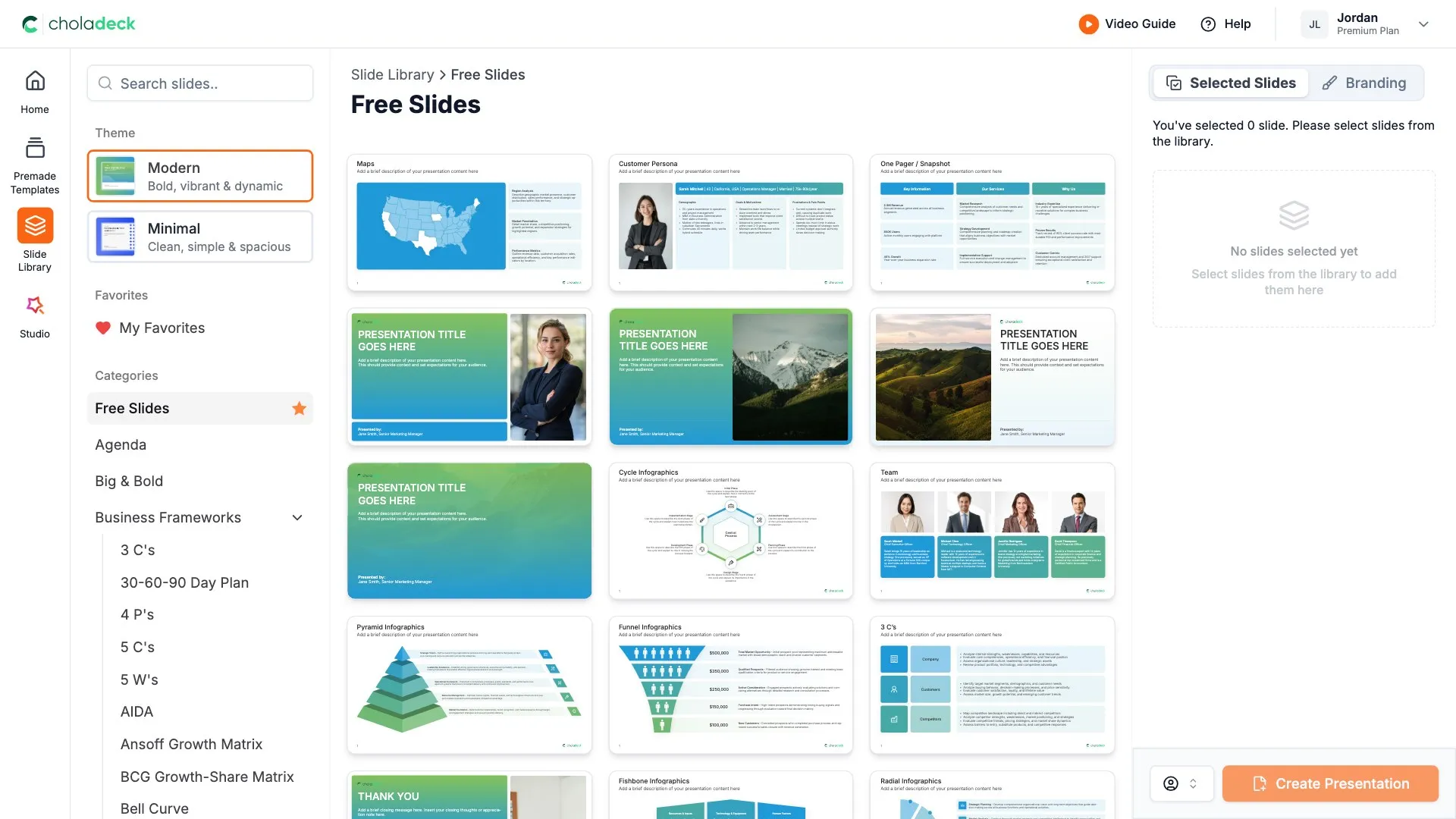
Browse 9,000+ slides across 134+ categories, or open one of the 74 premade presentations.
STEP 02
Add your logo, colors, and fonts in one click. The whole presentation instantly matches your company.
STEP 03
Add your text, numbers, charts, and tables. Everything on the slide is editable.
STEP 04
Send it to PowerPoint, Google Slides, or Keynote, and present.
Need a complete presentation instead?
If you're starting from nothing rather than fixing a few slides, open one of 74+ premade presentations instead. Each one is complete and built for one purpose, from pitch decks to business plans and company profiles.

Questions about 4x4 matrix slides
How the slides work, and how far you can change them.
Using the slides
Can I edit these slides in PowerPoint?
+Yes. Export to PowerPoint, Google Slides, or Keynote, and all sixteen cells, the level labels, and your items stay editable. Nothing is locked and nothing is a flat image.
How do I brand them to my company?
+Add your logo, colors, fonts, and background once. It applies to the whole presentation and the entire slide library at the same time.
Can I mix them with other slides from the library?
+Yes. Add a 4x4 matrix slide to any premade template, or pair it with 3x3 matrix or levels slides from the library. Branding applies across all of them.
About the 4x4 matrix
When do I need sixteen cells?
+For detailed segmentation and assessment, such as rating capabilities, grouping customers, or scoring options on two criteria at four levels.
Isn't sixteen cells too many for one slide?
+Not if each cell holds a short label or a few items. Keep text brief and use color to mark the zones that matter.
How do I label the four levels?
+Use scores such as one to four, or plain terms such as low, moderate, high, and very high. Keep the same scale on both axes.
Your next 4x4 matrix slide is already designed
Pick a layout, brand it in one click, add your content, and export.
Free to start. No credit card required.