Force field analysis template slides
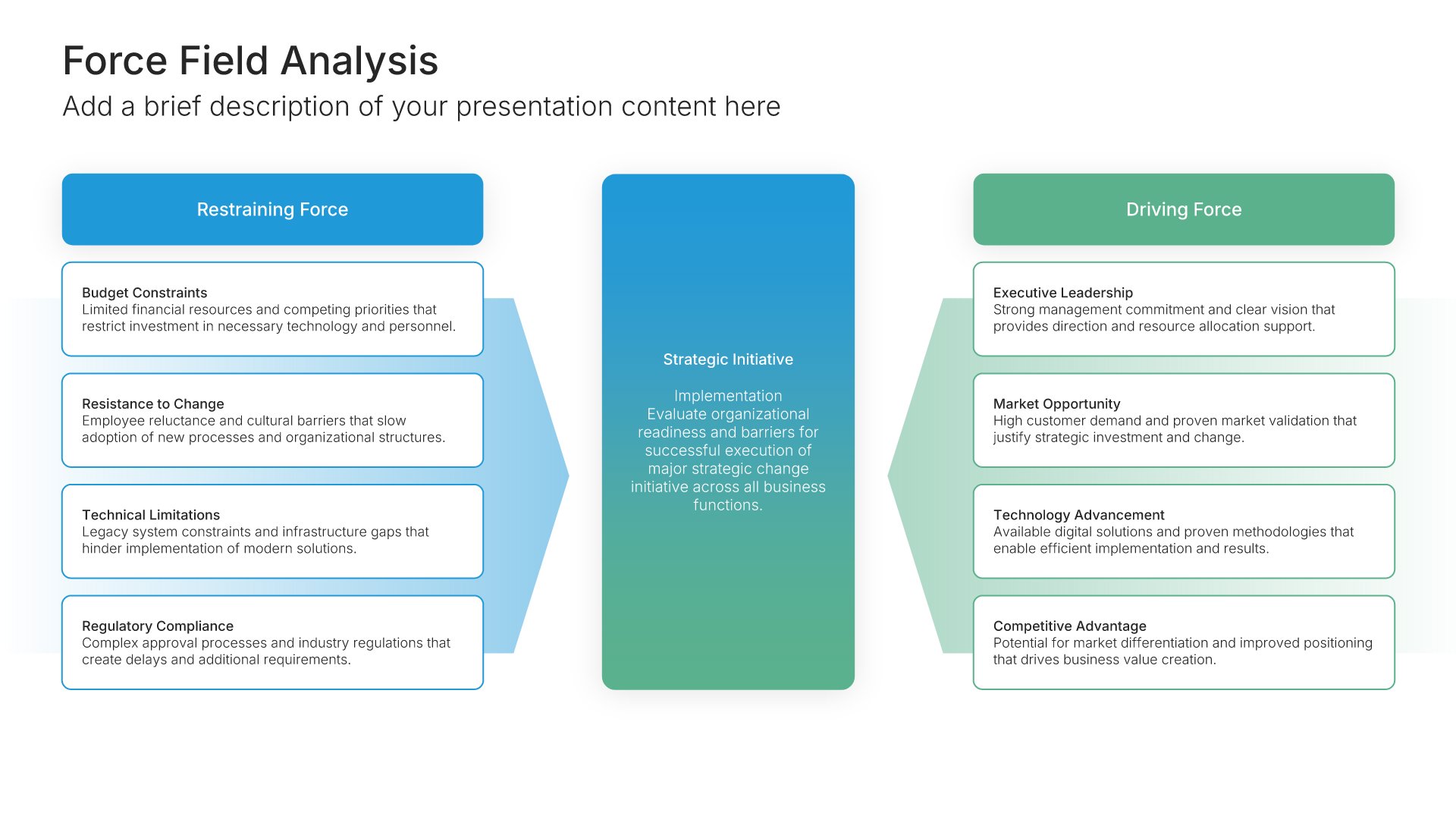
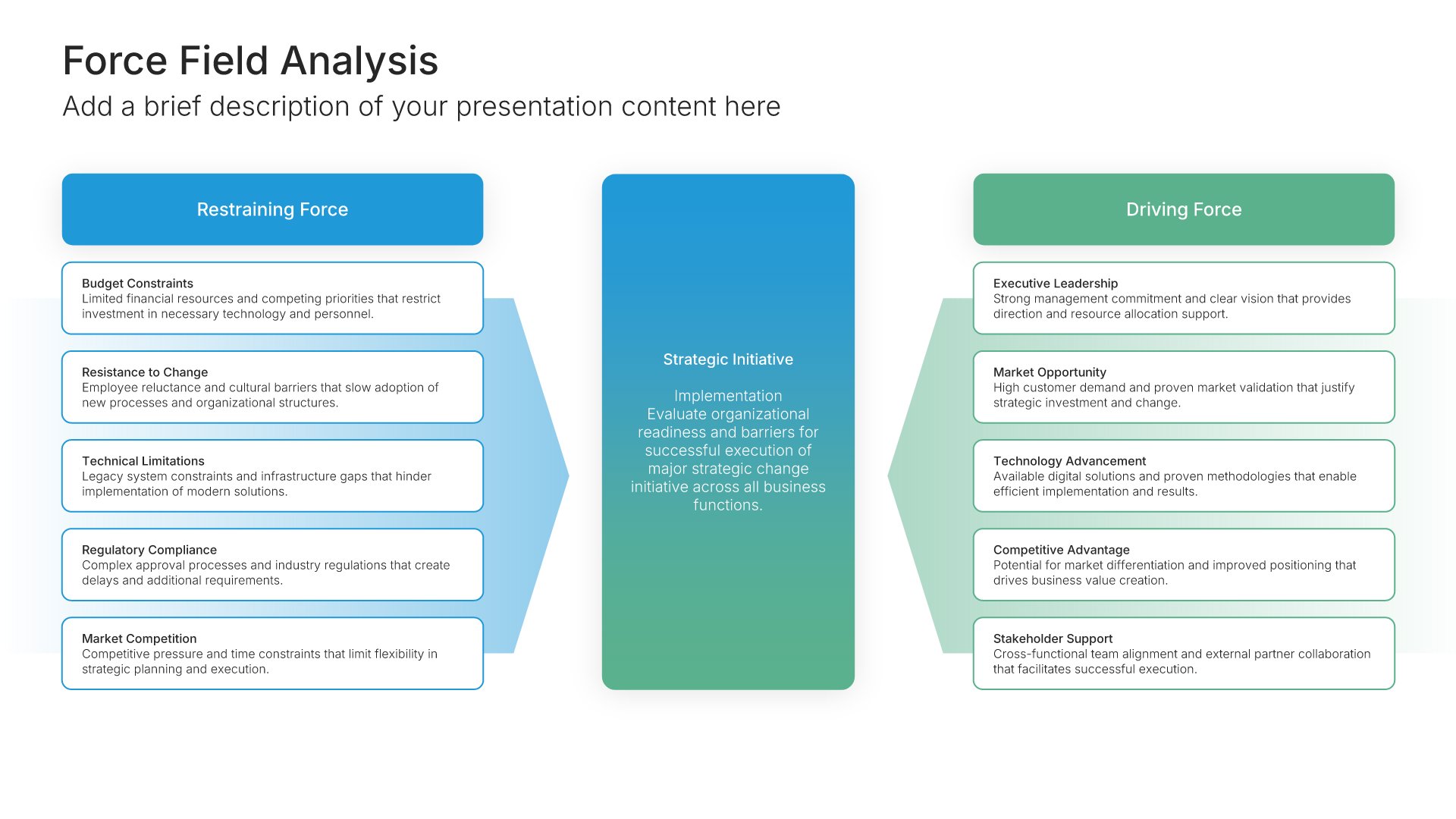
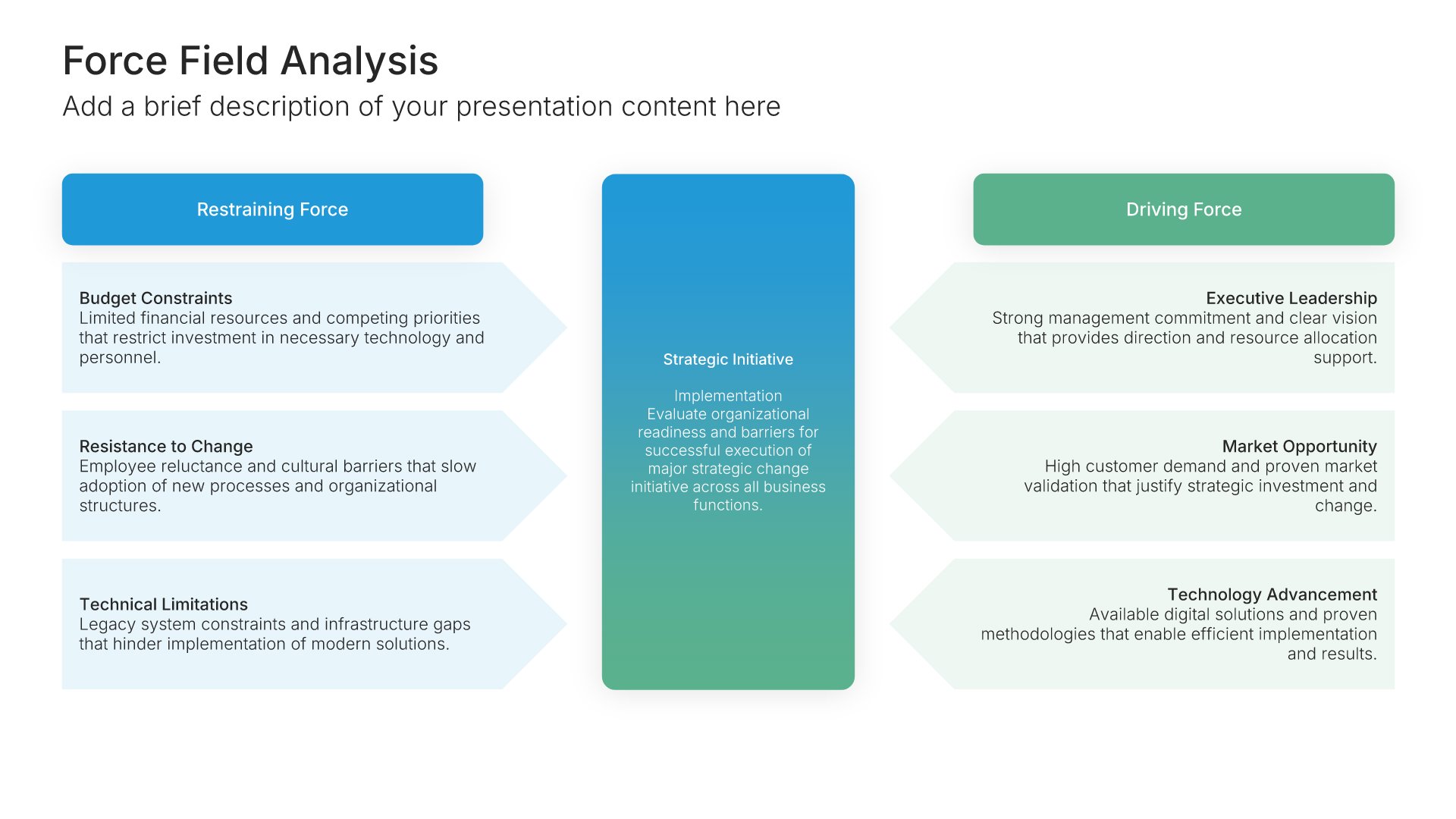
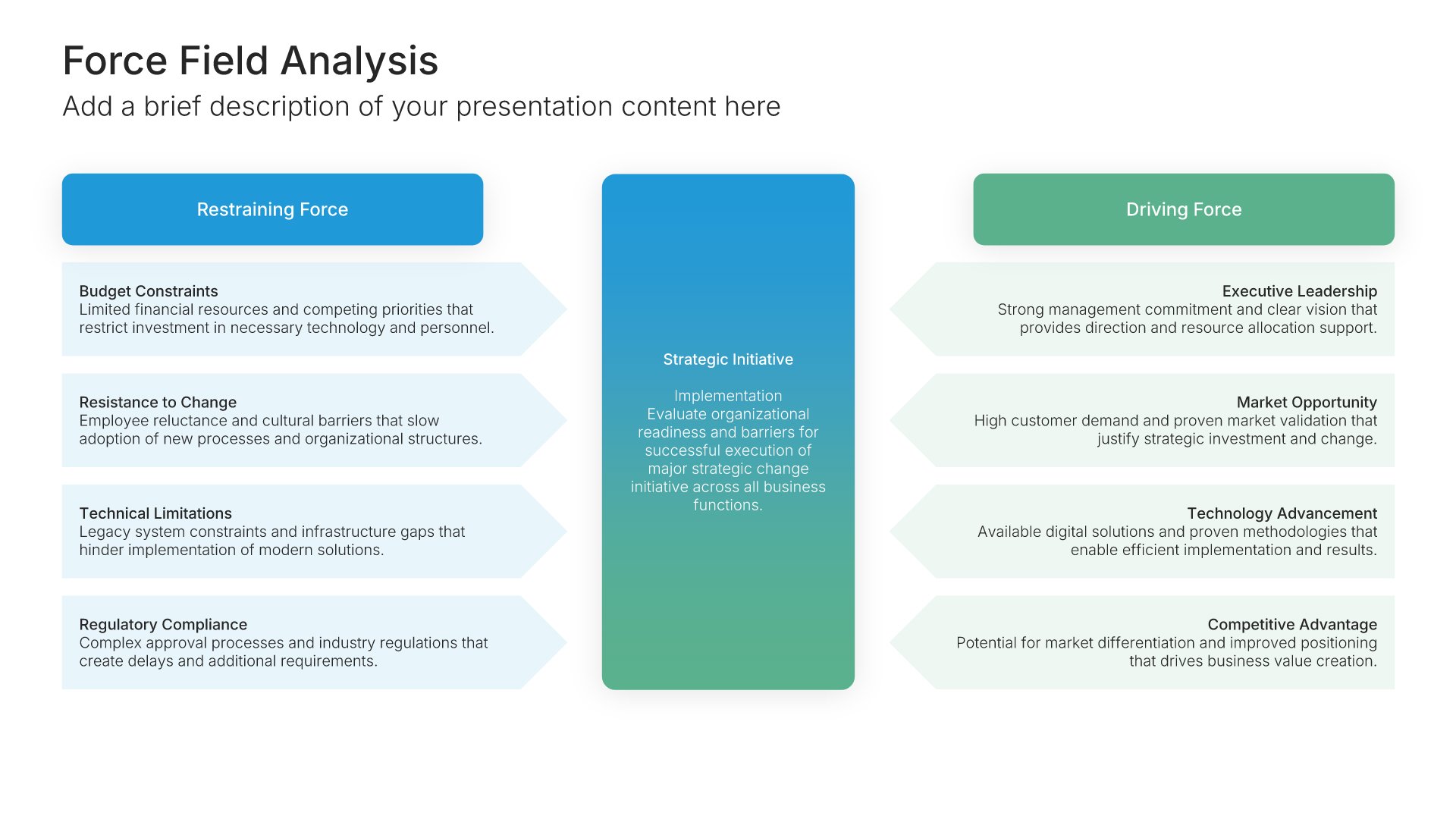
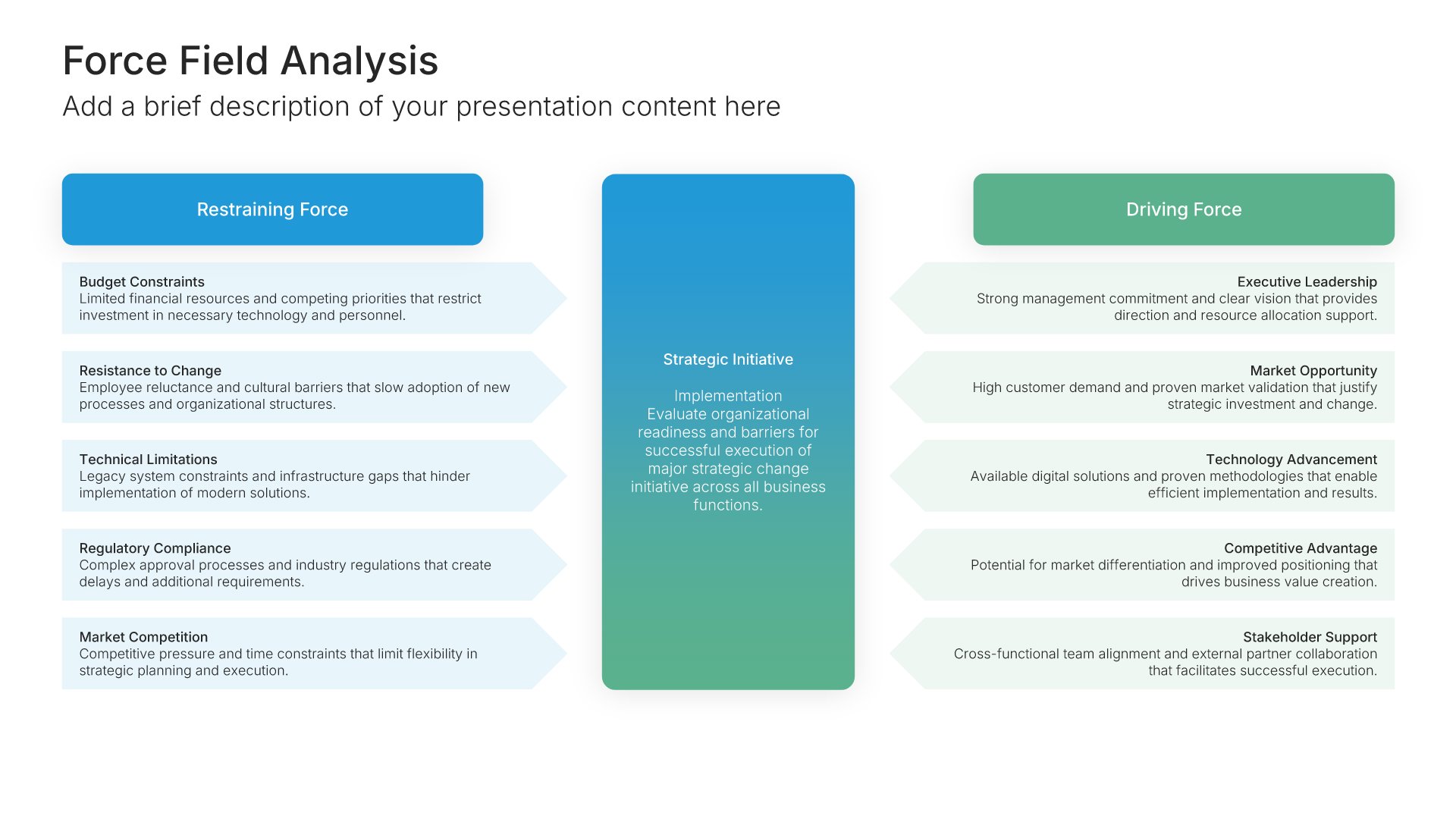
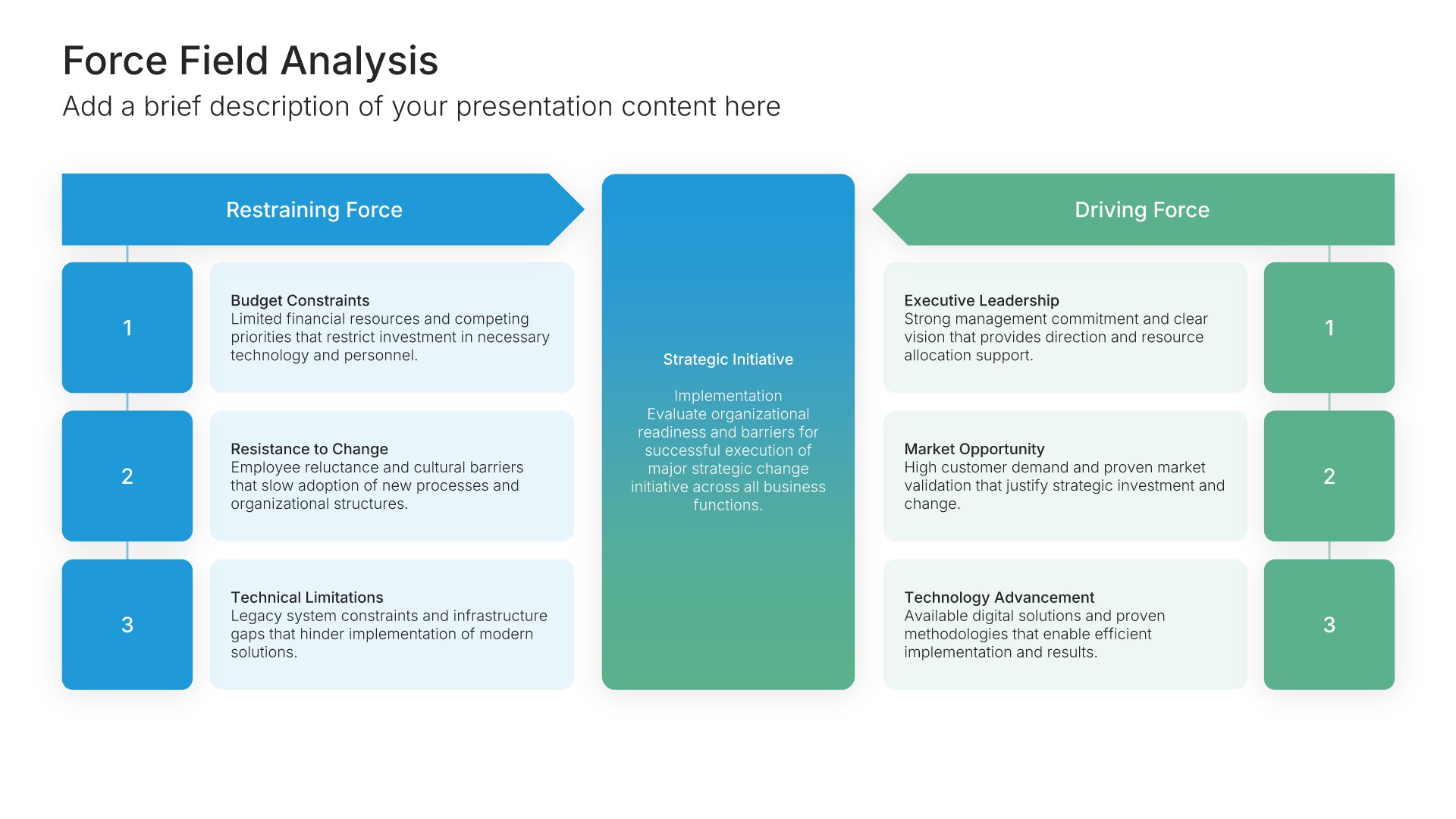
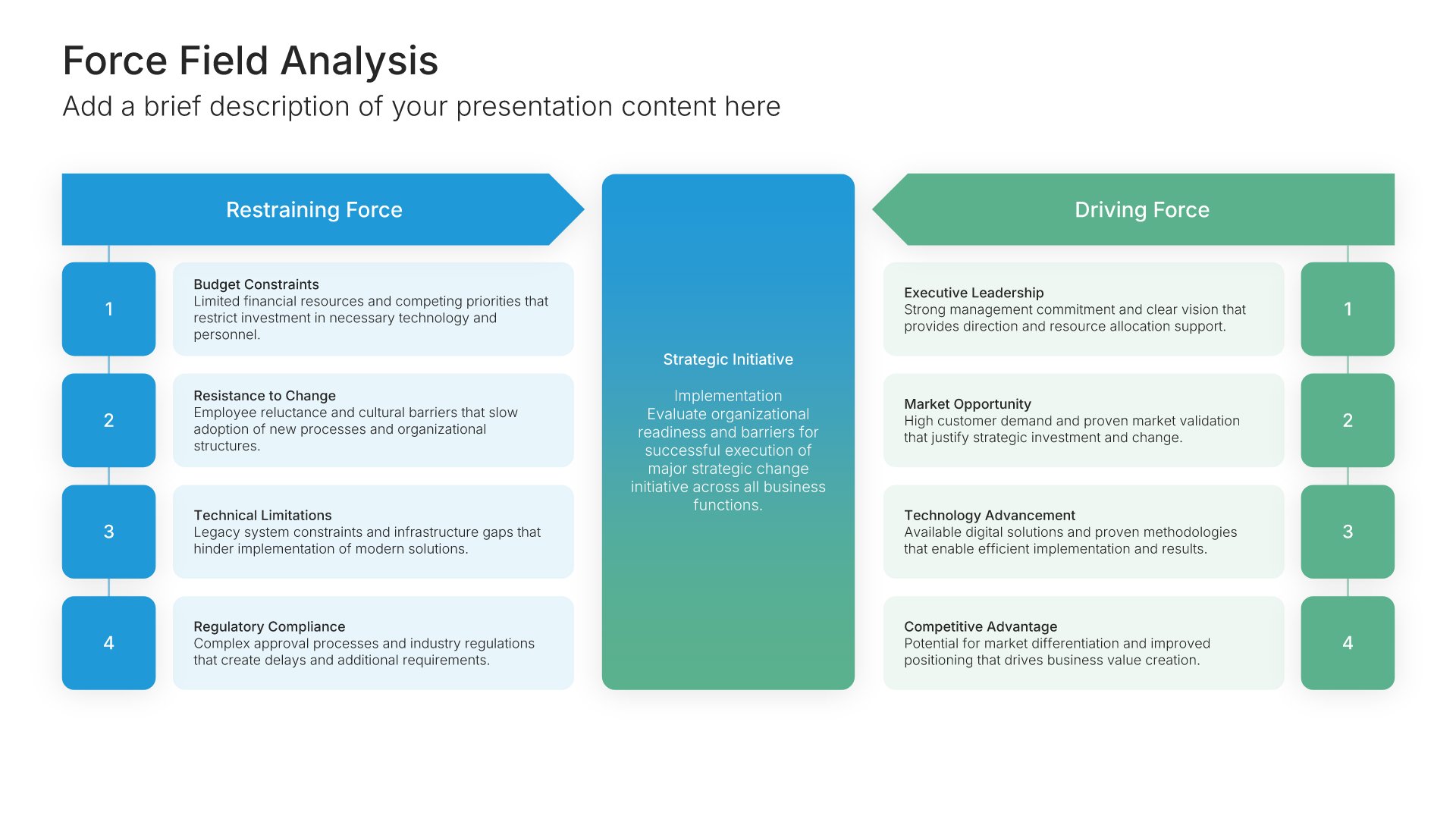
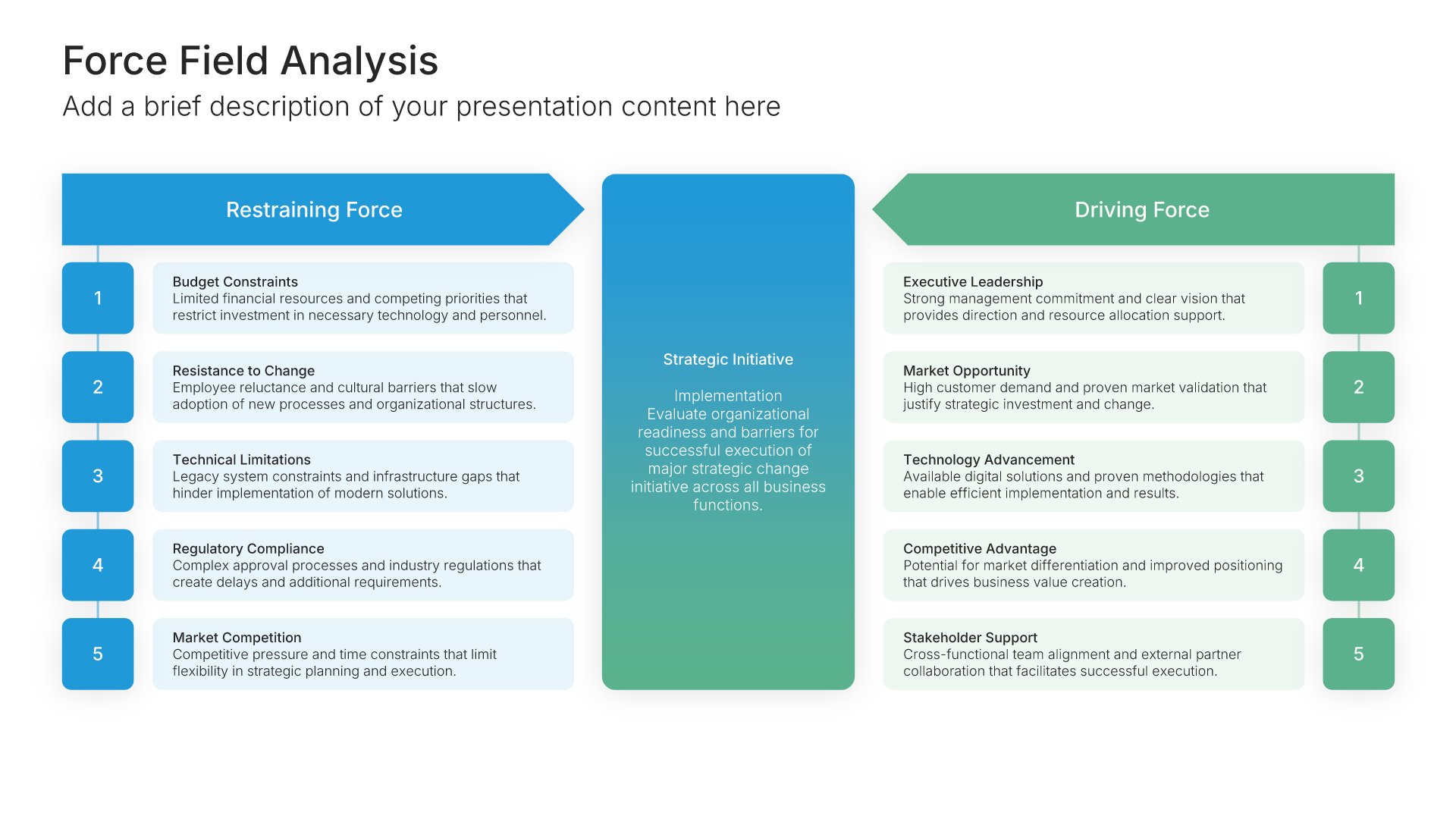
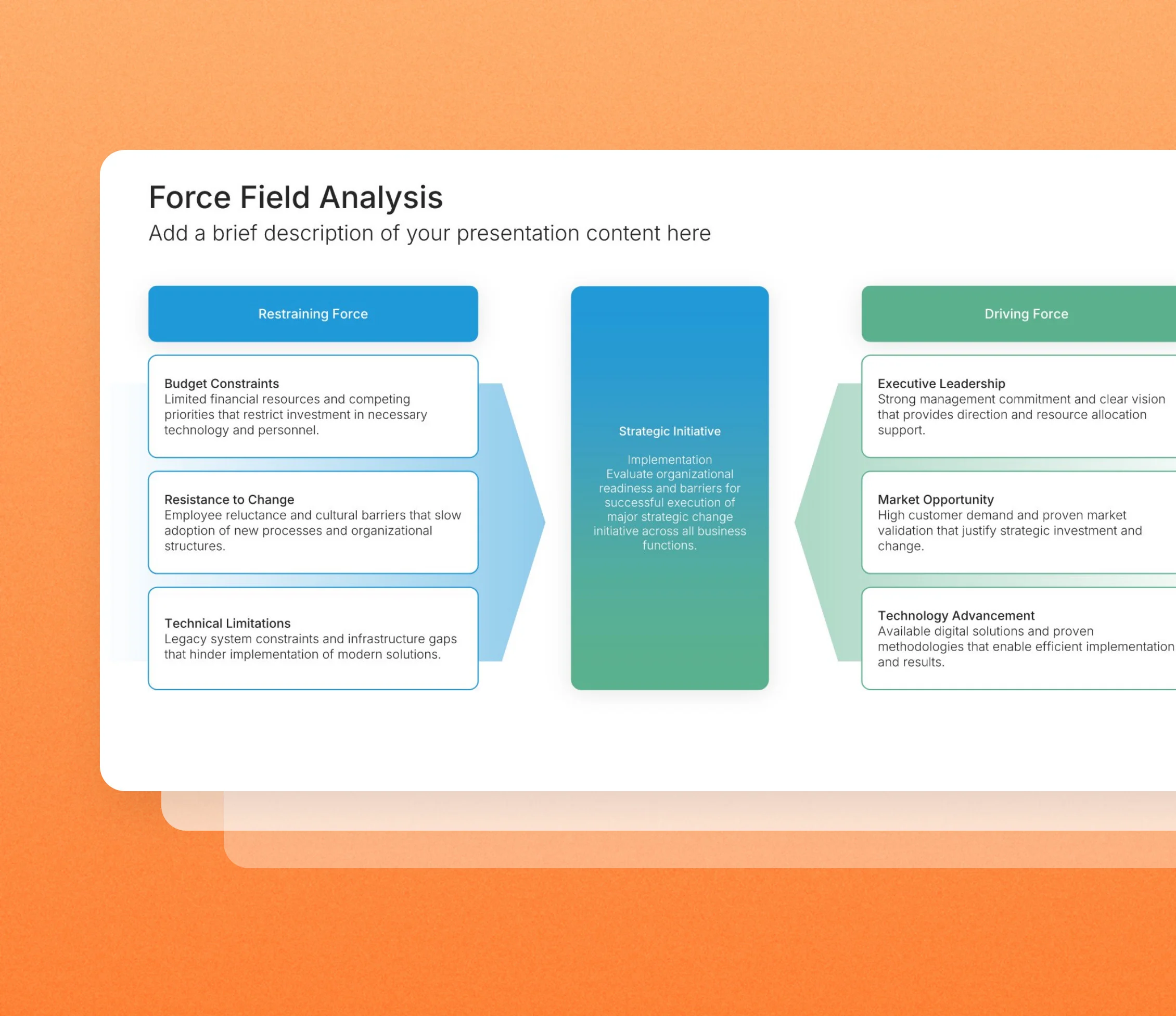
Force field analysis slides weigh the forces pushing a change forward against the forces holding it back, so you can see which side is winning. Pick one of 9 layouts, brand it to your company in one click, add your forces, and export to PowerPoint, Google Slides, or Keynote.
Free to start. No credit card required.
Browse force field analysis slides
9 ways to weigh the forces for and against a change, all fully editable.
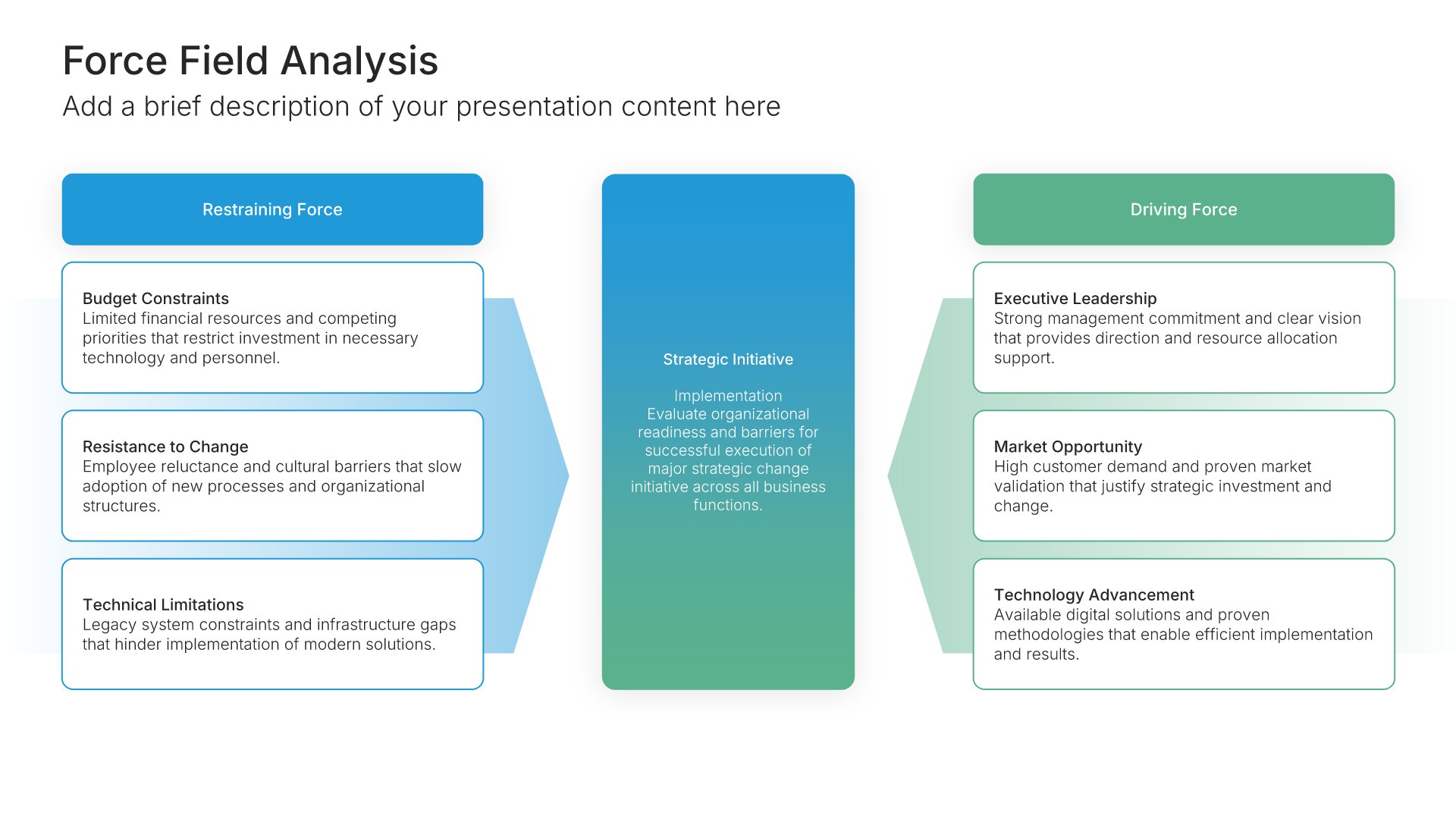
Force Field Analysis • Slide Library • Layout 01 of 9
Layout 01
Layout 02
Layout 03
Layout 04
Layout 05
Layout 06
Layout 07
Layout 08
Layout 09
About our force field analysis slides
What the slide does, how to use it, your brand, and a file you can edit anywhere.
Built to show whether the push for change outweighs the resistance
Force field analysis was developed by psychologist Kurt Lewin to understand why change succeeds or stalls. You list the driving forces on one side, the restraining forces on the other, and weigh how strong each one is. A force field analysis template lays that out on one slide, and our force field slides keep the two sides clearly opposed, so the balance is easy to read.
Why opposing sides make the decision clearer
Most change plans list the reasons to change and skip the resistance. Putting both sides on the slide, facing each other, shows whether the plan is realistic. So the conversation turns to the practical question: which restraining forces can you weaken, and which driving forces can you strengthen?
Brand the whole presentation in one click
Add your logo, colors, fonts, and background once. It applies to the whole presentation and the entire slide library at the same time. Force field analysis often appears in change management and strategy presentations for leadership, so once branded, it matches the rest of your plan.
Export to PowerPoint, Google Slides, or Keynote
You get a real file, not a locked link. Export it and keep editing in the tool you already use. Forces, weights, and labels stay editable, so you can rebalance the analysis as circumstances change.
How Choladeck works
From blank page to finished presentation in four steps.
STEP 01
Browse 9,000+ slides across 134+ categories, or open one of the 74 premade presentations.
STEP 02
Add your logo, colors, and fonts in one click. The whole presentation instantly matches your company.
STEP 03
Add your text, numbers, charts, and tables. Everything on the slide is editable.
STEP 04
Send it to PowerPoint, Google Slides, or Keynote, and present.
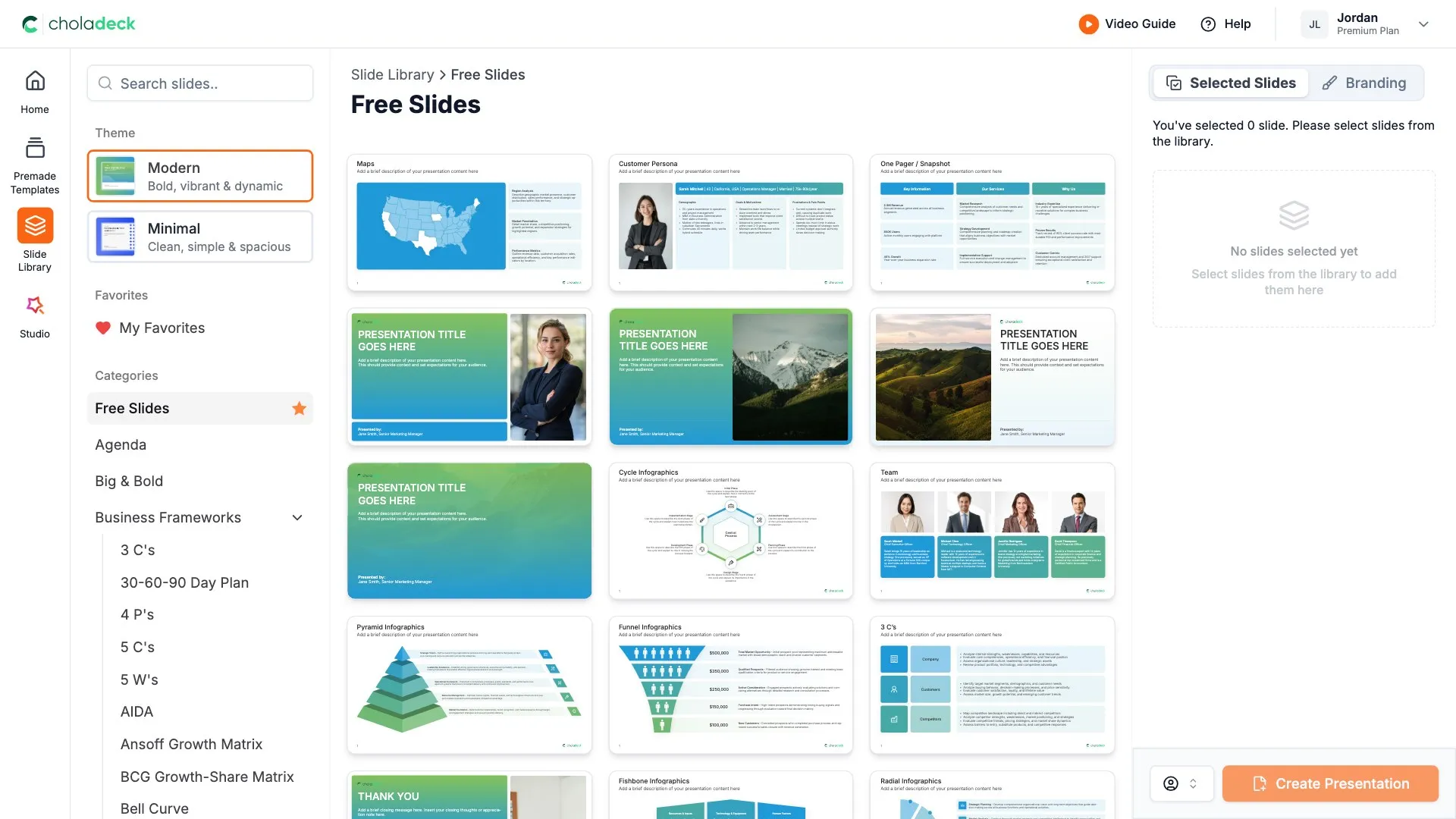
Need a complete presentation instead?
If you're starting from nothing rather than fixing a few slides, open one of 74+ premade presentations instead. Each one is complete and built for one purpose, from pitch decks to business plans and company profiles.

Questions about force field analysis slides
How the slides work, and how far you can change them.
Using the slides
Can I edit these slides in PowerPoint?
+Yes. Export to PowerPoint, Google Slides, or Keynote, and every force and its weight stays editable. Nothing is locked and nothing is a flat image.
How do I brand them to my company?
+Add your logo, colors, fonts, and background once. It applies to the whole presentation and the entire slide library at the same time.
Can I mix them with other slides from the library?
+Yes. Add a force field analysis slide to any premade template, or pair it with SWOT or transformation slides from the library. Branding applies across all of them.
About force field analysis
What is a force field analysis used for?
+Deciding whether a change is likely to succeed, by comparing the forces for it with the forces against it.
Who created force field analysis?
+Kurt Lewin, a social psychologist known for his work on organizational change.
How do I score the forces?
+Give each force a simple strength rating, such as one to five. Adding up each side shows which way the balance tips.
Your next force field analysis slide is already designed
Pick a layout, brand it in one click, add your content, and export.
Free to start. No credit card required.