Pricing

KPI dashboard templates for every team and every level

Complete KPI dashboards, one for every team and every level. Each one is built around what a performance review needs to see, so the order is right before you start. Pick yours, brand it to your organization in one click, add your figures, and export to PowerPoint, Google Slides, or Keynote.

New templates added every month
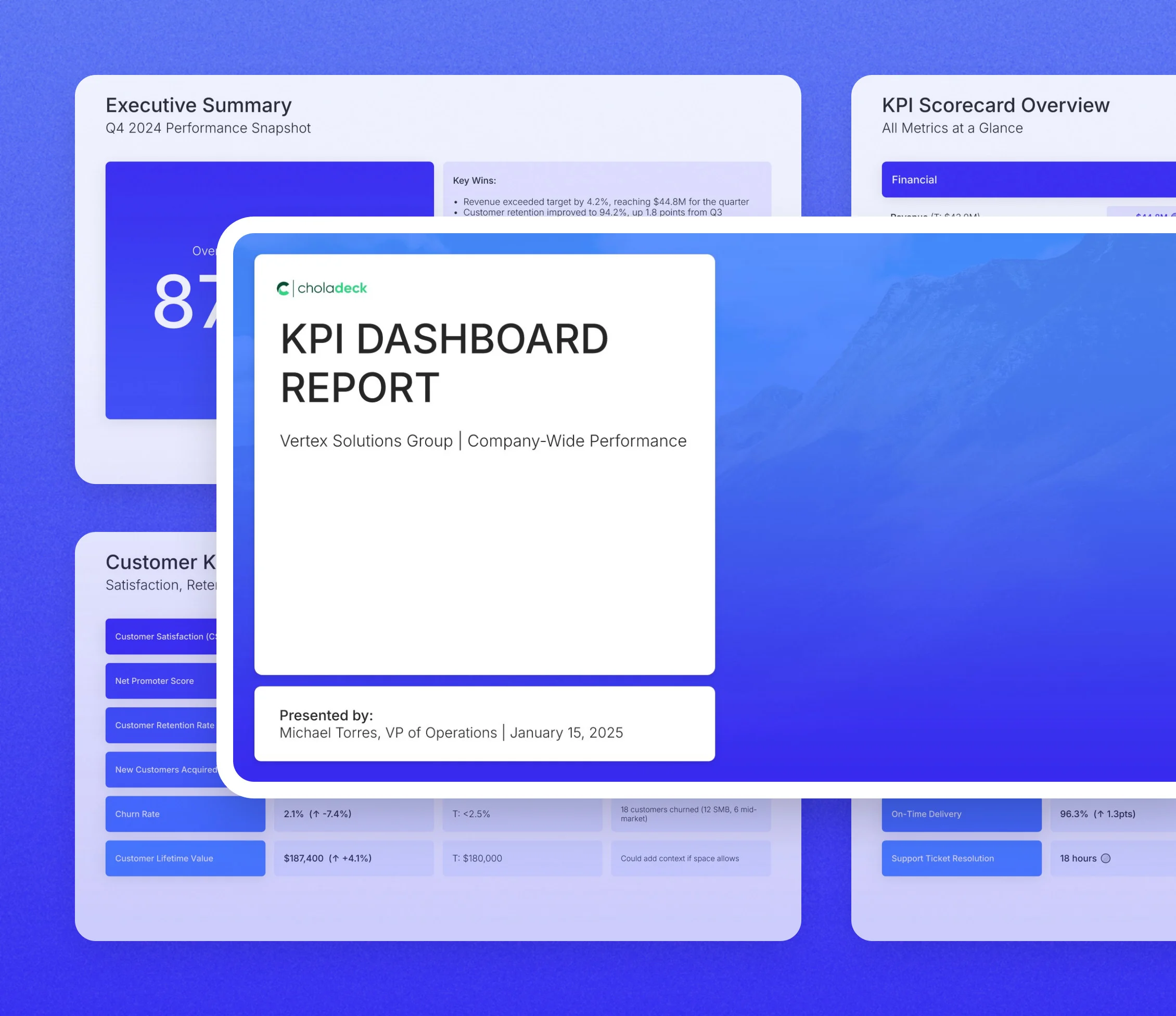
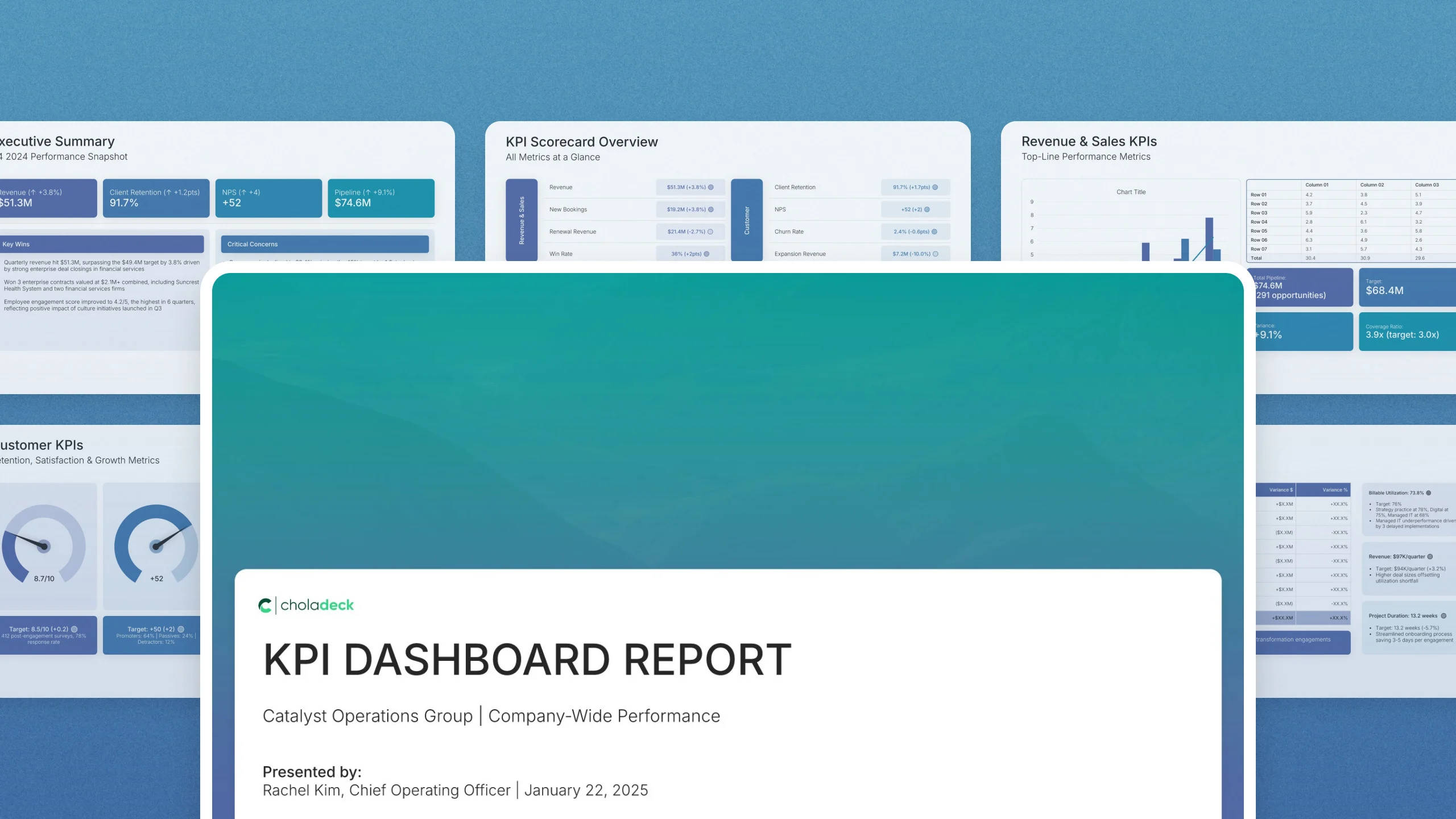
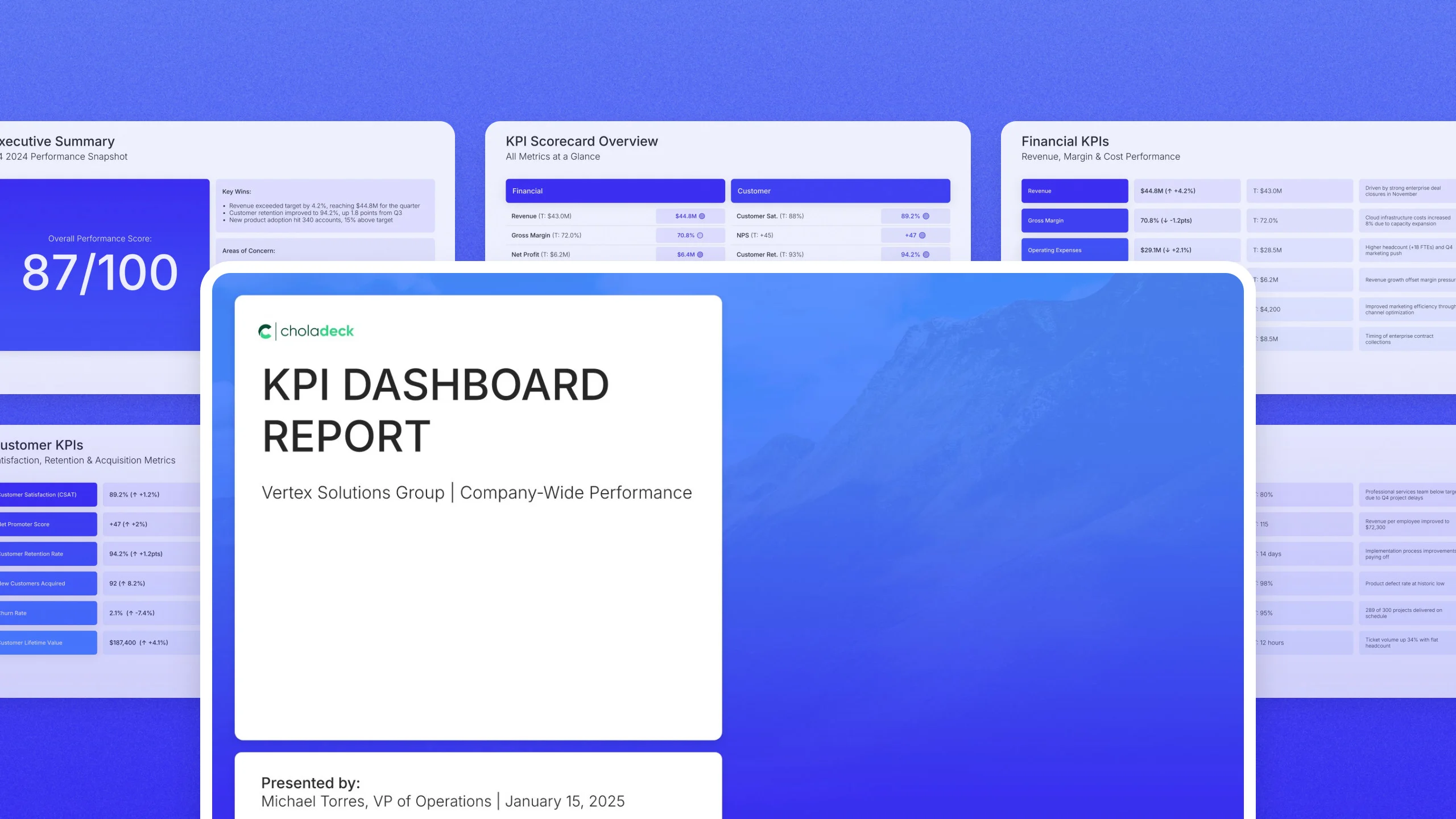
Balanced scorecard KPI dashboard template: the title slide in front of other slides from the 14-slide deck

All KPI dashboard templates

2 complete KPI dashboards, one for each way of grouping your metrics.
What you get with every KPI dashboard template

The structure, the slides, your brand, and a file you can edit anywhere.

Built so every number is found and every miss is owned

A KPI review fails in one of two ways: nobody can find the number, or nobody owns the miss. Every template here is built against both. The consolidated scorecard comes first so the room knows where to look, the metric sections carry actuals against target rather than actuals alone, and the presentation does not end until every gap has a name and a date beside it.

Built from 9,000+ slides across 134+ categories

Every KPI dashboard is assembled from the same library. Scorecards, metric tables, gauge dials, funnels, trend charts, and action trackers are already in it. If a template is close but not exact, swap in the slides you need. Everything sits on the same grid, so the layout still holds.

Brand the whole presentation in one click

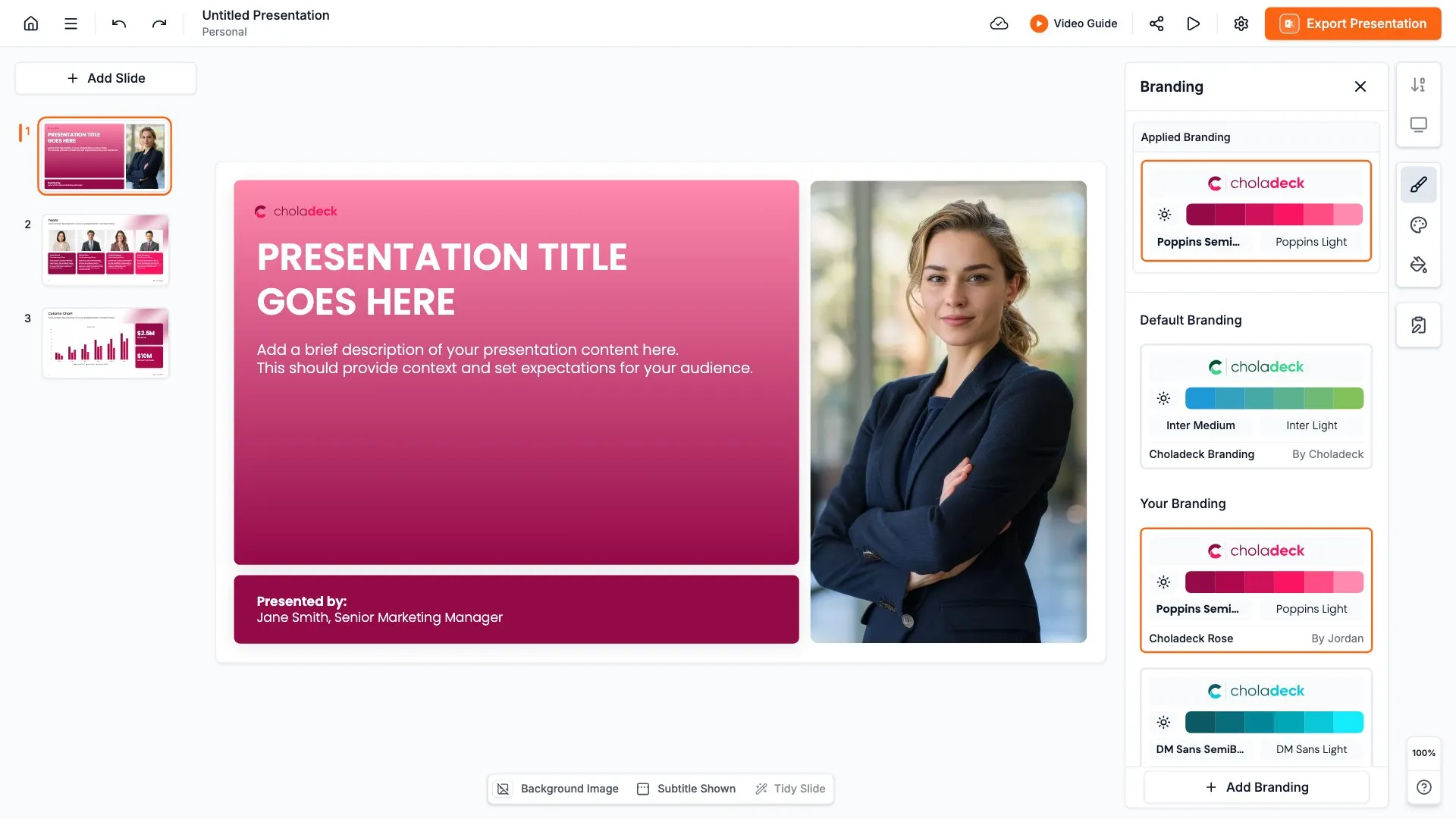
Add your logo, colors, fonts, and background once. It applies to the whole presentation and the entire slide library at the same time. Every team’s dashboard looks like it came from one organization, so leadership compares the numbers, not the layouts.

Export to PowerPoint, Google Slides, or Keynote

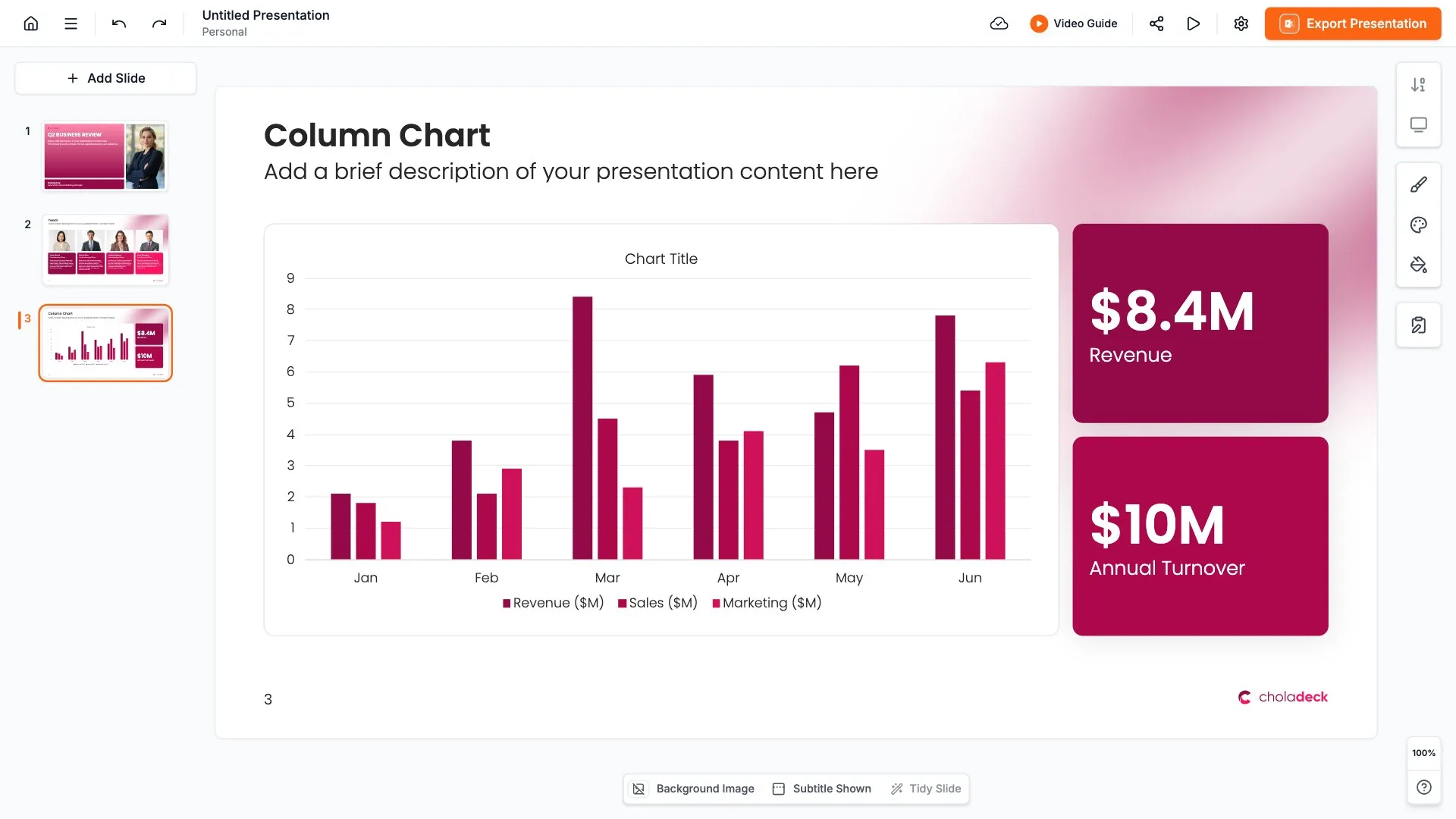
You get a real file, not a locked link. Export it and keep editing in the tool you already use. Every chart and table stays editable, so each period you update the numbers rather than rebuild the report.

How Choladeck works

From blank page to finished presentation in four steps.

STEP 01

Browse 9,000+ slides across 134+ categories, or open one of the 74 premade presentations.

STEP 02

Add your logo, colors, and fonts in one click. The whole presentation instantly matches your company.

STEP 03

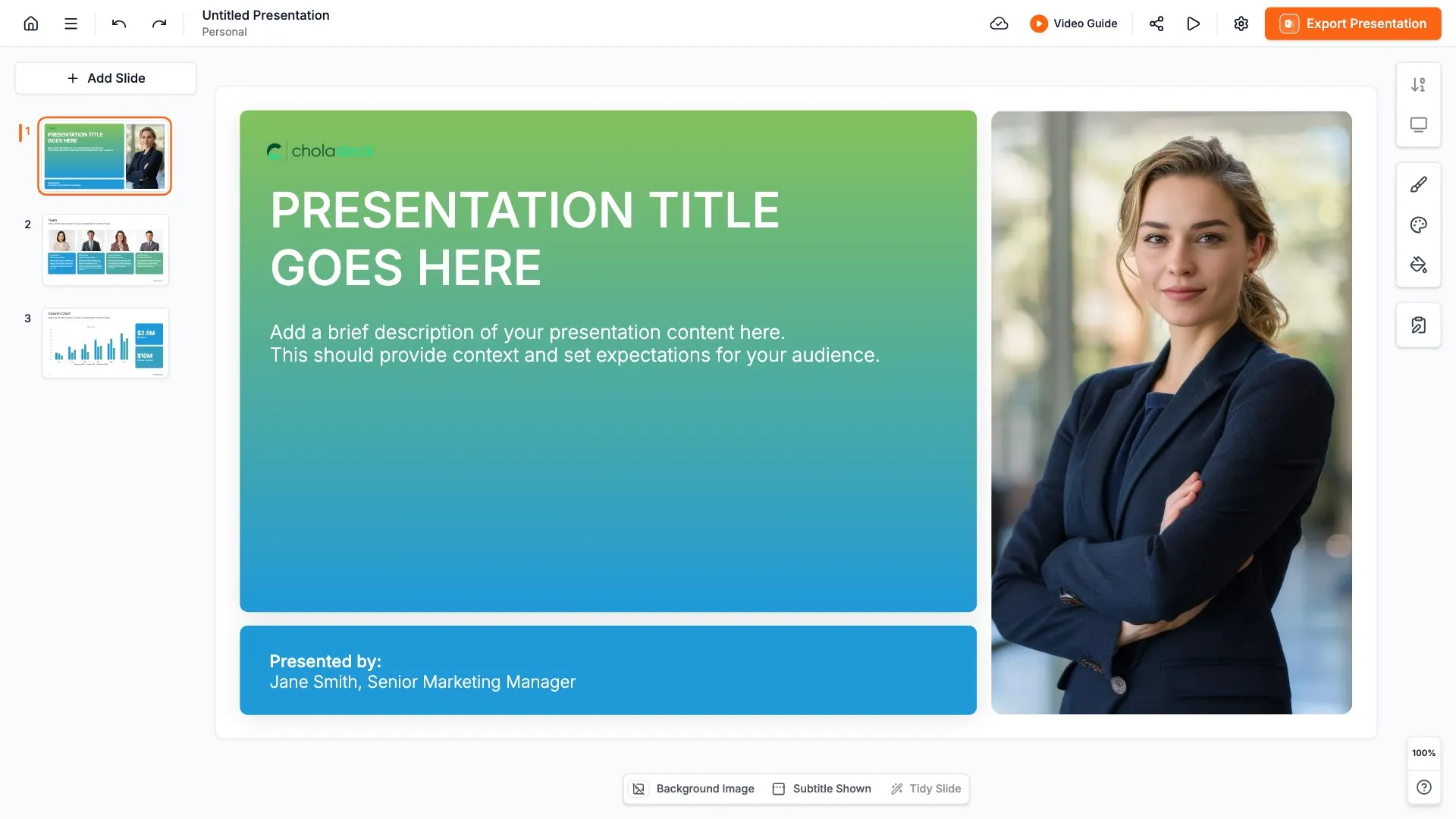
Add your text, numbers, charts, and tables. Everything on the slide is editable.

STEP 04

Send it to PowerPoint, Google Slides, or Keynote, and present.
Build your own

Nothing here fits? Build your own KPI dashboard

Every KPI dashboard is assembled from the same 9,000+ slides. Pick the slides you need, drop them into one file, and brand the whole thing in one click.
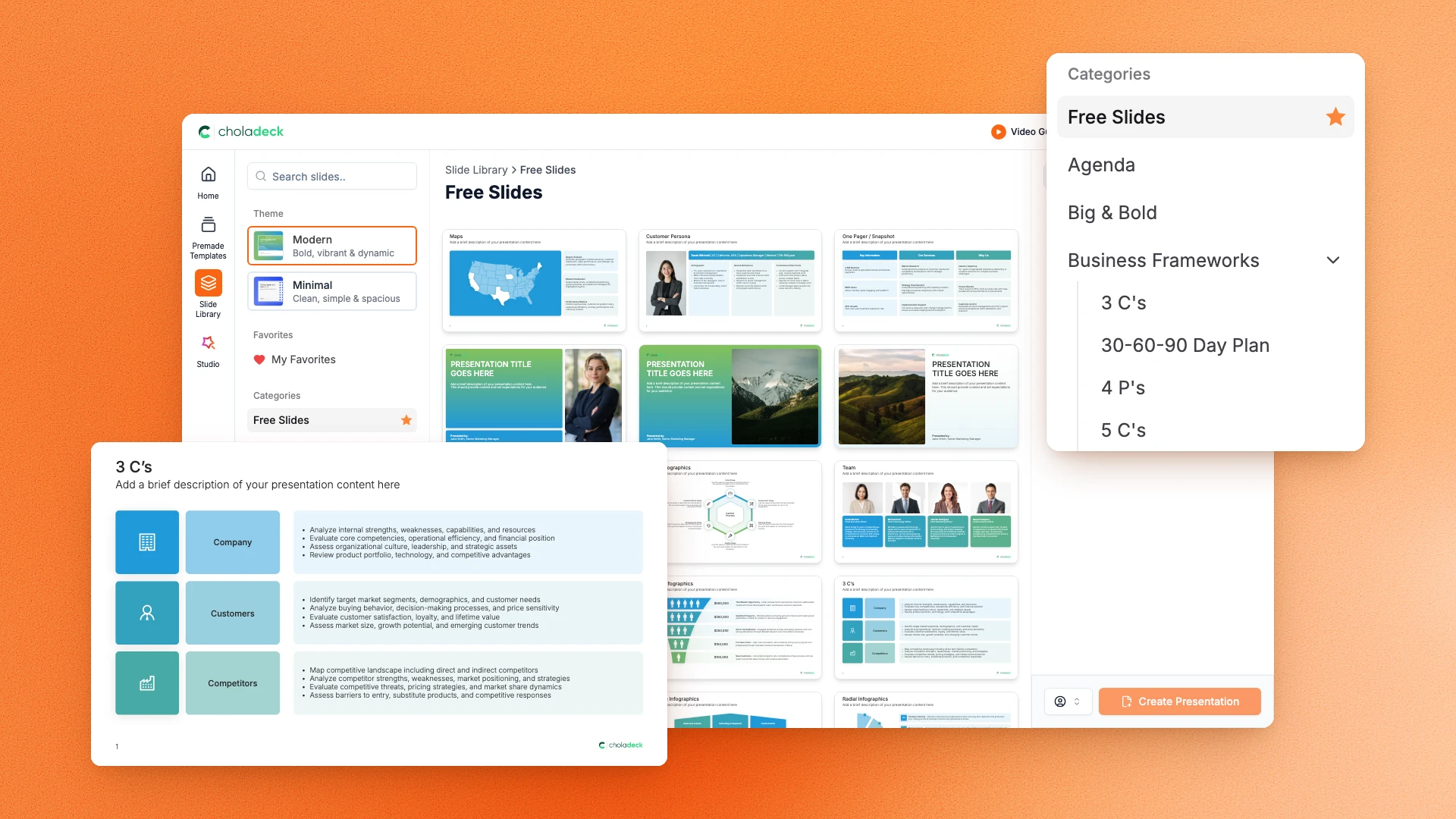
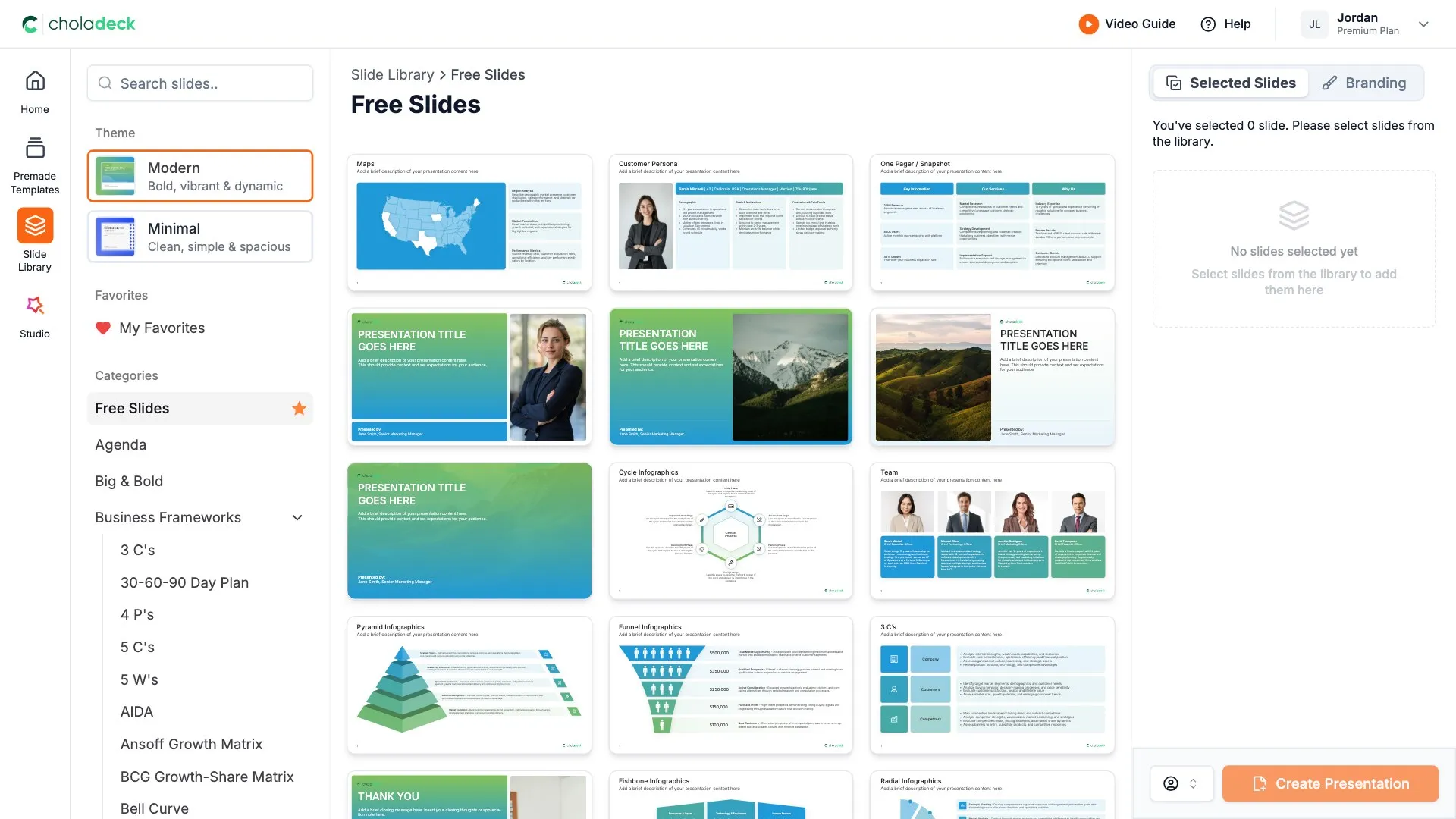
Choladeck slide library on Free Slides, with its category list and the 3 C’s slide shown larger

Questions about our KPI dashboard templates

What's inside the templates, and how far you can change them.

Using the templates

Are the templates fully editable?

+

Yes. Text, tables, charts, icons, and colors on every slide are yours to change. Nothing is locked and nothing is a flat image.

How do I brand a KPI dashboard to my organization?

+

Add your logo, colors, fonts, and background once. It applies to the whole presentation and the entire slide library at the same time.

Can I add slides from the slide library?

+

Yes. Add any slide from the library into a template, or swap out one that doesn't fit. Everything works together.

What's included

Are the gaps covered, not just the results?

+

Yes. Every template here has a KPIs at risk slide with the root cause of each miss, and an action plan with an owner against every gap.

Is placeholder content included?

+

Yes. Every slide comes with realistic text, sample figures, and filled-in charts, so you can see how the KPI dashboard reads before you put your own numbers in.

Do you add new templates?

+

We add new templates every month.

Start your next KPI dashboard
from one that's already done

Pick a template, brand it, add your content, and export.

Free to start. No credit card required.