Pricing

Checklist slide templates

Checklist slides show progress at a glance: what's done, what's in progress, and what still needs doing. Pick one of 7 layouts, brand it to your company in one click, add your items, and export to PowerPoint, Google Slides, or Keynote.

Free to start. No credit card required.

Checklist slide templates in the Choladeck slide library

Browse checklist slides

7 ways to show what's done and what's left, all fully editable.
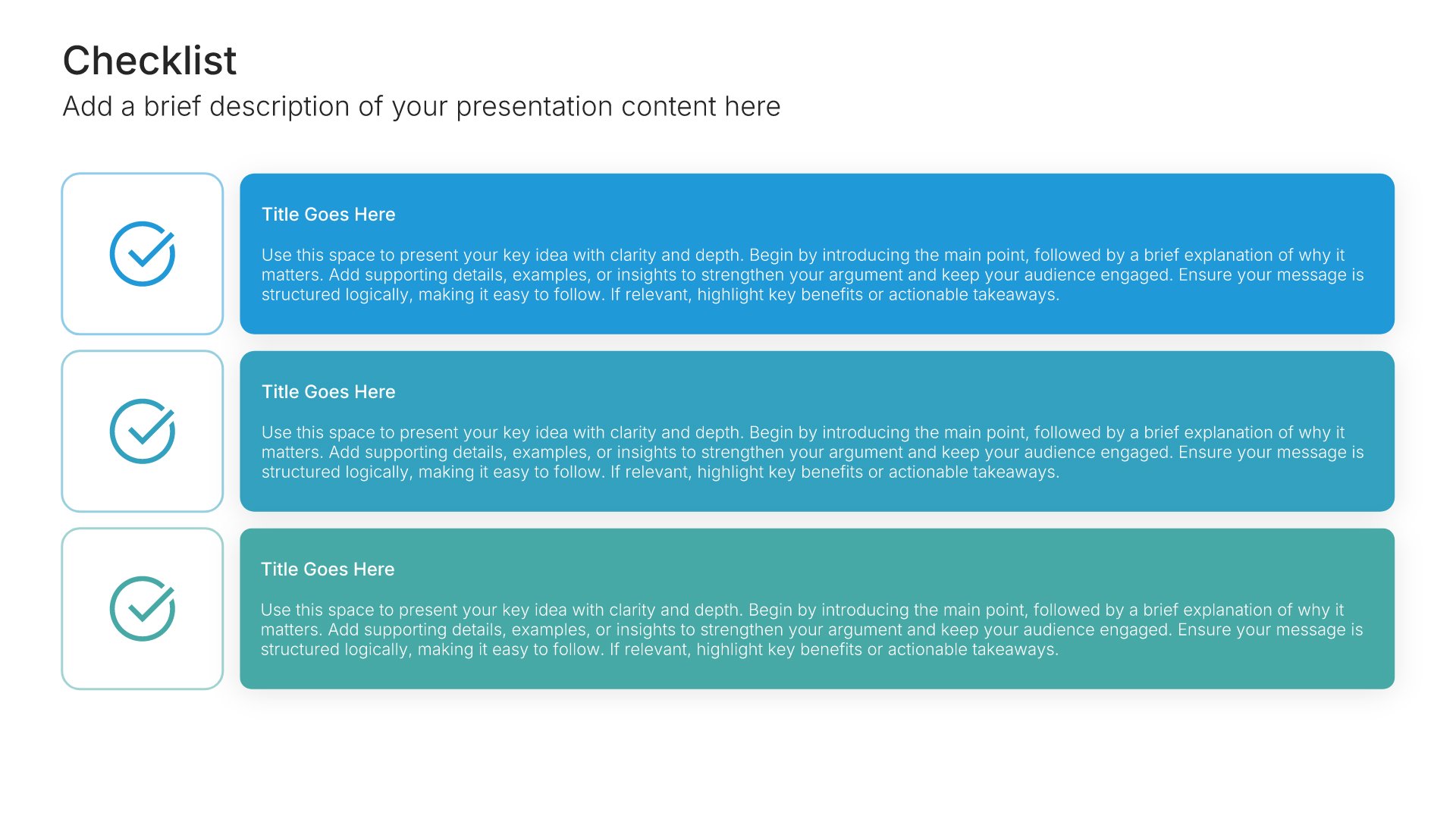
Checklist • Slide Library • Layout 01 of 7

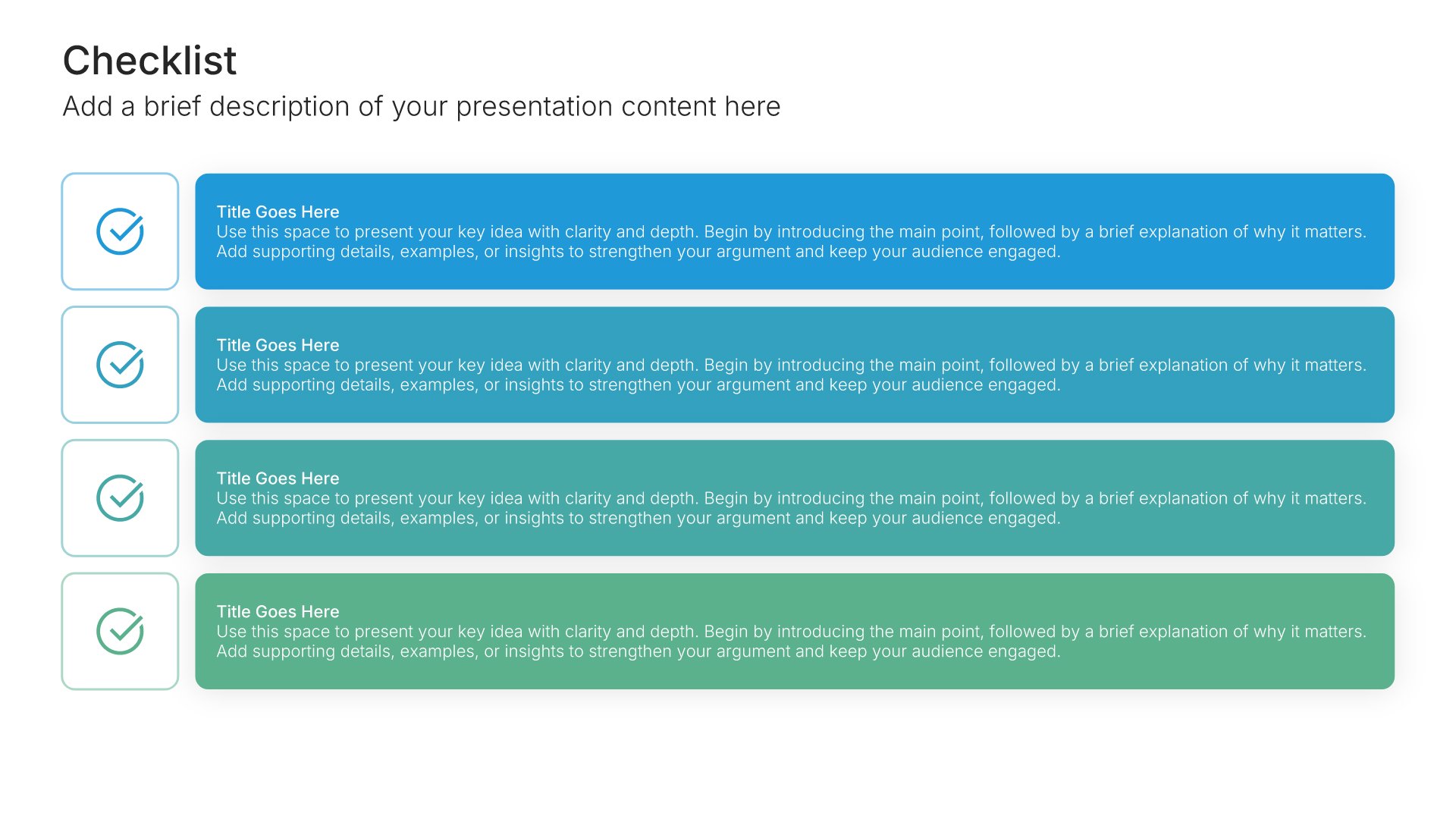
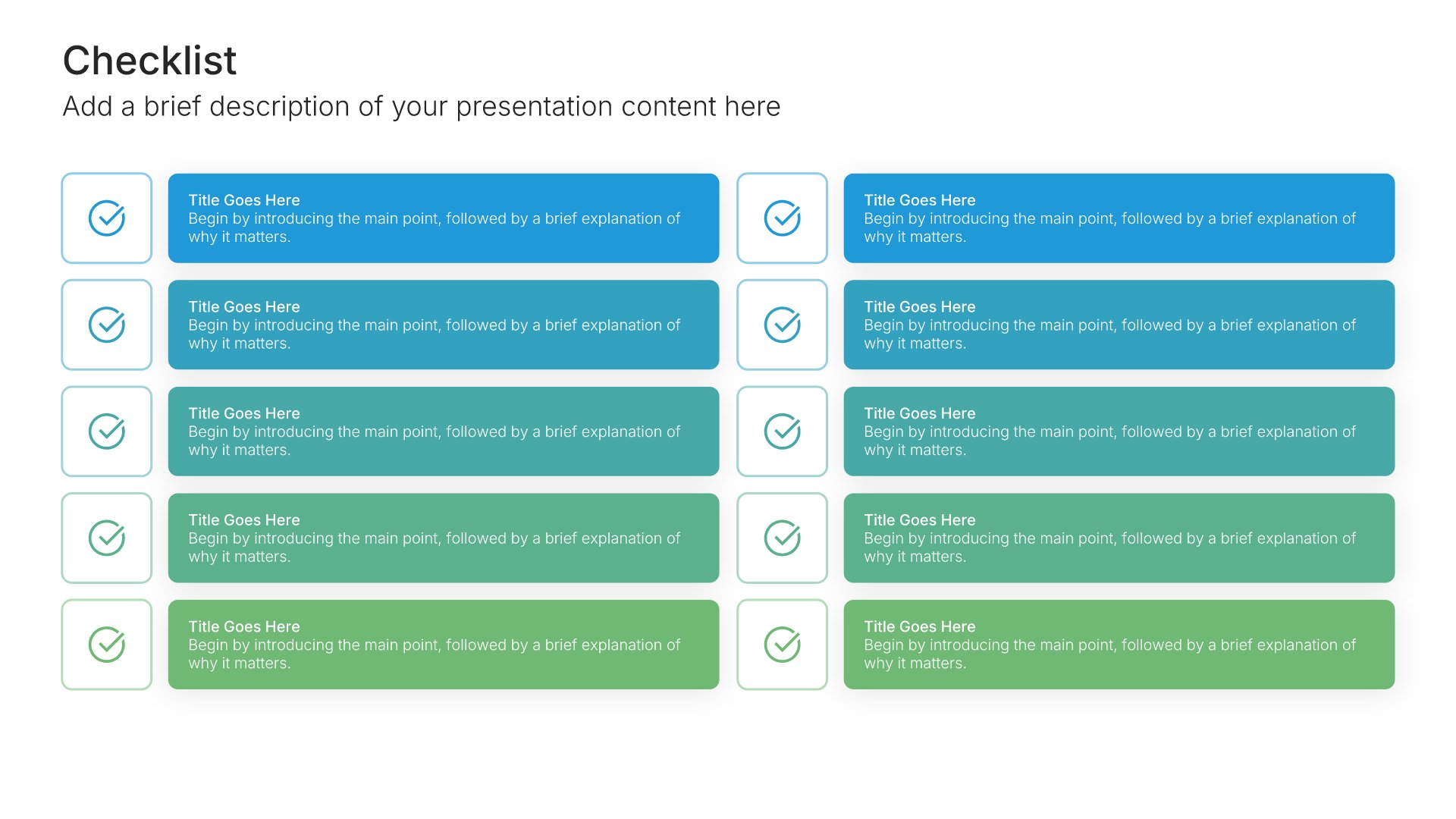
Checklist slide, layout 01

Layout 01

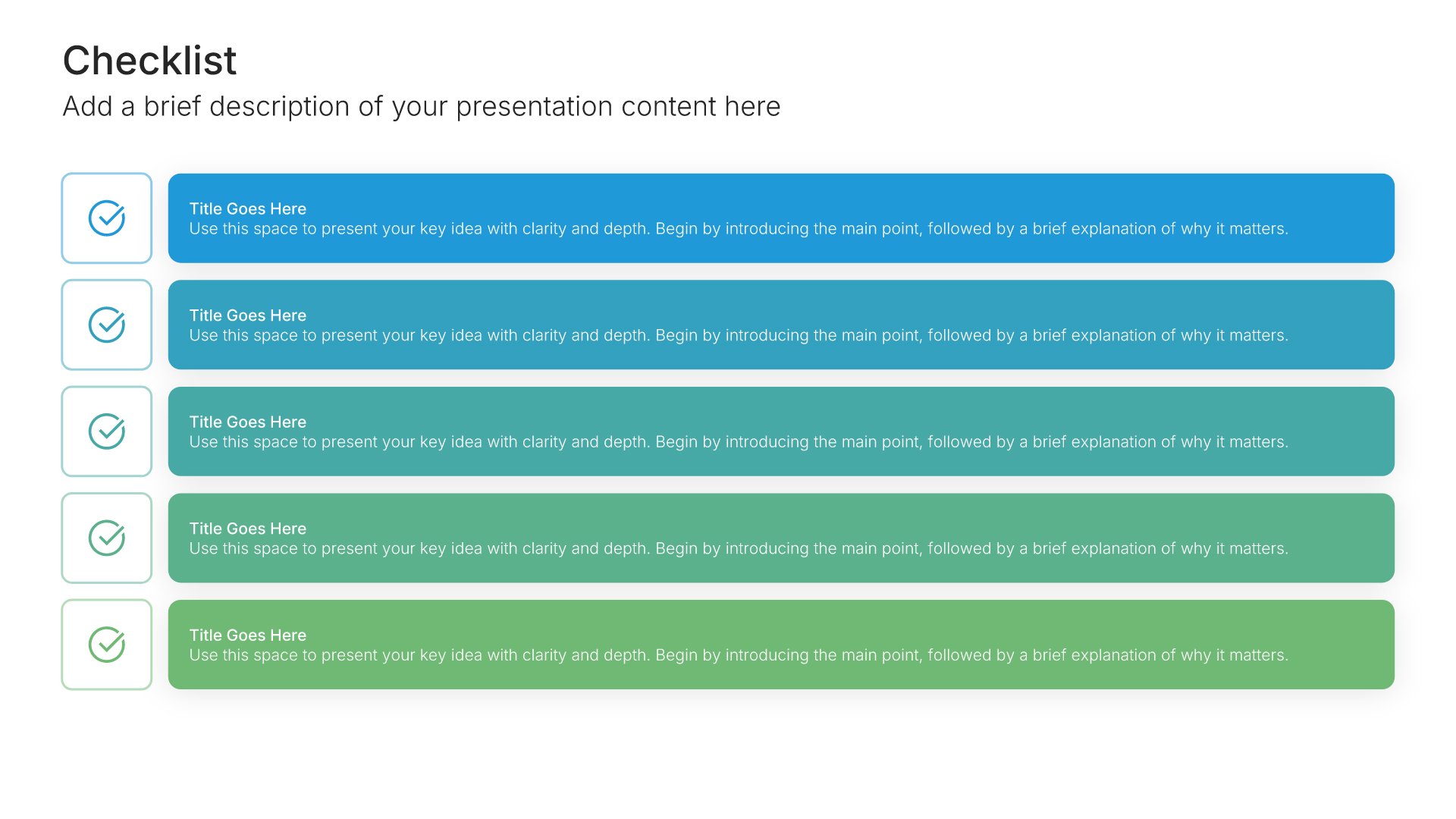
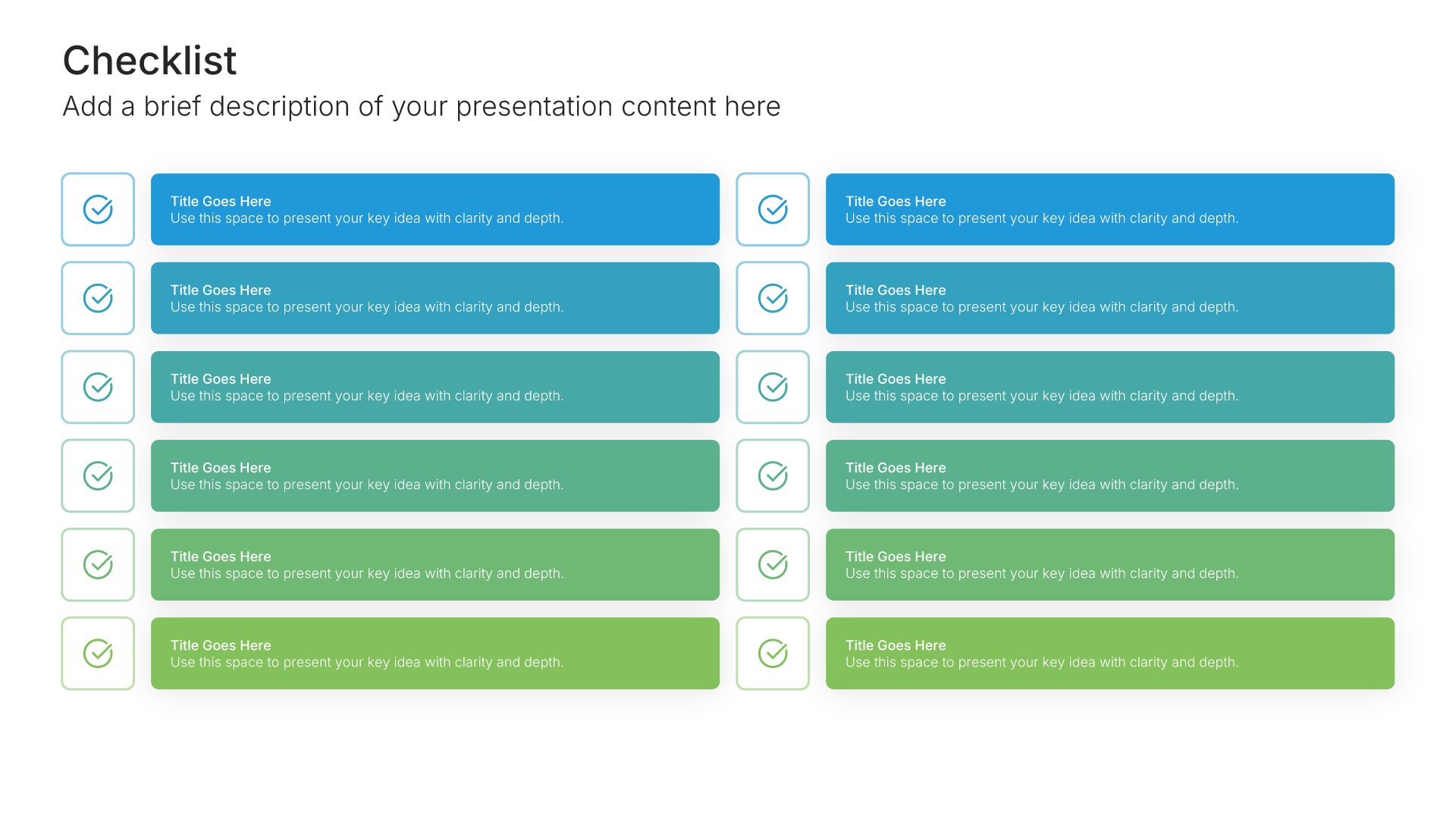
Checklist slide, layout 02

Layout 02

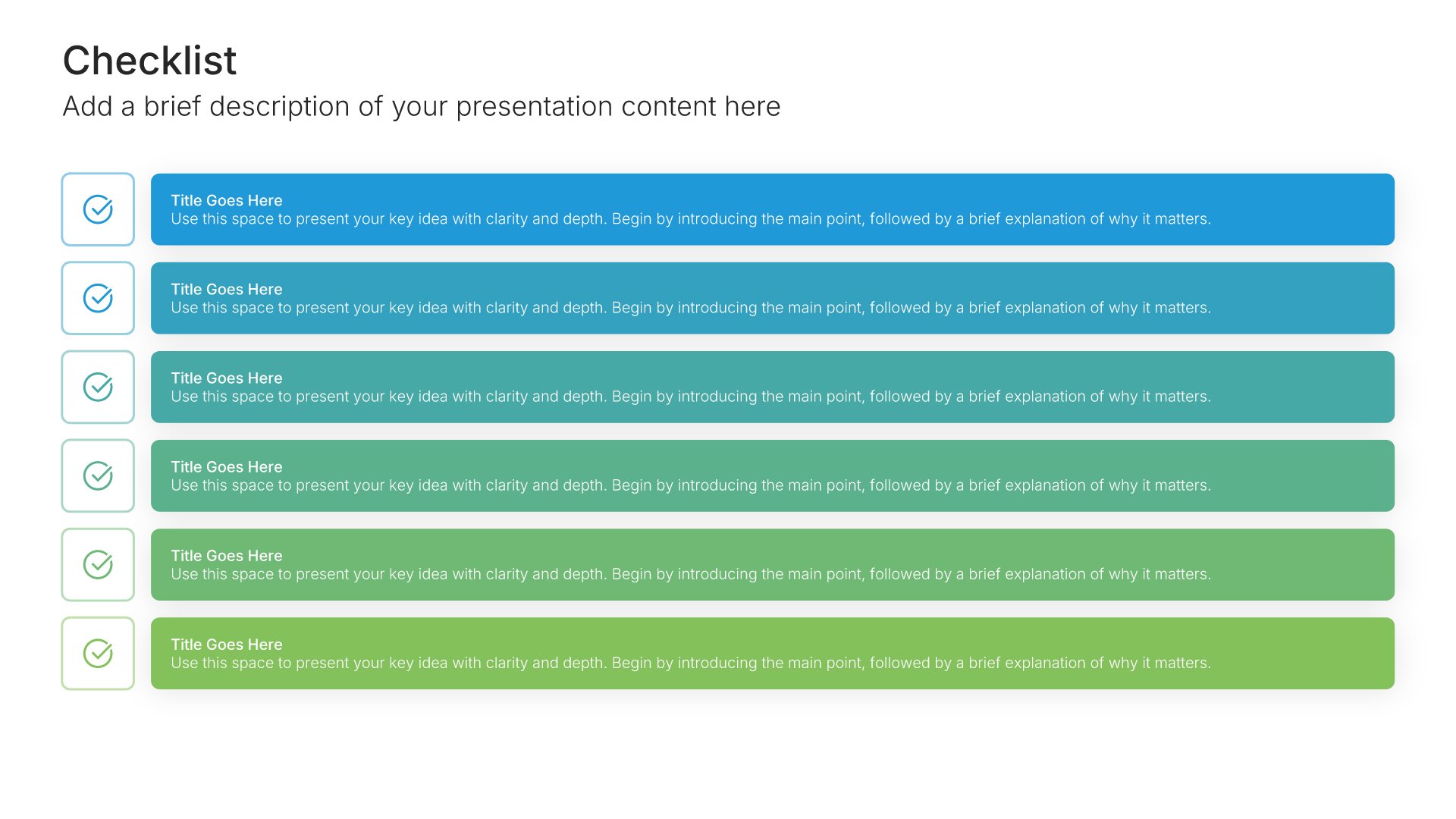
Checklist slide, layout 03

Layout 03

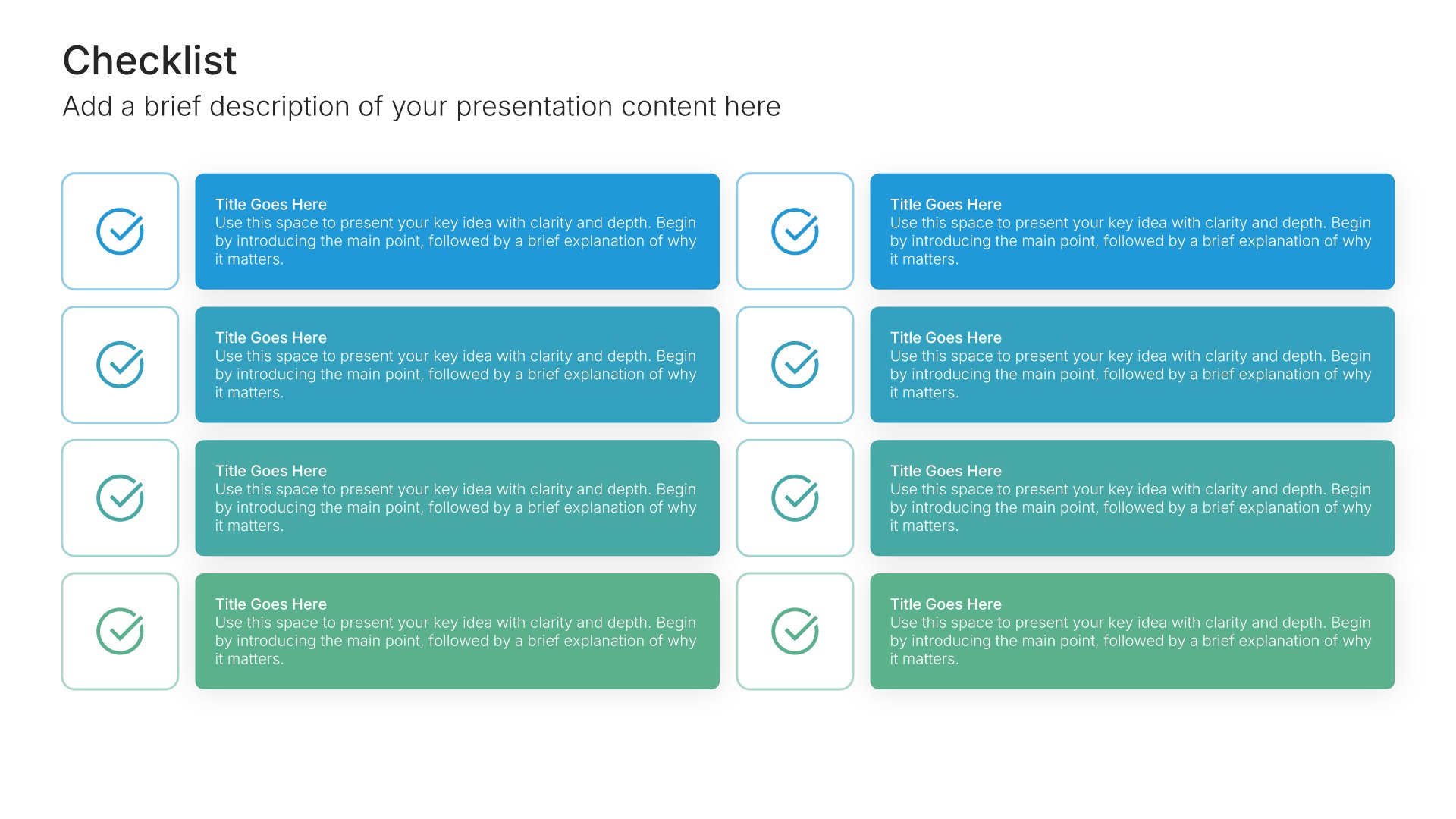
Checklist slide, layout 04

Layout 04

Checklist slide, layout 05

Layout 05

Checklist slide, layout 06

Layout 06

Checklist slide, layout 07

Layout 07

About our checklist slides

What the slide does, how to use it, your brand, and a file you can edit anywhere.

Built to show where things stand at a glance

Status updates are easier to follow when people can see them. A checklist slide turns a list of tasks or requirements into a clear picture of where things stand, with completed items marked off. Our checklist slides keep each item readable and each status obvious, so the audience knows what’s left without asking.

Why ticks say more than words

Writing done, pending, or not started next to every item makes people read the whole list. A tick or an empty box shows the same thing instantly. So the audience sees progress in a second and spends their attention on the items that aren’t done yet. Use Pointers to set how many items you need and you get a layout designed for that number.

Brand the whole presentation in one click

Add your logo, colors, fonts, and background once. It applies to the whole presentation and the entire slide library at the same time. Checklist slides show up in project updates and handovers shared with clients and teams, so once branded, they match everything else you send.

Export to PowerPoint, Google Slides, or Keynote

You get a real file, not a locked link. Export it and keep editing in the tool you already use. Items, ticks, and text stay editable, so you can update progress before every meeting.

How Choladeck works

From blank page to finished presentation in four steps.

STEP 01

Browse 9,000+ slides across 134+ categories, or open one of the 74 premade presentations.

STEP 02

Add your logo, colors, and fonts in one click. The whole presentation instantly matches your company.

STEP 03

Add your text, numbers, charts, and tables. Everything on the slide is editable.

STEP 04

Send it to PowerPoint, Google Slides, or Keynote, and present.

Start from a template

Need a complete presentation instead?

If you're starting from nothing rather than fixing a few slides, open one of 74+ premade presentations instead. Each one is complete and built for one purpose, from pitch decks to business plans and company profiles.

Choladeck premade templates with the Type of Presentation filter and the Consulting Company Profile deck shown larger

Questions about checklist slides

How the slides work, and how far you can change them.

Using the slides

Can I edit these slides in PowerPoint?

+

Yes. Export to PowerPoint, Google Slides, or Keynote, and every item and tick stays editable. Nothing is locked and nothing is a flat image.

How do I brand them to my company?

+

Add your logo, colors, fonts, and background once. It applies to the whole presentation and the entire slide library at the same time.

Can I mix them with other slides from the library?

+

Yes. Add a checklist slide to any premade template, or pair it with timeline or KPI dashboard slides from the library. Branding applies across all of them.

About checklist slides

What is a checklist slide used for?

+

Showing progress on a set of tasks or requirements: project updates, launch readiness, onboarding steps, or compliance items.

How many items should a checklist slide have?

+

As many as the audience can scan in a few seconds. For longer lists, split them by phase or owner.

Can I show items in progress, not just done or not done?

+

Yes. Every part of the slide is editable, so you can change markers or colors to show different statuses.

Your next checklist slide is already designed

Pick a layout, brand it in one click, add your content, and export.

Free to start. No credit card required.