Pricing

30-60-90 day plan slides

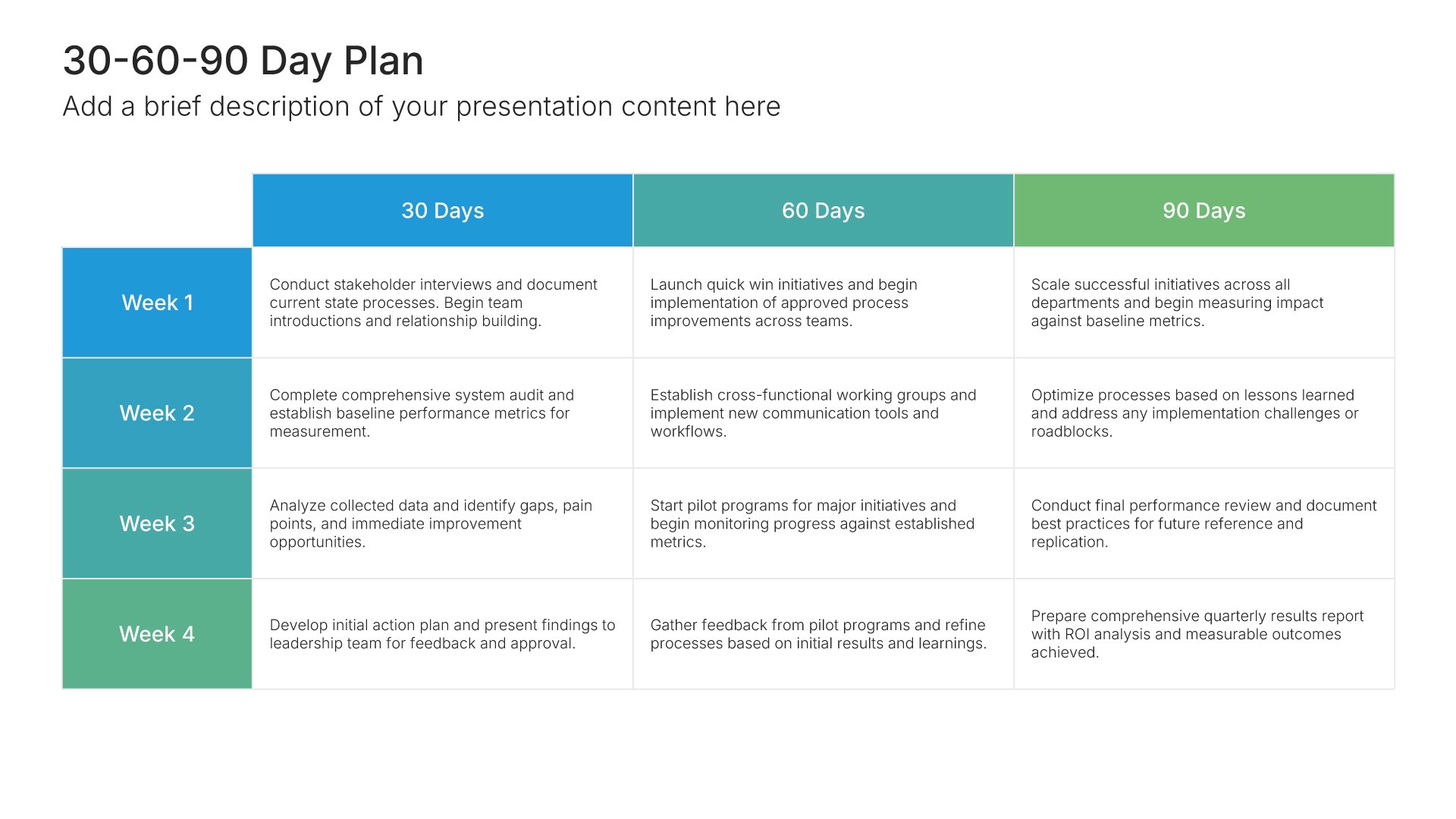
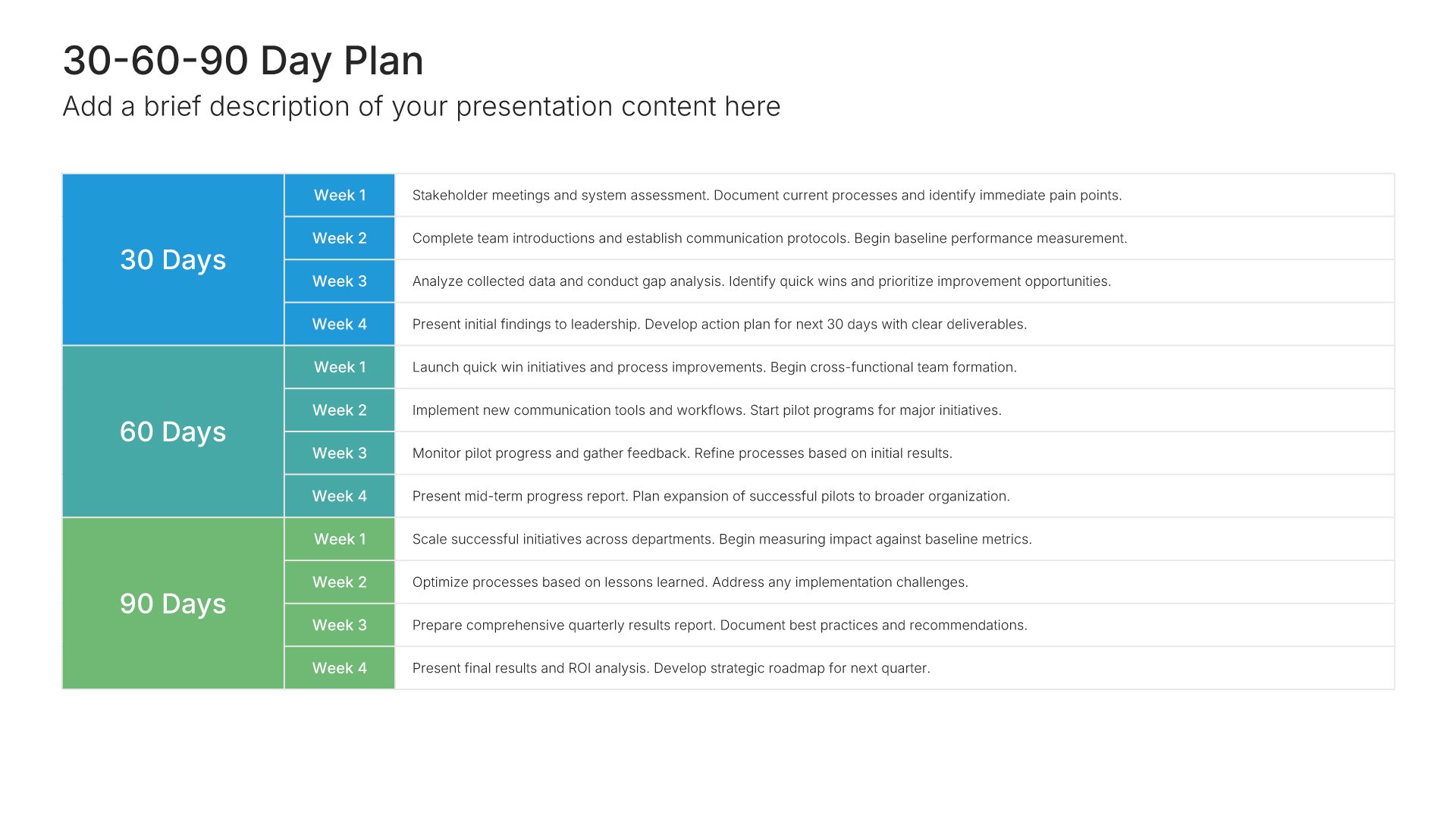
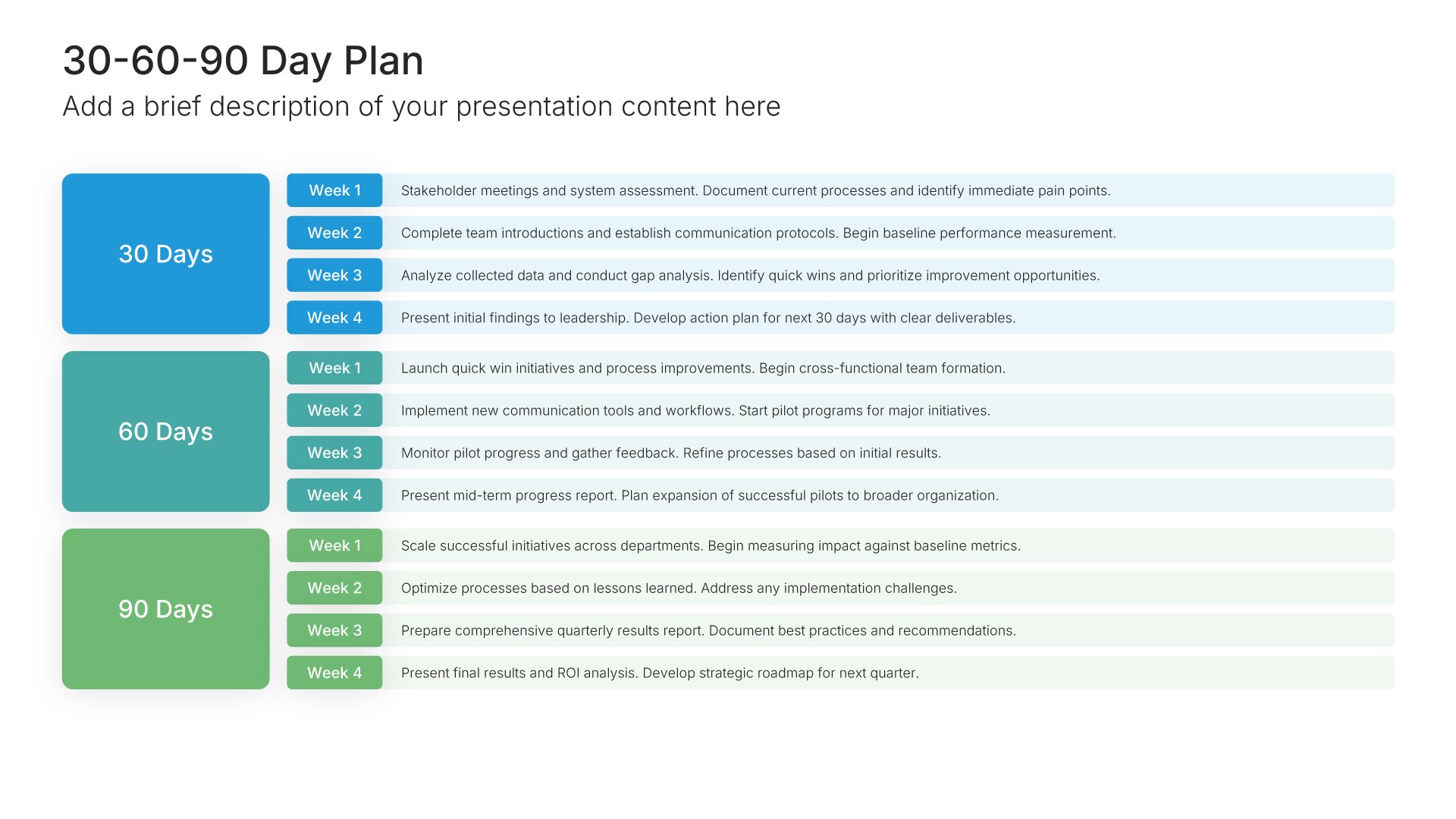
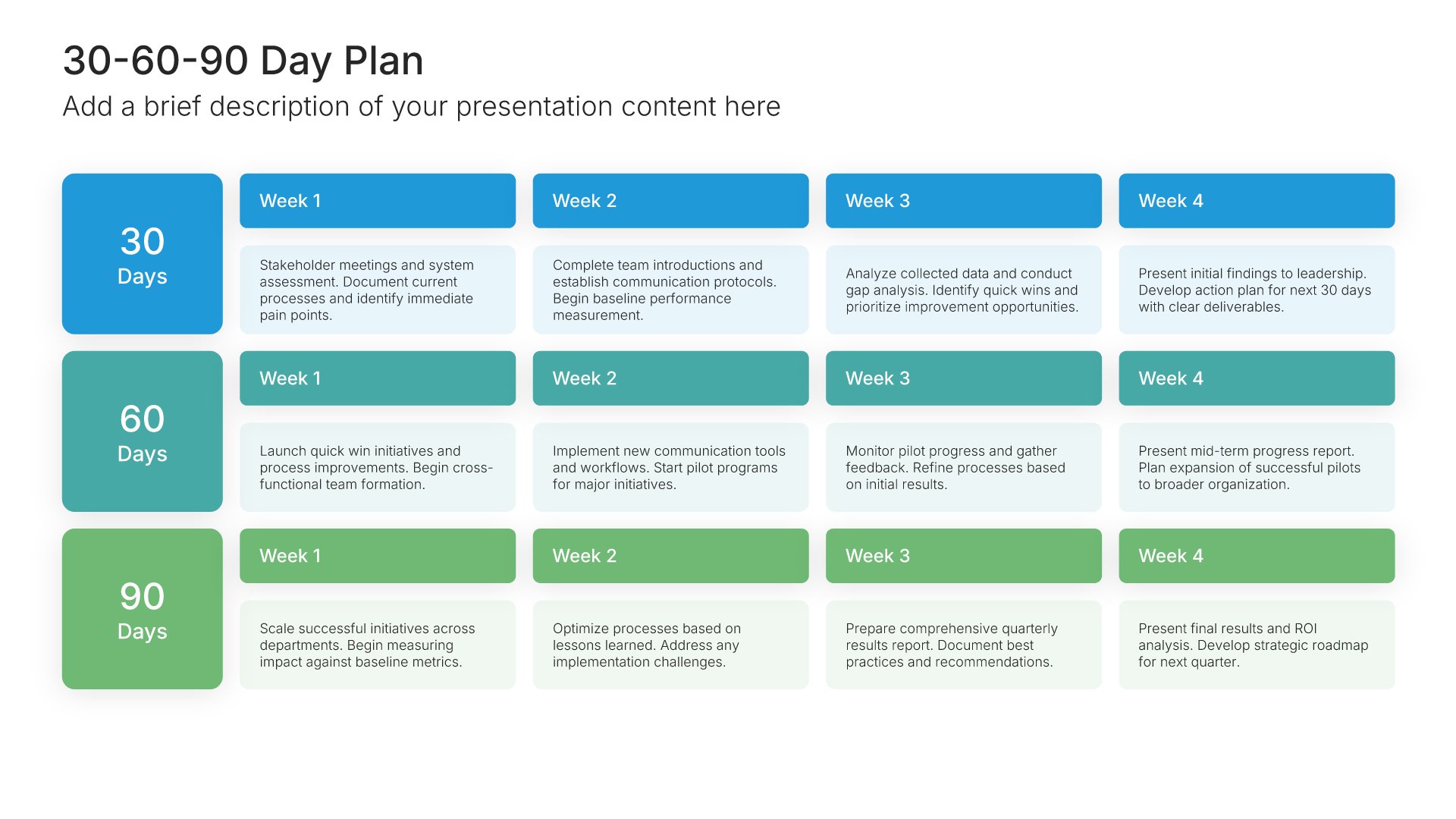
30-60-90 day plan slides show what you'll achieve in your first three months: what you'll learn, what you'll deliver, and what you'll own by day 90. Pick one of 17 layouts, brand it to your company in one click, fill in each phase, and export to PowerPoint, Google Slides, or Keynote.

Free to start. No credit card required.

30-60-90 day plan slides in the Choladeck slide library

Browse 30-60-90 day plan slides

17 ways to set out your three phases, all fully editable.
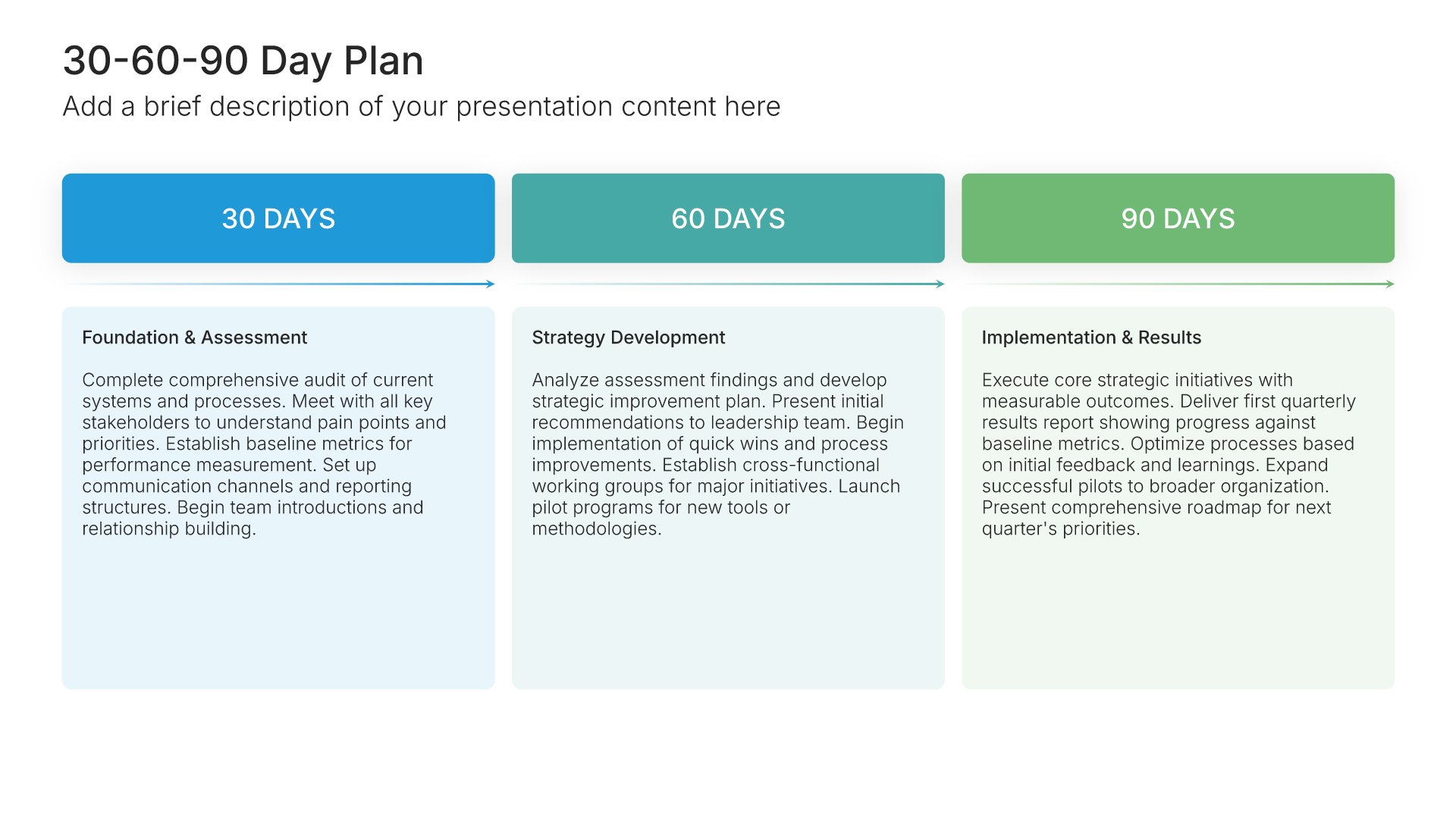
30-60-90 Day Plan • Slide Library • Layout 01 of 17

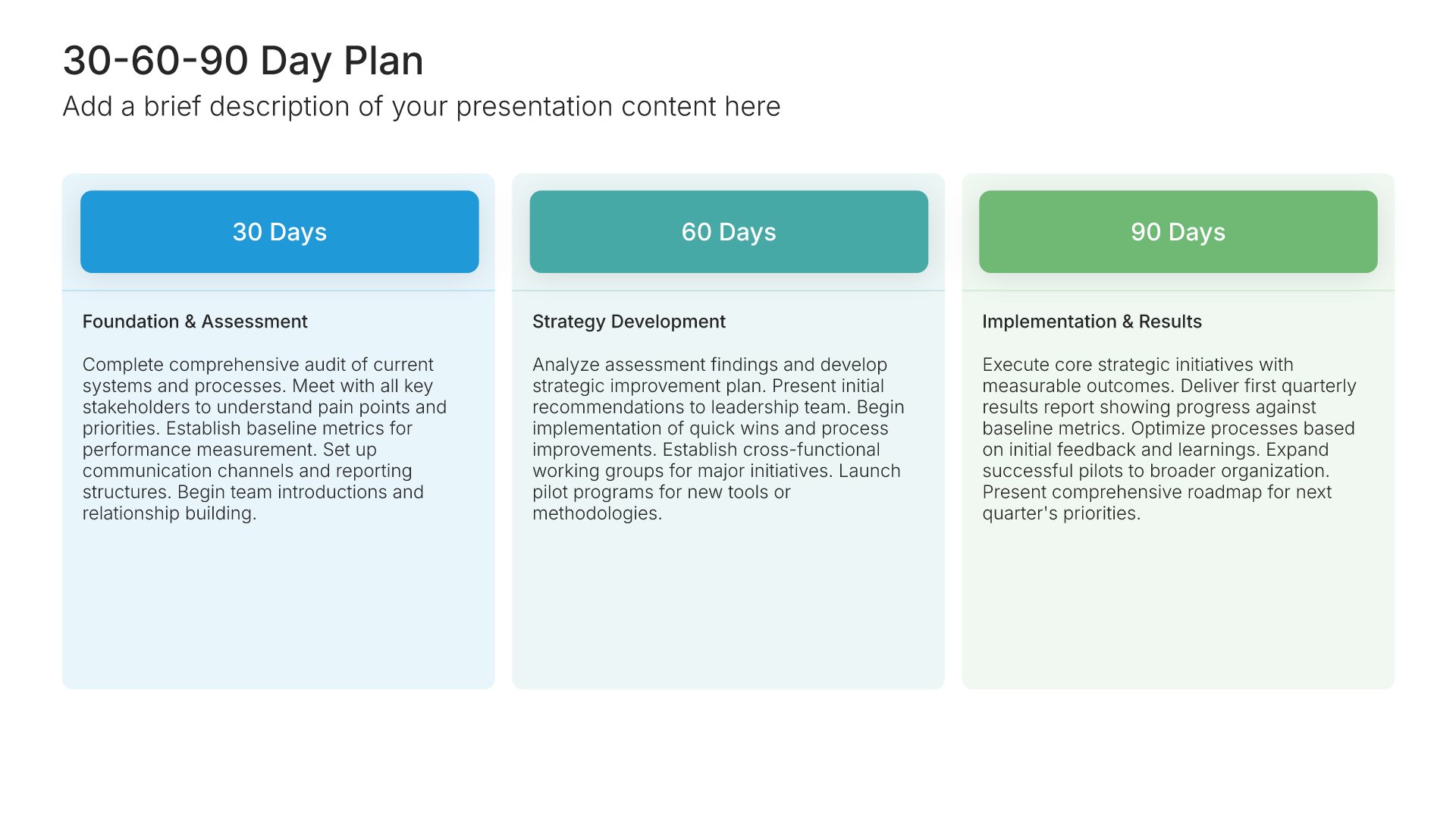
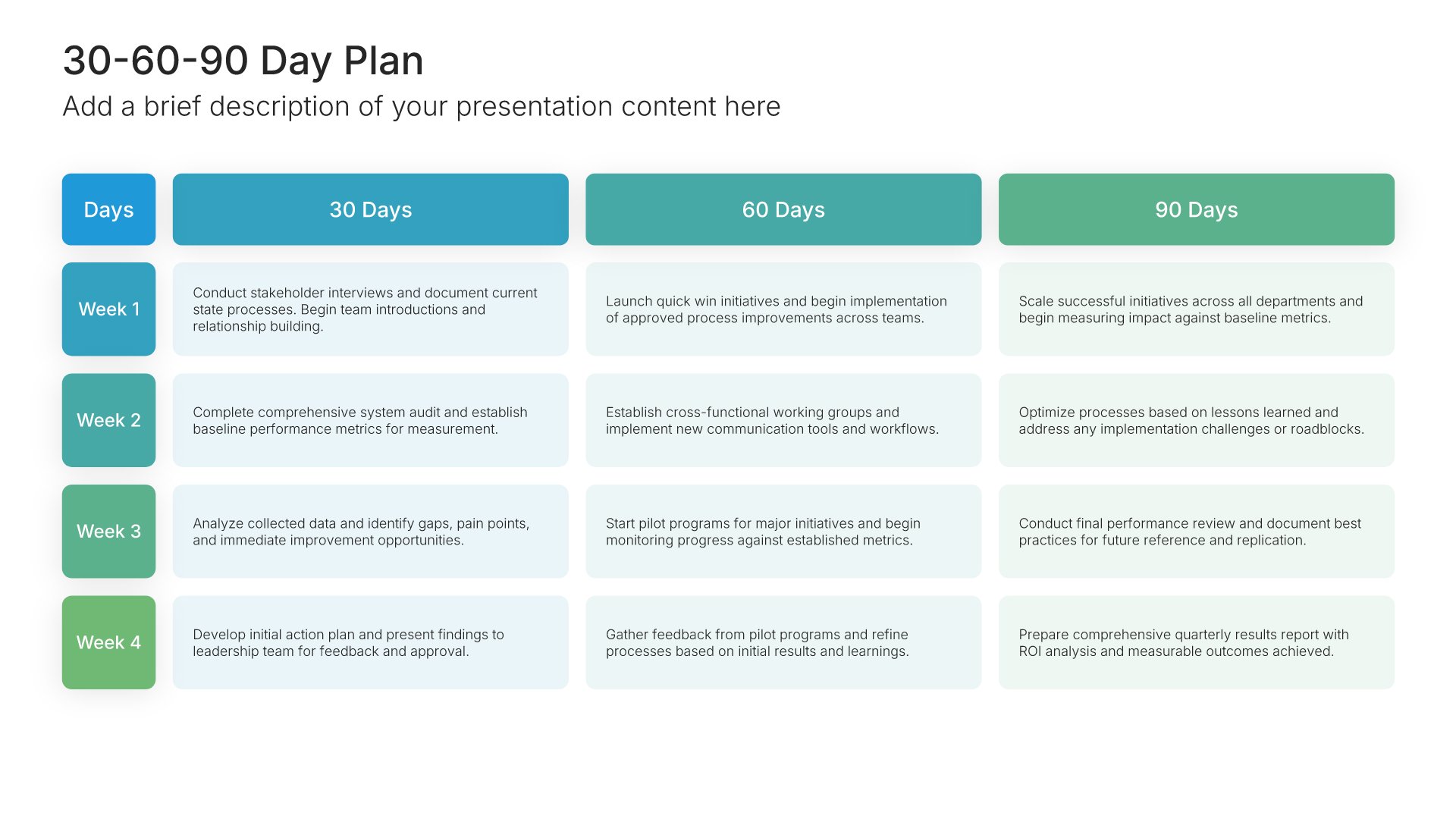
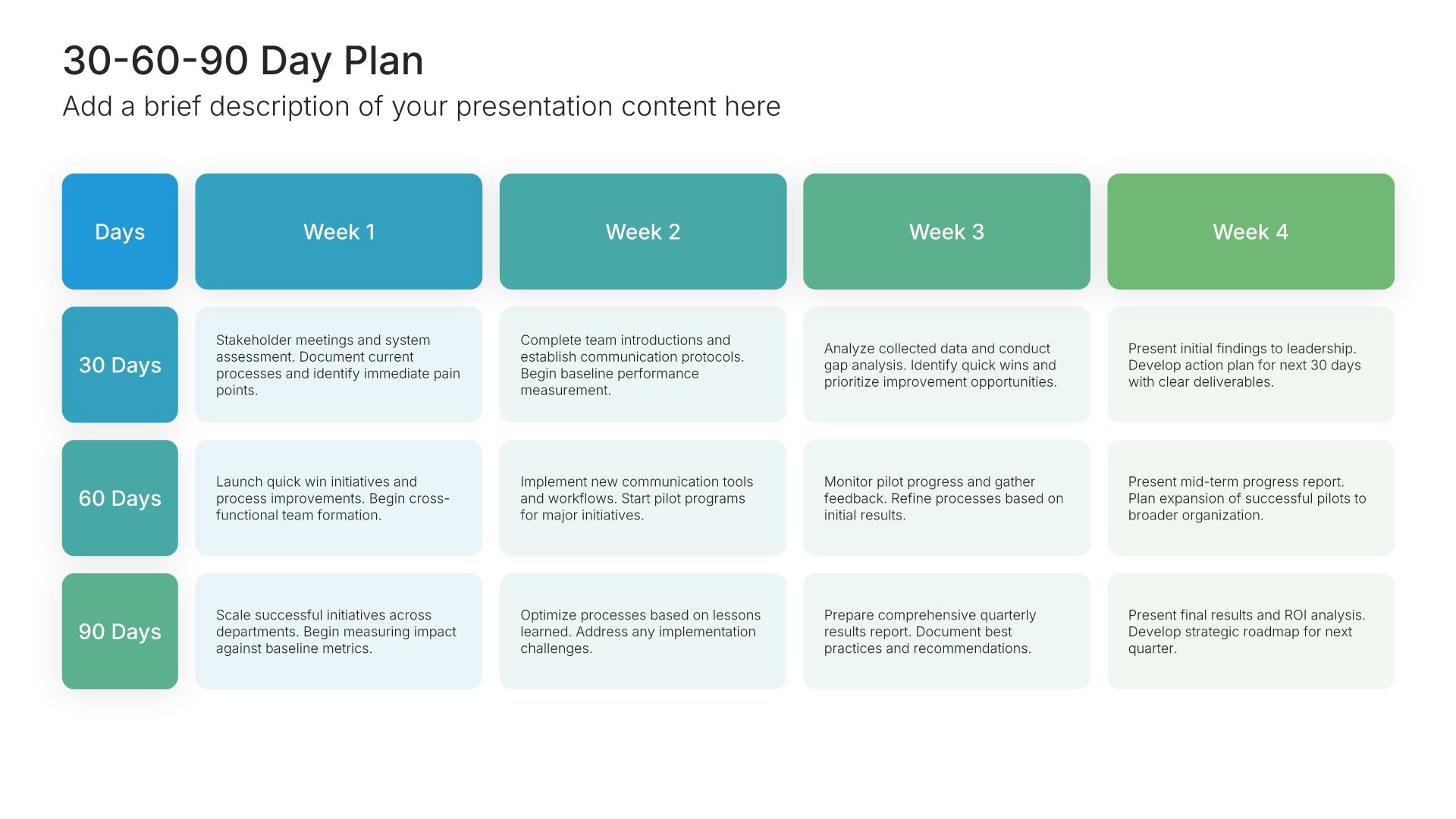
30-60-90 day plan slide, layout 01

Layout 01

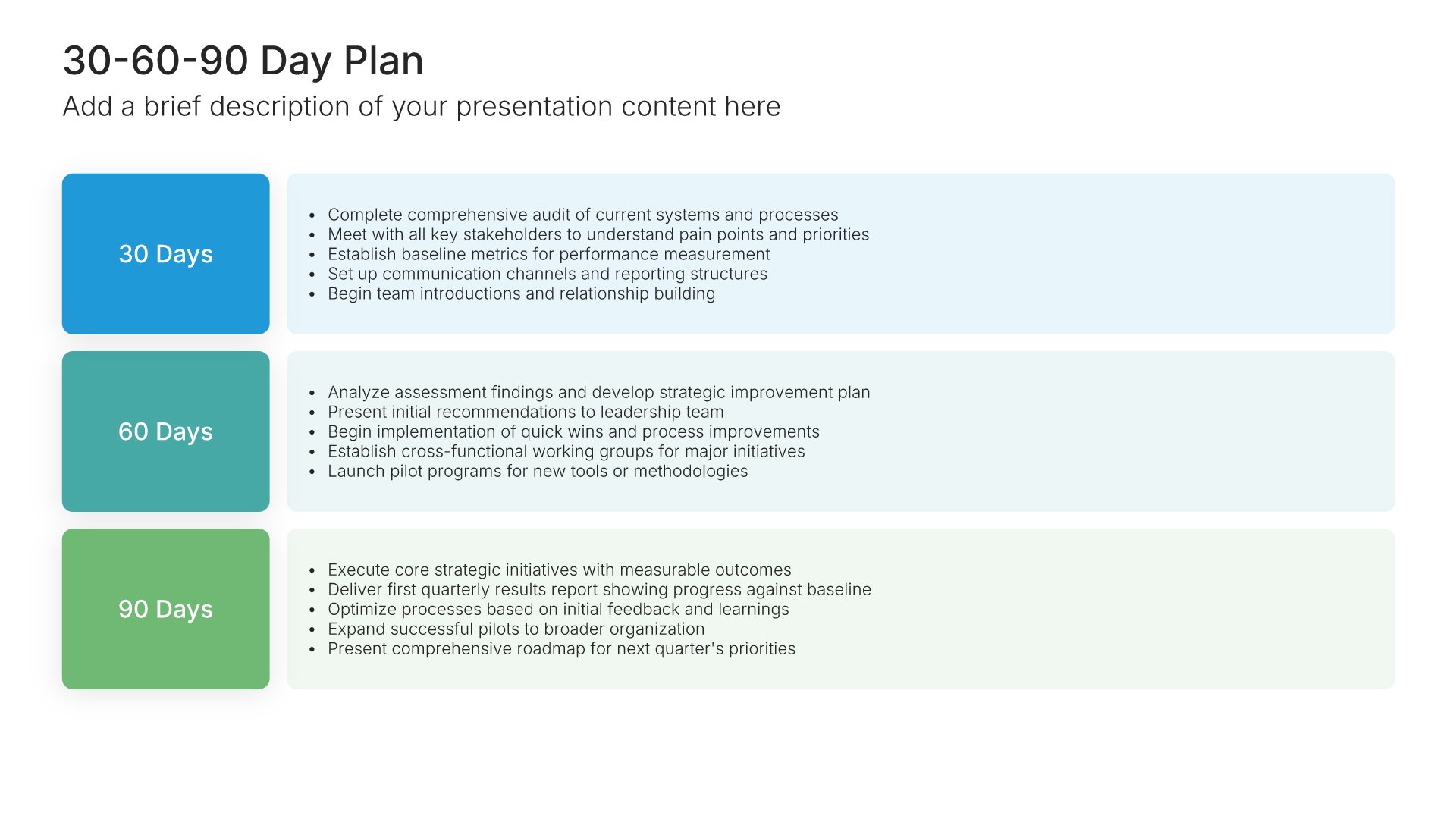
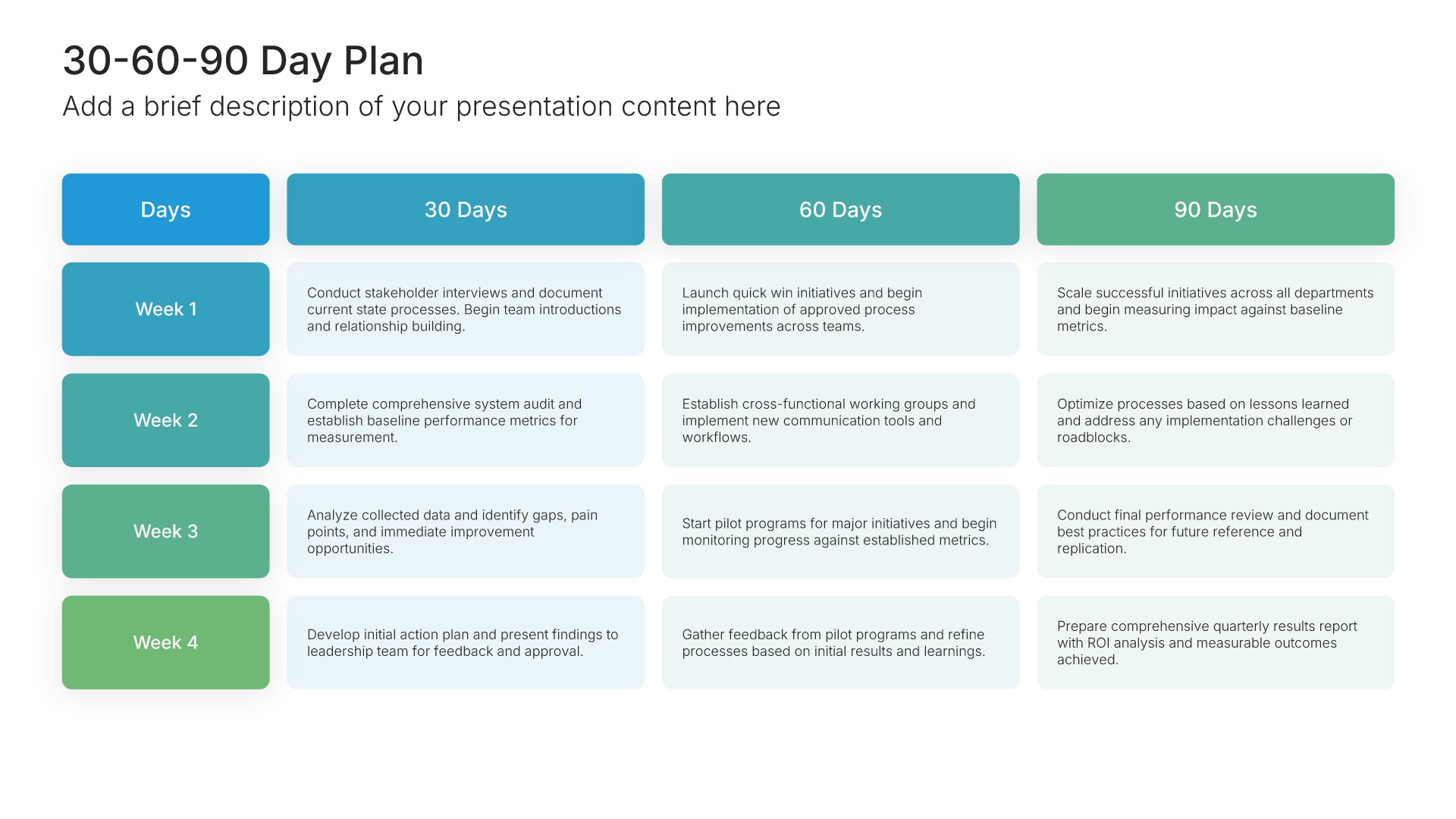
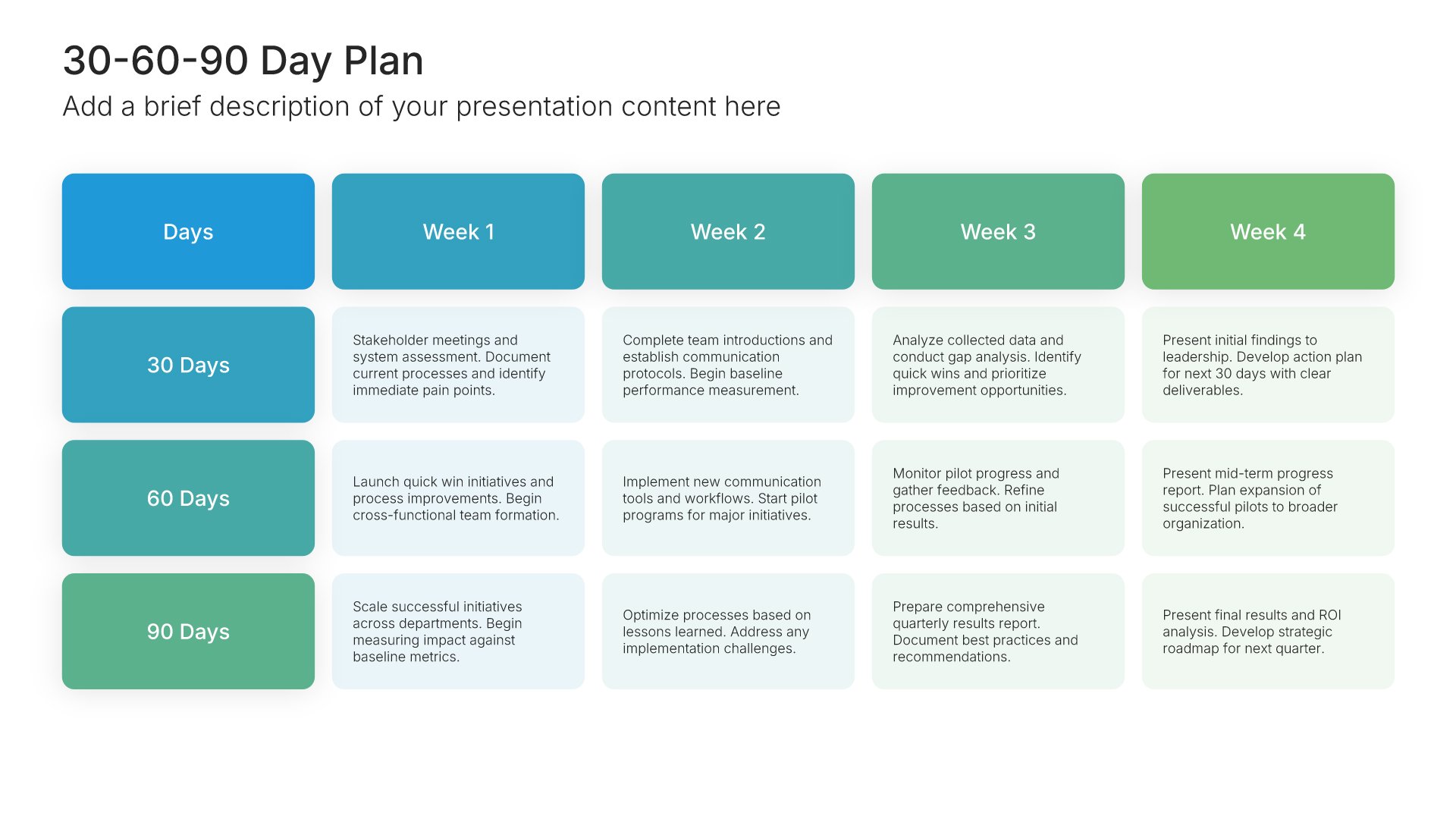
30-60-90 day plan slide, layout 02

Layout 02

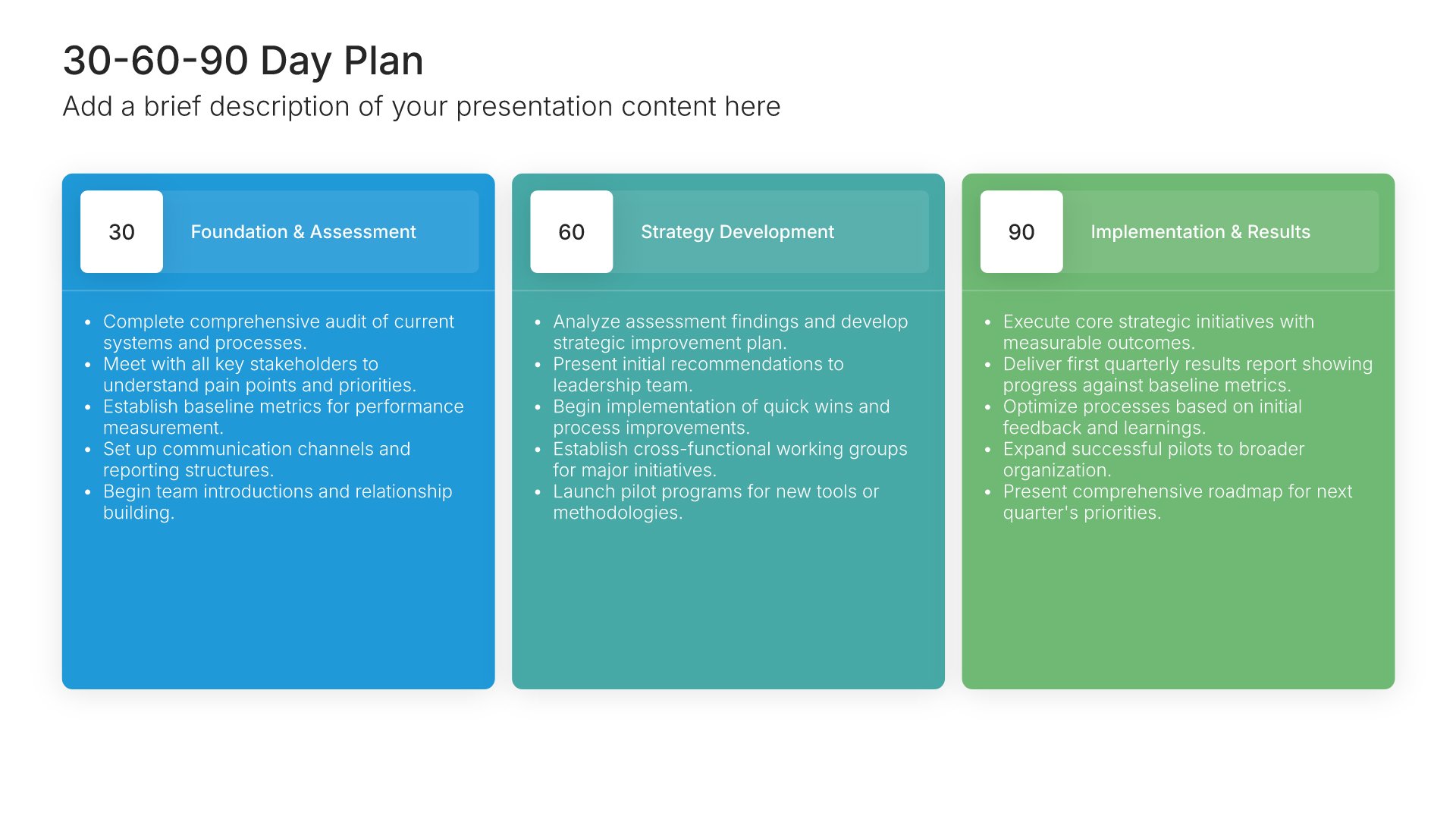
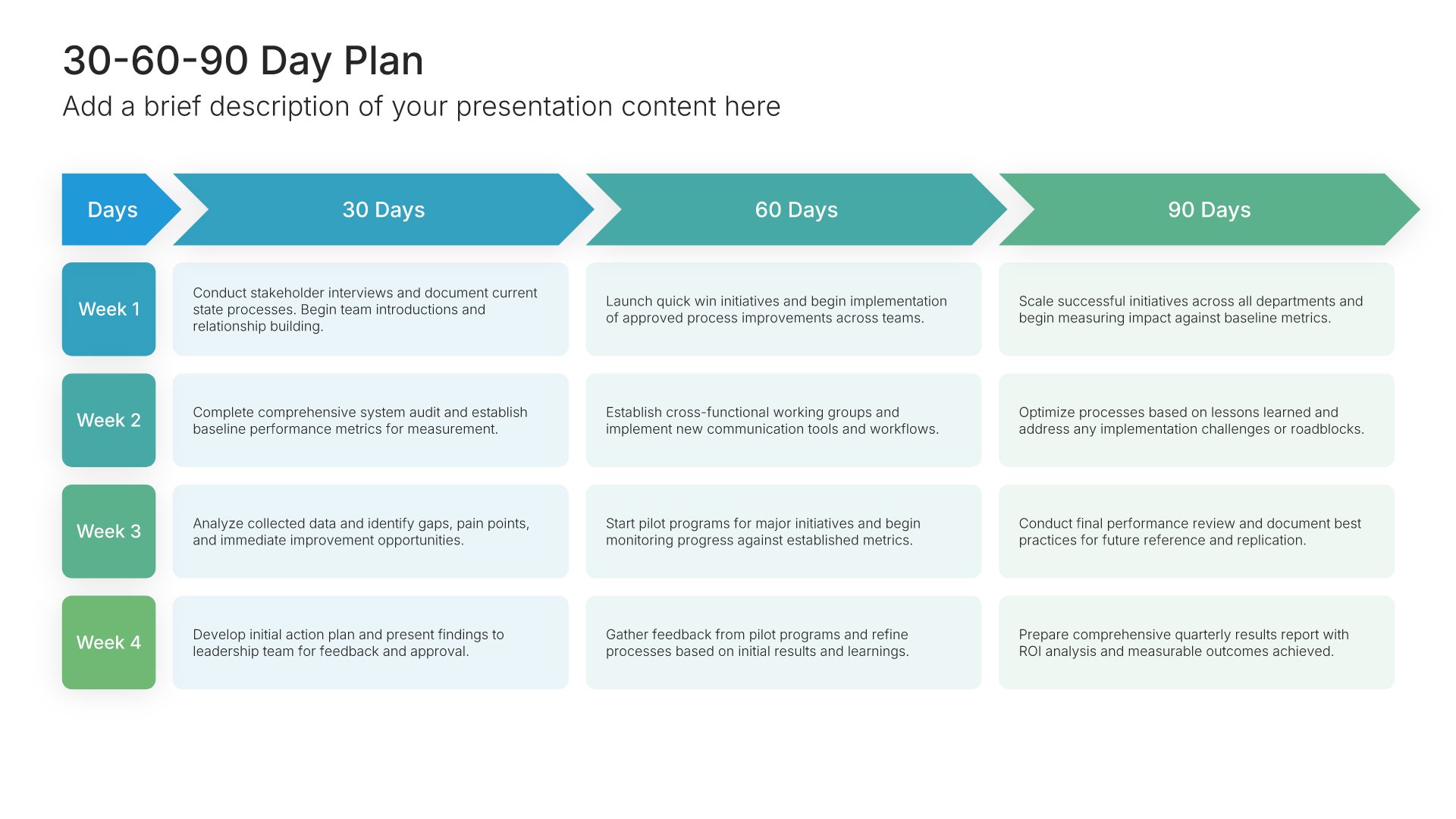
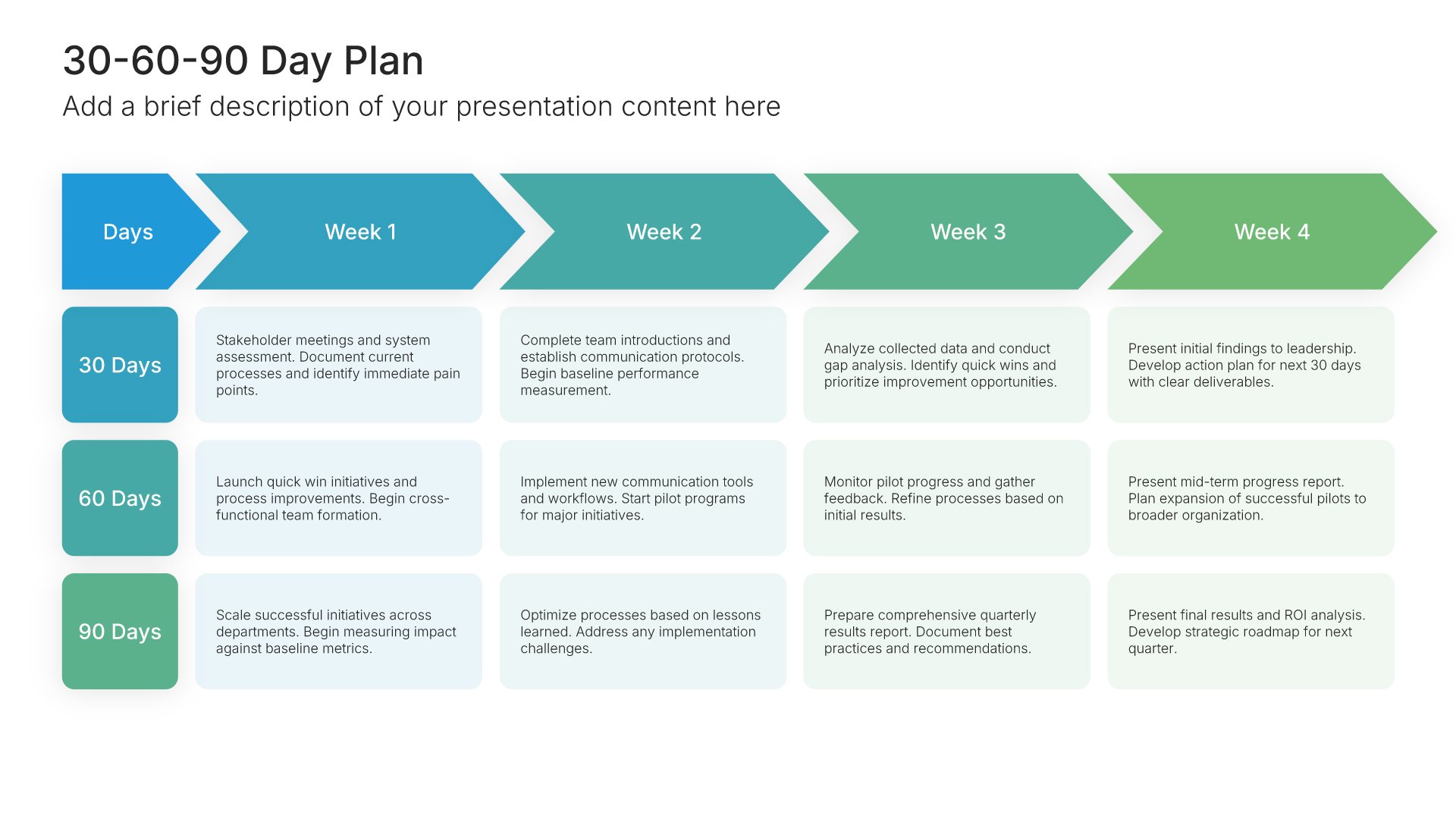
30-60-90 day plan slide, layout 03

Layout 03

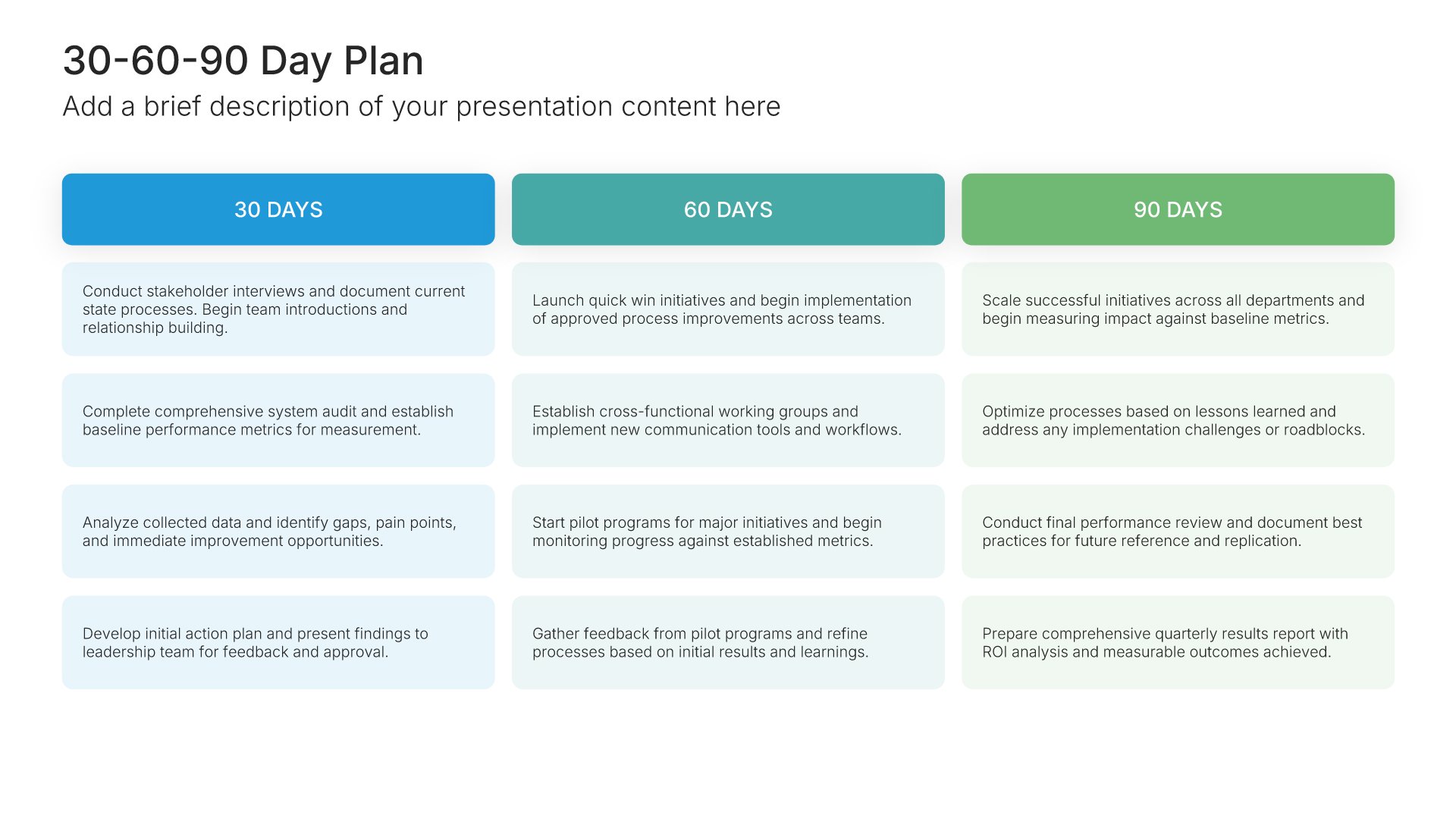
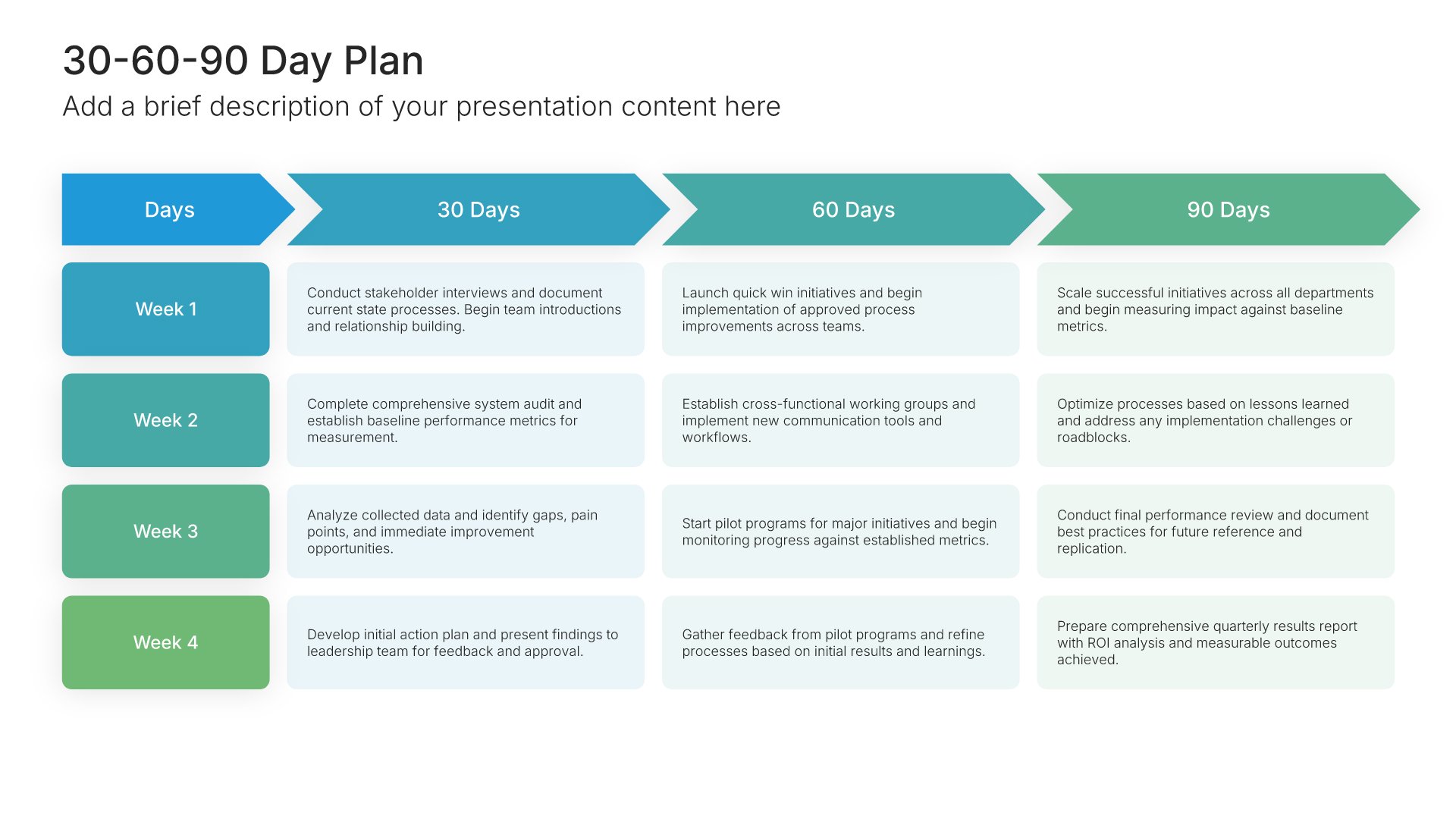
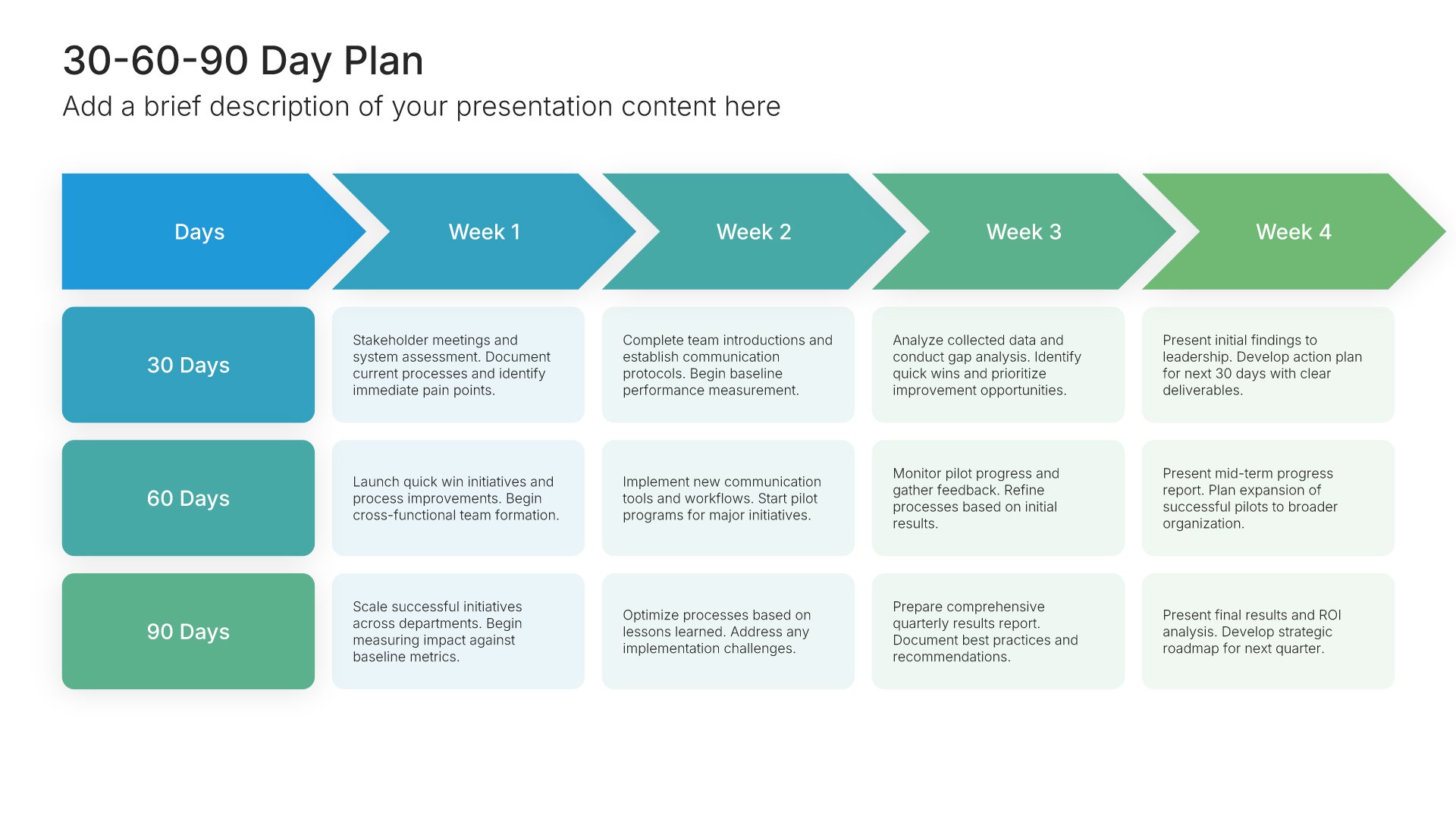
30-60-90 day plan slide, layout 04

Layout 04

30-60-90 day plan slide, layout 05

Layout 05

30-60-90 day plan slide, layout 06

Layout 06

30-60-90 day plan slide, layout 07

Layout 07

30-60-90 day plan slide, layout 08

Layout 08

30-60-90 day plan slide, layout 09

Layout 09

30-60-90 day plan slide, layout 10

Layout 10

30-60-90 day plan slide, layout 11

Layout 11

30-60-90 day plan slide, layout 12

Layout 12

30-60-90 day plan slide, layout 13

Layout 13

30-60-90 day plan slide, layout 14

Layout 14

30-60-90 day plan slide, layout 15

Layout 15

30-60-90 day plan slide, layout 16

Layout 16

30-60-90 day plan slide, layout 17

Layout 17

About our 30-60-90 slides

What the slide does, how to use it, your brand, and a file you can edit anywhere.

Built to show what changes between month one and month three

A 30-60-90 day plan breaks the first three months in a new role into three phases, each with its own goals. A 30-60-90 day plan slide turns that plan into something a manager can read in one look and check against later. Our 30-60-90 slides keep the three phases distinct, so it’s clear what changes between the first month and the third.

Why each phase needs its own space

Written as one list, a plan hides the progression. Split into three phases, it shows the shift from learning to contributing to leading, which is the whole point of the plan. So each phase gets its own goals and its own measure of success, and the audience can see how one builds on the last.

Brand the whole presentation in one click

Add your logo, colors, fonts, and background once. It applies to the whole presentation and the entire slide library at the same time. This slide often goes to a new manager or a hiring panel, so once branded, it makes a first impression that matches the rest of your presentation.

Export to PowerPoint, Google Slides, or Keynote

You get a real file, not a locked link. Export it and keep editing in the tool you already use. Goals, dates, and milestones stay editable, so you can update the plan at each check-in without rebuilding it.

How Choladeck works

From blank page to finished presentation in four steps.

STEP 01

Browse 9,000+ slides across 134+ categories, or open one of the 74 premade presentations.

STEP 02

Add your logo, colors, and fonts in one click. The whole presentation instantly matches your company.

STEP 03

Add your text, numbers, charts, and tables. Everything on the slide is editable.

STEP 04

Send it to PowerPoint, Google Slides, or Keynote, and present.

Start from a template

Need a complete presentation instead?

If you're starting from nothing rather than fixing a few slides, open one of 74+ premade presentations instead. Each one is complete and built for one purpose, from pitch decks to business plans and company profiles.

Choladeck premade templates with the Type of Presentation filter and the Consulting Company Profile deck shown larger

Questions about 30-60-90 day plan slides

How the slides work, and how far you can change them.

Using the slides

Can I edit these slides in PowerPoint?

+

Yes. Export to PowerPoint, Google Slides, or Keynote, and every phase and goal stays editable. Nothing is locked and nothing is a flat image.

How do I brand them to my company?

+

Add your logo, colors, fonts, and background once. It applies to the whole presentation and the entire slide library at the same time.

Can I mix them with other slides from the library?

+

Yes. Add a 30-60-90 slide to any premade template, or pair it with timeline or roadmap slides from the library. Branding applies across all of them.

About 30-60-90 day plans

What goes in each phase of a 30-60-90 day plan?

+

Usually learning in the first 30 days, contributing in the next 30, and taking ownership by day 90. Each phase should have a few goals you can measure.

Is this the same as the 30-60-90 day plan template?

+

No. The 30-60-90 day plan template is a complete presentation, with your understanding of the role, goals for each phase, and success metrics. These are single slides for the plan itself, to add to your own presentation.

Can I use a 30-60-90 slide in a job interview?

+

Yes. It's a common way to show a hiring panel how you'd approach the role. Keep it to one slide and focus on outcomes, not tasks.

Your next 30-60-90 day plan slide is already designed

Pick a layout, brand it in one click, add your content, and export.

Free to start. No credit card required.