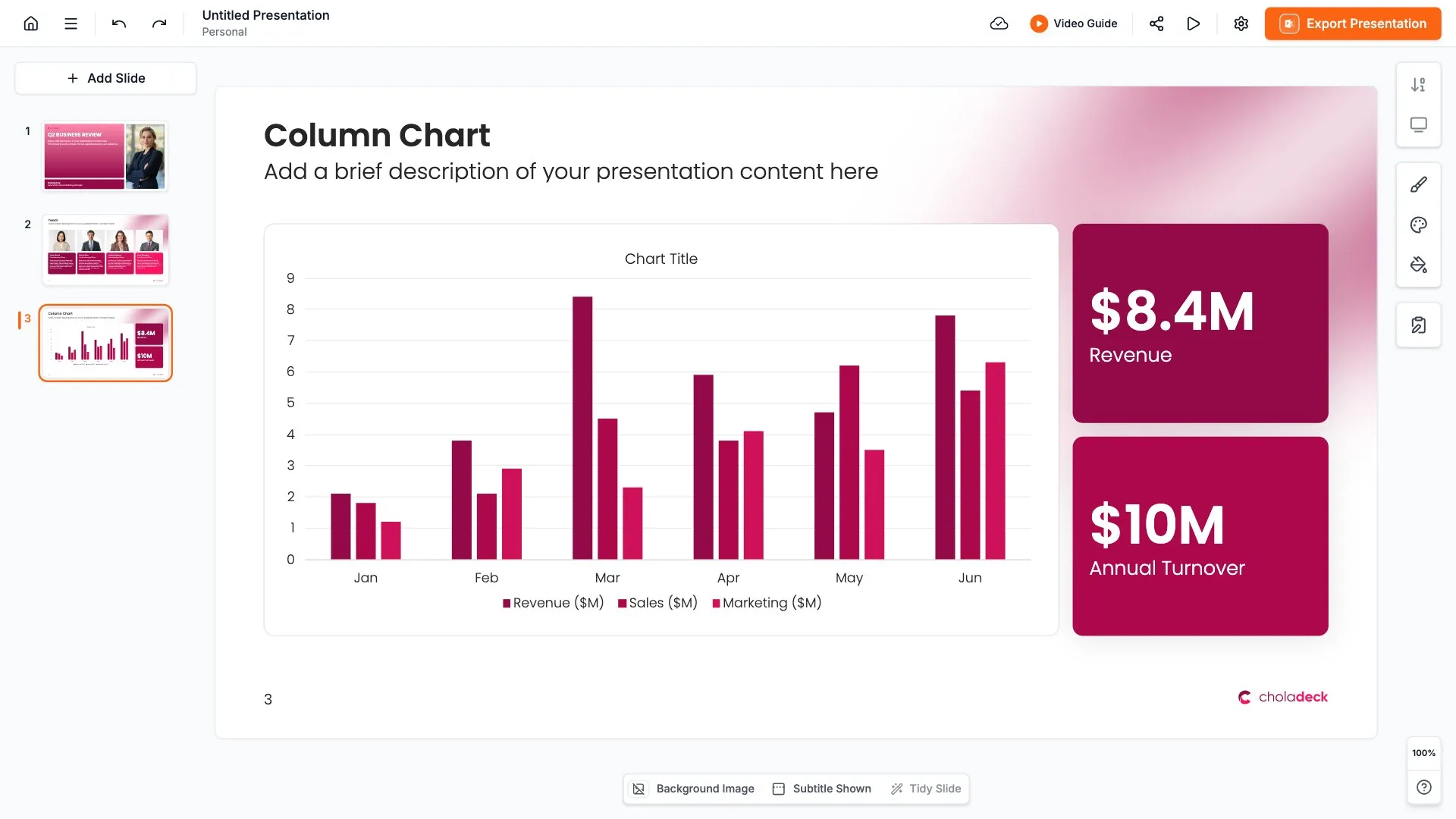
OKR slides
OKR slides set out what your team is aiming for and how you'll know you got there: each objective with its key results beneath it. Pick one of 7 layouts, brand it to your company in one click, add your objectives, and export to PowerPoint, Google Slides, or Keynote.
Free to start. No credit card required.
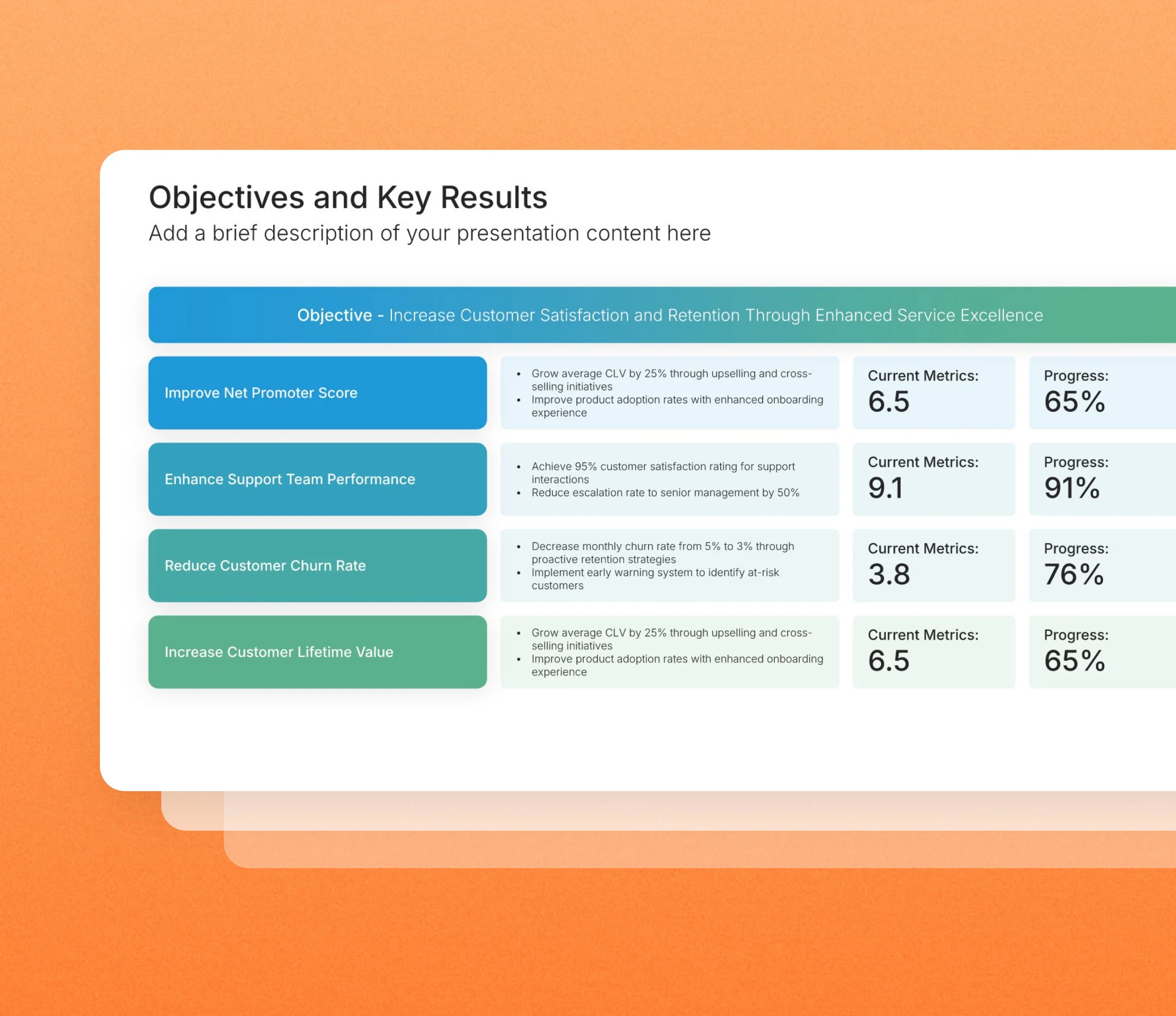
Browse OKR slides
7 ways to set out objectives and their key results, all fully editable.
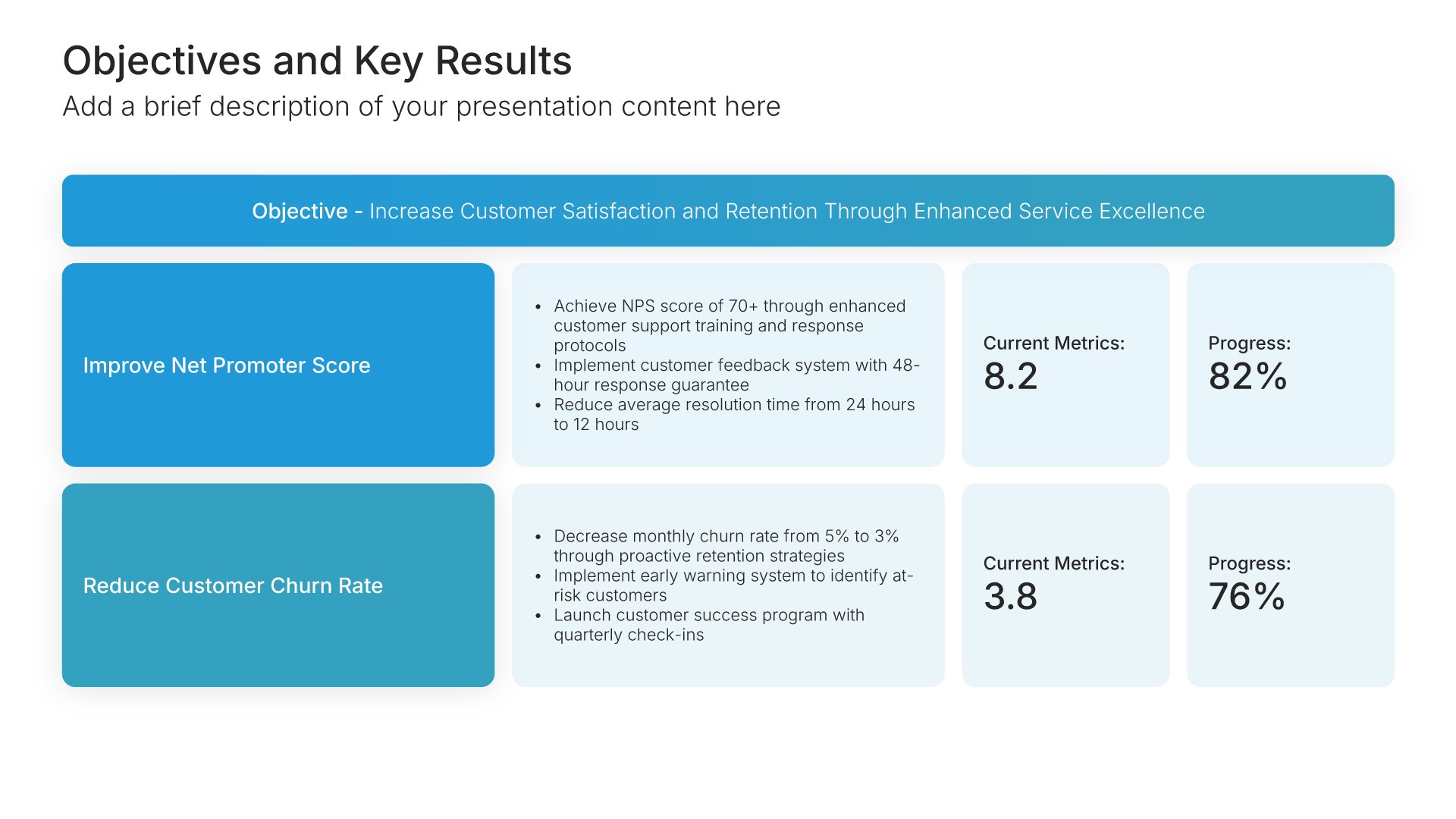
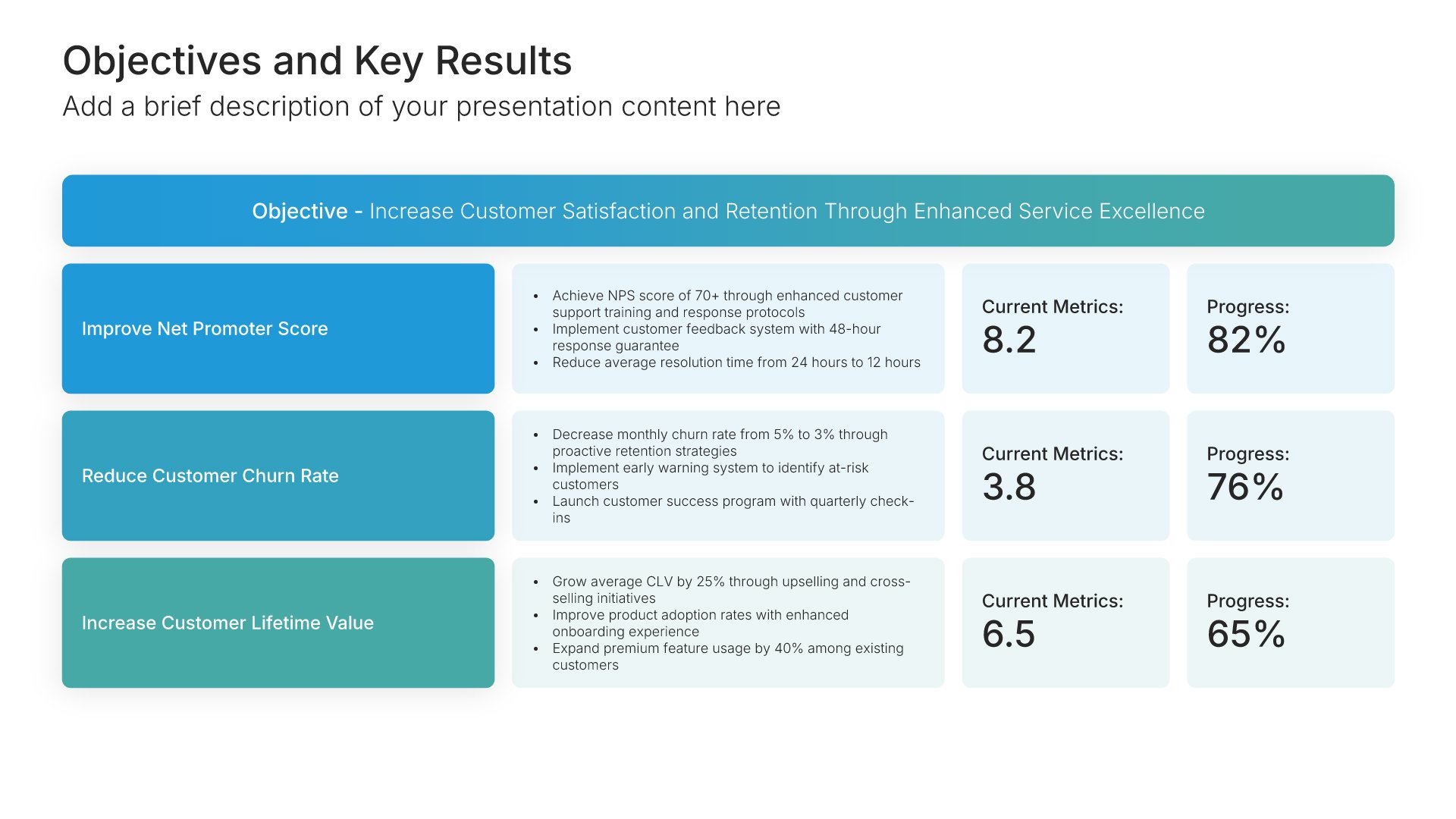
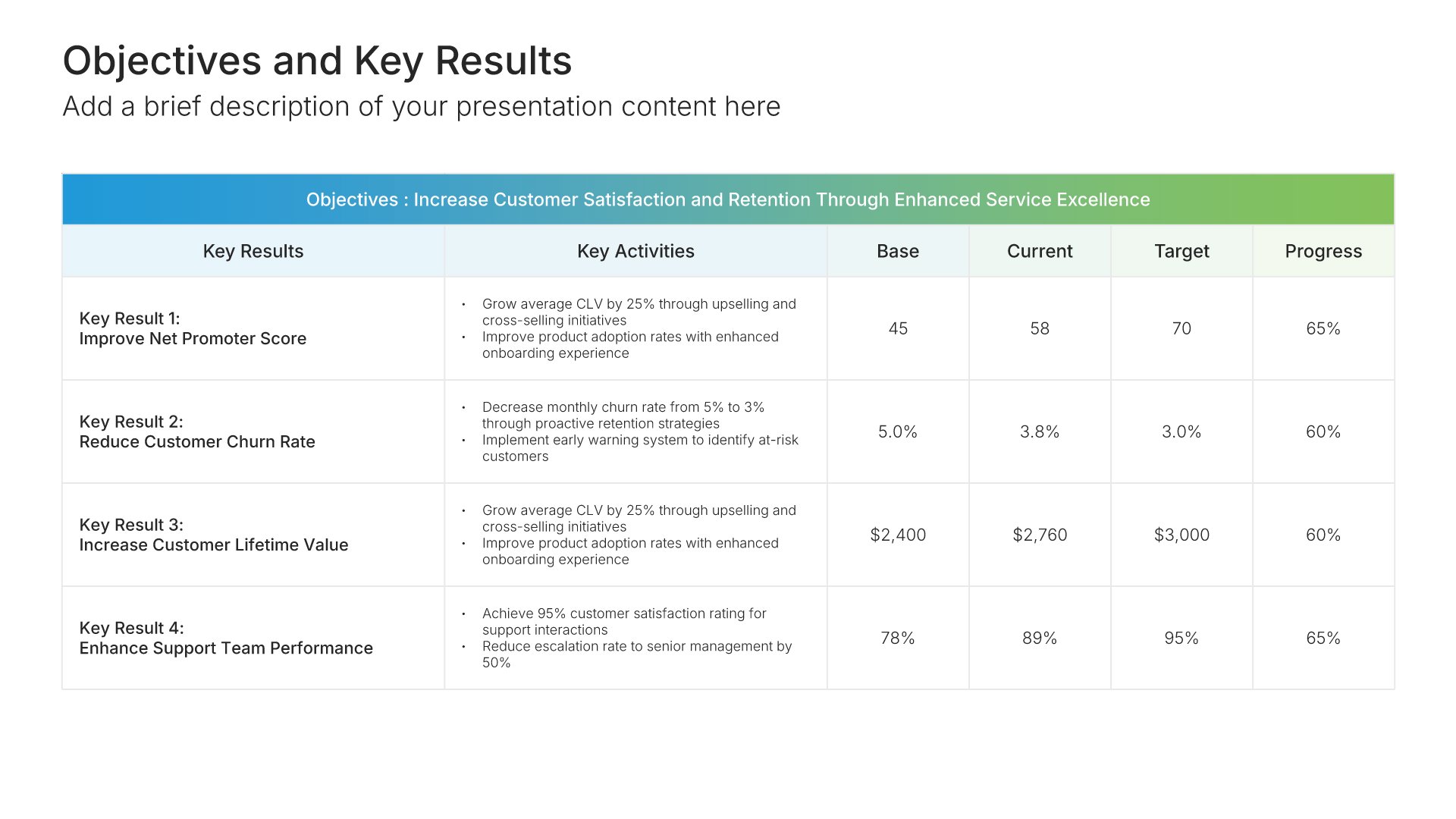
Objectives and Key Results • Slide Library • Layout 01 of 7
Layout 01
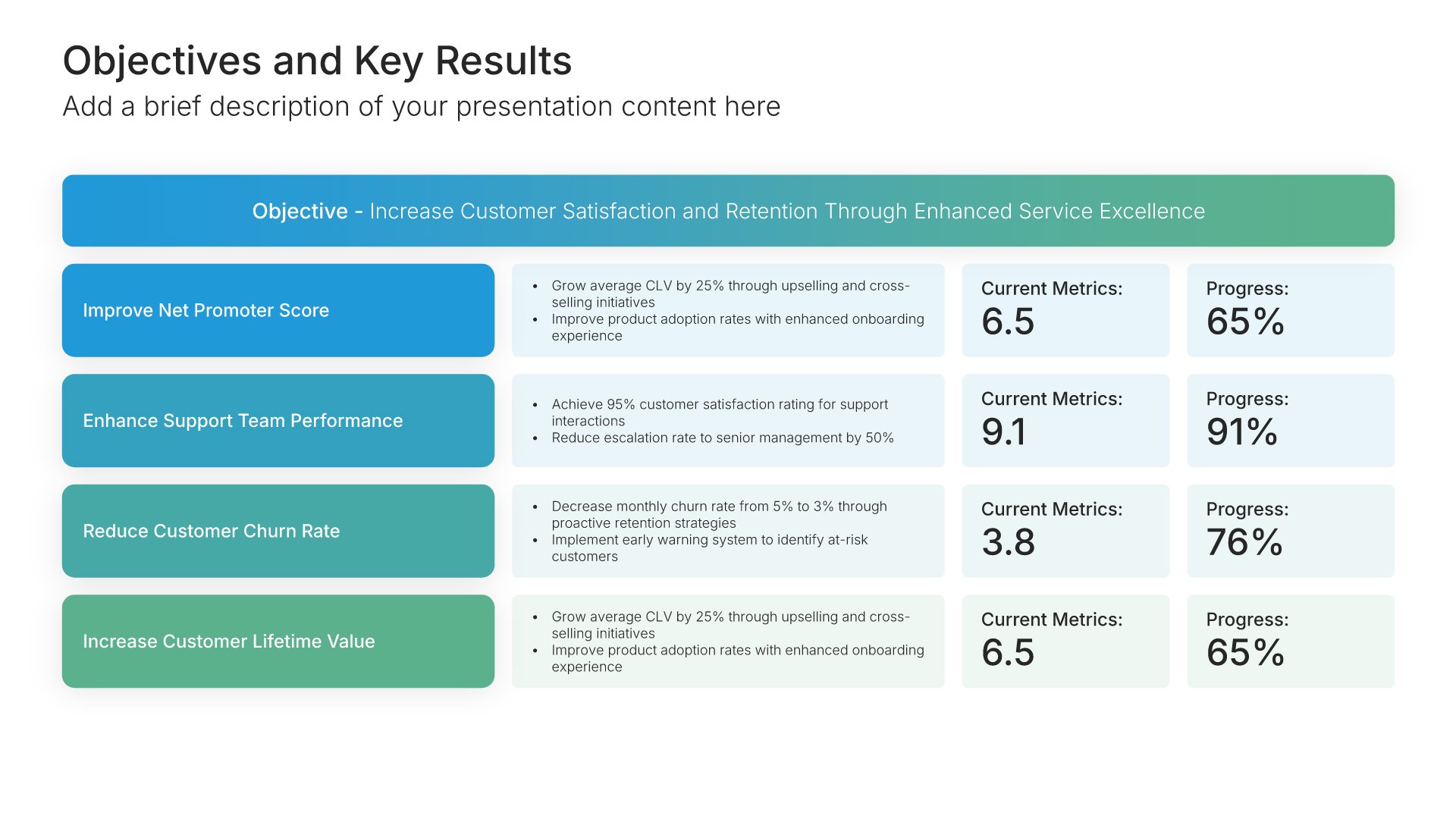
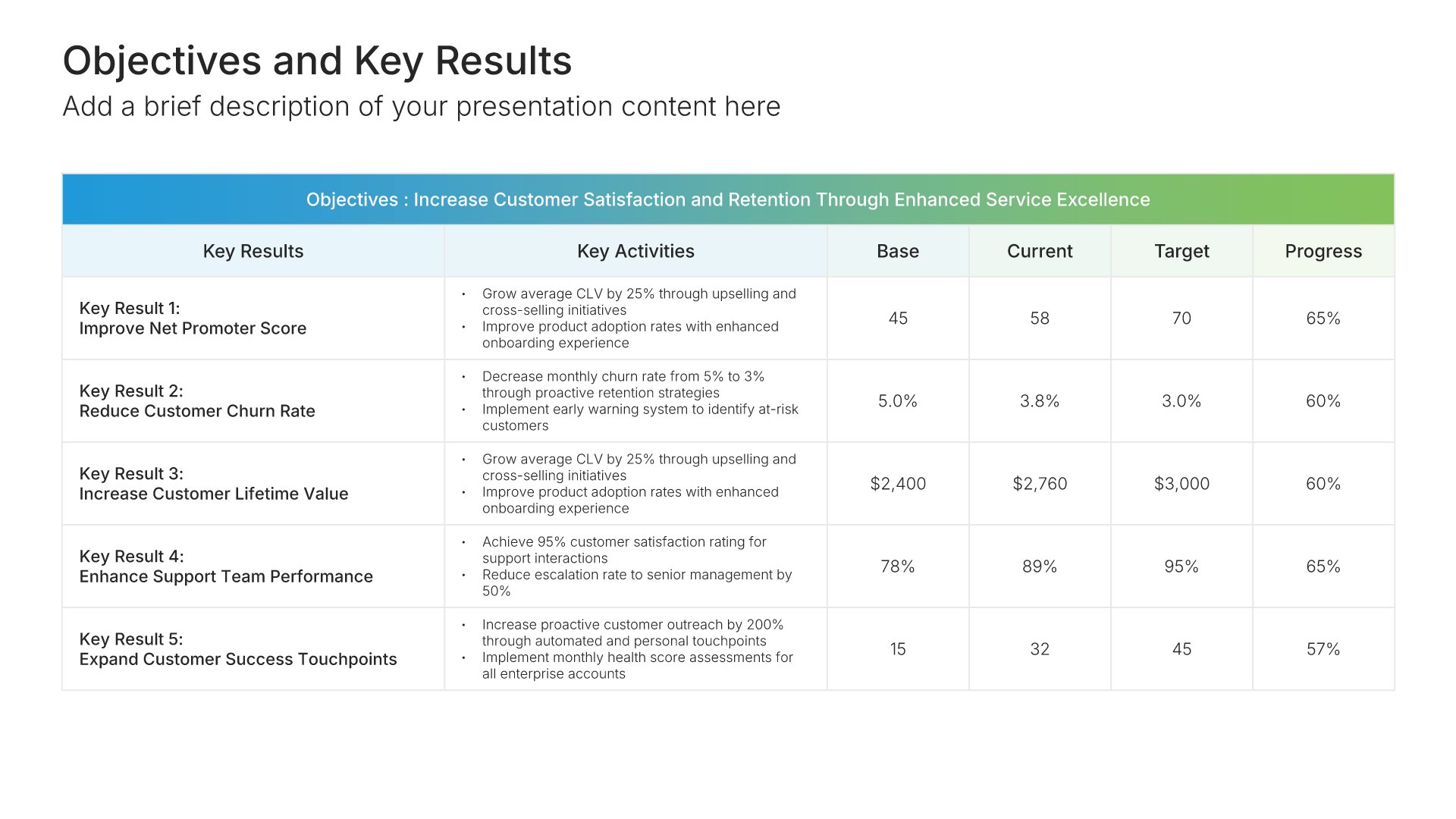
Layout 02
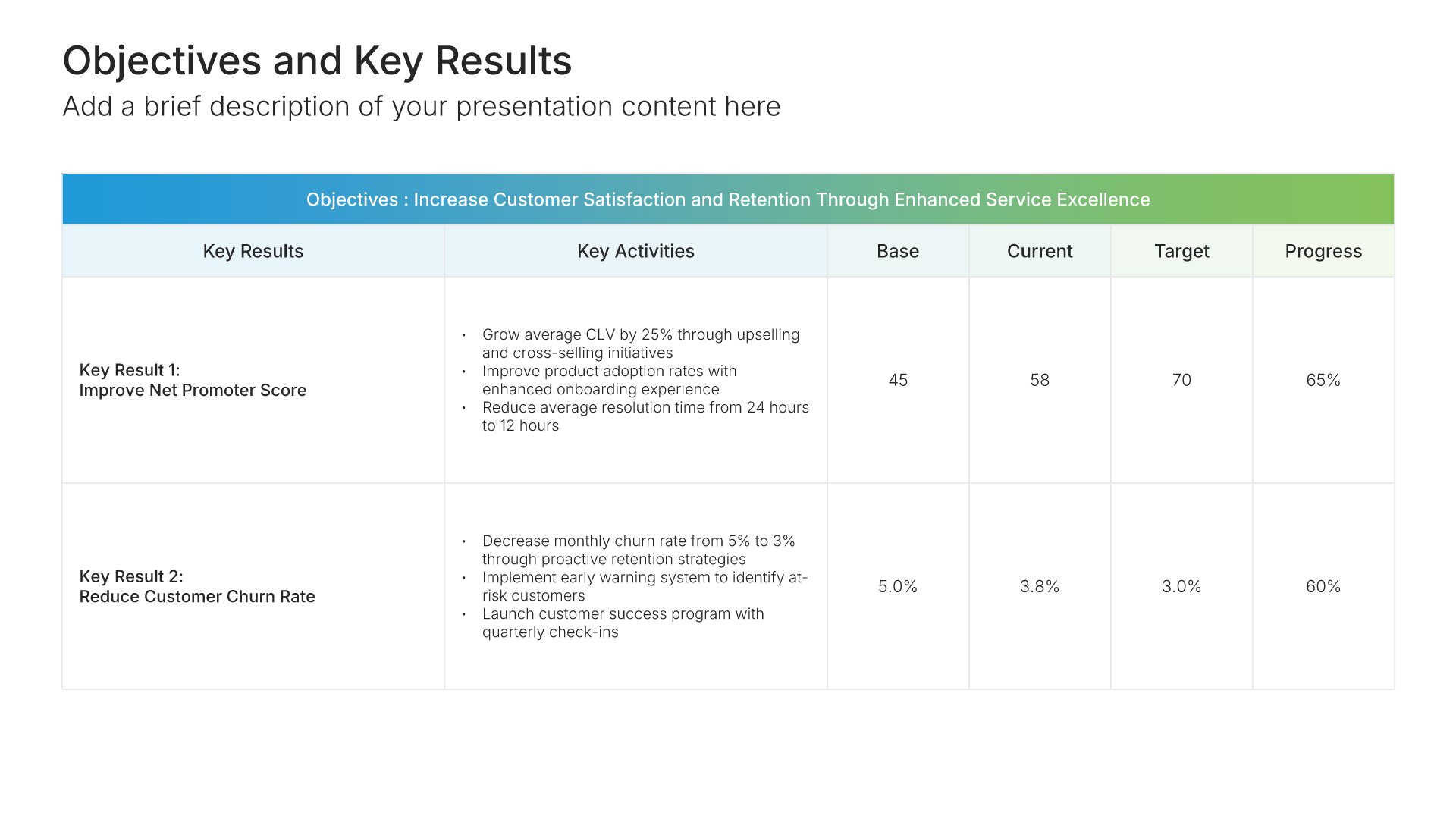
Layout 03
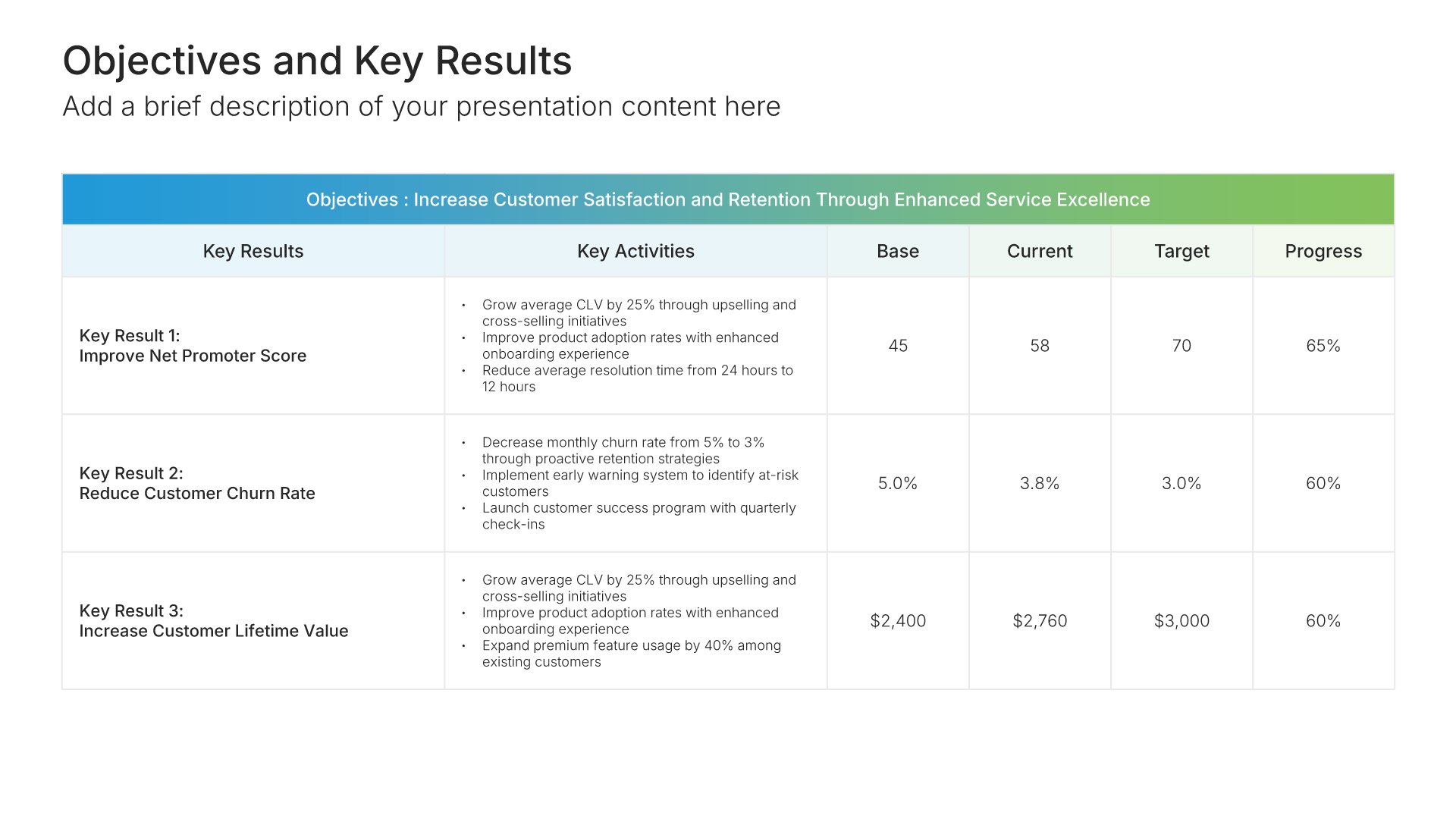
Layout 04
Layout 05
Layout 06
Layout 07
About our OKR slides
What the slide does, how to use it, your brand, and a file you can edit anywhere.
Built to show what matters most this quarter
Objectives and key results, or OKRs, pair an ambitious goal with a few measurable outcomes that show progress toward it. The method was introduced at Intel by Andy Grove and later spread through Google. OKR slides put a quarter’s objectives on one page, so the whole company can see what matters most and how each team contributes.
Why a few measurable results beat a long list of goals
A slide full of goals tells people everything is a priority, so nothing is. Limiting each objective to a handful of key results forces the team to agree on what success looks like. So the review at the end of the quarter is about the numbers, not about what the goal really meant.
Brand the whole presentation in one click
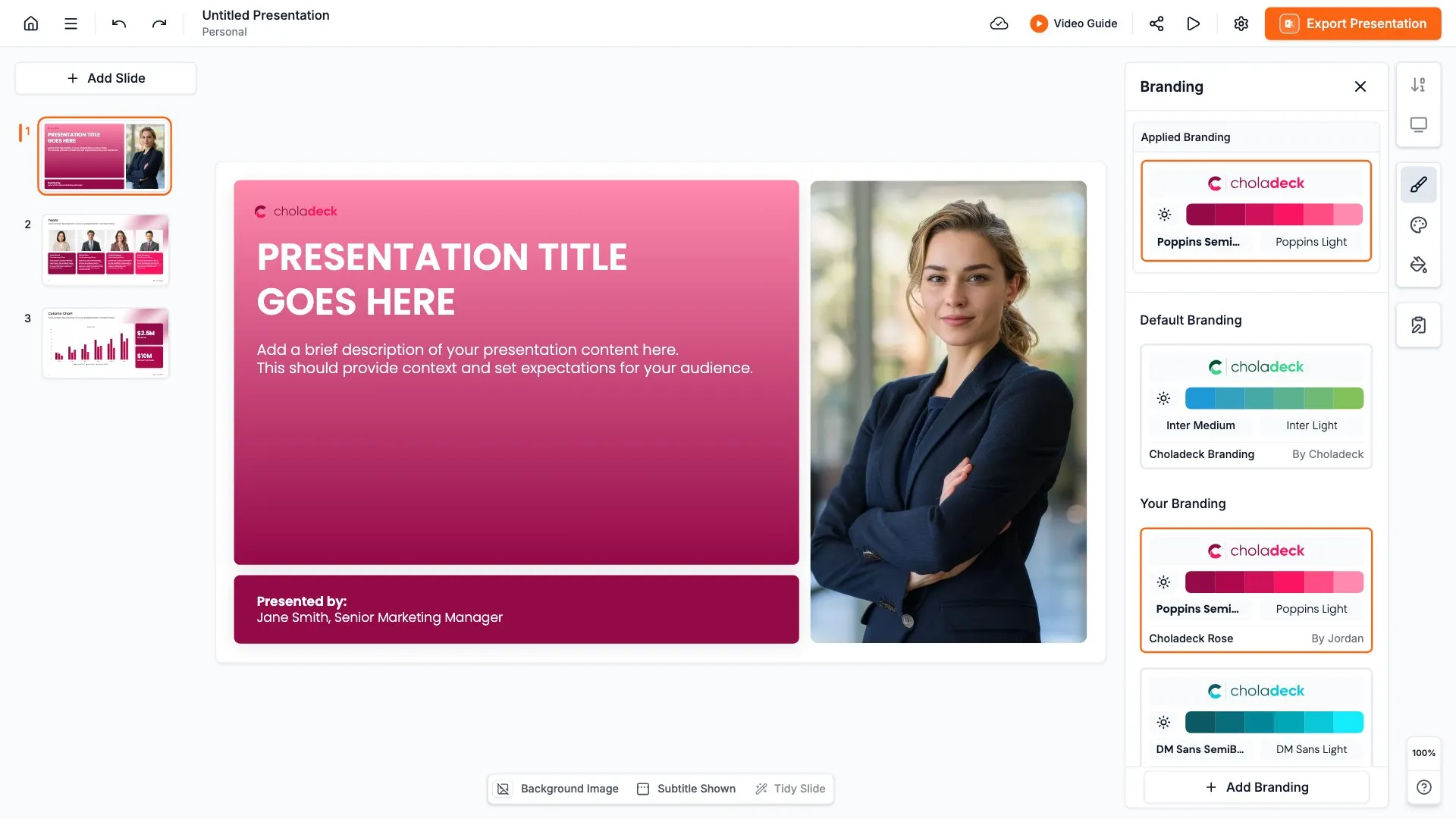
Add your logo, colors, fonts, and background once. It applies to the whole presentation and the entire slide library at the same time. OKR slides are shared across the company every quarter, so once branded, every team’s slides look like part of one plan.
Export to PowerPoint, Google Slides, or Keynote
You get a real file, not a locked link. Export it and keep editing in the tool you already use. Objectives, key results, and progress figures stay editable, so you can update scores at every check-in.
How Choladeck works
From blank page to finished presentation in four steps.
STEP 01
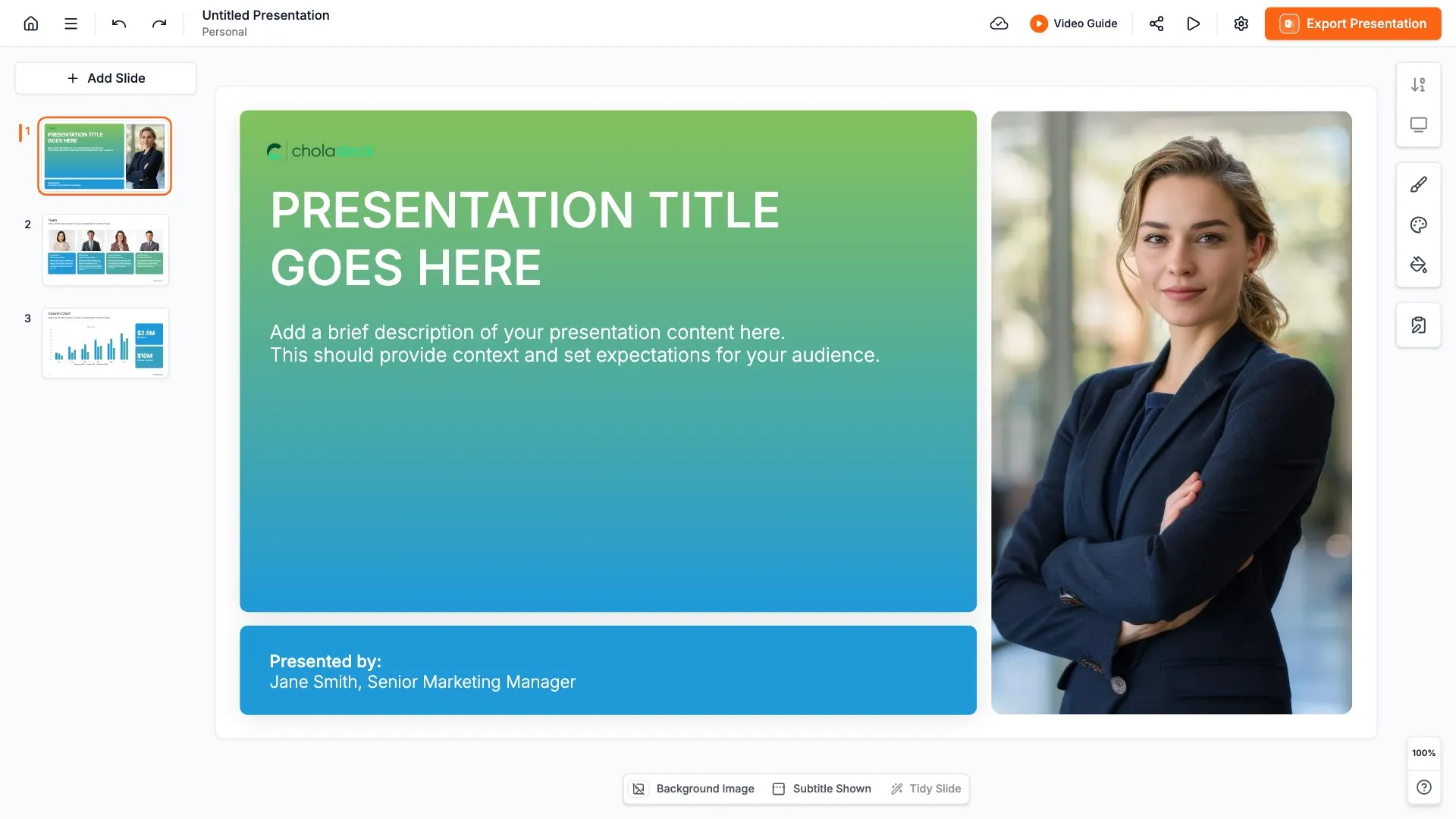
Browse 9,000+ slides across 134+ categories, or open one of the 74 premade presentations.
STEP 02
Add your logo, colors, and fonts in one click. The whole presentation instantly matches your company.
STEP 03
Add your text, numbers, charts, and tables. Everything on the slide is editable.
STEP 04
Send it to PowerPoint, Google Slides, or Keynote, and present.
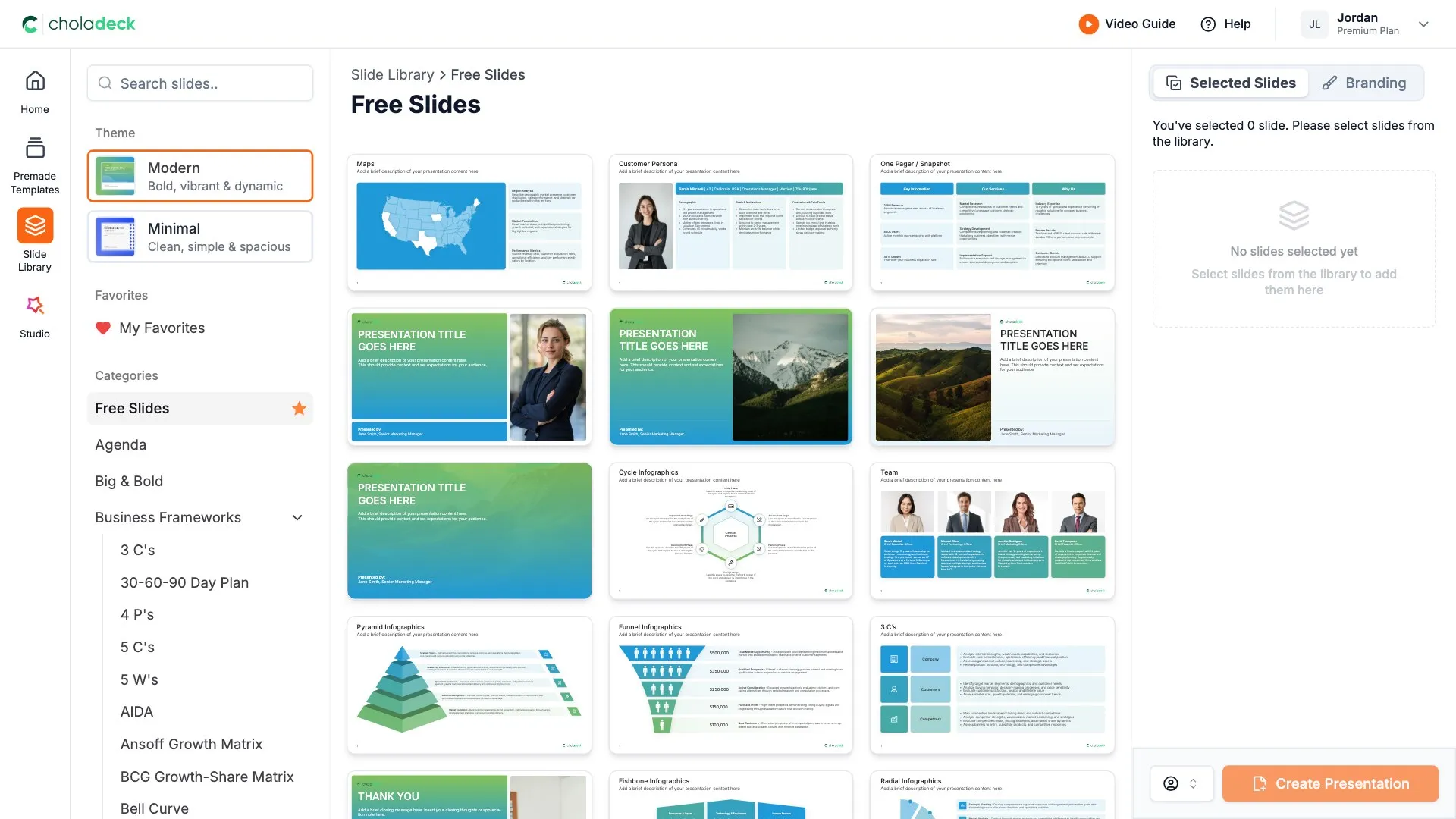
Need a complete presentation instead?
If you're starting from nothing rather than fixing a few slides, open one of 74+ premade presentations instead. Each one is complete and built for one purpose, from pitch decks to business plans and company profiles.
Questions about OKR slides
How the slides work, and how far you can change them.
Using the slides
Can I edit these slides in PowerPoint?
+Yes. Export to PowerPoint, Google Slides, or Keynote, and every objective and key result stays editable. Nothing is locked and nothing is a flat image.
How do I brand them to my company?
+Add your logo, colors, fonts, and background once. It applies to the whole presentation and the entire slide library at the same time.
Can I mix them with other slides from the library?
+Yes. Add an OKR slide to any premade template, or pair it with KPI dashboard or goal slides from the library. Branding applies across all of them.
About OKRs
What is the difference between an objective and a key result?
+An objective is what you want to achieve, stated in plain words. A key result is a measurable outcome that shows whether you achieved it.
How many OKRs should one slide show?
+One to three objectives, each with three to five key results. More than that and the priorities get lost.
Is this the same as the OKR template?
+No. The OKR template is a complete presentation, with last quarter's recap, a slide for each objective, dependencies, and the tracking cadence. These are single OKR slides you can add to any presentation, such as a team update or an all-hands.
Your next OKR slide is already designed
Pick a layout, brand it in one click, add your content, and export.
Free to start. No credit card required.