Pricing

Equation slides

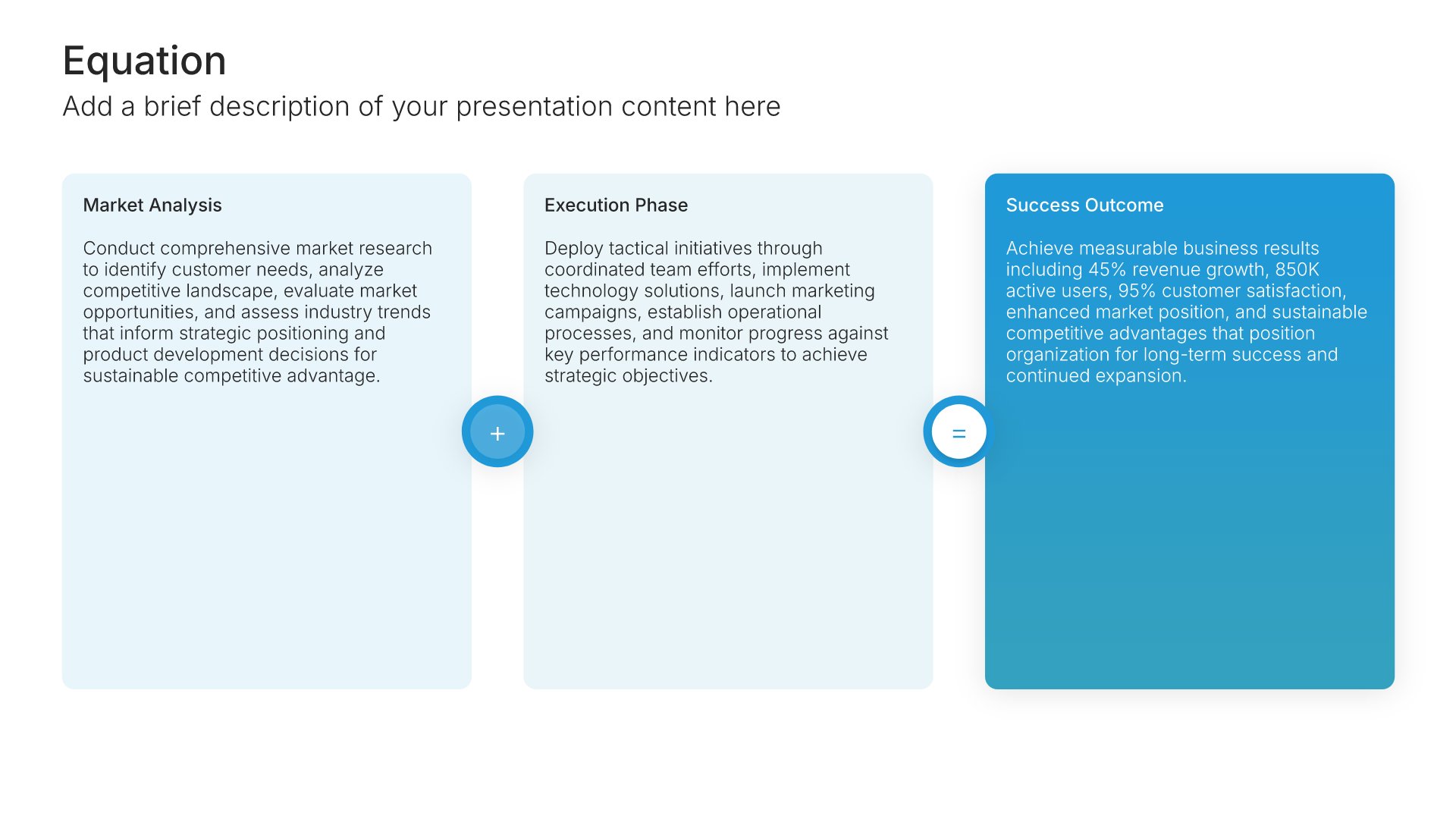
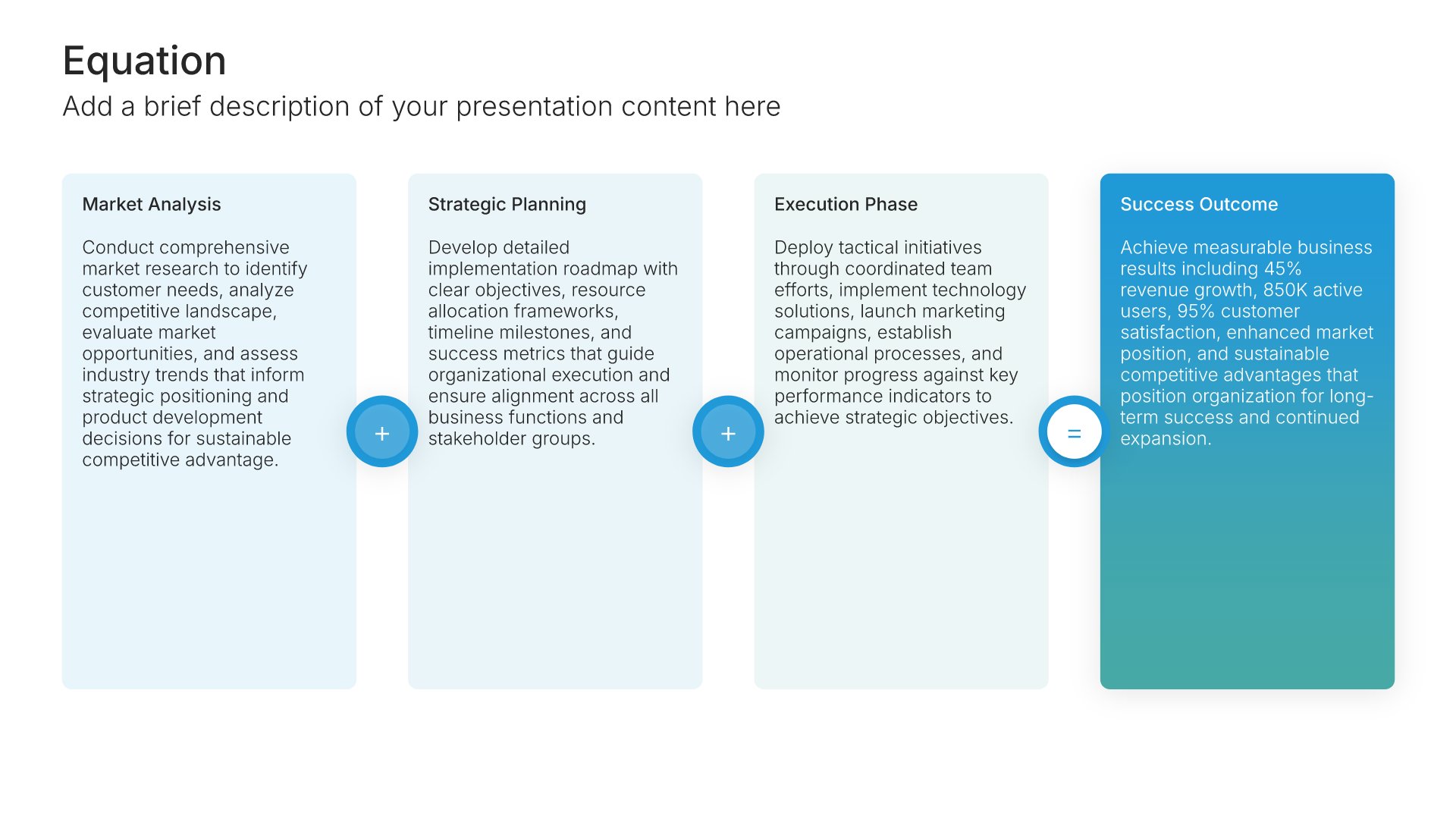
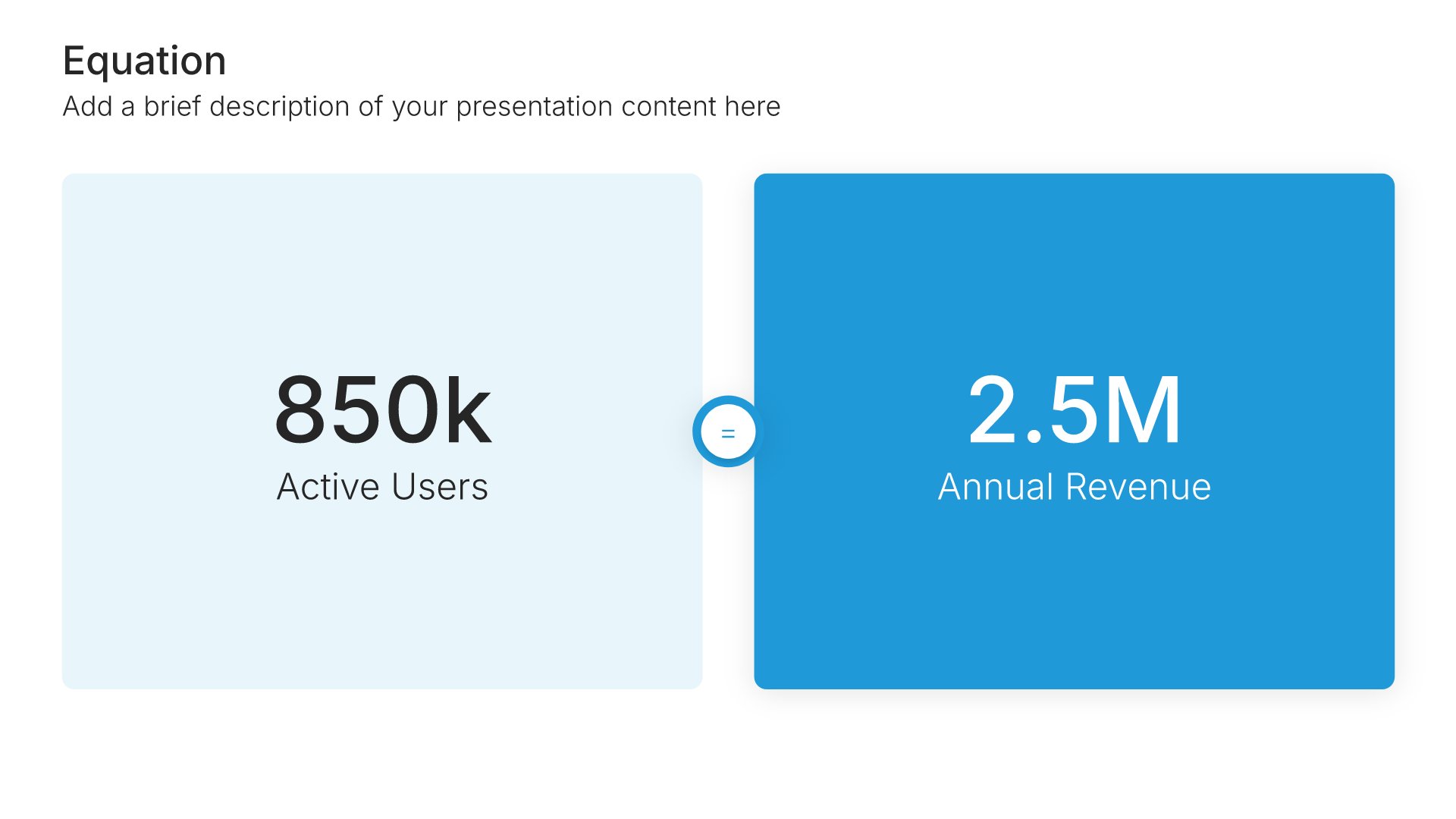
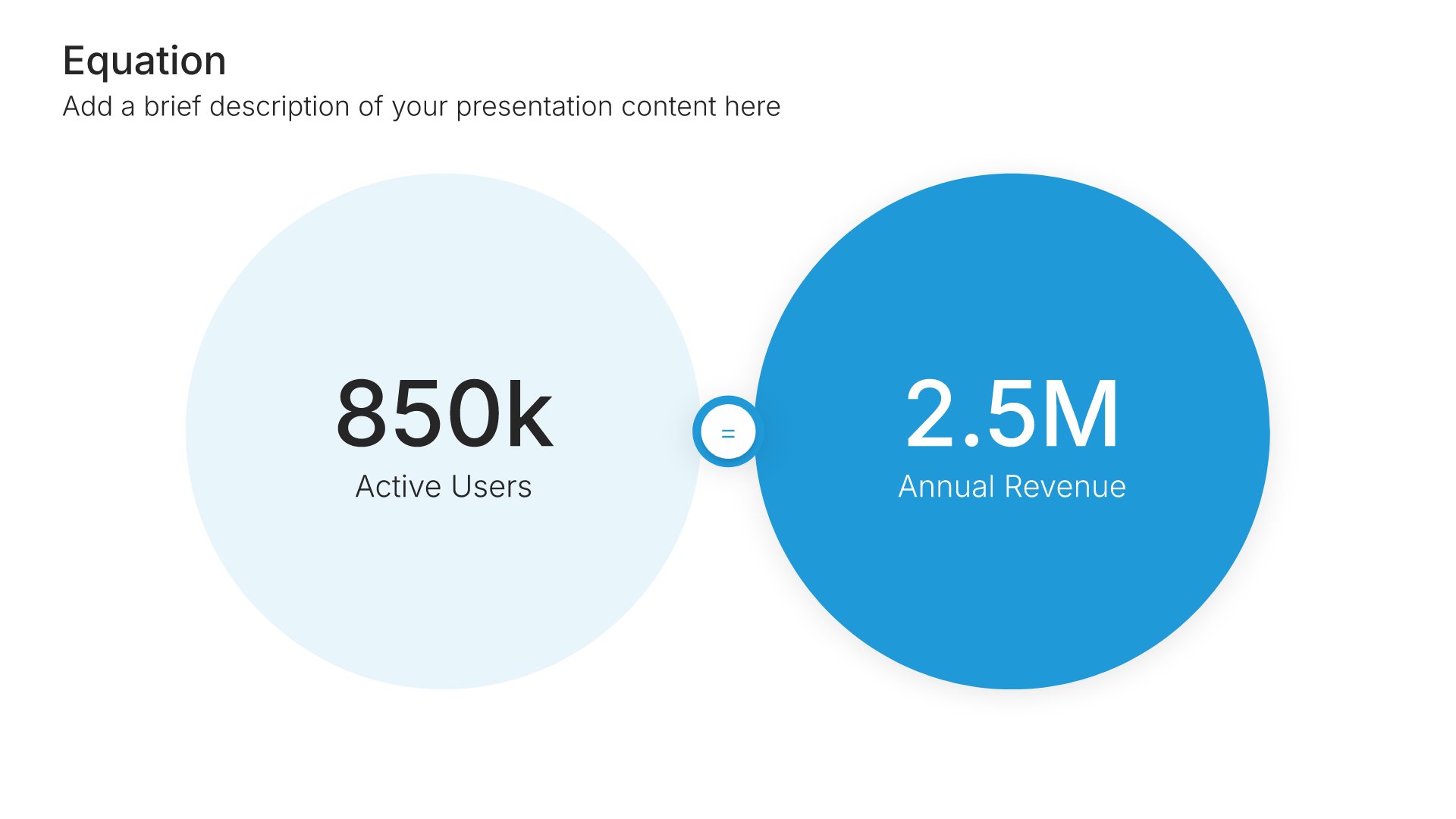
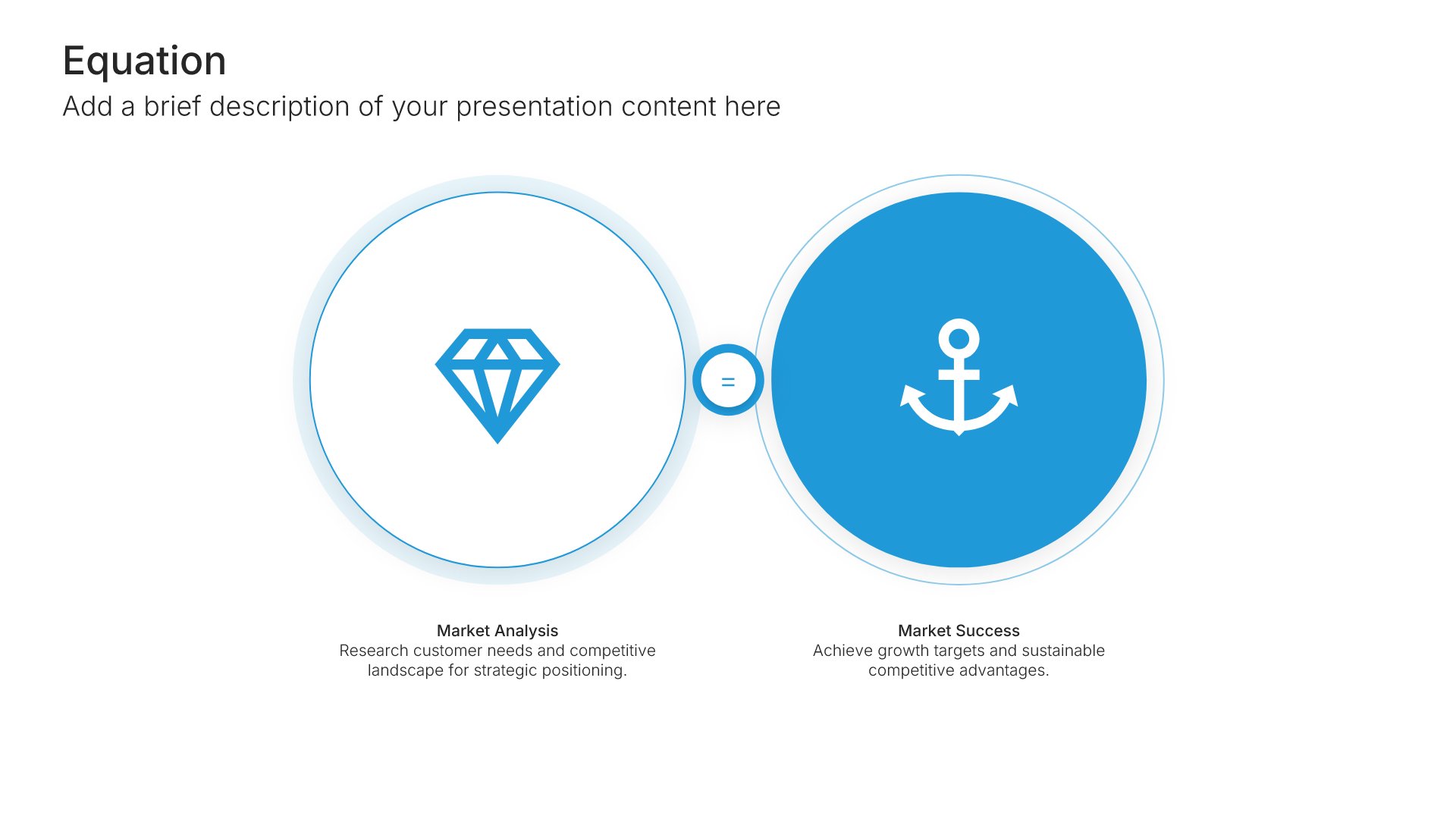
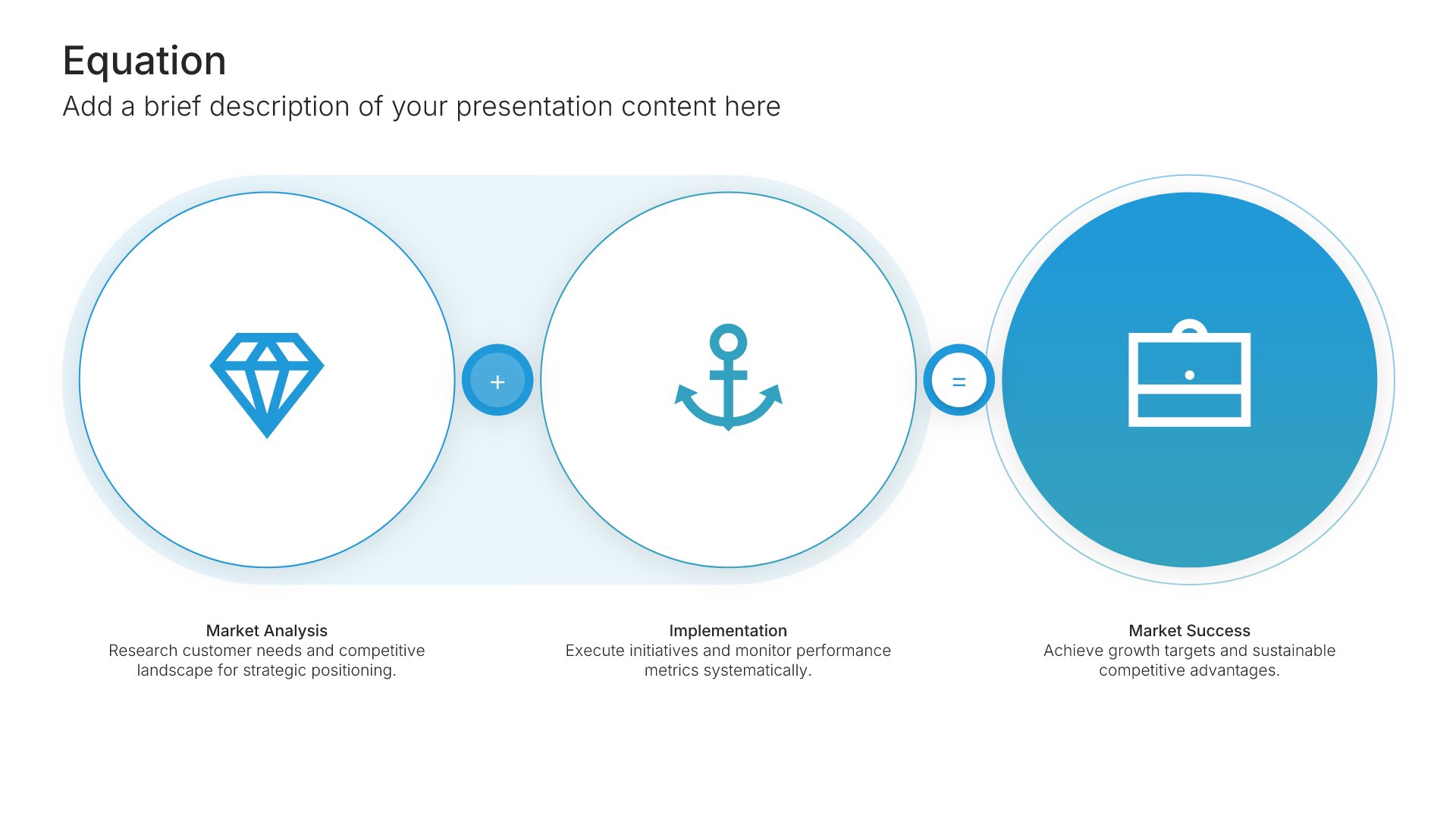
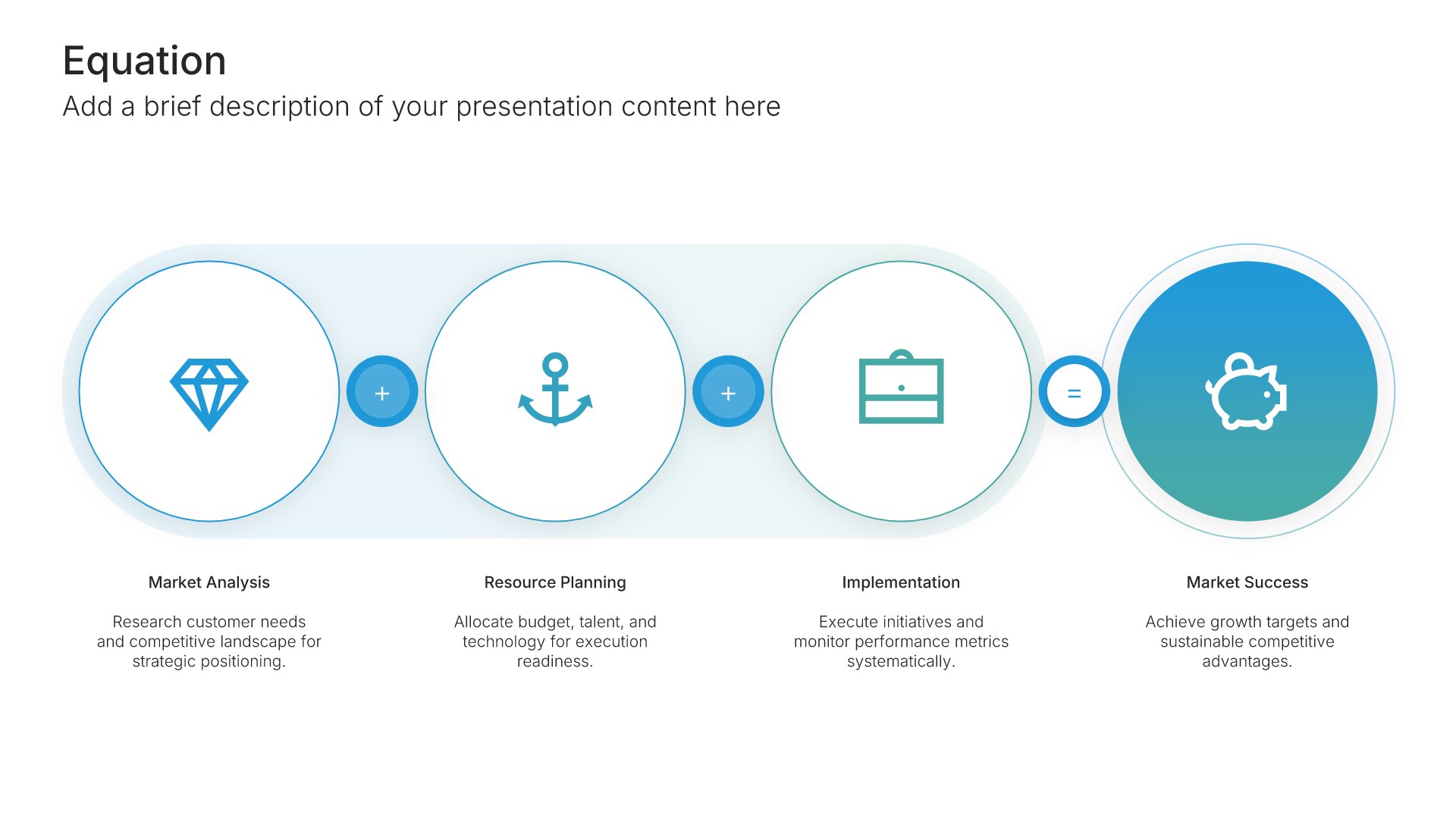
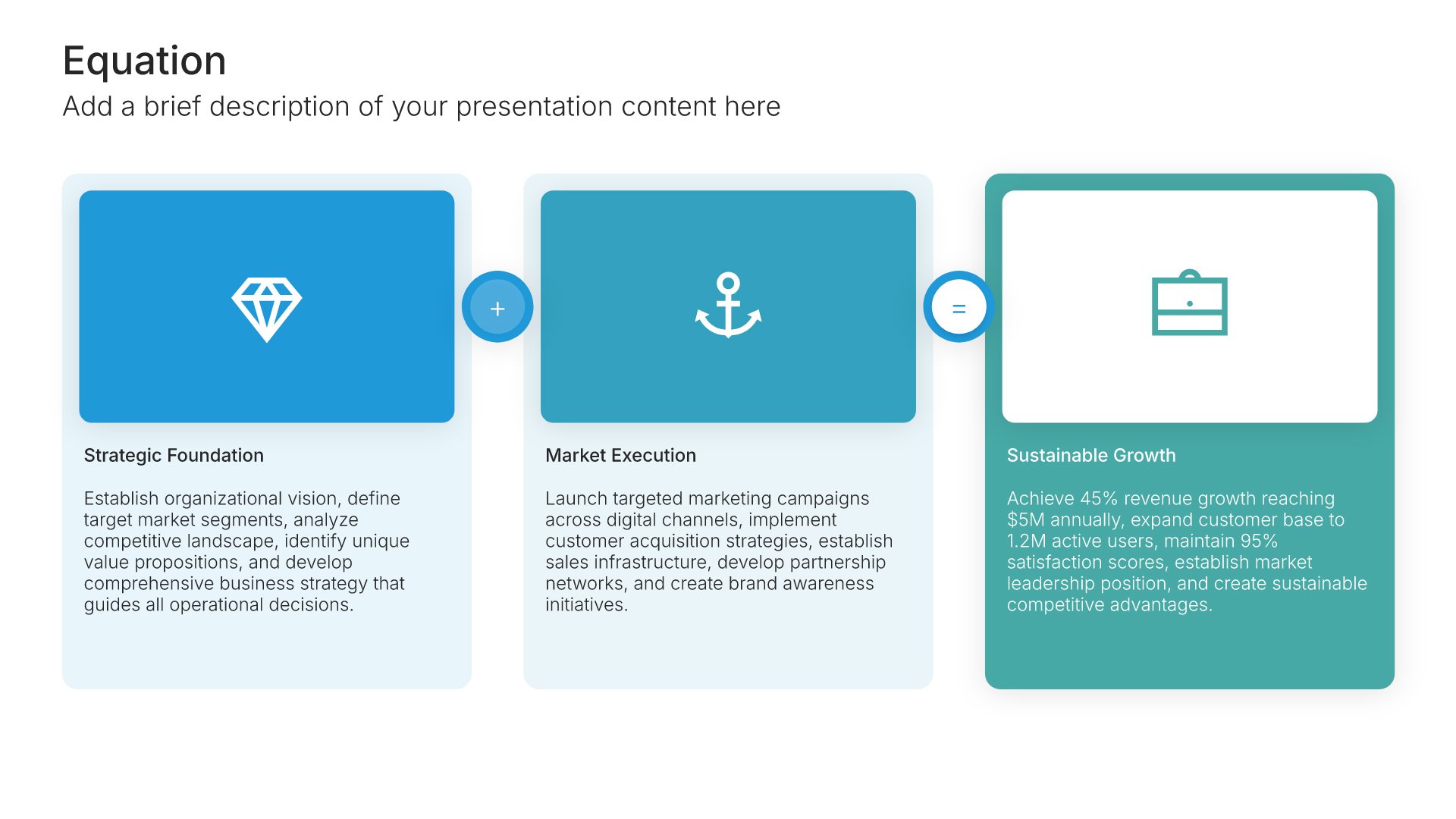
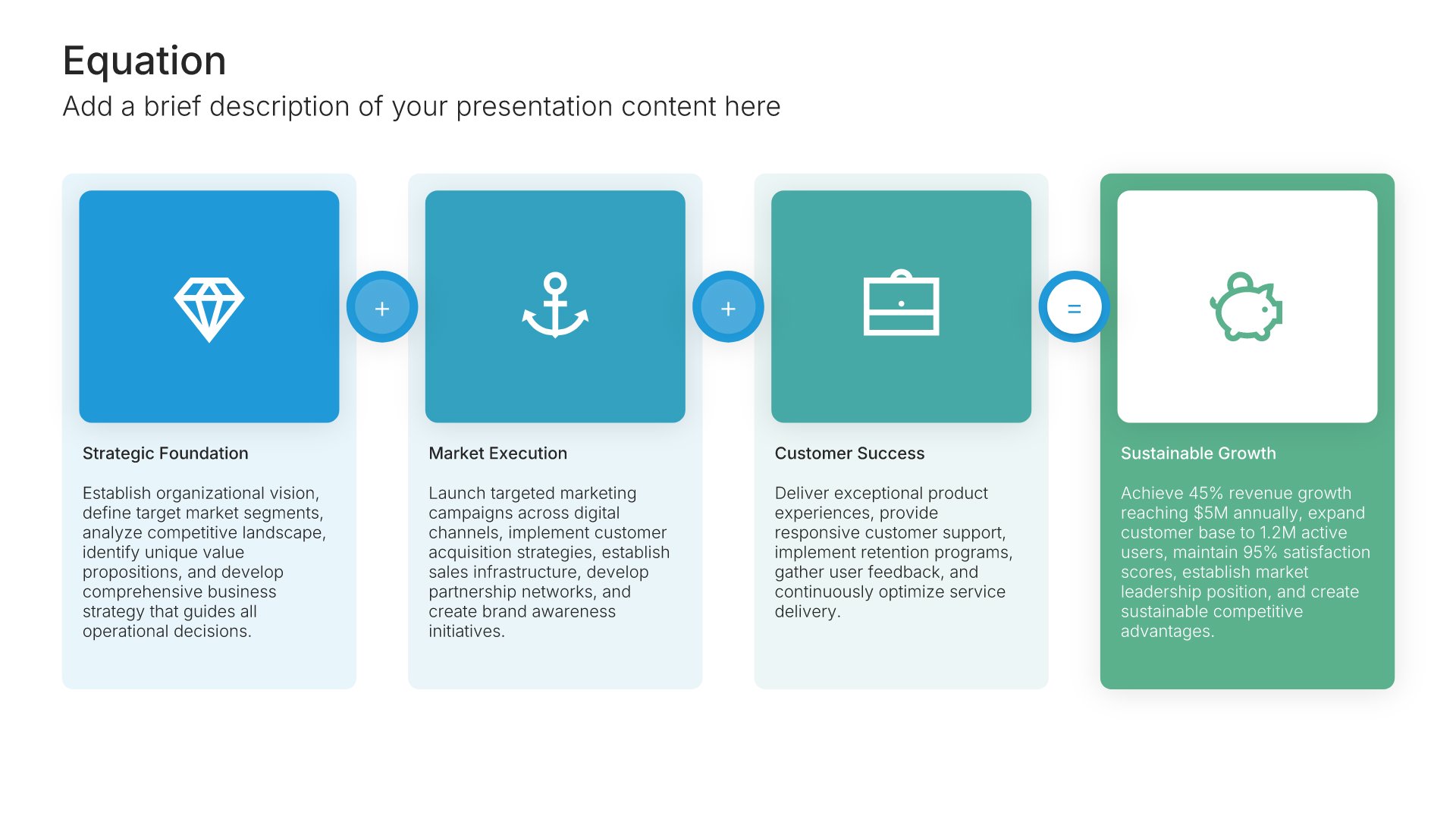
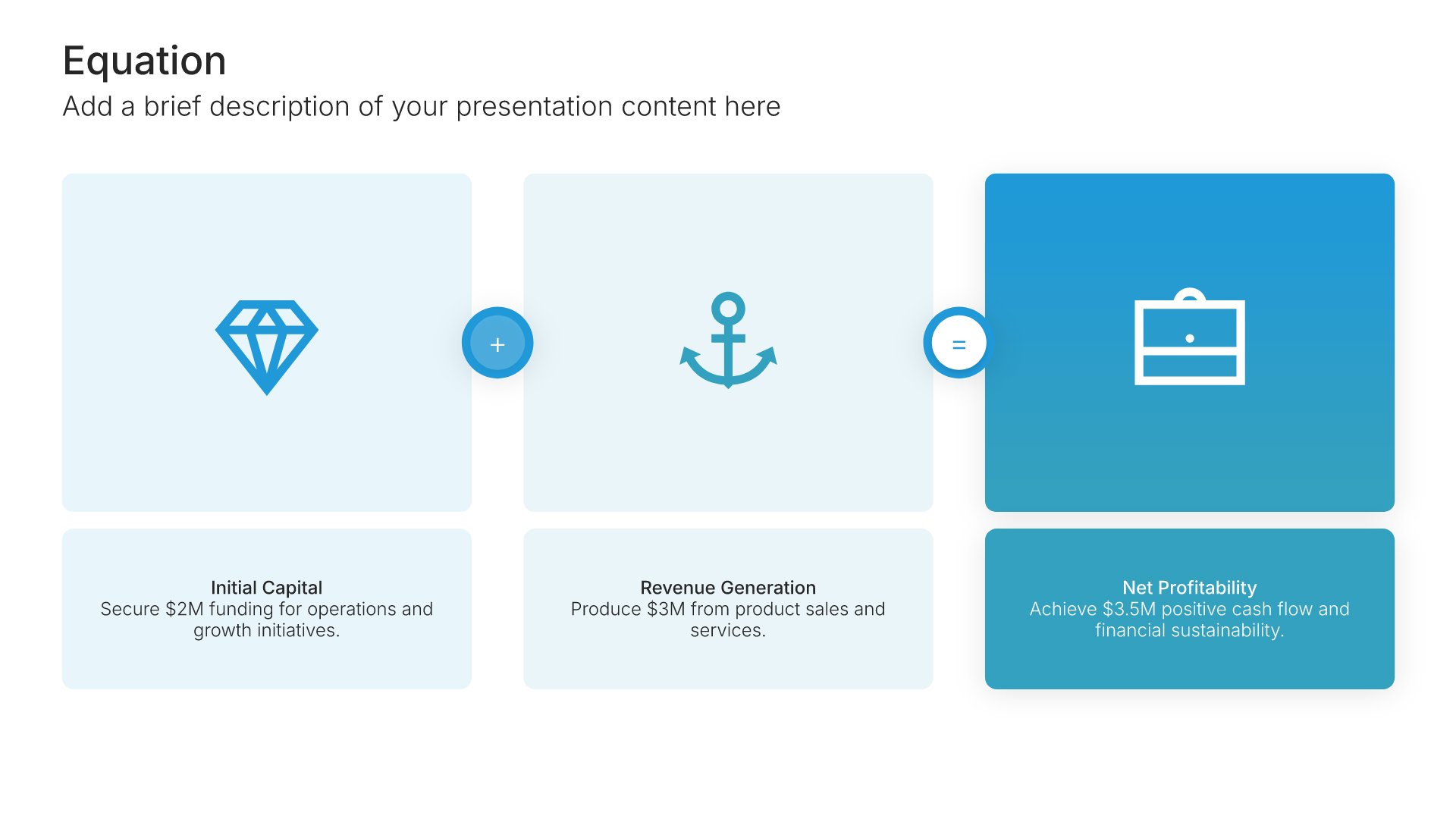
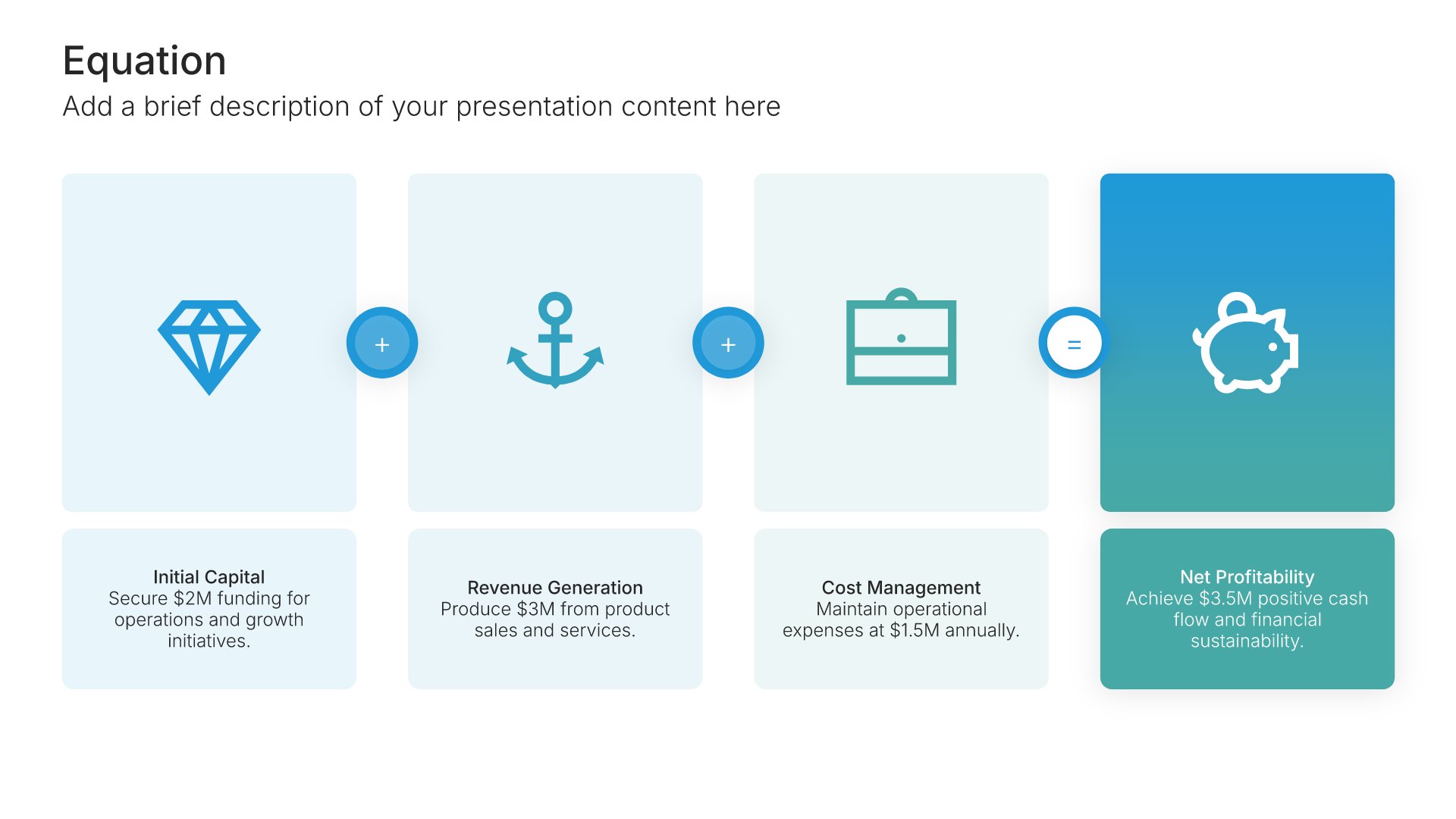
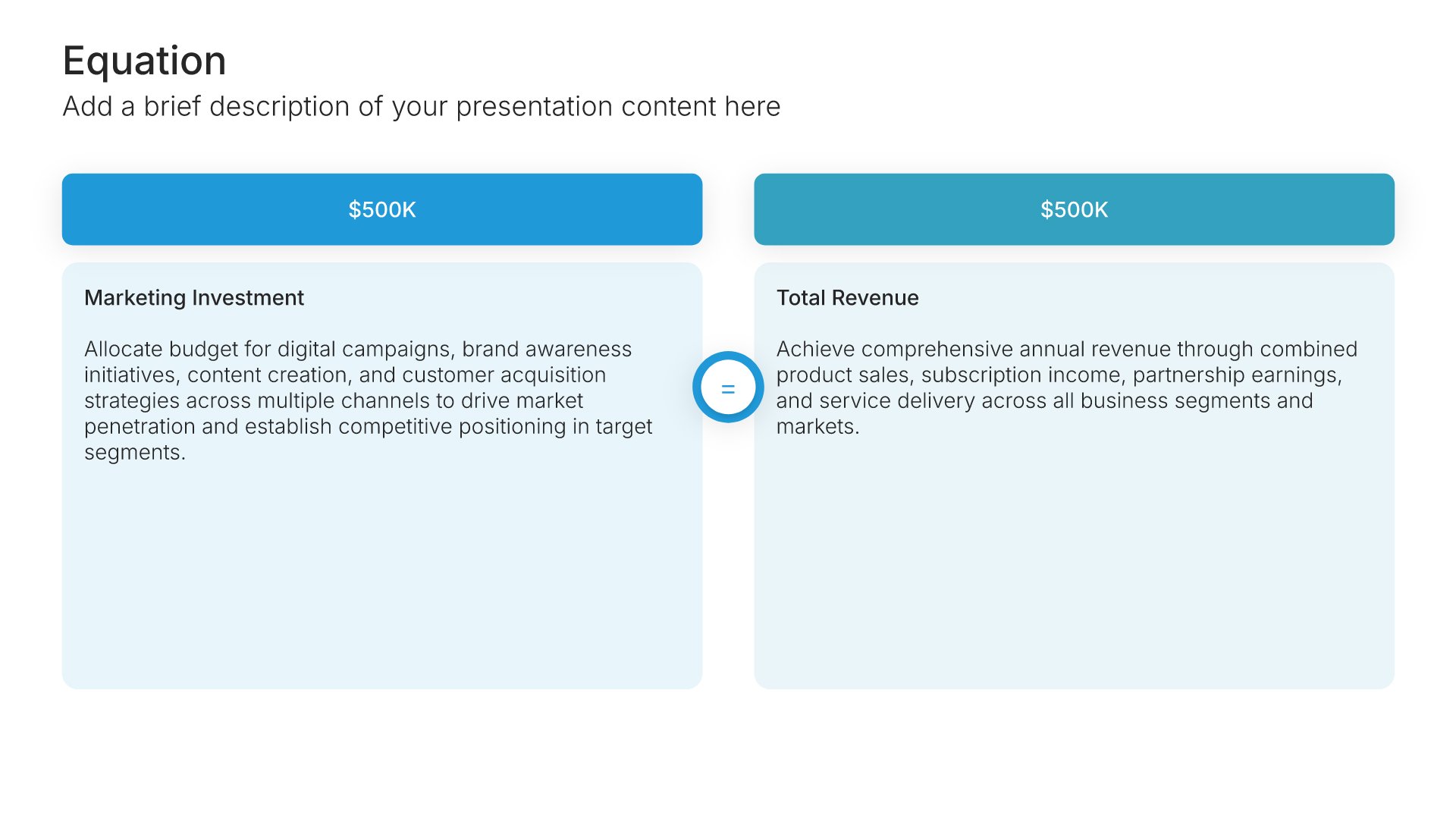
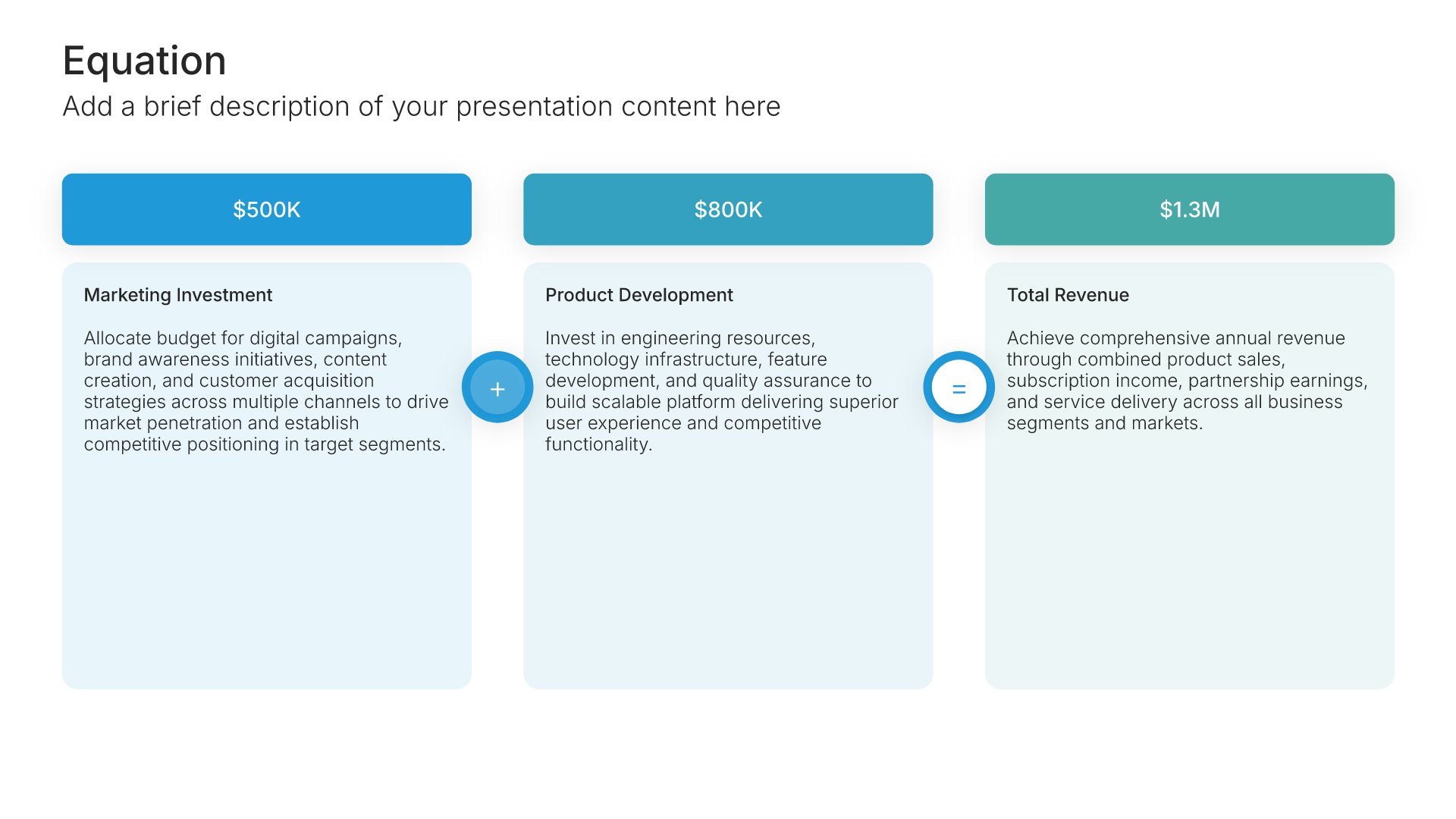
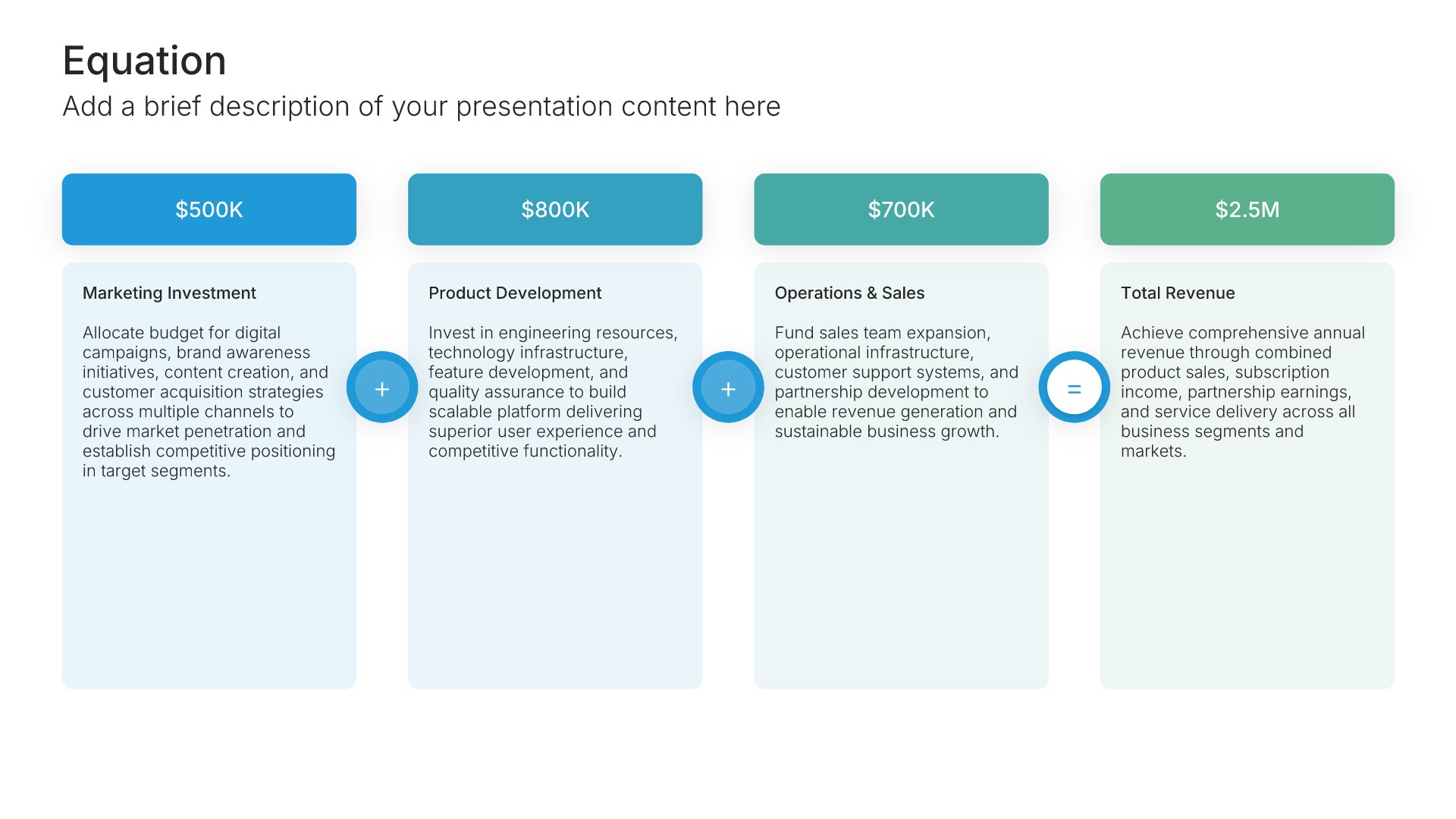
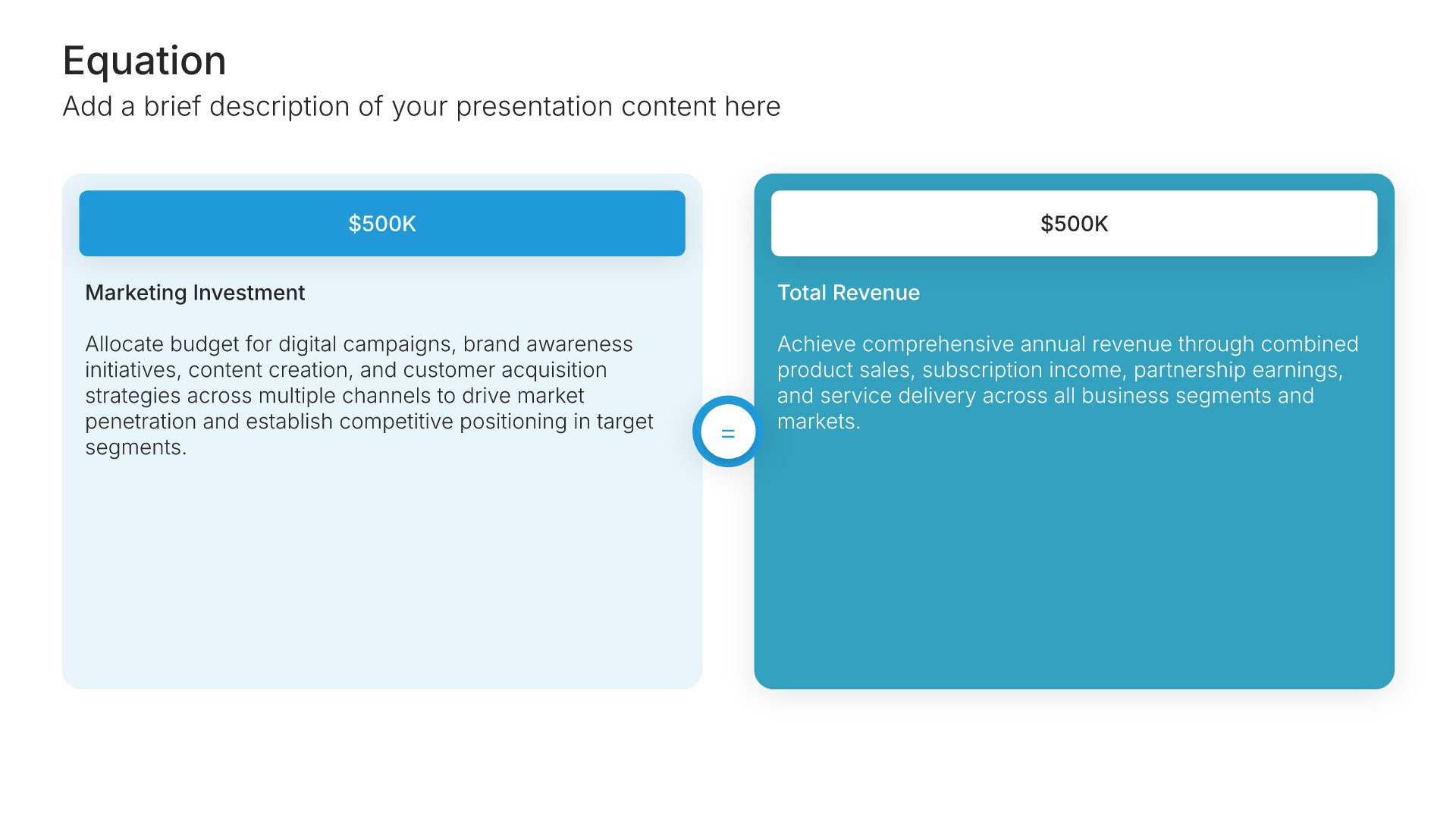
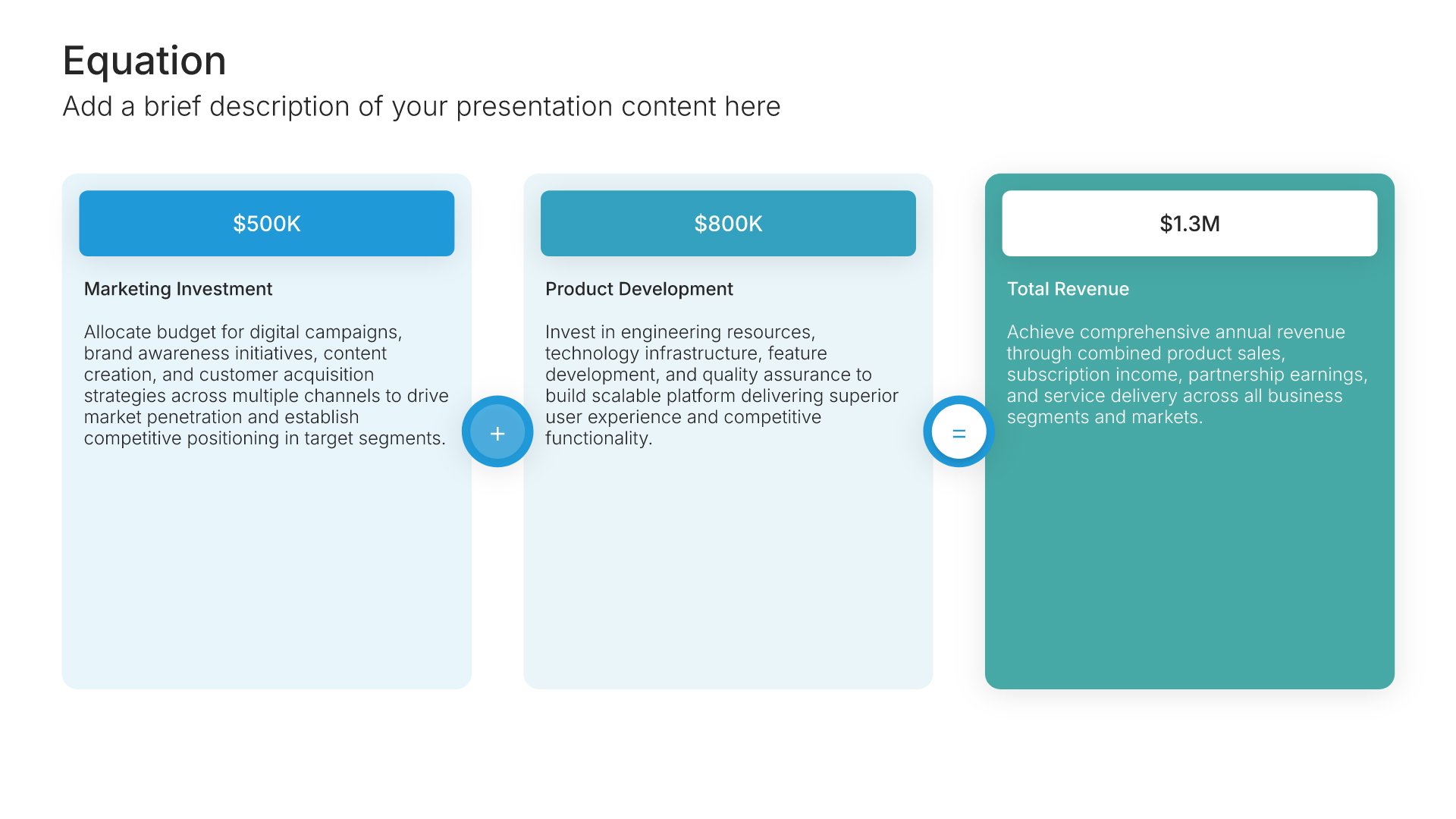
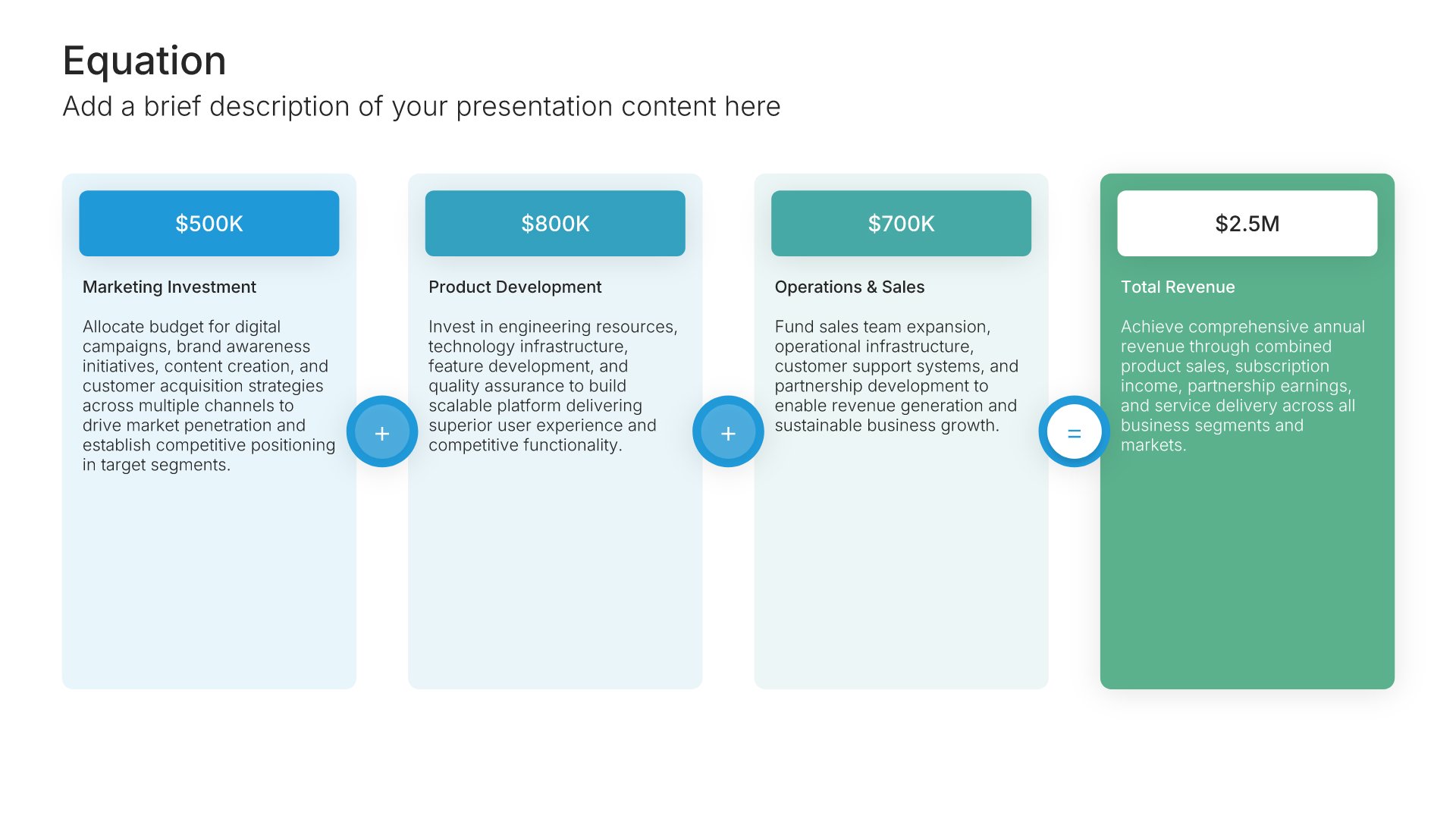
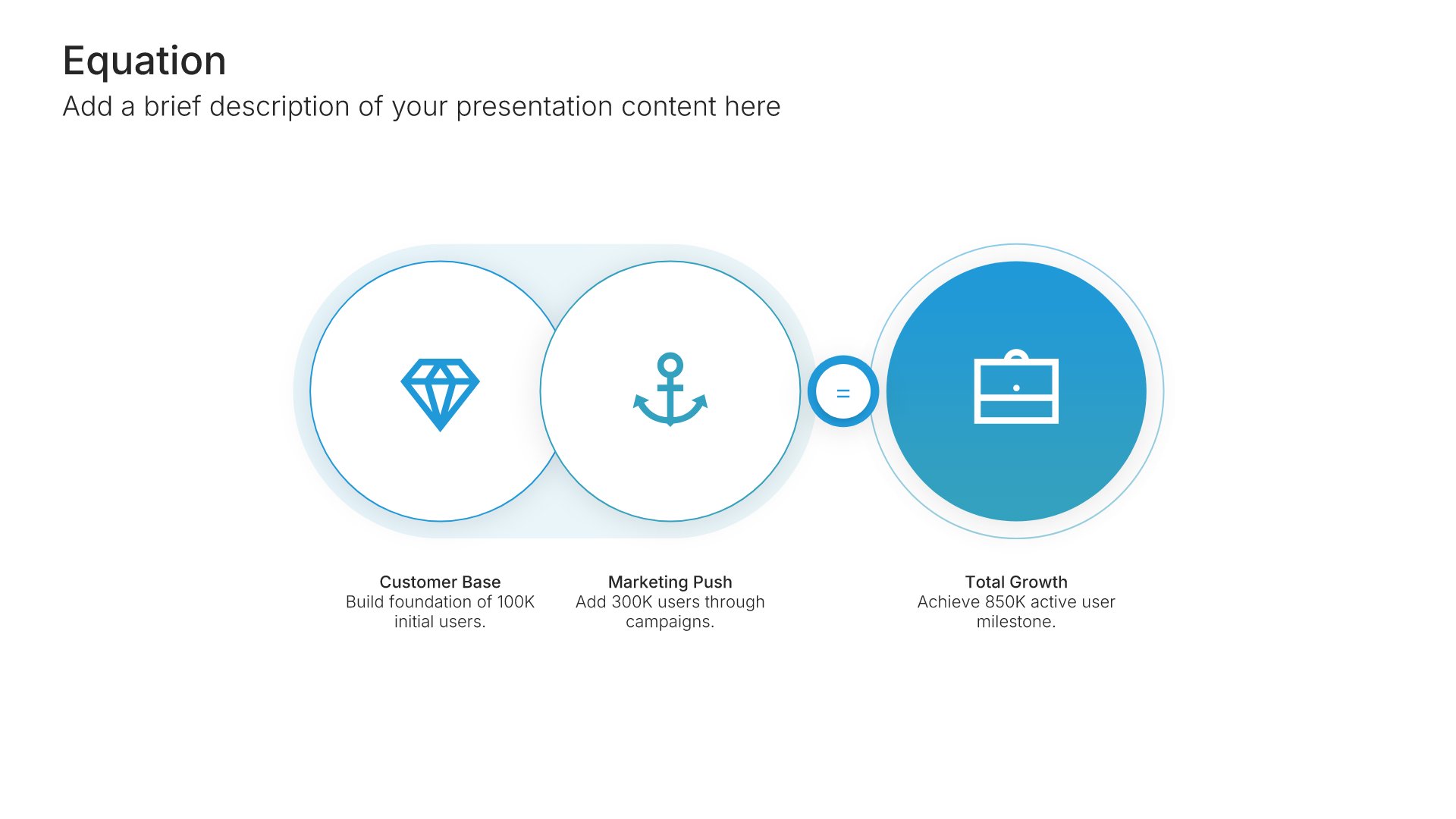
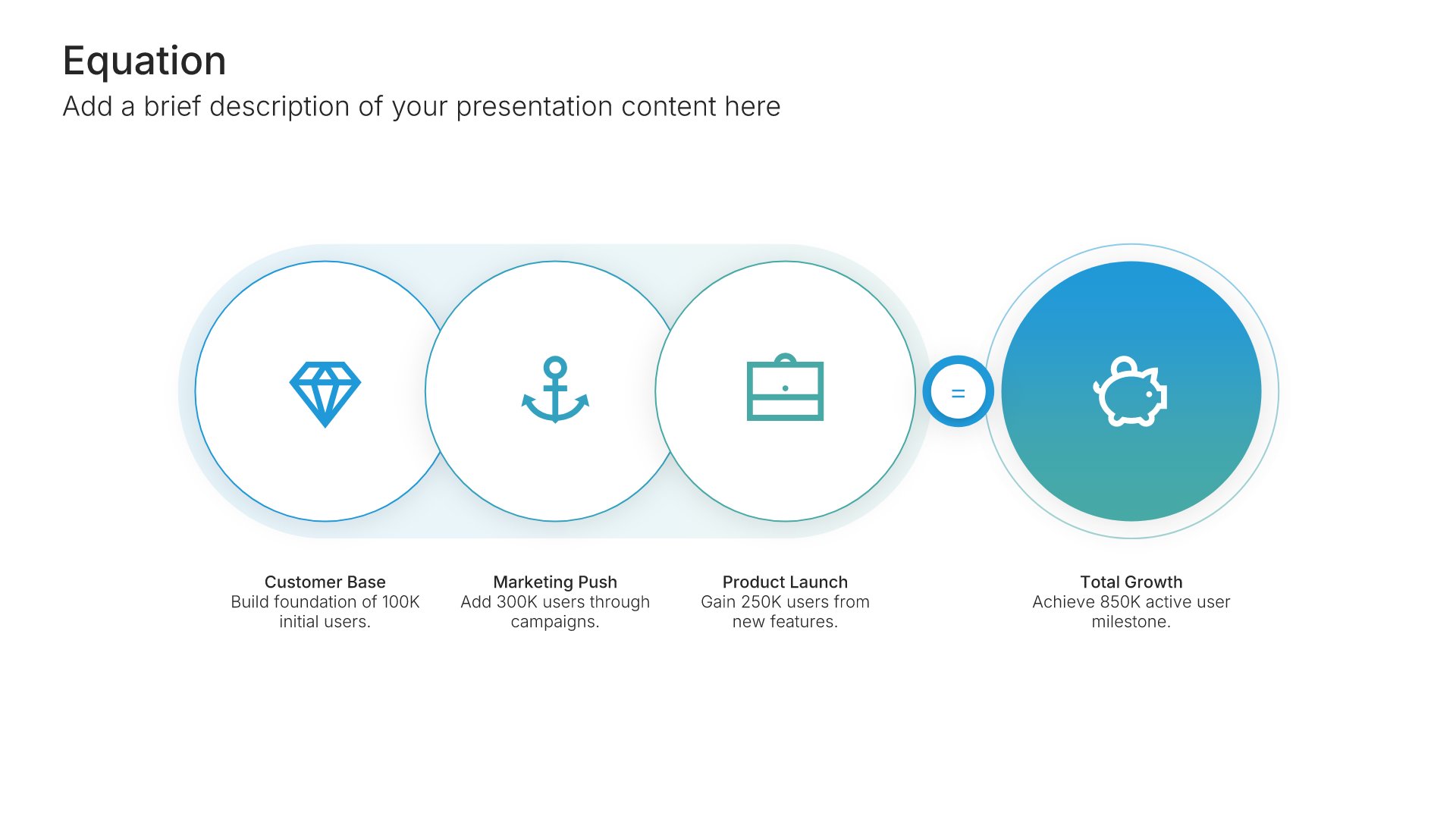
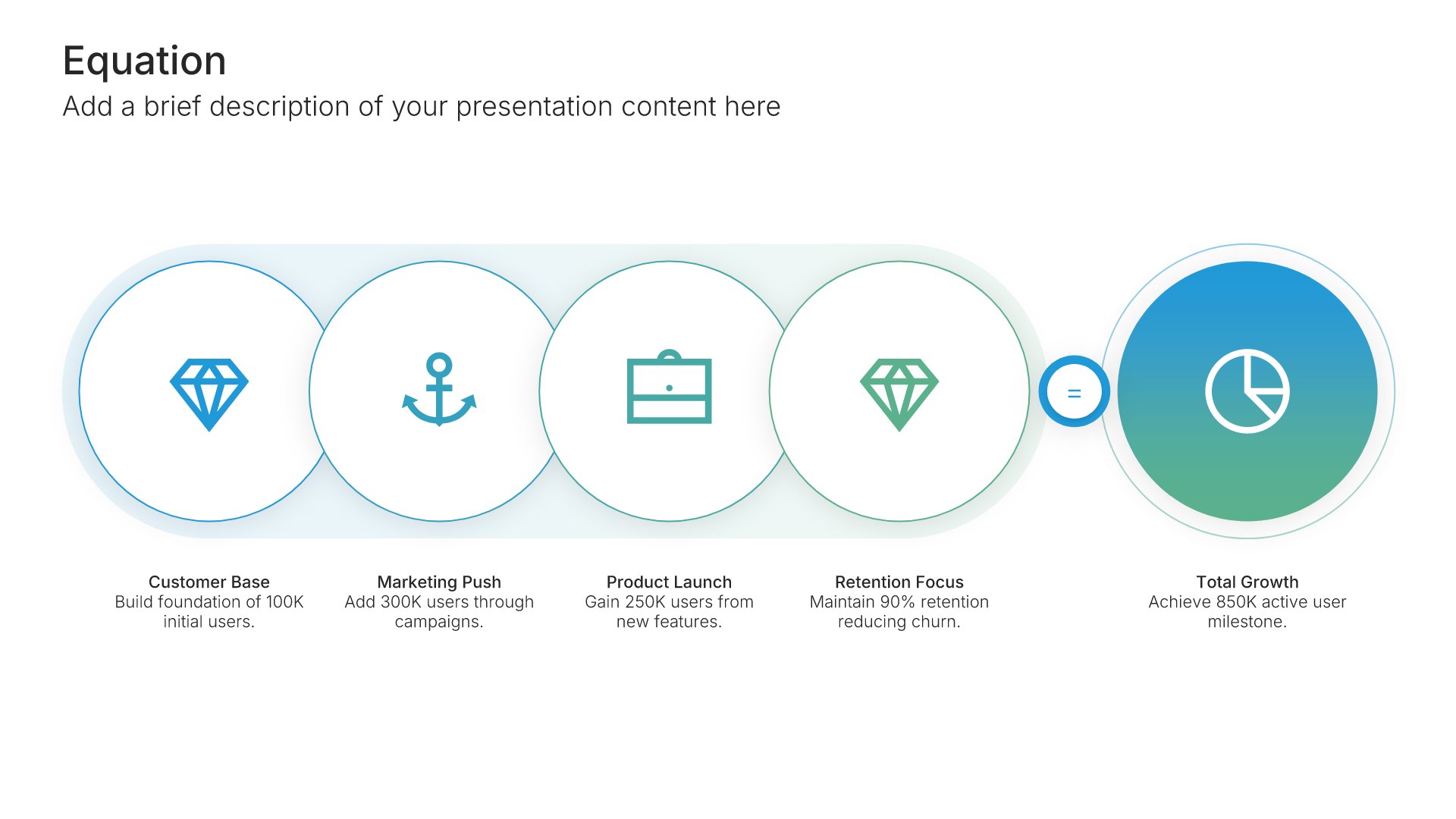
Equation slides show how separate parts combine into one result, laid out as a simple visual formula: this plus that equals the outcome. Pick one of 28 layouts, brand it to your company in one click, add your parts, and export to PowerPoint, Google Slides, or Keynote.

Free to start. No credit card required.
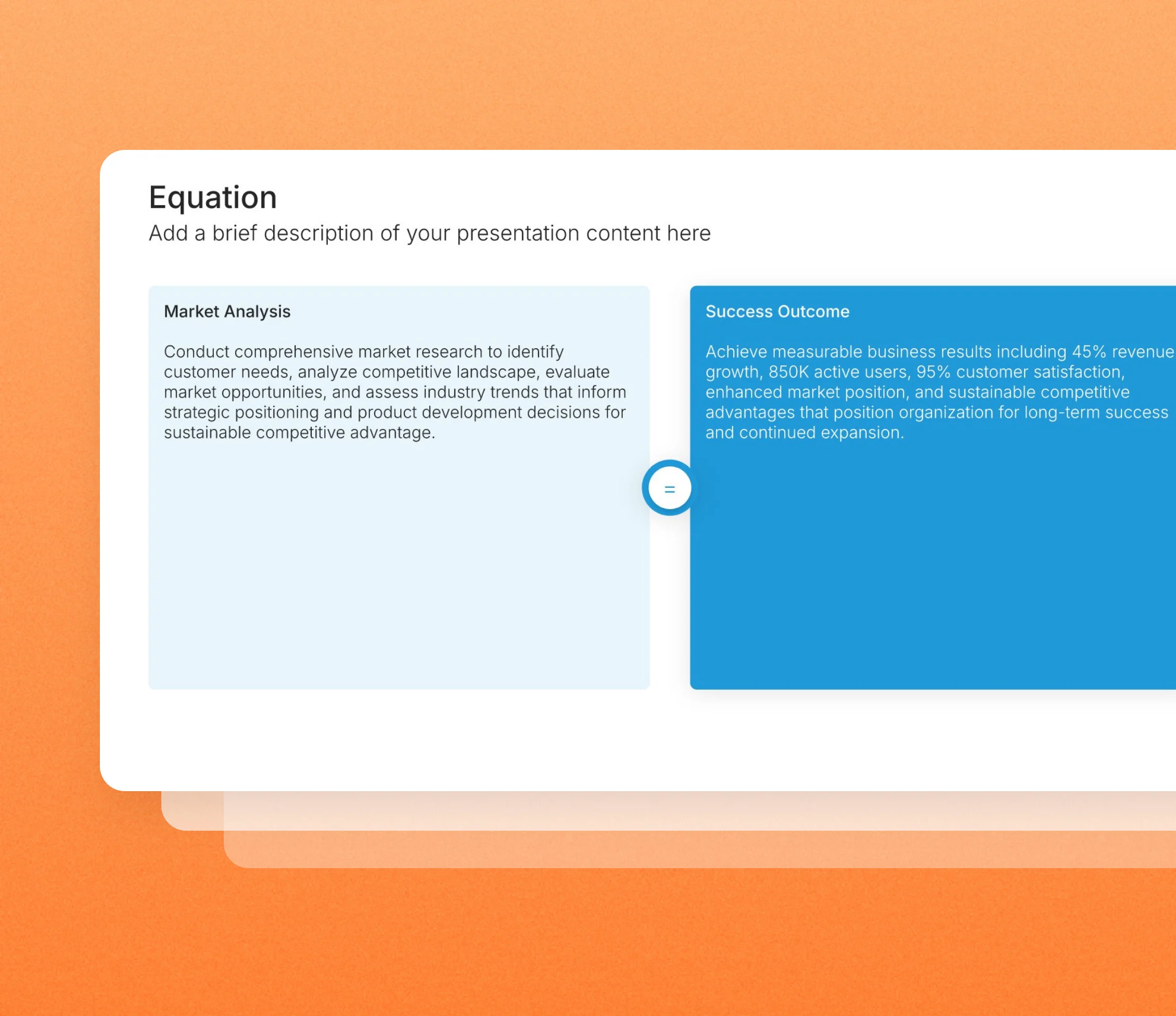
Equation slides in the Choladeck slide library

Browse equation slides

28 ways to show how the parts add up, all fully editable.
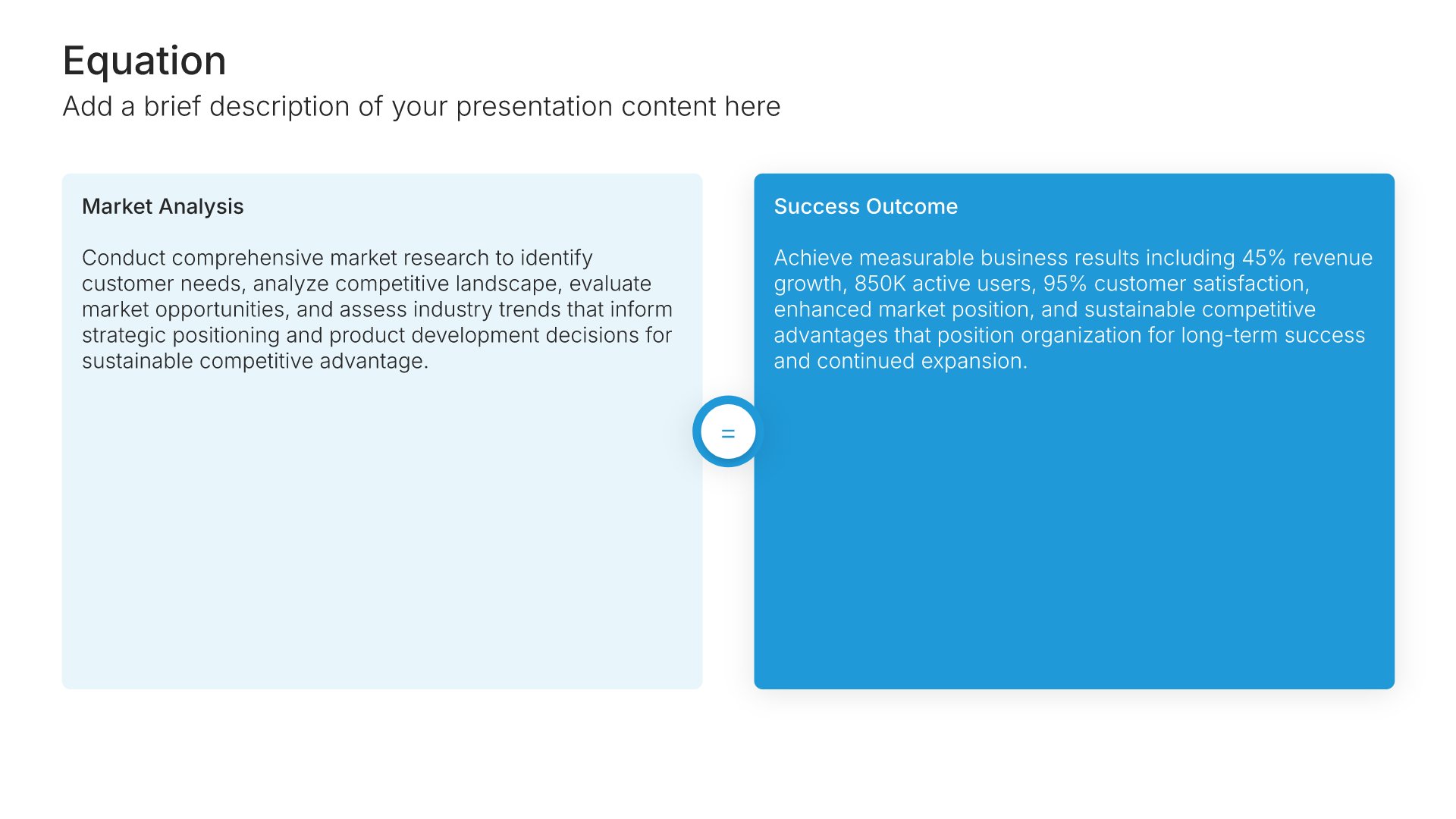
Equation • Slide Library • Layout 01 of 28

Equation slide, layout 01

Layout 01

Equation slide, layout 02

Layout 02

Equation slide, layout 03

Layout 03

Equation slide, layout 04

Layout 04

Equation slide, layout 05

Layout 05

Equation slide, layout 06

Layout 06

Equation slide, layout 07

Layout 07

Equation slide, layout 08

Layout 08

Equation slide, layout 09

Layout 09

Equation slide, layout 10

Layout 10

Equation slide, layout 11

Layout 11

Equation slide, layout 12

Layout 12

Equation slide, layout 13

Layout 13

Equation slide, layout 14

Layout 14

Equation slide, layout 15

Layout 15

Equation slide, layout 16

Layout 16

Equation slide, layout 17

Layout 17

Equation slide, layout 18

Layout 18

Equation slide, layout 19

Layout 19

Equation slide, layout 20

Layout 20

Equation slide, layout 21

Layout 21

Equation slide, layout 22

Layout 22

Equation slide, layout 23

Layout 23

Equation slide, layout 24

Layout 24

Equation slide, layout 25

Layout 25

Equation slide, layout 26

Layout 26

Equation slide, layout 27

Layout 27

Equation slide, layout 28

Layout 28

About our equation slides

What the slide does, how to use it, your brand, and a file you can edit anywhere.

Built to explain an idea as a simple sum

Some ideas are easiest to explain as a sum. Your product plus a customer’s data equals a better decision. A team plus a process equals a result. Equation slides use that familiar structure to show how parts come together, and our equation slides keep the formula clean, so the outcome reads instantly.

Why a formula is instantly understood

Everyone reads plus and equals signs without thinking. That makes an equation one of the fastest ways to explain how something works. So instead of describing the relationship between the parts, the slide shows it, and the result gets the emphasis it deserves.

Brand the whole presentation in one click

Add your logo, colors, fonts, and background once. It applies to the whole presentation and the entire slide library at the same time. Equation slides often explain your value proposition near the front of sales and pitch presentations, so once branded, they match the rest of your story.

Export to PowerPoint, Google Slides, or Keynote

You get a real file, not a locked link. Export it and keep editing in the tool you already use. Every part, symbol, and label stays editable, so you can change the formula to fit different audiences.

How Choladeck works

From blank page to finished presentation in four steps.

STEP 01

Browse 9,000+ slides across 134+ categories, or open one of the 74 premade presentations.

STEP 02

Add your logo, colors, and fonts in one click. The whole presentation instantly matches your company.

STEP 03

Add your text, numbers, charts, and tables. Everything on the slide is editable.

STEP 04

Send it to PowerPoint, Google Slides, or Keynote, and present.

Start from a template

Need a complete presentation instead?

If you're starting from nothing rather than fixing a few slides, open one of 74+ premade presentations instead. Each one is complete and built for one purpose, from pitch decks to business plans and company profiles.

Choladeck premade templates with the Type of Presentation filter and the Consulting Company Profile deck shown larger

Questions about equation slides

How the slides work, and how far you can change them.

Using the slides

Can I edit these slides in PowerPoint?

+

Yes. Export to PowerPoint, Google Slides, or Keynote, and every part, symbol, and label stays editable. Nothing is locked and nothing is a flat image.

How do I brand them to my company?

+

Add your logo, colors, fonts, and background once. It applies to the whole presentation and the entire slide library at the same time.

Can I mix them with other slides from the library?

+

Yes. Add an equation slide to any premade template, or pair it with big and bold or simple text slides from the library. Branding applies across all of them.

About equation slides

When should I use an equation slide?

+

When you want to show that a result comes from combining things: your offer, a strategy, a winning team, or a process.

How many parts should the equation have?

+

Two or three is usually clearest. More than that and the formula becomes hard to read in one look.

Are these for math presentations?

+

Not mainly. They're visual formulas for business ideas, though you can use them to show any calculation.

Your next equation slide is already designed

Pick a layout, brand it in one click, add your content, and export.

Free to start. No credit card required.