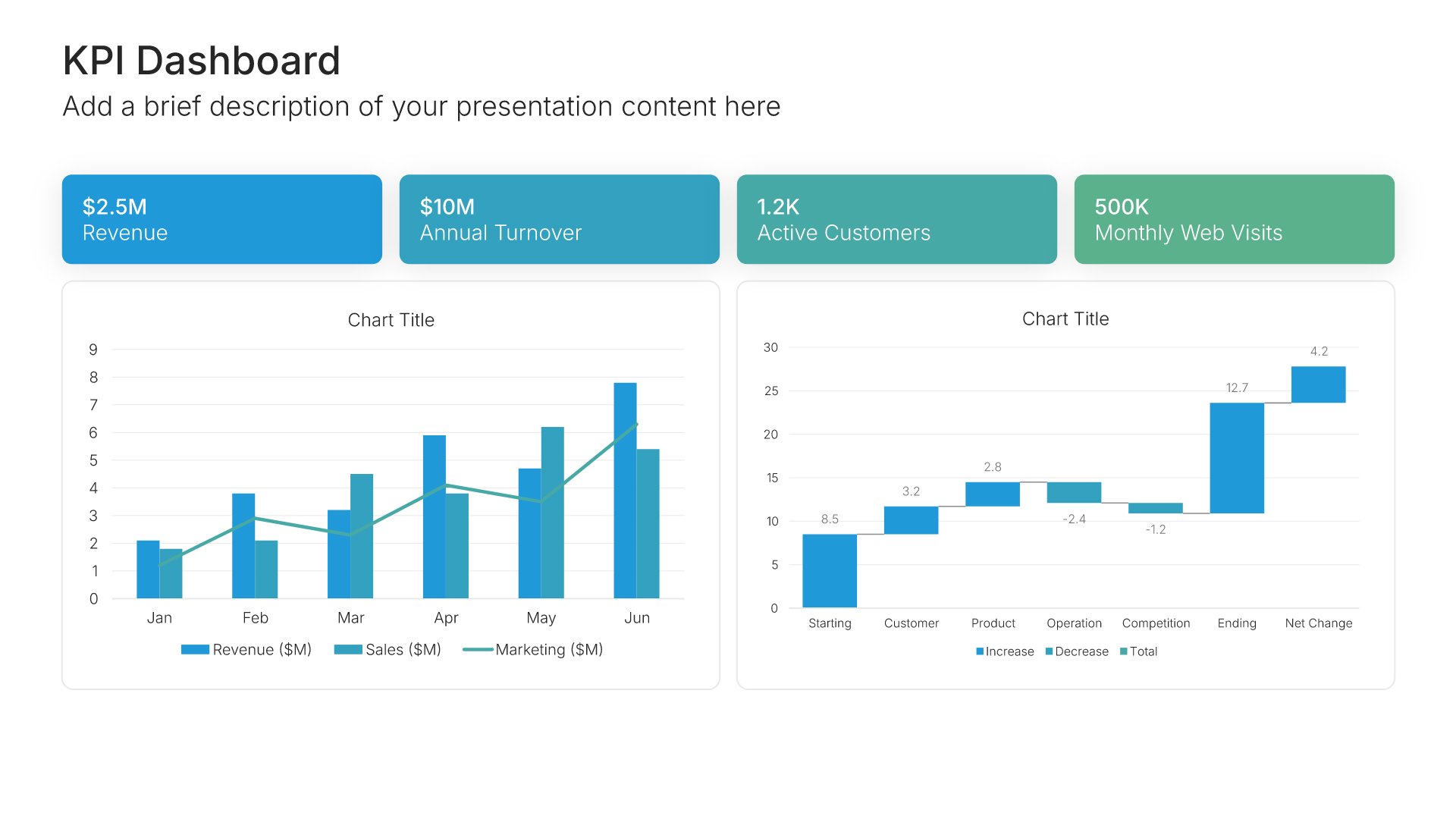
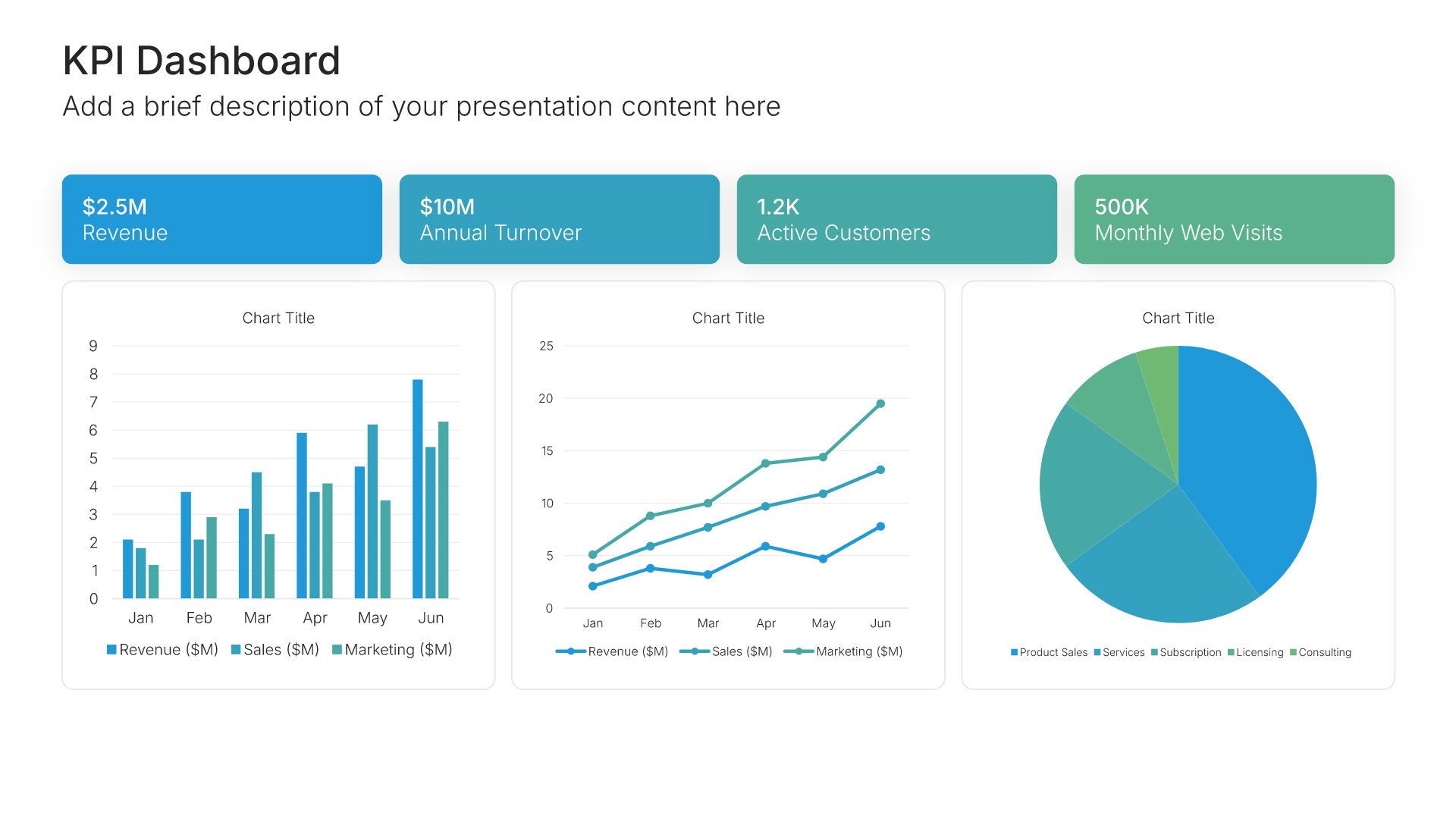
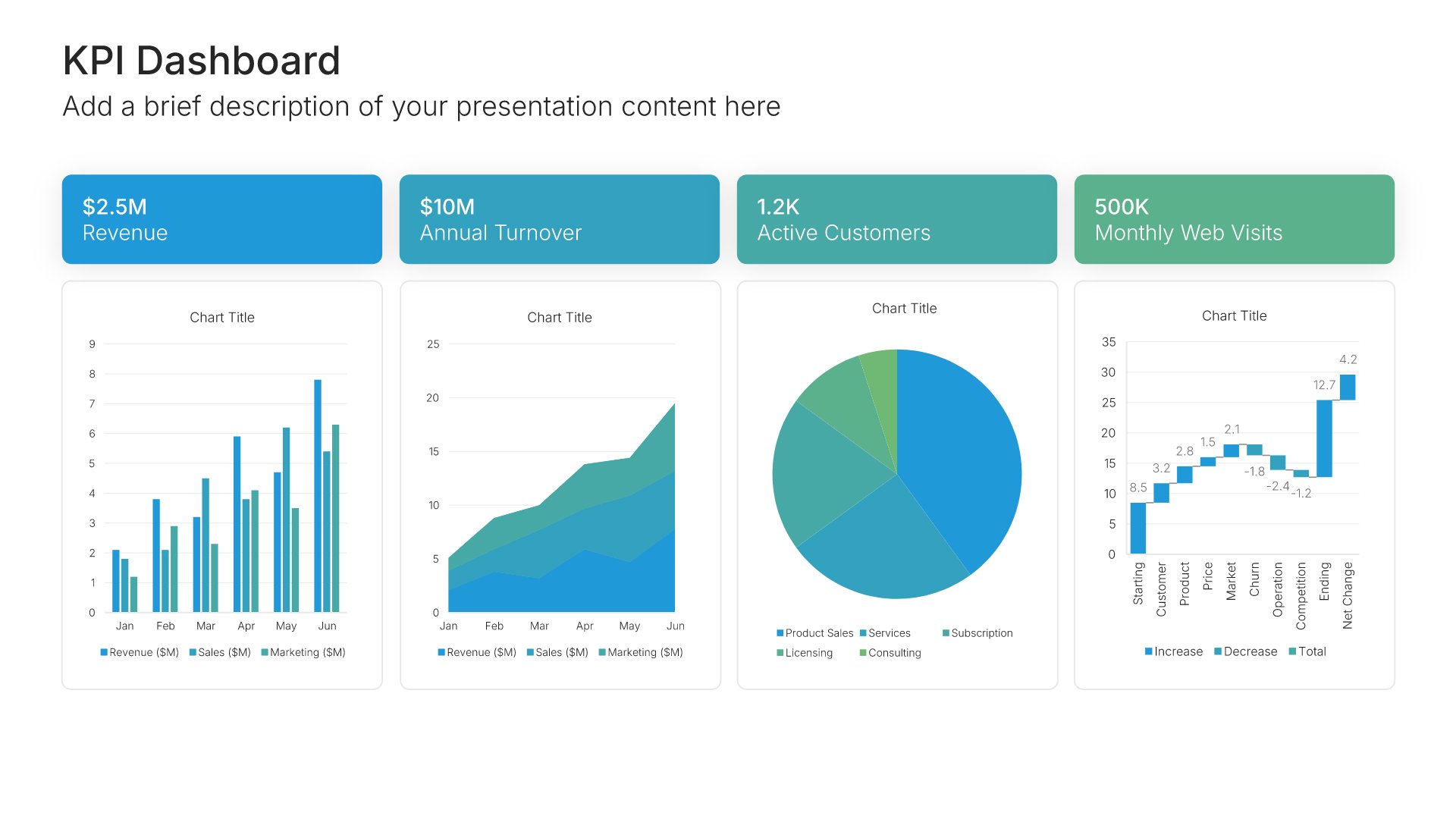
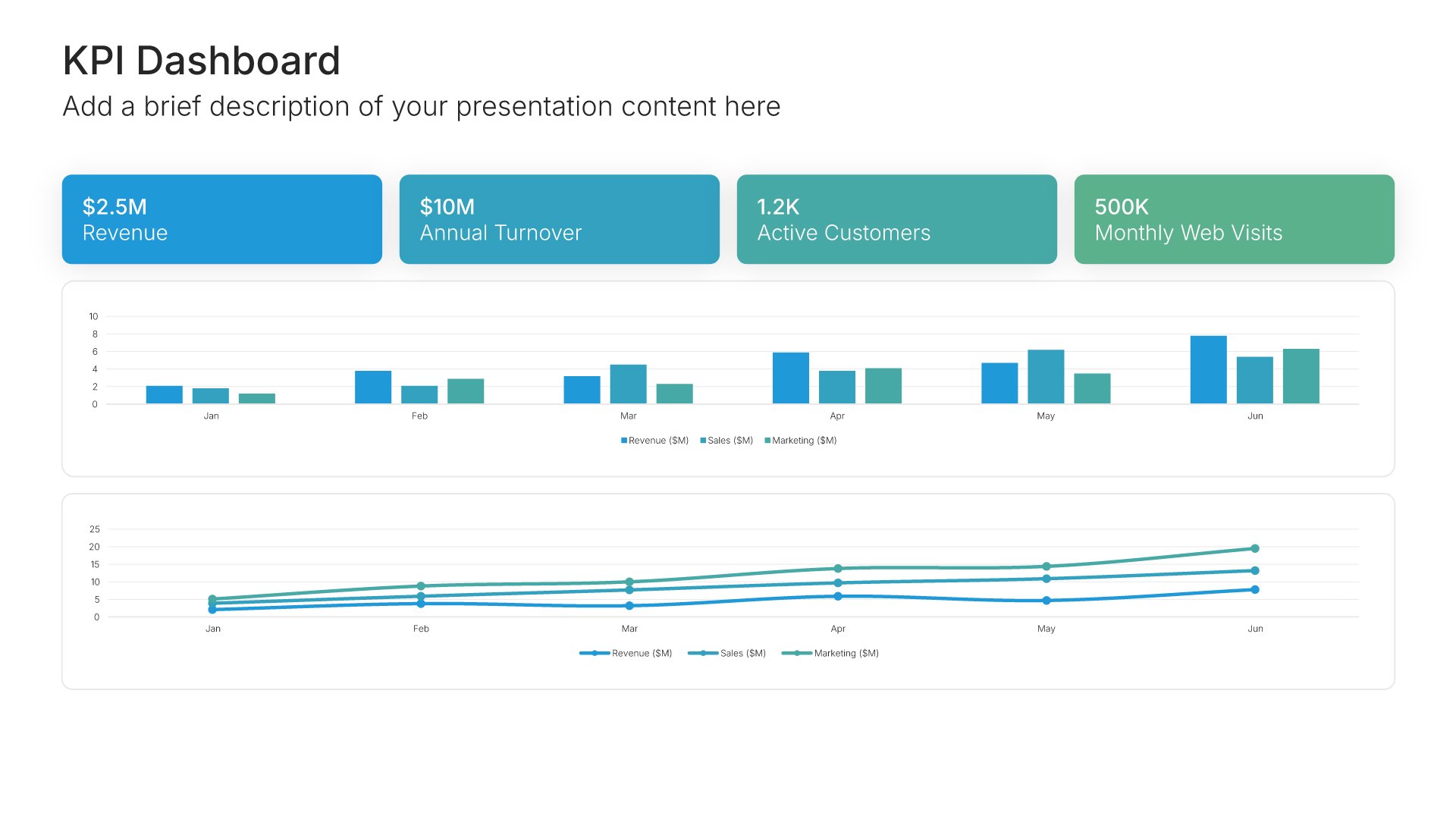
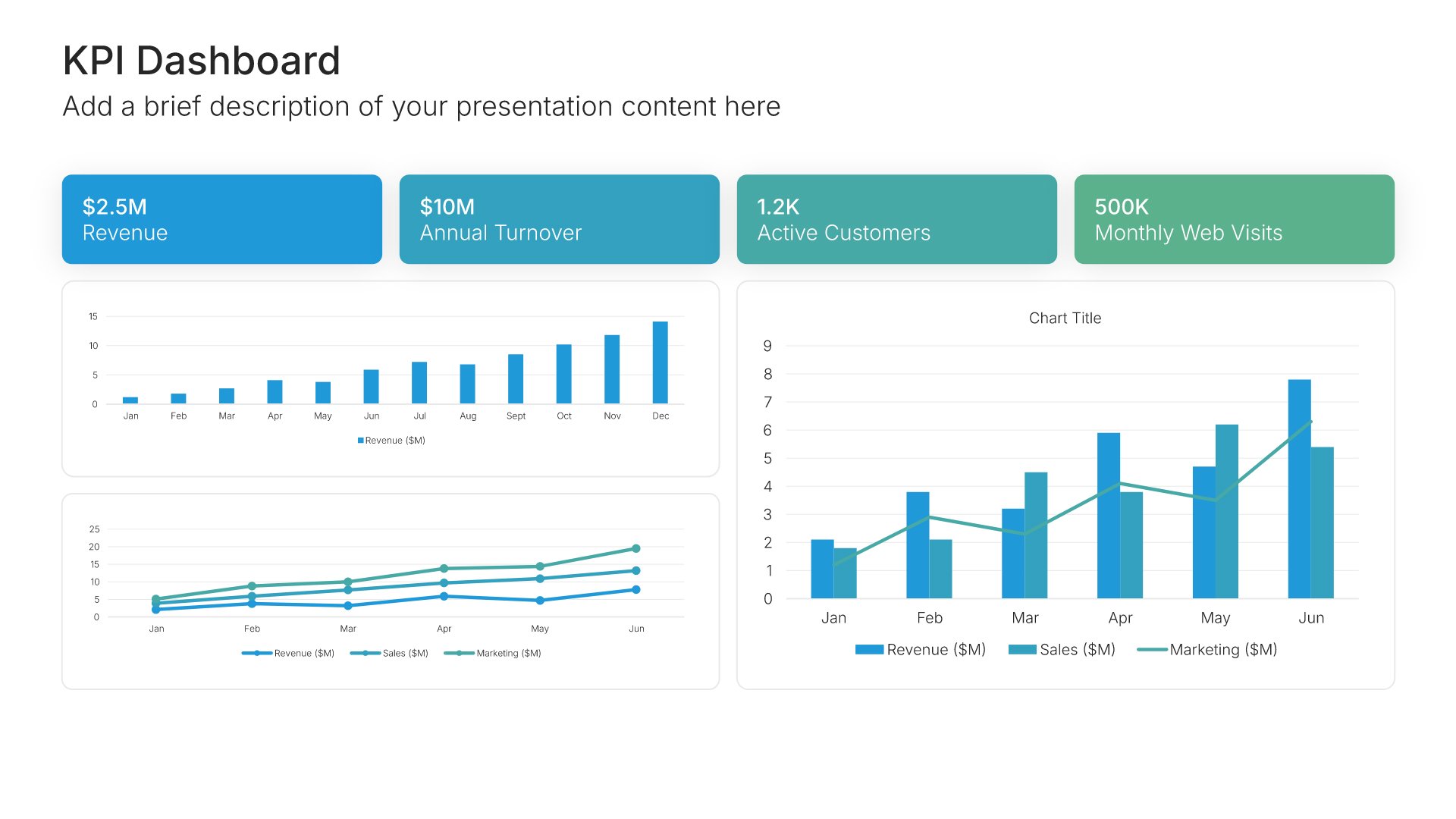
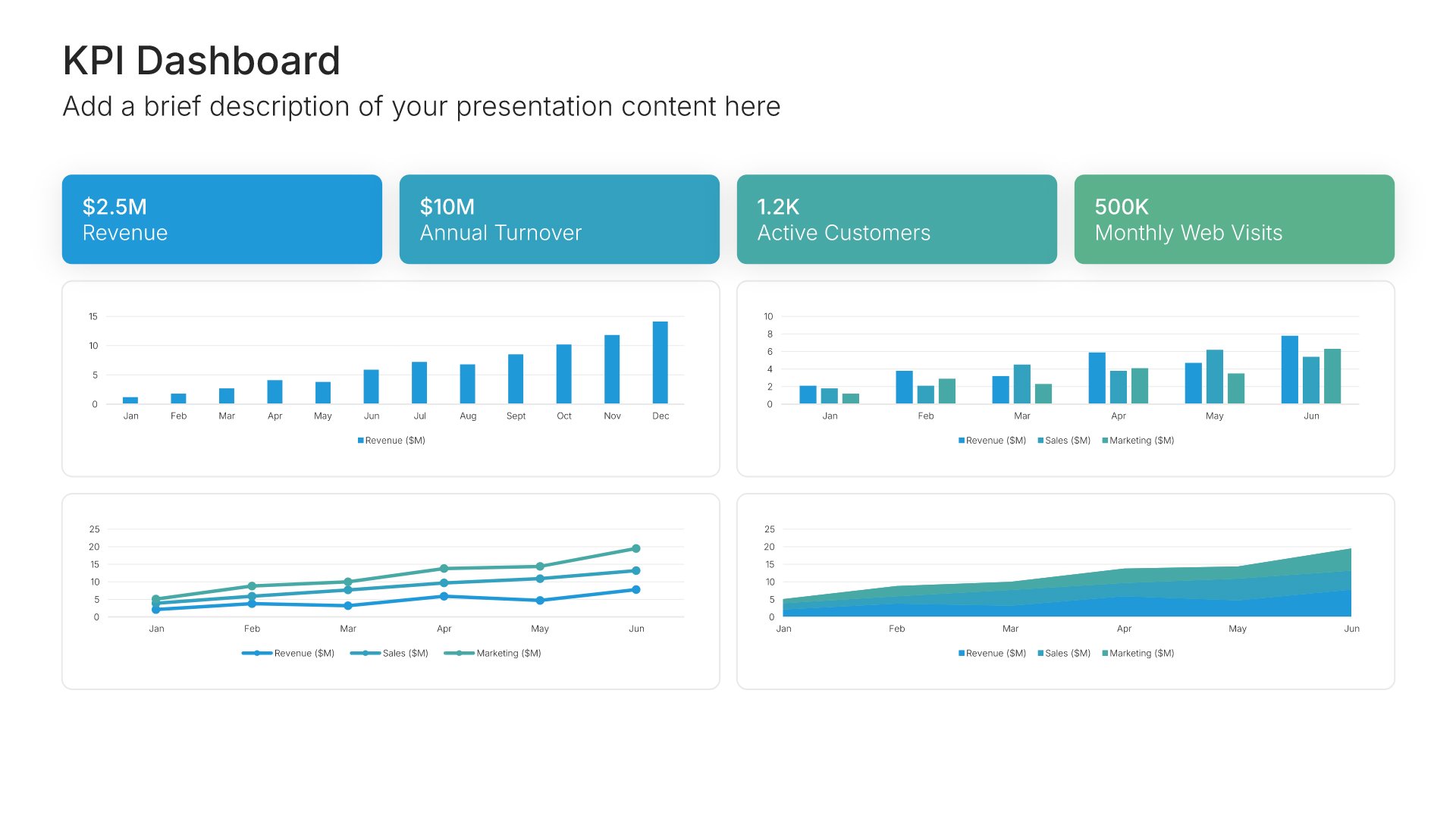
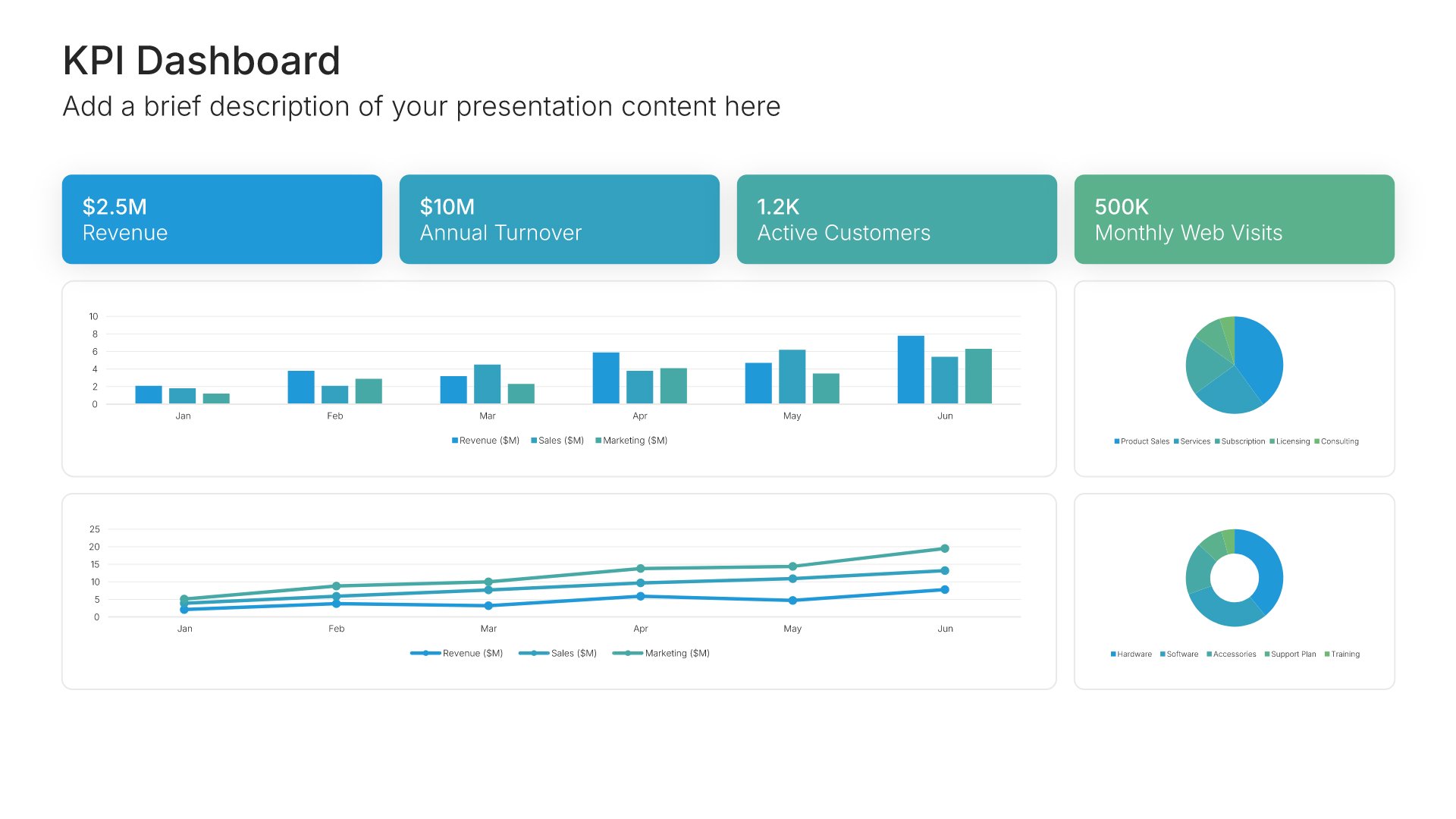
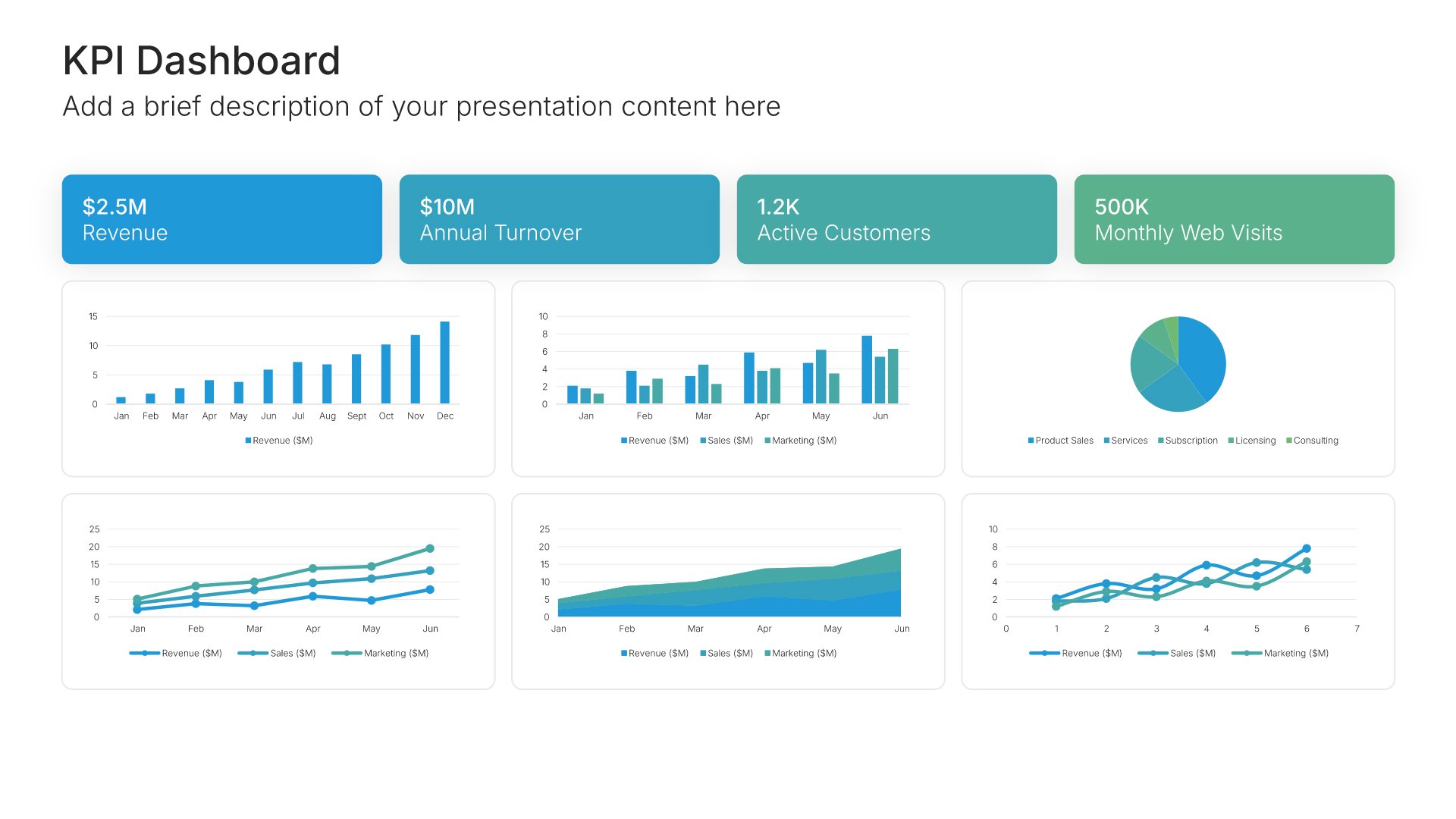
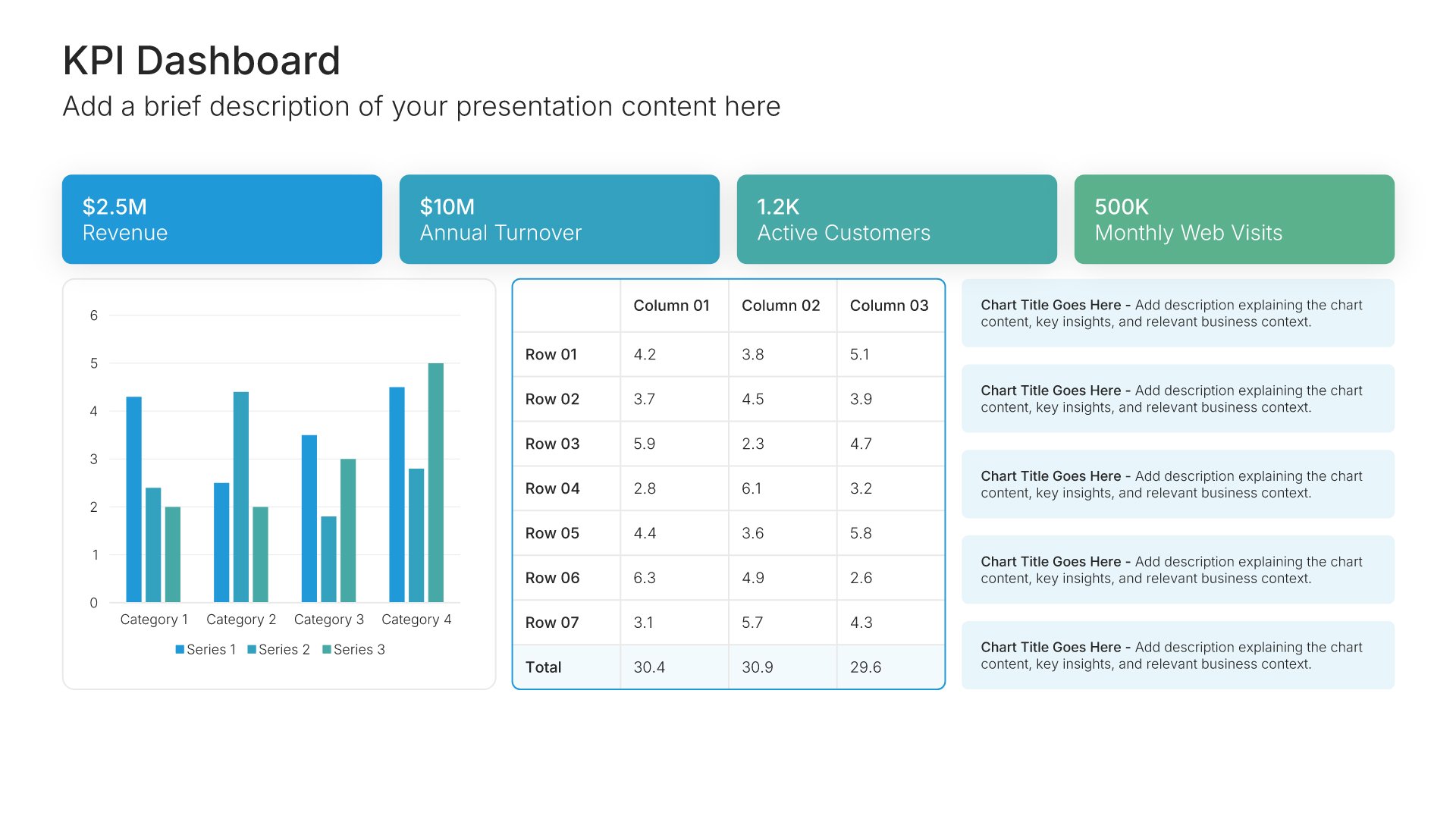
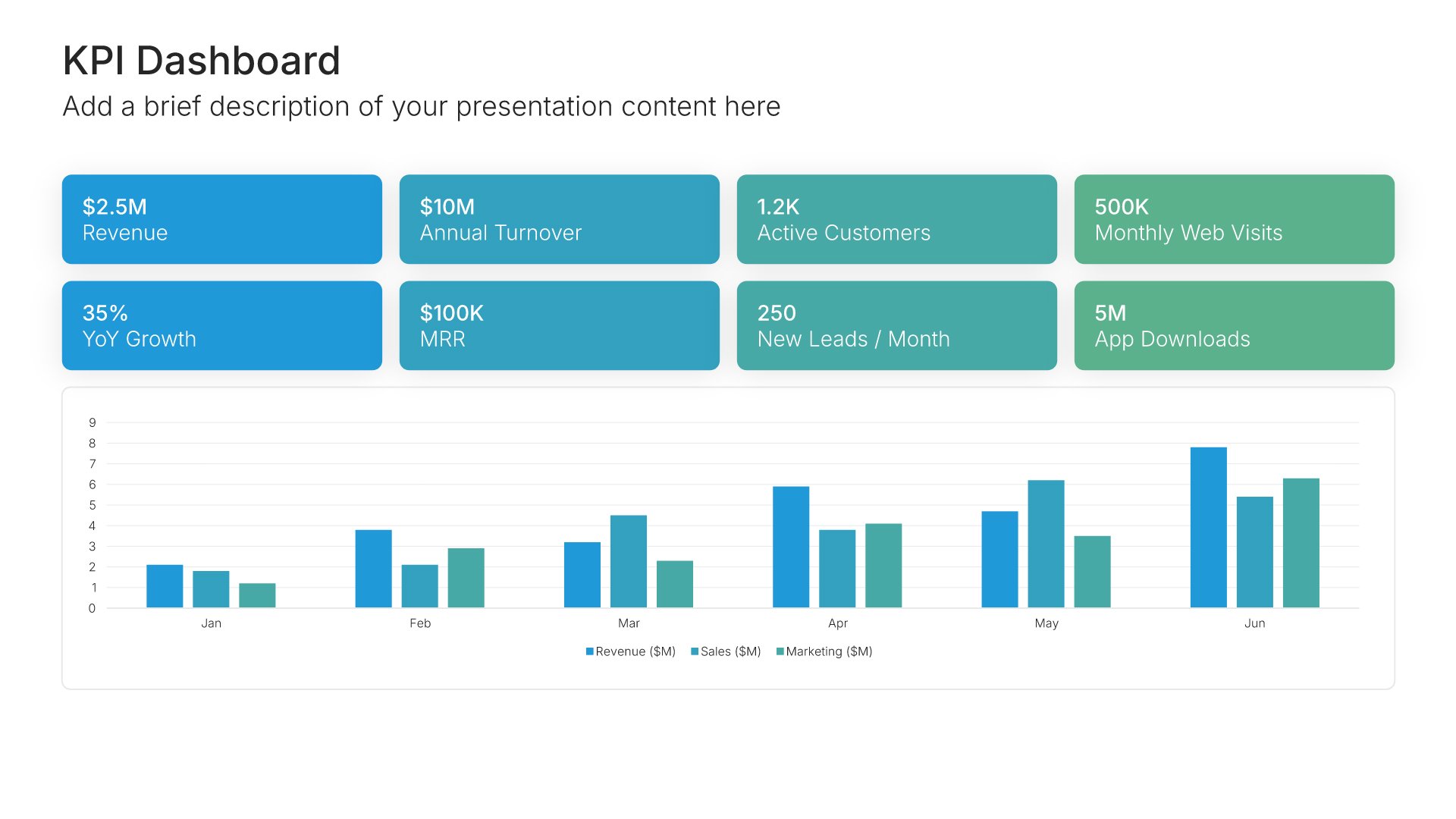
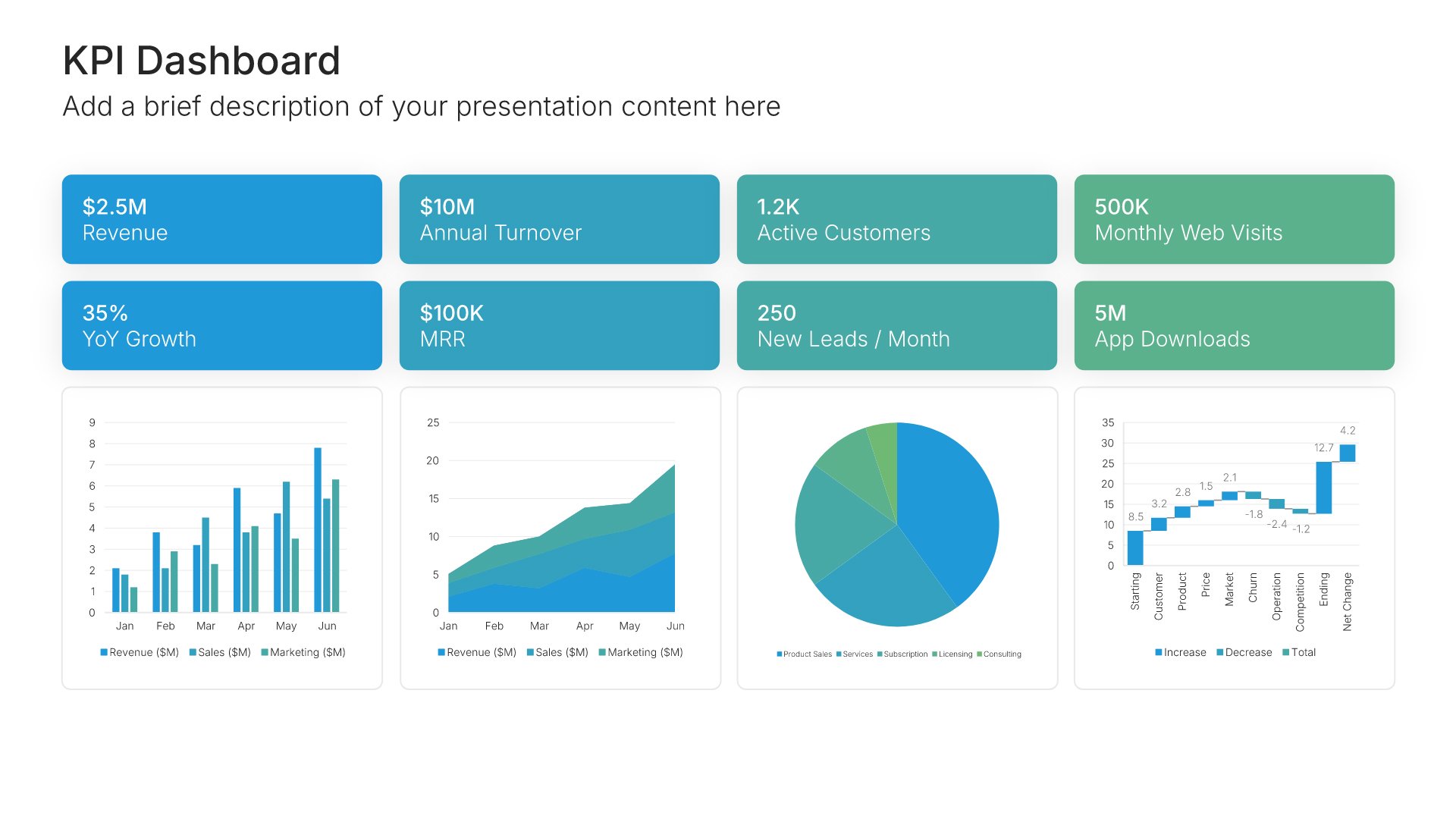
KPI dashboard slide templates
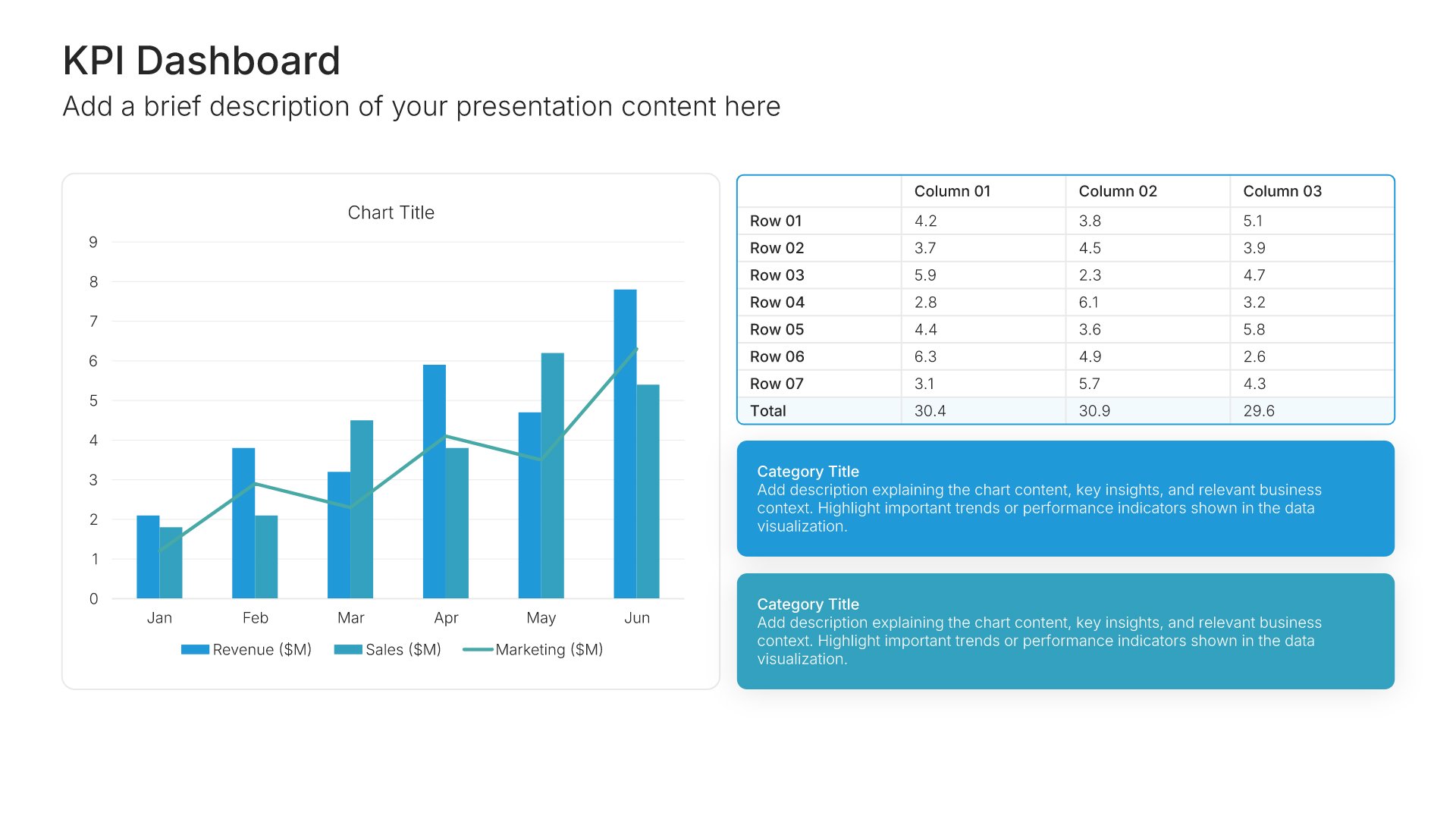
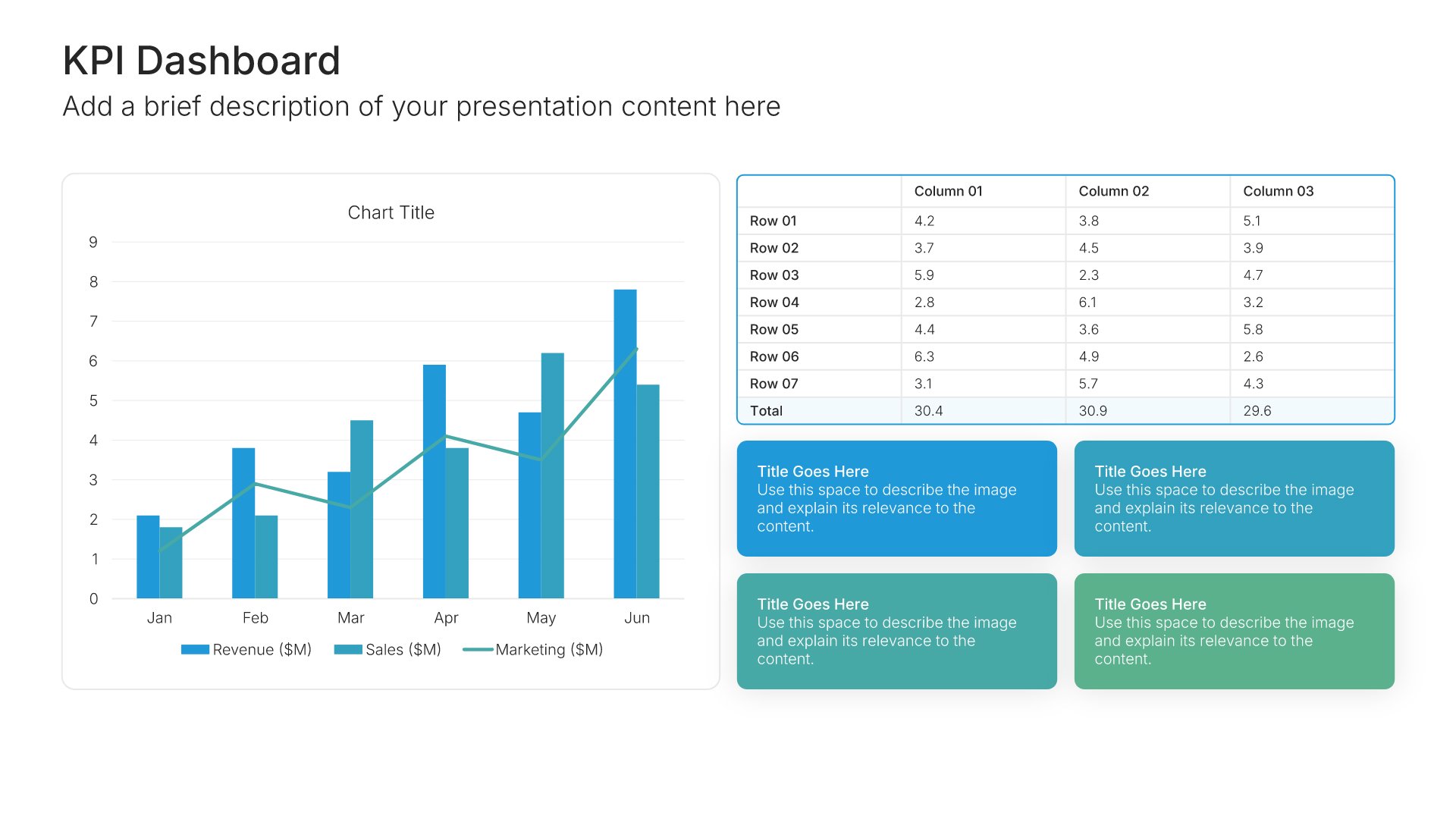
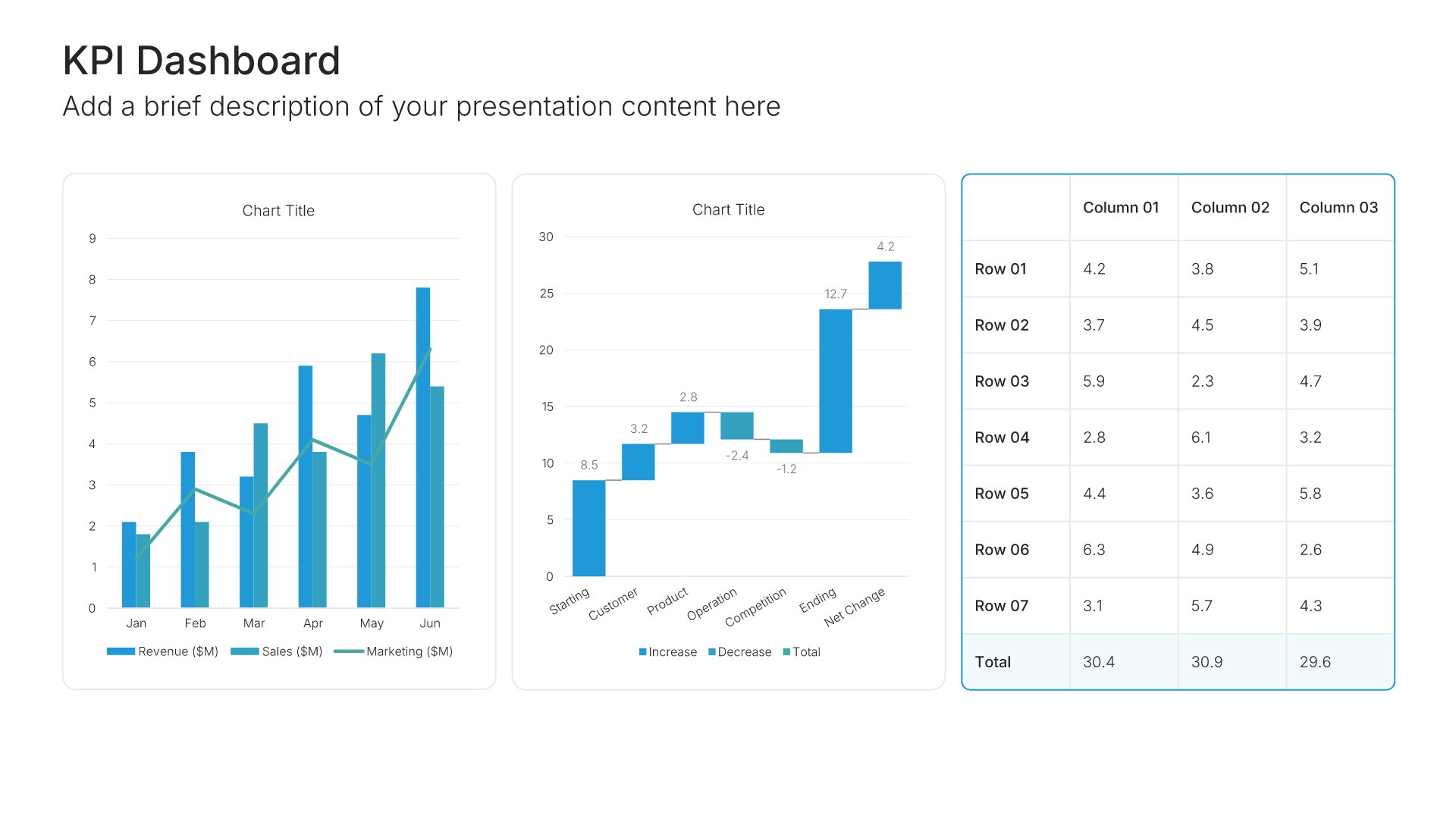
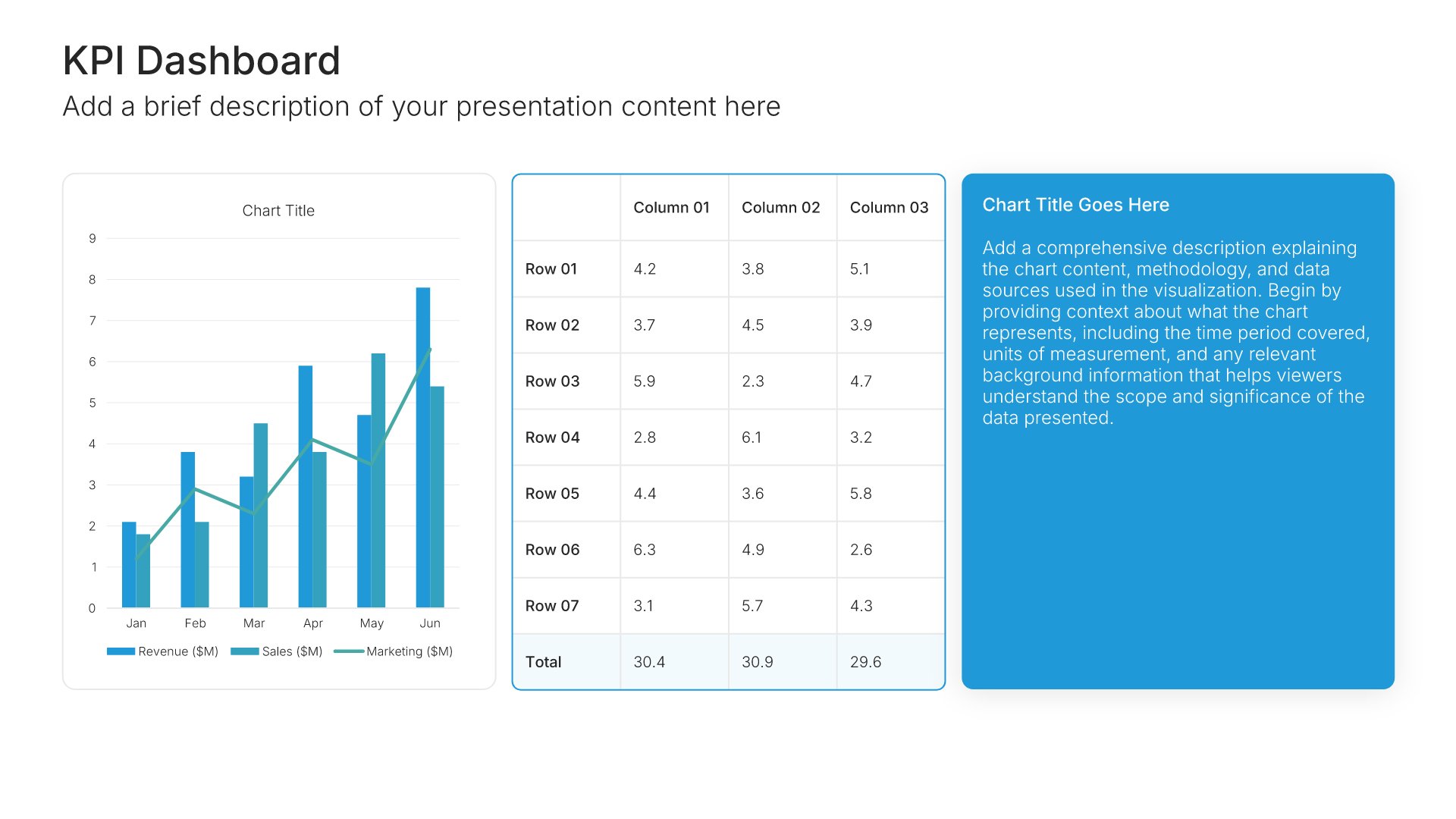
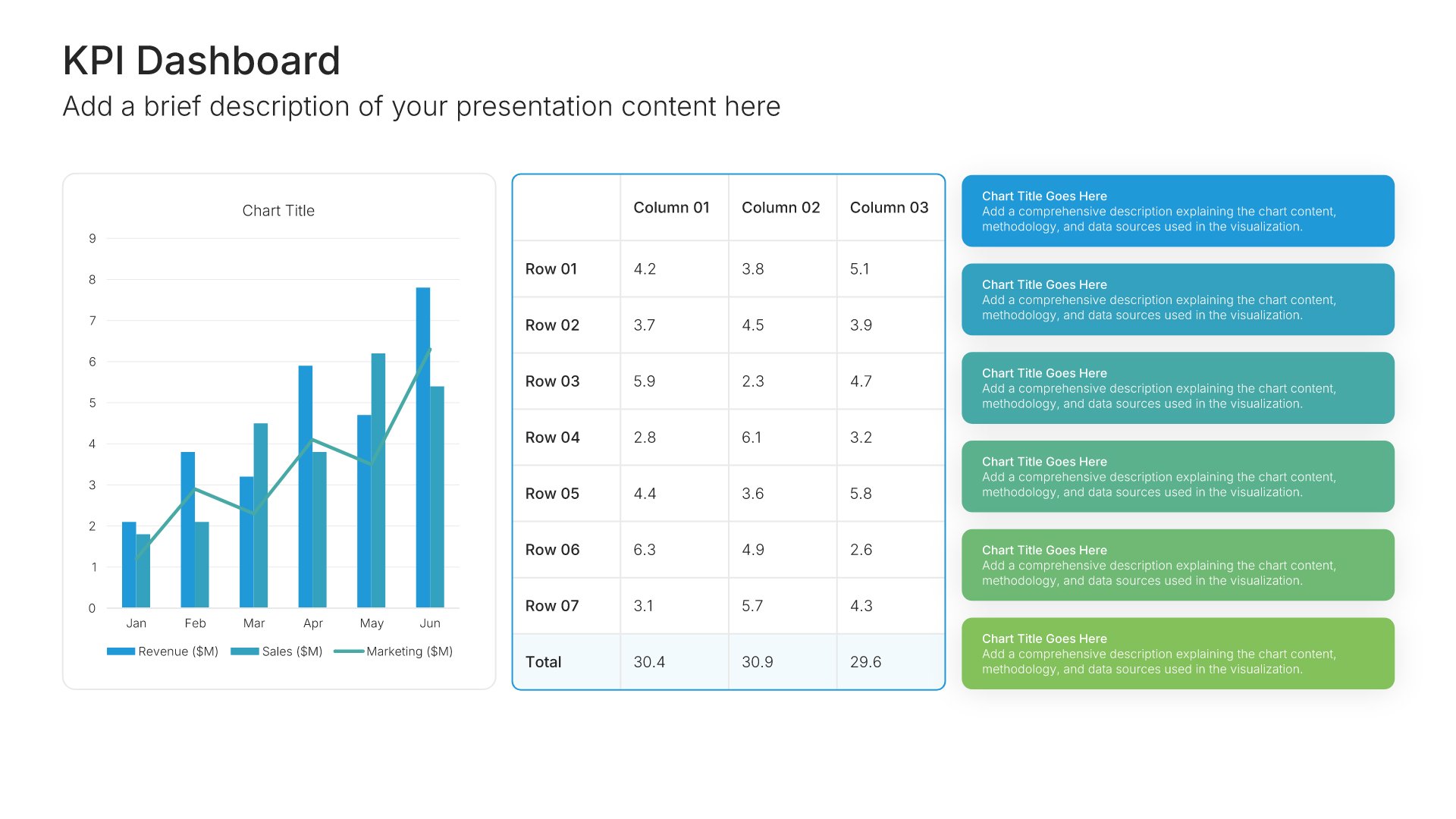
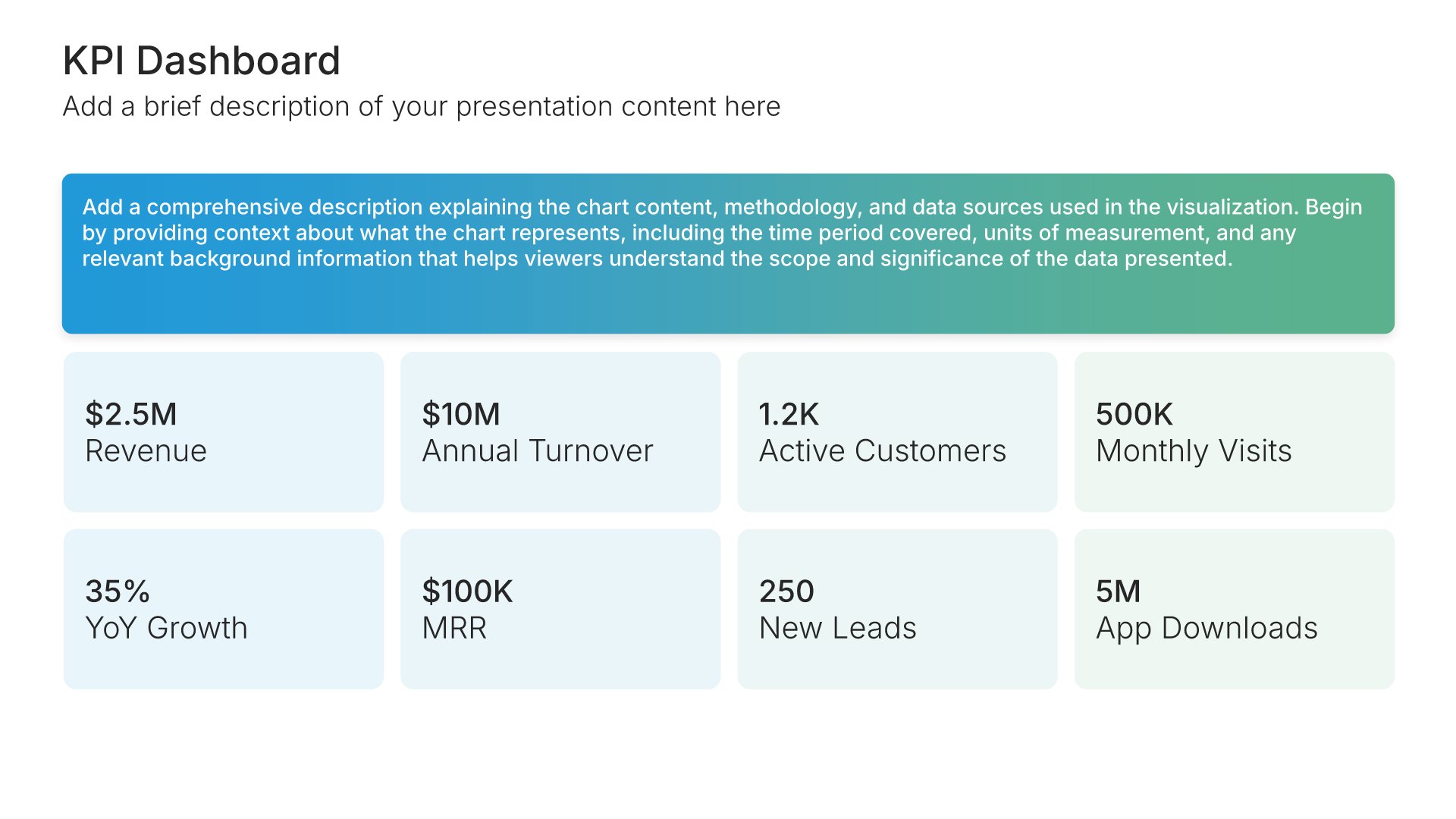
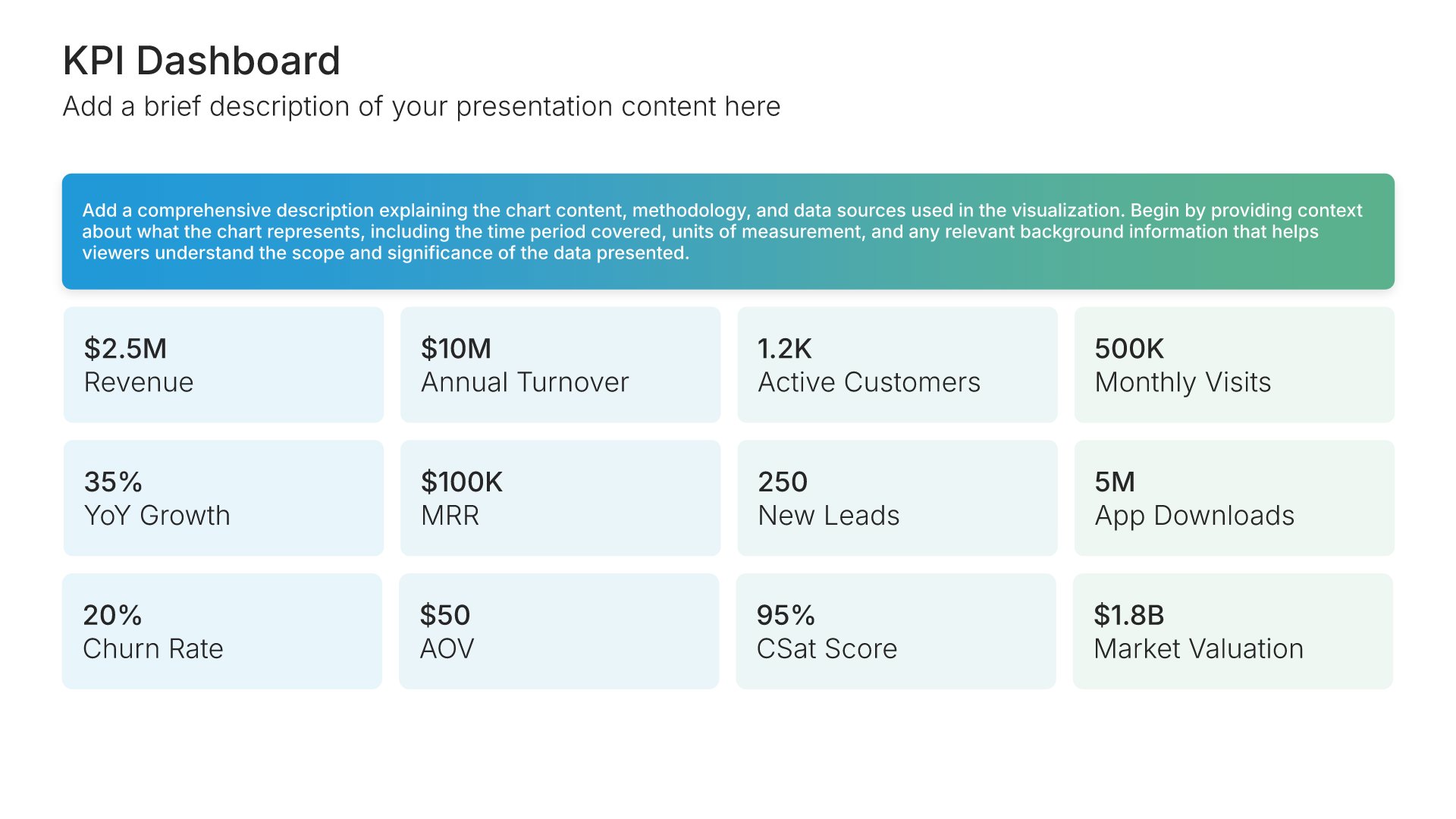
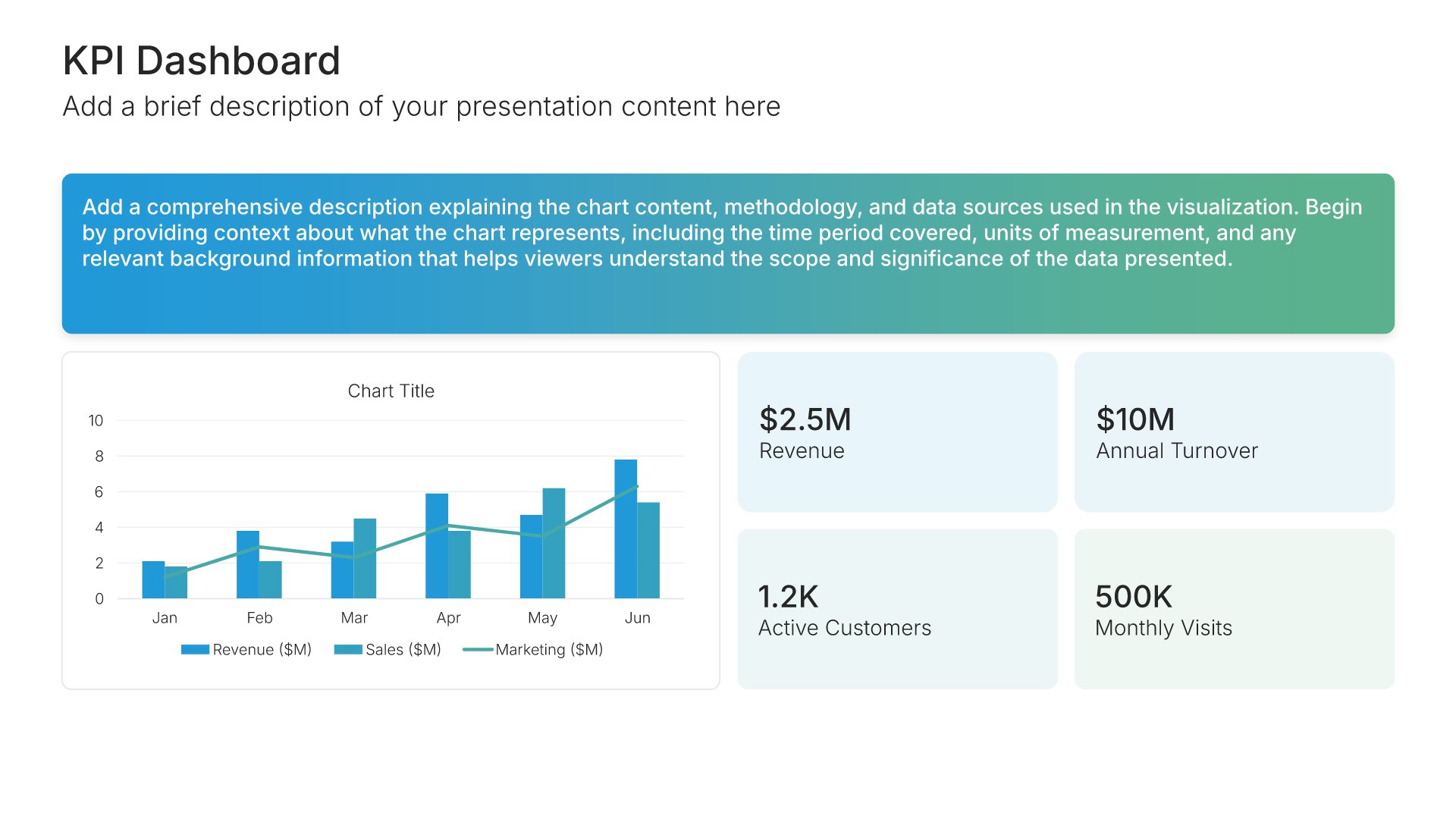
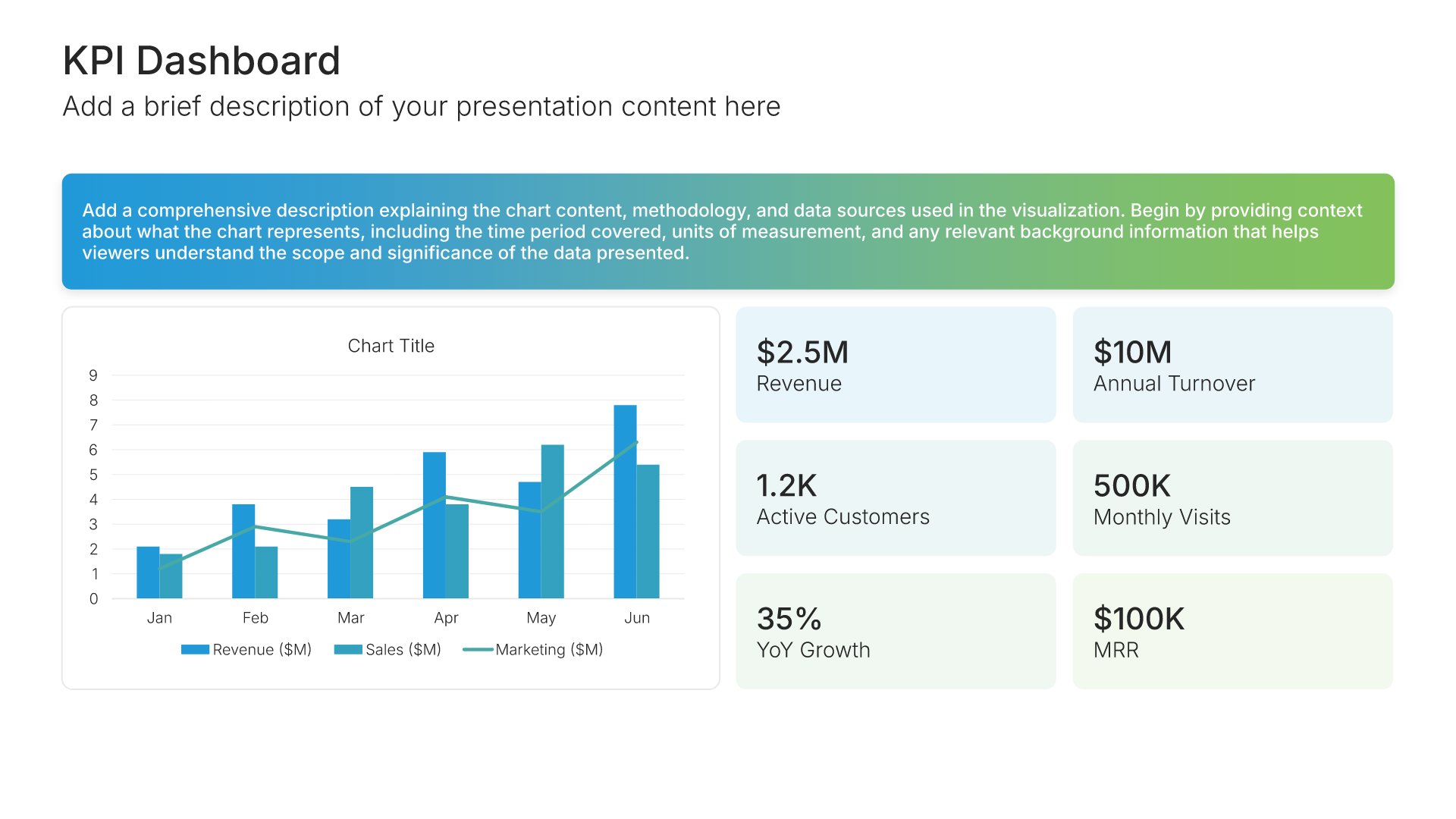
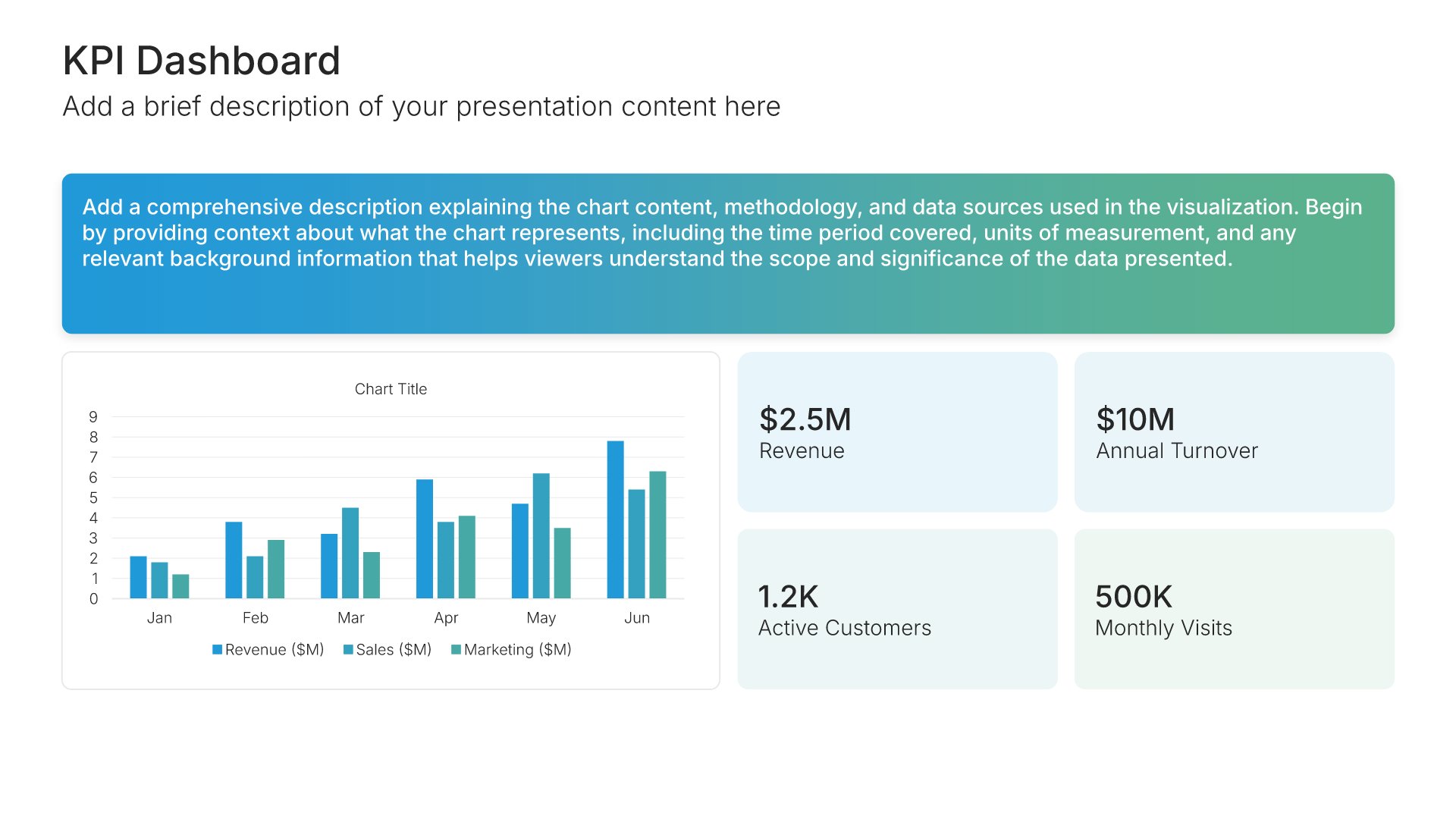
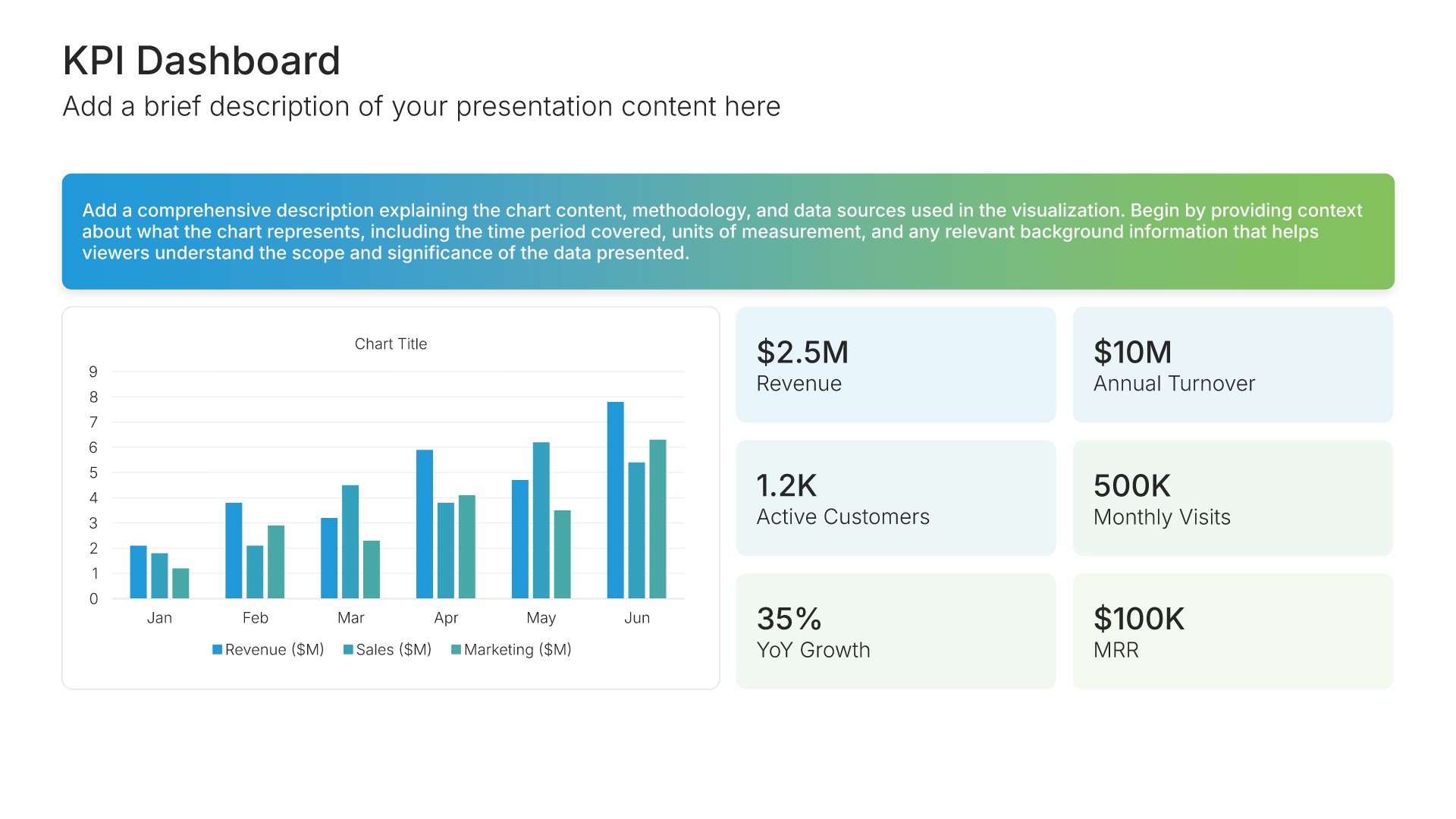
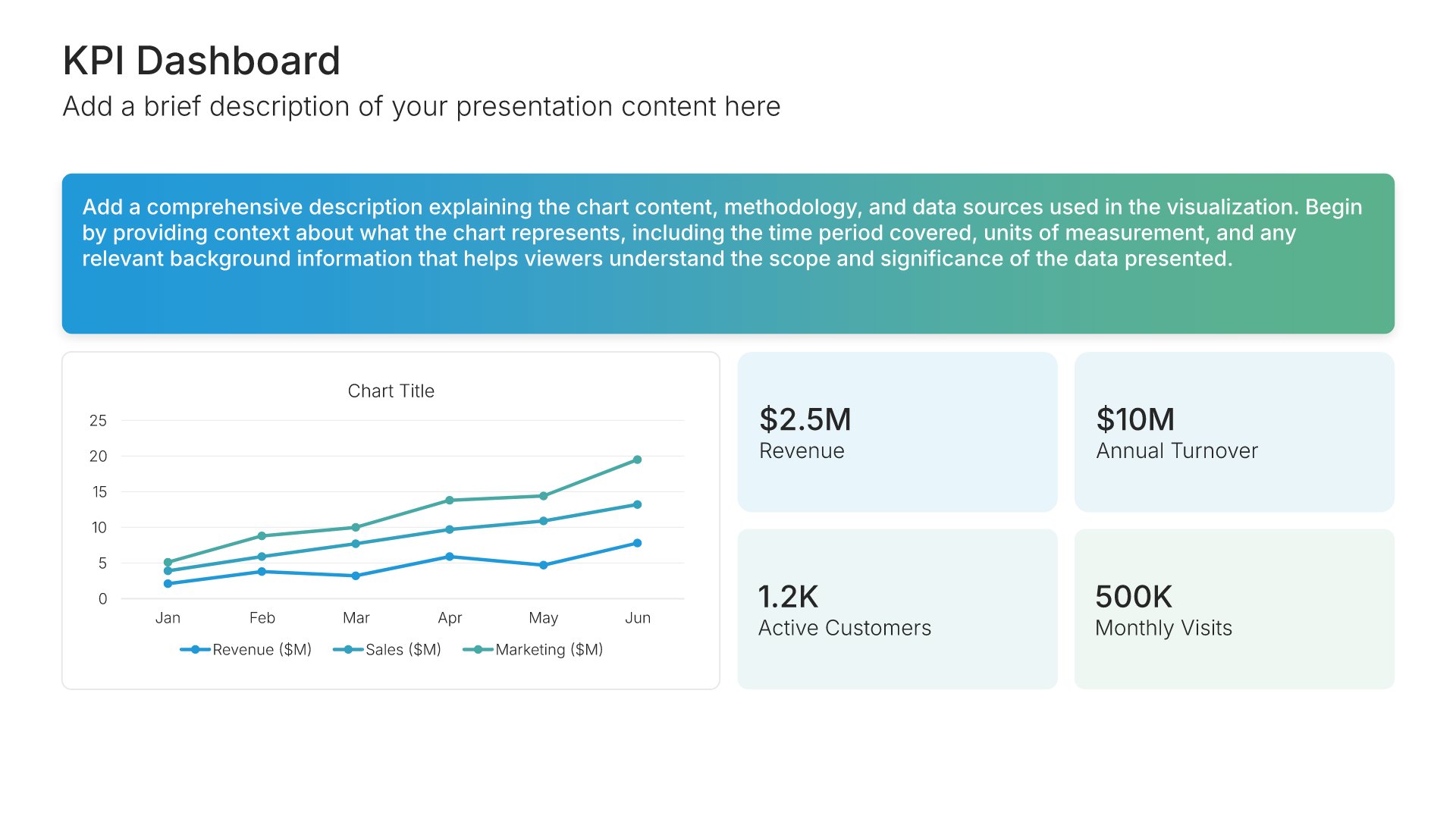
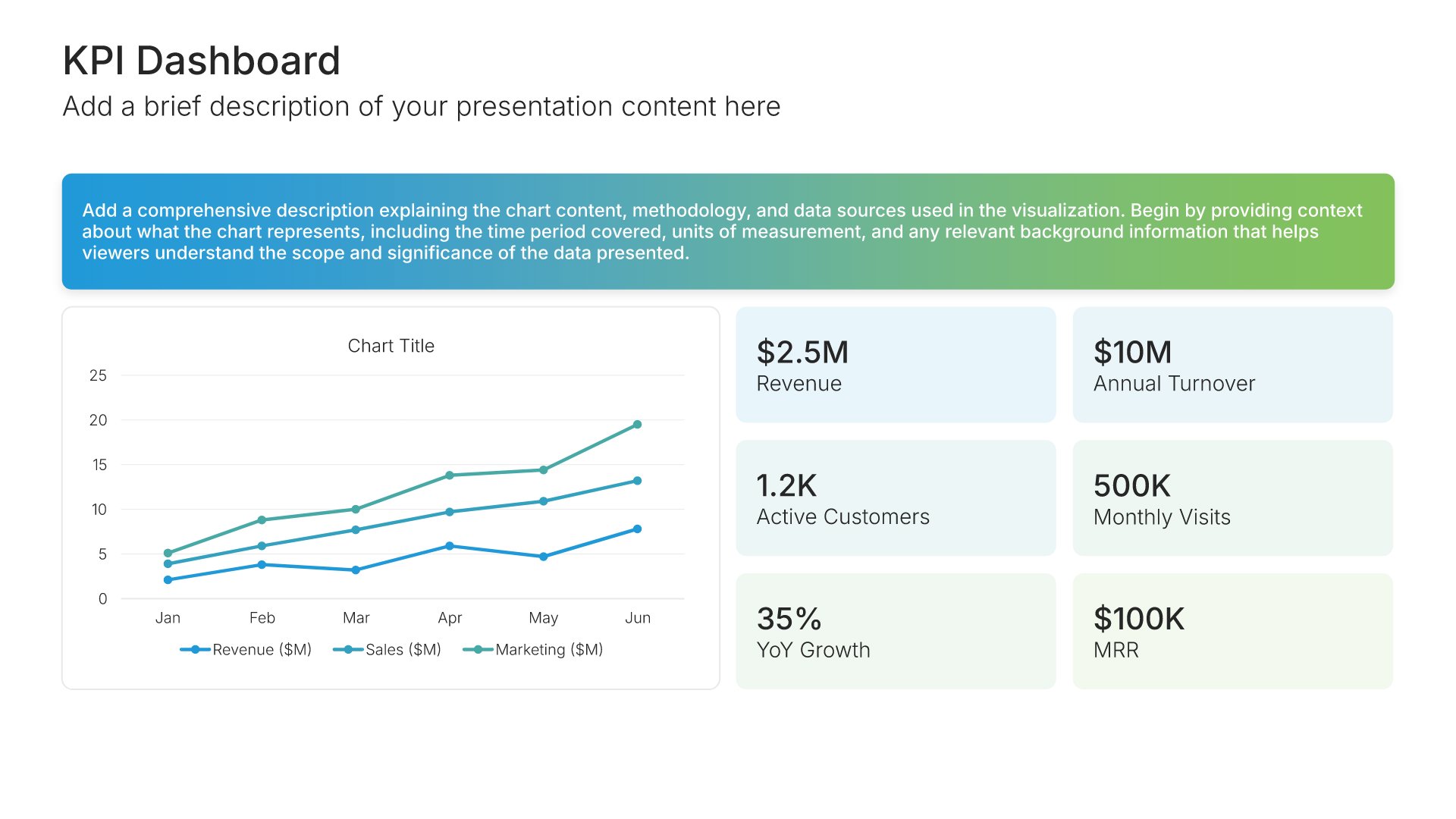
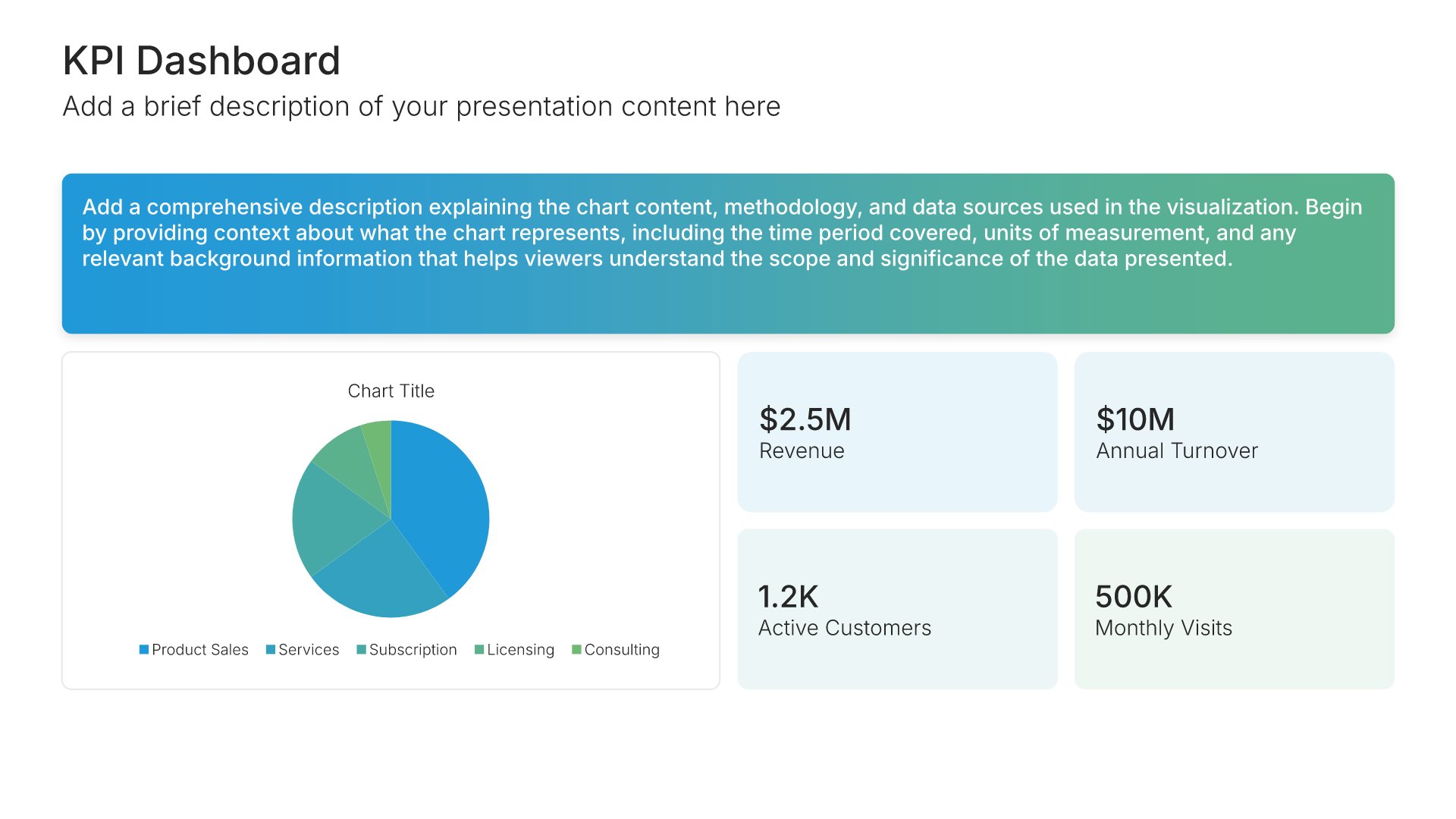
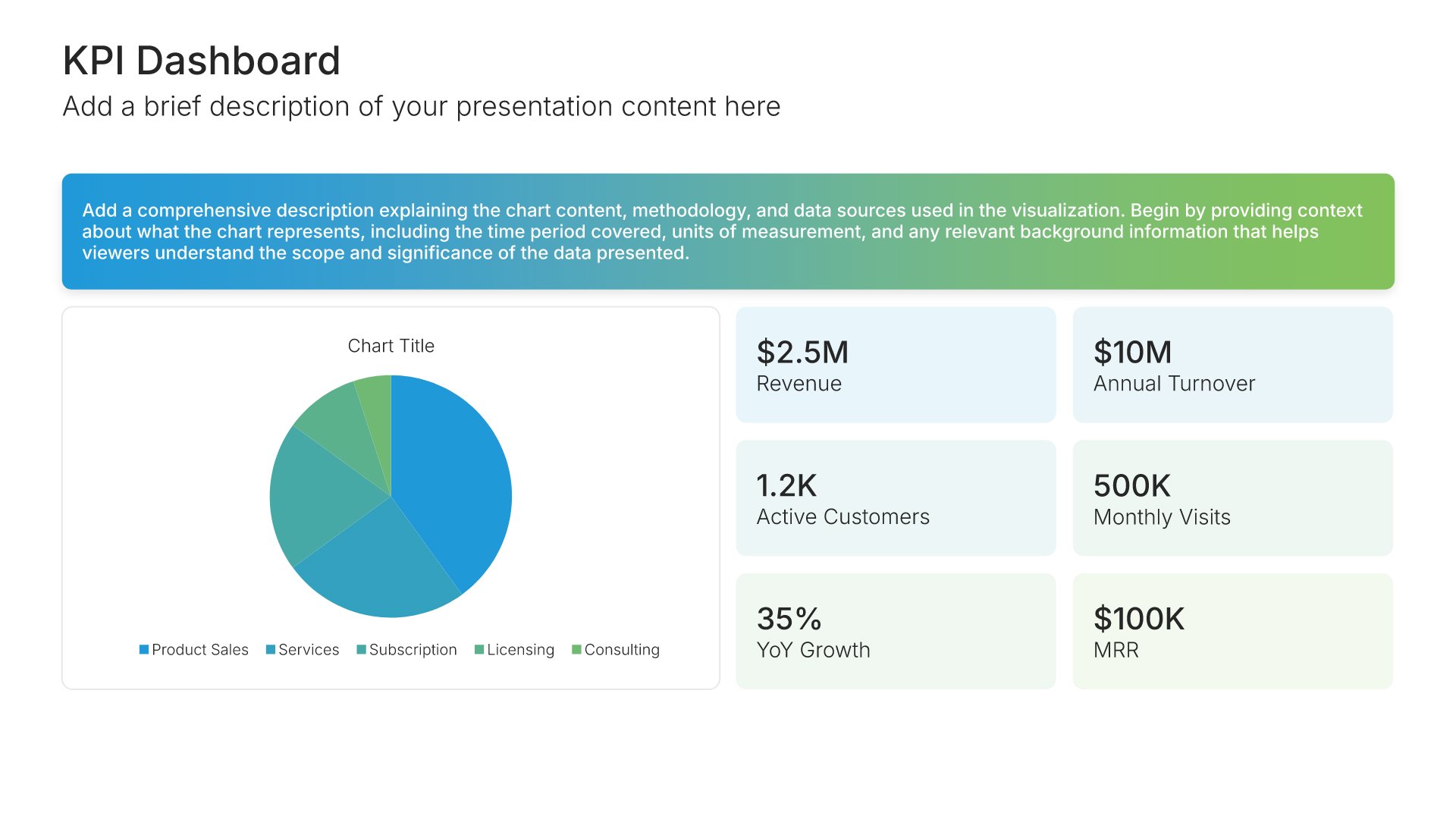
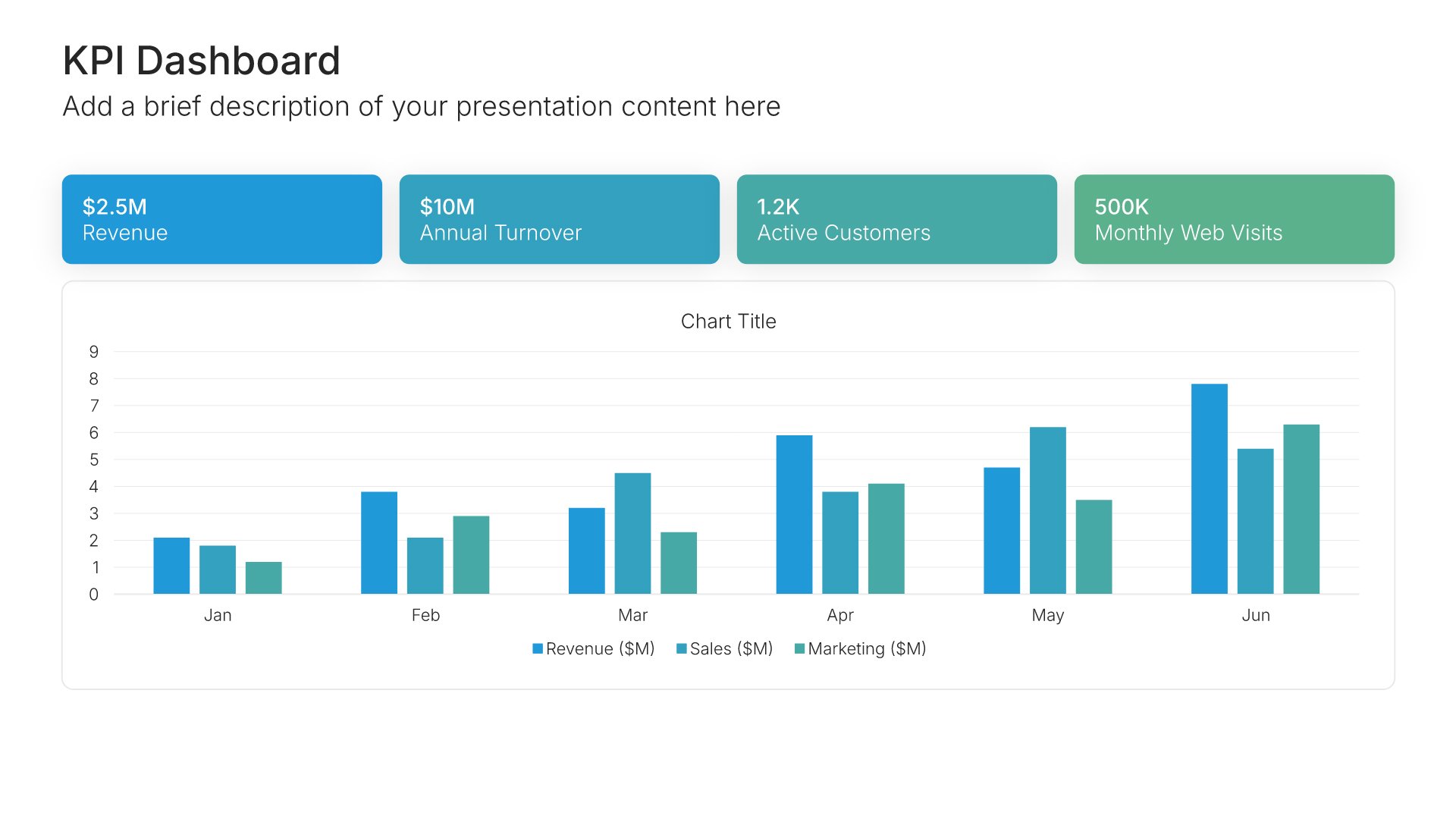
KPI dashboard slides put your key metrics on one page: where each one stands, how it compares with target, and which way it's trending. Pick one of 40 layouts, brand it to your company in one click, add your numbers, and export to PowerPoint, Google Slides, or Keynote.
Free to start. No credit card required.
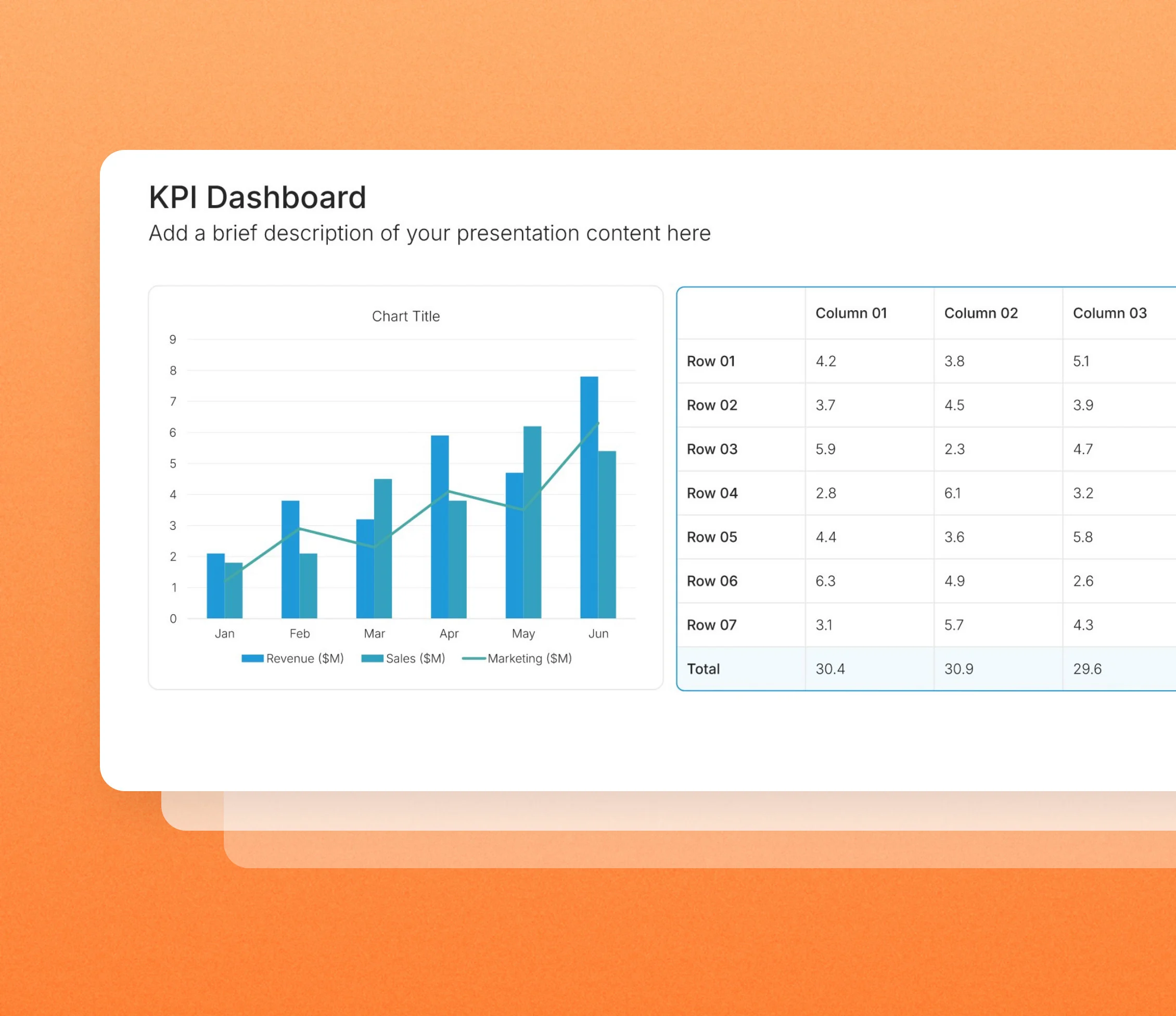
Browse KPI dashboard slides
40 ways to put your key metrics on one page, all fully editable.
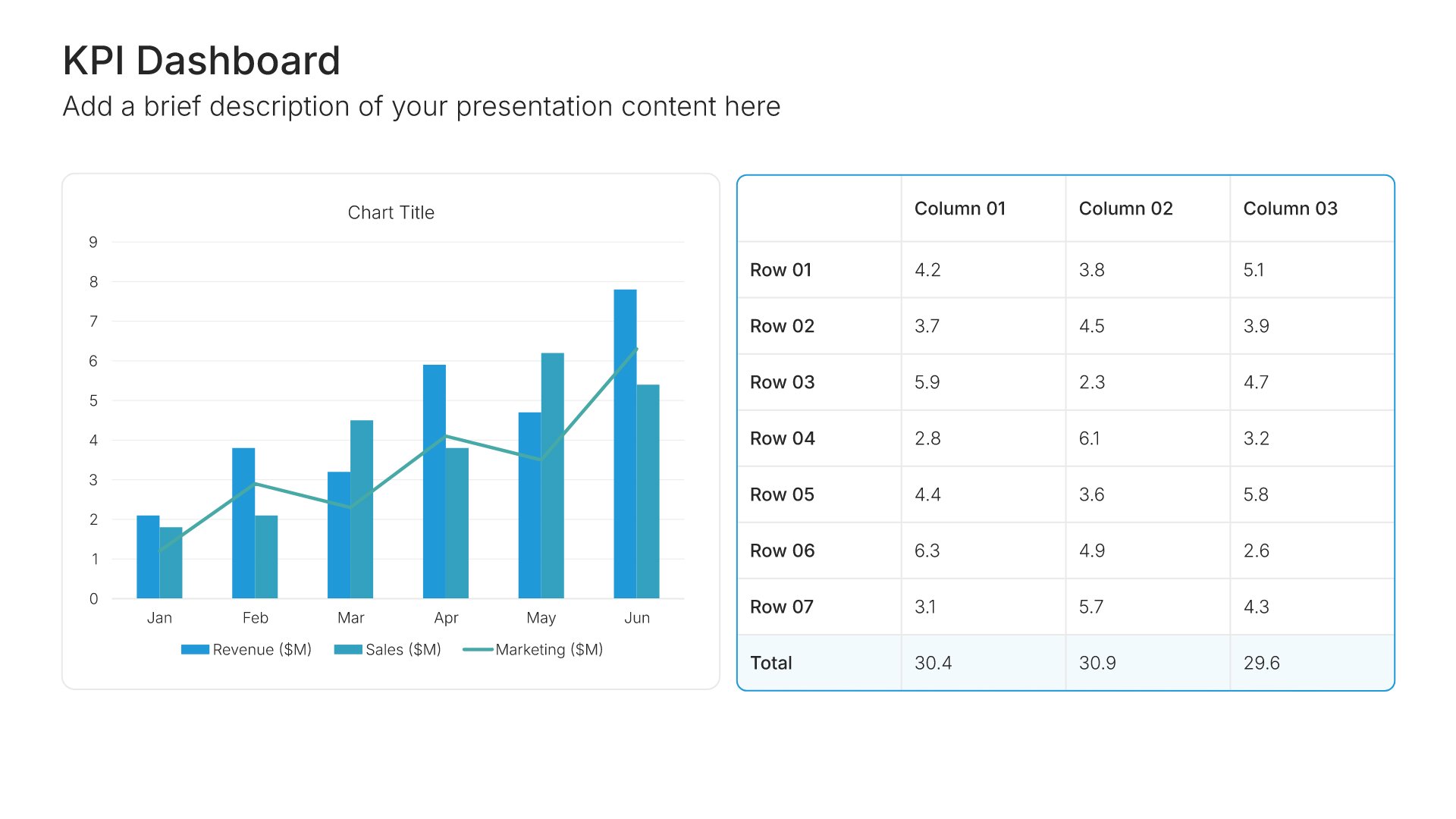
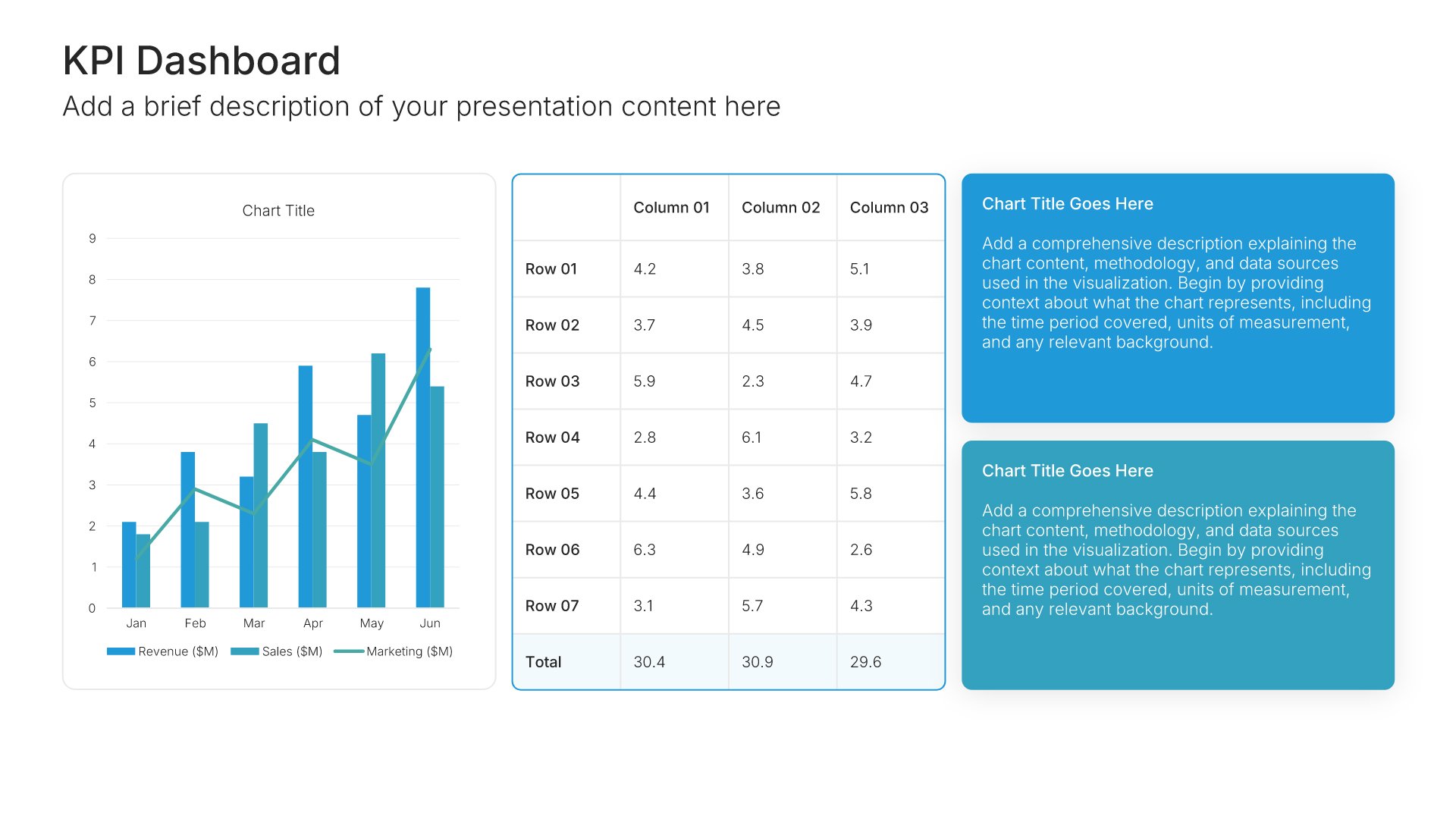
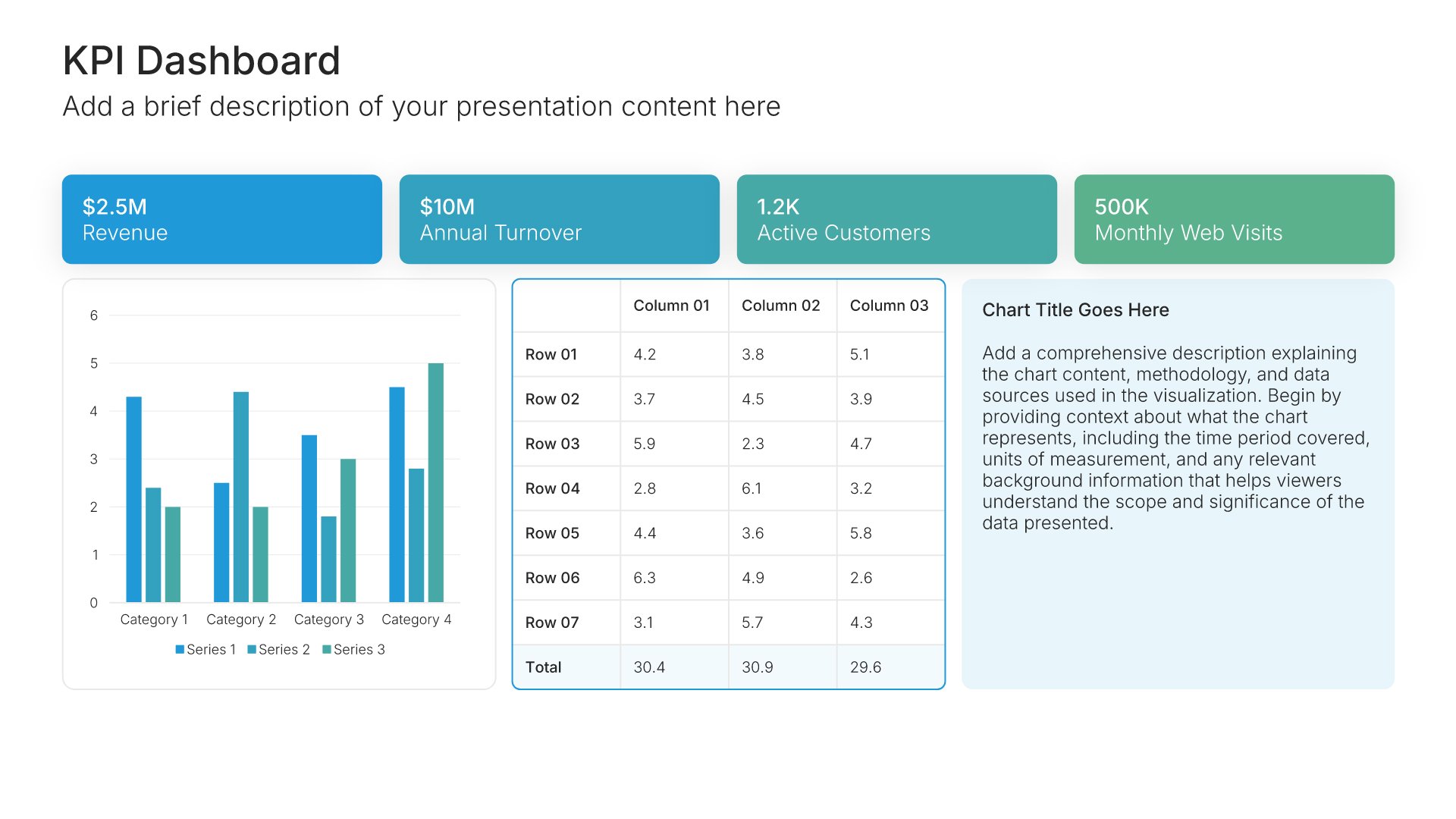
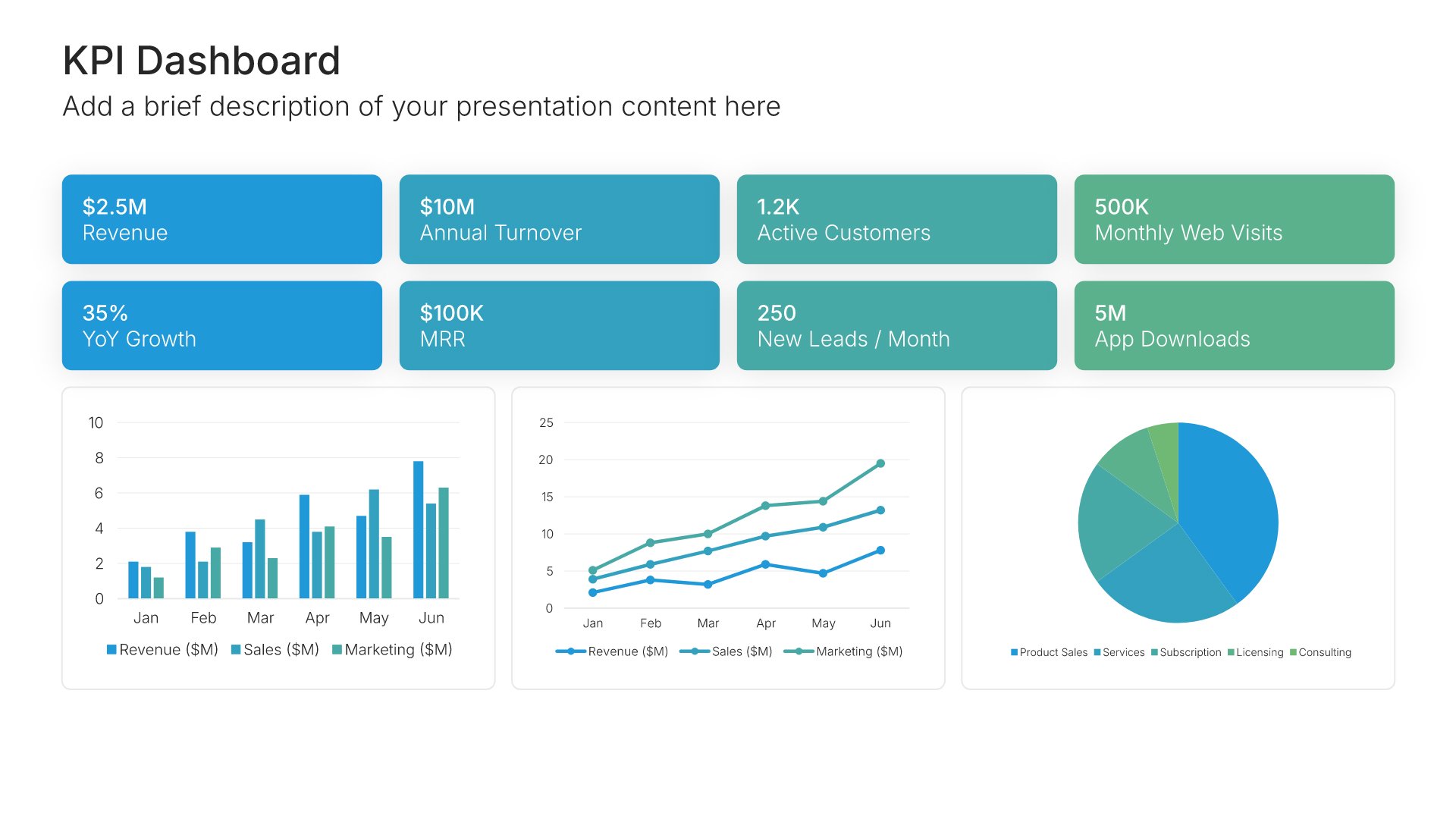
KPI Dashboard • Slide Library • Layout 01 of 40
Layout 01
Layout 02
Layout 03
Layout 04
Layout 05
Layout 06
Layout 07
Layout 08
Layout 09
Layout 10
Layout 11
Layout 12
Layout 13
Layout 14
Layout 15
Layout 16
Layout 17
Layout 18
Layout 19
Layout 20
Layout 21
Layout 22
Layout 23
Layout 24
Layout 25
Layout 26
Layout 27
Layout 28
Layout 29
Layout 30
Layout 31
Layout 32
Layout 33
Layout 34
Layout 35
Layout 36
Layout 37
Layout 38
Layout 39
Layout 40
About our dashboard slides
What the slide does, how to use it, your brand, and a file you can edit anywhere.
Built so problems and wins show before the discussion starts
Leadership meetings go faster when everyone can see performance at a glance. A KPI dashboard slide brings the handful of metrics that matter into one view, so problems and wins are visible before the discussion starts. Our dashboard slides keep each metric clear, so the numbers that need attention stand out.
Why one page beats a stack of charts
Spread across ten slides, metrics are hard to compare and easy to forget. On one dashboard, the audience sees them together and spots which are on track and which aren’t. So the meeting spends its time on the metrics that need attention instead of walking through every chart.
Brand the whole presentation in one click
Add your logo, colors, fonts, and background once. It applies to the whole presentation and the entire slide library at the same time. Dashboard slides are often shared monthly or quarterly with leadership and boards, so once branded, every report looks consistent.
Export to PowerPoint, Google Slides, or Keynote
You get a real file, not a locked link. Export it and keep editing in the tool you already use. Metrics, charts, and labels stay editable, so you can update the numbers every reporting period.
How Choladeck works
From blank page to finished presentation in four steps.
STEP 01
Browse 9,000+ slides across 134+ categories, or open one of the 74 premade presentations.
STEP 02
Add your logo, colors, and fonts in one click. The whole presentation instantly matches your company.
STEP 03
Add your text, numbers, charts, and tables. Everything on the slide is editable.
STEP 04
Send it to PowerPoint, Google Slides, or Keynote, and present.
Need a complete presentation instead?
If you're starting from nothing rather than fixing a few slides, open one of 74+ premade presentations instead. Each one is complete and built for one purpose, from pitch decks to business plans and company profiles.
Questions about KPI dashboard slides
How the slides work, and how far you can change them.
Using the slides
Can I edit these slides in PowerPoint?
+Yes. Export to PowerPoint, Google Slides, or Keynote, and every metric, chart, and label stays editable. Nothing is locked and nothing is a flat image.
How do I brand them to my company?
+Add your logo, colors, fonts, and background once. It applies to the whole presentation and the entire slide library at the same time.
Can I mix them with other slides from the library?
+Yes. Add a KPI dashboard slide to any premade template, or pair it with charts or financial table slides from the library. Branding applies across all of them.
About KPI dashboards
How many KPIs should a dashboard slide show?
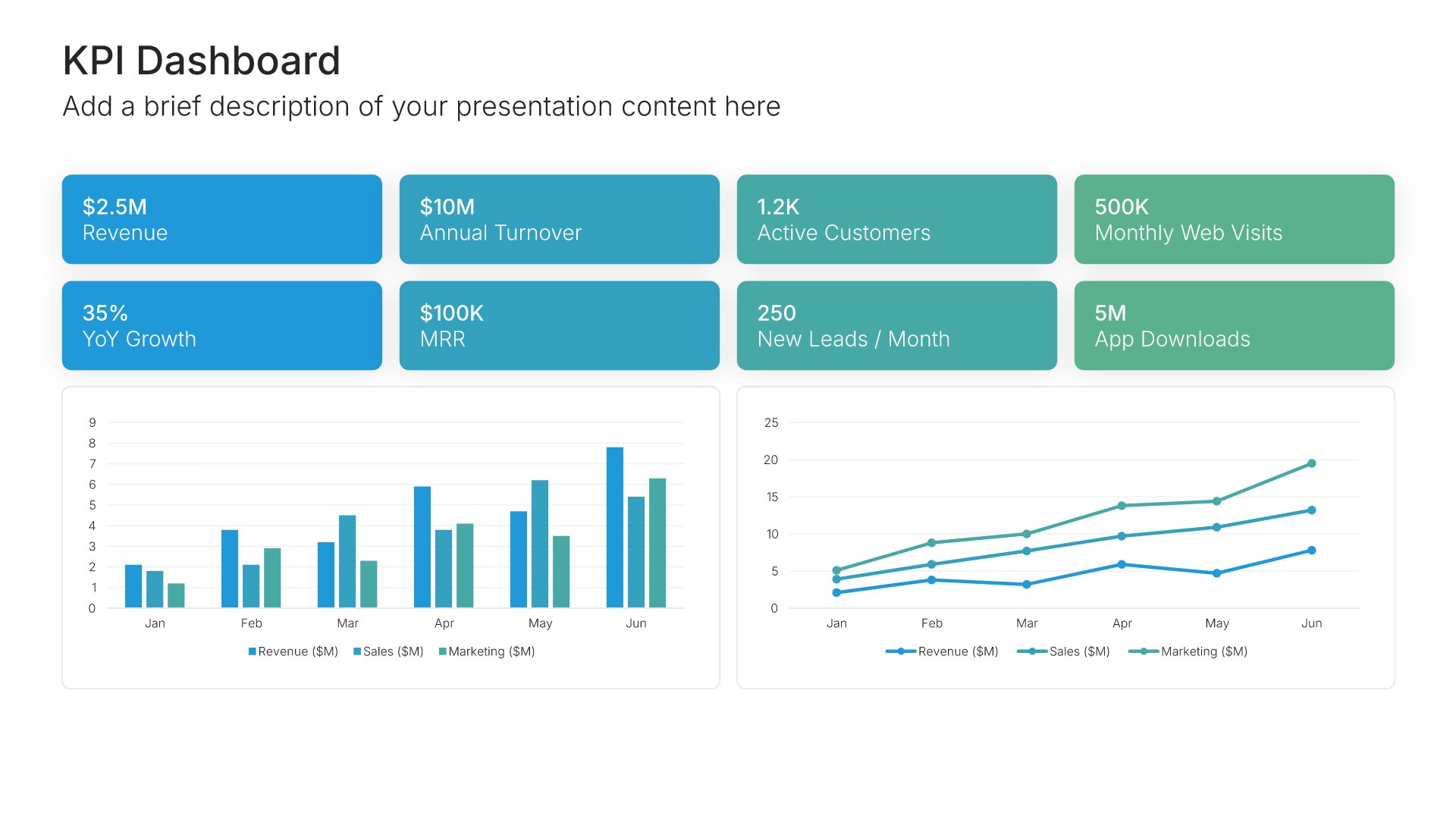
+Usually four to eight. Enough to cover what matters without crowding the page.
What should each KPI include?
+The current value, the target, and the trend, so the audience knows both where it is and where it's heading.
Is this the same as the KPI dashboard templates?
+No. The KPI dashboard templates are complete reporting presentations. These are single dashboard slides you can add to any presentation.
Your next KPI dashboard slide is already designed
Pick a layout, brand it in one click, add your content, and export.
Free to start. No credit card required.