Pricing

Customer persona template slides

Customer persona slides turn your research into a person the whole team can picture: who they are, what they need, and what stops them buying. Pick one of 24 layouts, brand it to your company in one click, fill in your persona, and export to PowerPoint, Google Slides, or Keynote.

Free to start. No credit card required.
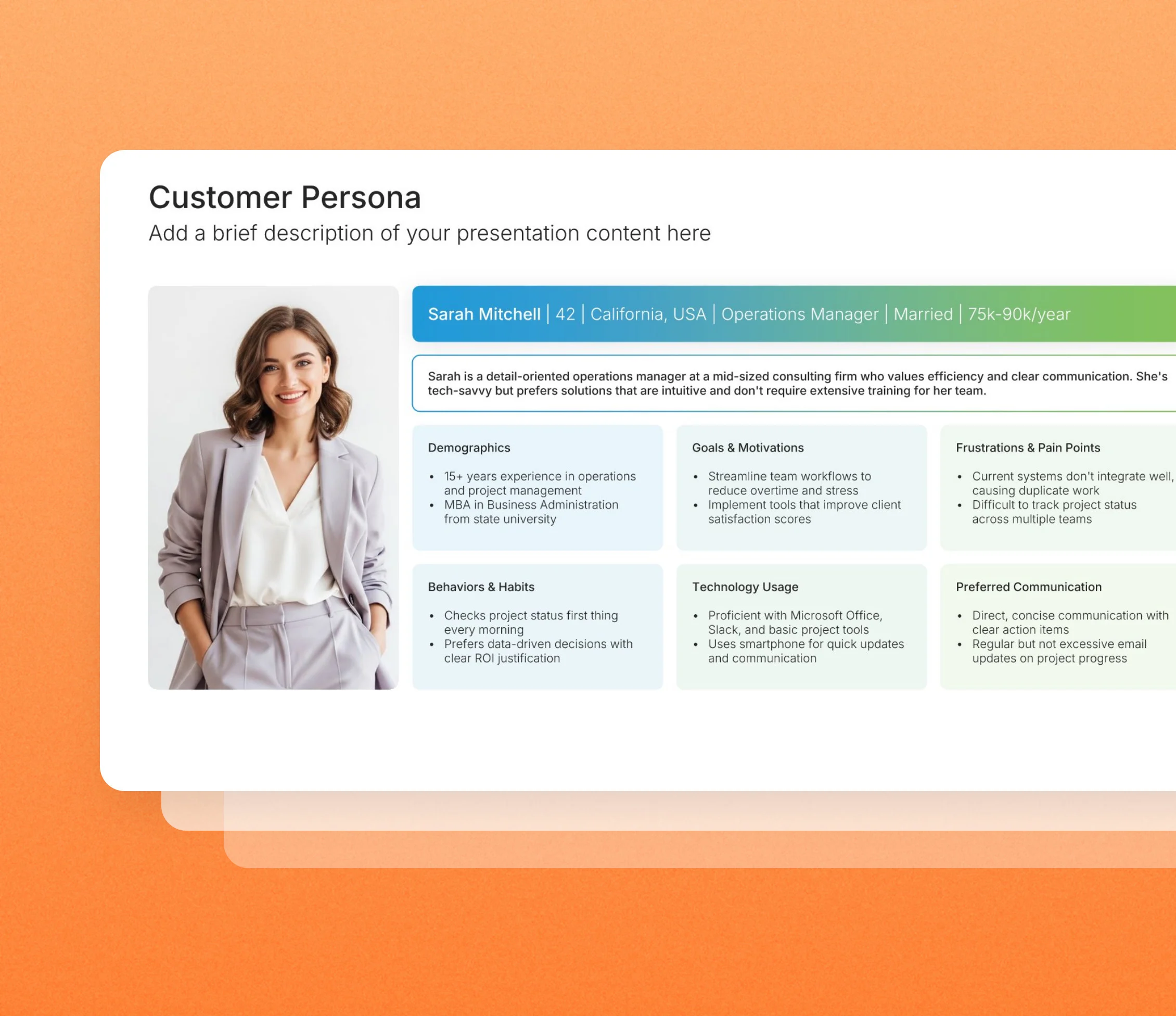
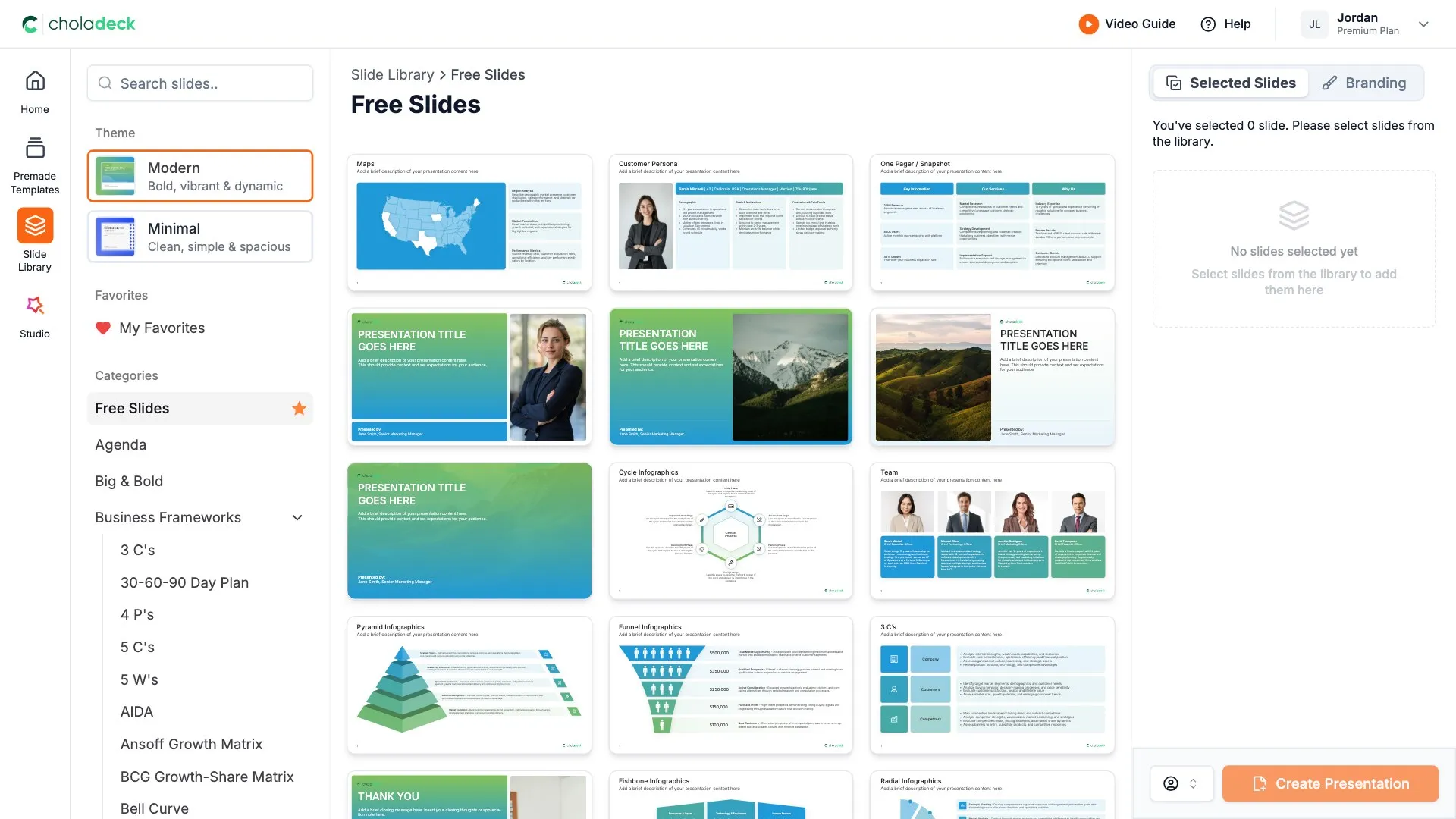
Customer persona template slides in the Choladeck slide library

Browse customer persona slides

24 ways to profile your customer, all fully editable.

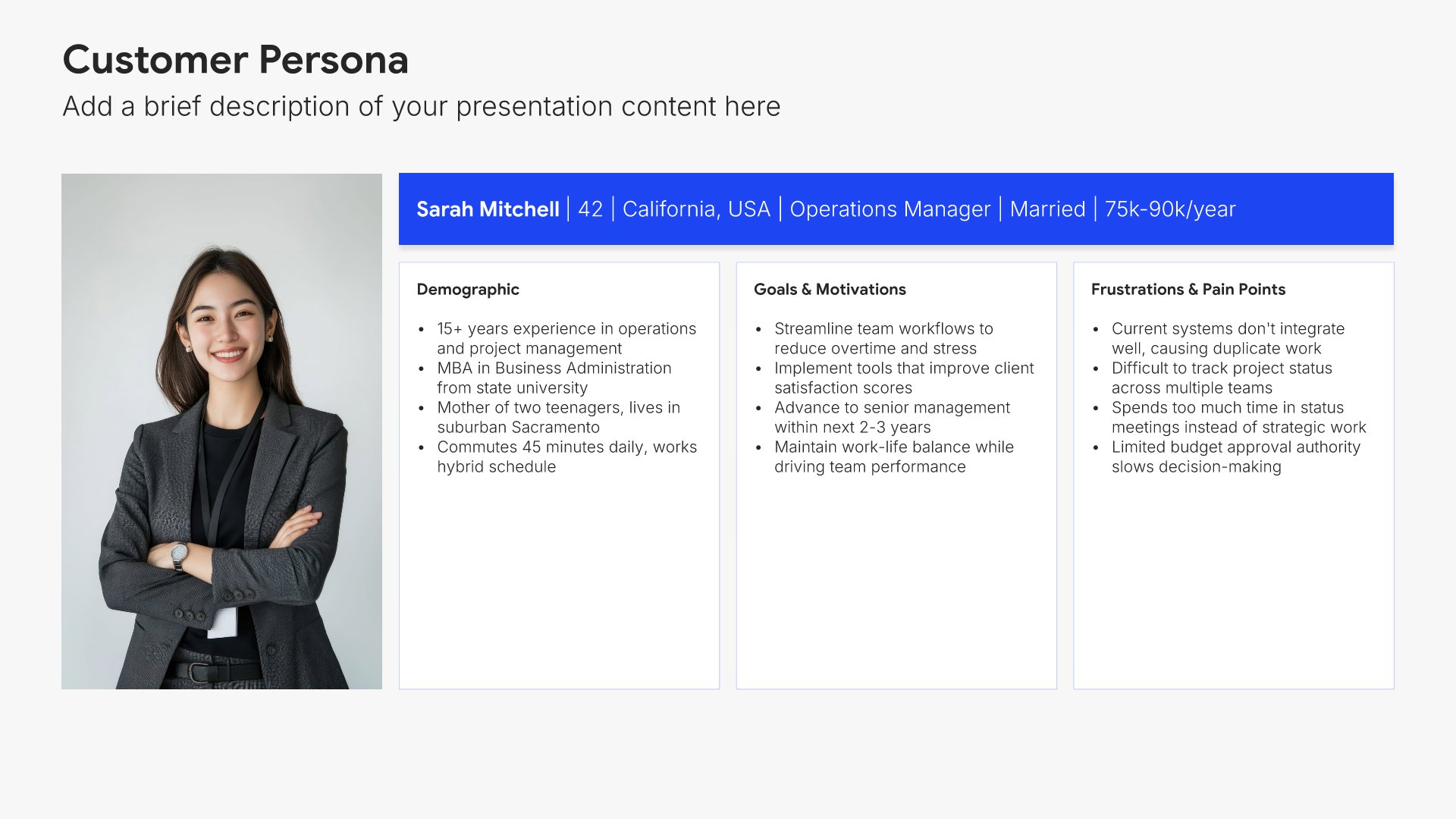
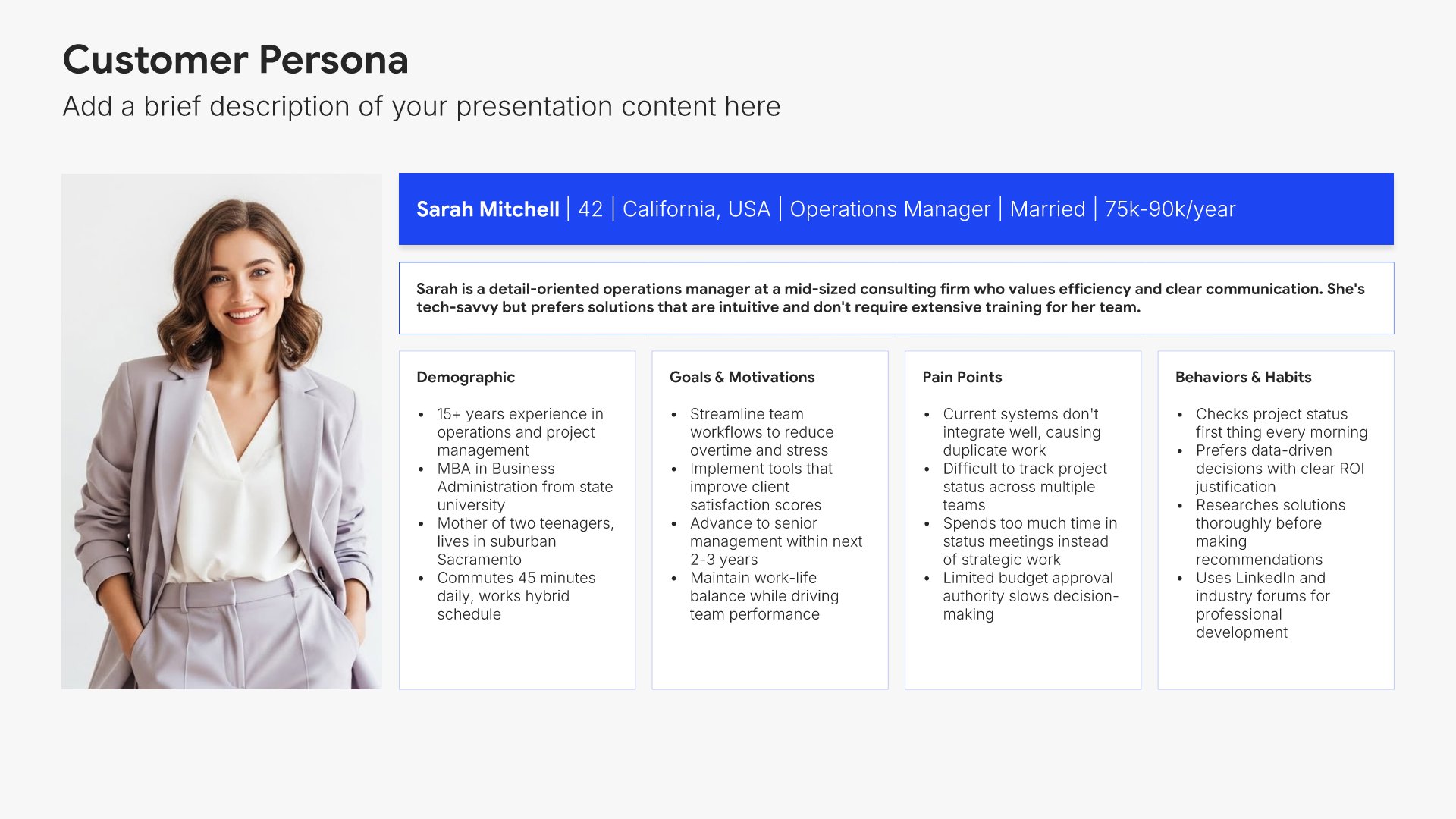
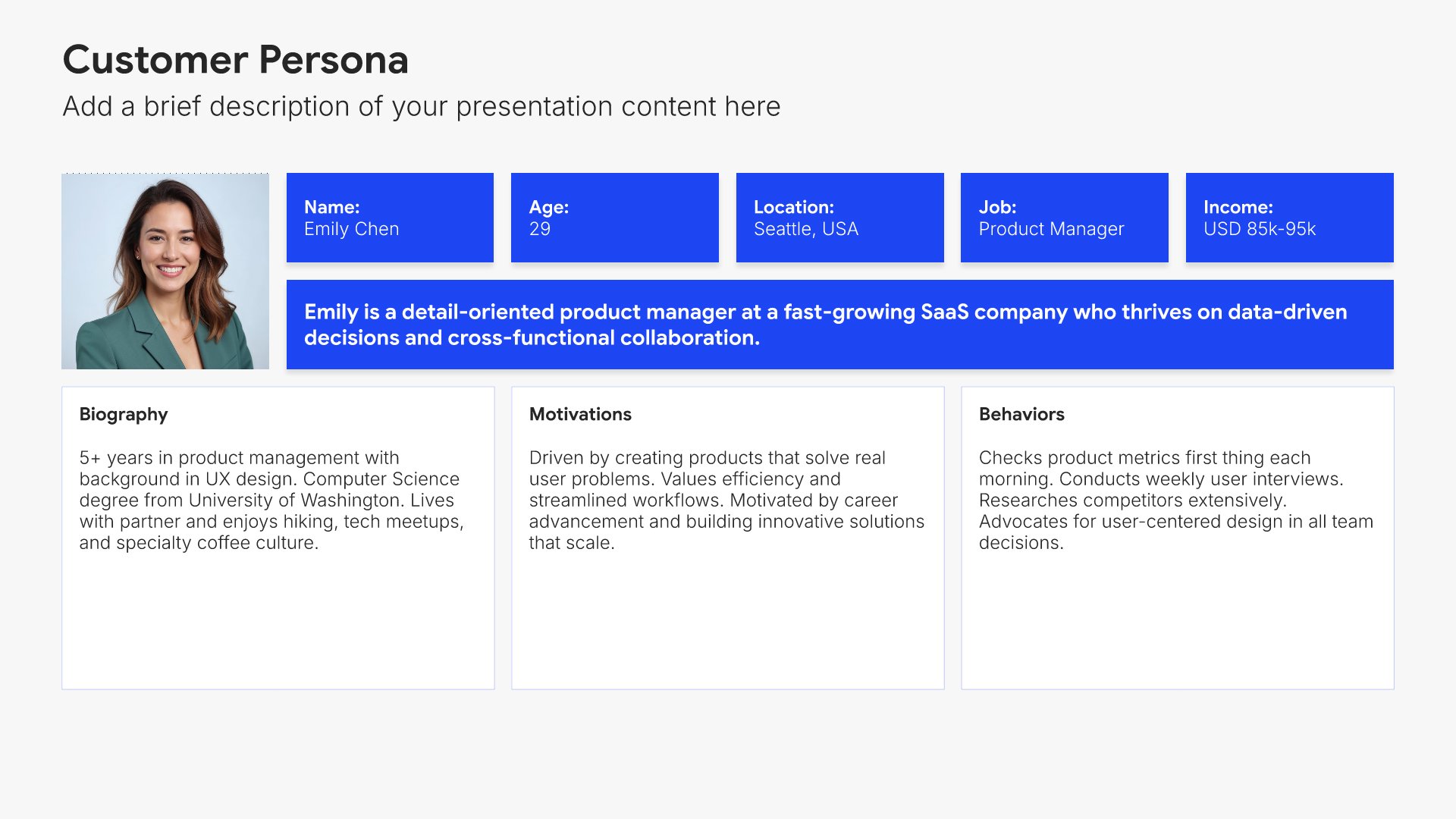
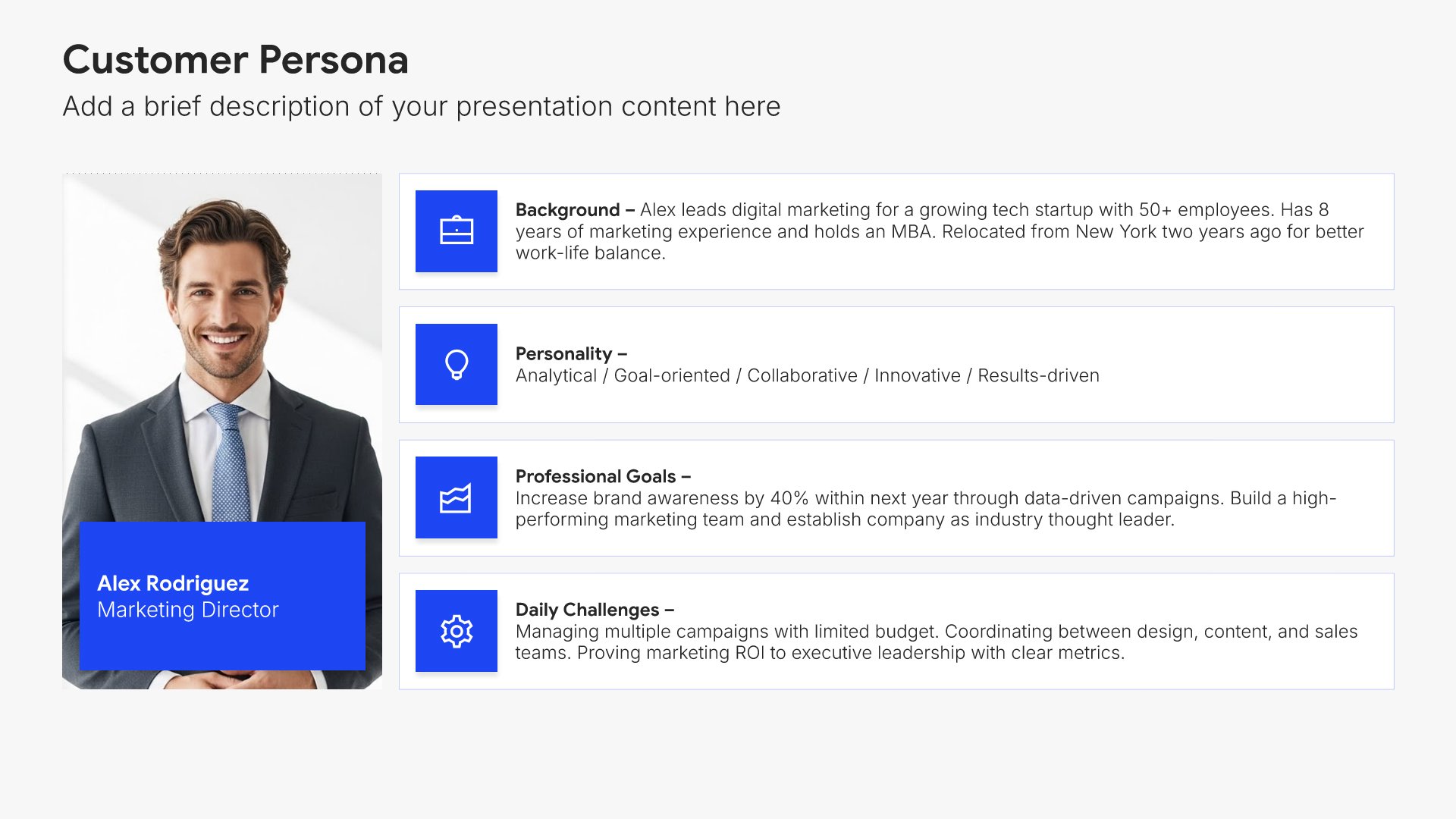
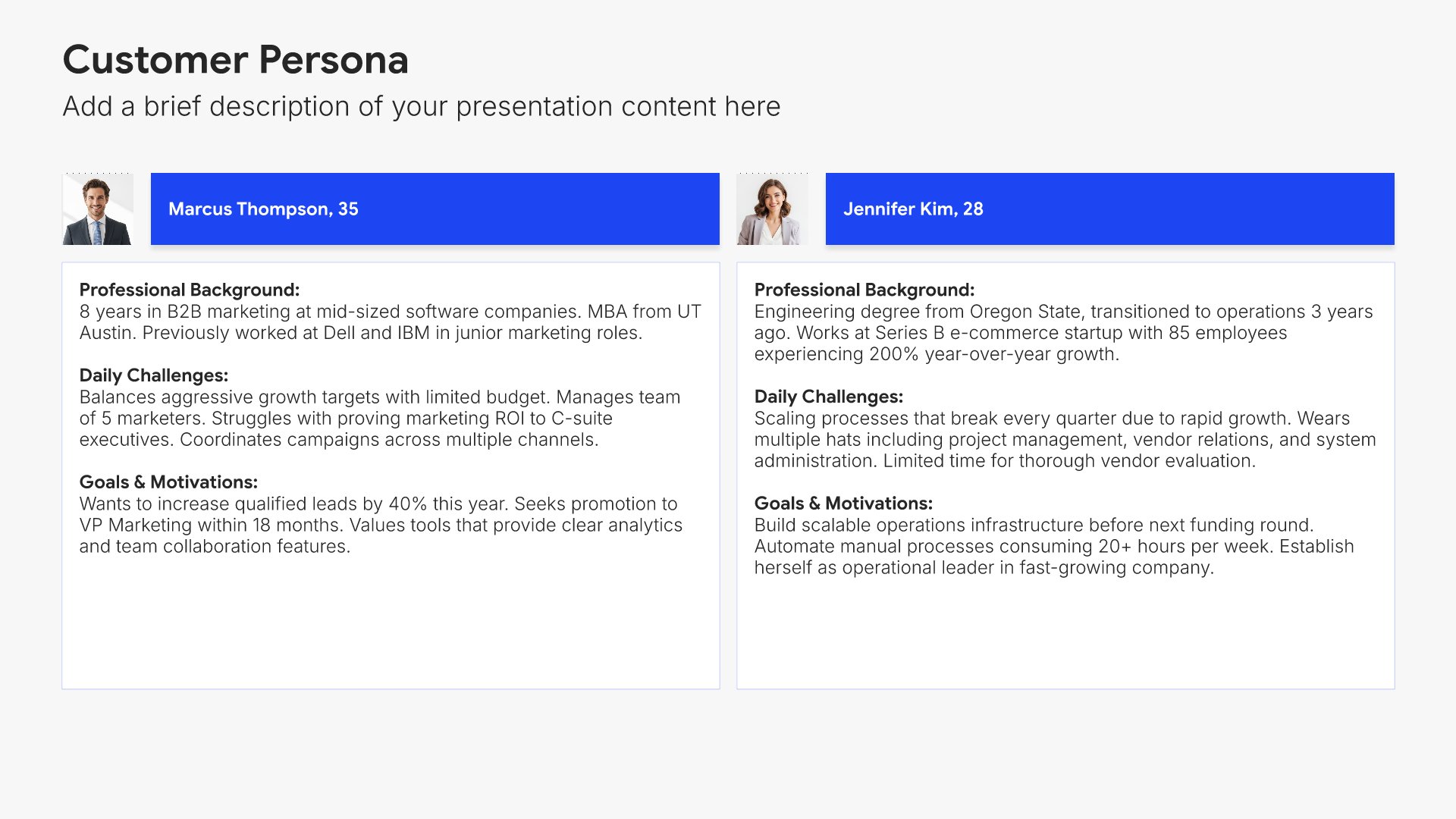
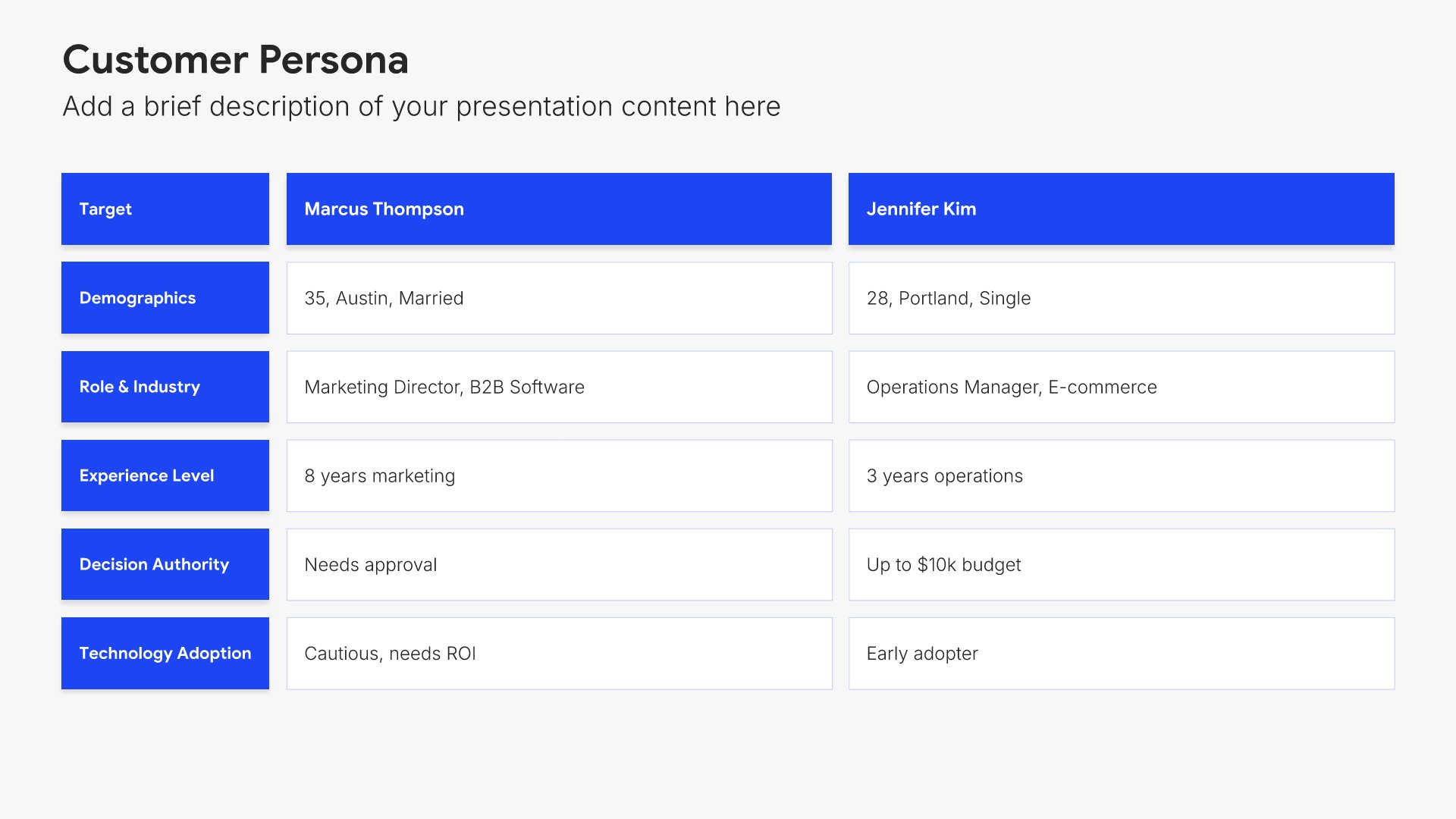
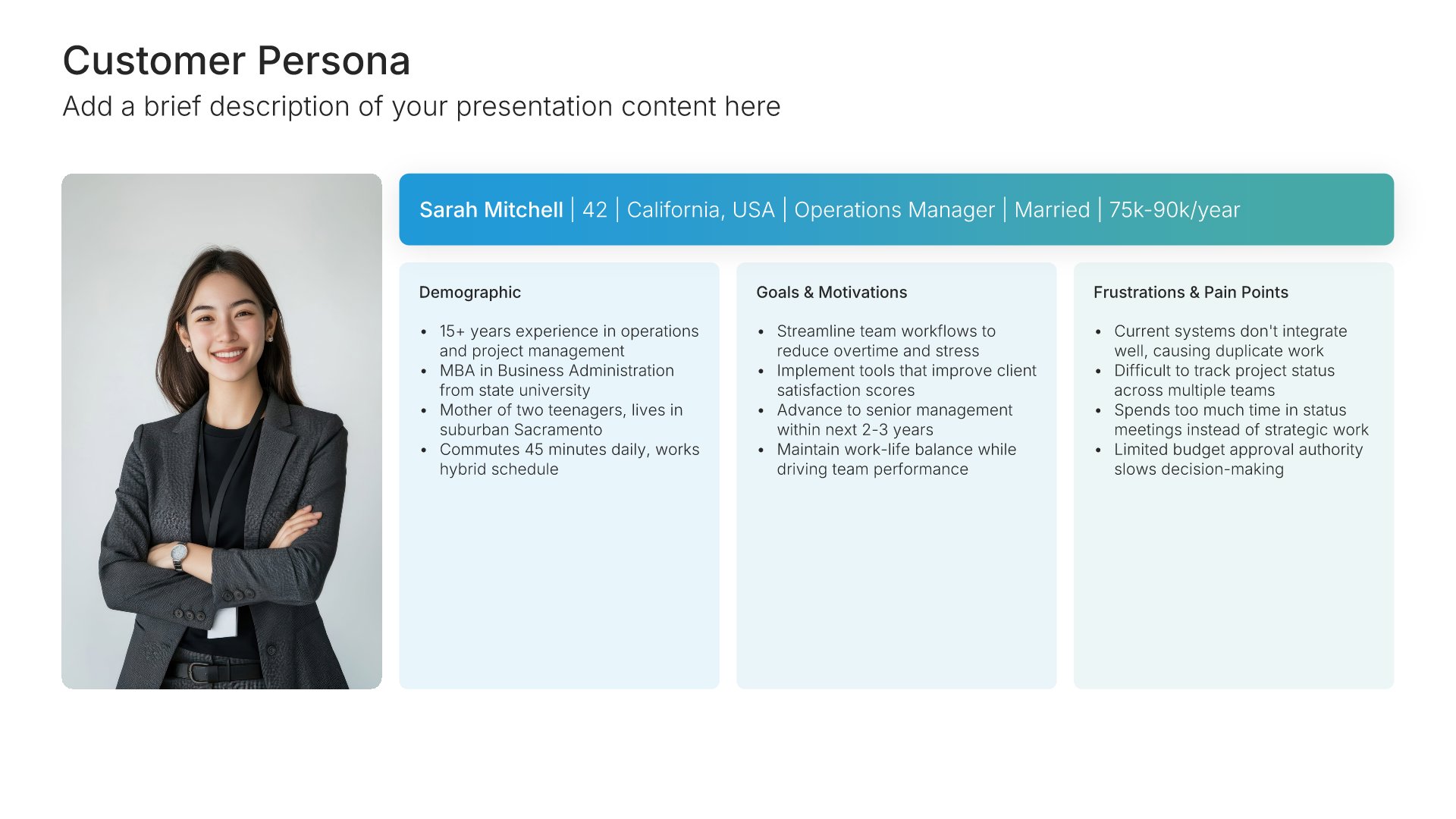
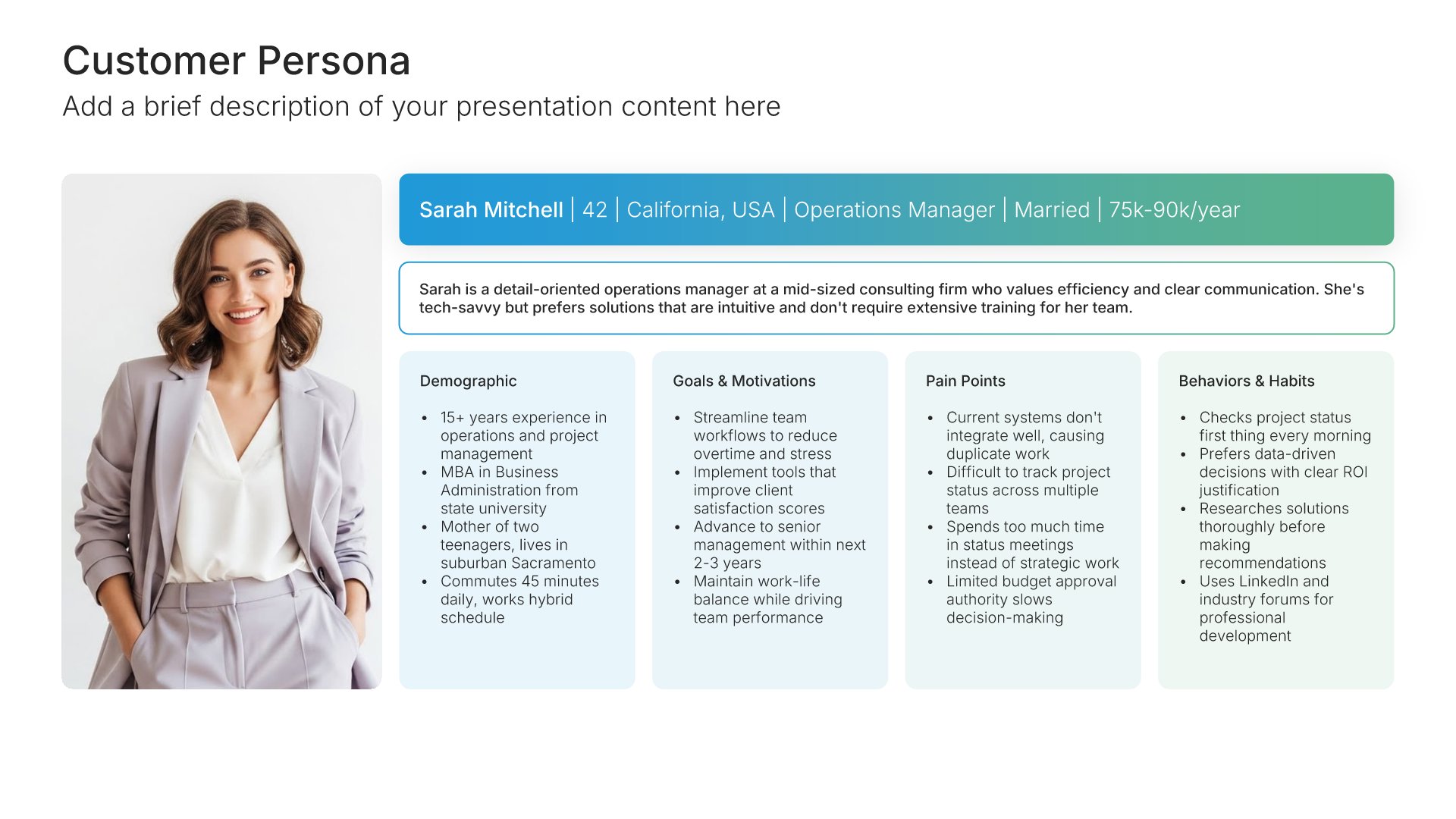
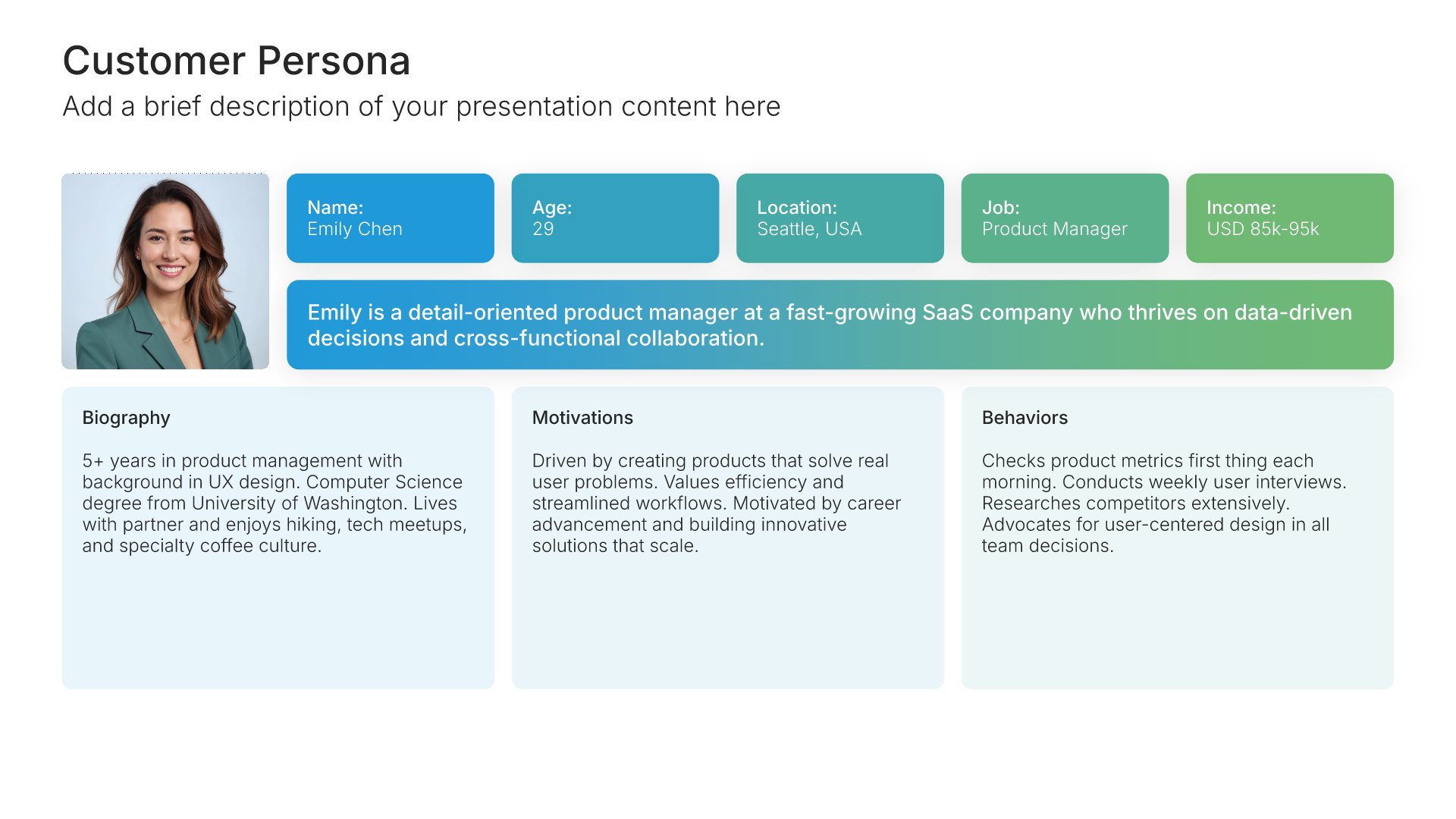
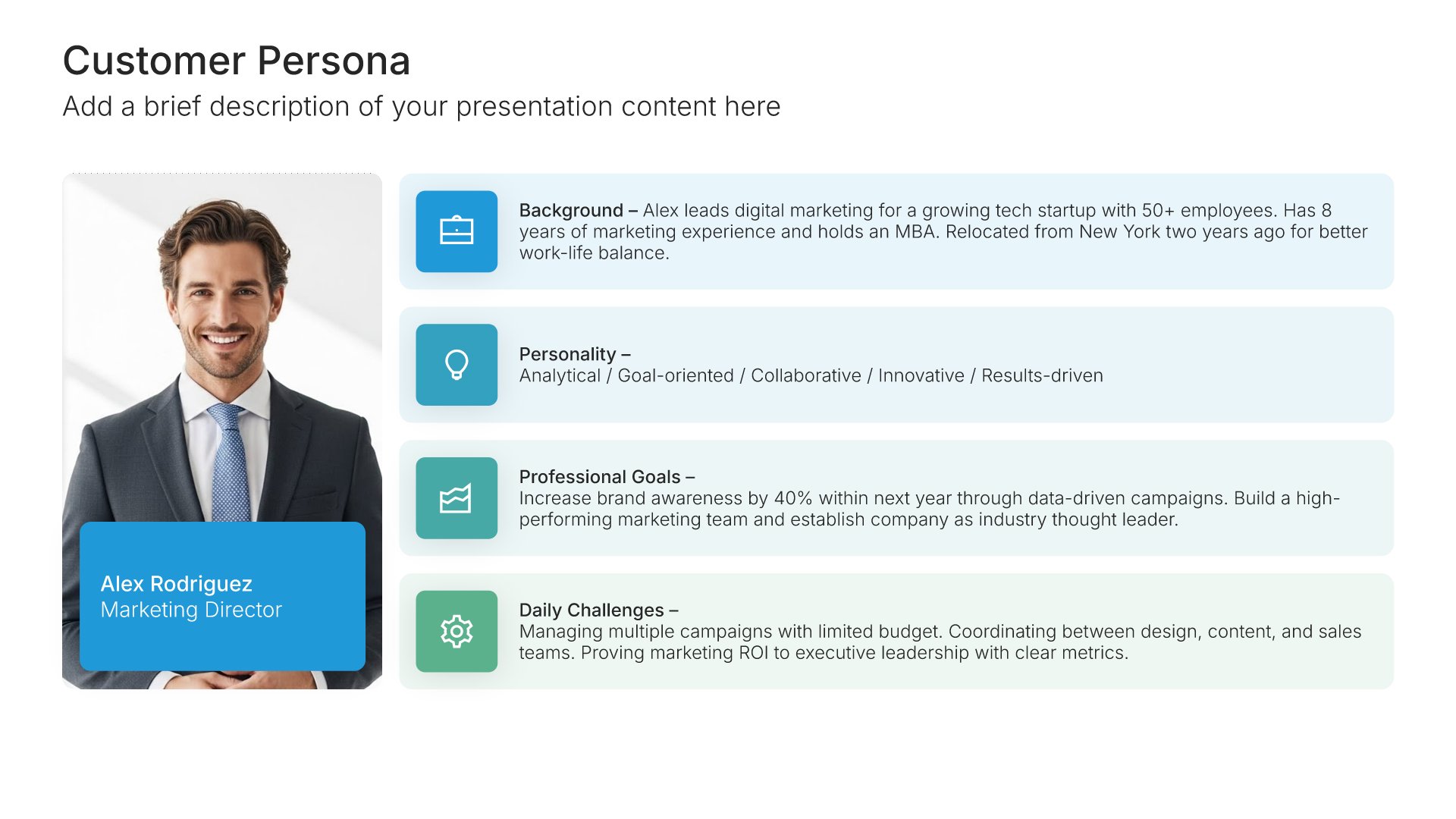
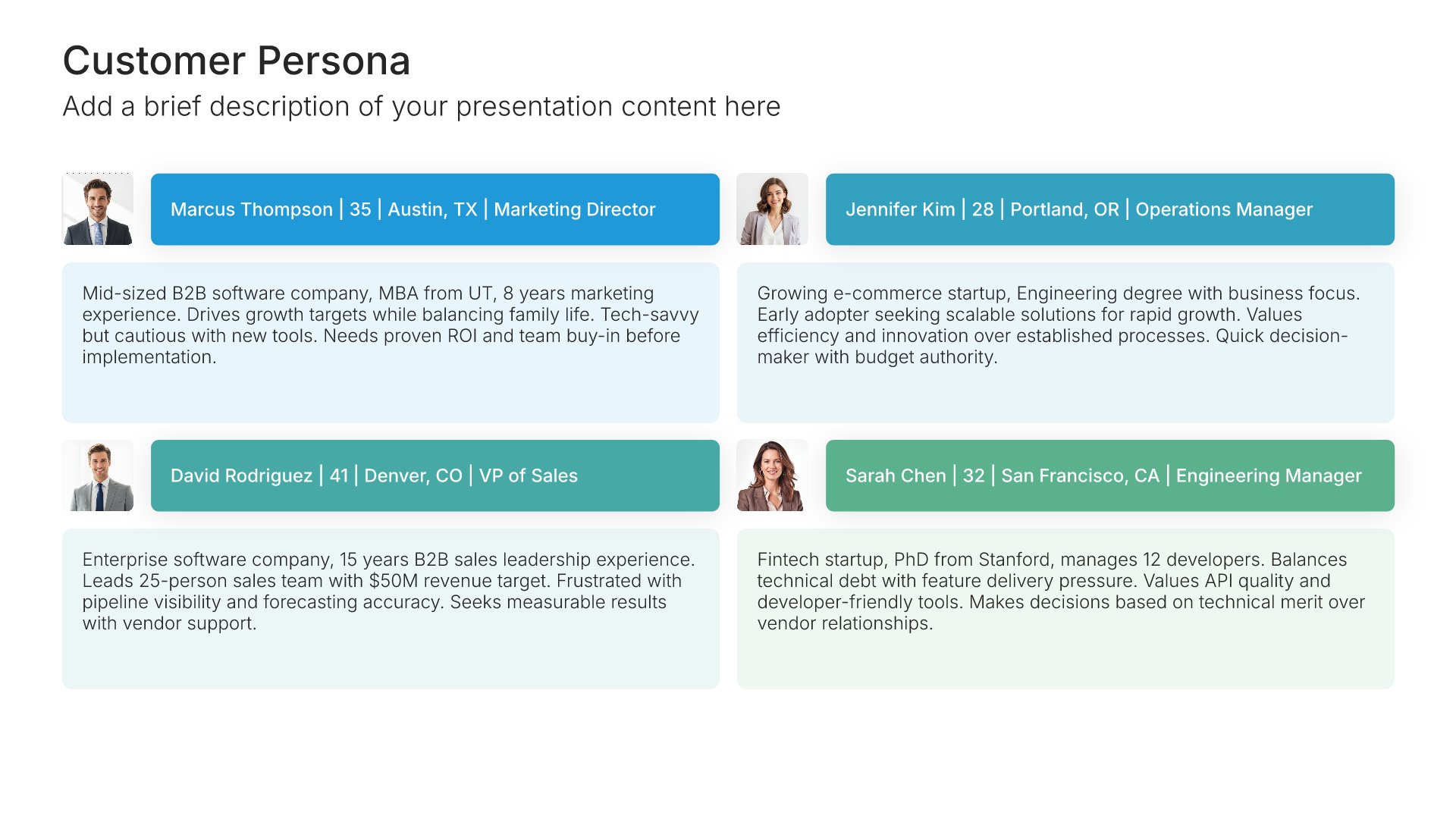
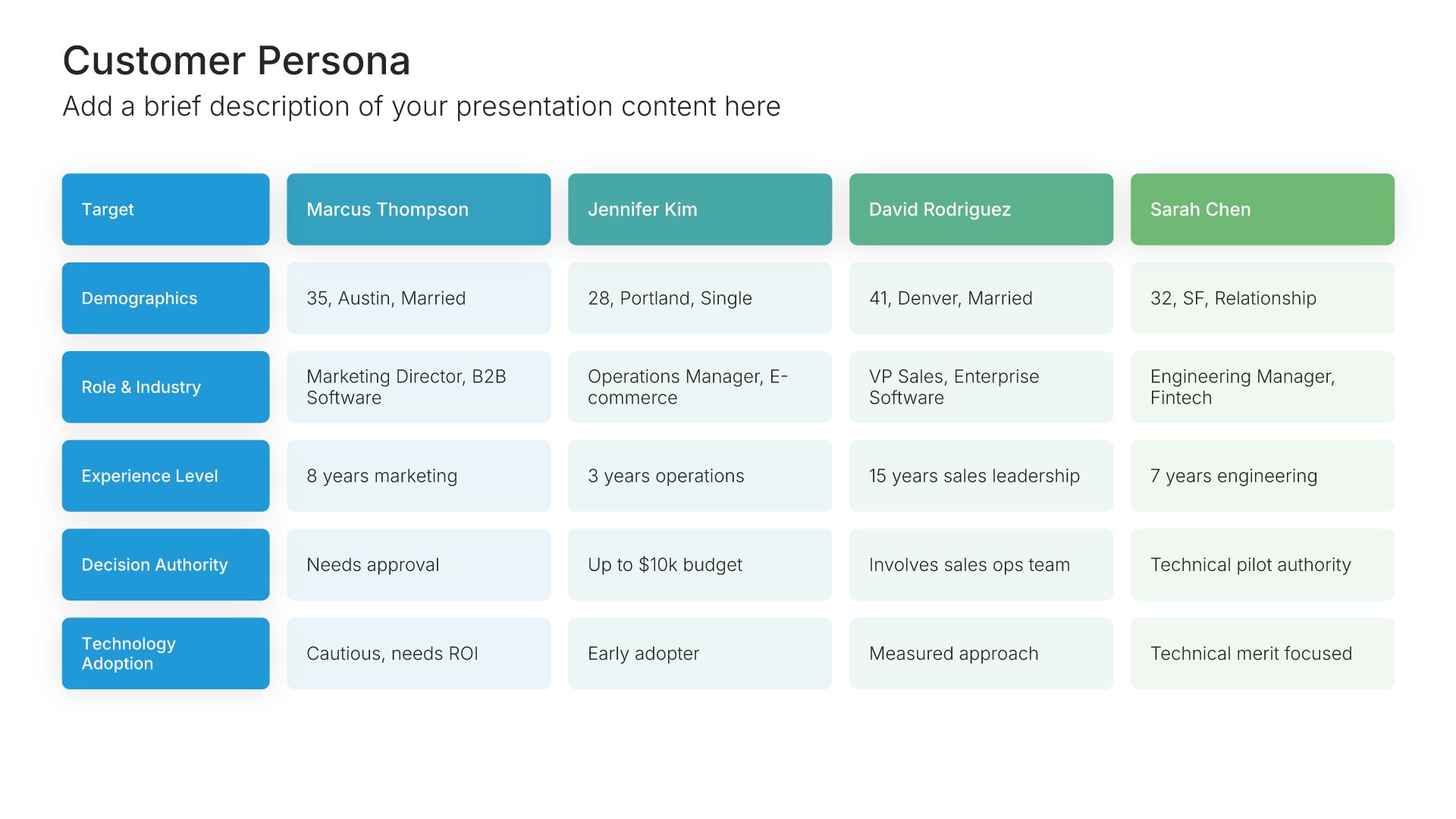
Customer persona template slide, layout 01

Layout 01

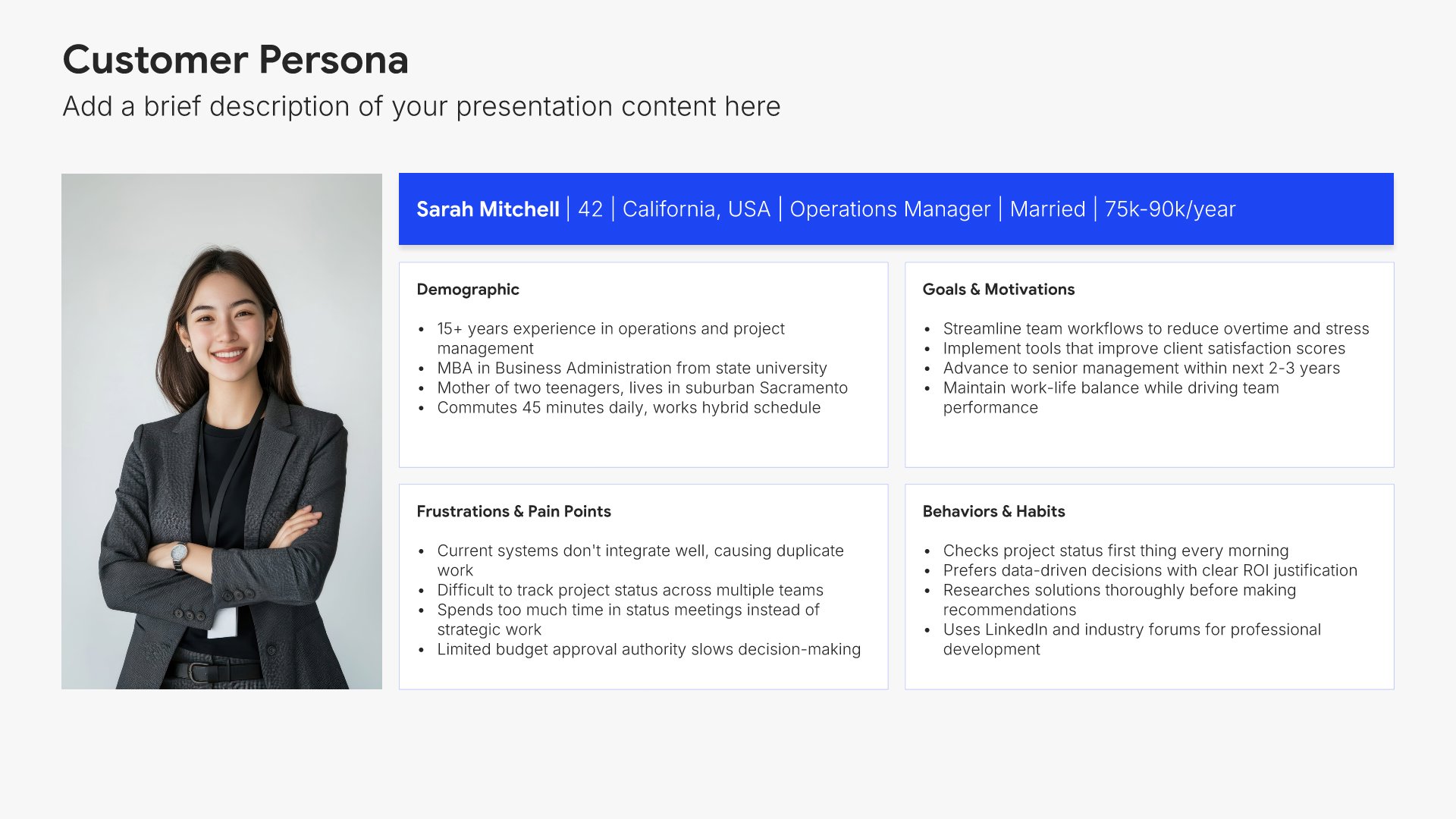
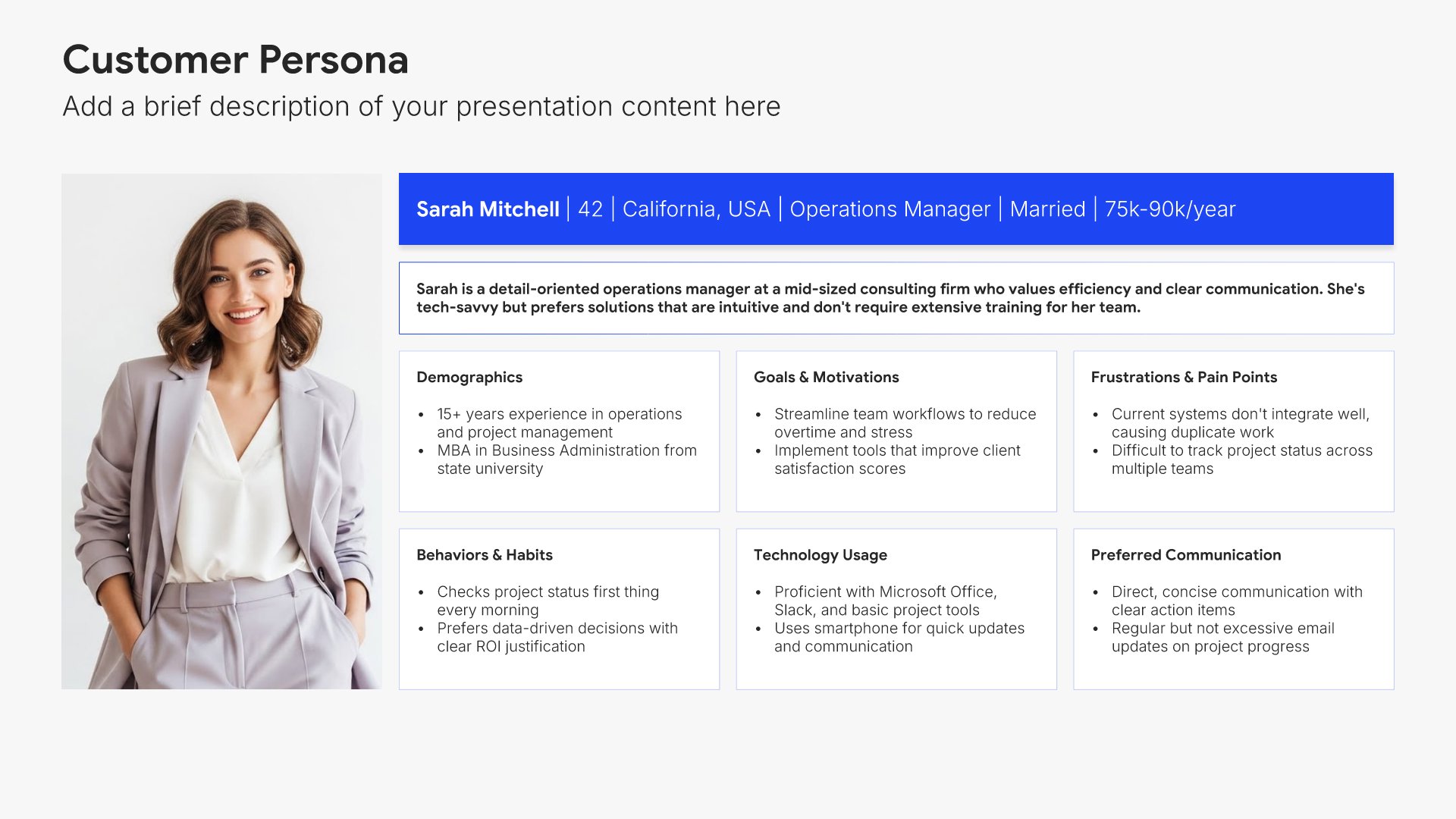
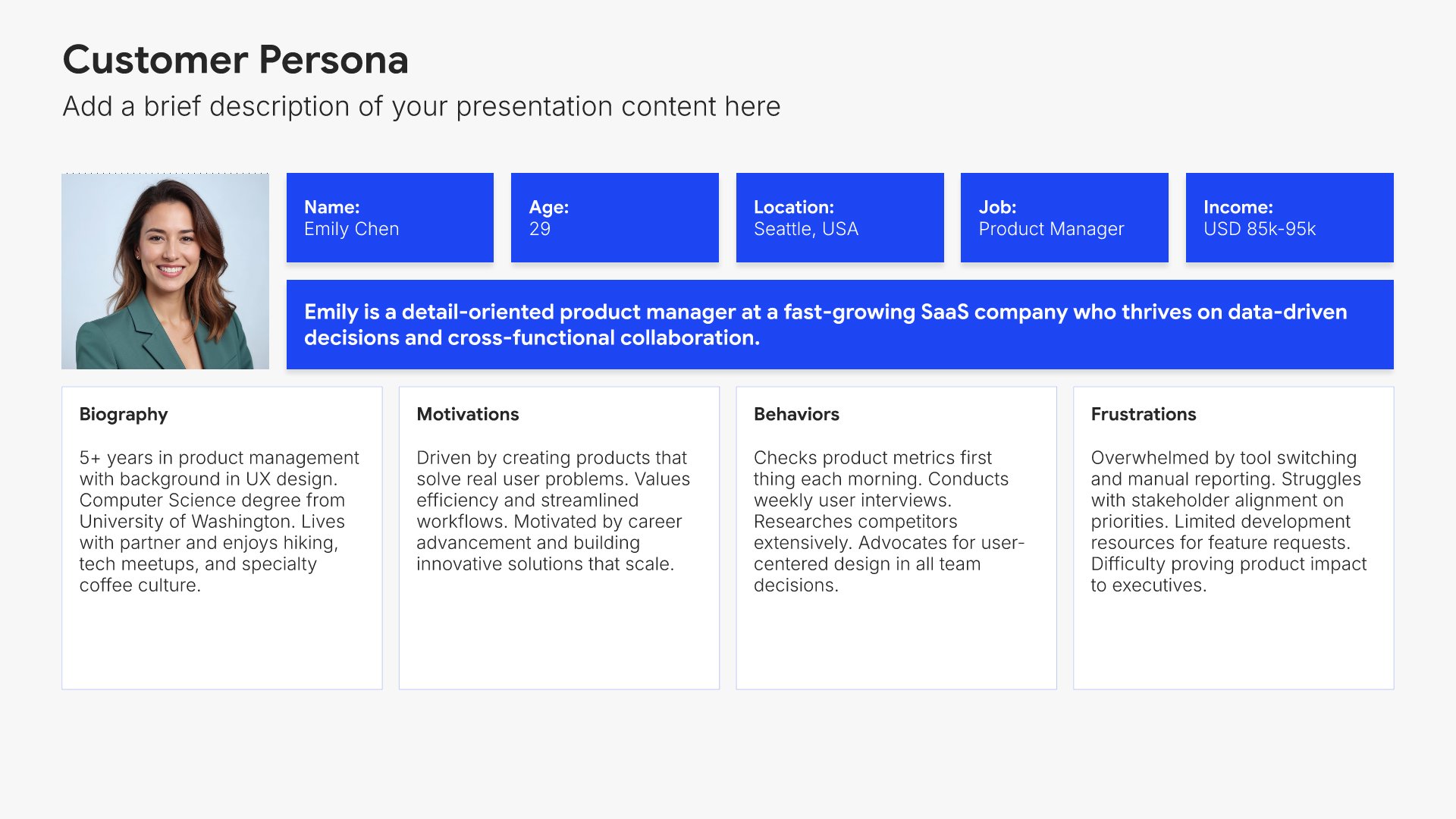
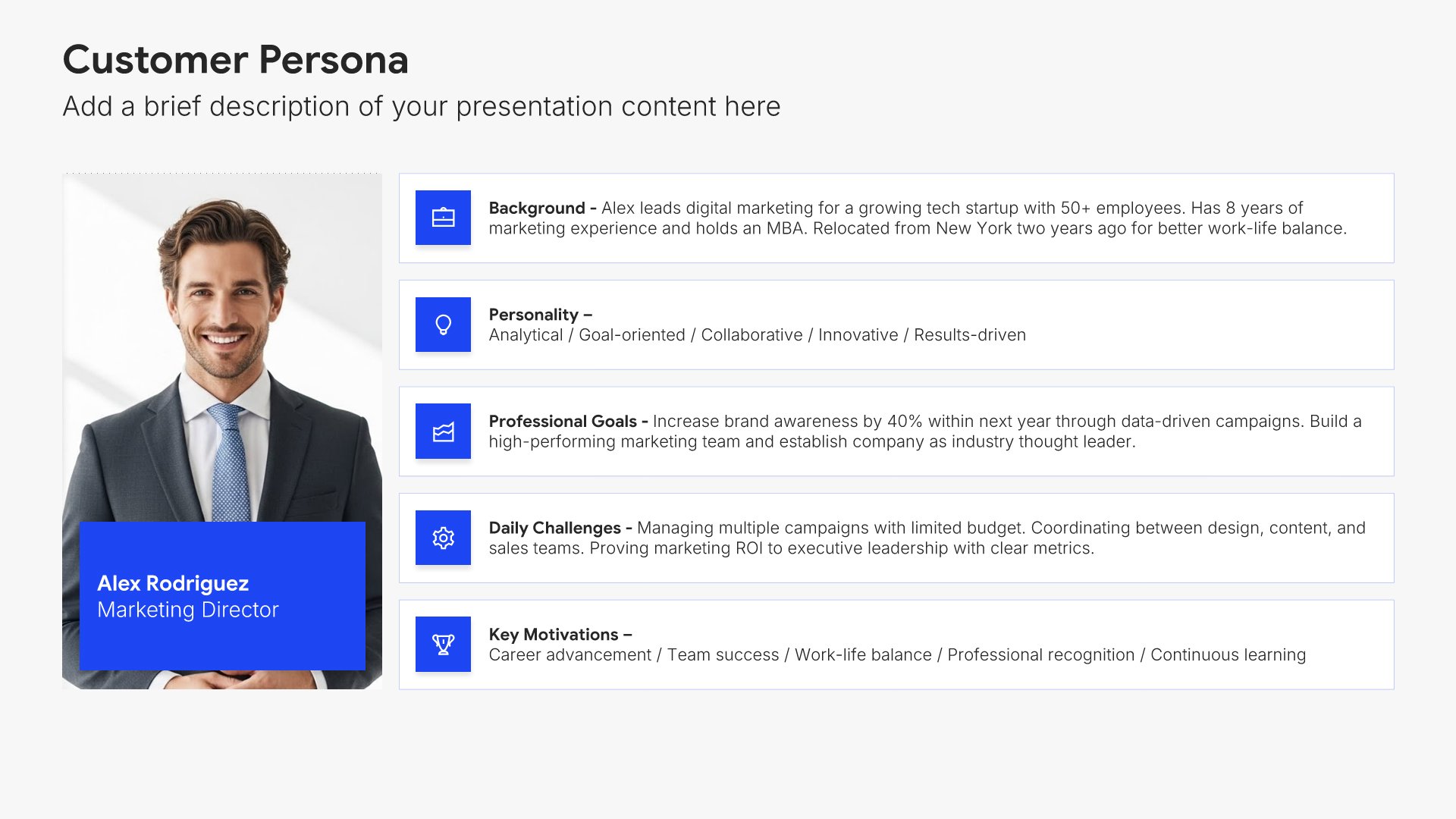
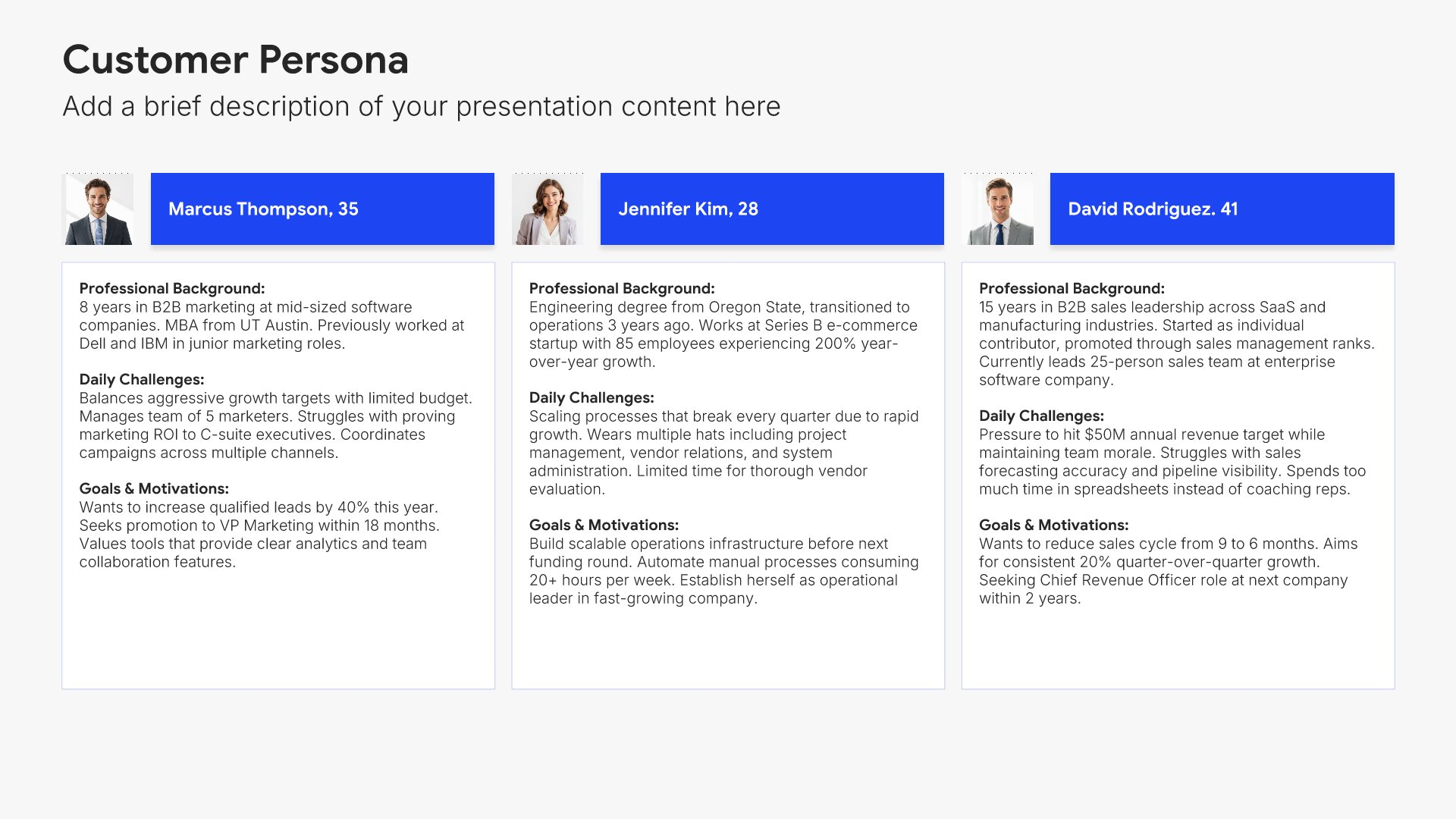
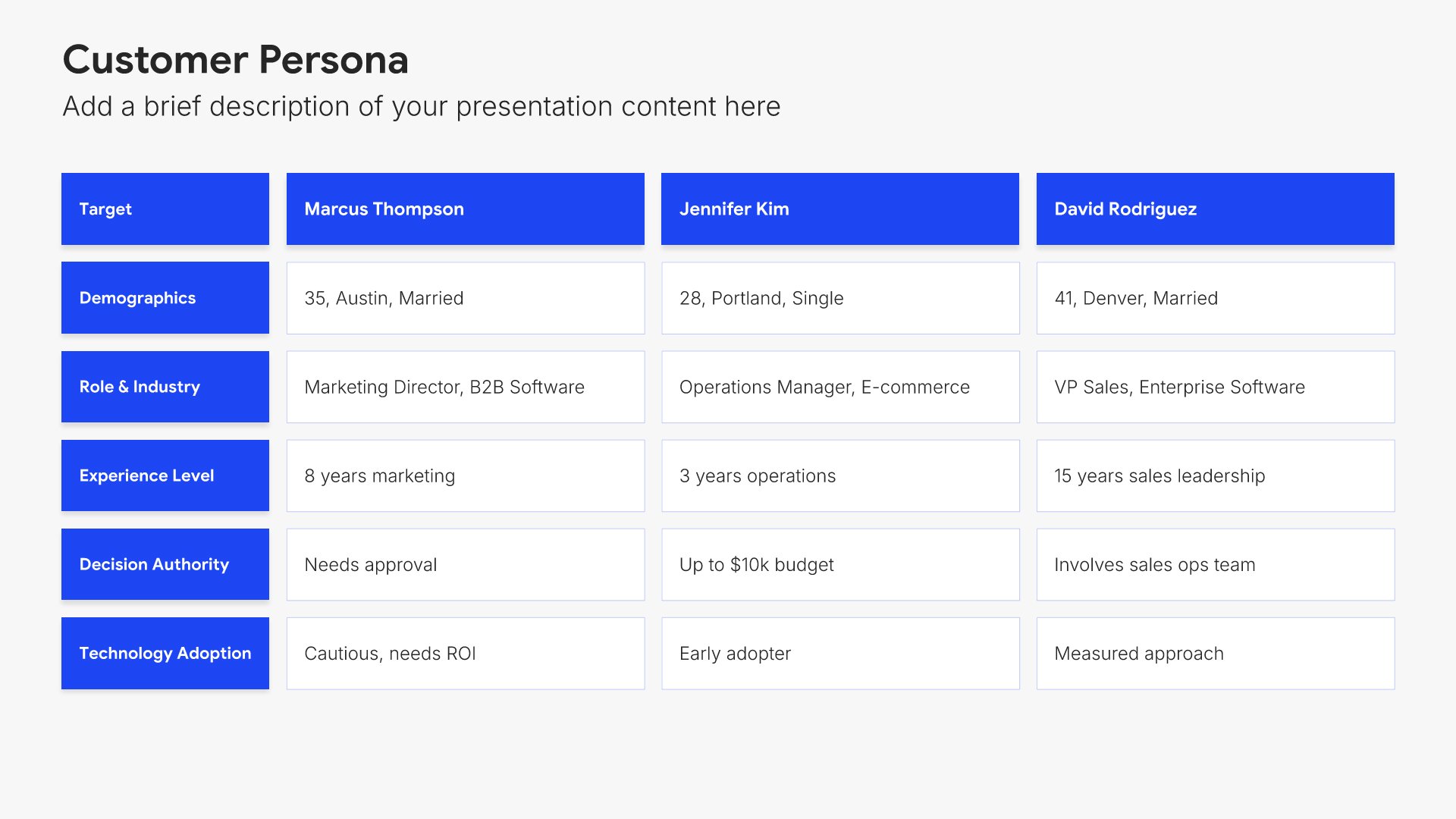
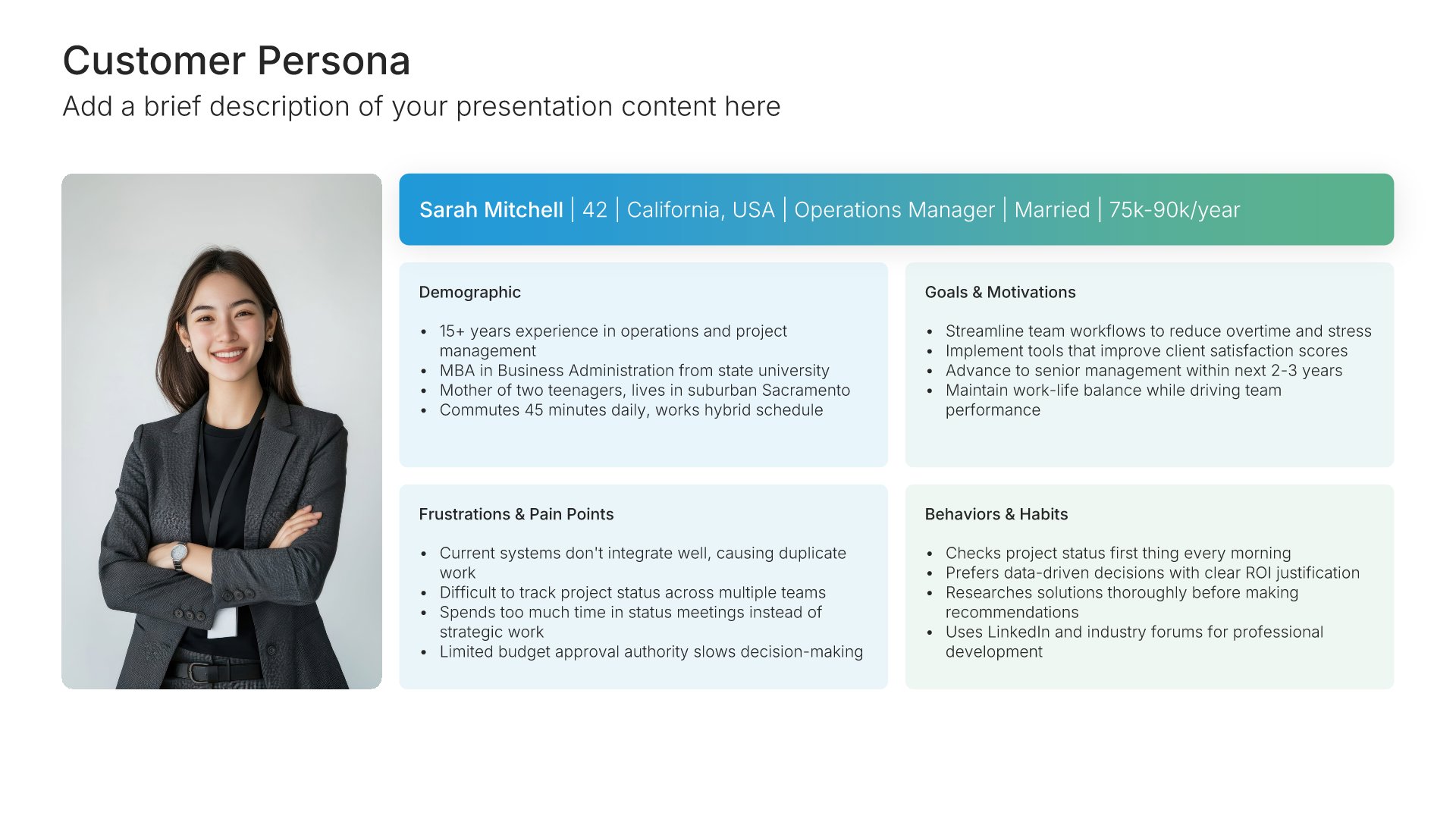
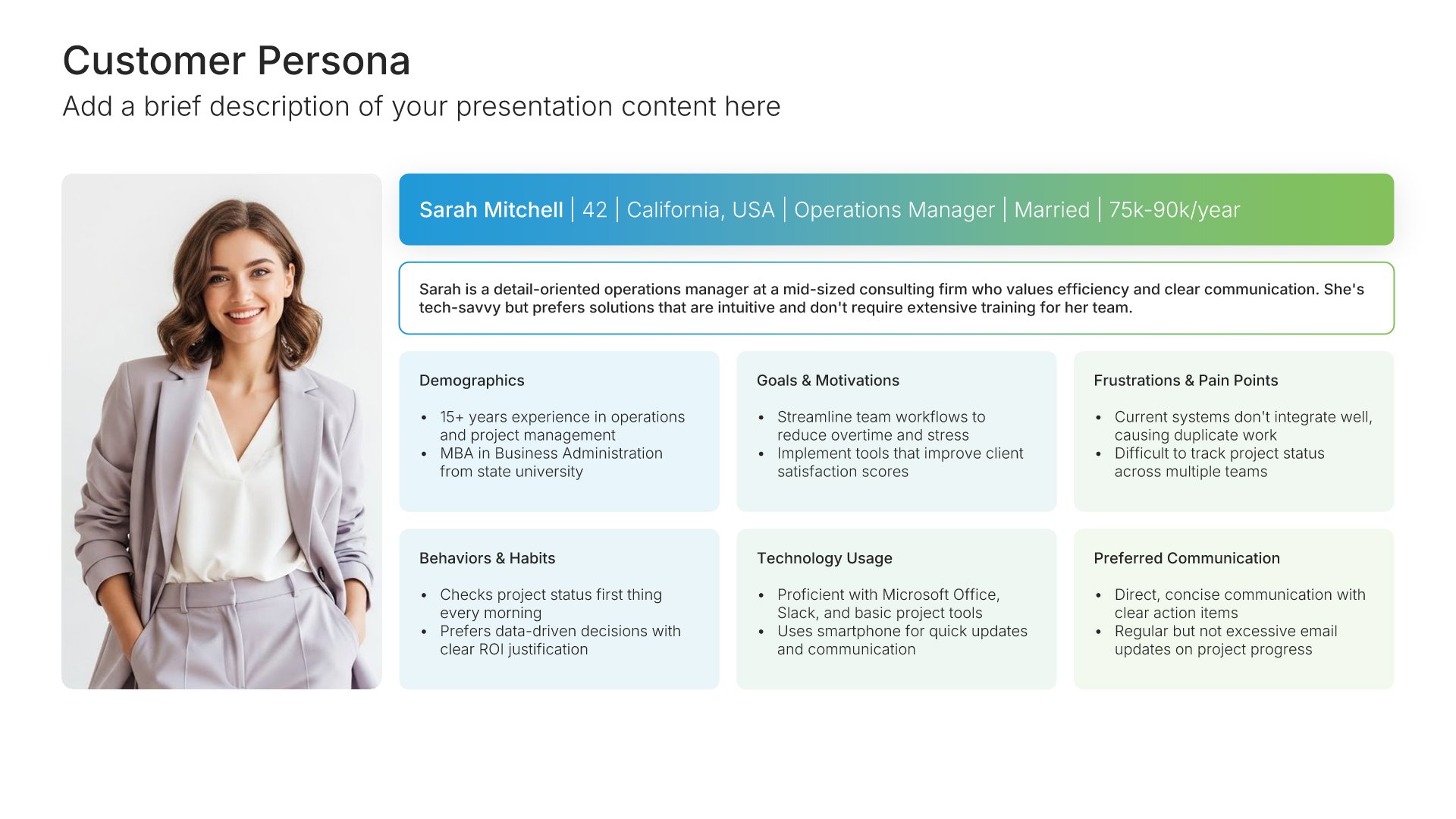
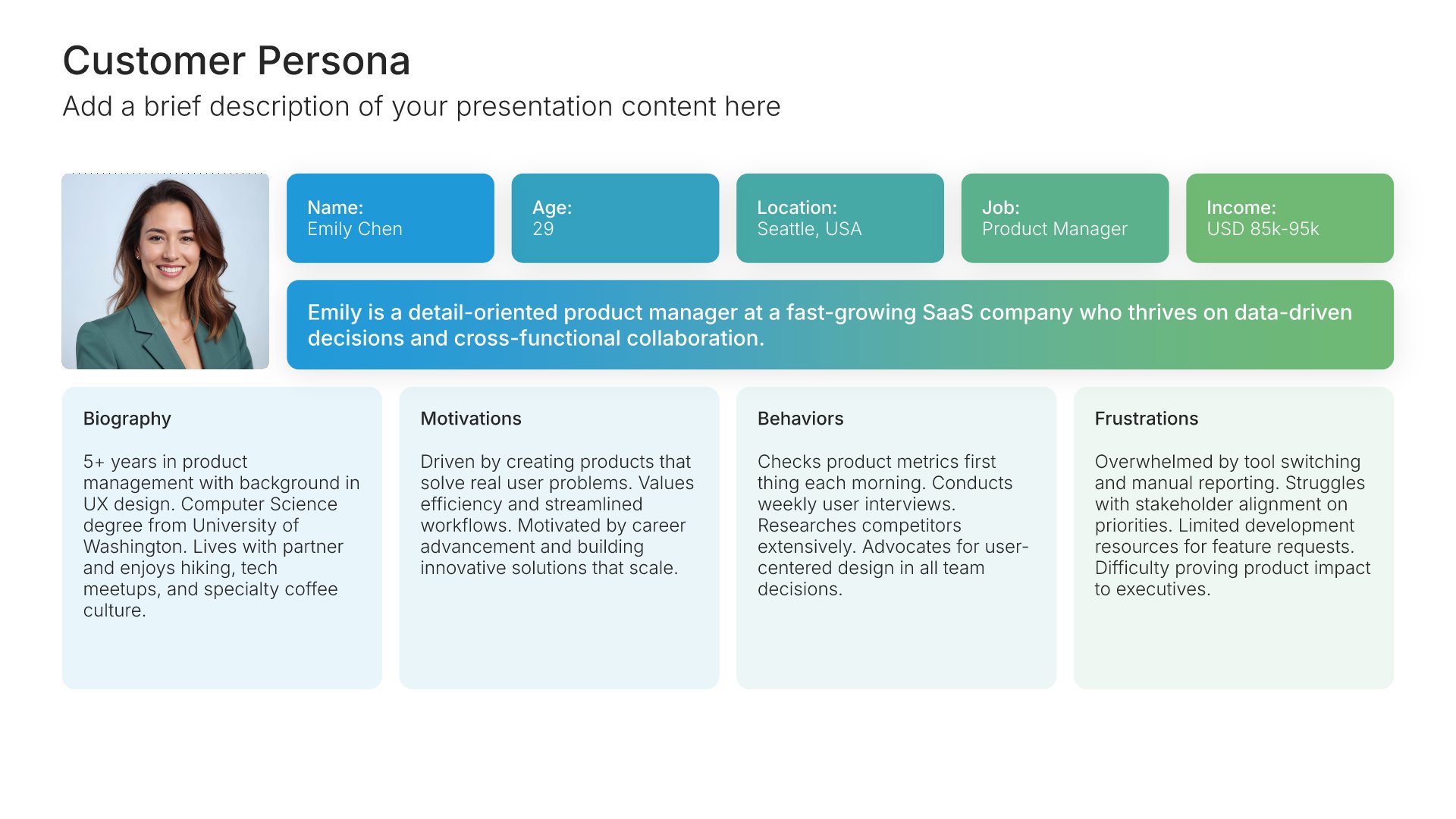
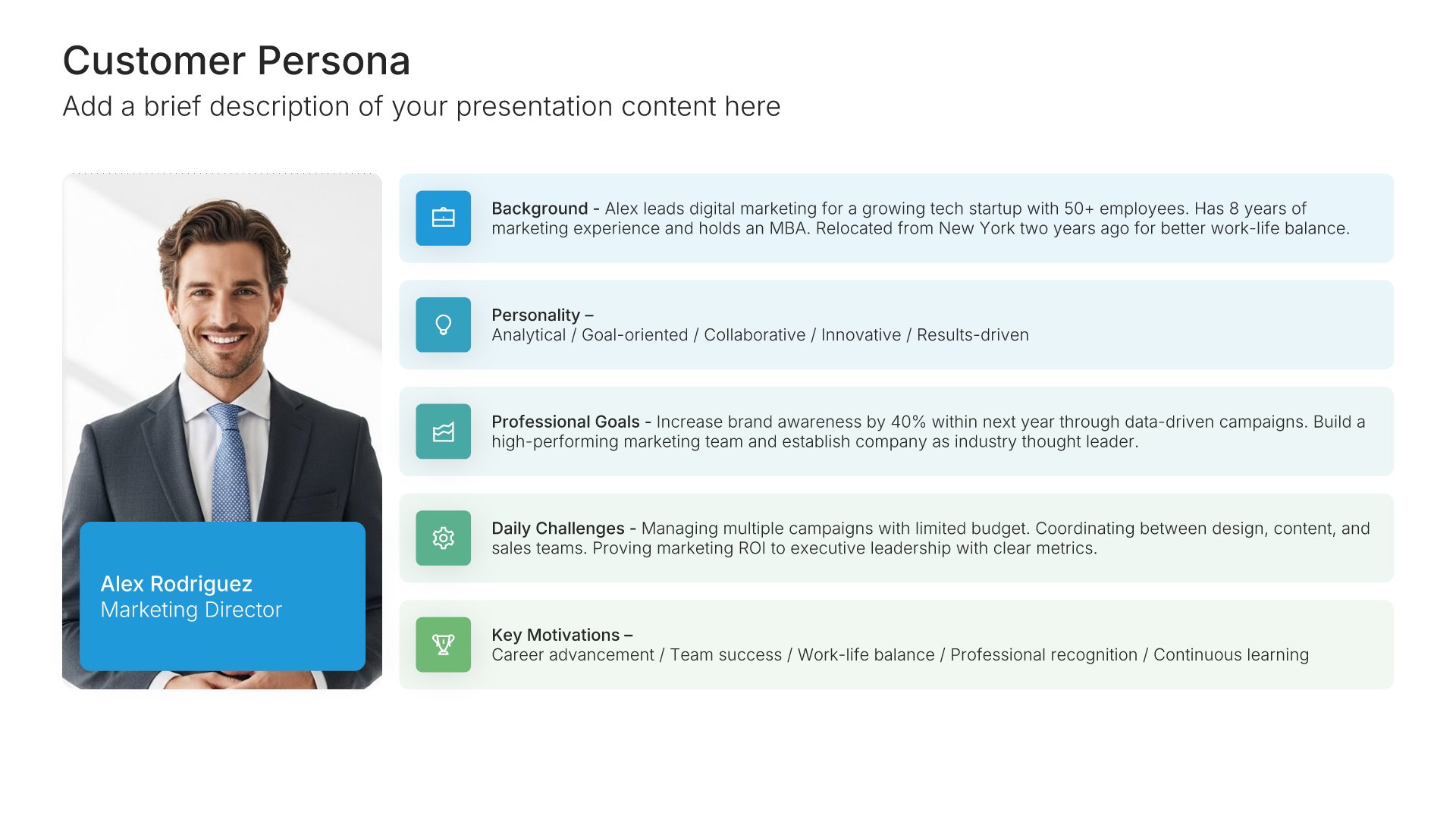
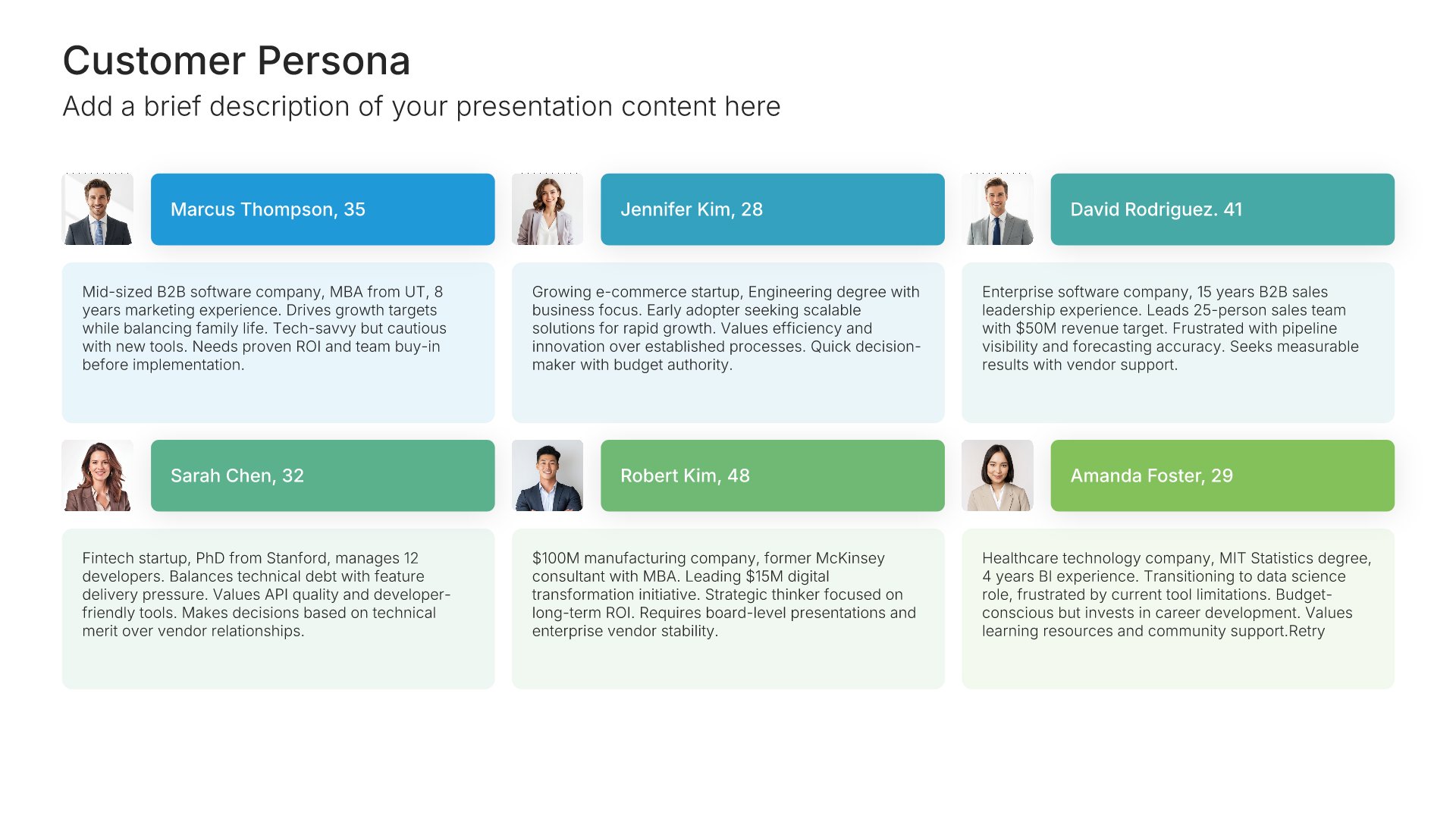
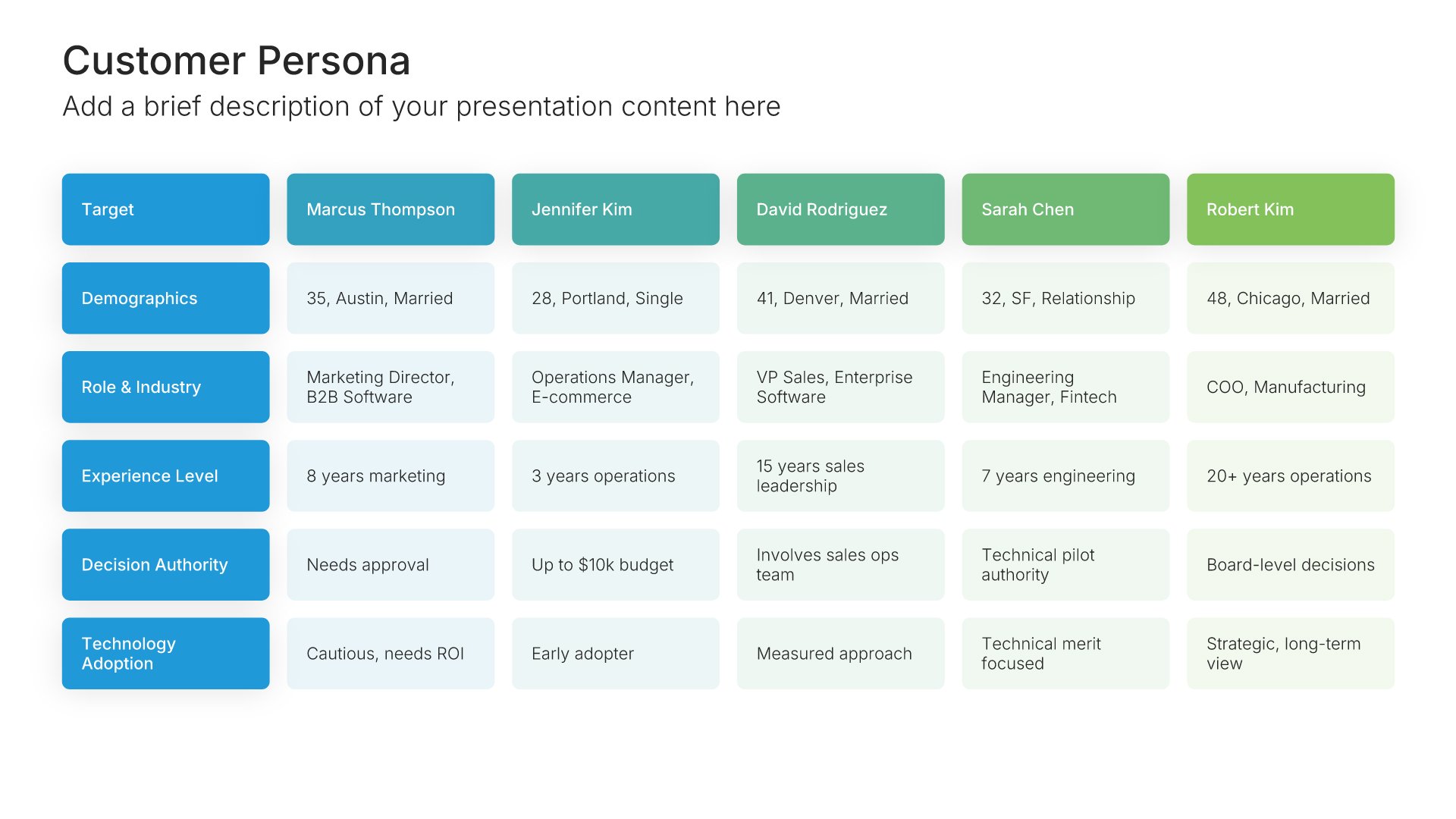
Customer persona template slide, layout 02

Layout 02

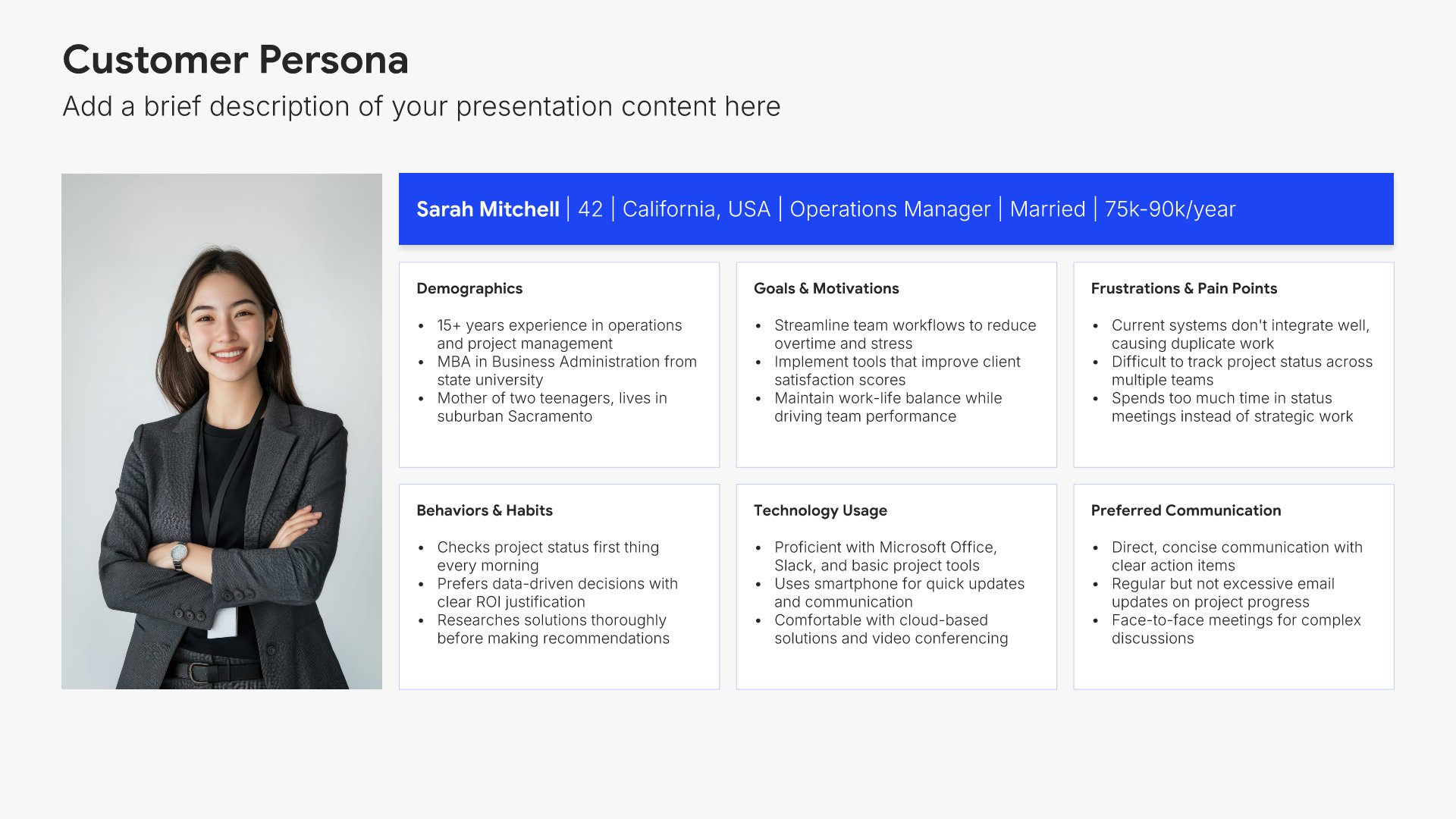
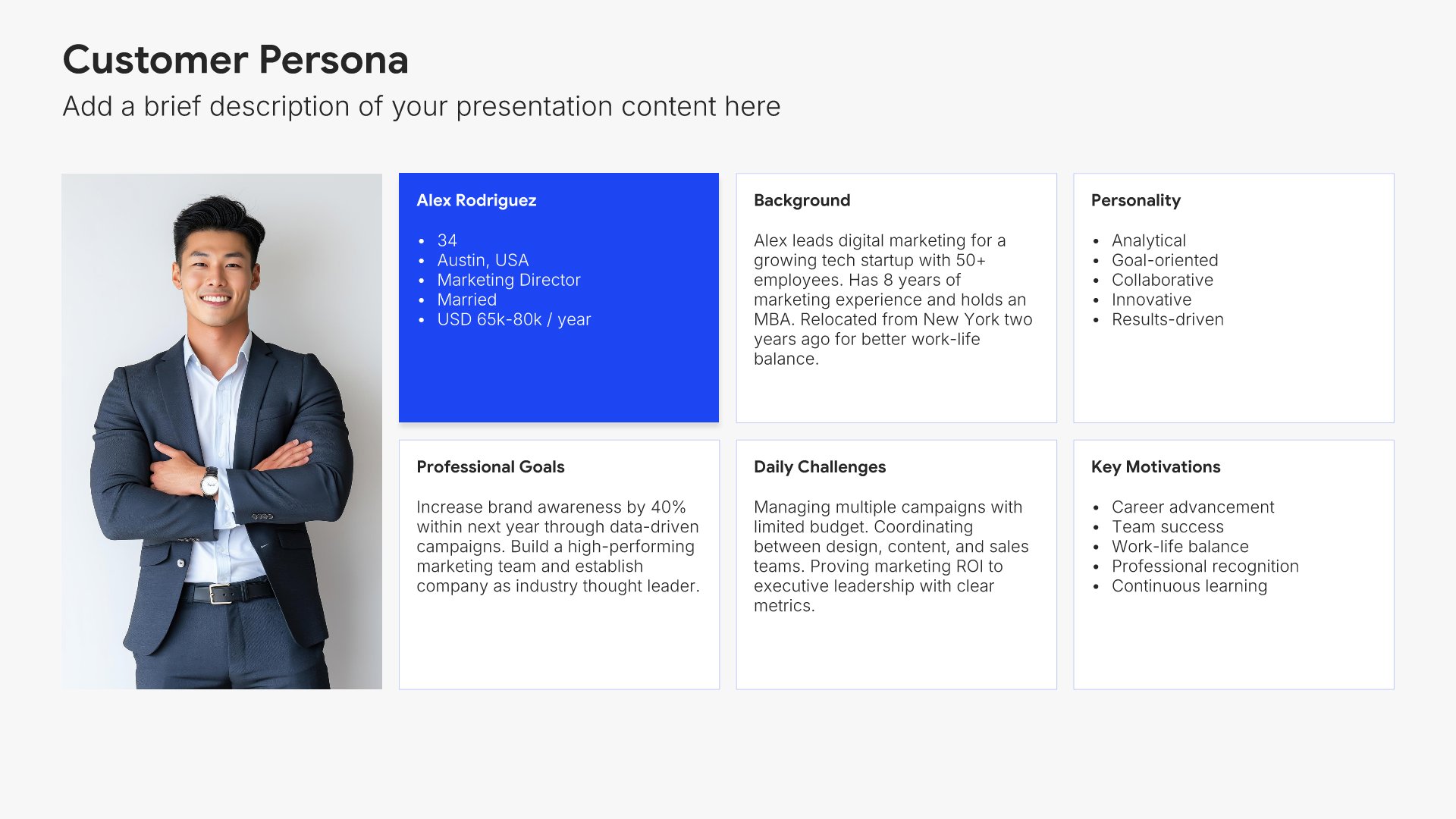
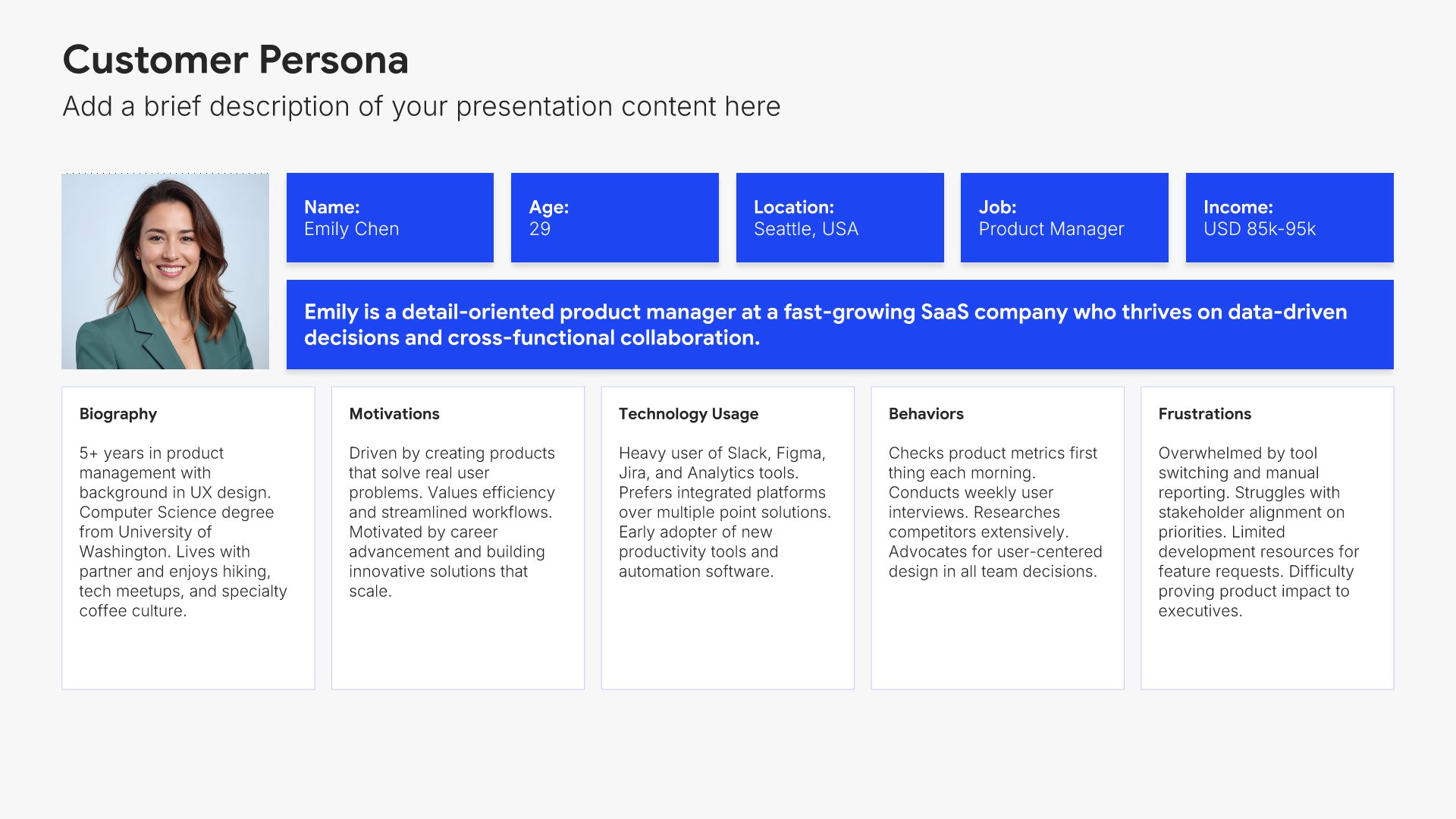
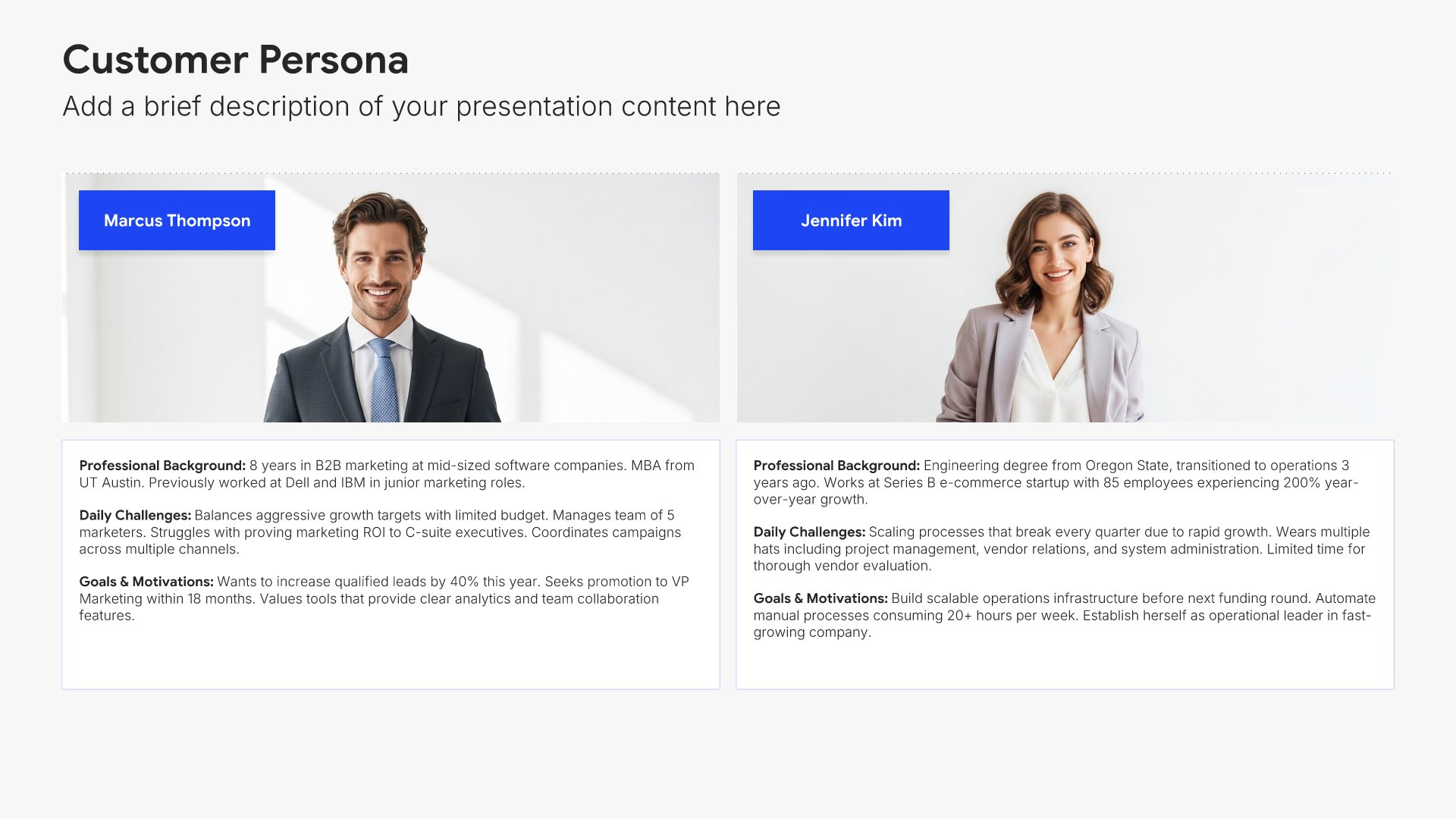
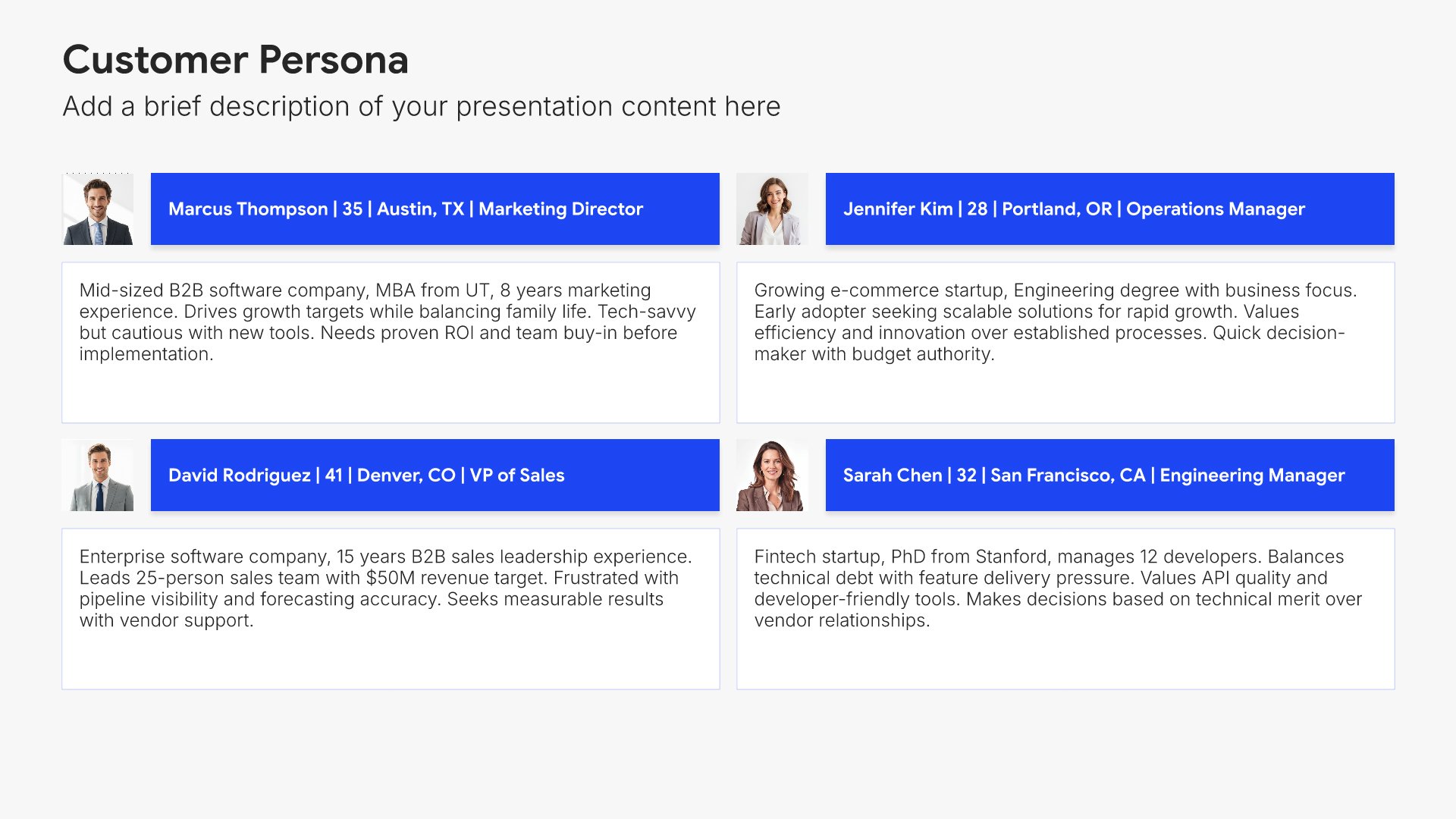
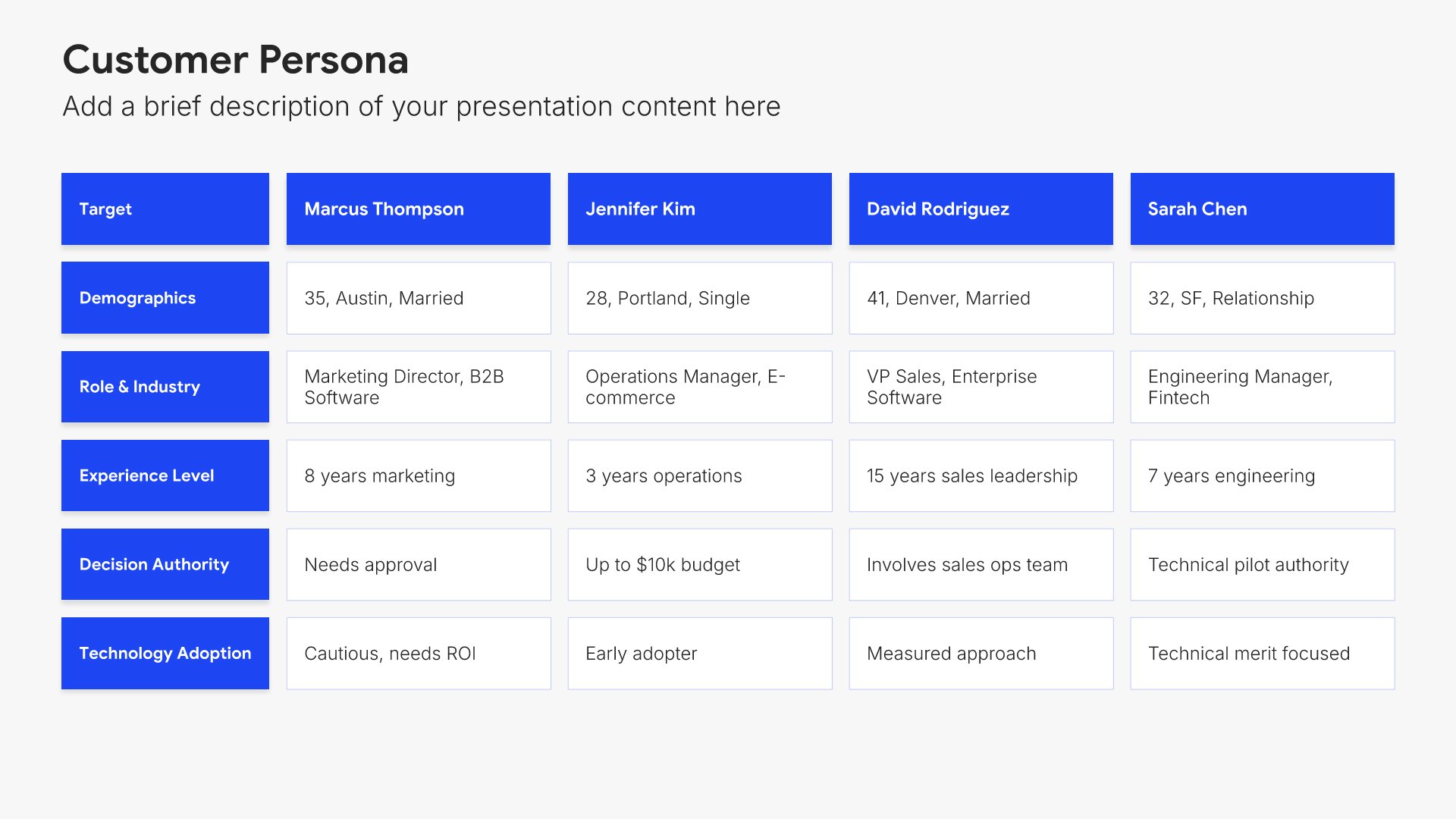
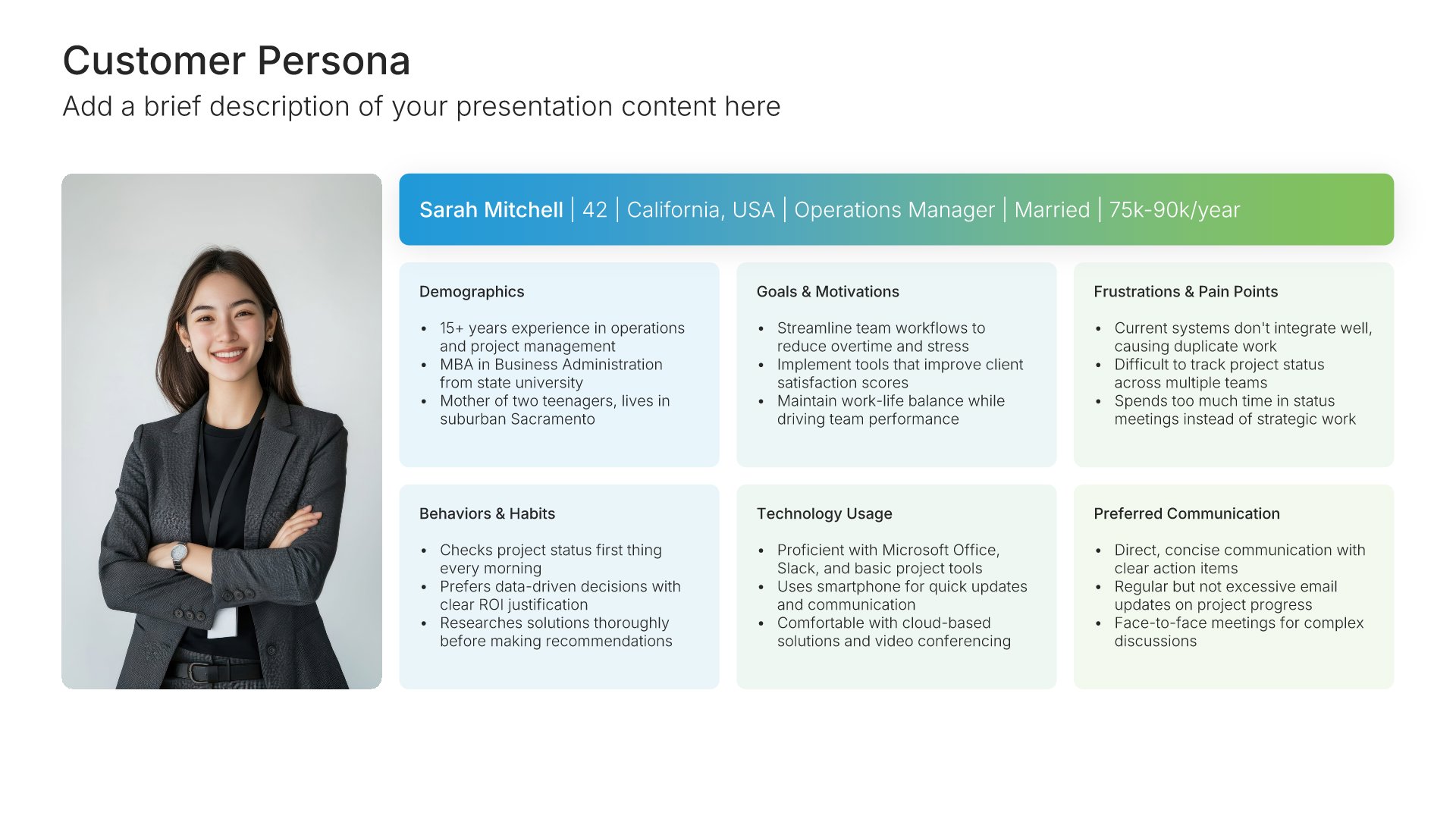
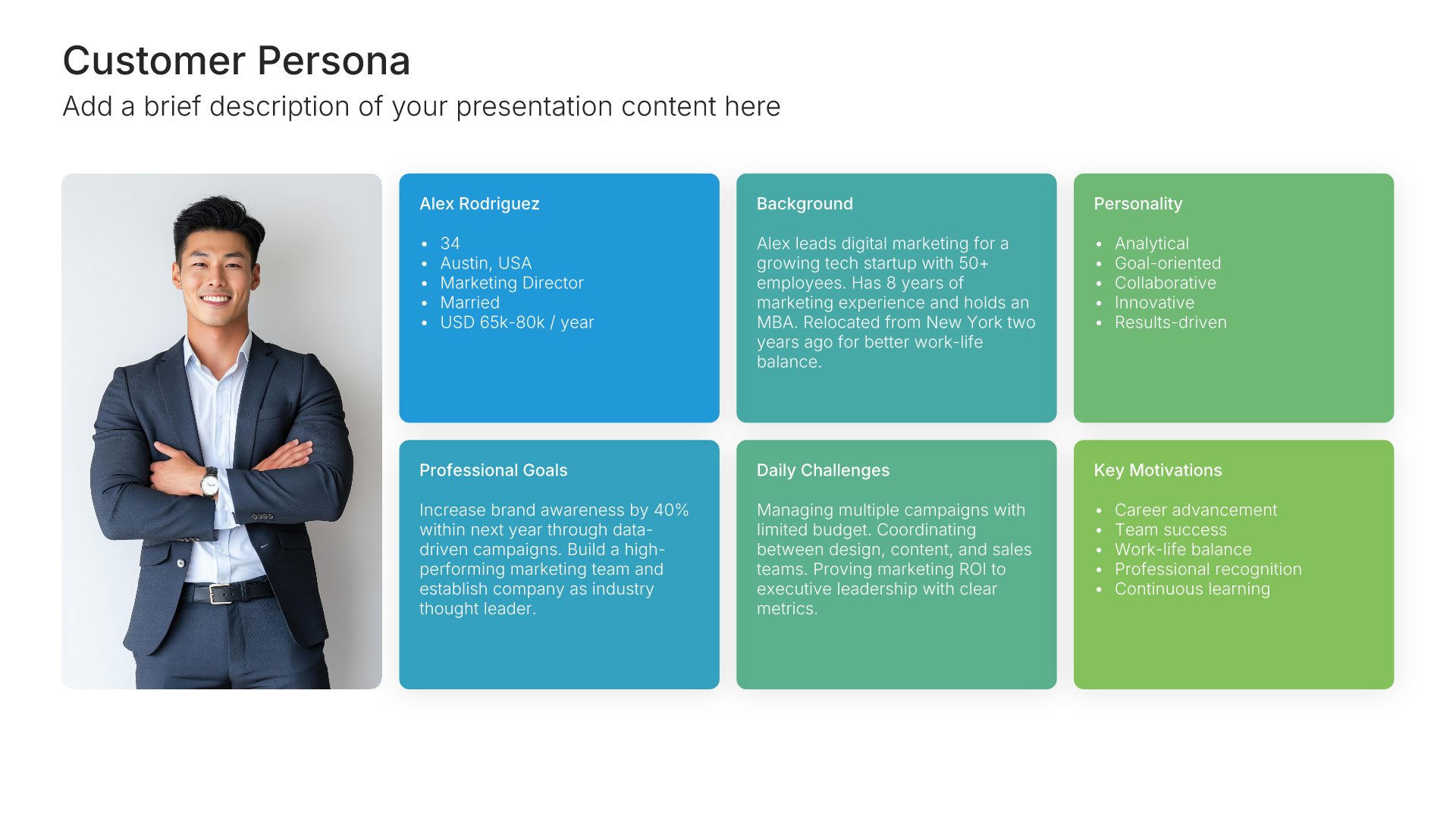
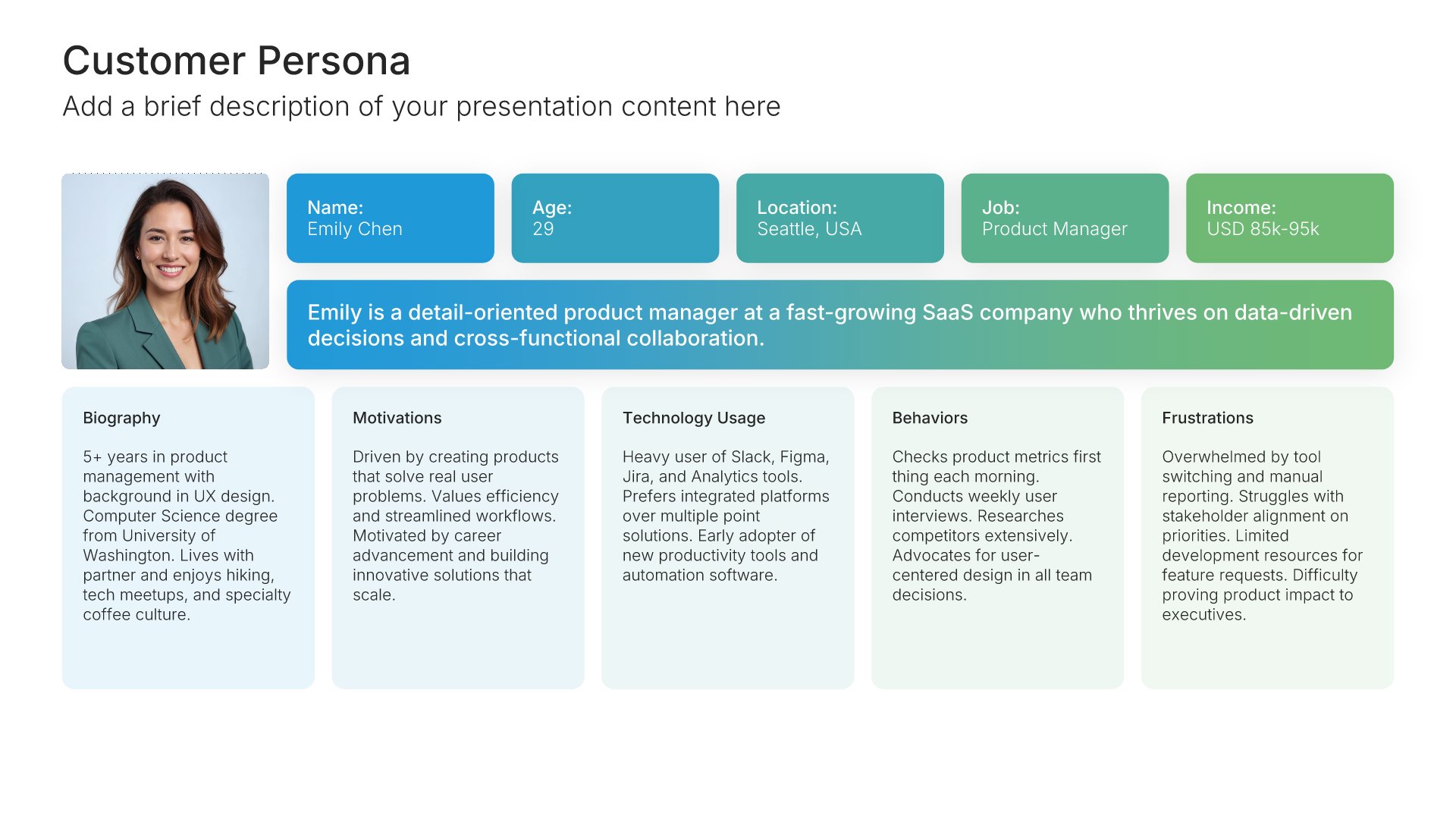
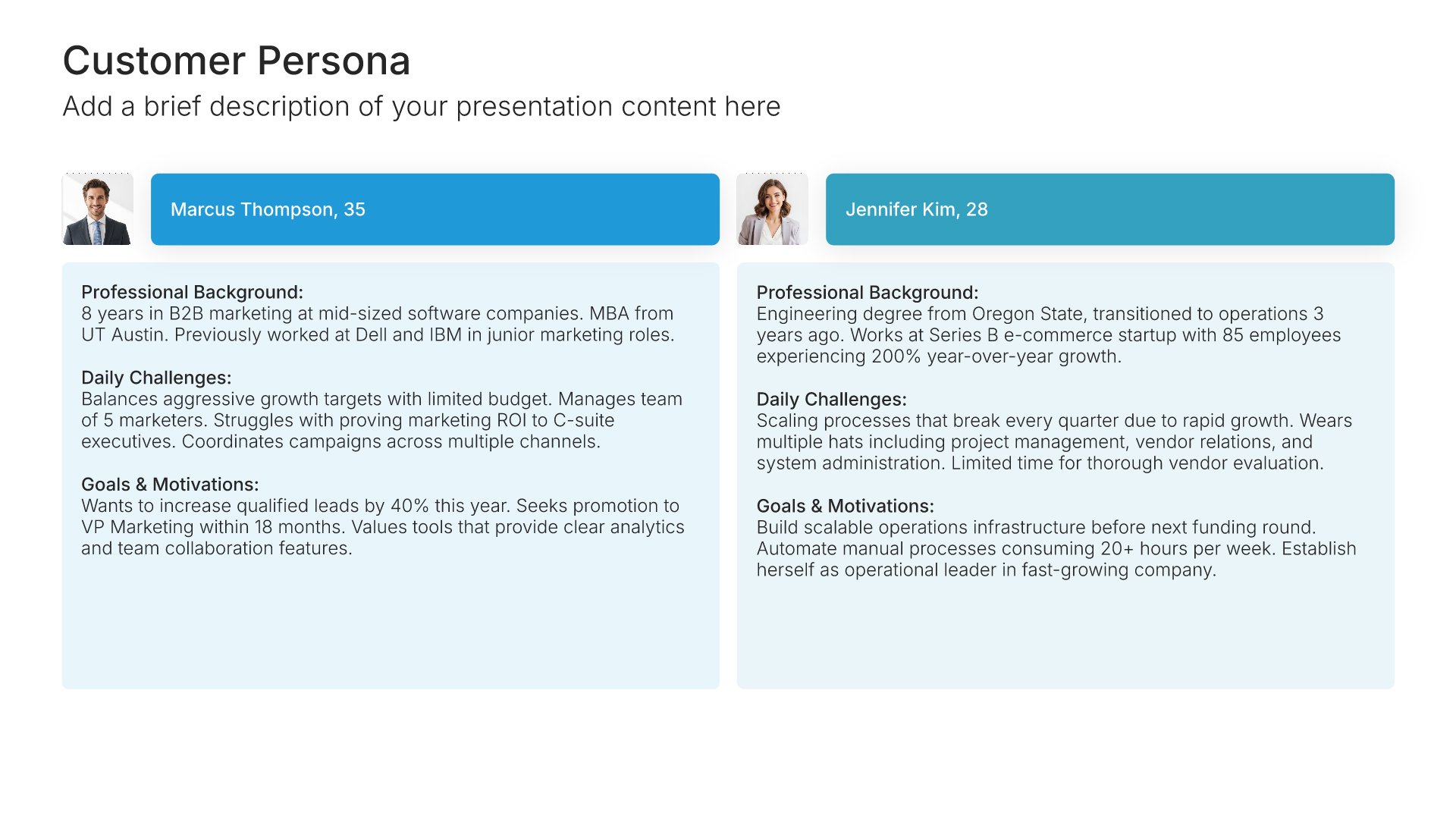
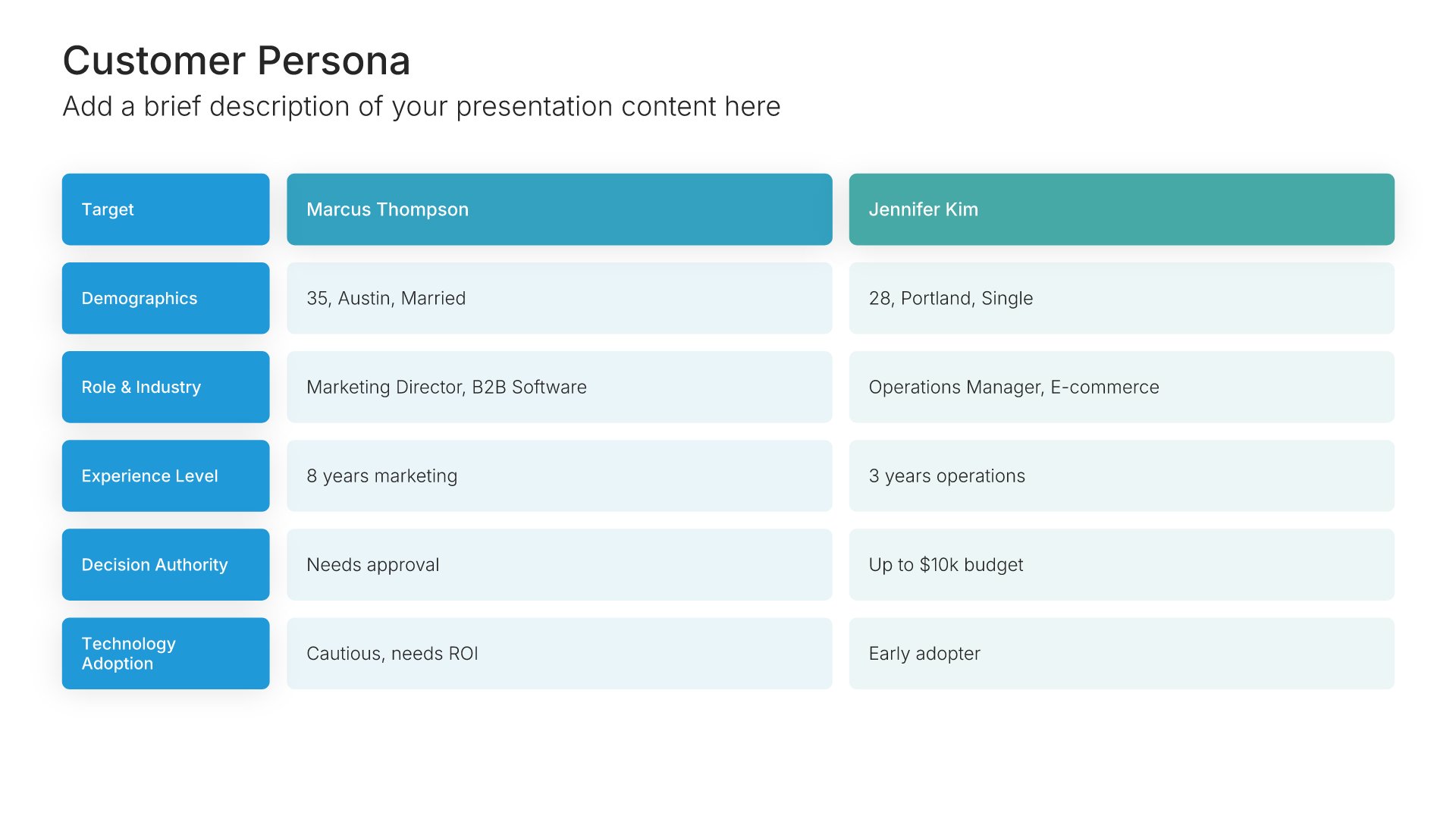
Customer persona template slide, layout 03

Layout 03

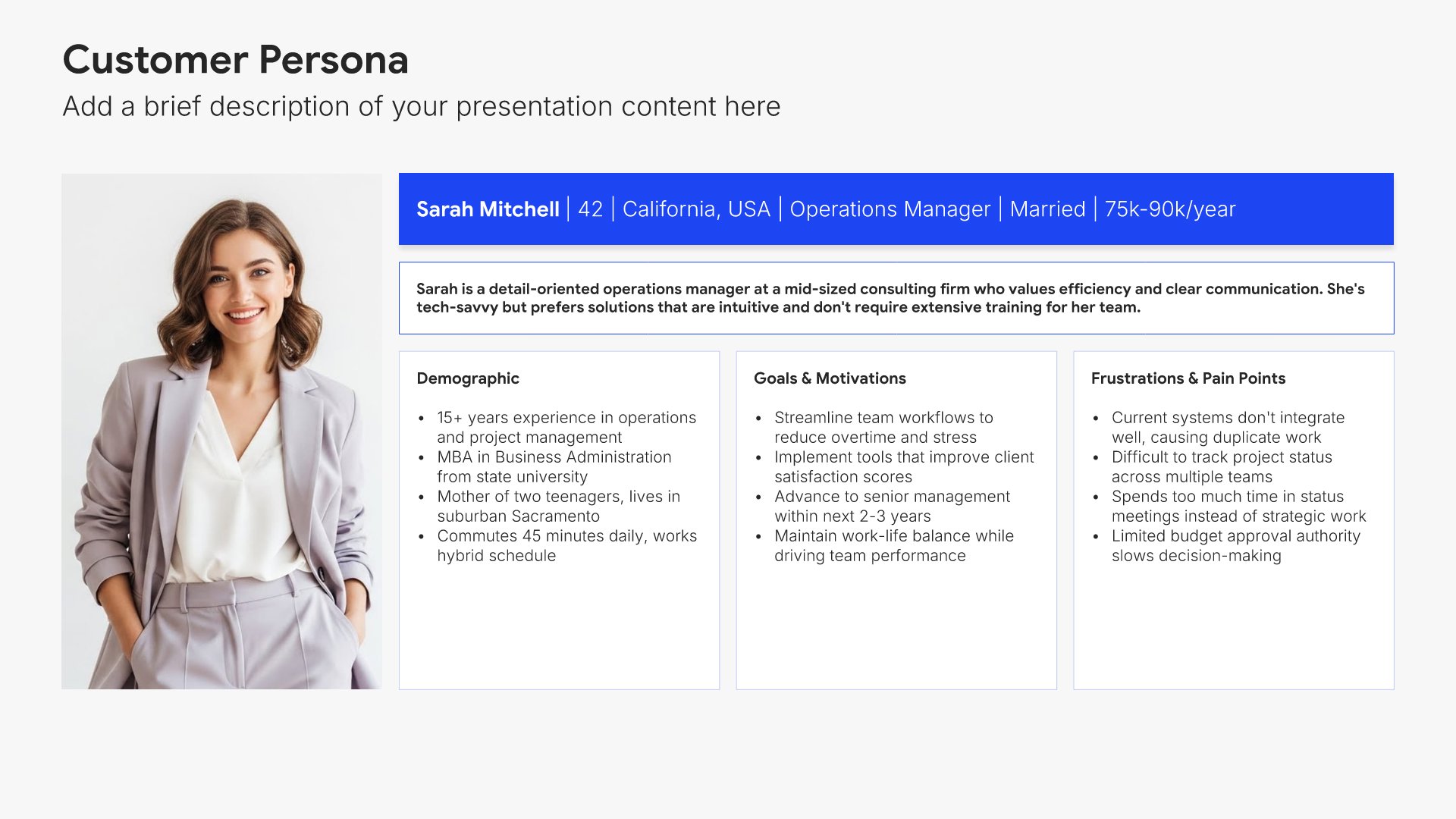
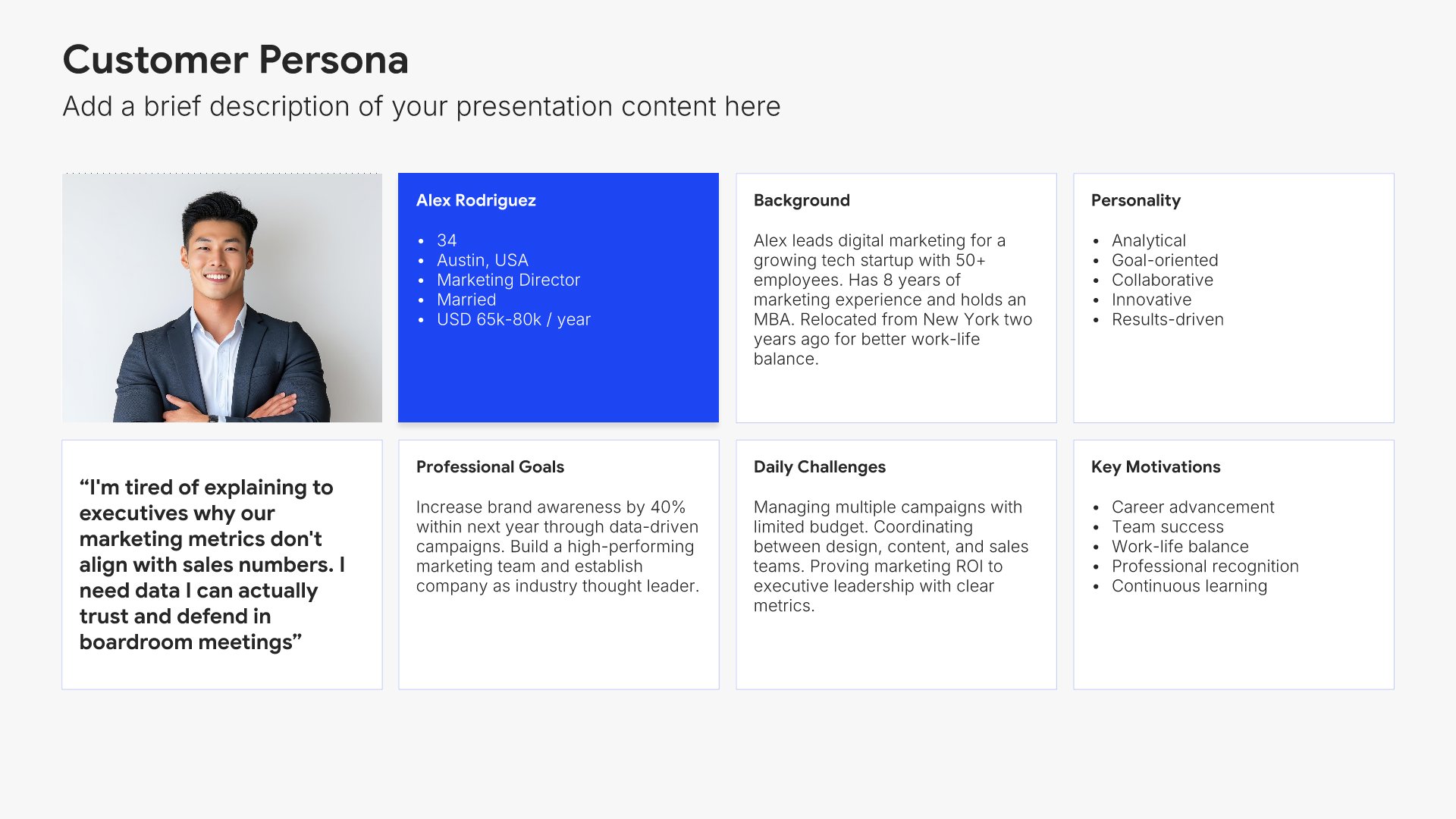
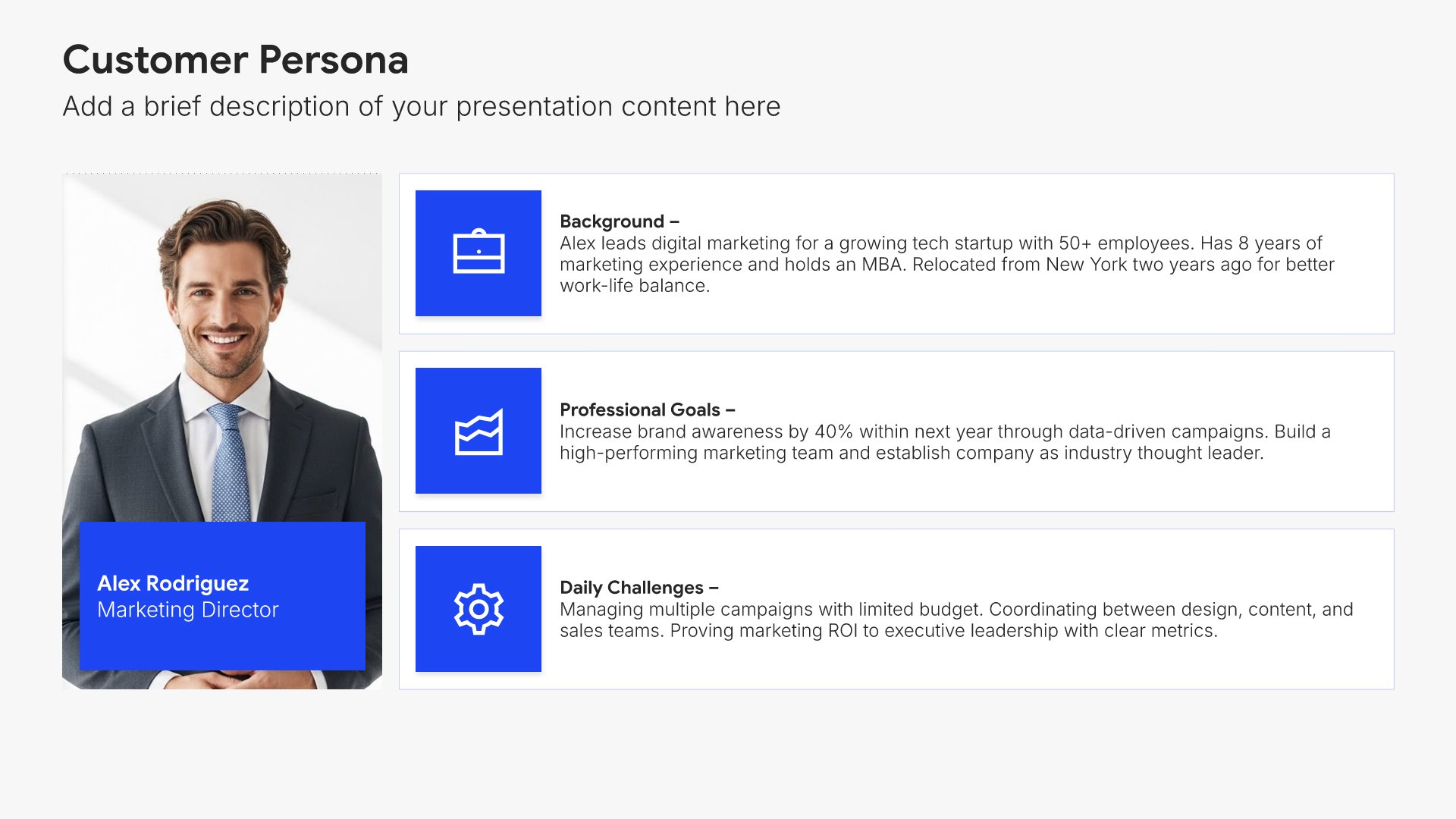
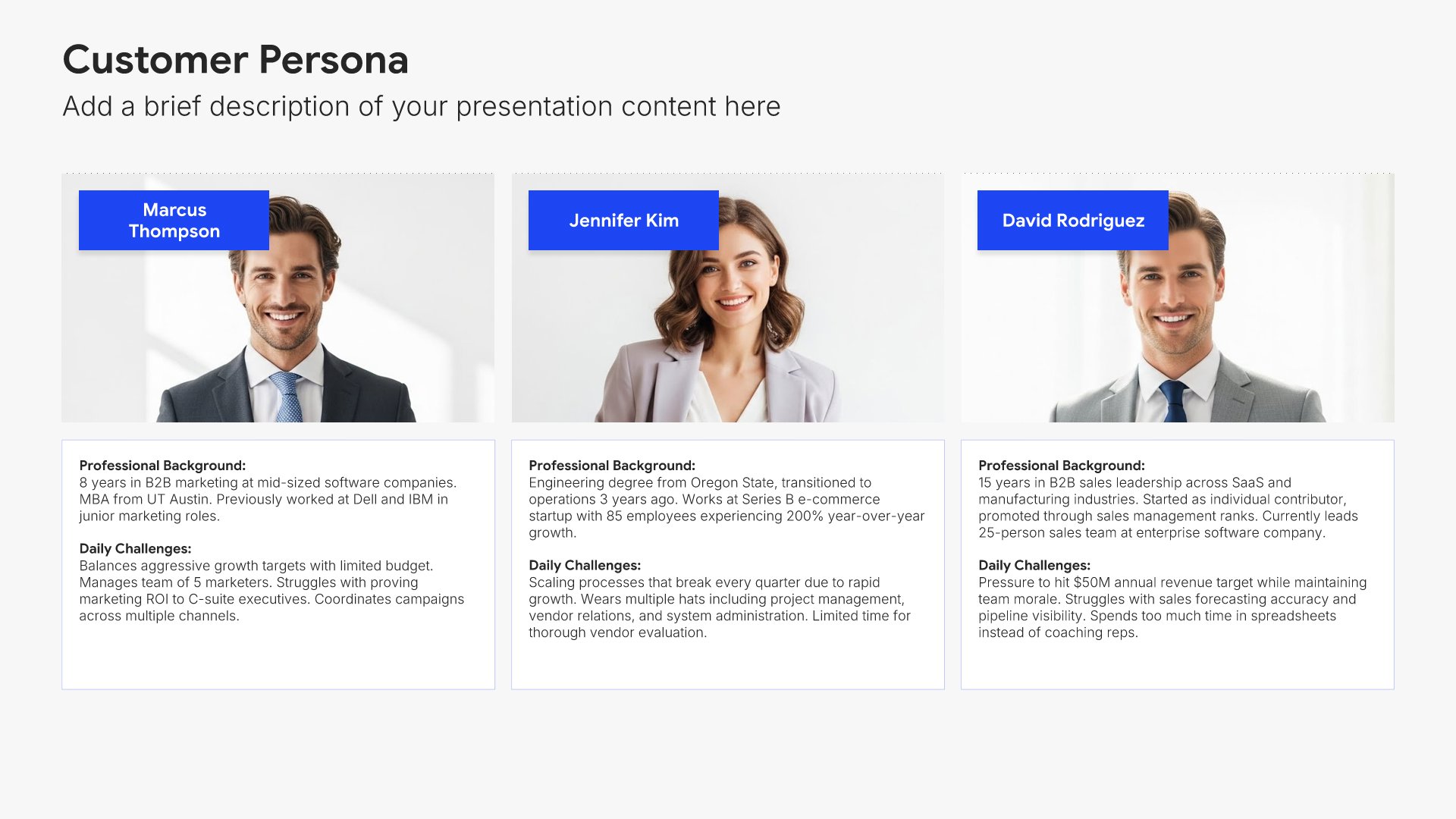
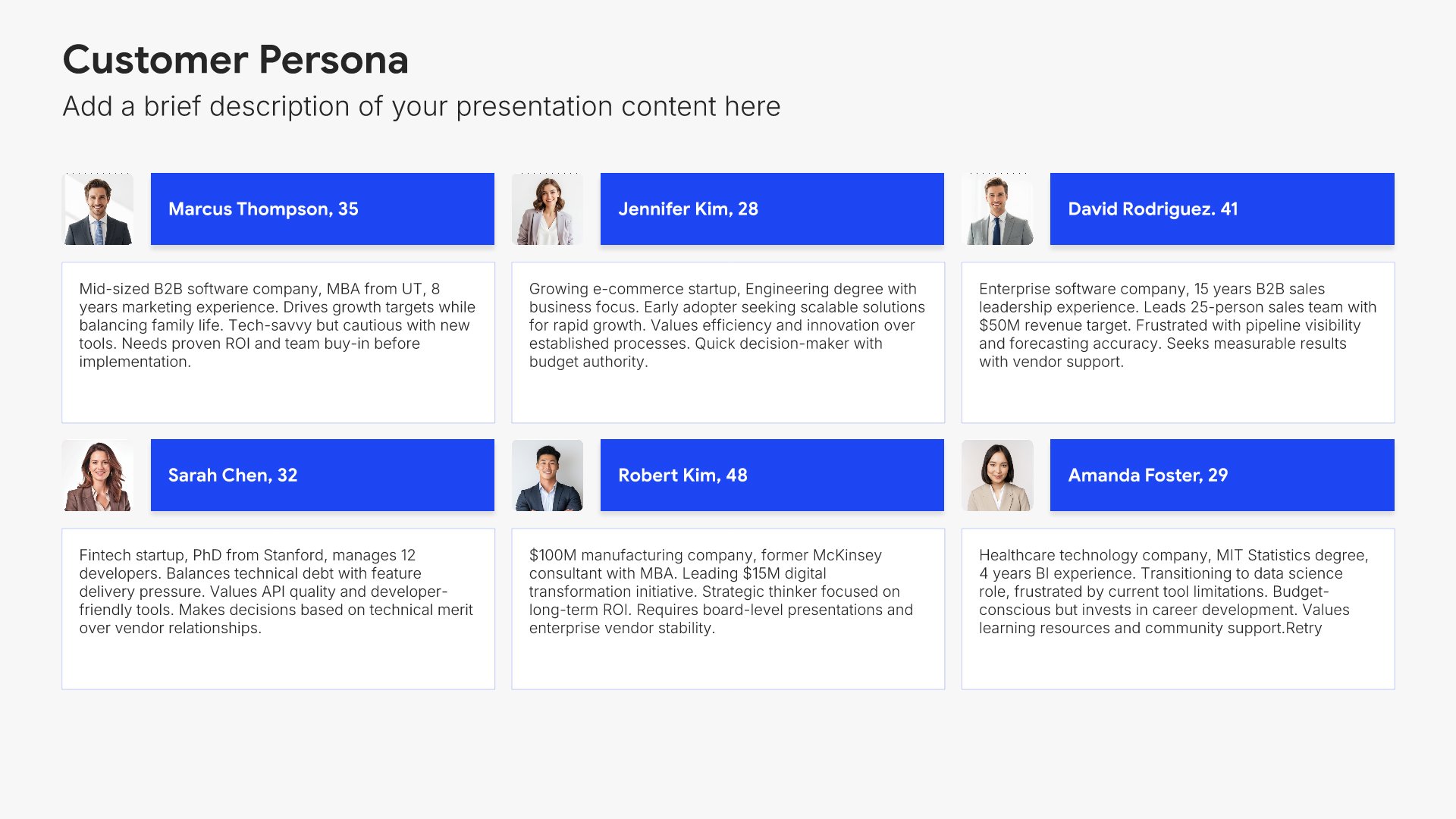
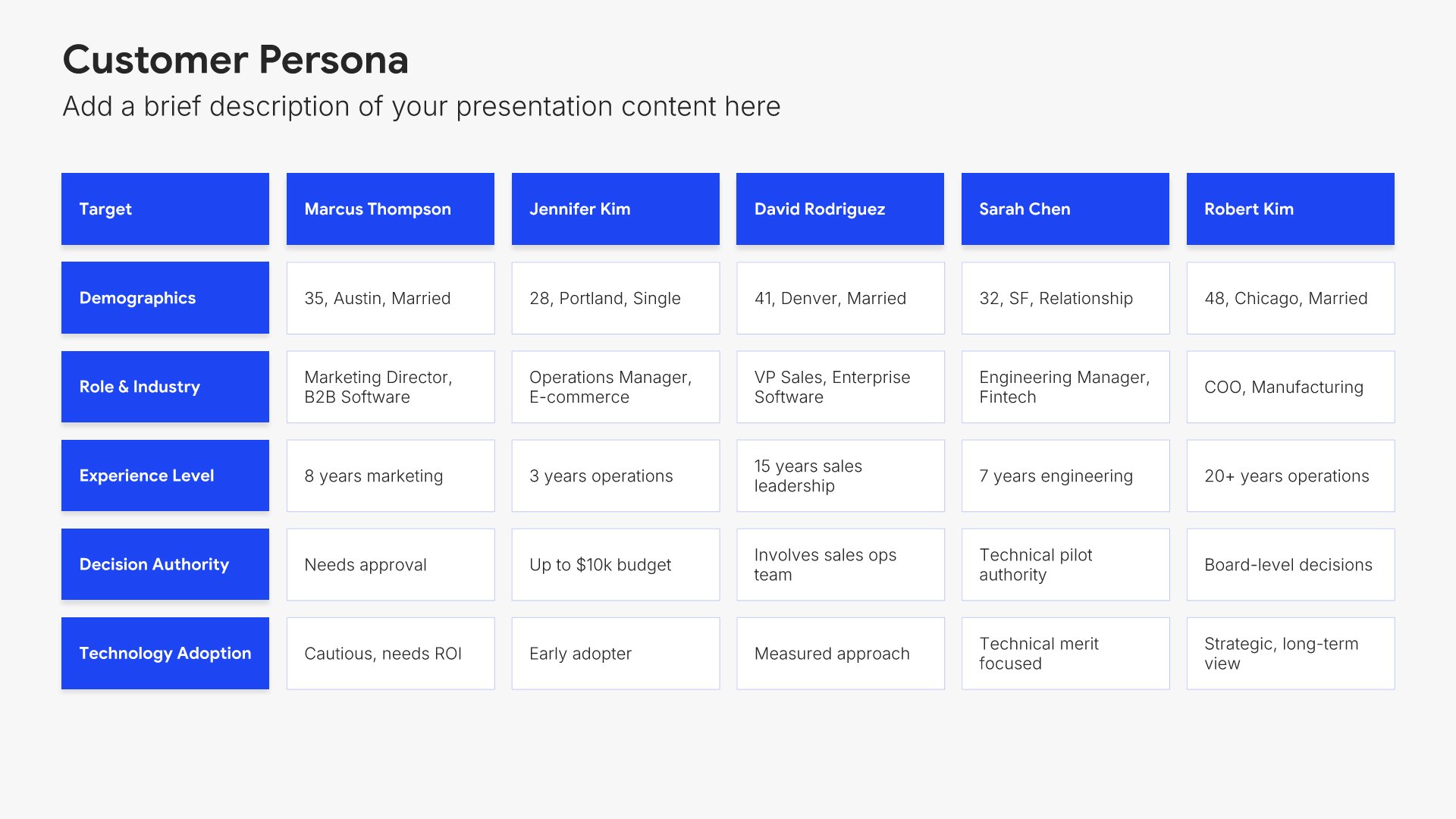
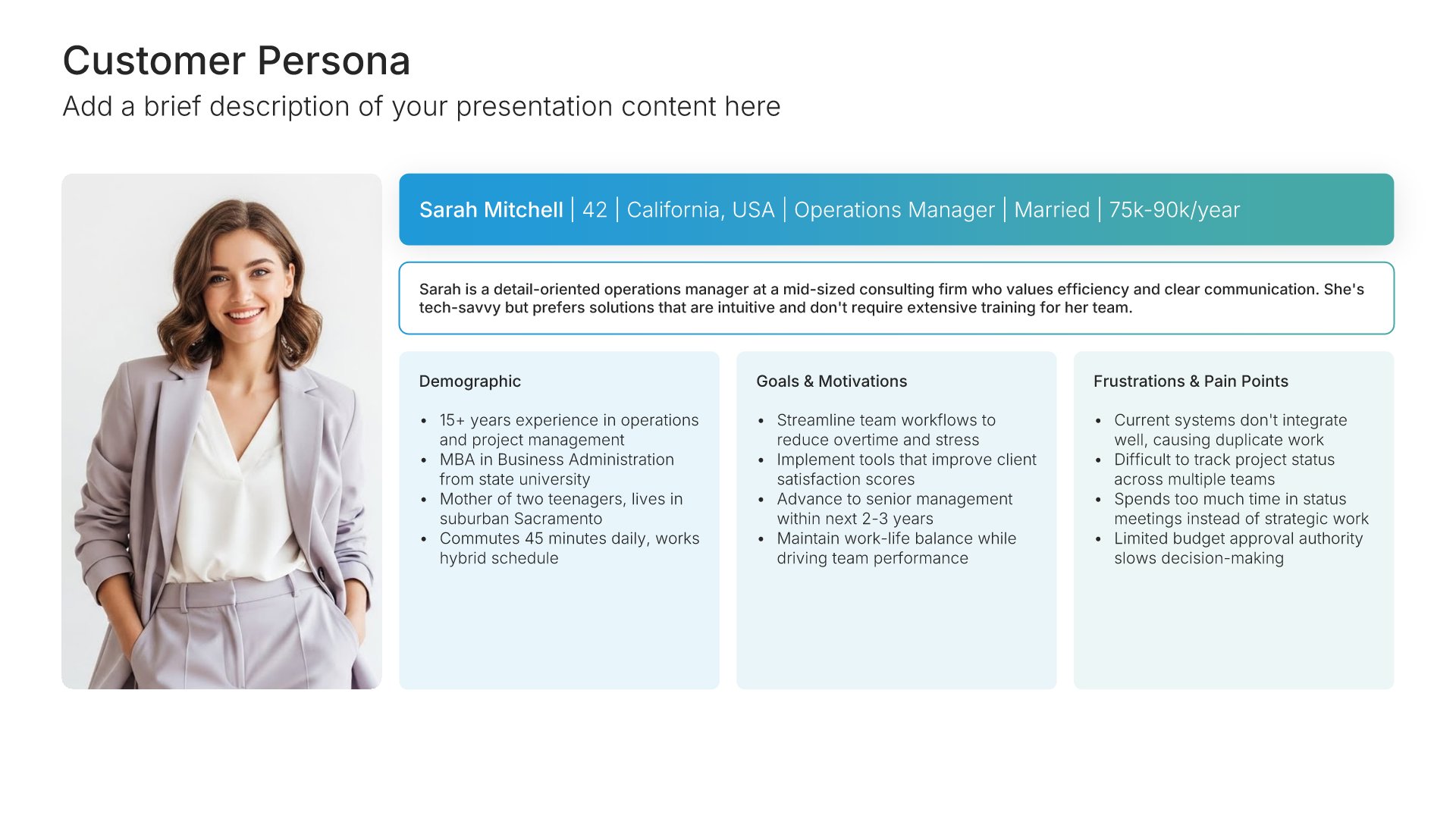
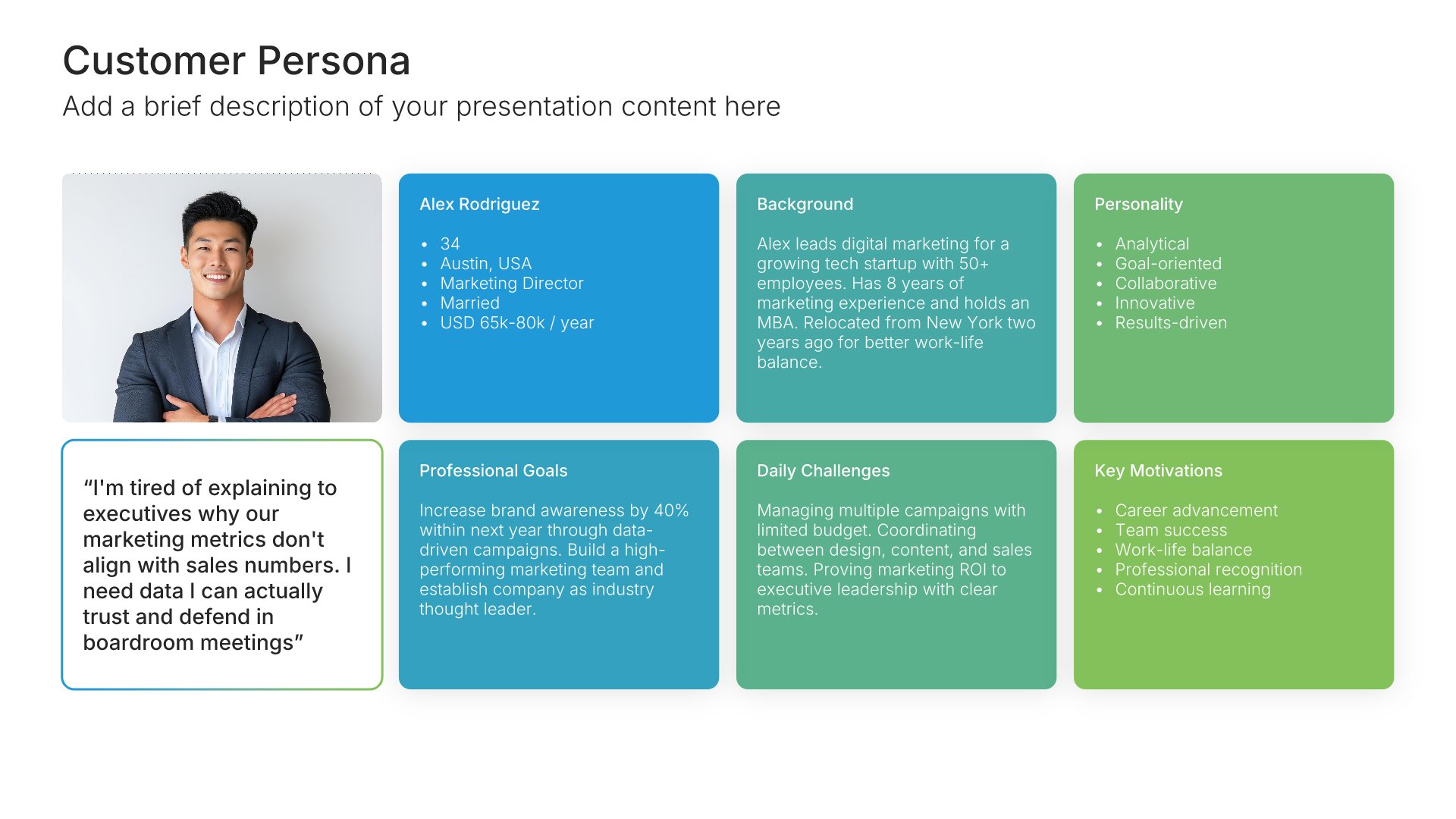
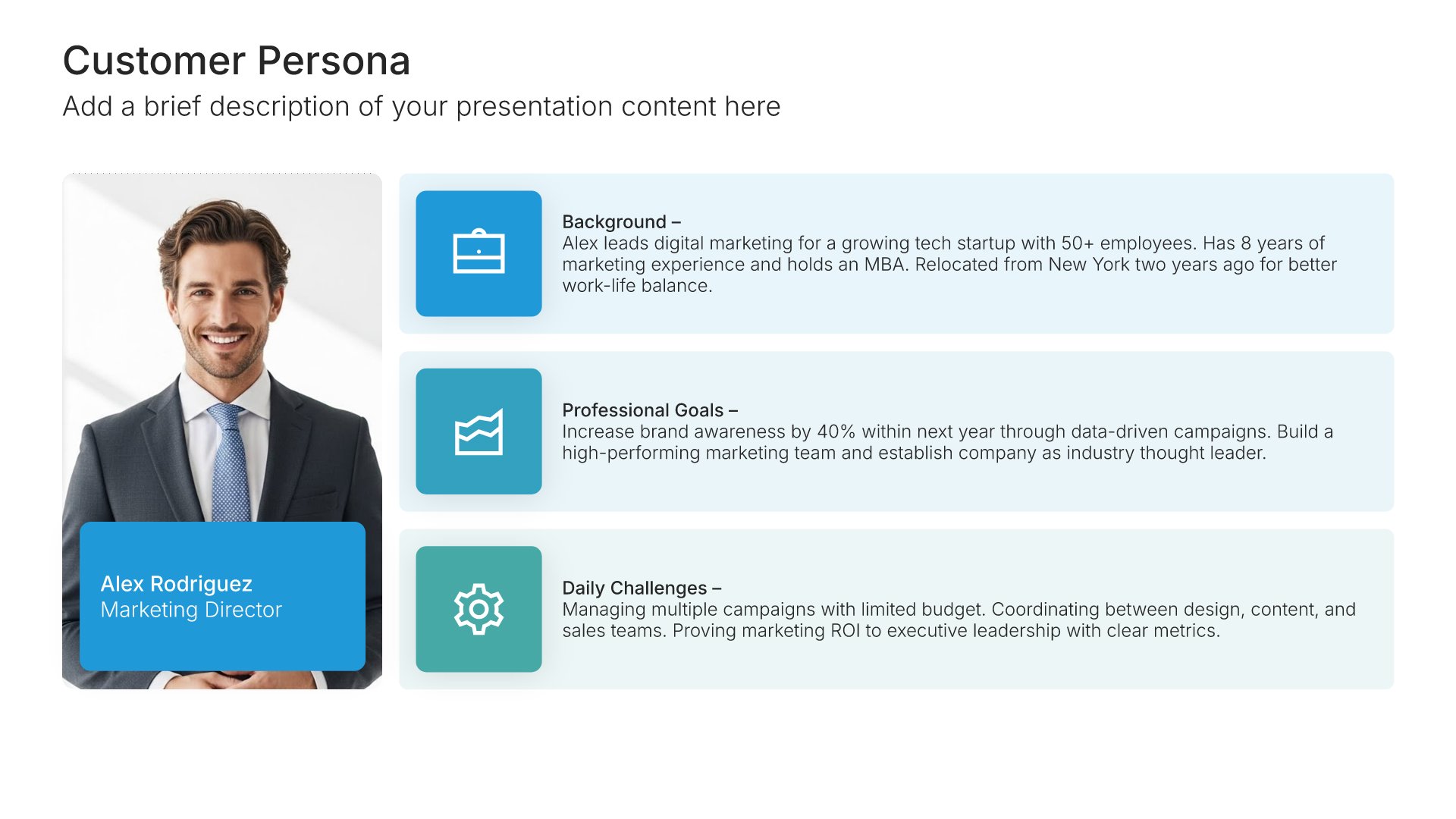
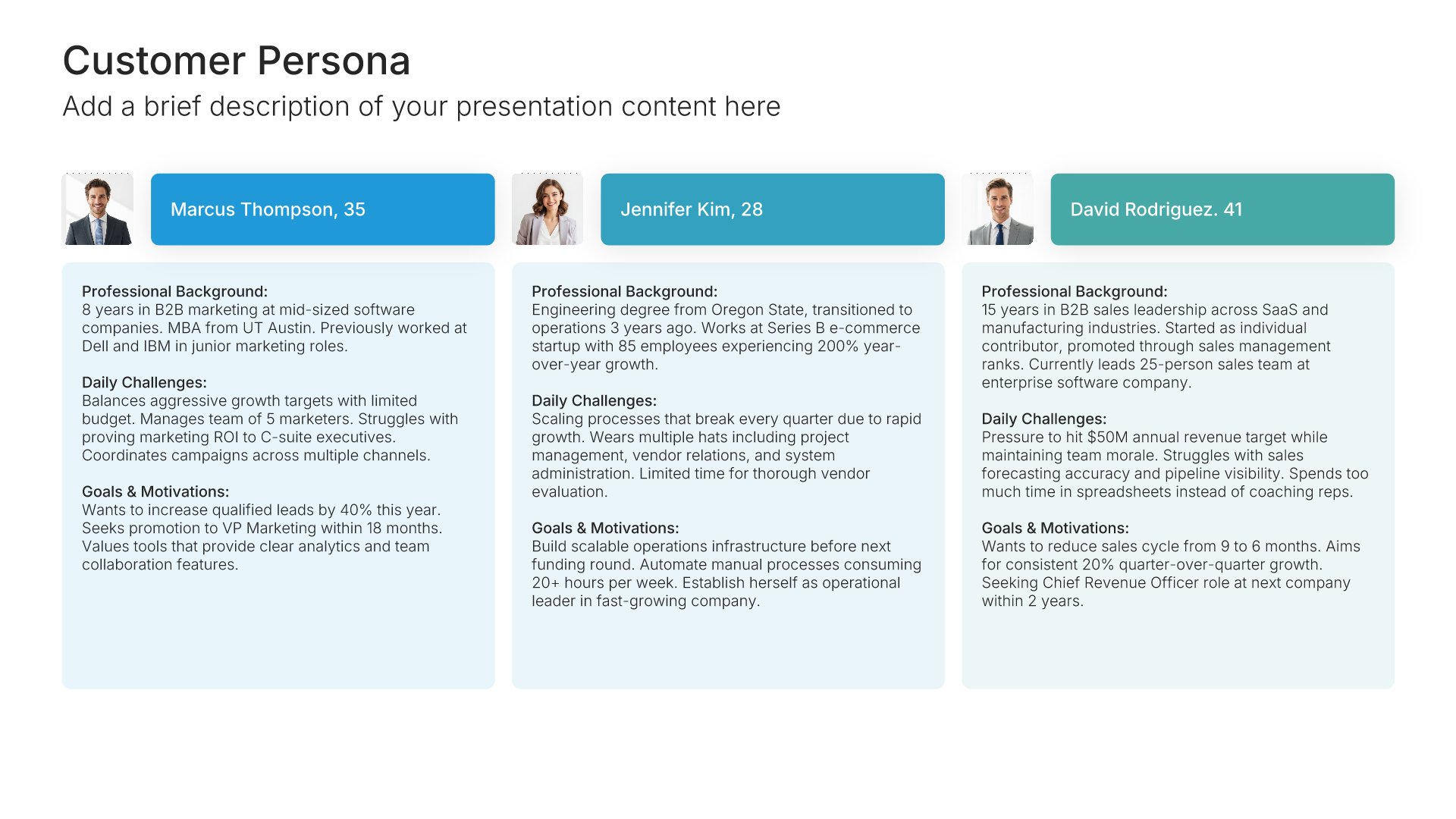
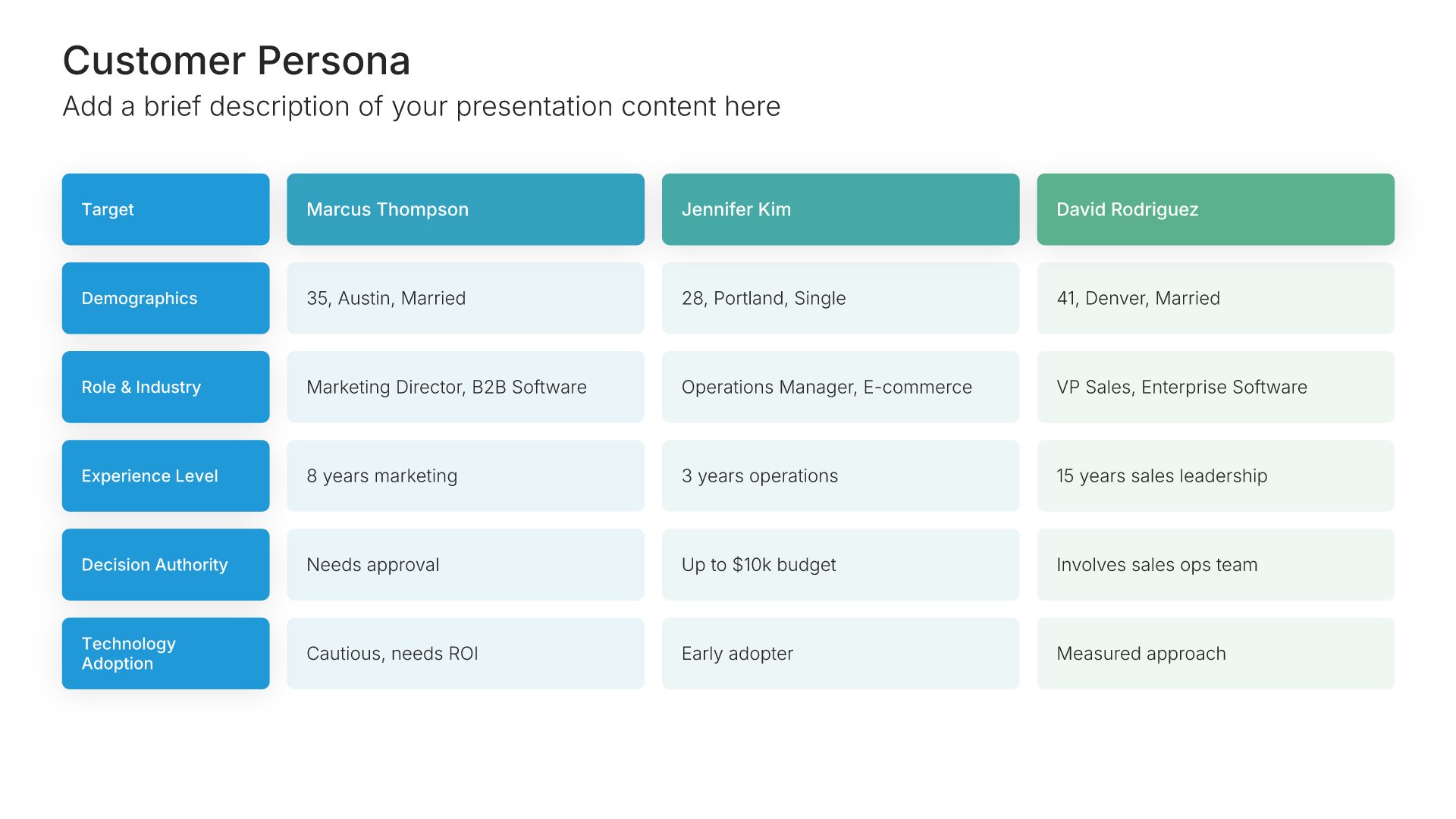
Customer persona template slide, layout 04

Layout 04

Customer persona template slide, layout 05

Layout 05

Customer persona template slide, layout 06

Layout 06

Customer persona template slide, layout 07

Layout 07

Customer persona template slide, layout 08

Layout 08

Customer persona template slide, layout 09

Layout 09

Customer persona template slide, layout 10

Layout 10

Customer persona template slide, layout 11

Layout 11

Customer persona template slide, layout 12

Layout 12

Customer persona template slide, layout 13

Layout 13

Customer persona template slide, layout 14

Layout 14

Customer persona template slide, layout 15

Layout 15

Customer persona template slide, layout 16

Layout 16

Customer persona template slide, layout 17

Layout 17

Customer persona template slide, layout 18

Layout 18

Customer persona template slide, layout 19

Layout 19

Customer persona template slide, layout 20

Layout 20

Customer persona template slide, layout 21

Layout 21

Customer persona template slide, layout 22

Layout 22

Customer persona template slide, layout 23

Layout 23

Customer persona template slide, layout 24

Layout 24

About our customer persona slides

What the slide does, how to use it, your brand, and a file you can edit anywhere.

Built to turn research into one clear profile

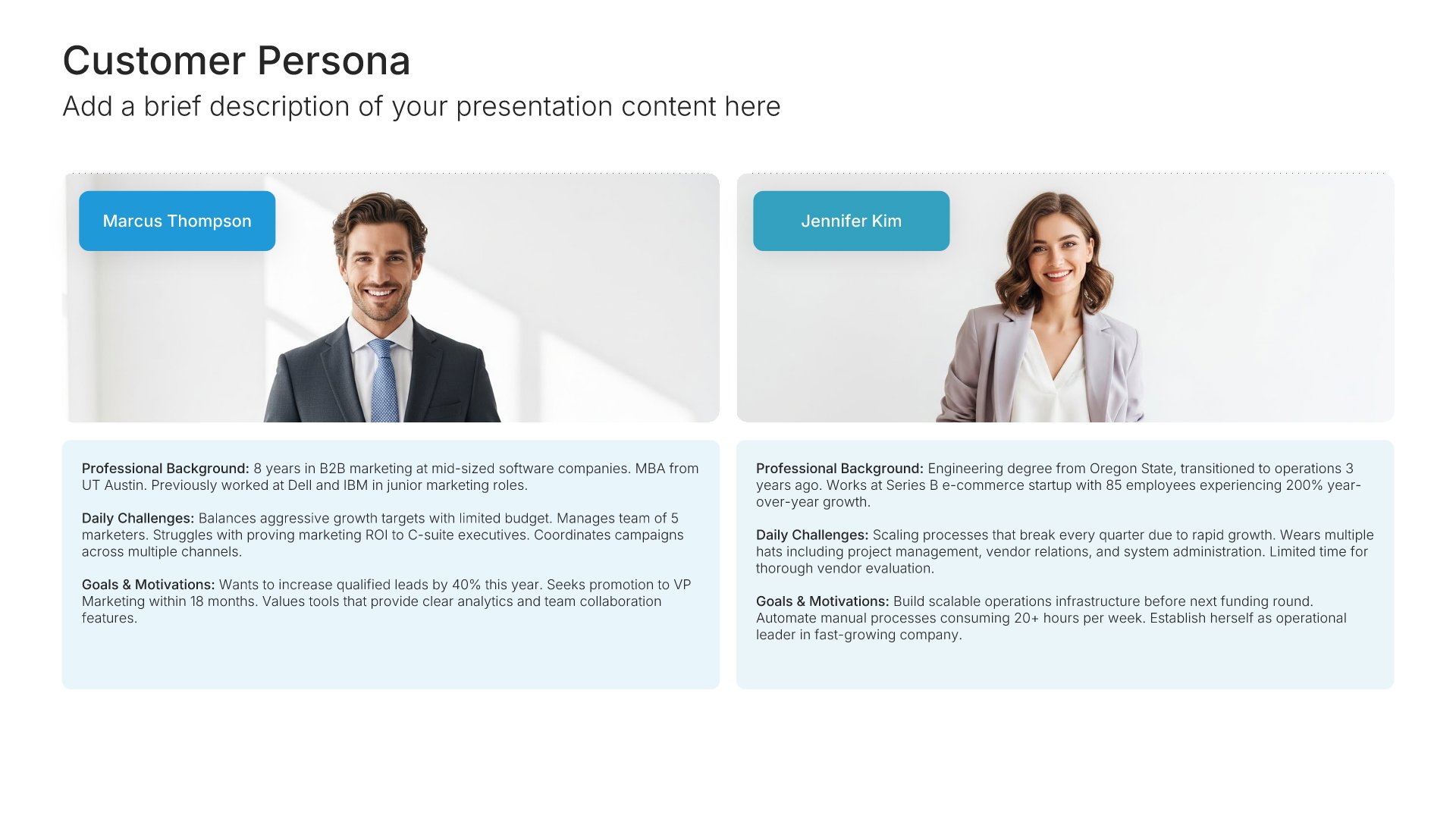
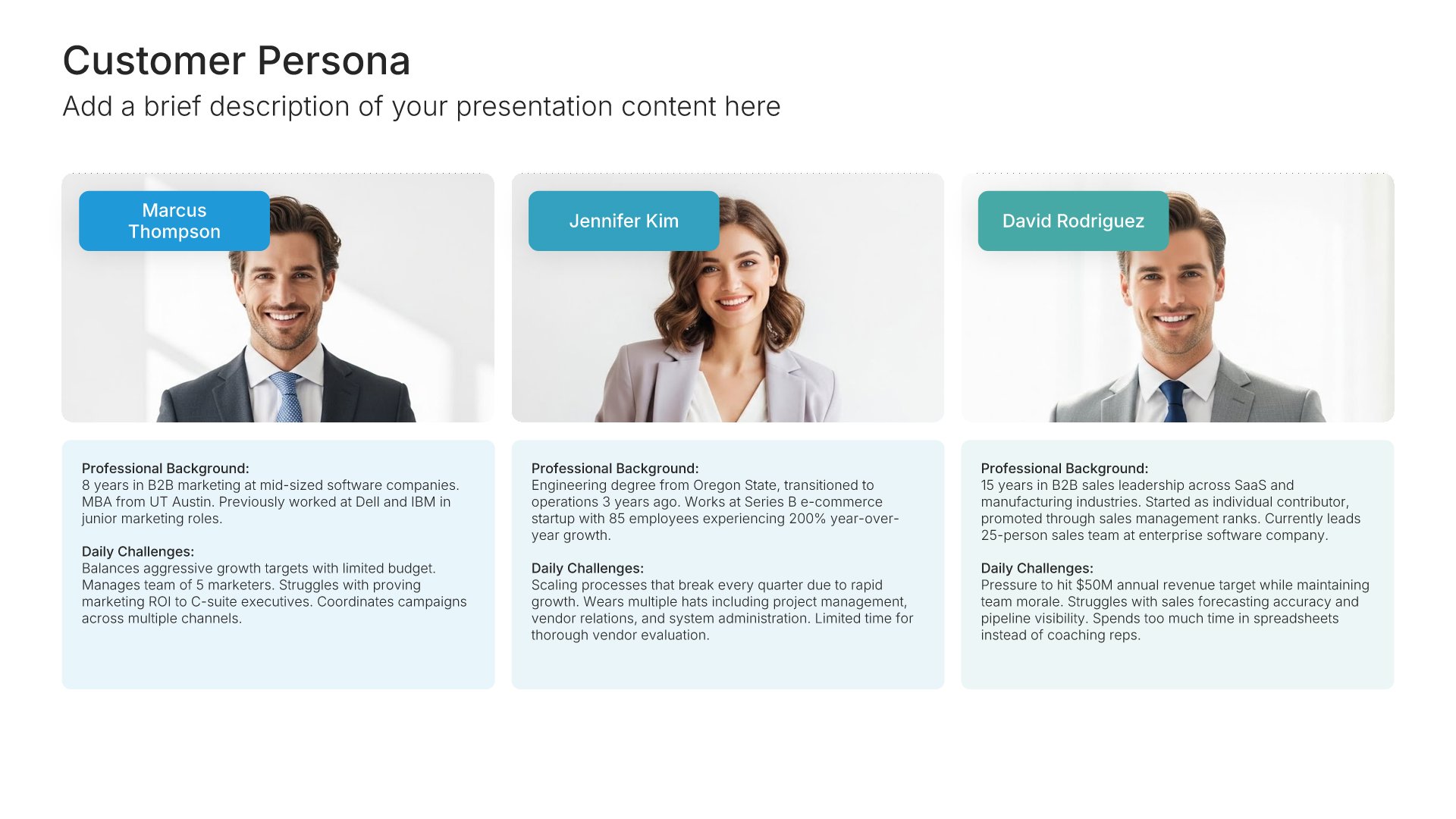
A customer persona is a profile of a typical customer, built from real research. It gives a segment a name, a role, goals, and frustrations, so decisions can be tested against someone specific. A customer persona template puts that profile on one slide, and our persona slides keep the details organized, so the audience gets a clear picture in seconds.
Why a face beats a segment

“Mid-market operations managers” is hard to design for. A persona with a name, a job, and a clear frustration is easy. So teams make sharper decisions about messaging and product when they can ask what that person would think. Keep each persona focused on the details that change a decision.

Brand the whole presentation in one click

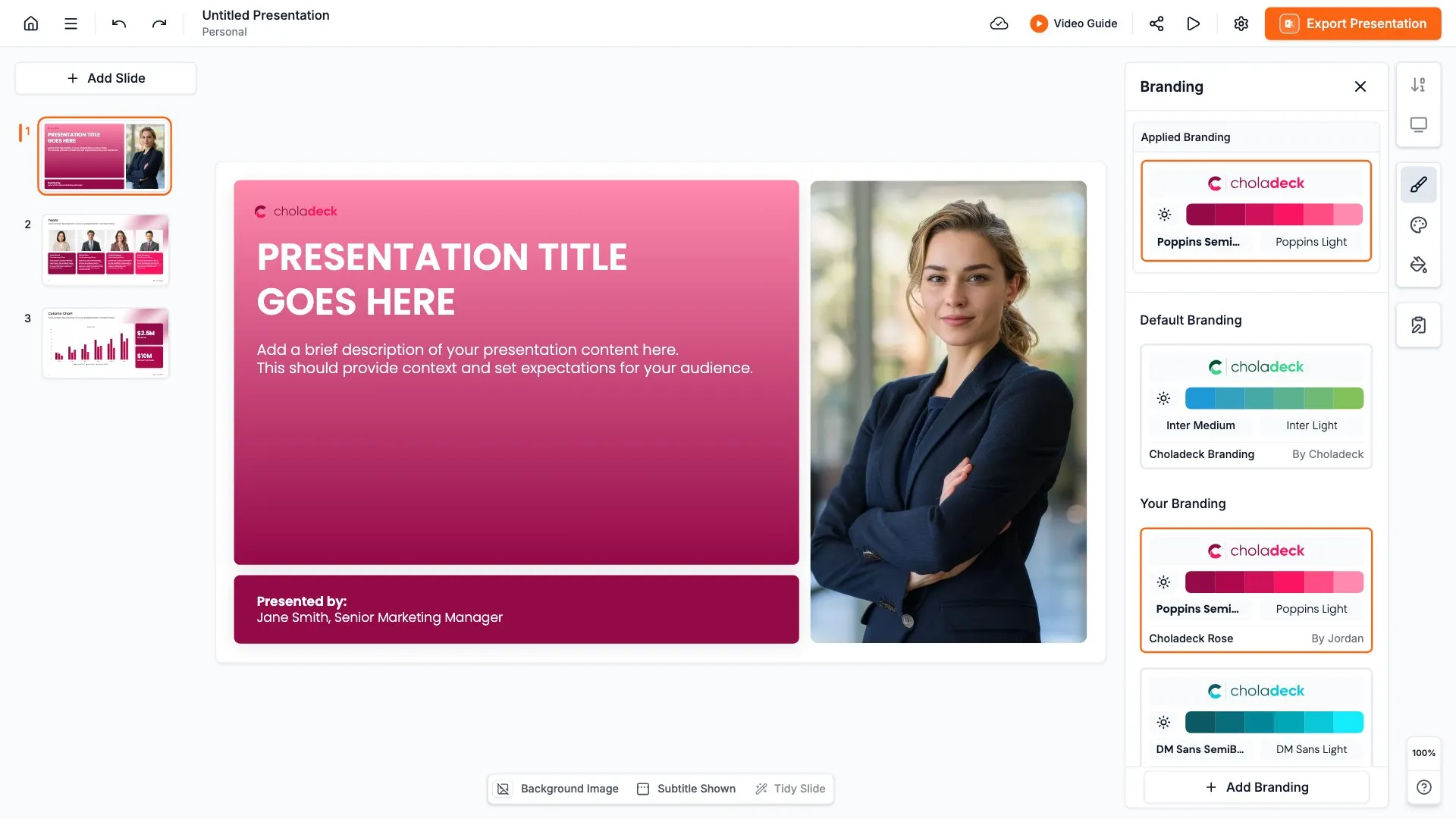
Add your logo, colors, fonts, and background once. It applies to the whole presentation and the entire slide library at the same time. Persona slides are shared across marketing, sales, and product teams and often reused for months, so once branded, they stay consistent wherever they go.

Export to PowerPoint, Google Slides, or Keynote

You get a real file, not a locked link. Export it and keep editing in the tool you already use. Names, photos, goals, and pain points stay editable, so you can refine the persona as your research grows.

How Choladeck works

From blank page to finished presentation in four steps.

STEP 01

Browse 9,000+ slides across 134+ categories, or open one of the 74 premade presentations.

STEP 02

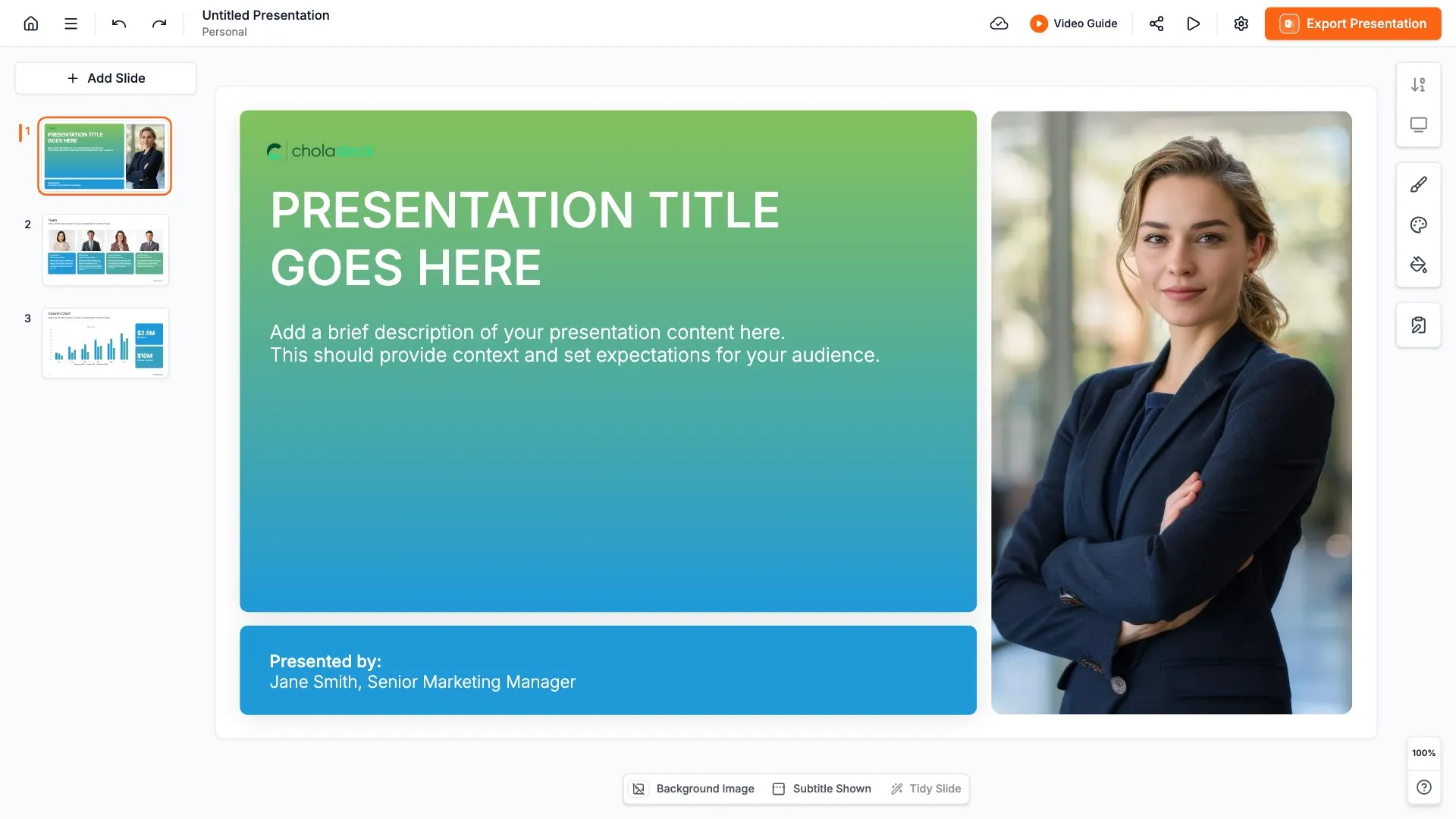
Add your logo, colors, and fonts in one click. The whole presentation instantly matches your company.

STEP 03

Add your text, numbers, charts, and tables. Everything on the slide is editable.

STEP 04

Send it to PowerPoint, Google Slides, or Keynote, and present.
Start from a template

Need a complete presentation instead?

If you're starting from nothing rather than fixing a few slides, open one of 74+ premade presentations instead. Each one is complete and built for one purpose, from pitch decks to business plans and company profiles.
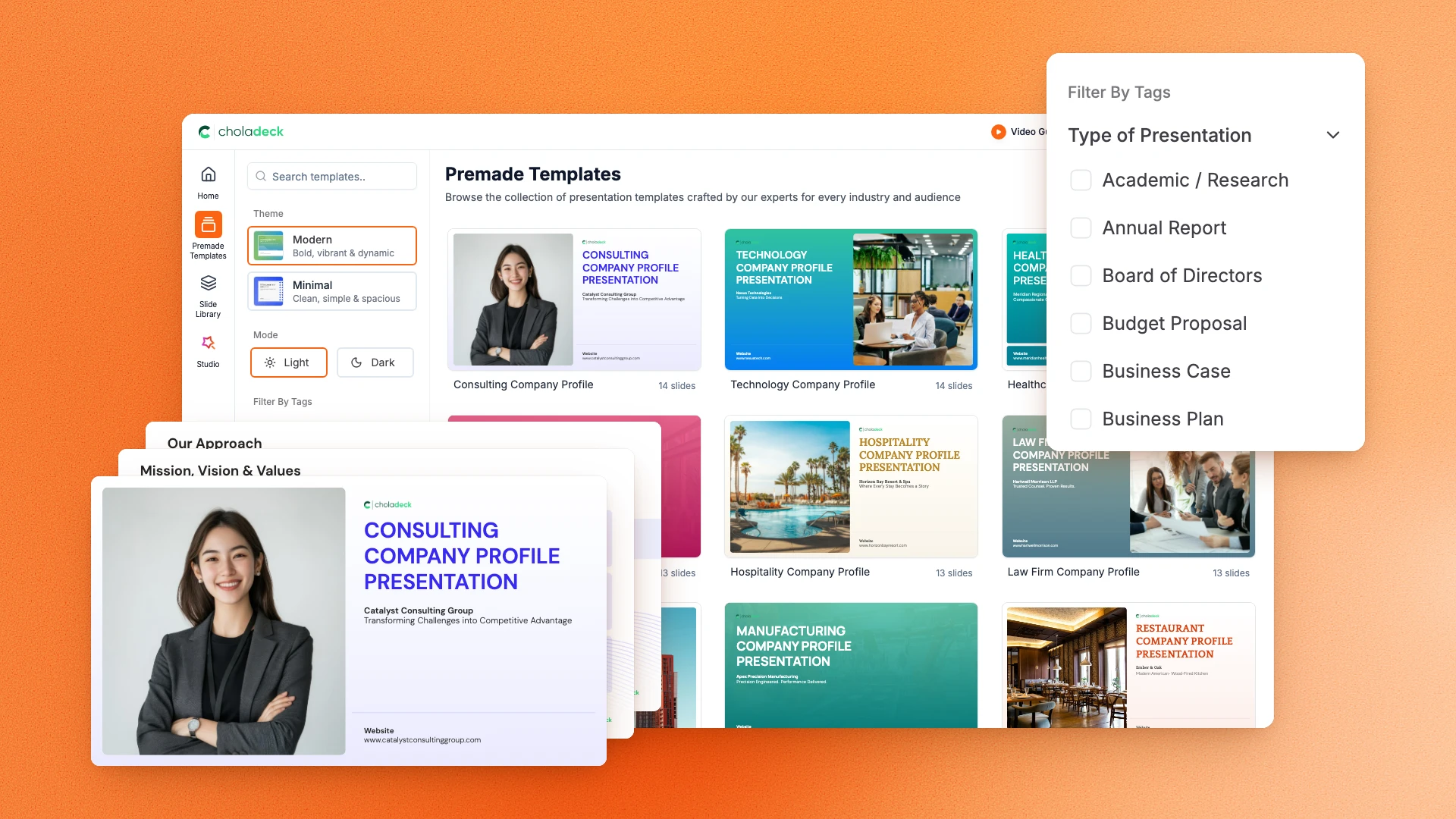
Choladeck premade templates with the Type of Presentation filter and the Consulting Company Profile deck shown larger

Questions about customer persona slides

How the slides work, and how far you can change them.

Using the slides

Can I edit these slides in PowerPoint?

+

Yes. Export to PowerPoint, Google Slides, or Keynote, and every detail of the persona stays editable. Nothing is locked and nothing is a flat image.

How do I brand them to my company?

+

Add your logo, colors, fonts, and background once. It applies to the whole presentation and the entire slide library at the same time.

Can I mix them with other slides from the library?

+

Yes. Add a customer persona slide to any premade template, or pair it with customer journey or empathy map slides from the library. Branding applies across all of them.

About customer personas

What should a customer persona include?

+

A name and role, demographics, goals, pain points, and how they make buying decisions. Only include details that affect how you sell or build.

How many personas do I need?

+

Usually two to four. Enough to cover your main customer types without splitting the team's focus.

Is a customer persona the same as an ideal customer profile?

+

Not quite. An ideal customer profile describes the type of company you sell to. A persona describes the person inside it.

Your next customer persona slide is already designed

Pick a layout, brand it in one click, add your content, and export.

Free to start. No credit card required.