
Did you know most professionals report spending 60-70% of their presentation preparation time on designing rather than developing their message?
Now think about your last presentation.
How much time did you spend on actual content versus tweaking the design?
Studies show that professionals spend an average of 4-8 hours every week just on presentation design. That’s a full workday or over 200 hours annually lost to formatting, searching for slide elements, and trying to make slides look presentable.
What happens when you spend too much time on presentations?
Spending too much time on design doesn’t just waste your time – it has a significant impact on work quality and business results.
When you spend hours on designing presentations:
- You waste valuable time that should be spent developing your content.
- You lack essential practice time for your delivery.
- You can’t maintain your usual productivity levels.
- You lose focus on other important work, missing key opportunities.
For teams, this problem multiplies as multiple members spend hours creating presentations, taking valuable time away from other tasks and compounding the problem across the organization.
Imagine ten team members each spending 6 hours a week on presentation design. That’s 60 hours wasted on basic design tasks instead of strategic work.
The financial impact?
For a team earning an average of $25 per hour, that’s $1,500 weekly in lost productivity.
The traditional presentation creation process is inefficient. Most professionals start with a blank slide:
- Then spend countless hours searching for the right design elements (2-3 hours)
- Formatting and aligning content to look professional (2-3 hours)
- Ensuring brand consistency across slides (2-3 hours)
- And making final revisions and adjustments (1-2 hours)
Each new presentation means repeating this time-consuming cycle.
This problem is universal. Whether you’re a startup founder pitching to investors, a manager presenting quarterly results, or a sales professional creating client proposals, the challenge remains the same.
Is there a better way to create presentations faster?
This is where Choladeck transforms and simplifies the presentation creation process.
Instead of starting from scratch, Choladeck provides a comprehensive presentation creation platform designed to eliminate these time-consuming tasks.
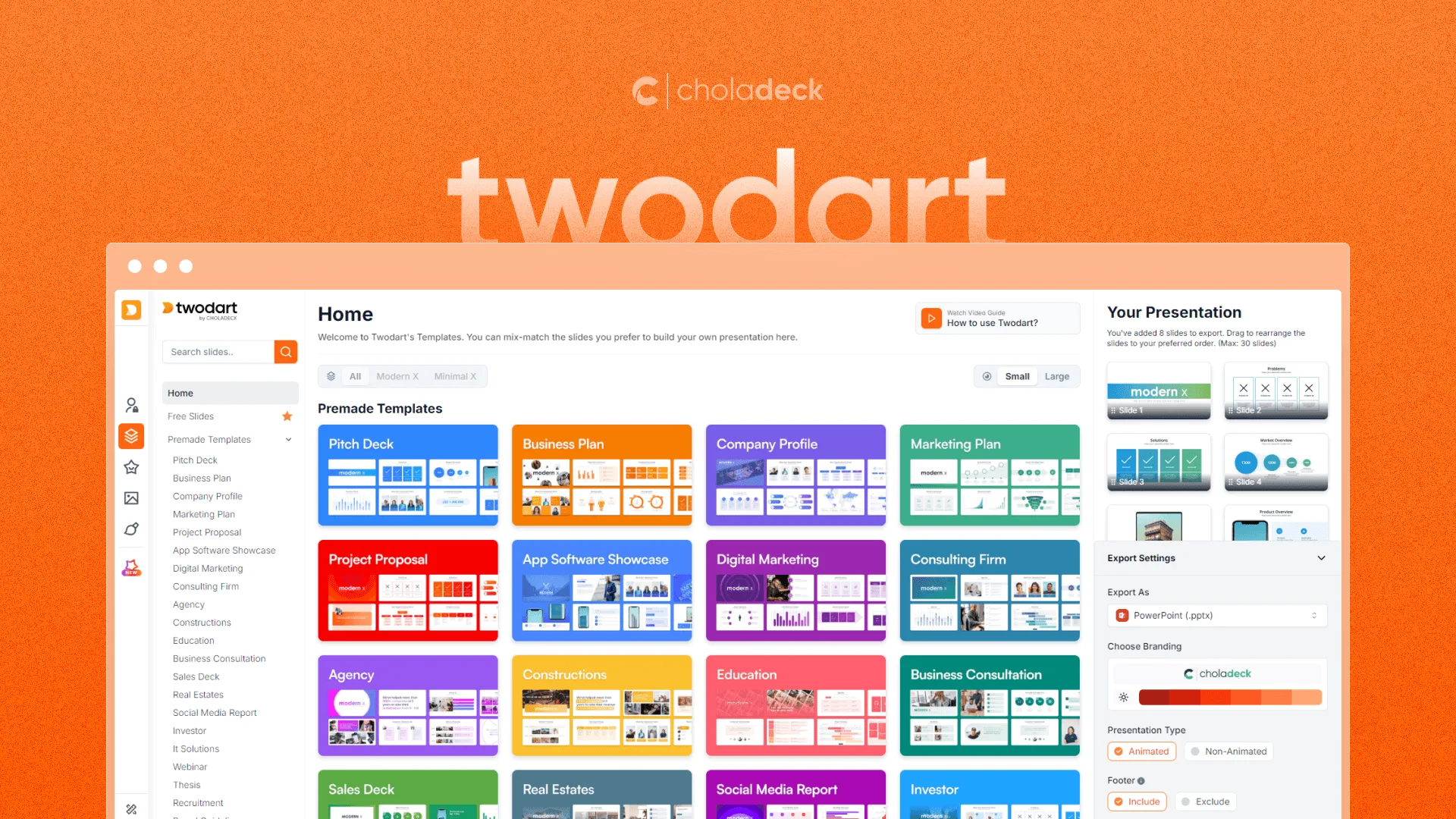
How exactly can Choladeck help you save time?
Let’s explore how Choladeck’s comprehensive set of features helps you create professional presentations in a fraction of the time:
#1. Library of Professionally-Designed Business Slides
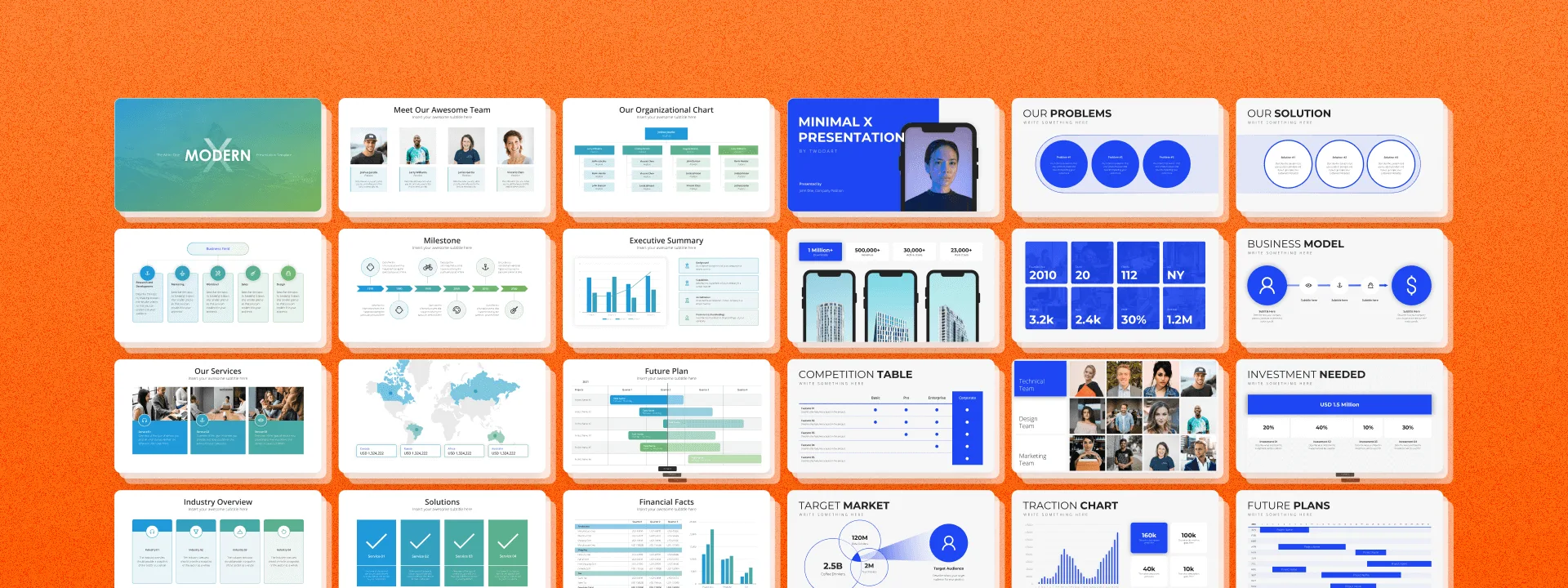
Choladeck offers an extensive library of 9,000+ high-quality, professionally-designed slides across 134+ categories, and design elements – all in one place.
The platform also includes 74+ premade business presentation templates built on proven frameworks, covering every major business scenario. Whether you need a compelling pitch deck, a detailed business plan, or an engaging marketing presentation, these templates provide both structure and professional design. No more searching multiple sources or creating slides from scratch. Instantly access professional designs that match your needs, saving you 4-6 hours per presentation.
#2. One-Click Brand Integration
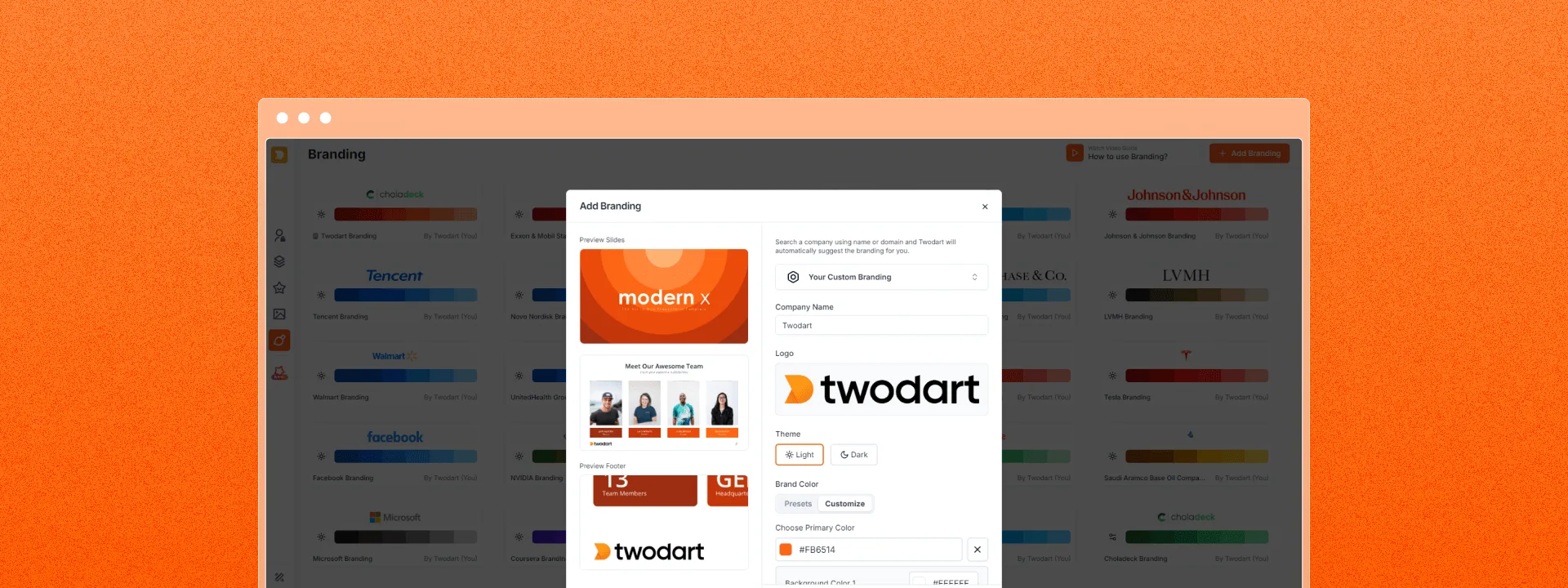
Instead of manually adjusting colors and placing logos on each slide, Choladeck offers a simple brand integration system. Just add your logo and customize the theme once to align with your brand, and watch your entire presentation transform instantly to match your company’s visual identity. This automated branding eliminates 1-2 hours of manual formatting per presentation.
#3. Easy Data Visualization
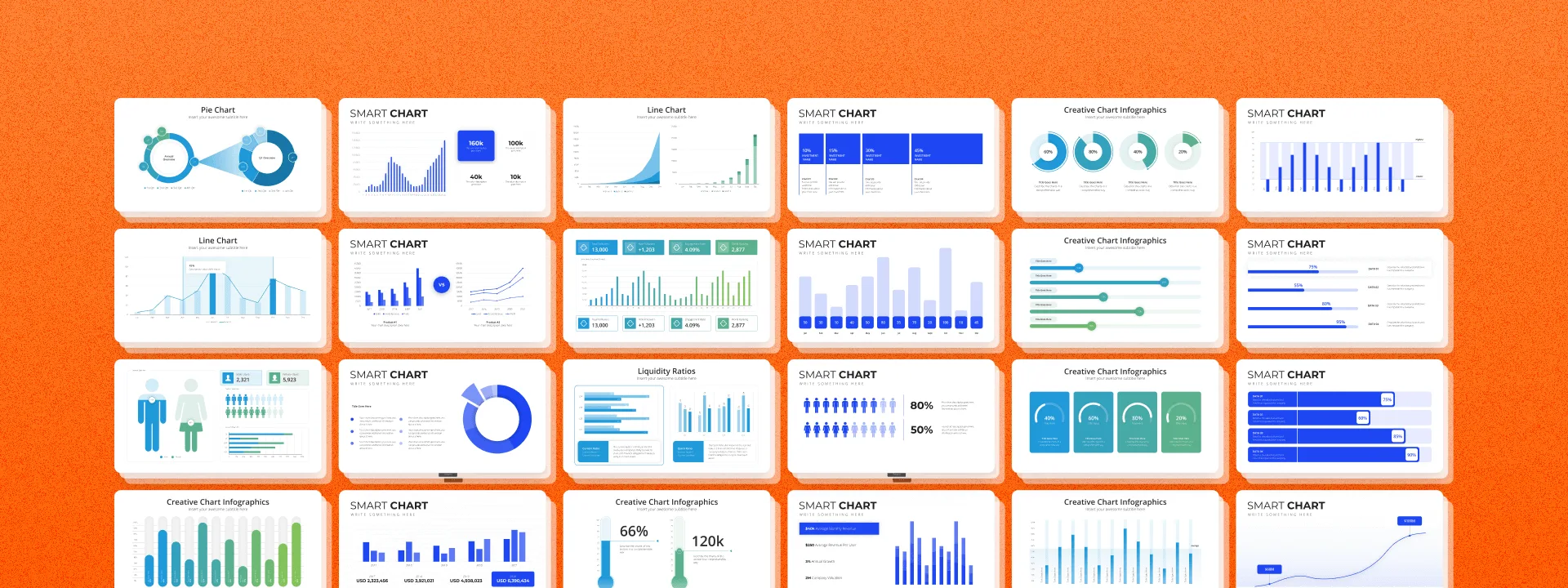
Data visualization is often the most time-consuming aspect of presentation creation. With Choladeck’s Excel-compatible charts and KPI dashboards, you can transform your data into compelling visual stories. Instead of spending hours creating basic graphs, you can focus on what the data means and how best to present it to your audience, saving you 2-3 hours of manual chart creation per presentation.
#4. Extensive Image and Icon Library
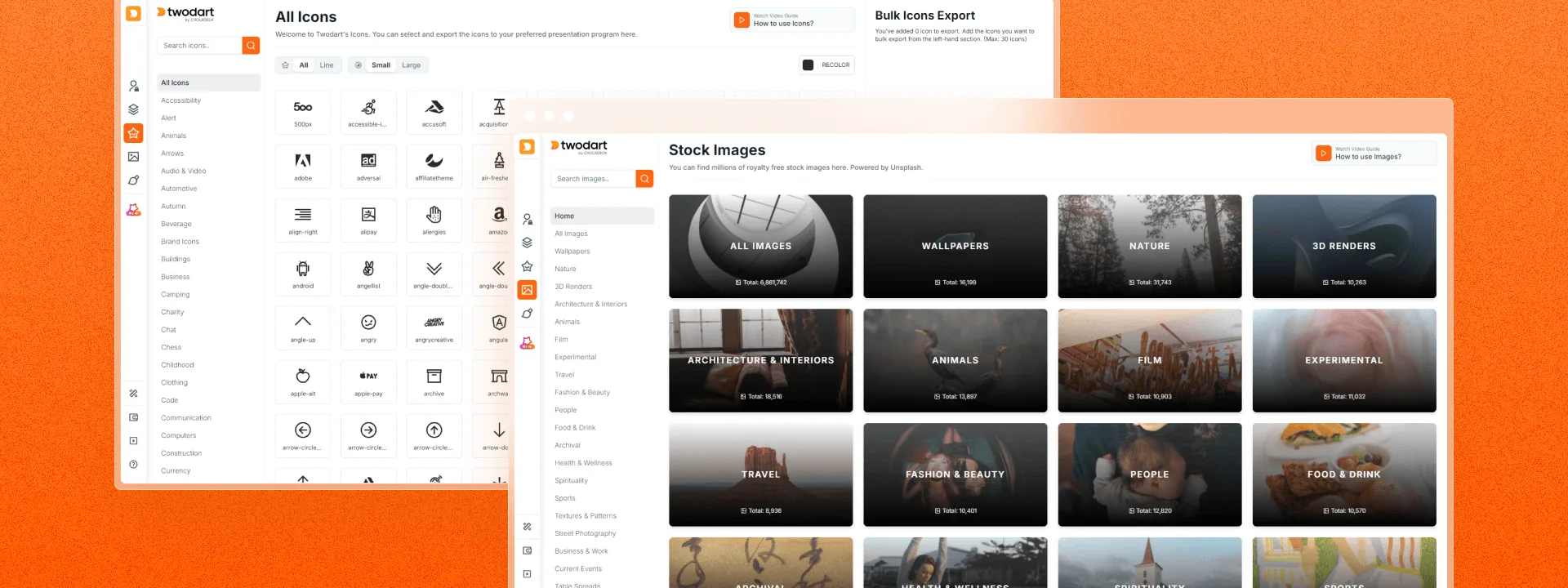
Our resource library streamlines the creation process with access to over 1 million premium images and 1,000+ vector icons. You no longer need to search multiple stock photo sites or worry about licensing issues, find everything you need in one place. Every visual element is ready to use and professionally curated, saving you 1-2 hours of resource hunting per presentation.
#5. Streamlined Team Presentations
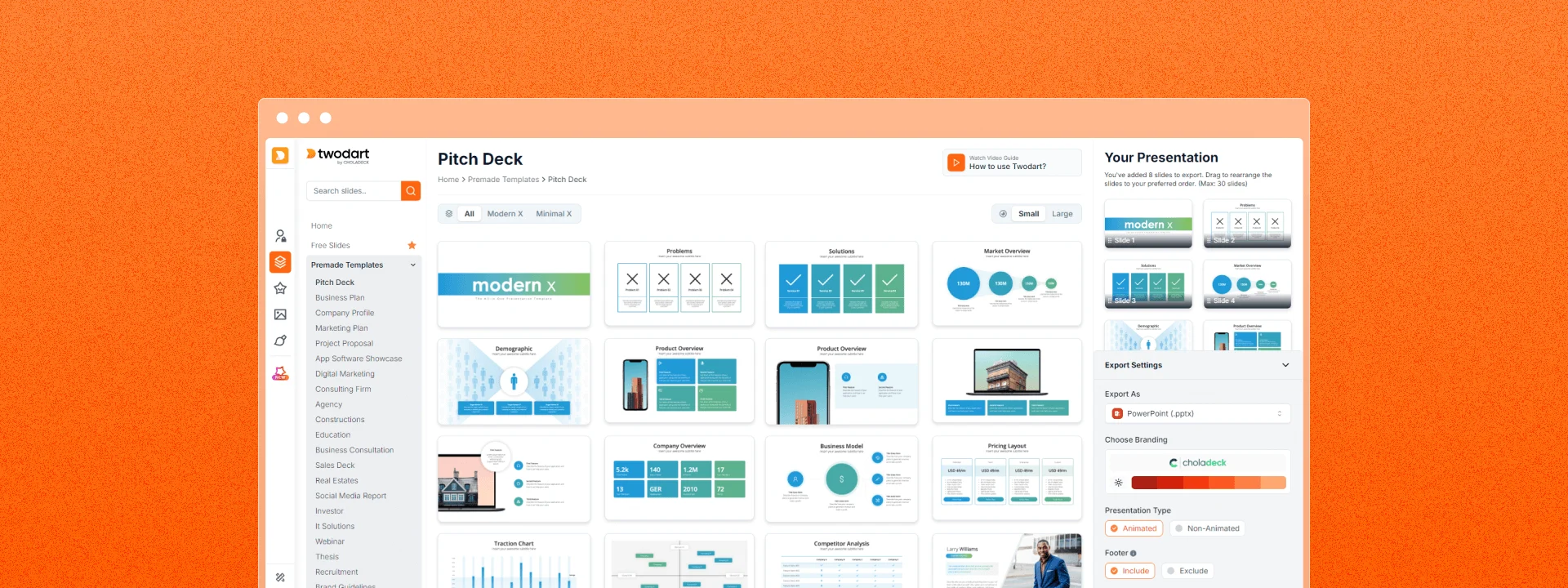
For teams, Choladeck eliminates inconsistent presentations across departments. The platform acts as a centralized resource, ensuring every team member has access to the same high-quality templates and design elements. No more time wasted recreating slides or struggling with consistency, saving teams hundreds of hours annually on alignment and standardization.
How does Choladeck work?
Creating a presentation in Choladeck follows a simple process:
- Browse and select slides from our library of 9,000+ unique slides in 134+ categories. Use them to build your perfect presentation, or start with one of our 74+ premade templates.
- Add your logo and theme to our system, and it will automatically apply them to your entire presentation.
- Export your slides to PowerPoint, Google Slides, or Keynote with a single click.
- Replace the text and image placeholders with your content effortlessly.
- That’s it! Your presentation is ready quickly and efficiently.
What are other users saying about Choladeck?
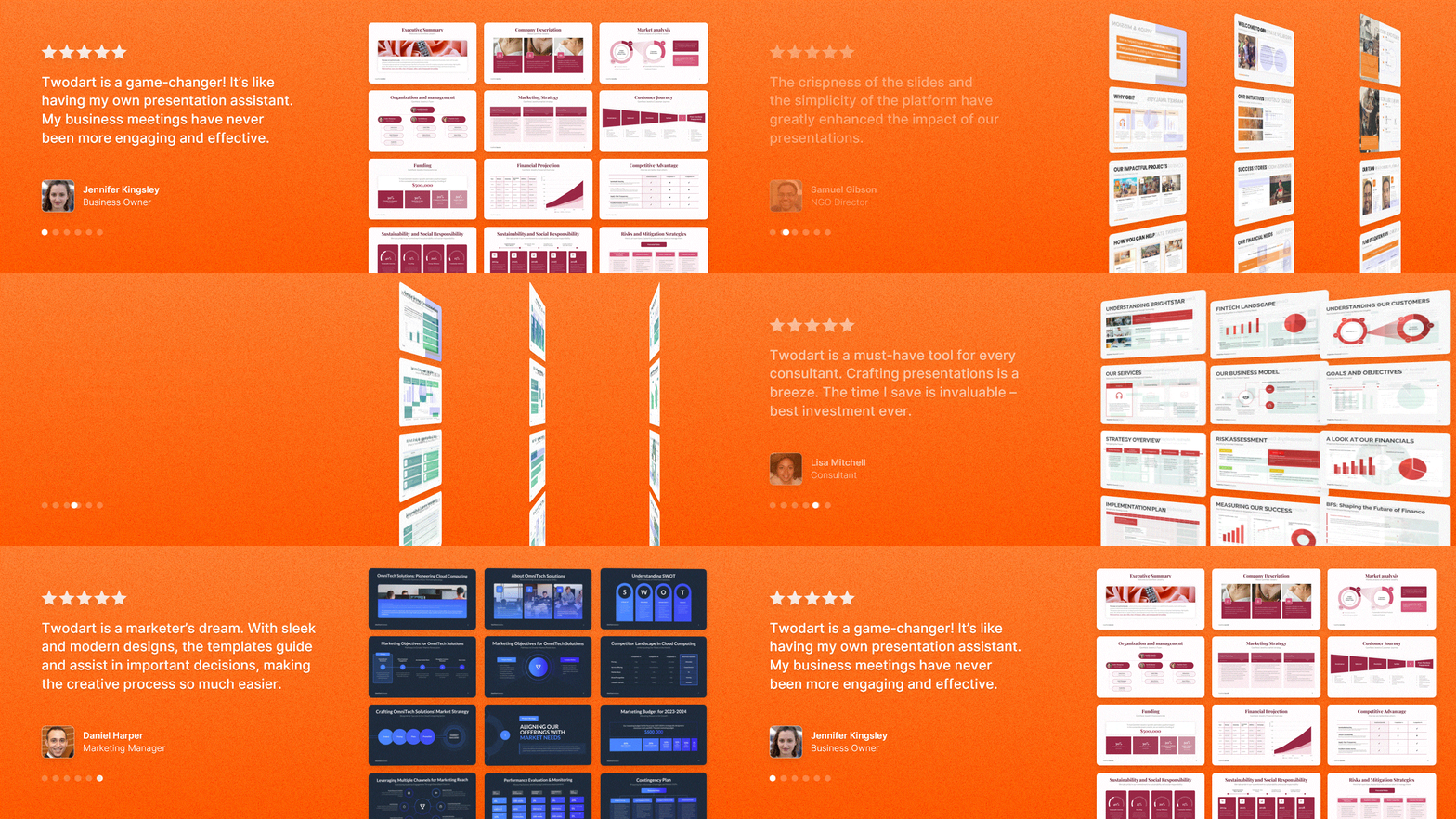
The results speak for themselves:
- Users on average save 8 hours, approximately $64-$720 every week on presentation creation.
- Teams report a 90% increase in confidence in their presentations.
- 100% brand consistency across all presentations.
- Presentations maintain professionalism and effectively communicate messages.
Ready to save time on your presentations?
Try Choladeck today and get your first 50 slides, personalized to your brand, completely free.
Stop letting presentation design consume your valuable time and start creating impressive presentations that truly reflect your professional standards.